









Twitch Overlay Maker
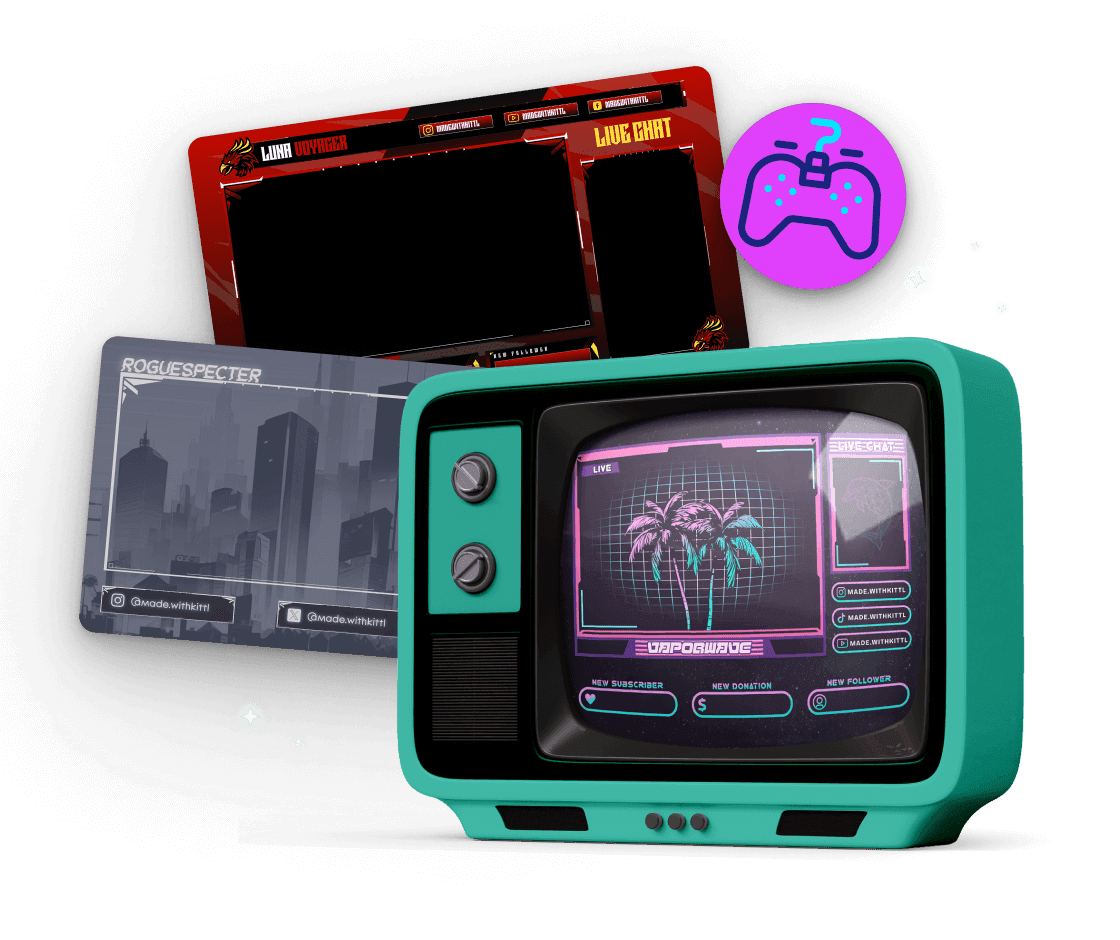
Level up your Twitch streams with Kittl's Twitch overlay creator. Our user-friendly design tool lets you create custom, professional-looking stream overlays that engage your audience and enhance your brand. Create elements on multiple canvases and arrange them exactly as you envision.
Trusted by designers at


Design jaw-dropping Twitch overlays in a flash
Tired of your stream looking like everyone else's? It's time to ditch those generic overlays and create something truly unique. Kittl's Twitch overlay creator allows you to create unique frames and give your stream a 360-degree makeover in minutes. Tailor your overlays to match your personality or channel's branding effortlessly without needing to be a design expert.
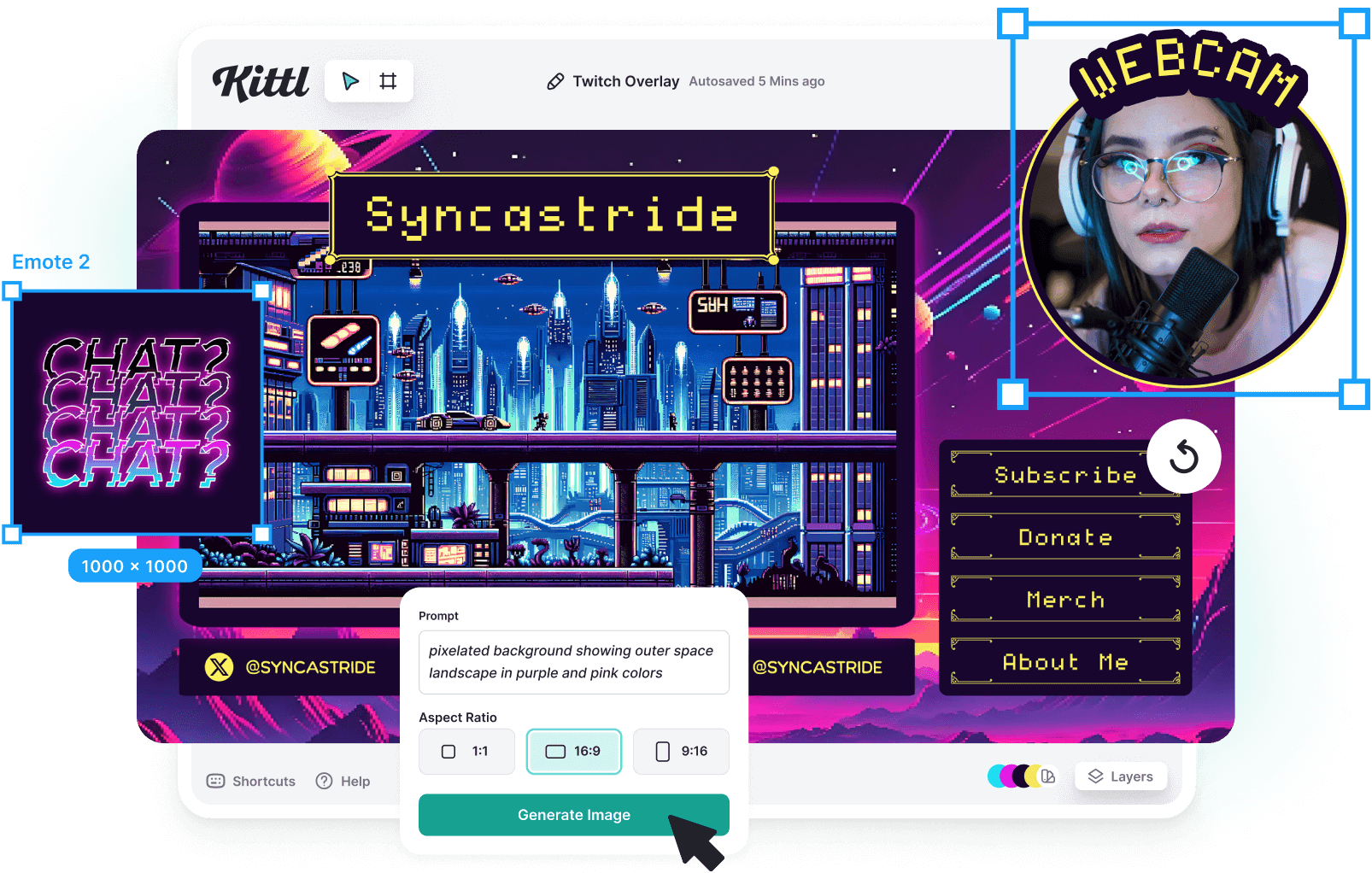
How to make a Twitch overlay
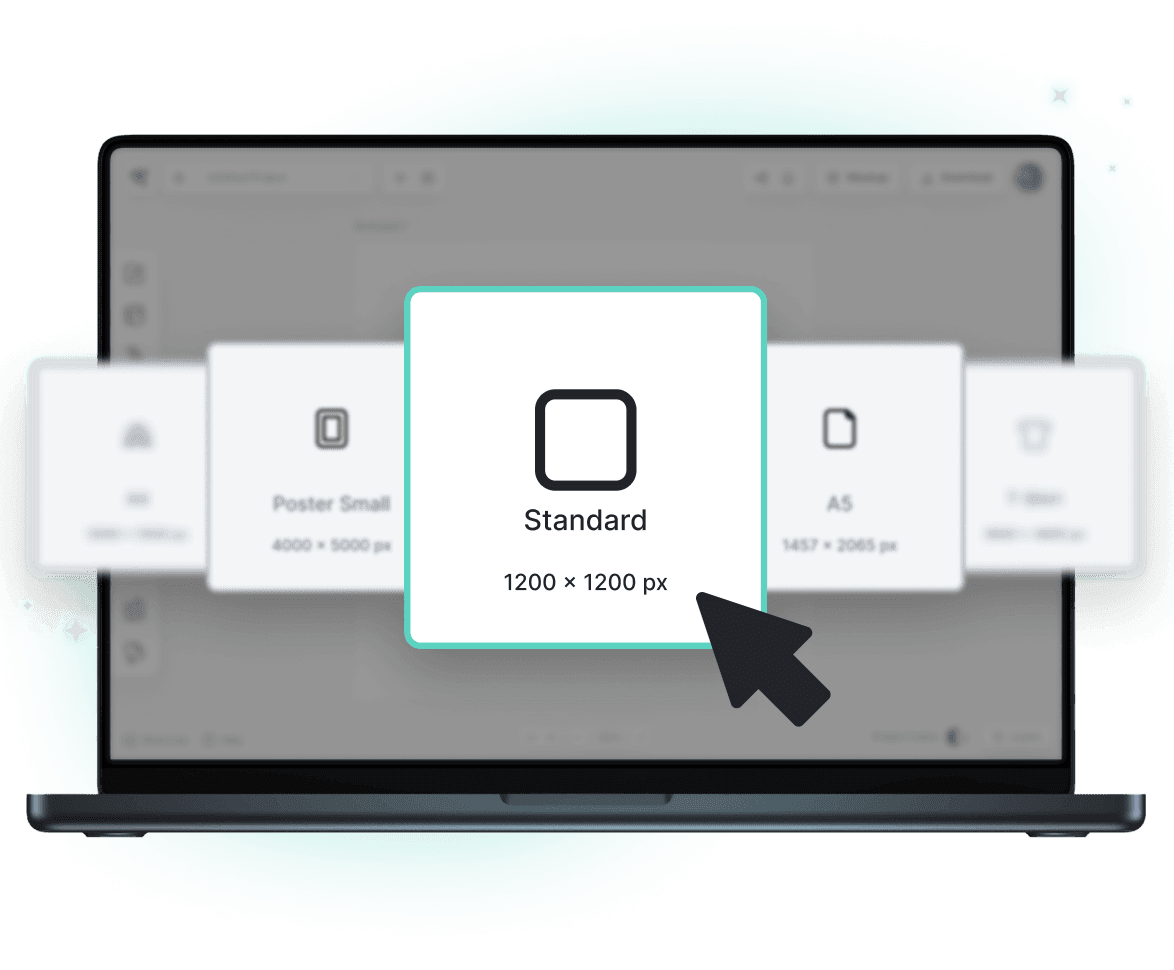
Browse Twitch Overlay Templates
Loading
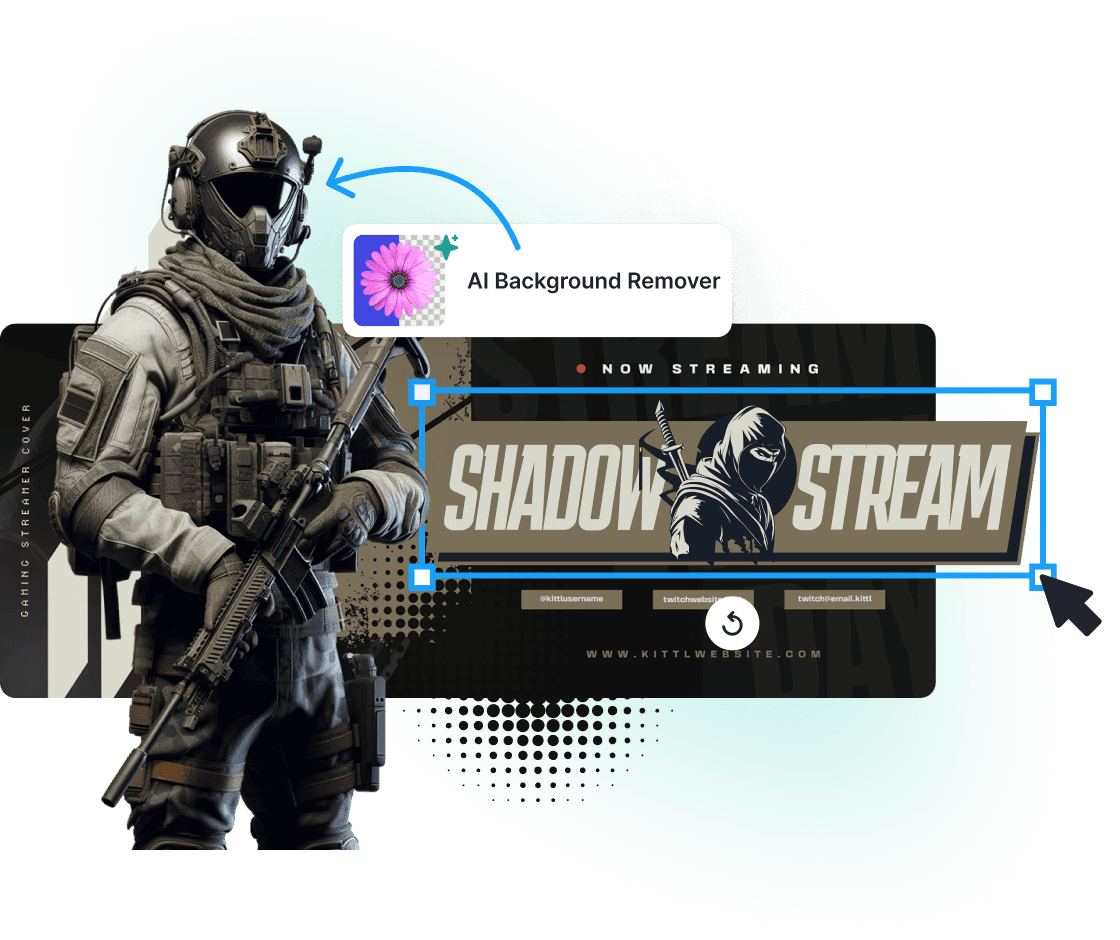
Pixel-perfect Twitch overlays every time
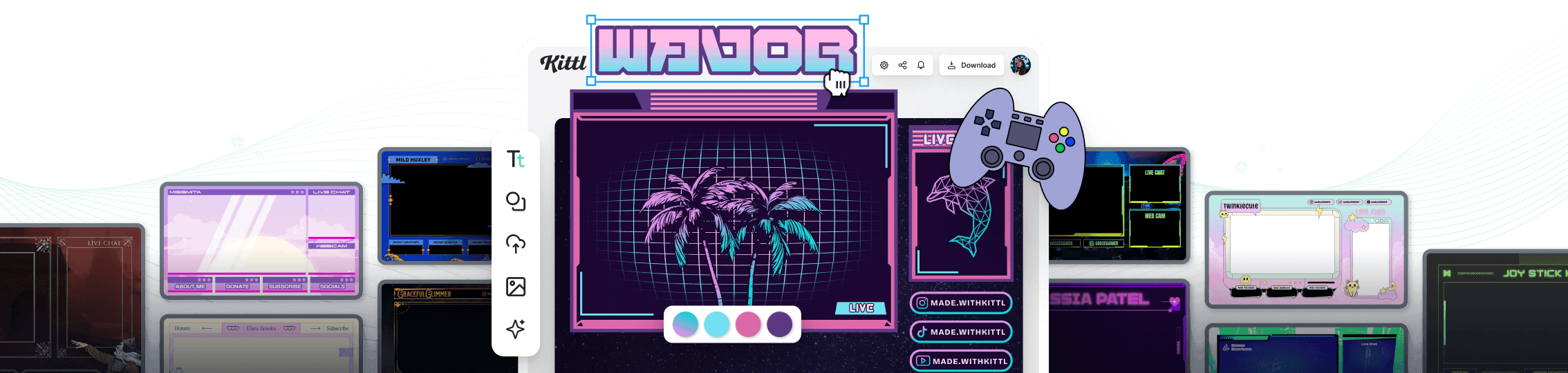
Our Twitch overlay maker is loaded with features to help you create the perfect stream overlay. Start with one of our handcrafted templates and edit it as you like. Upload your image, then scale or remove the background. Looking to add some flair? Add graphics from our art library or create one using basic prompts. Toss in some Twitch emotes, banners, and badges to make loyal fans feel like VIPs. Make it clutter-free or add layers of complexity—the choice is yours.
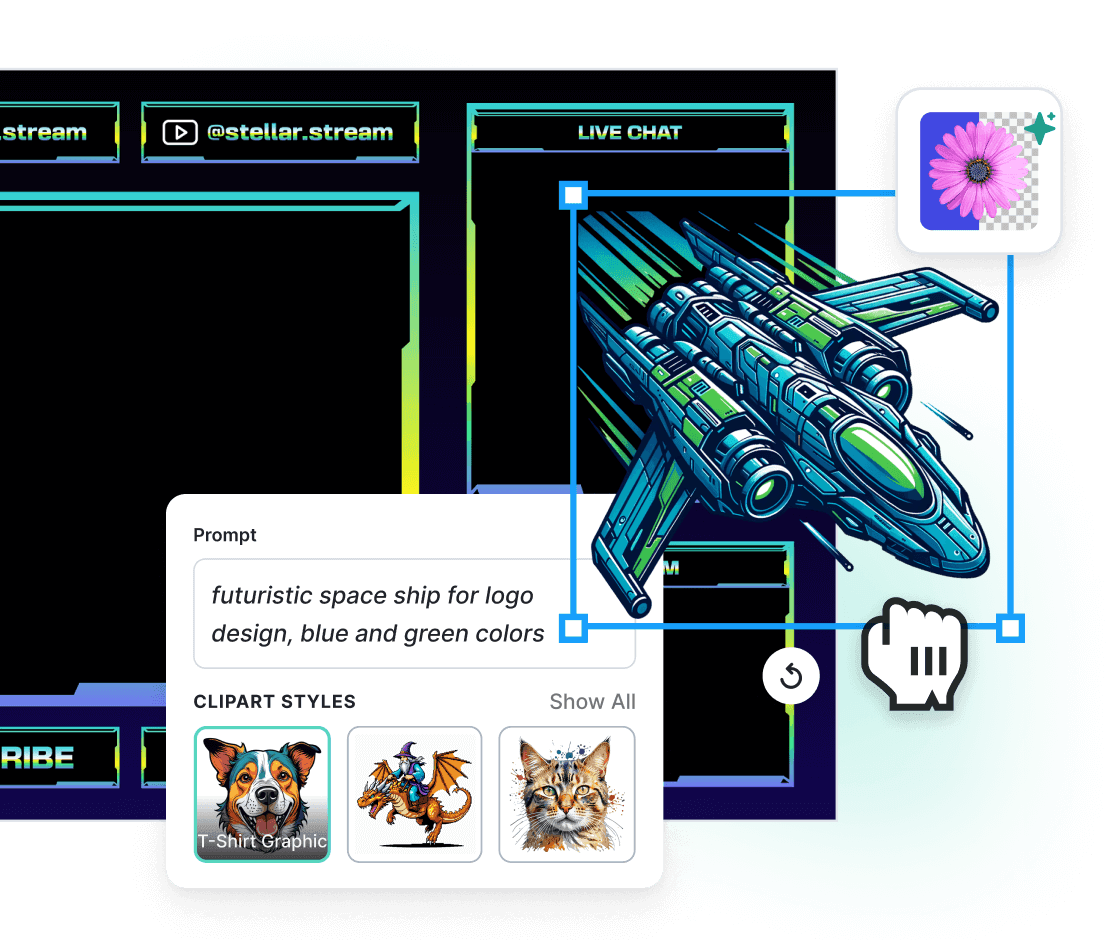
Design like a pro, even if you're not one
Listen, we get it. You're here to game, not to become the next Picasso. That's why we've made our Twitch overlay creator so simple; you could use it with your eyes closed (although we don't recommend that). But trust us, our drag-and-drop interface is a breeze to navigate. Need to reposition that donation alert? Just drag it. Want to resize your facecam border? Click and stretch. Stuck on a design? No sweat. Use our AI image generator to come up with something using simple prompts. With Kittl, you'll be whipping up slick overlays like a pro in no time. Saving your time for other tasks.
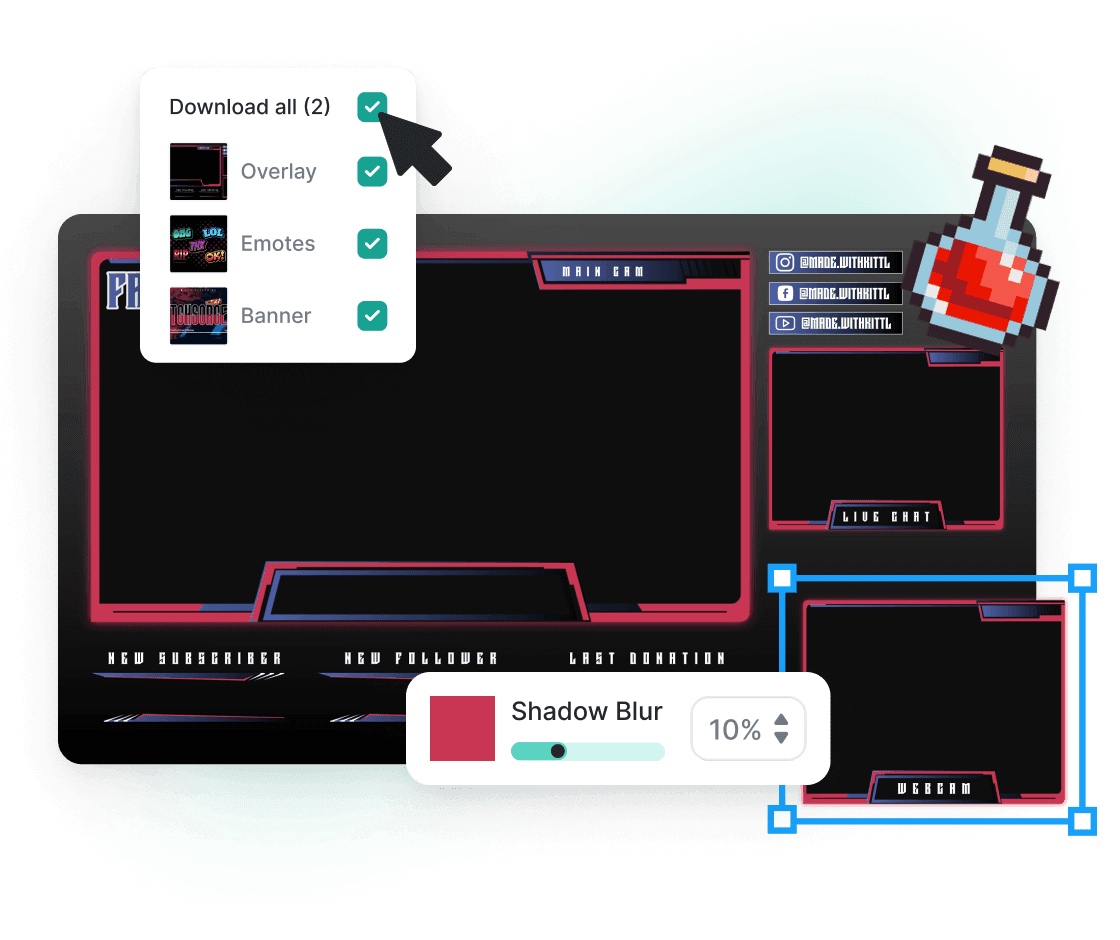
From Kittl to Twitch in seconds flat
You've just created an overlay masterpiece. Now what? Time to show it off to your adoring fans, of course! Download your creation in crisp, high-quality PNG format, perfect for importing into your go-to streaming software. Whether rolling with OBS, Streamlabs, or any other popular tool, your custom overlay will fit like a glove. Itching to switch things up or create a special overlay for that 24-hour charity stream? Just pop back into Kittl and edit away; easy-peasy.
“I’ve really enjoyed creating some stunning designs!”
Will Paterson
850k+ subscribers
“Kittl makes creating new designs super easy.”
Odetta Rockhead-Kerr
1.22M+ subscribers
Explore Similar Topics
Frequently Asked Questions
A Twitch overlay includes graphics like frames, text, images, textures, icons, and transitions layered over live video streams. Although mainly for Twitch, it's adaptable to other platforms. Its main goal is to enhance viewer engagement and enjoyment during live gameplay or screen broadcasts.
Hook your audience with killer Twitch overlays
Don't let your killer content get lost in the Twitch wilderness. With Kittl's Twitch overlay maker, you'll craft overlays that grab eyeballs, boost engagement, and turn casual lurkers into ride-or-die fans.