








Effortless professional design
An intuitive drag-and-drop interface for you to create designs without a steep learning curve.
This is where your professional design happens. Kittl’s all-in-one editor gives you control over every part of your design. No downloads required.
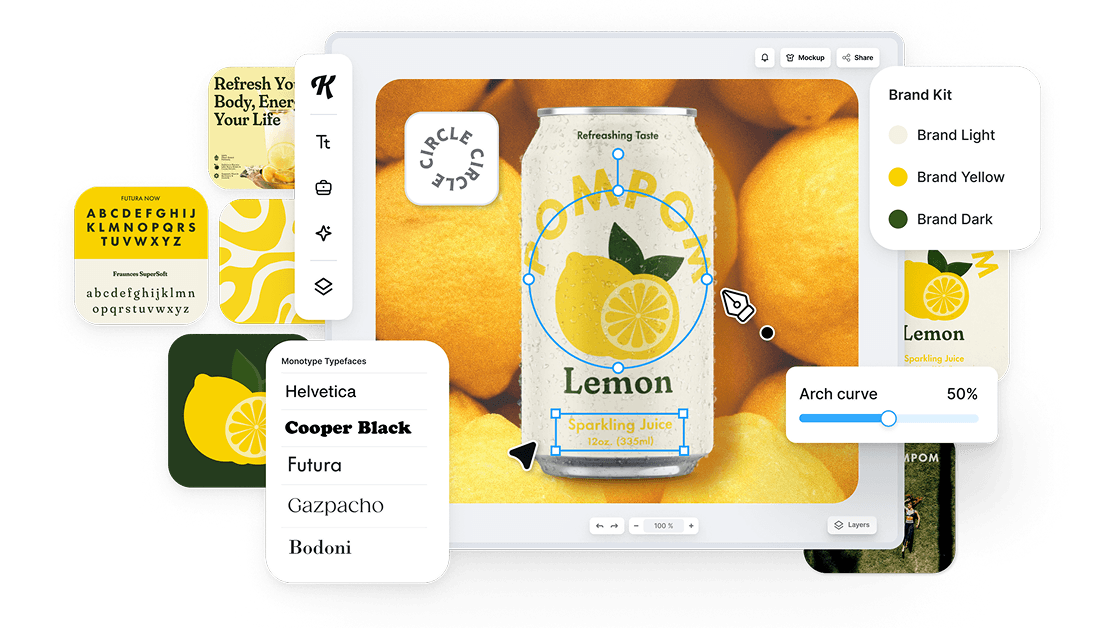
An intuitive drag-and-drop interface for you to create designs without a steep learning curve.
Premium fonts, elements, textures, text effects, and powerful image editing tools. All in one place.
Edit designs and comment on a single project with multiple stakeholders in real time.
Built to match the speed and precision your workflows demand. Kittl removes tedious workarounds and gives you full creative flexibility. Design logos, mock up merch, or polish campaign visuals, Kittl adapts to the way you already work.
Instantly, intuitively, and right in your browser.
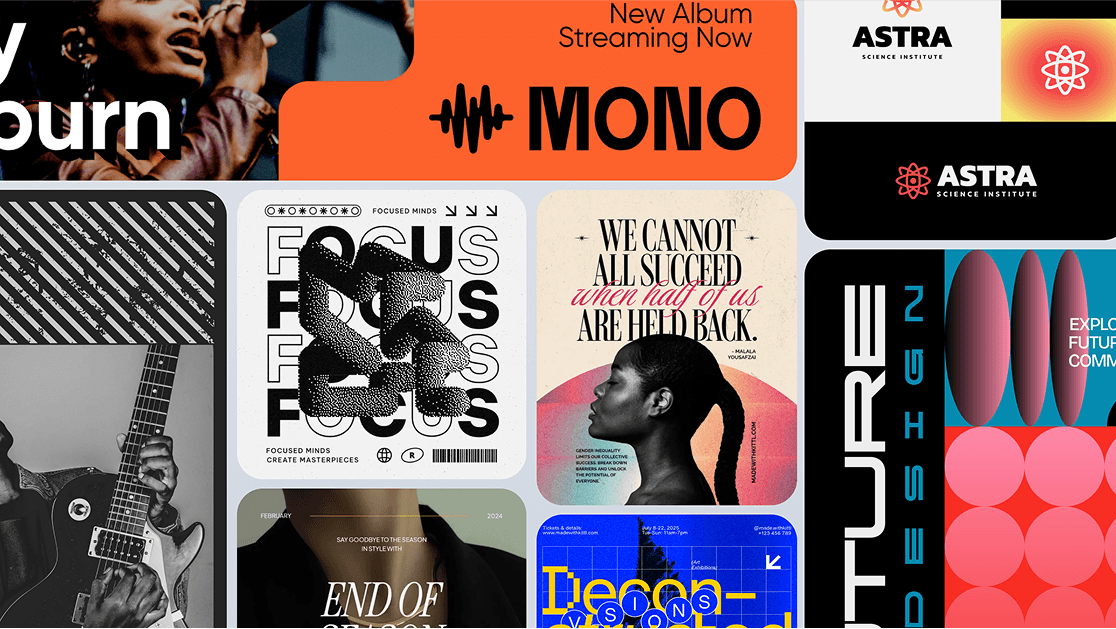
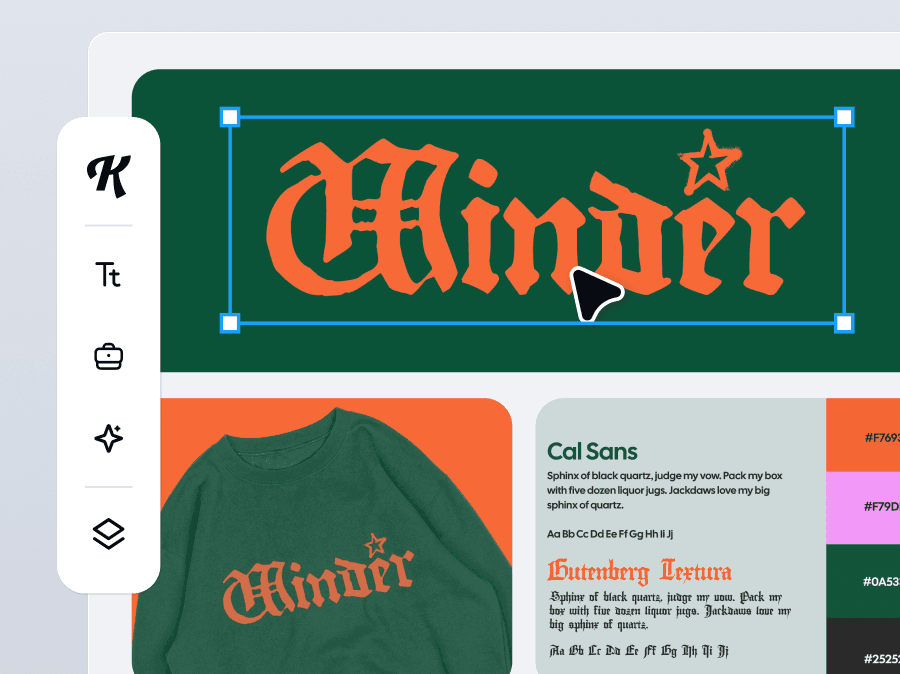
Not every designer needs a UI toolkit or templated shortcuts. Kittl gives you full creative control, with the tools that real graphic design demands. From sketch to export, the Kittl Editor keeps your creative momentum going.
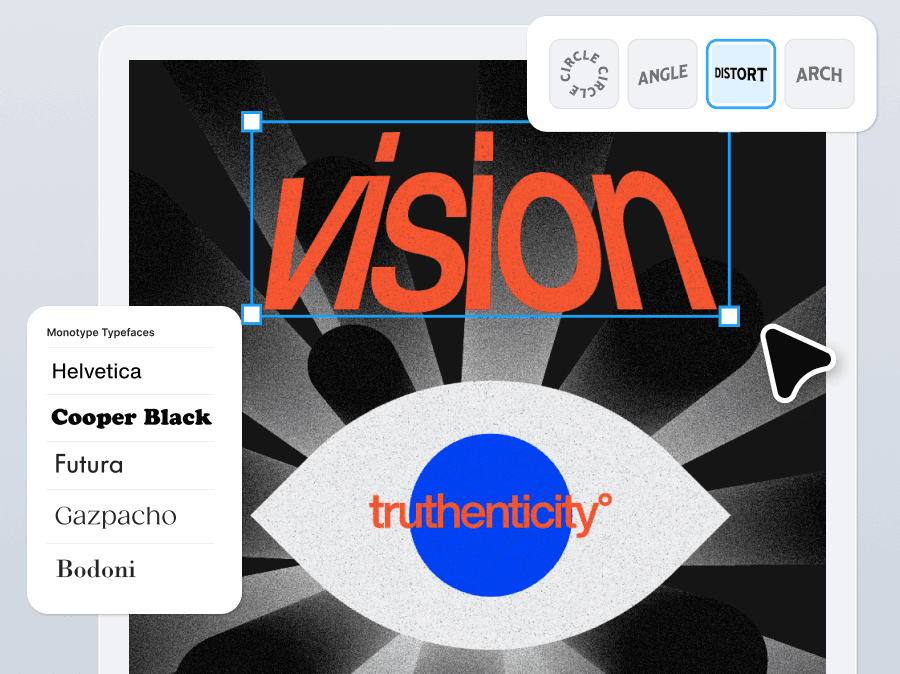
Kittl’s live text engine lets you keep every character fully editable at any design stage. That extends across our entire system:
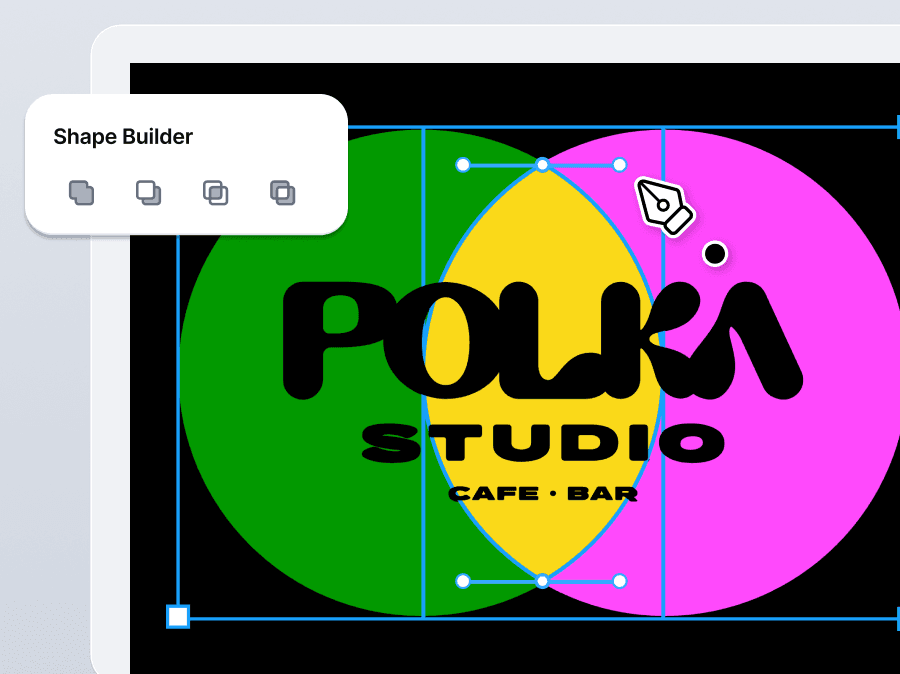
No more exporting just to make vector edits. Kittl Editor’s tools live inside the same workspace where your design comes to life.
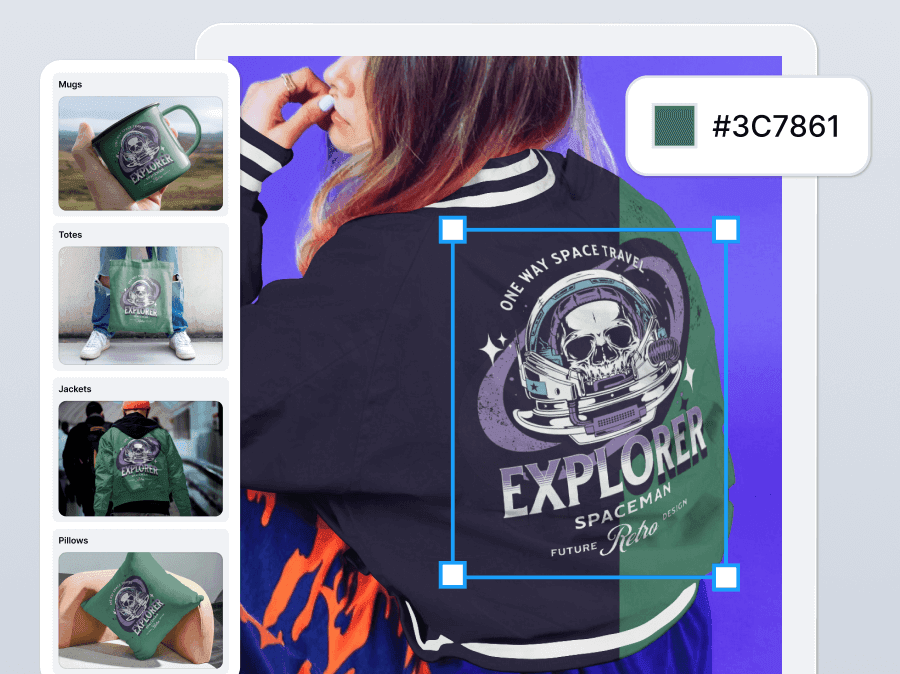
No exporting. No guessing. Real-time previews.
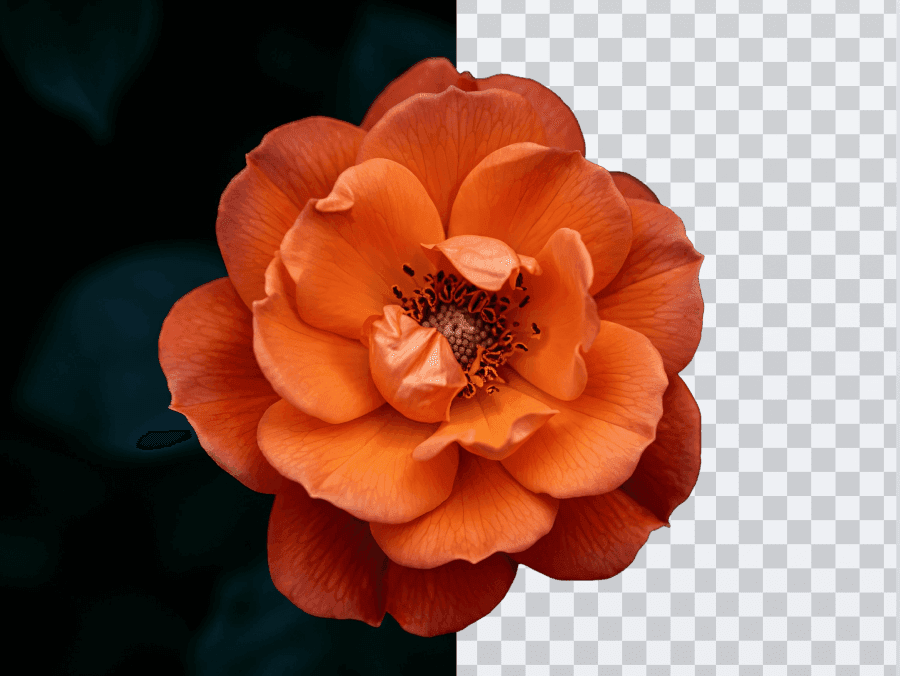
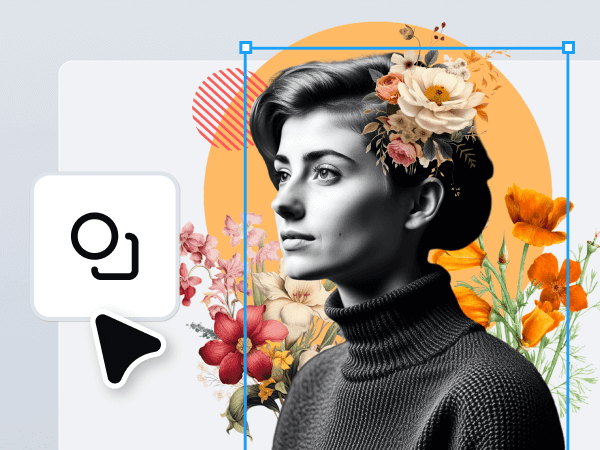
Cleanly isolate subjects for mockups, product graphics, or layered layouts. Just upload and clean it up. No masking required.
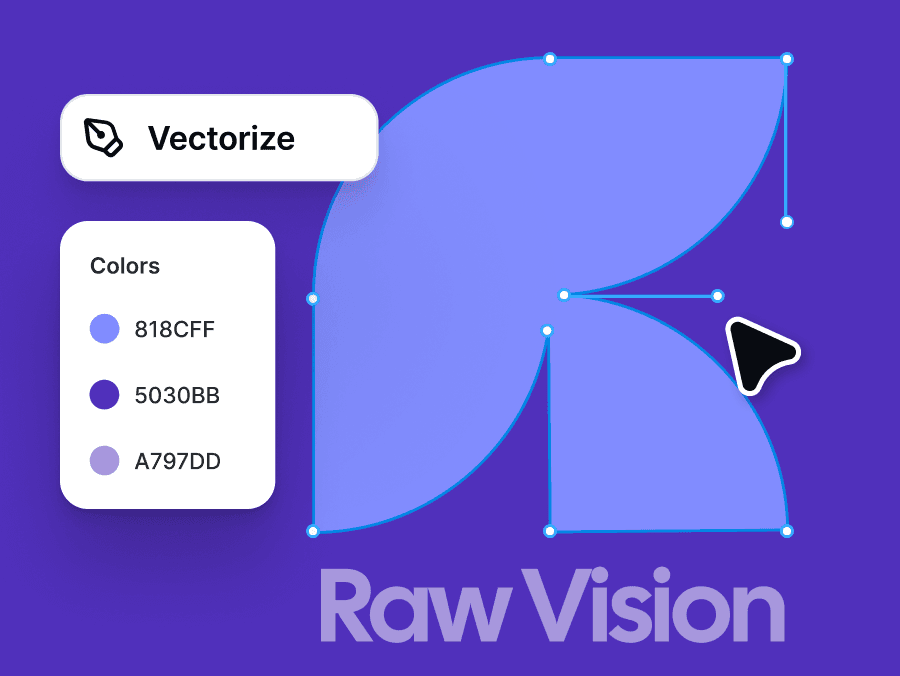
Convert any image into editable vector art. Refine colors and simplify your shapes. Great for scaling, tweaking, or giving your graphics a fresh digital edge.
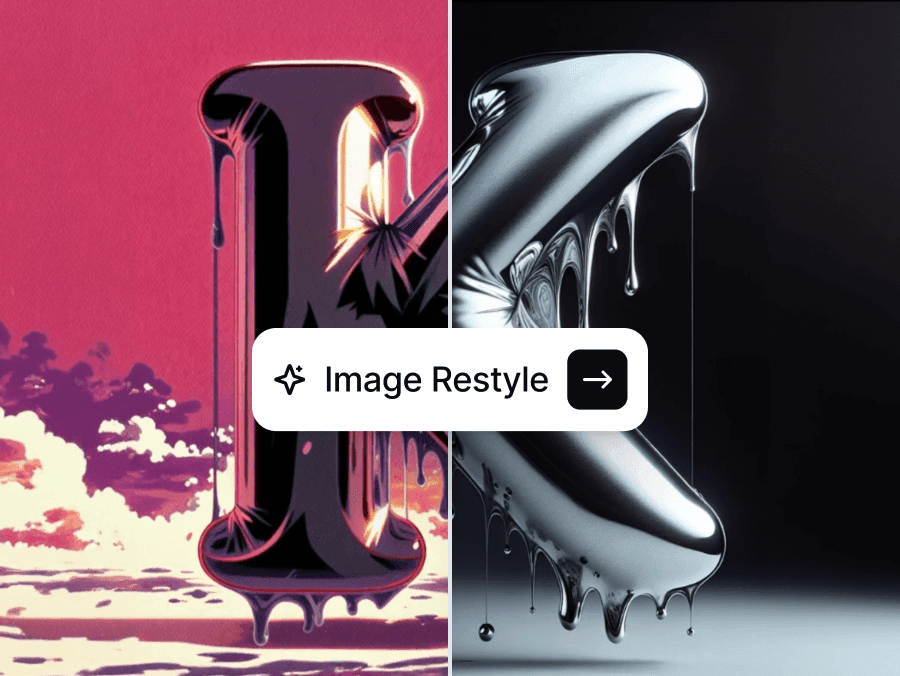
Transform the style of any image with a prompt or reference. Perfect for fast iterations, concept exploration, or nailing a specific aesthetic.
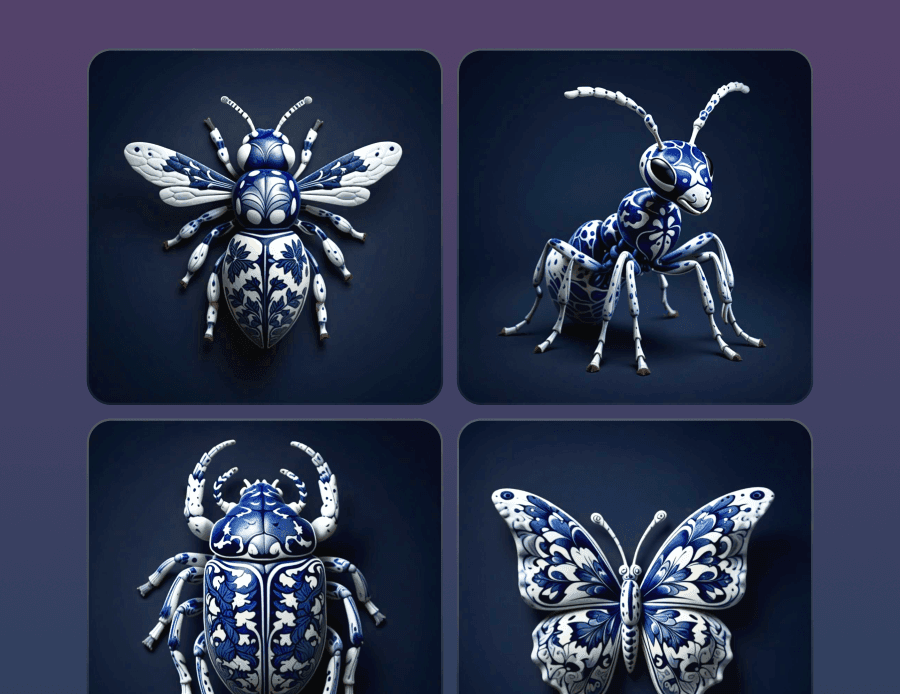
Generate packs of graphics with one consistent style. Just set your look once, then create up to six custom visuals that all feel perfectly on-brand.
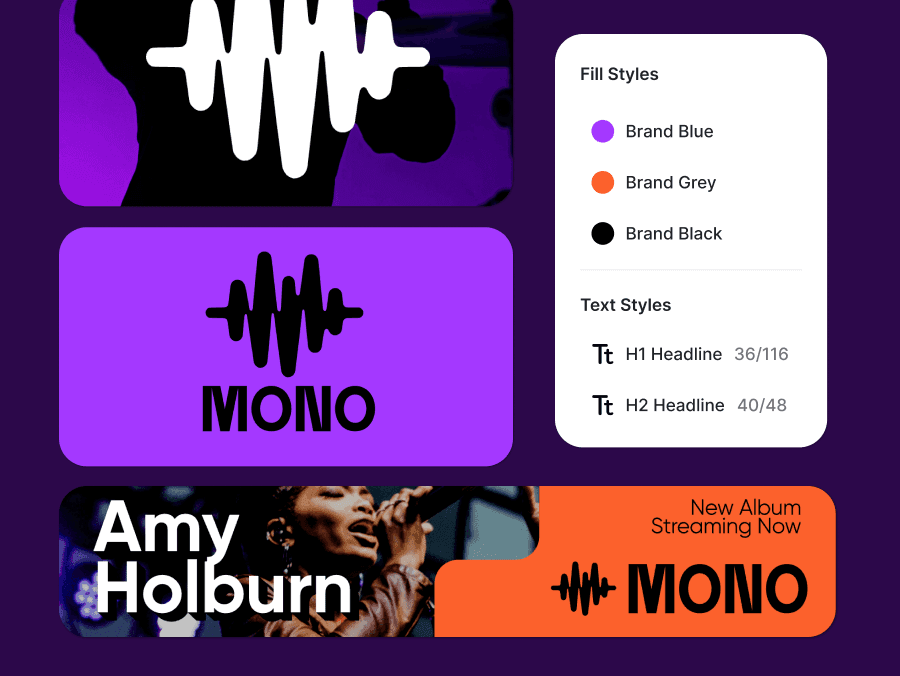
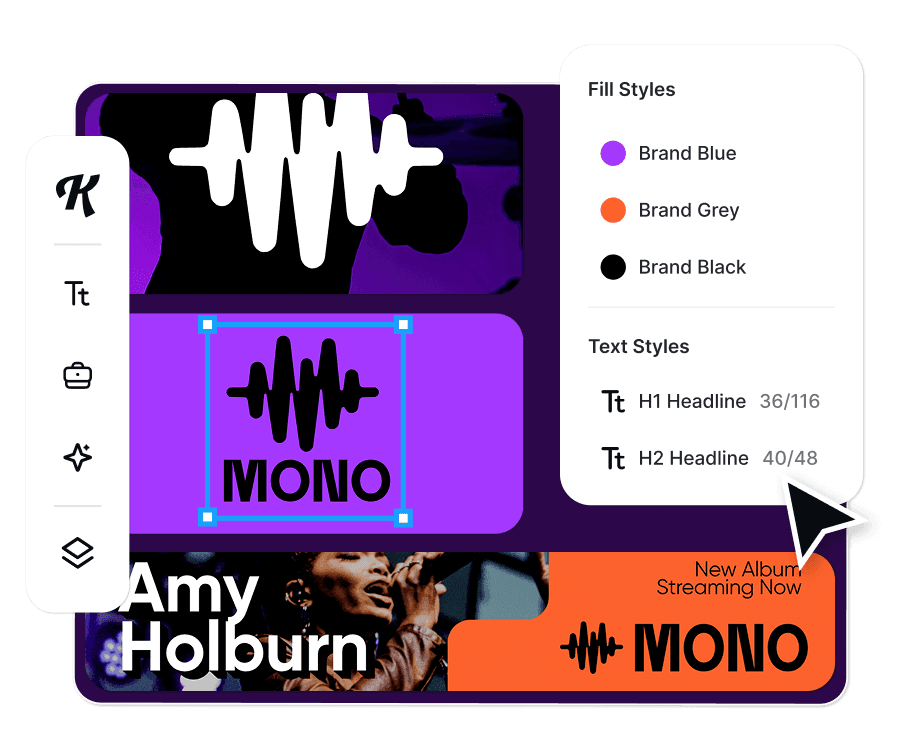
Store your go-to type settings, brand palettes, and shadow treatments. Apply them instantly to new designs with zero rework.
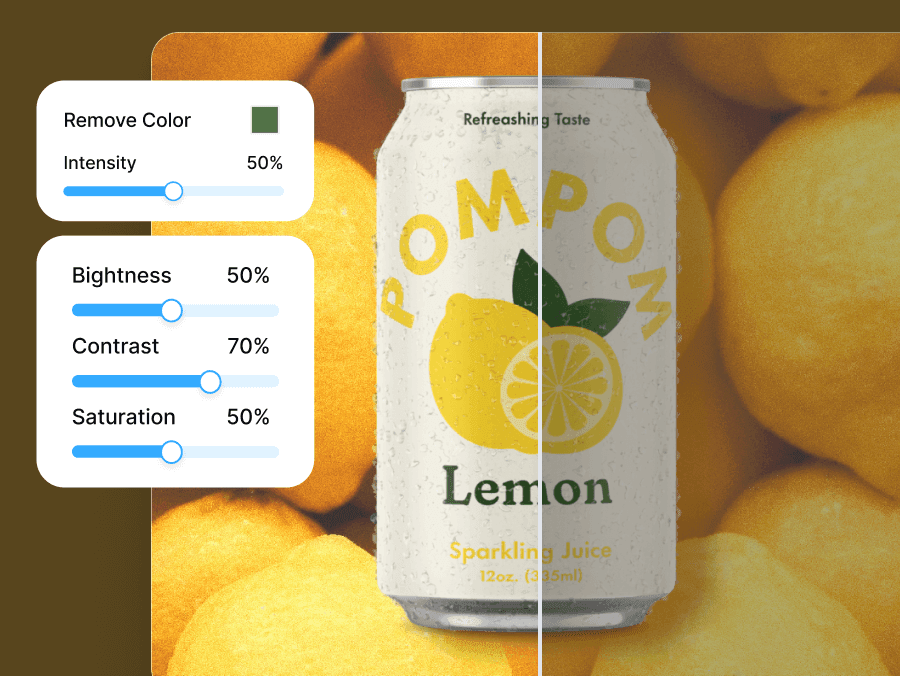
Keep imagery on-brand with editable photo styles, reusable templates, and cohesive visual effects across your projects.
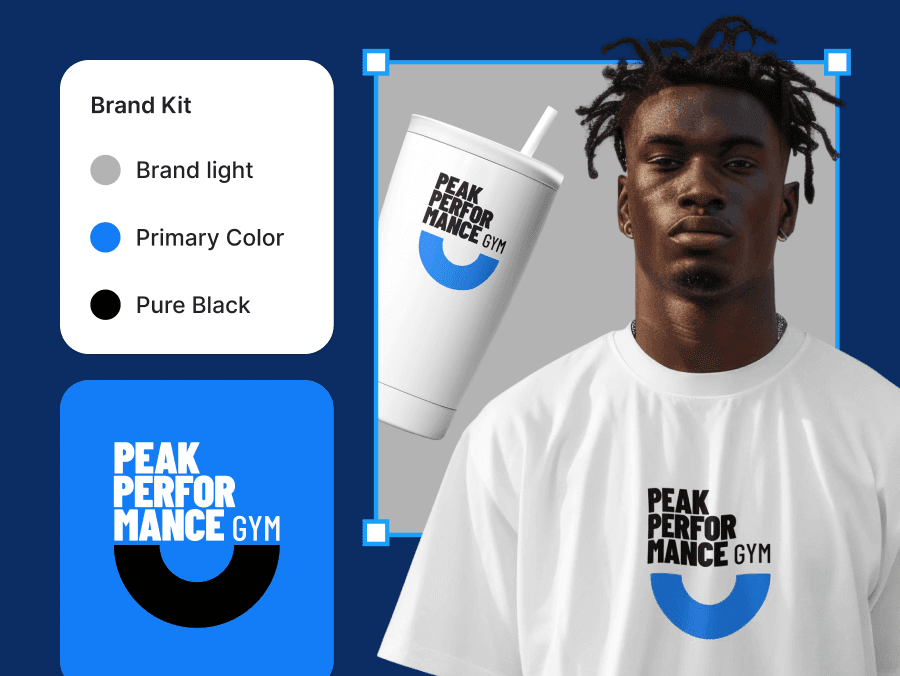
Create a dedicated Brand Kit for every client or campaign. Jump between brands without breaking visual consistency.
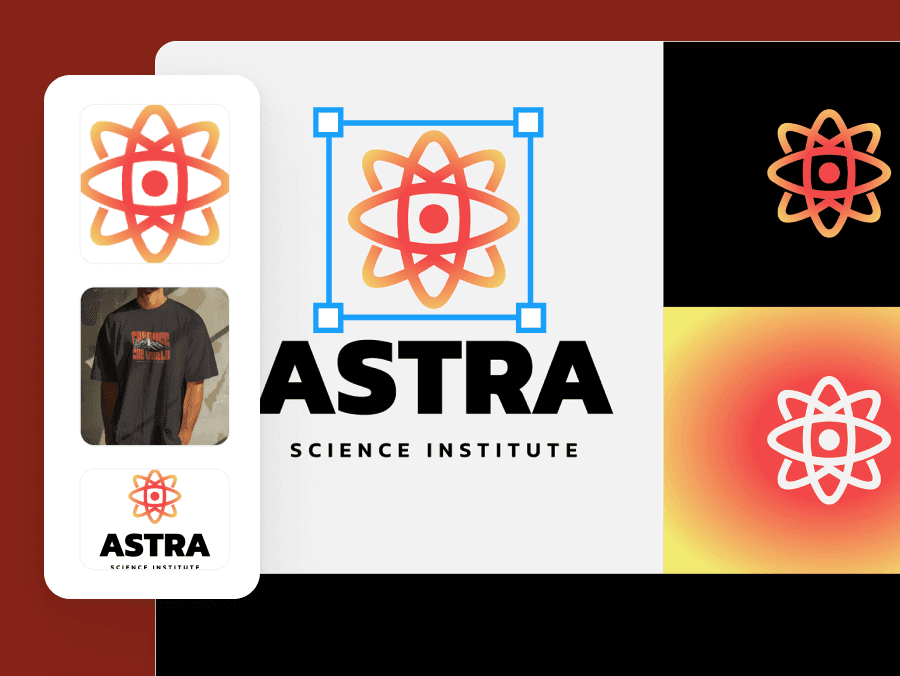
Convert logos, shapes, and images into saved Brand Kit assets you can drag into any of your new project (coming soon).
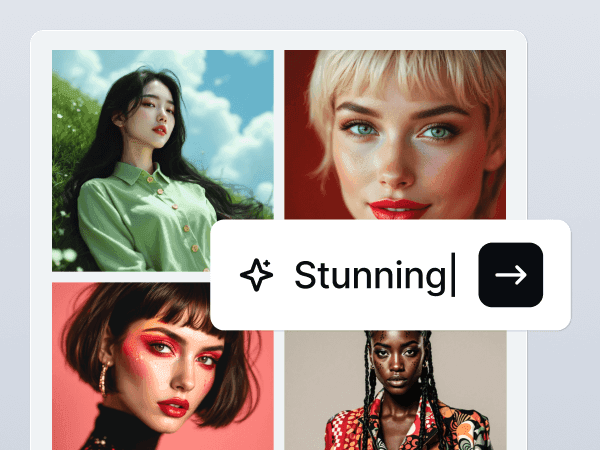
Kittl AI is your creative companion that complements your workflow to help maximize your output and make tedious tasks easier.
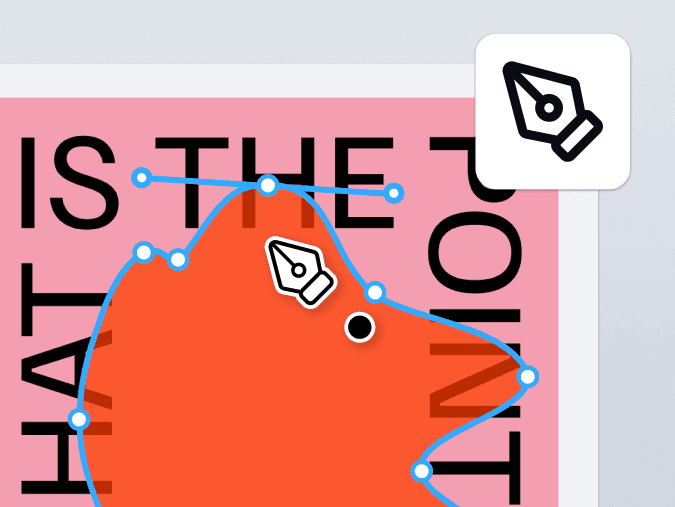
Want full creative control without switching tools? Kittl’s Vector Suite lets you draw, combine, and fine-tune shapes and paths with precision.
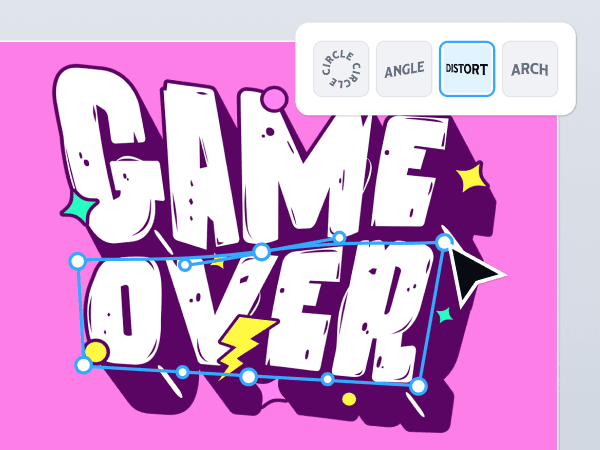
Transform typography into art with Kittl’s advanced text effects and easy-to-use tools for bold, professional designs.
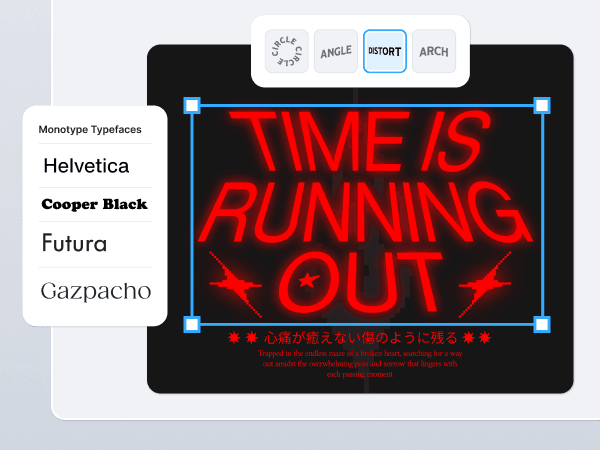
Kittl offers more than 1,400 fonts including premium professional fonts like Helvetica and Times, custom-made fonts like Blackriver, and your favorite free fonts!
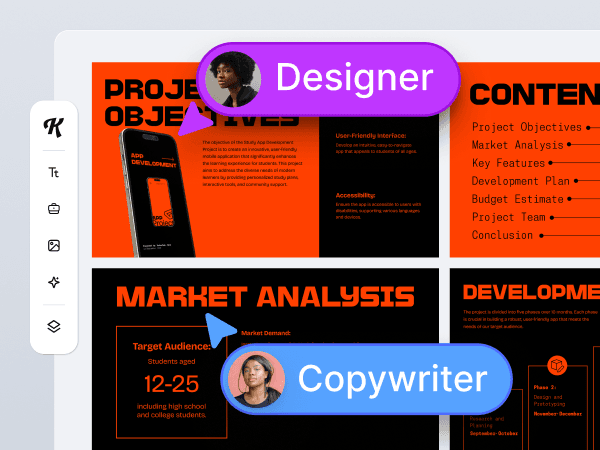
Empower your team to create professional-quality designs together with real-time collaboration and scalable workflows.
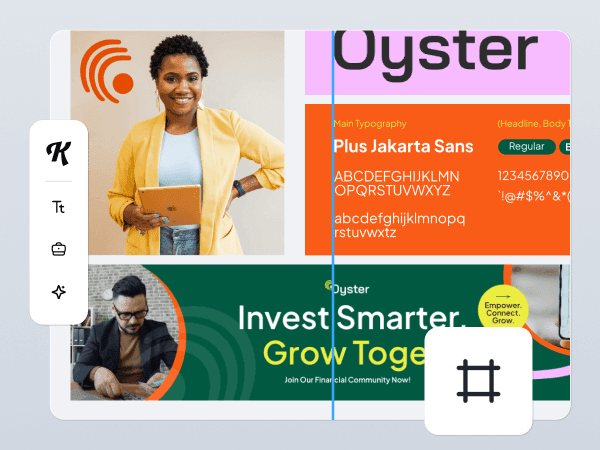
Infinite Canvas means you can create unlimited artboards in any size or dimensions in any single project. You can moodboard and design at the same time, and efficiently manage complex projects.
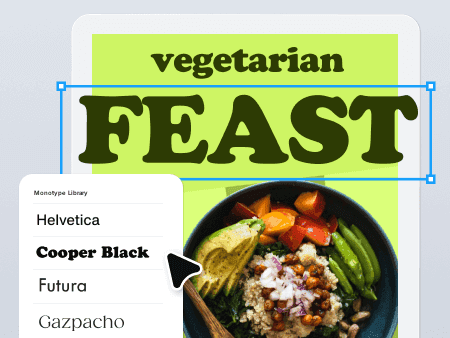
The world's most iconic typefaces are now in your browser zero setup required. Ready for your brand, merchandise, packaging, and everything in between.
Get professional quality illustrations, vectors, photos, textures, and more, seamlessly integrated into the Kittl Editor with a single subscription.
The best design software depends on your needs. For brand design, social media graphics, and typography-heavy layouts, Kittl is an excellent choice—combining professional-grade tools with an intuitive, browser-based interface.
Start your first project in minutes. Explore AI tools, Kittl fonts, templates, & exports, all in one editor. No credit card required.