










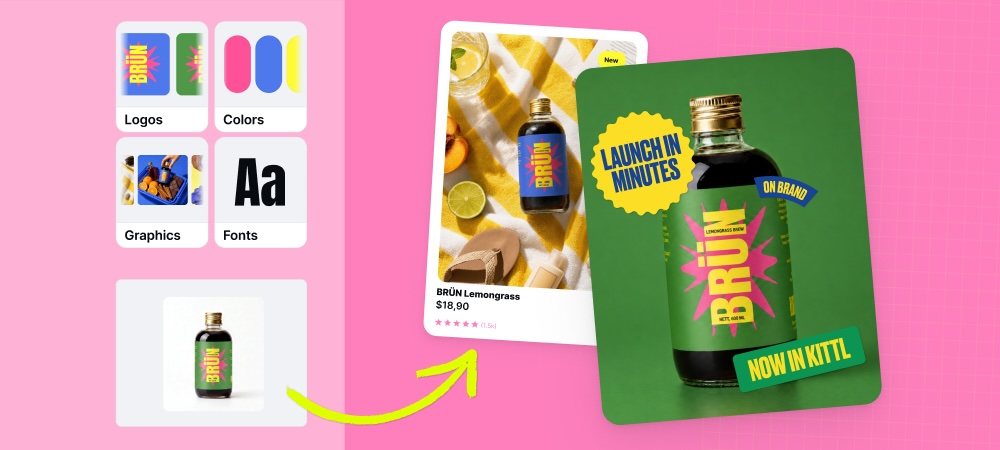



Kittl MCP for any AI
Kittl MCP connects Kittl to the AI tools you already use, like Claude or ChatGPT. Ask for a design, image or video in plain English from inside that tool, and Kittl builds it and sends it back. Simple.
How to connect Kittl MCP
Set it up once. Use it in the tools you love.
Connect Kittl MCP in 4 simple steps:
Signing in connects your account securely. You won't need to reconnect or manage a key, Kittl keeps you signed in automatically.
Step 1
Copy the Kittl URL below
URL
https://mcp.kittl.com/mcp
Step 2
In your AI tool, open Settings → Connectors
Step 3
Add a custom connector → name it Kittl and paste the URL
Step 4
Click Add → Connect → sign in with your Kittl account - you're all set,
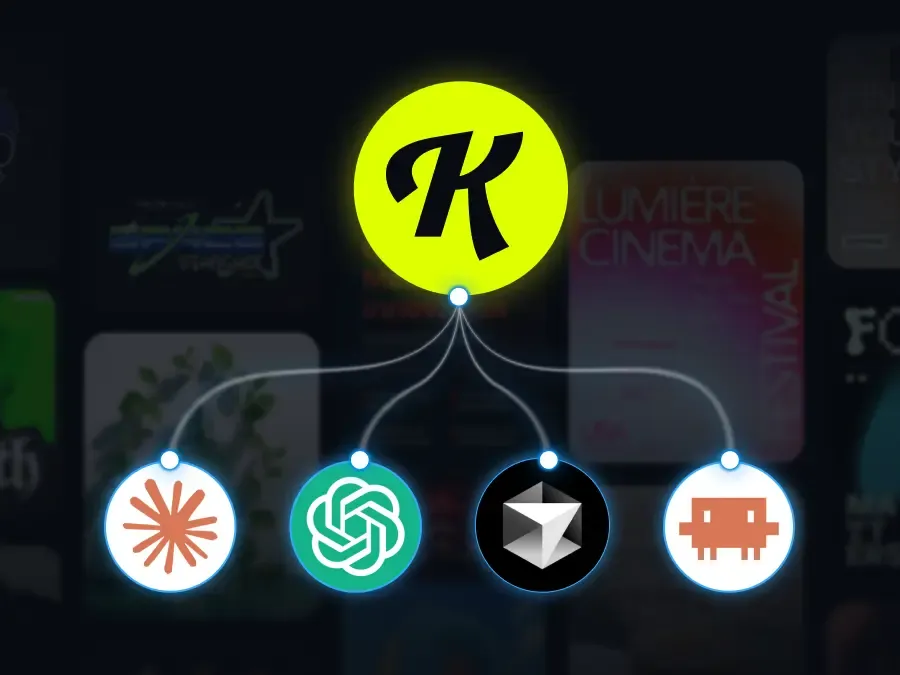
Find the connector settings in your favourite tool
Copy your MCP URL, then paste it here:
- Claude: Settings → Connectors → Add custom connector
- ChatGPT: Settings → Security and login → turn on Developer mode, then Create plugins
- Cursor: Settings → MCP → Add new MCP server
- Claude Code: add it in your MCP config or CLI
The entire AI toolkit
Your favourite AI tools in Kittl, now callable from a prompt
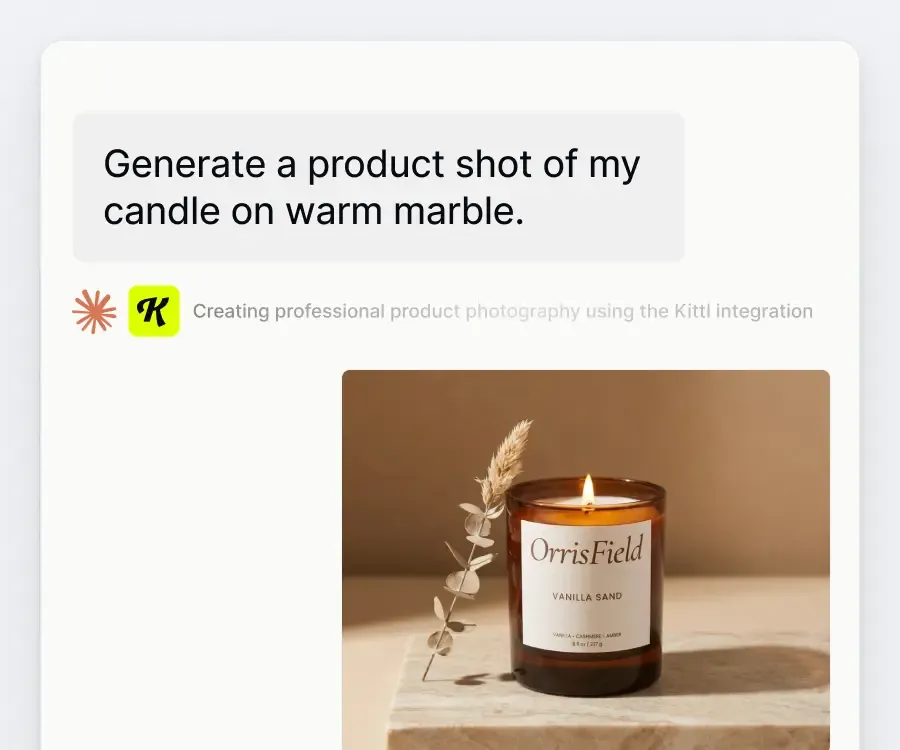
Image and video, in one ask
Ask for "a product shot of my ceramic candle on warm wood" or "a 10-second product video for my new soap." Kittl reads the request and picks the right model from 30+ image and video models, so you don't have to know which one to choose. Describe extra details, lighting, angle, mood, and it factors those in too.
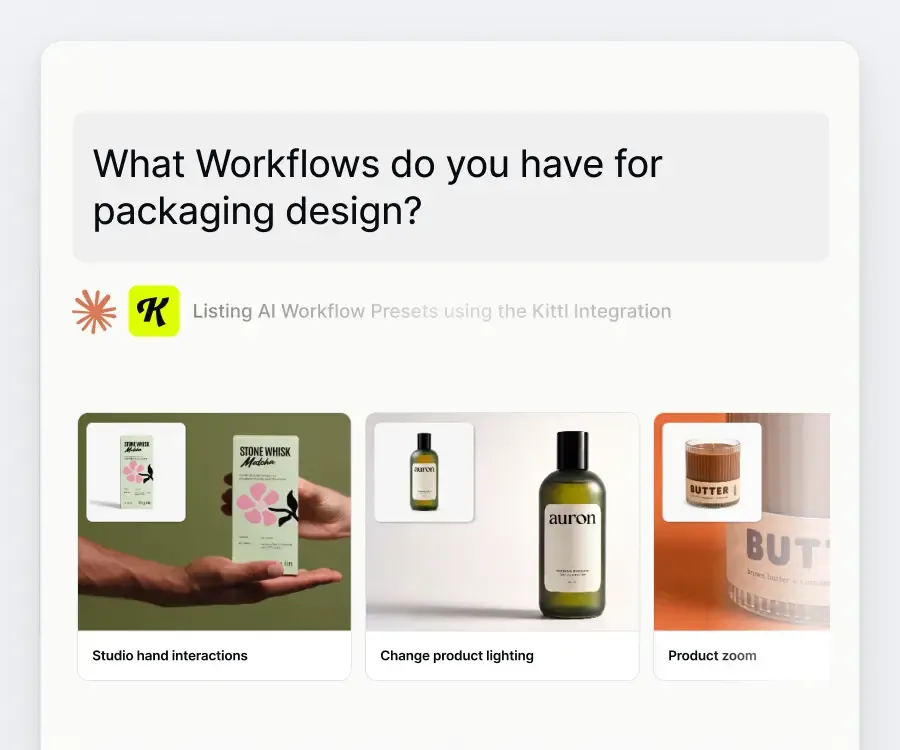
Workflows built for your use case
Ask "what workflows do you have for packaging design" or name what you're making, and Kittl surfaces the right one. Run it, and get results back without leaving the conversation.
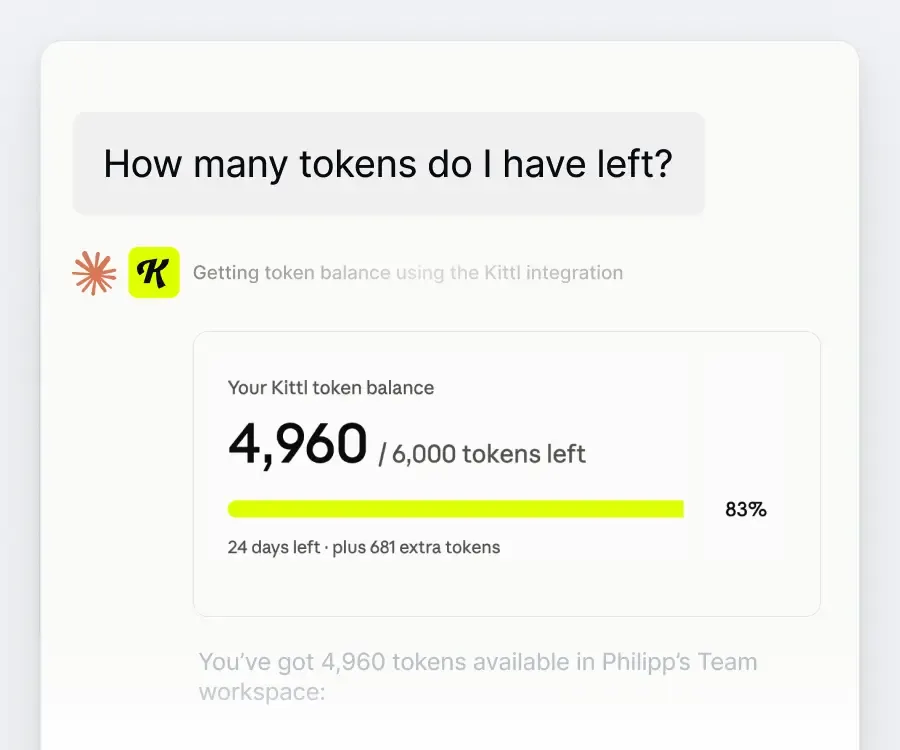
Check your balance without leaving the chat
Ask how many tokens you have left, and Kittl tells you, right there. No tab switching to check before you generate.
The right model for every job, without switching tools
Kittl MCP connects to every top-tier generative model, so you call GPT, Claude, Ideogram, Gemini, or Imagen straight from your own workflow. Fast drafts or ultra-high fidelity. Kittl routes the request to whichever model gets it done.

- Flux 2 Pro HD
- Flux 2 Klein
- Flux 1.1 Pro Ultra
- Flux 1.1 Pro
- Flux Kontext Pro
- Flux Schnell

- Ideogram 4 Quality
- Ideogram 4
- Ideogram 3 Quality
- Ideogram 2.0a

- Seedream 5.0 Pro HD
- Seedream 5.0 Pro
- Seedream 5.0 Lite
- Seedream 4.5
- Seedream 4


- Nano Banana 2 4K
- Nano Banana 2
- Nano Banana Pro 4K
- Nano Banana Pro
- Nano Banana
- Google Imagen 4

- ChatGPT Image 2 HD
- ChatGPT Image 2
- ChatGPT Image 1.5 HD
- ChatGPT Image 1.5
- ChatGPT Image 1 HD
- ChatGPT Image 1
Frequently Asked Questions
MCP is the connection that lets AI tools like Claude or ChatGPT talk directly to Kittl. Once connected, you can ask for a design from inside that tool, and Kittl builds it, no switching tabs.