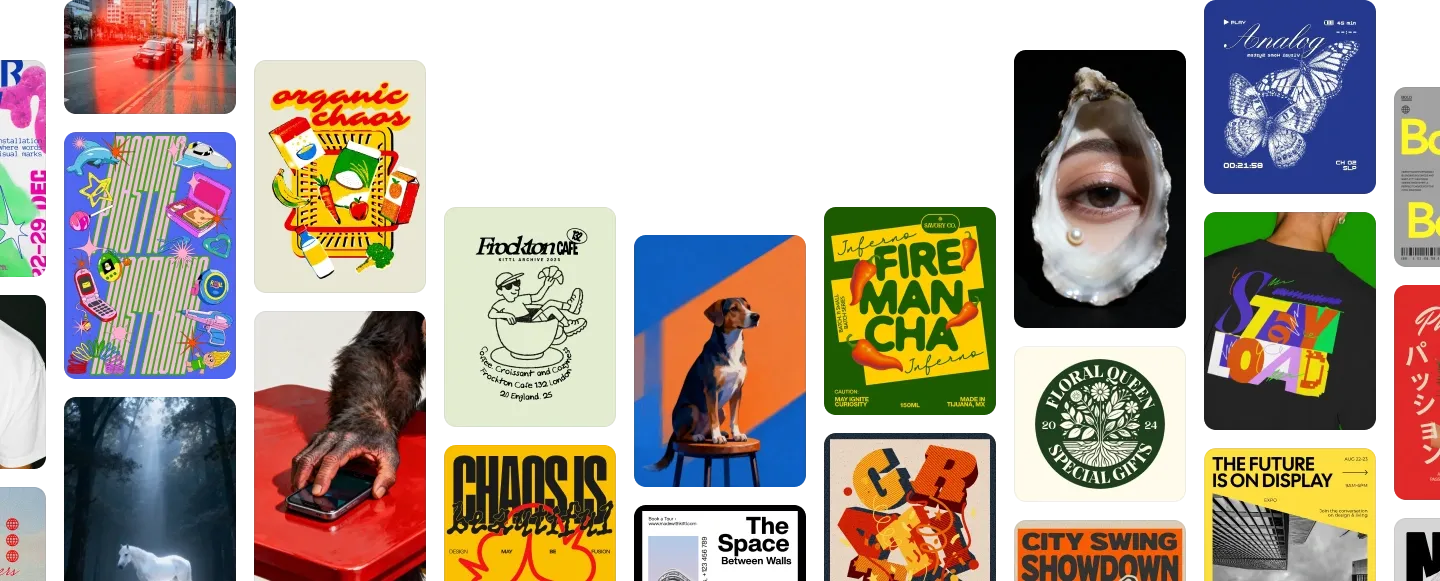






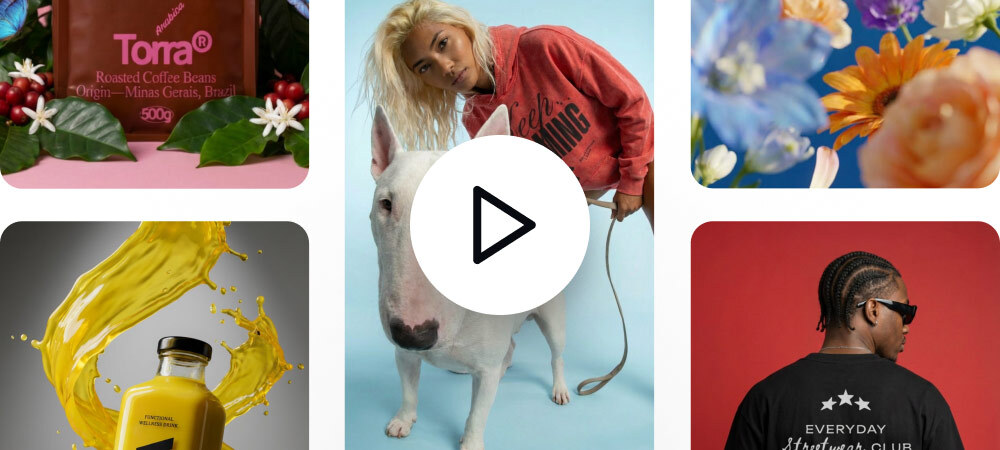



Create merch faster with AI
Faster store-ready visuals with mockups, vectorizing, and export support built into your workflow.
Kittl is an online T-shirt design maker for creating print-ready shirt graphics, mockups, and export files. Start with AI, templates, uploads, or typography, then export designs for print-on-demand, merch drops, and online stores.
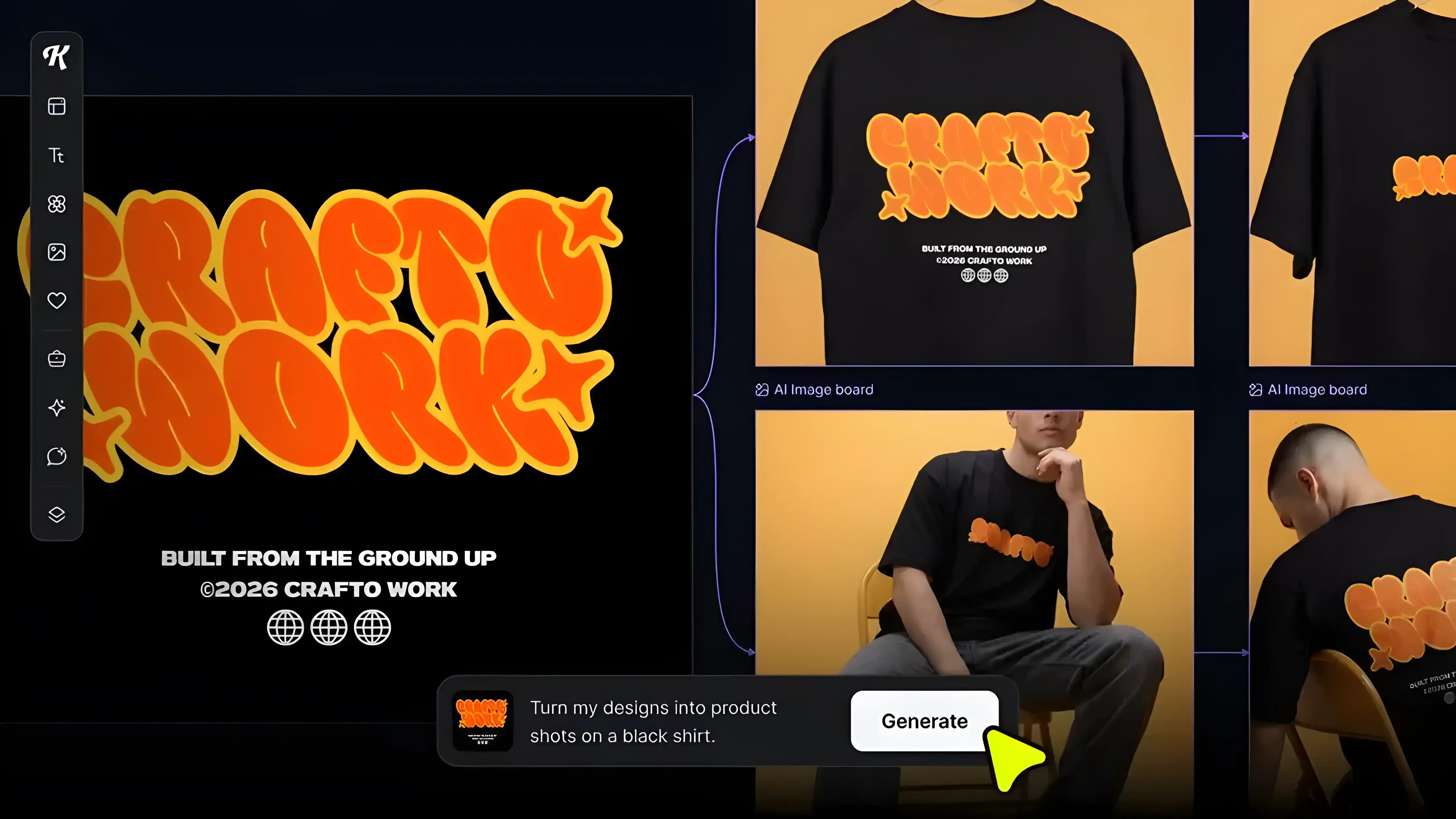
Faster store-ready visuals with mockups, vectorizing, and export support built into your workflow.
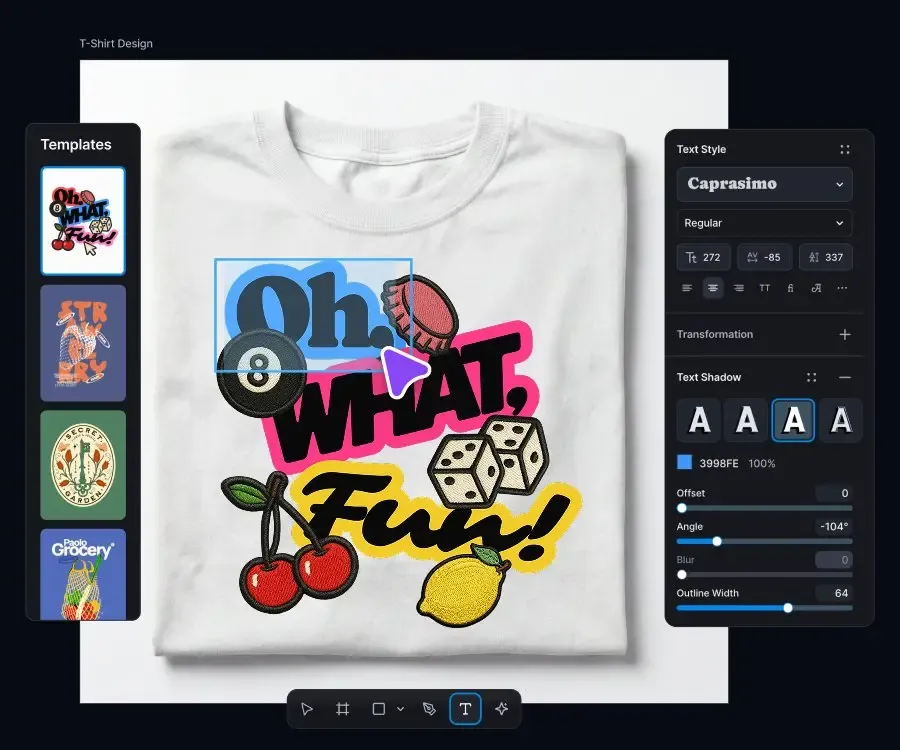
Use curated fonts and detailed text controls to make shirts, labels, and packaging look polished, readable, and on-brand.
Reuse templates, duplicate canvases, and apply actions across multiple designs to launch new variations faster. Less repetition, more merch.
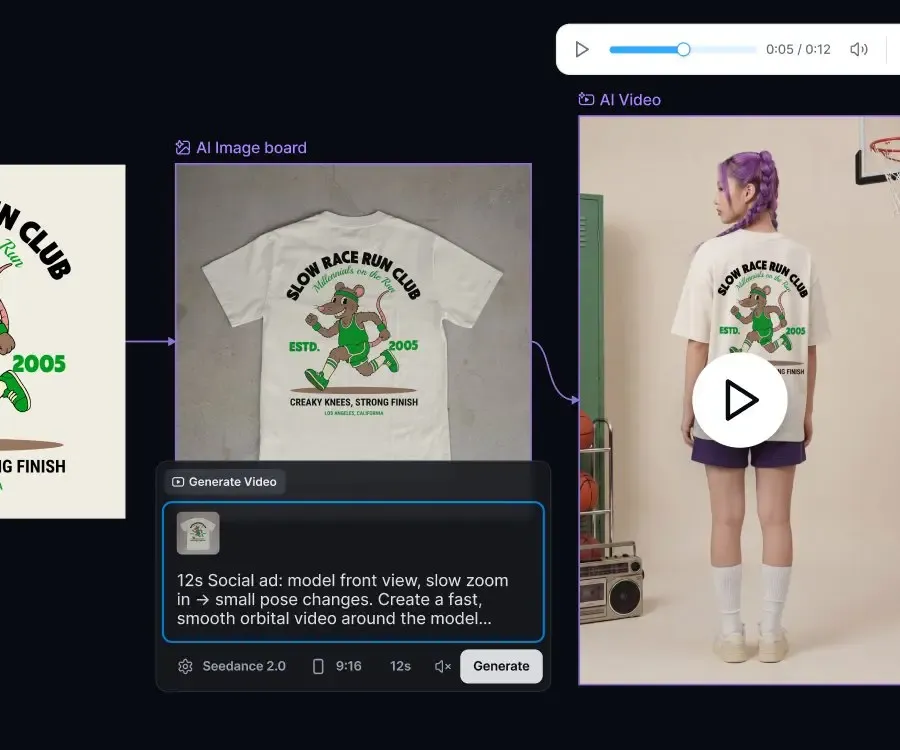
Create product visuals and design variants faster with AI, and automate multi-step workflows with AI Image Board.
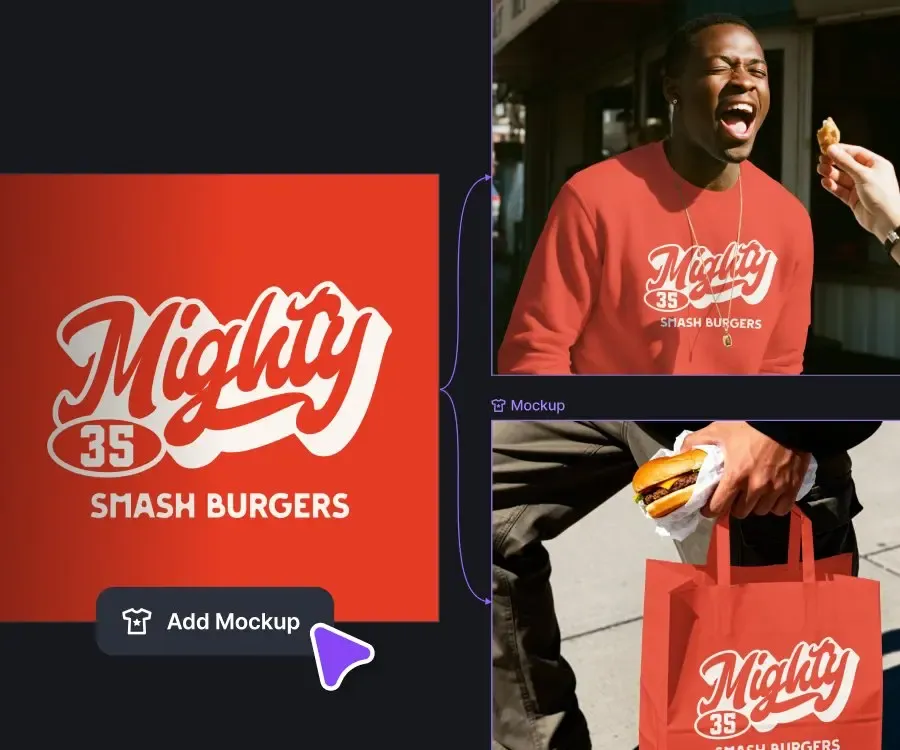
Preview your design before you publish. Use live previews, smart alignment, and print-area guides to place artwork accurately on every product.
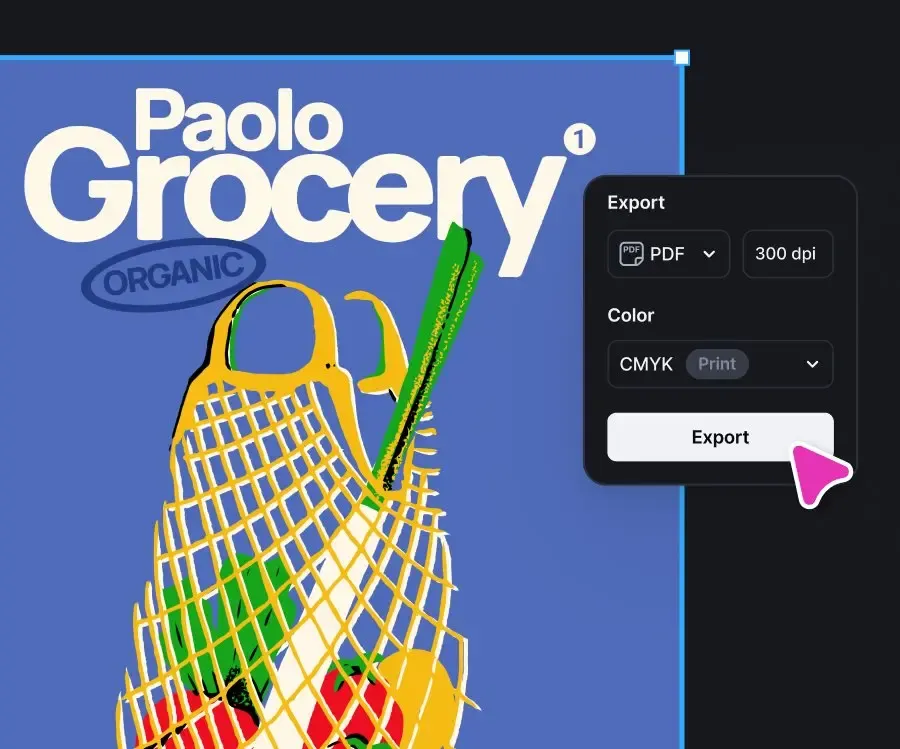
Export in PNG, JPEG, PDF, or SVG, adjust size, units, and DPI, and create high-resolution files for printing, mockups, and product listings.
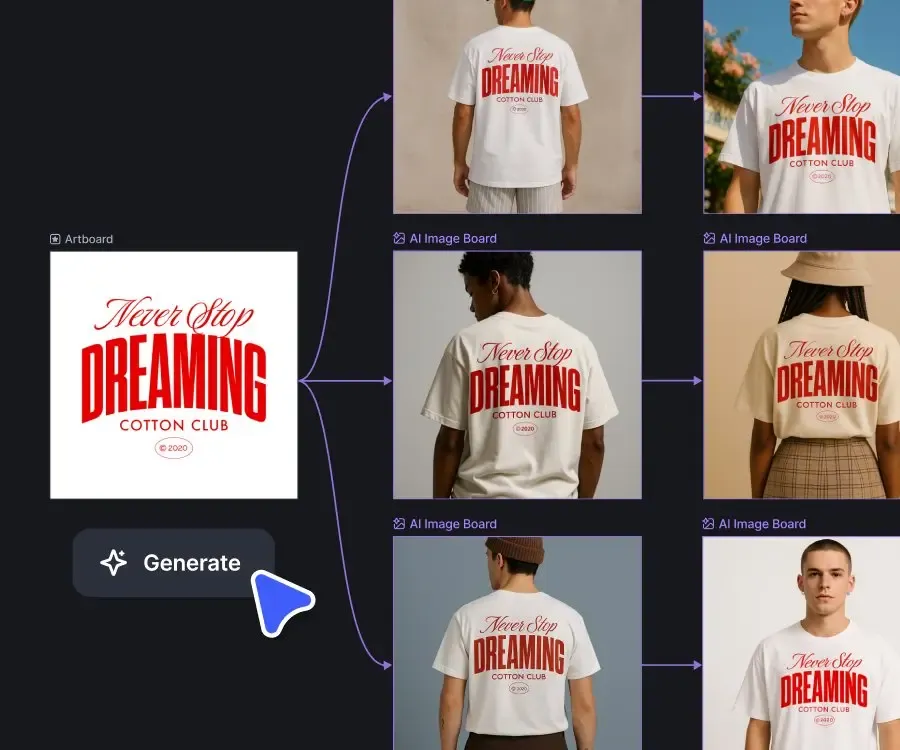
Batch edit designs, save repeatable presets, and keep every launch moving smoothly.
Launching a brand, planning an event, or creating your next drop? Kittl helps you to explore T-shirt design ideas that people want to wear, faster. Create polished designs with less friction, and move from concept to ready-to-sell artwork in minutes.
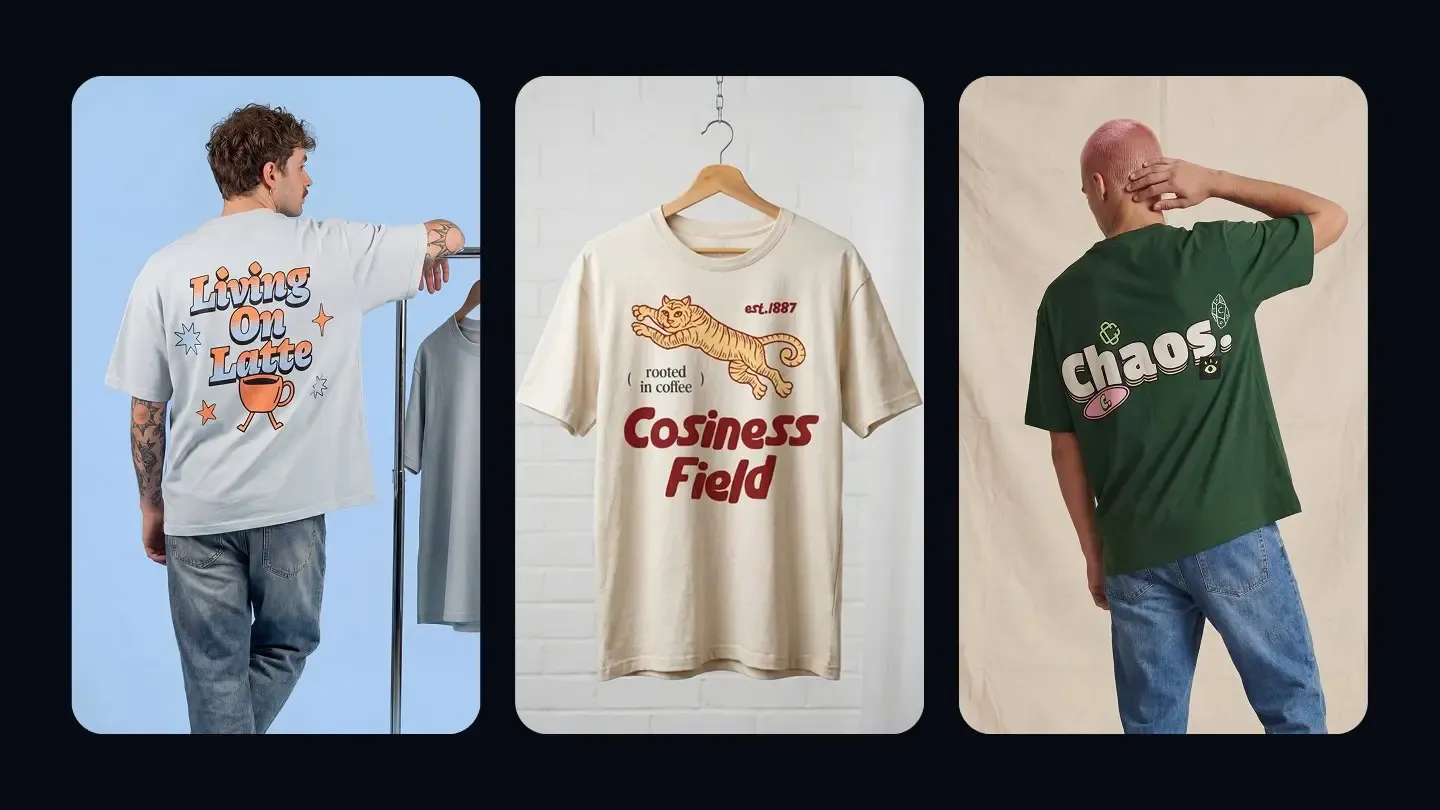
Start with a T-shirt template, customize every detail, and create a design that stands out.
You can create T-shirt designs online by starting with a blank canvas or customizing a ready-made template in Kittl. Add your text, graphics, colors, and layout, then export the design in a print-ready format for production or online selling.
Everything you need to design, present, and publish your next shirt.