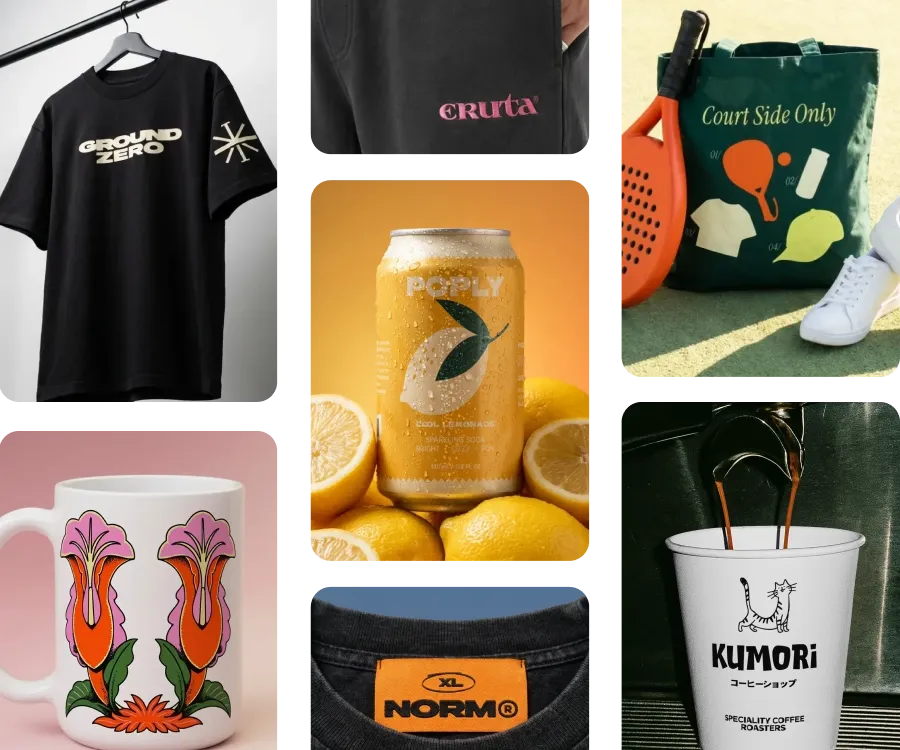












Create product mockups
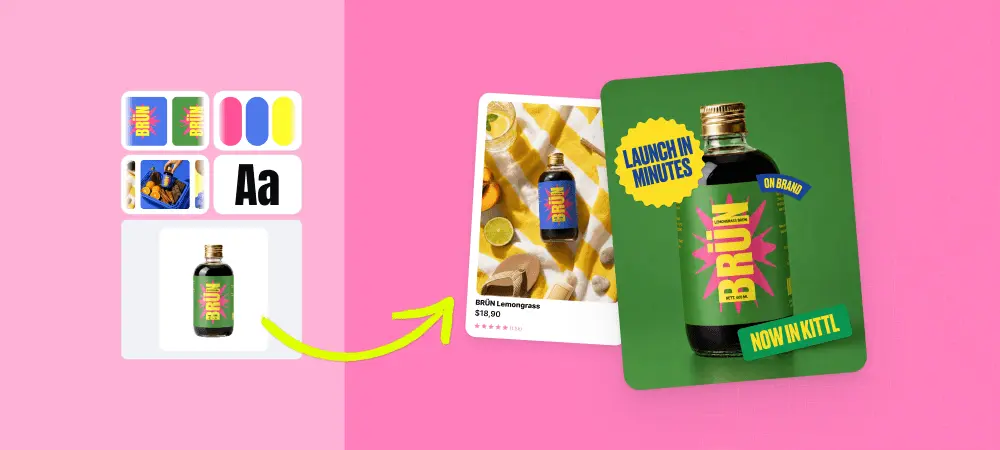
Turn logos, artwork, and product designs into realistic mockups for online shops, product listings, ads, and social media.
Create realistic product mockups in seconds with Kittl. Upload your design, preview it across thousands of mockups, customize the look, and download polished visuals for your shop, campaign, or social content.
Turn logos, artwork, and product designs into realistic mockups for online shops, product listings, ads, and social media.
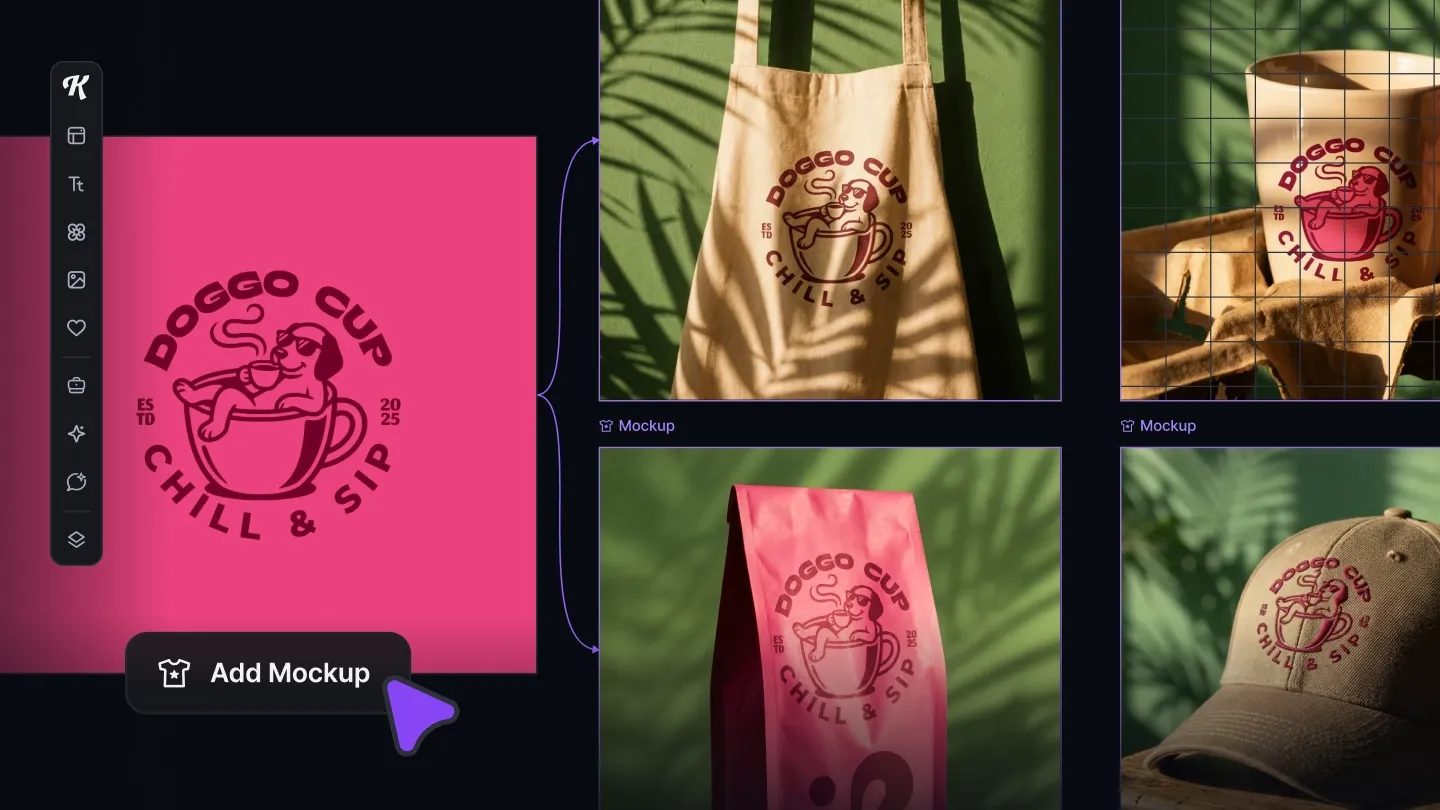
Upload one design and see how it looks across different products, scenes, and mockup styles from your dashboard.
Select multiple mockups, download them together, or open selected designs in the Kittl editor for advanced customization.
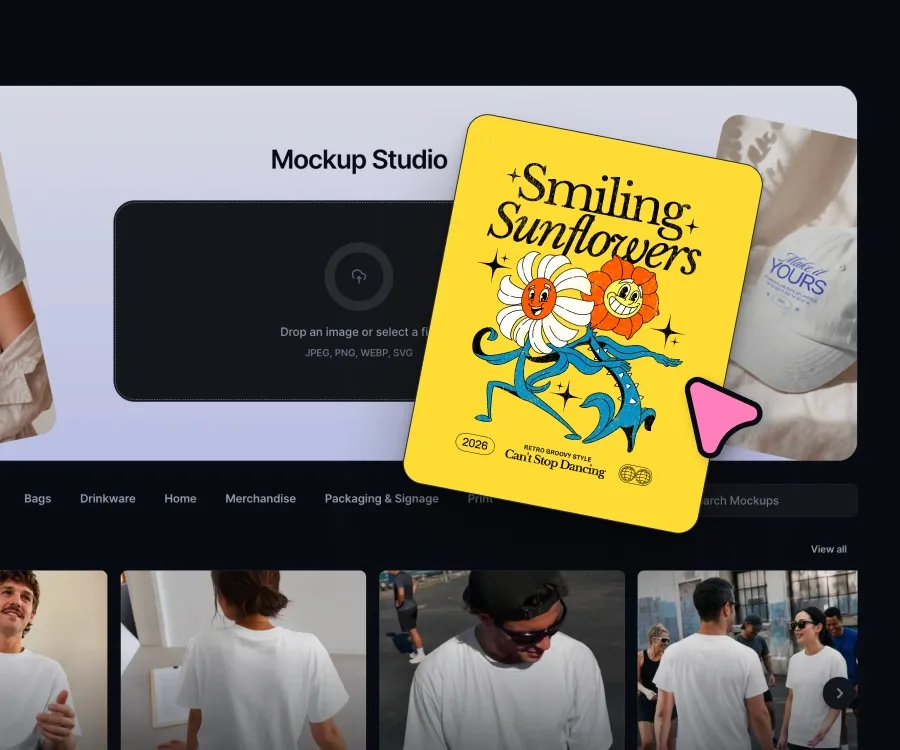
Kittl’s mockup generator helps you turn flat artwork into realistic product visuals. Upload a logo, illustration, graphic, or product design, then see how it looks on real-world mockup scenes.
Use mockups to present products before production, test creative ideas, build product listings, and create campaign visuals faster.
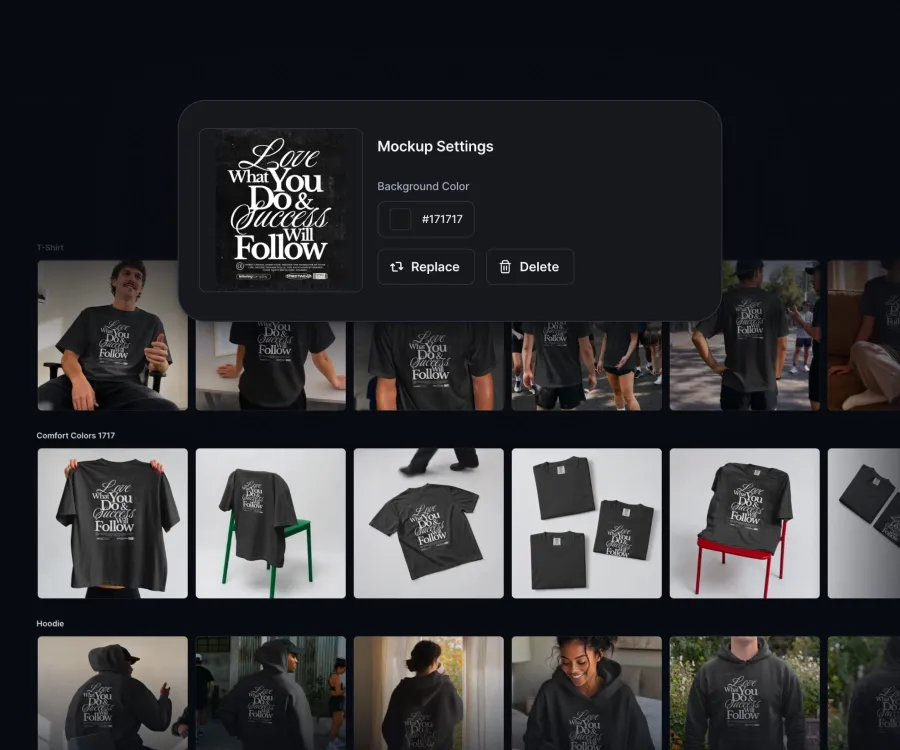
Finding the right mockup should not slow down your workflow. With Kittl, you can apply one uploaded design across the mockup gallery and compare different products, scenes, and formats faster.
Easier to choose the best visual for your online store, print-on-demand product, social post, or brand presentation.
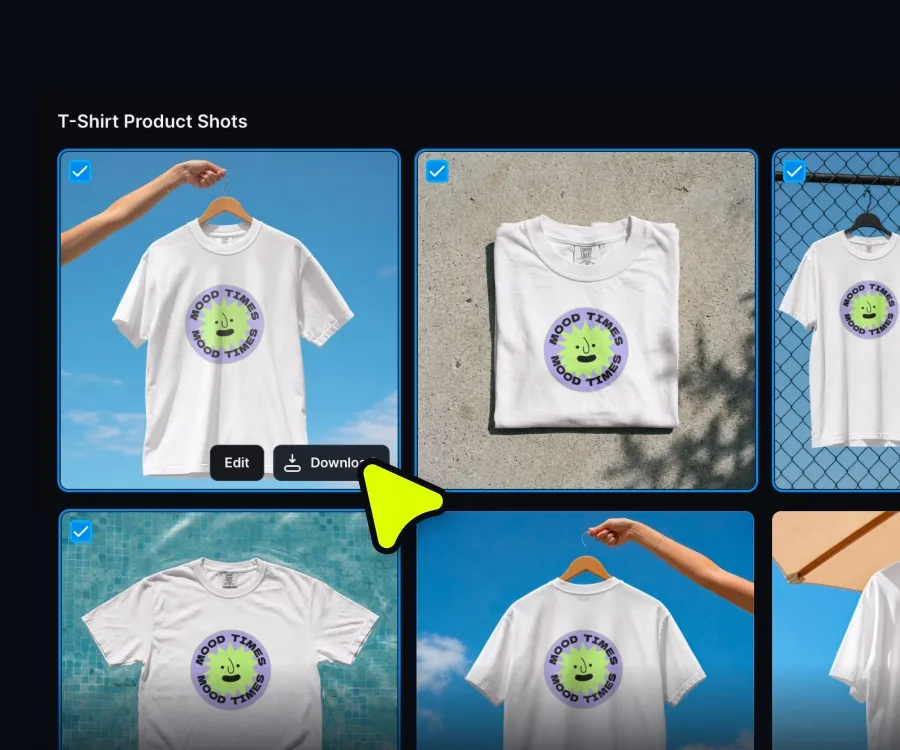
Kittl helps you create bulk mockups from your dashboard. Upload your artwork once, select multiple mockups, and download finished visuals together.
This workflow is useful for print-on-demand sellers, e-commerce brands, small businesses, and creators who need multiple product images for launches, listings, or campaigns.
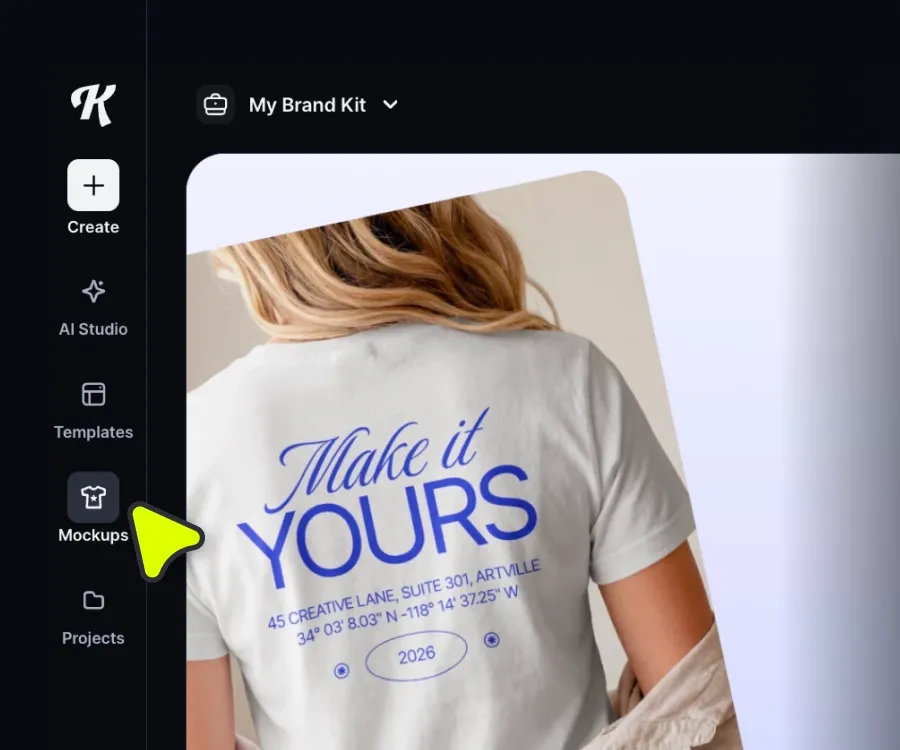
Browse Kittl’s mockup library to create polished product visuals for different channels. Use mockups for product pages, online shops, print-on-demand listings, social media, ads, and client presentations. From apparel to packaging, Kittl helps you turn creative ideas into realistic visuals faster.
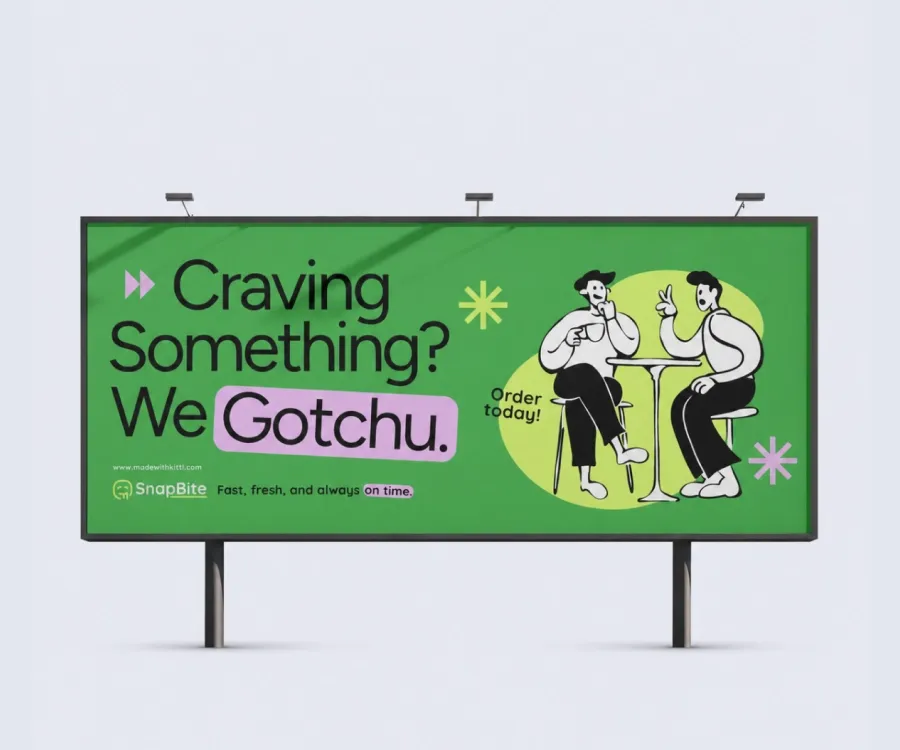
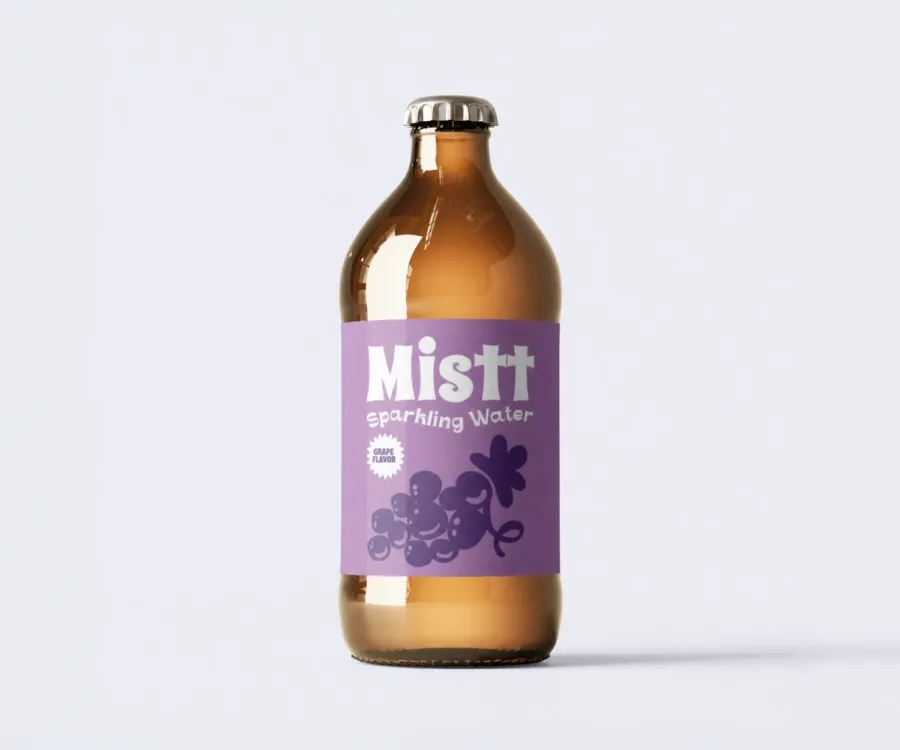

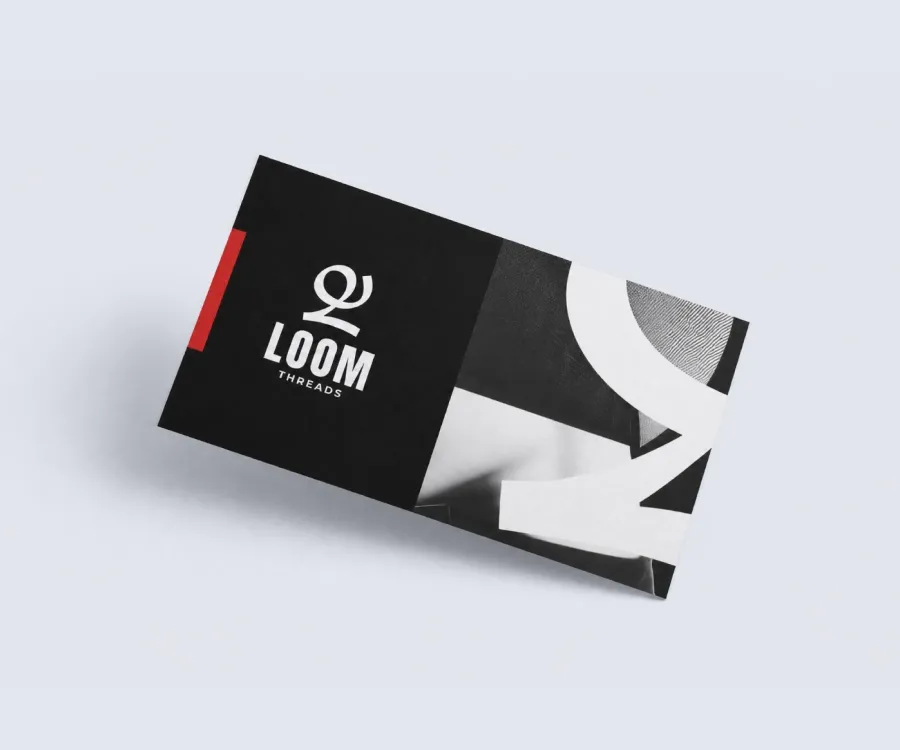
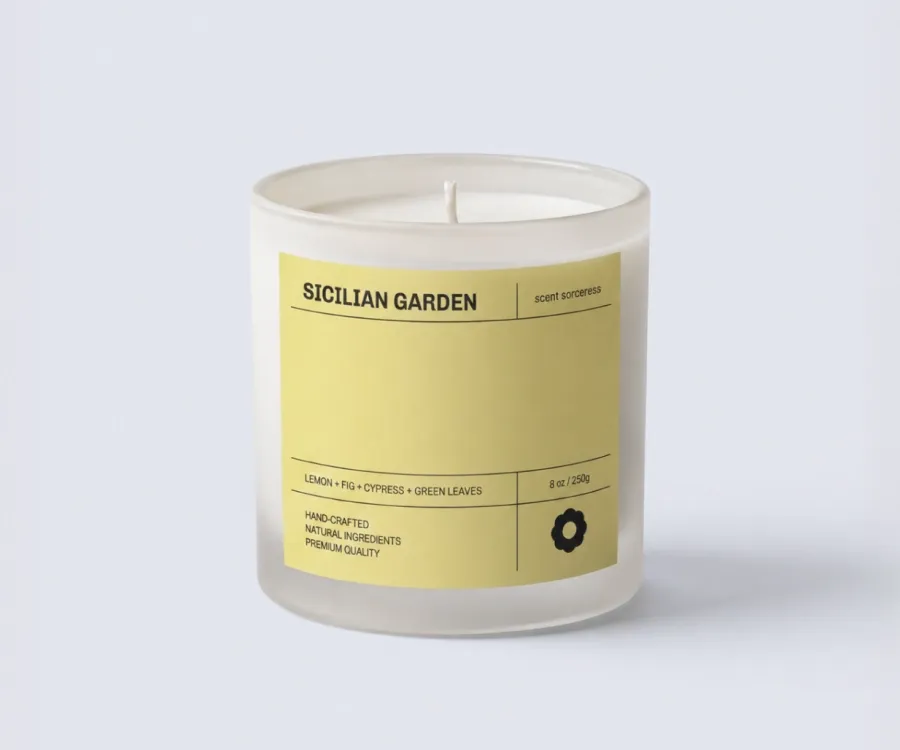
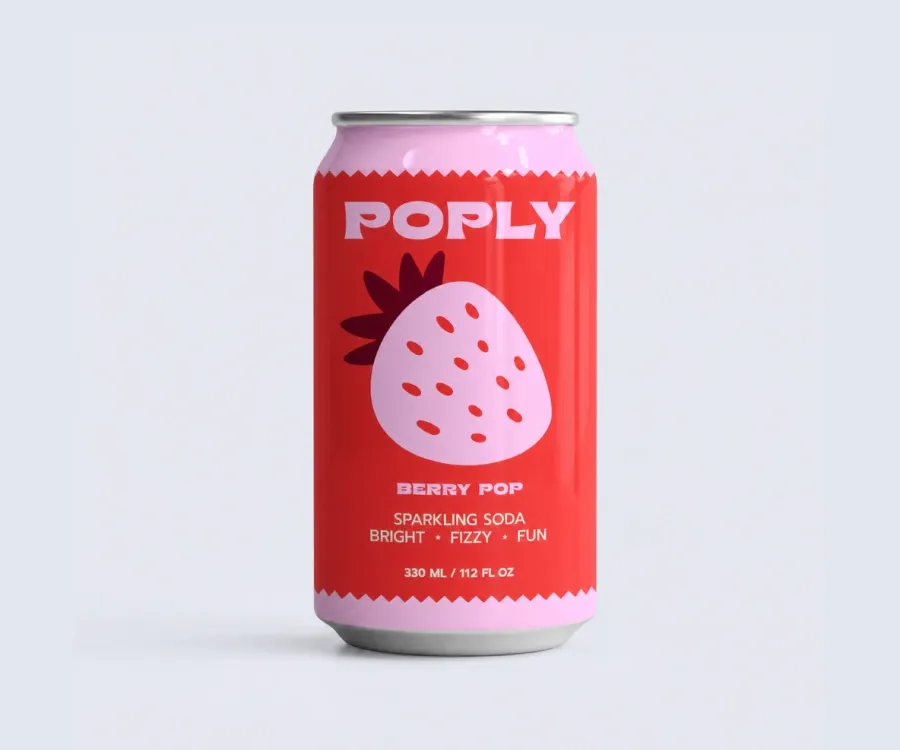
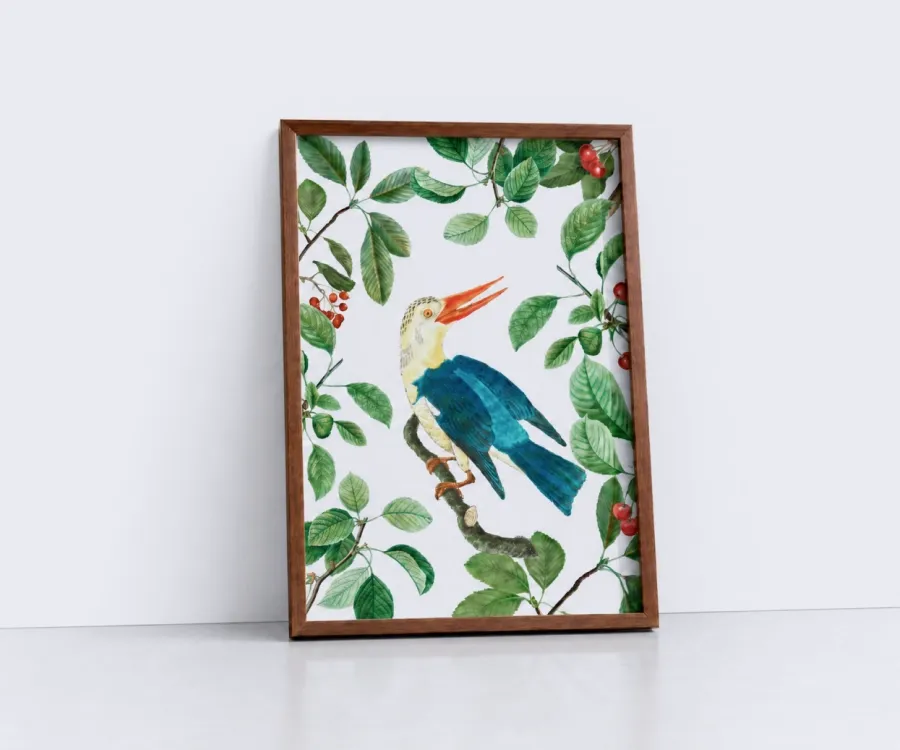
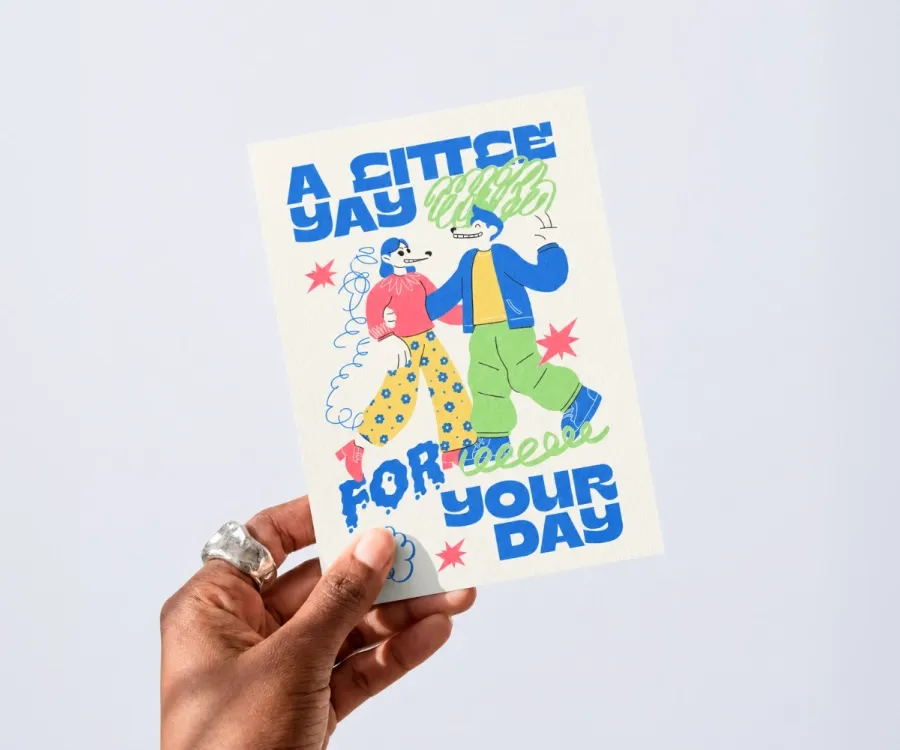
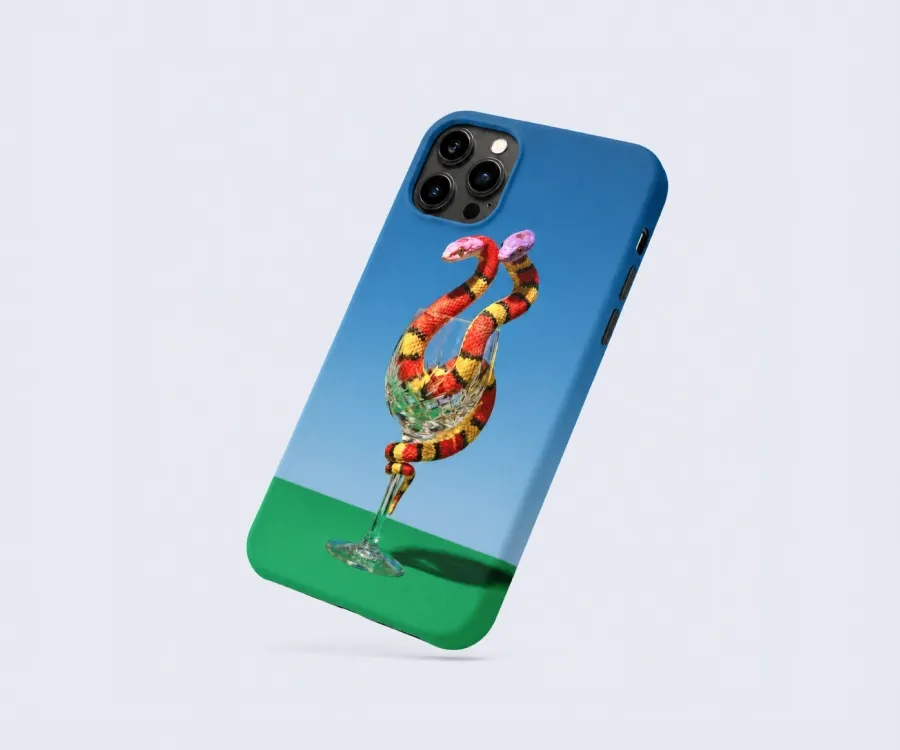
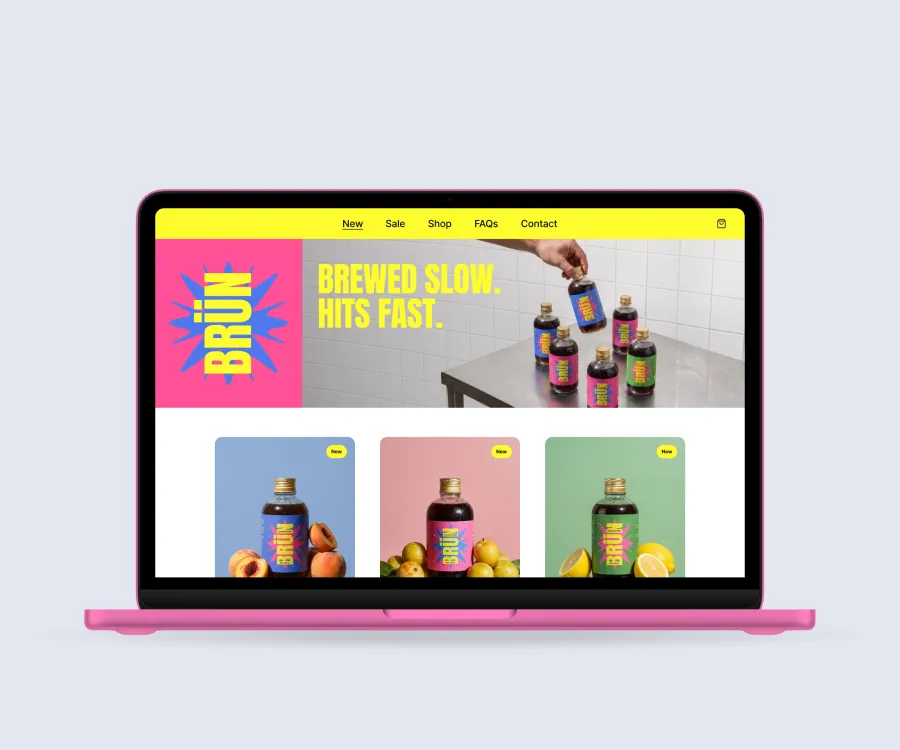
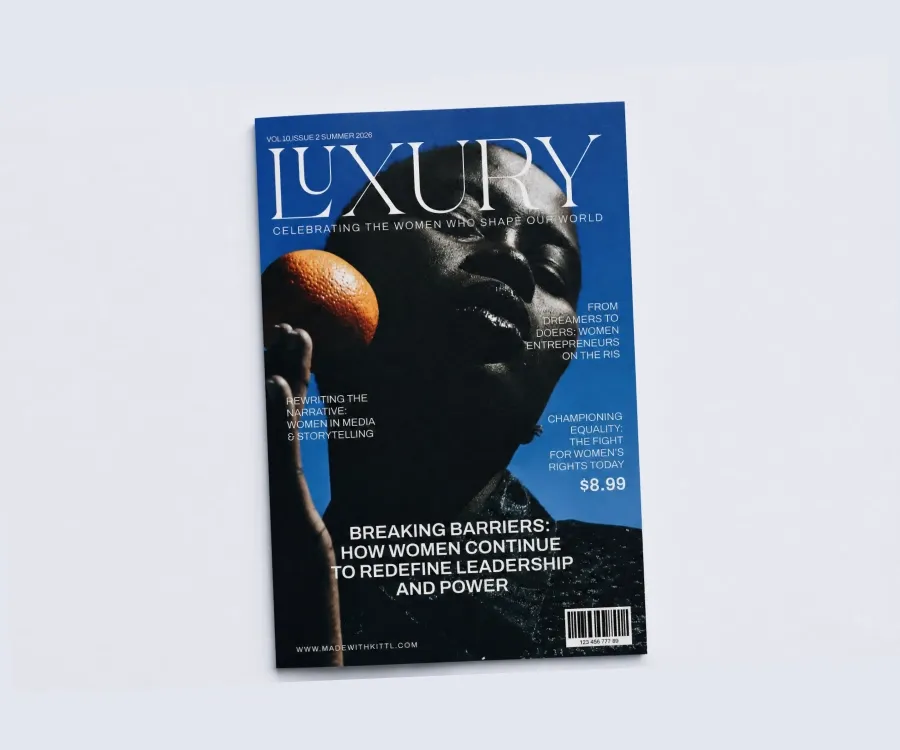
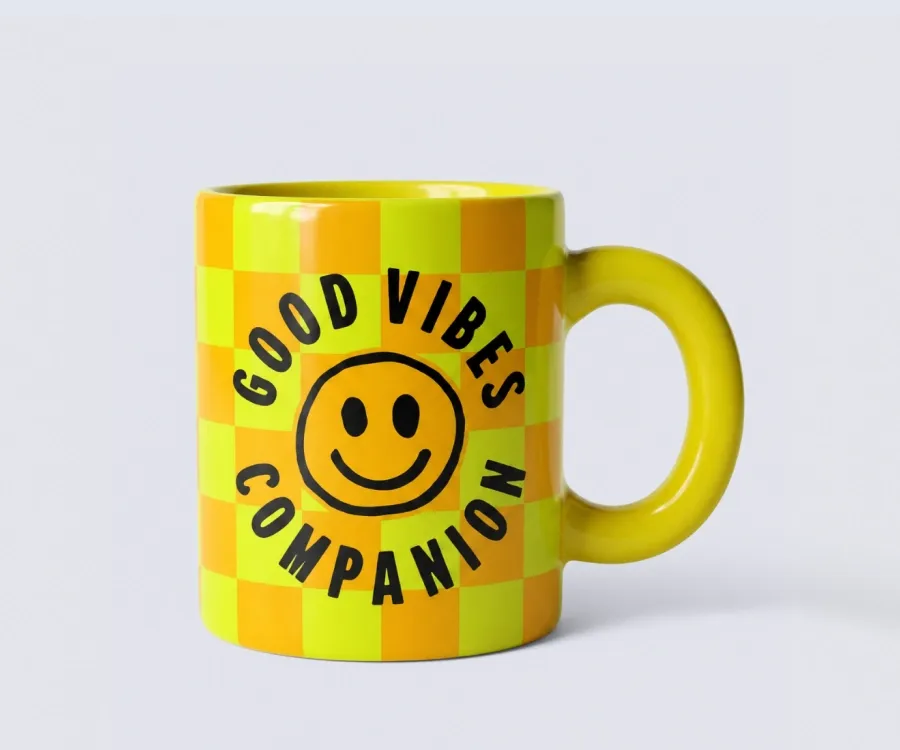
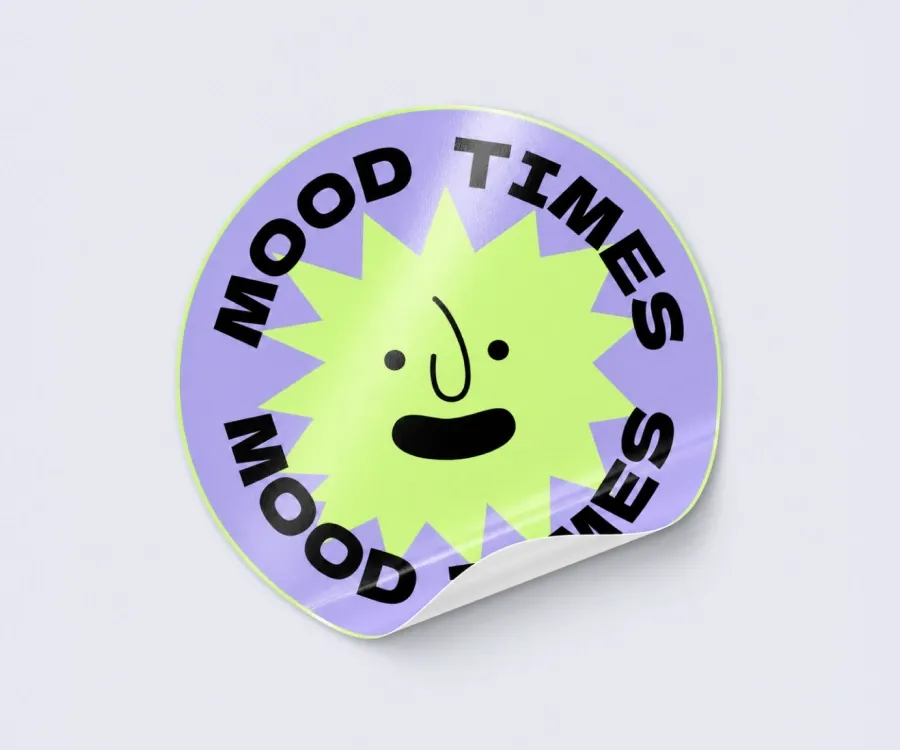
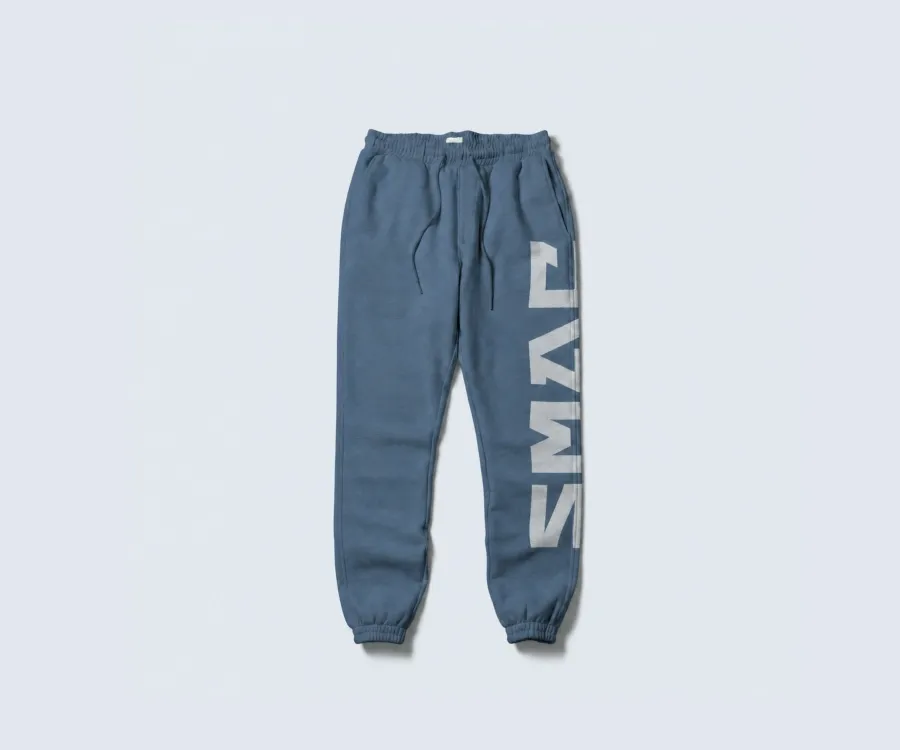
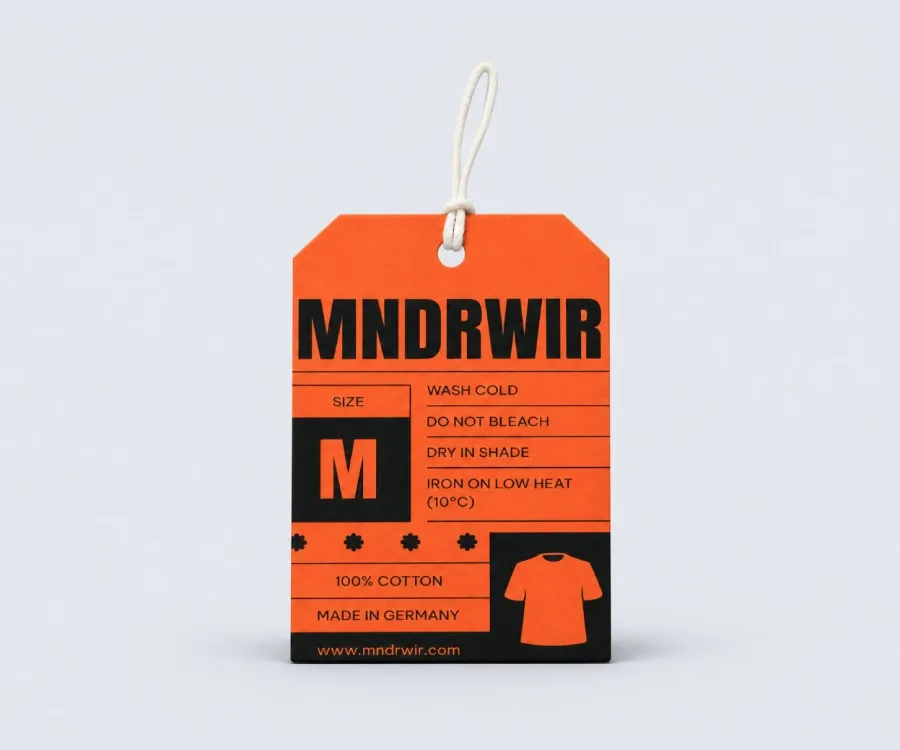
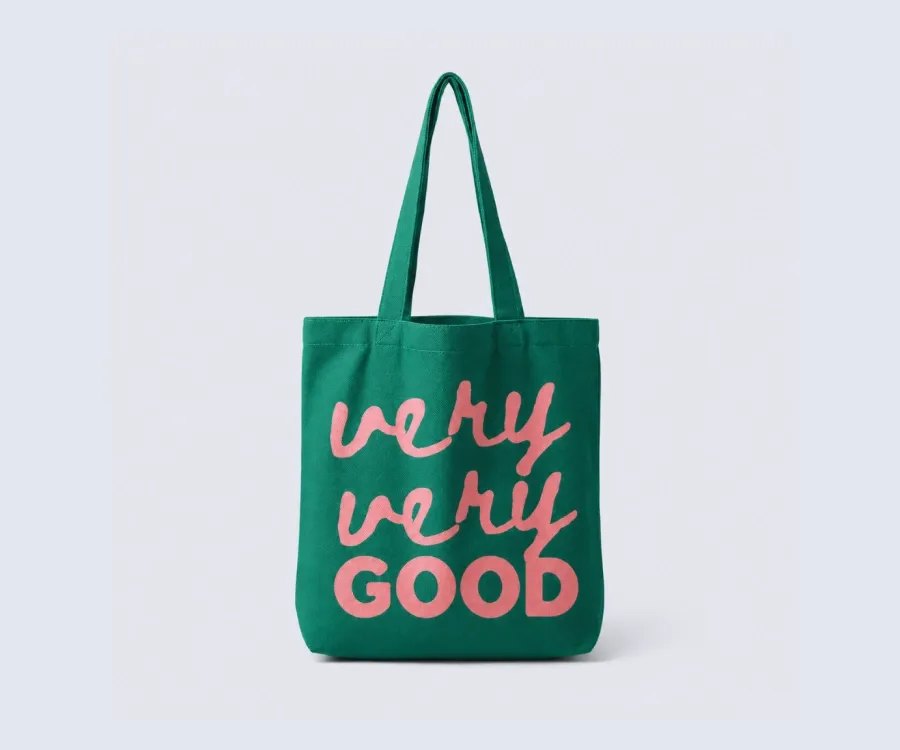
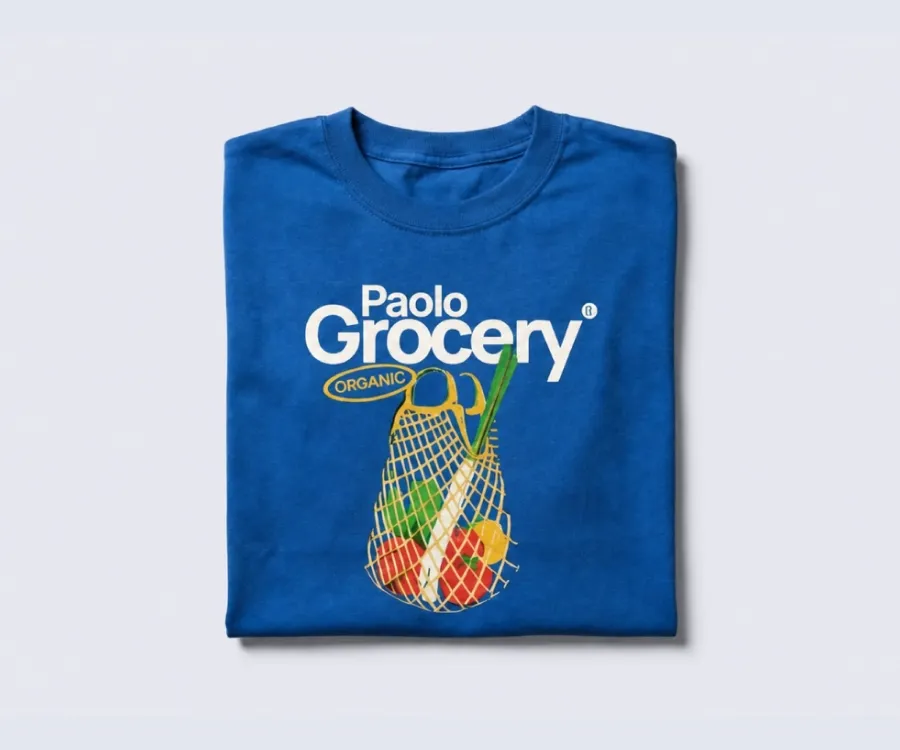
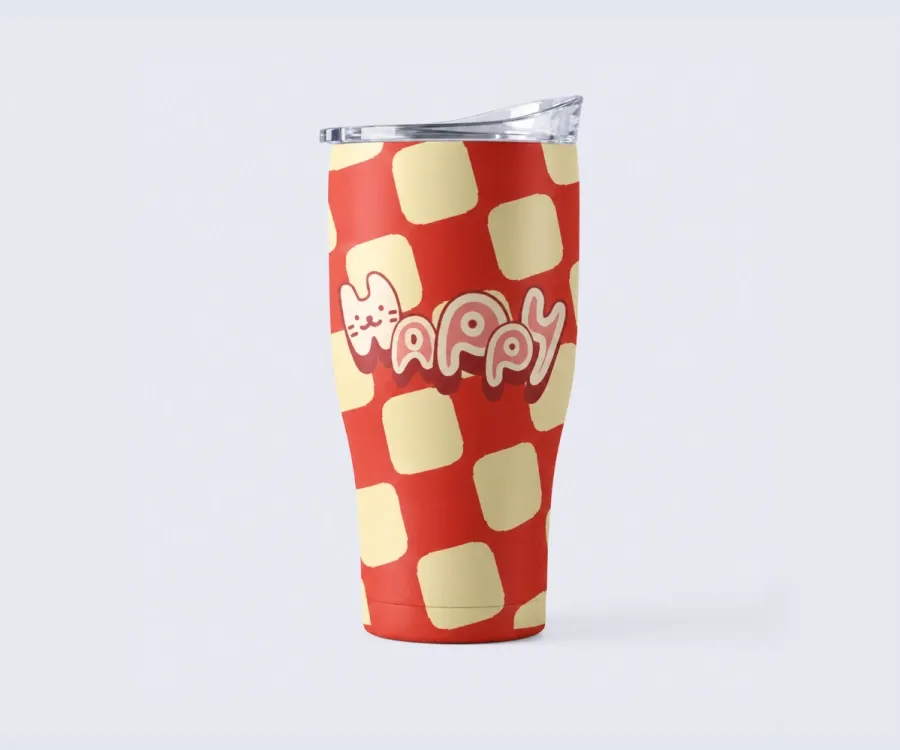
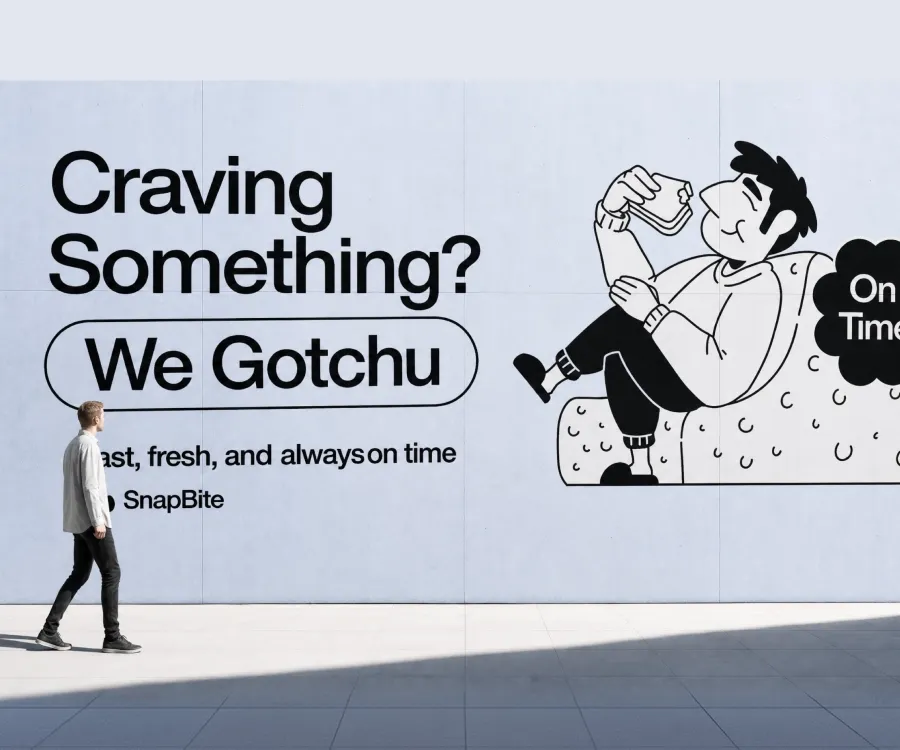
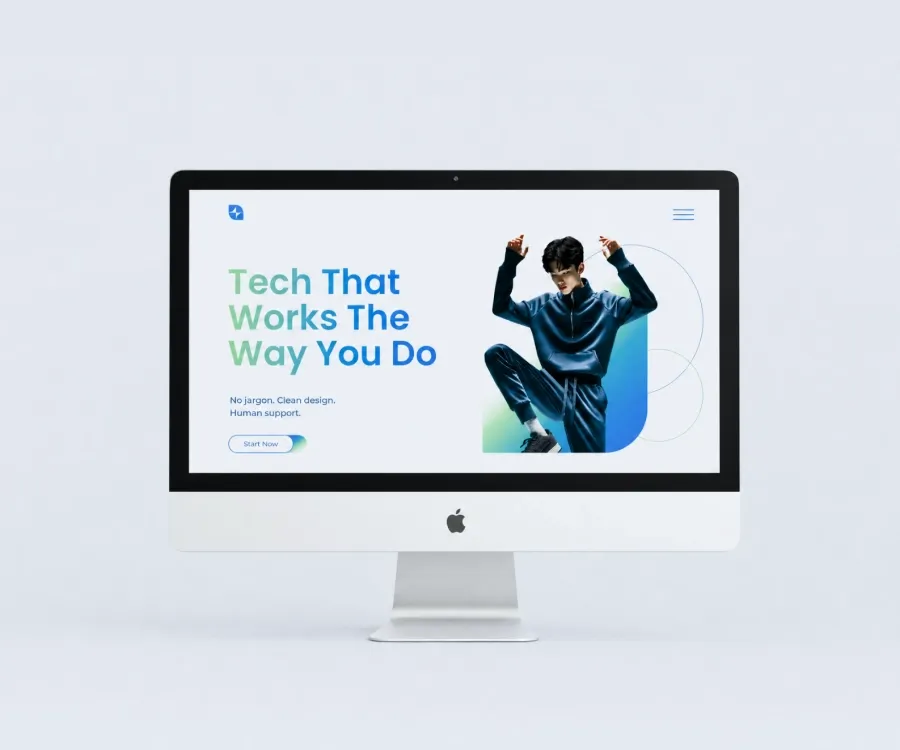
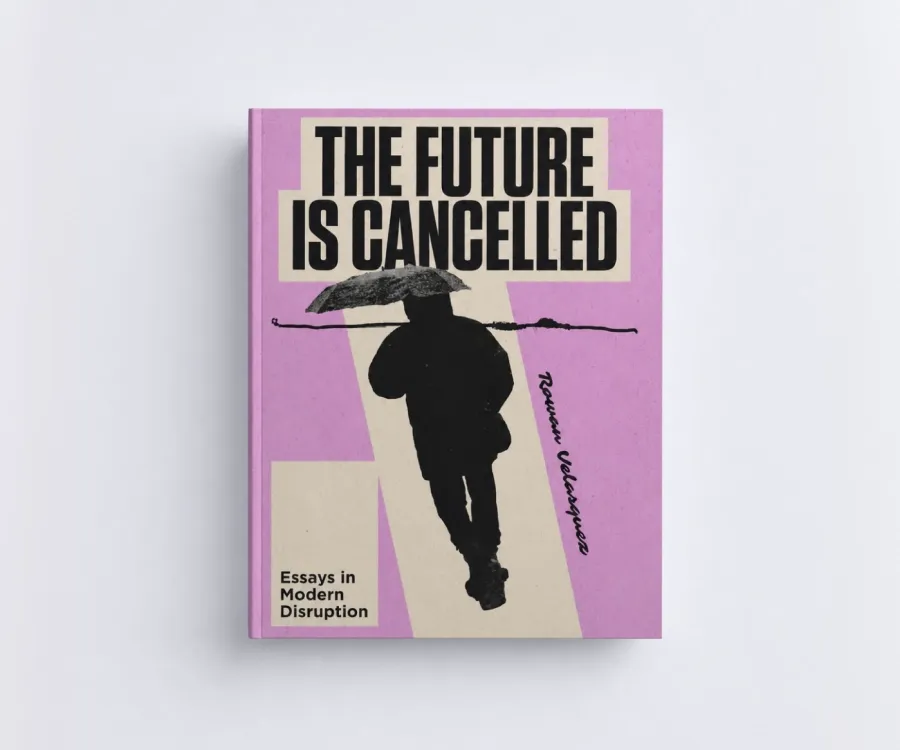
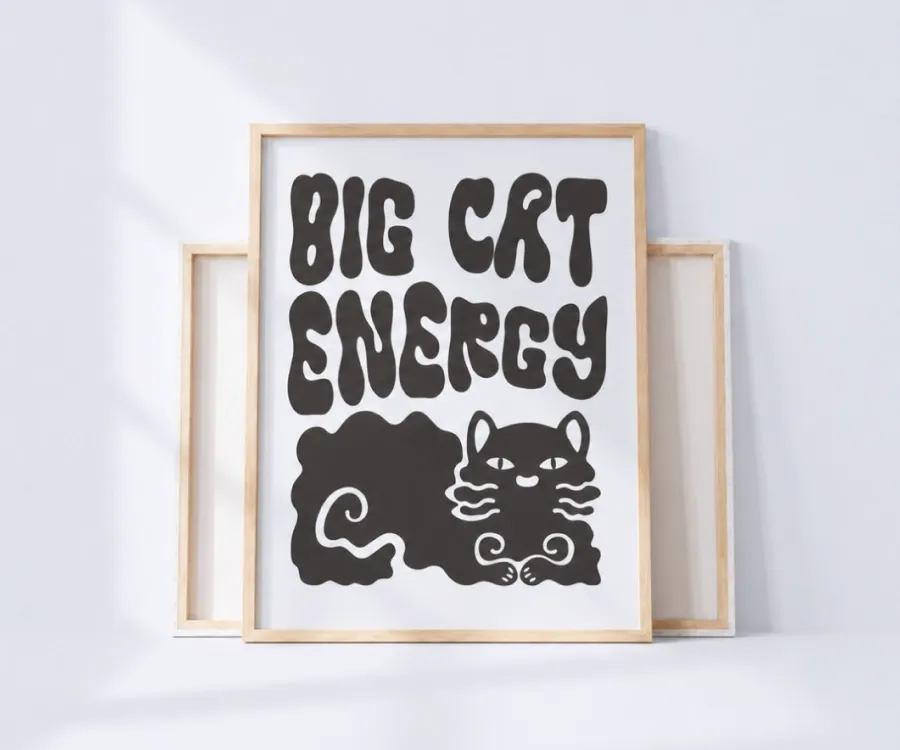
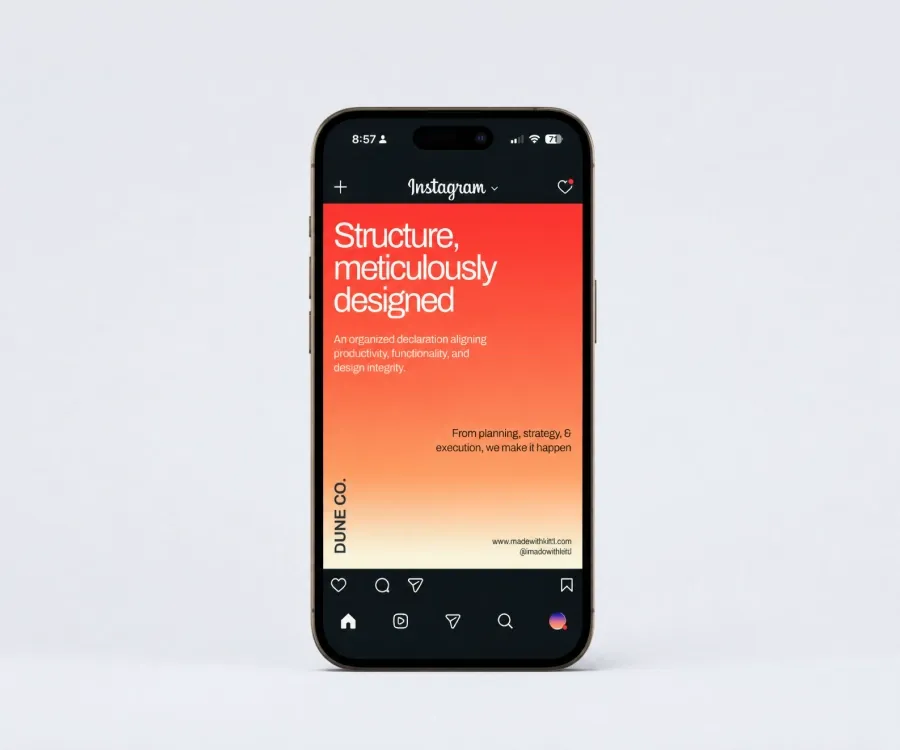
The same design, shown the way each channel needs it. Set your mockups once and reuse them wherever you sell.
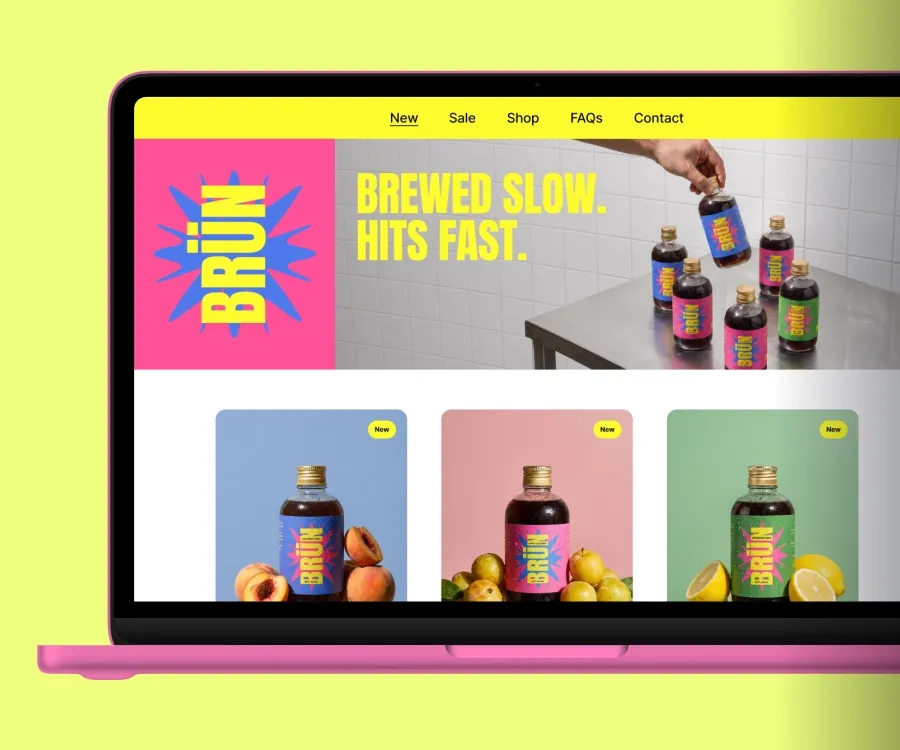
Show your design on the product before it exists. Listing images for your shop, marketplace pages, and print-on-demand storefronts.
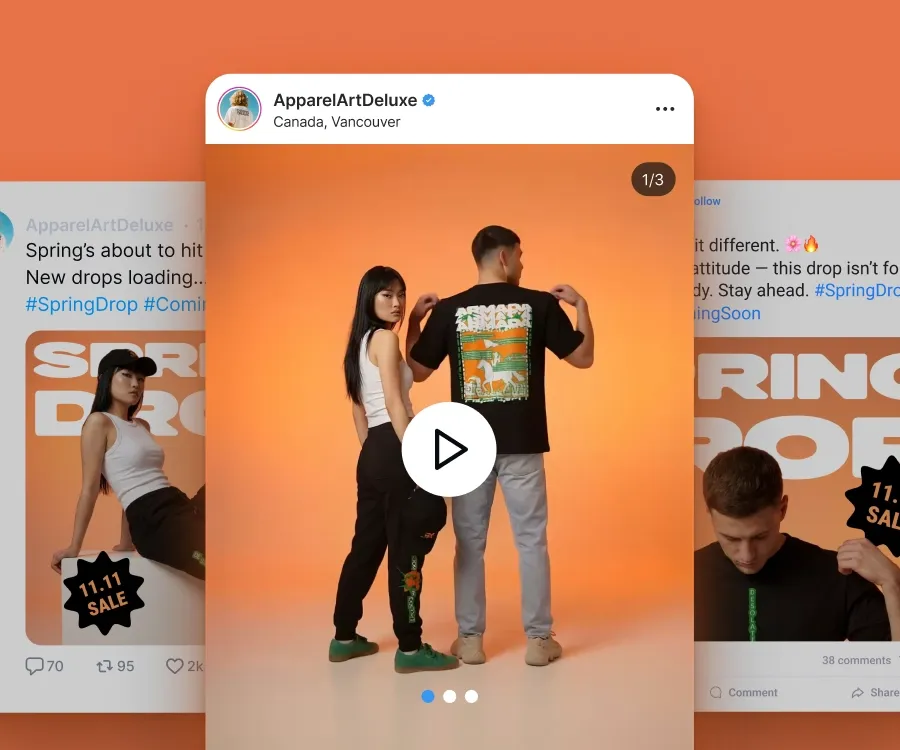
Turn one mockup into posts, stories, and product ads that look like they came from the same brand.
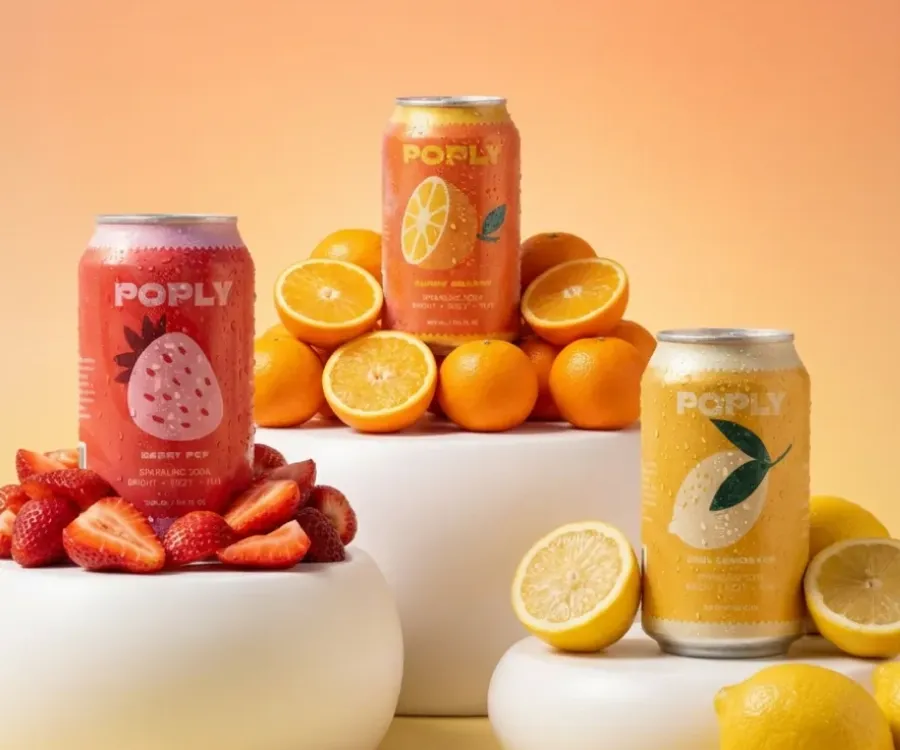
Present work as a finished product rather than a flat file. Useful for pitches, line sheets, and wholesale outreach.
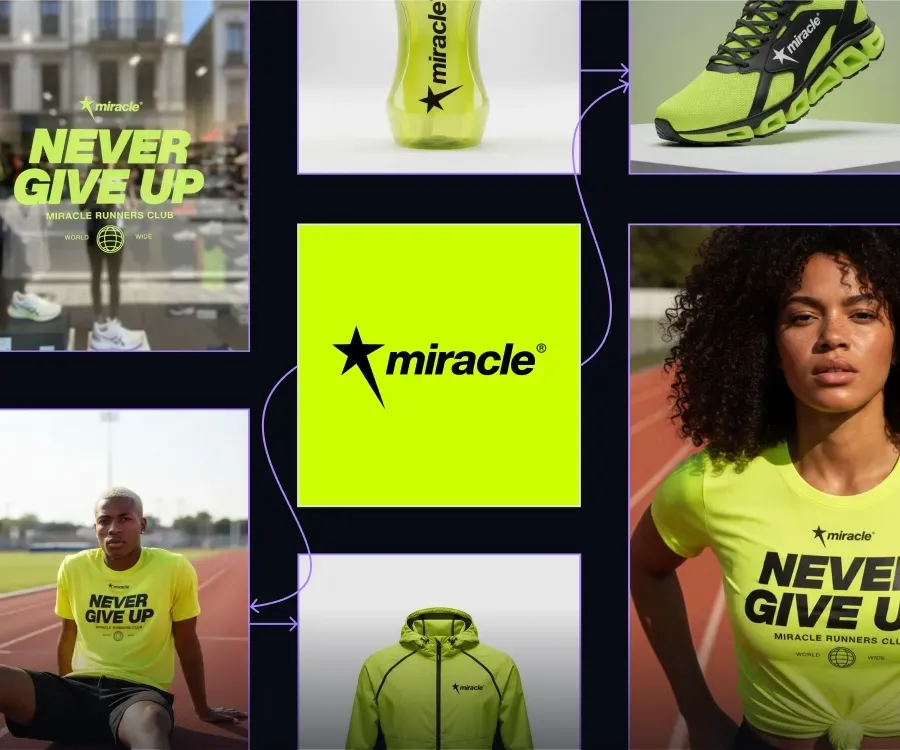
Try an idea on a real product before committing to print. Check scale, placement, and how colors sit on the material.
Workflows are design paths built and tested by Kittl's design team. Bring the design you just mocked up, and get the other visuals your shop needs.
Yes. A free account gets you into the mockup generator and a hand-picked selection of mockups. Paid plans open the full library of 10,000+ premium mockups.
Put your design on a real product photo, check how it looks, and get the visuals your listing needs.