


One file for all format
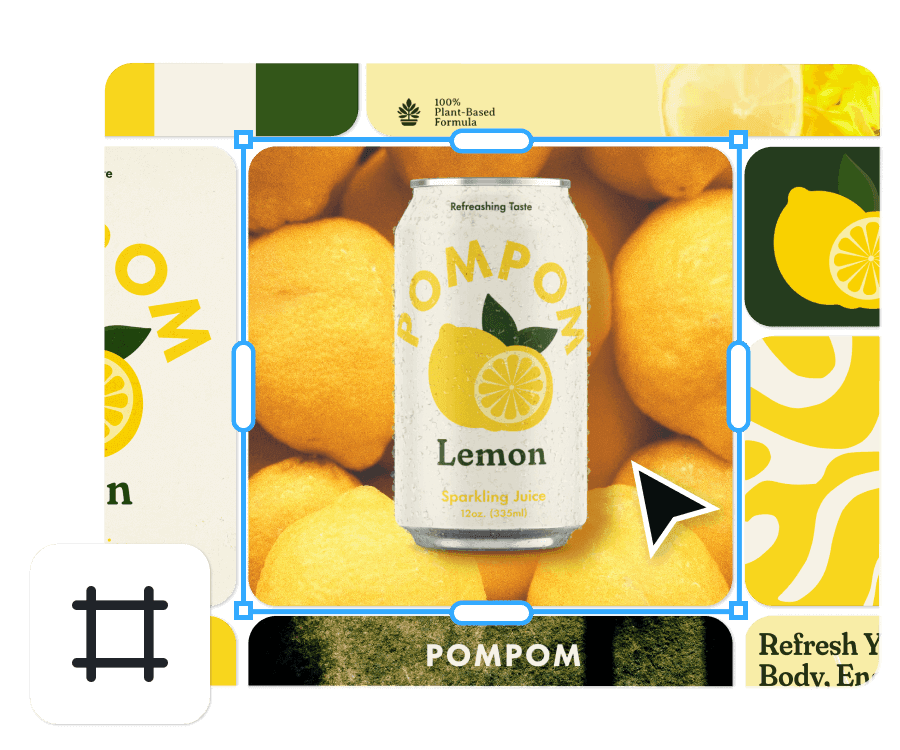
Front and back prints, social posts, mockups in one space. No more starting over to switch formats.
Work how you think: visually, fluidly, and without borders. Because designing doesn’t happen in fragments, and neither should your canvas.
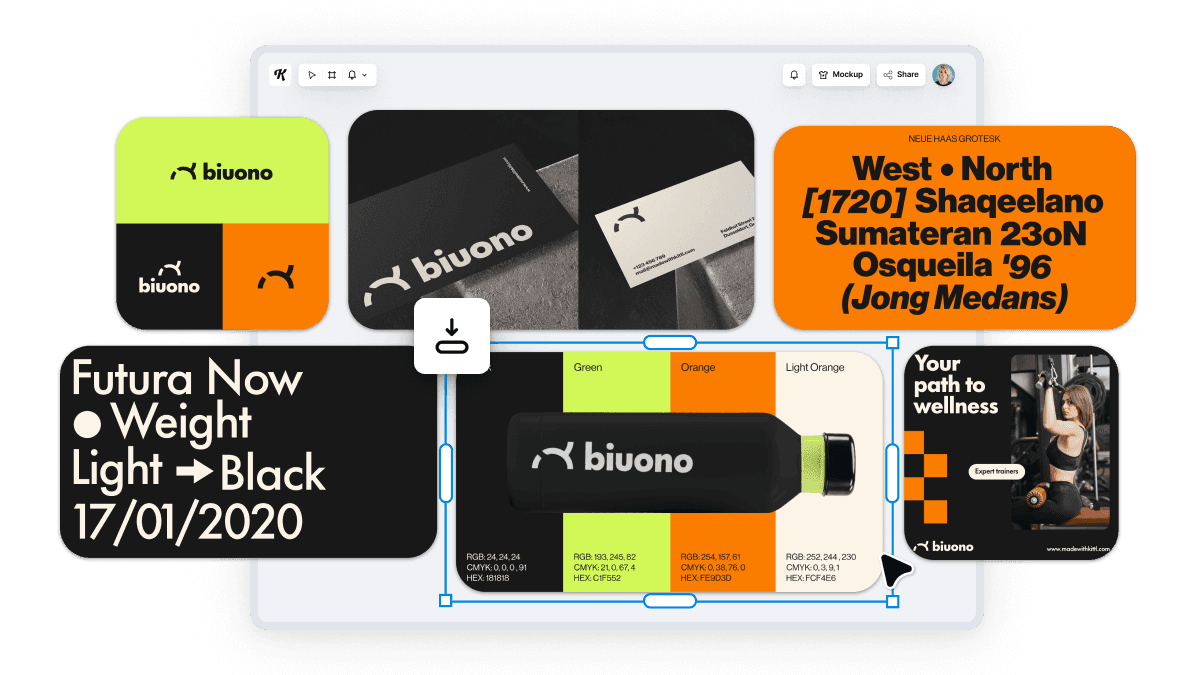
Front and back prints, social posts, mockups in one space. No more starting over to switch formats.
Zoom out to map every asset and idea. Zoom in to tweak every pixel. Total clarity, at every scale.
Pull in inspiration, build your layout, mock it up, and share without leaving the canvas.
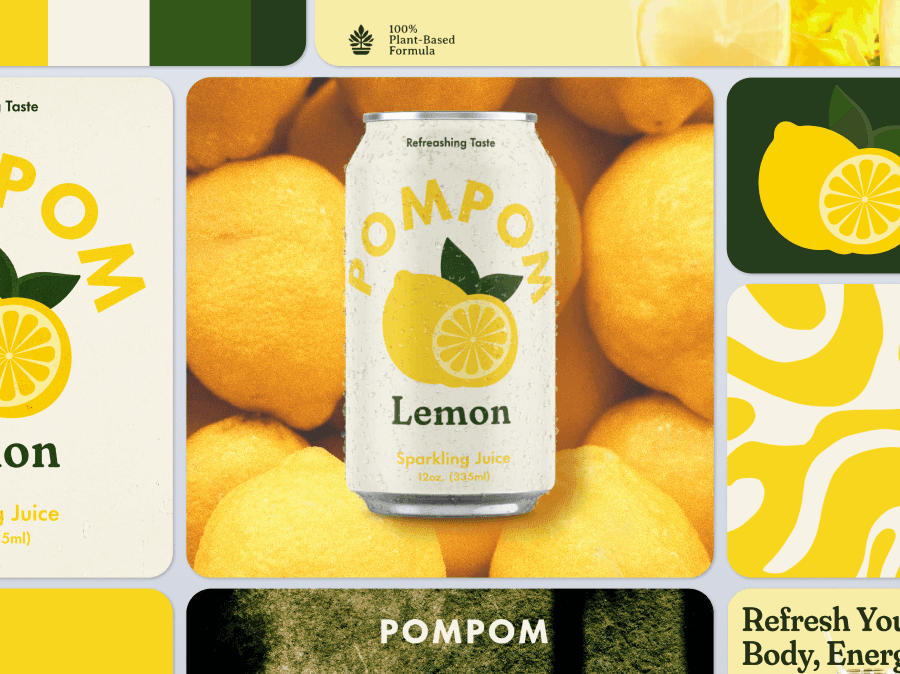
Dump inspiration, sketch rough ideas, and shape them into structure in one evolving space.
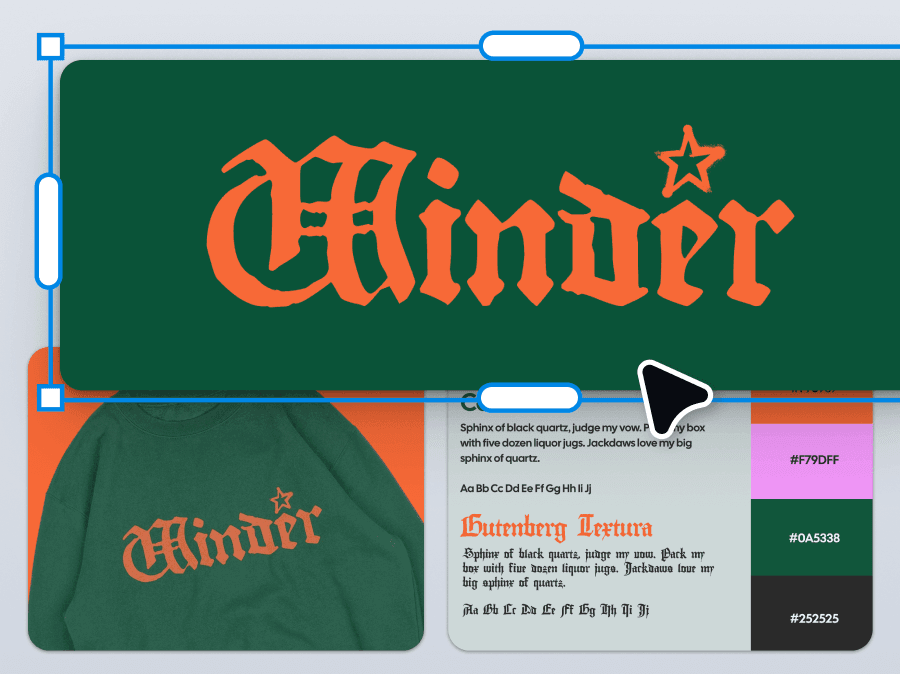
Group assets by format. Compare versions. Lay things out the way your brain sees them.
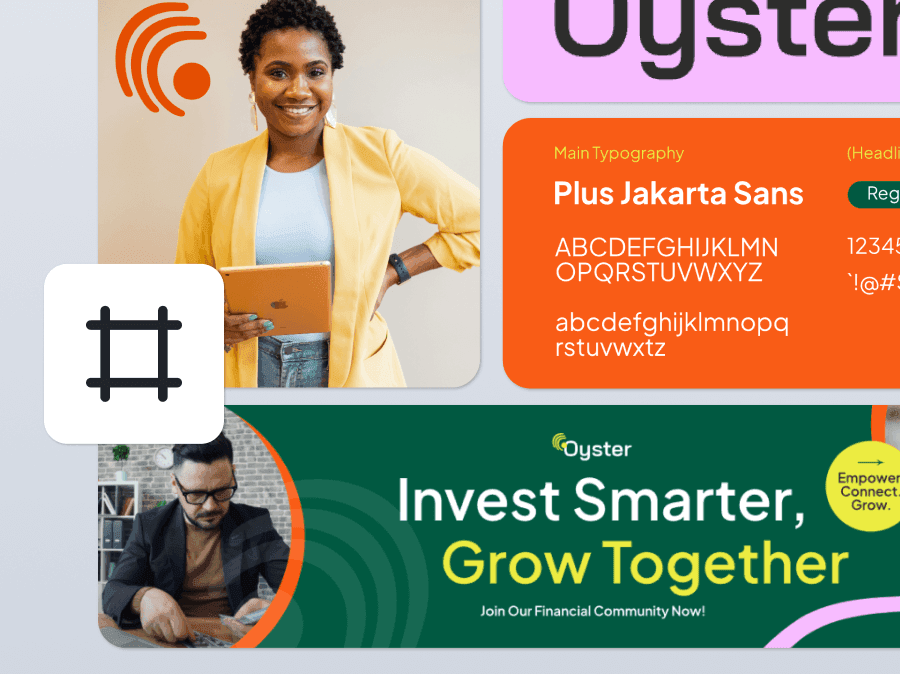
Create every artboard in all the exact dimensions you need for social, print, and beyond
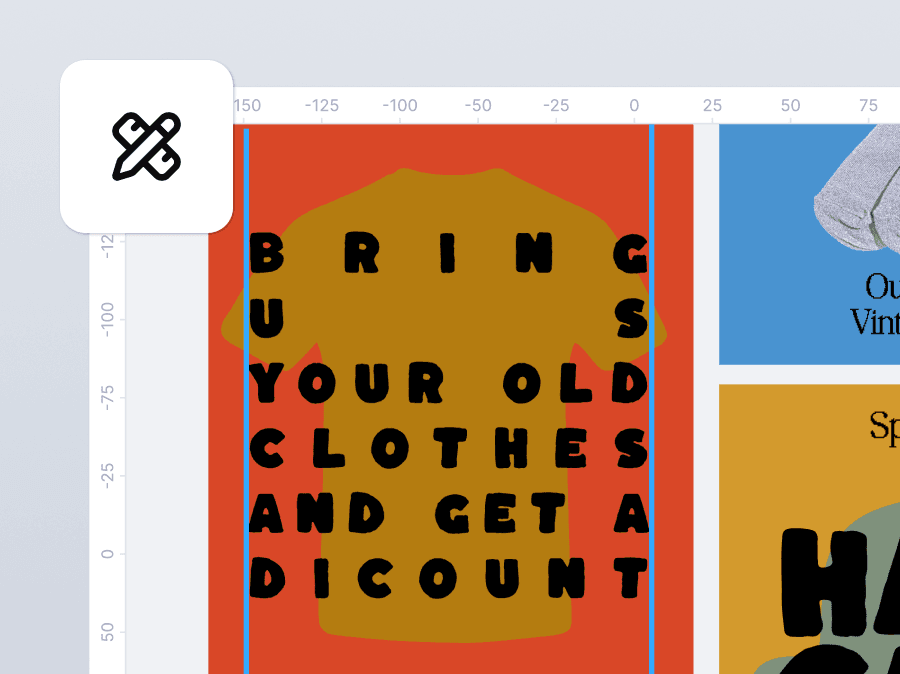
Align your assets with the same precision you'd expect from desktop software.
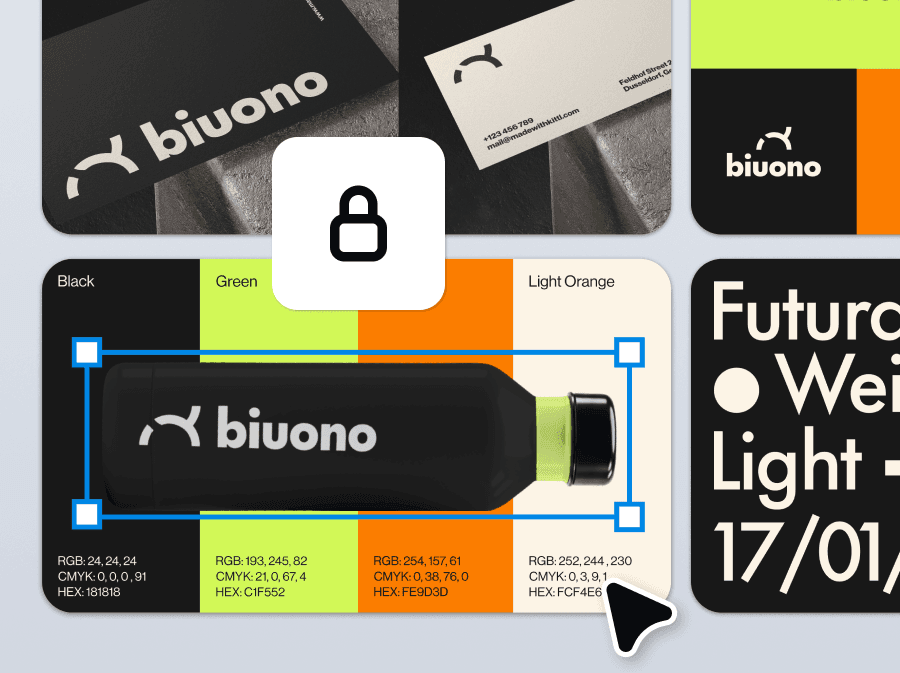
Keep elements neatly organized and locked to their respective boards.
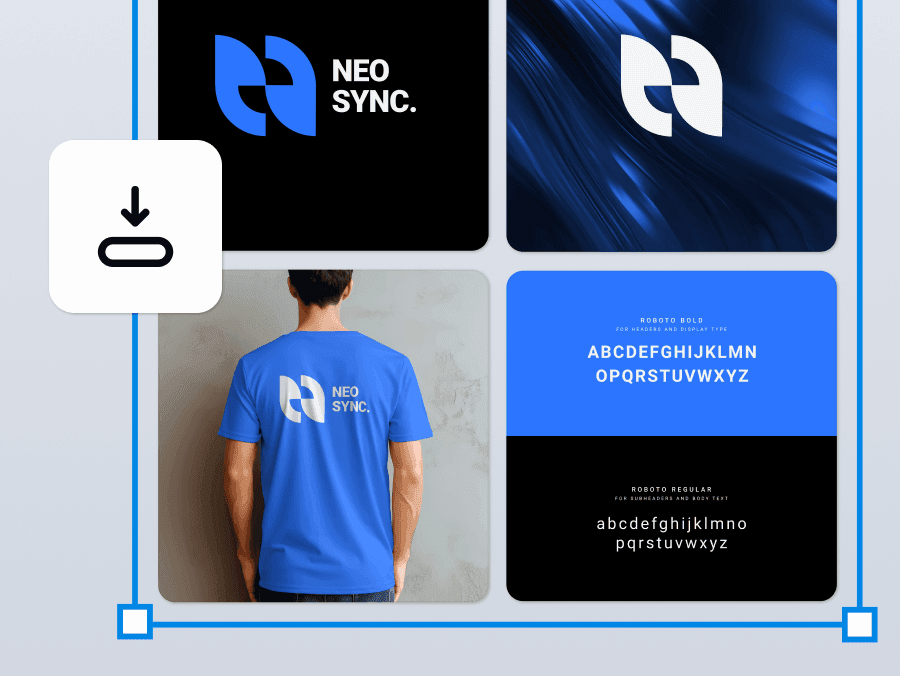
Rename your boards, pick your formats, and download multiple files at once.
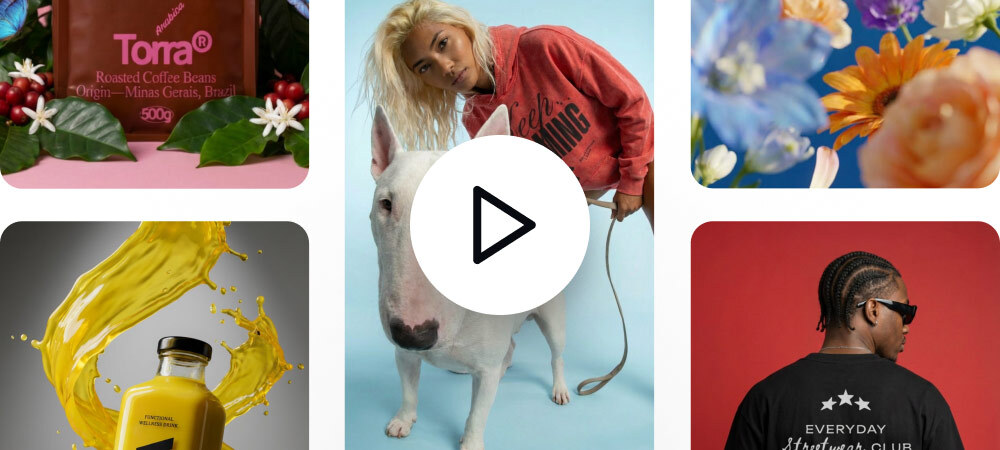
Whatever you’re making, this is your space to make it better. Design projects big and small in one flexible workspace. Keep your ideas, versions, and finished assets all in one view.
Design front and back prints, create listing images, mockups, and thumbnails all together.
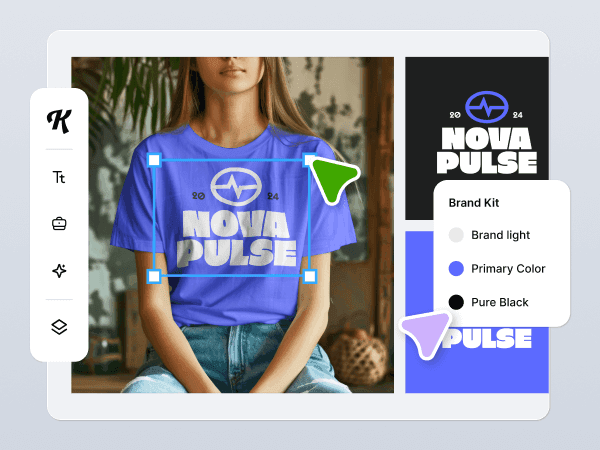
Build full brand boards with logo variations, full brand personality, and social templates side by side.
Build full brand boards with logo variations, full brand personality, and social templates side by side.
Keep your menus, promos, and campaigns in one workspace.
Lay out slides, worksheets, and social content in every format and keep all your materials organized in one canvas.
Design decks, brand guides, and zines across multiple artboards with full control and print-ready exports.
Share concepts, prep deliverables, and keep every version together. Perfect for fast feedback and smooth handoffs.
Like a live digital moodboard, use it to pull in inspiration, lay out sketches, and evolve ideas into finished assets.
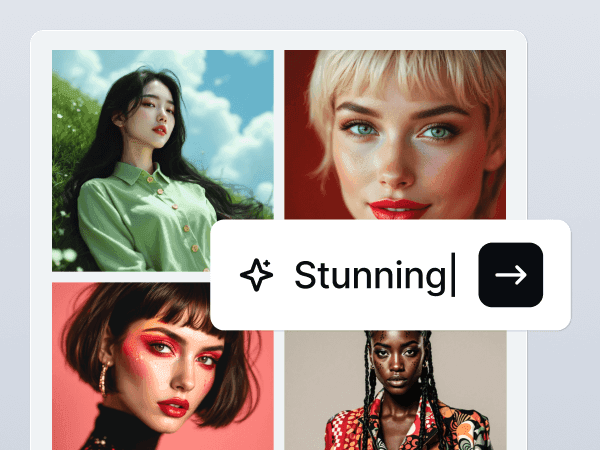
Kittl AI is your creative companion that complements your workflow to help maximize your output and make tedious tasks easier.
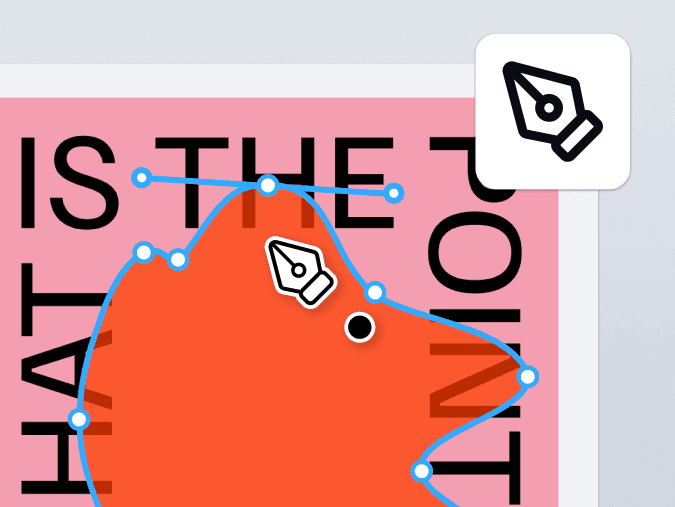
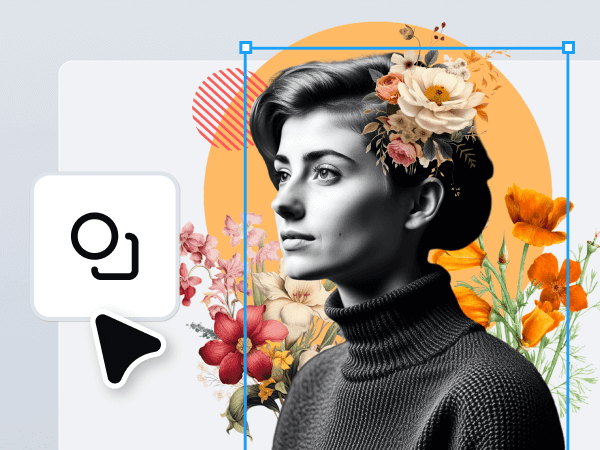
Want full creative control without switching tools? Kittl’s Vector Suite lets you draw, combine, and fine-tune shapes and paths with precision.
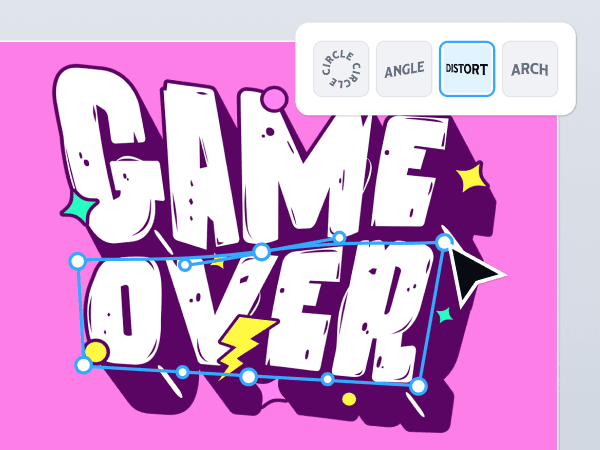
Transform typography into art with Kittl’s advanced text effects and easy-to-use tools for bold, professional designs.
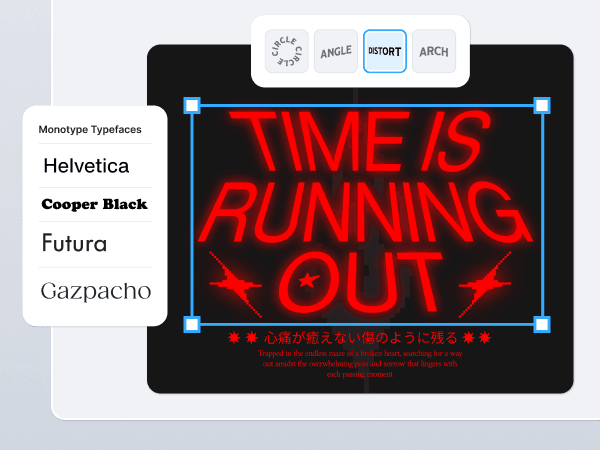
Kittl offers more than 1,400 fonts including premium professional fonts like Helvetica and Times, custom-made fonts like Blackriver, and your favorite free fonts!
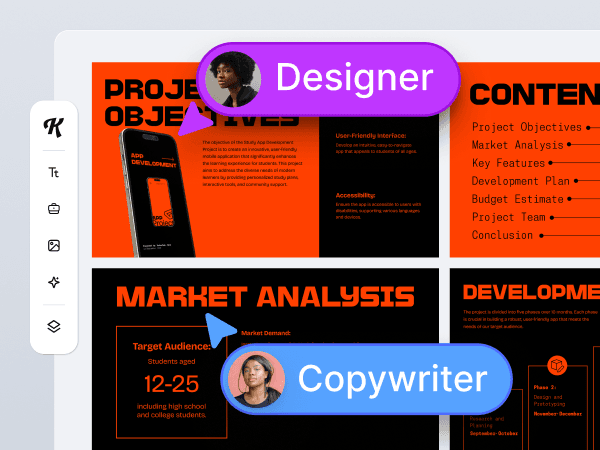
Empower your team to create professional-quality designs together with real-time collaboration and scalable workflows.
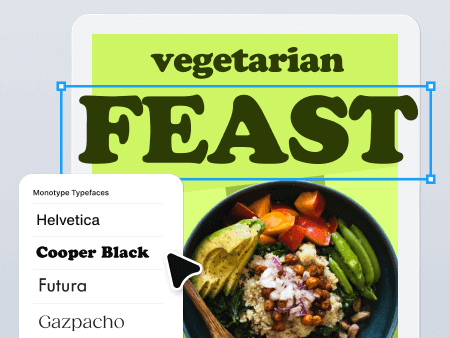
The world's most iconic typefaces are now in your browser zero setup required. Ready for your brand, merchandise, packaging, and everything in between.
An artboard is a defined space within your design workspace that acts like a page or frame for each layout. In an infinite canvas design tool like this, it becomes a boundless workspace with unlimited artboards in a single project
Are you ready to explore a wide-open world with a canvas that goes on forever? Open your project, and make it infinite.