


Real-time collaboration
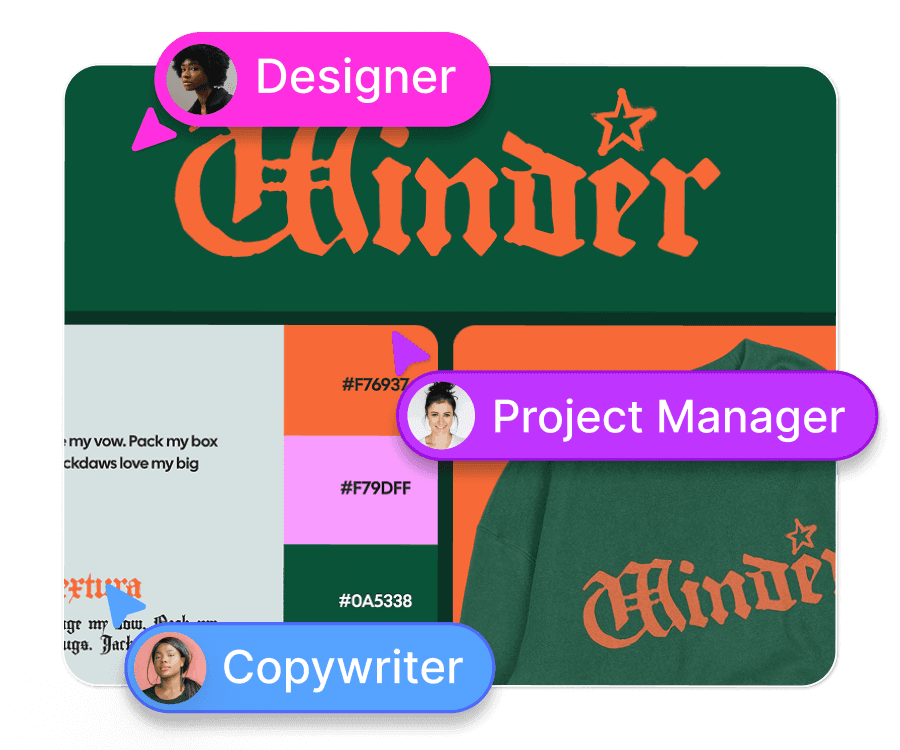
Work simultaneously with your team on the same design. See live updates, provide instant feedback, and keep projects moving.
A shared workspace for creative teams to design, review, and deliver — without installs or silos. Start free today.
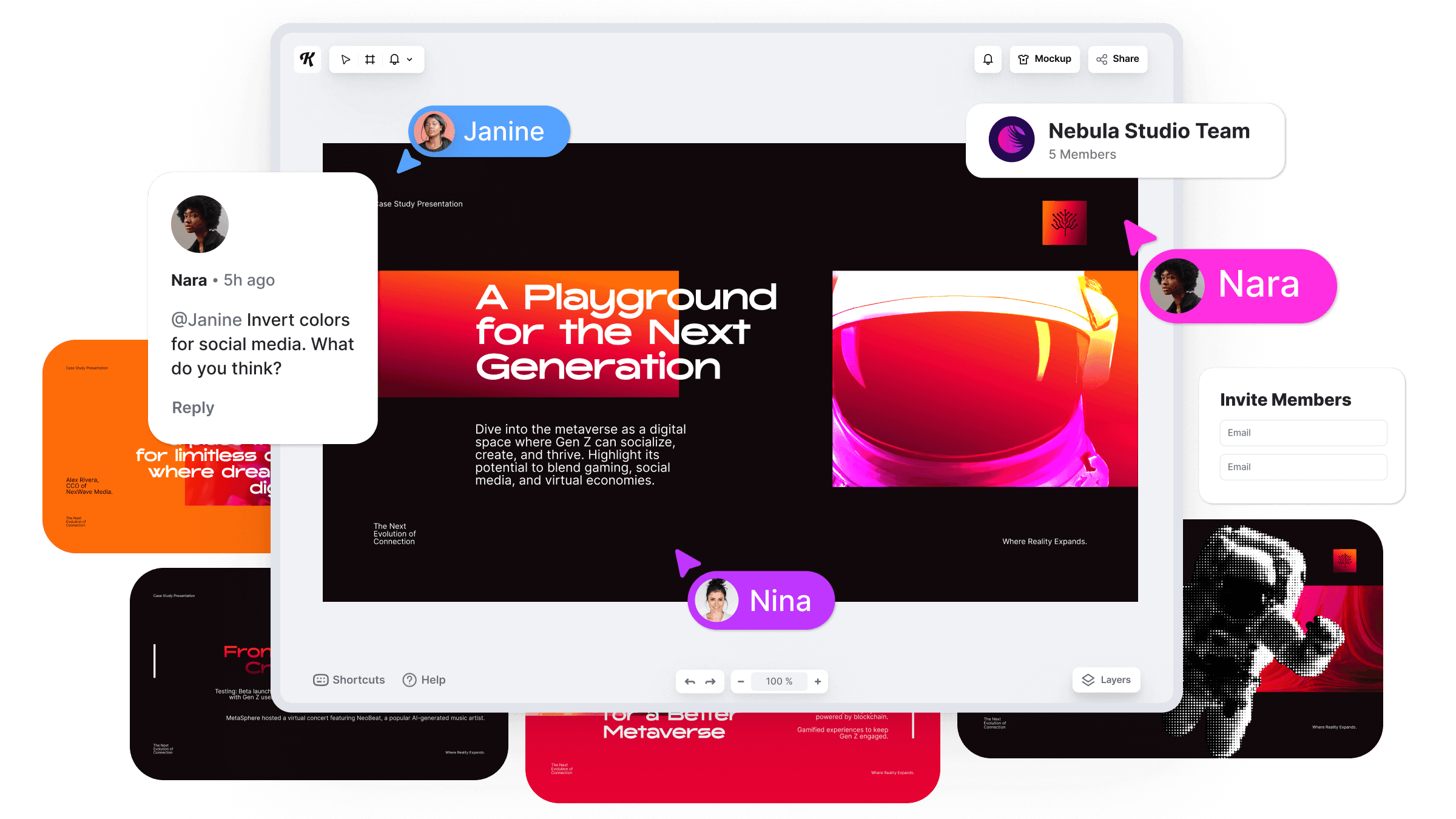
Work simultaneously with your team on the same design. See live updates, provide instant feedback, and keep projects moving.
Organize your assets with shared folders and project-level structures. Manage roles and permissions in a single dashboard.
Add clients or freelancers with customizable permissions, and streamline billing with team-wide management.
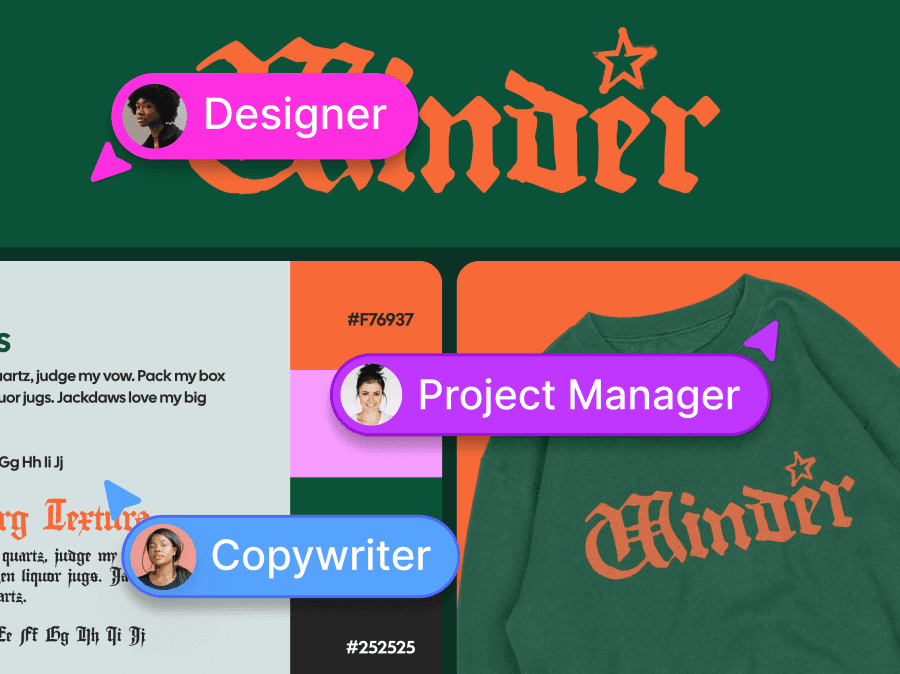
When you’re running a creative agency or manage in-house content, the challenge isn’t just the design. It’s the coordination.
Kittl Teams replaces the patchwork of apps.
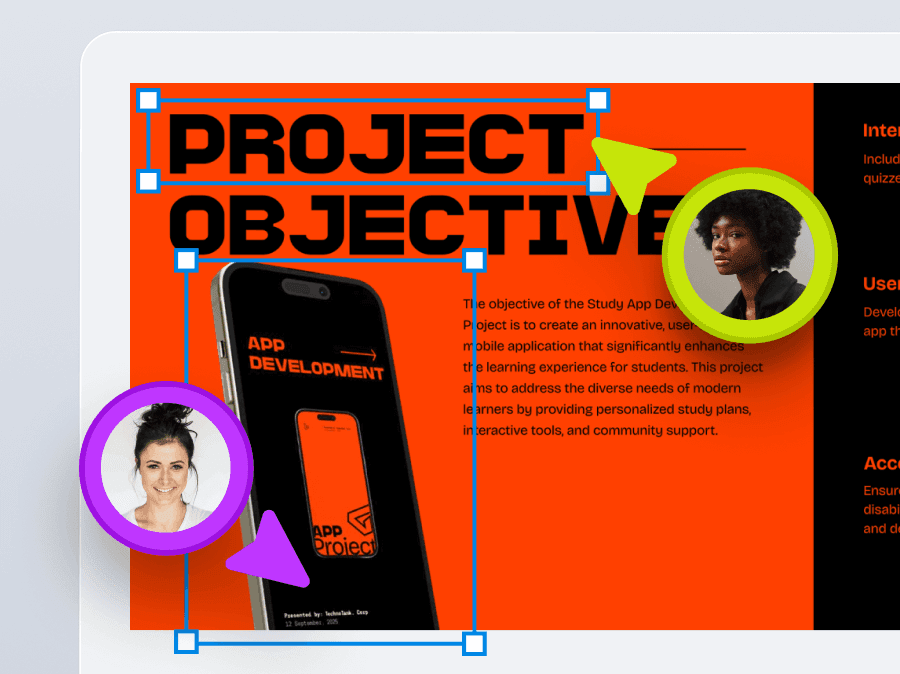
Design live, together. Leave comments directly on the canvas. See changes instantly. Work together easily. No more sending screenshots to see the latest version of the design.
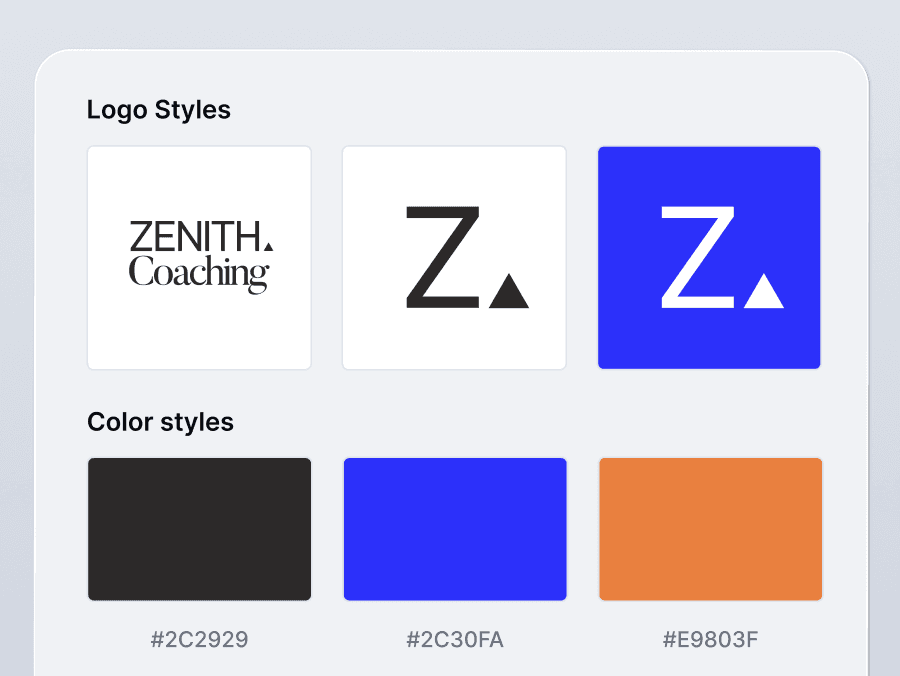
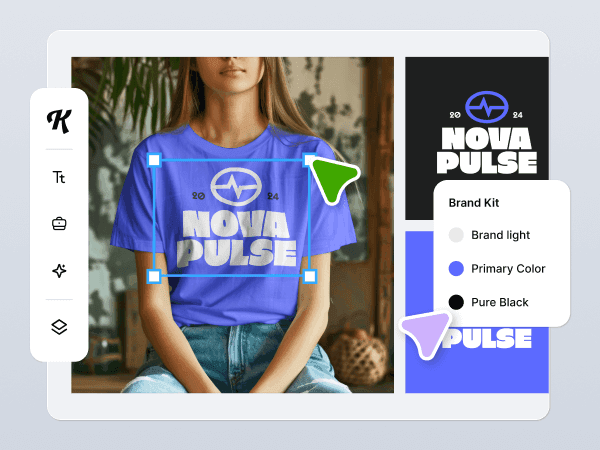
Any image, font, or AI-generated content uploaded by one team member is available to the rest of the team. Stay organized by reducing duplicate uploads and keeping your assets consistent.
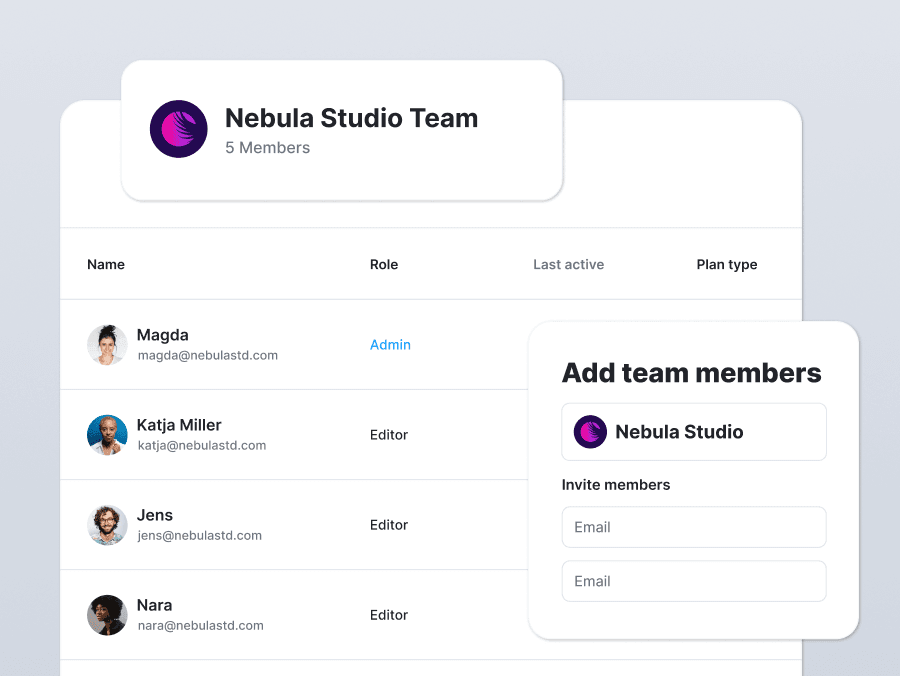
No more shared logins or version mix-ups. Invite teammates or clients to view or edit a design. Set “can view” or “can edit” access per person.
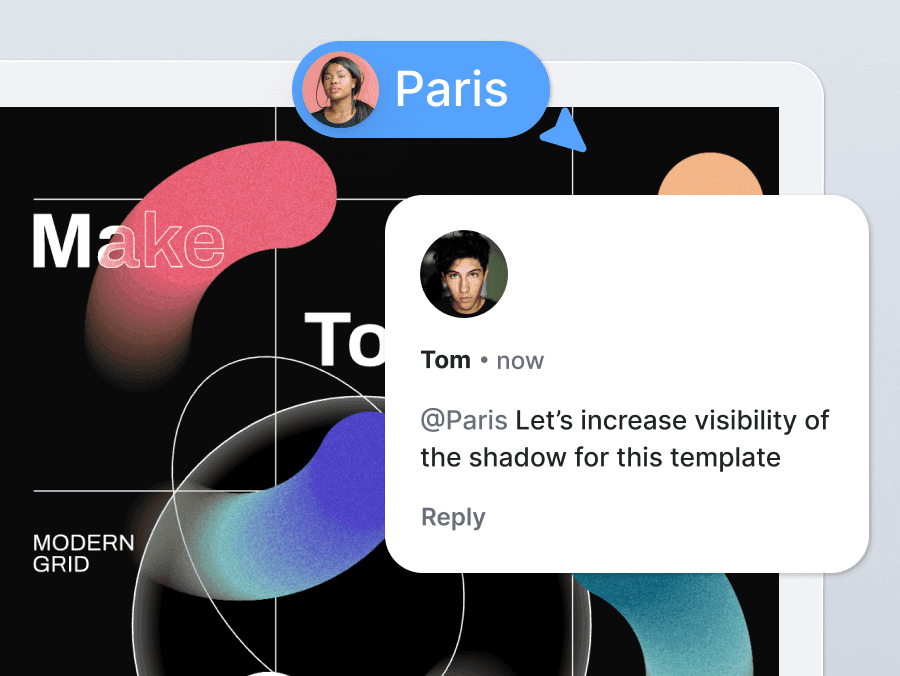
Need faster feedback & approvals? When you share a project, clients get a link by email. They leave feedback directly in the design. Comments are stored with the project, so everything stays clear and in one place.
One place to manage client projects, freelancers, and feedback.
Work like a team, without needing to set up Slack + Drive + Feedback tool to finish one design.
Keep your team aligned, approvals clear, and creative quality high.
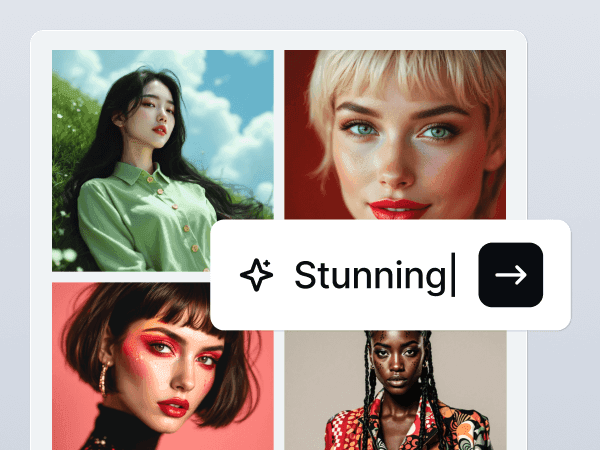
Kittl AI is your creative companion that complements your workflow to help maximize your output and make tedious tasks easier.
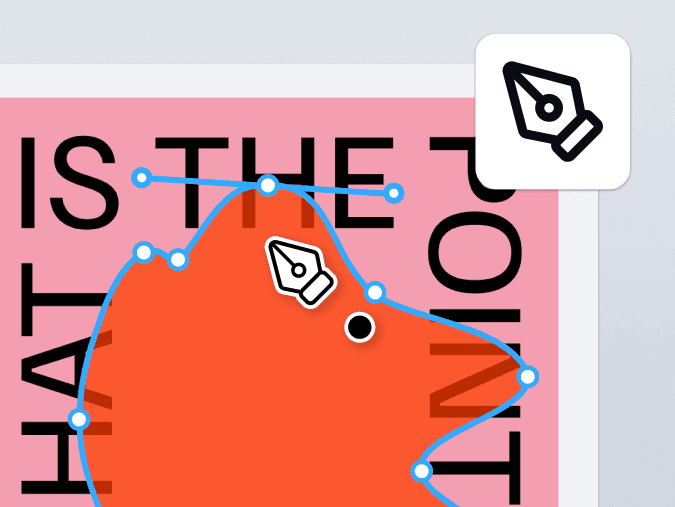
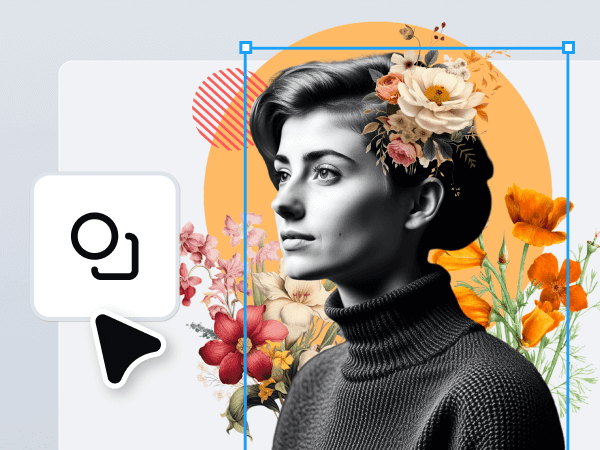
Want full creative control without switching tools? Kittl’s Vector Suite lets you draw, combine, and fine-tune shapes and paths with precision.
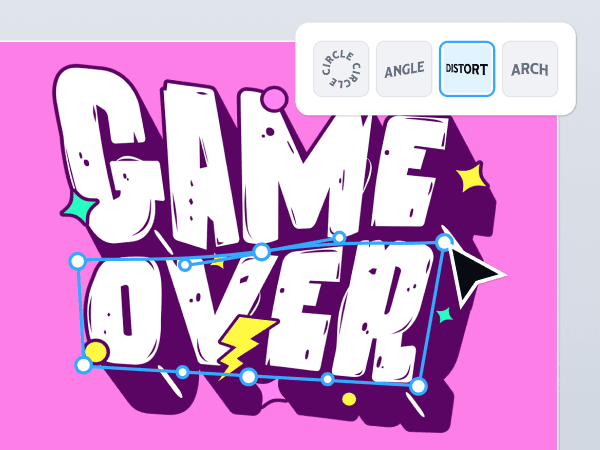
Transform typography into art with Kittl’s advanced text effects and easy-to-use tools for bold, professional designs.
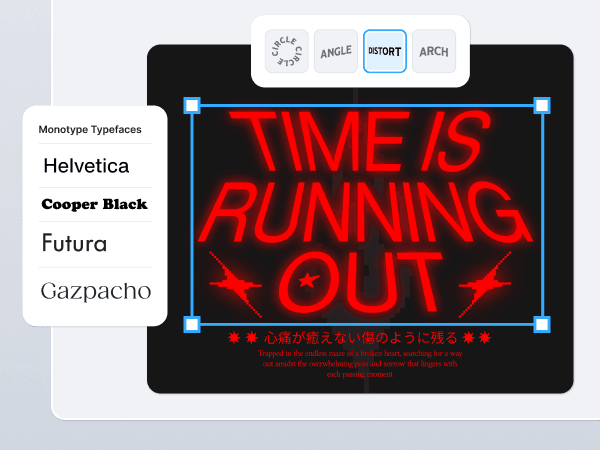
Kittl offers more than 1,400 fonts including premium professional fonts like Helvetica and Times, custom-made fonts like Blackriver, and your favorite free fonts!
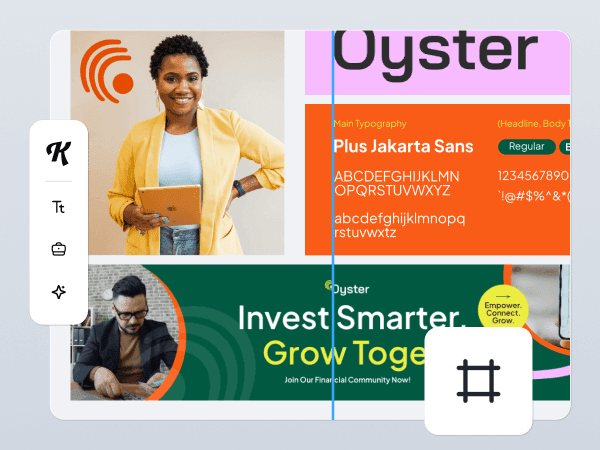
Infinite Canvas means you can create unlimited artboards in any size or dimensions in any single project. You can moodboard and design at the same time, and efficiently manage complex projects.
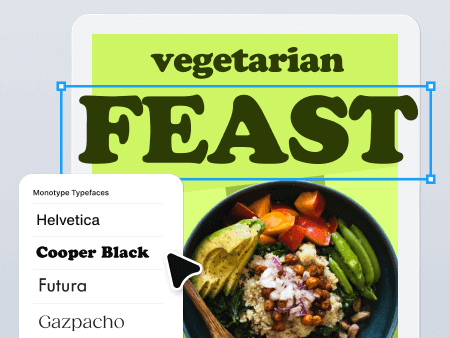
The world's most iconic typefaces are now in your browser zero setup required. Ready for your brand, merchandise, packaging, and everything in between.
Yes. Kittl Teams logs comments, edits, and feedback with user names and timestamps, so you always know who did what.
Create your shared design workspace now. Skip the back-and-forth. Start collaborating the way your team actually works.