











Right workflow, right result.
Pick the workflow for what you're making. A product shot needs one thing, a social post another.
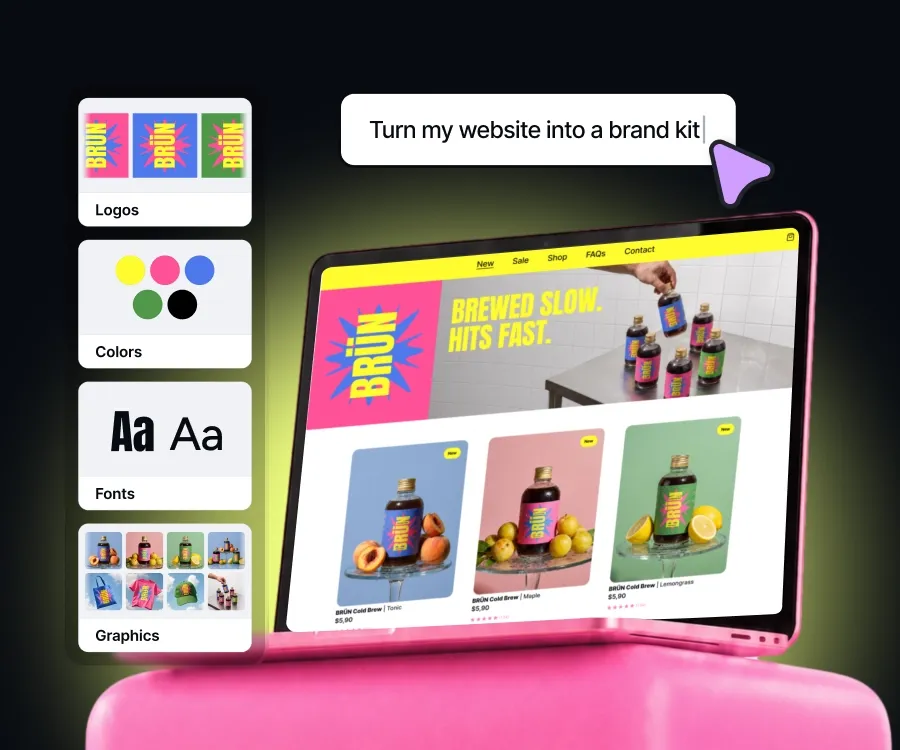
Paste your website URL and your colours, fonts, and logo come in. Then build on-brand marketing campaigns, in a click.
Trusted by +10M sellers
Proven workflows, with your brand already applied
Pick the workflow for what you're making. A product shot needs one thing, a social post another.
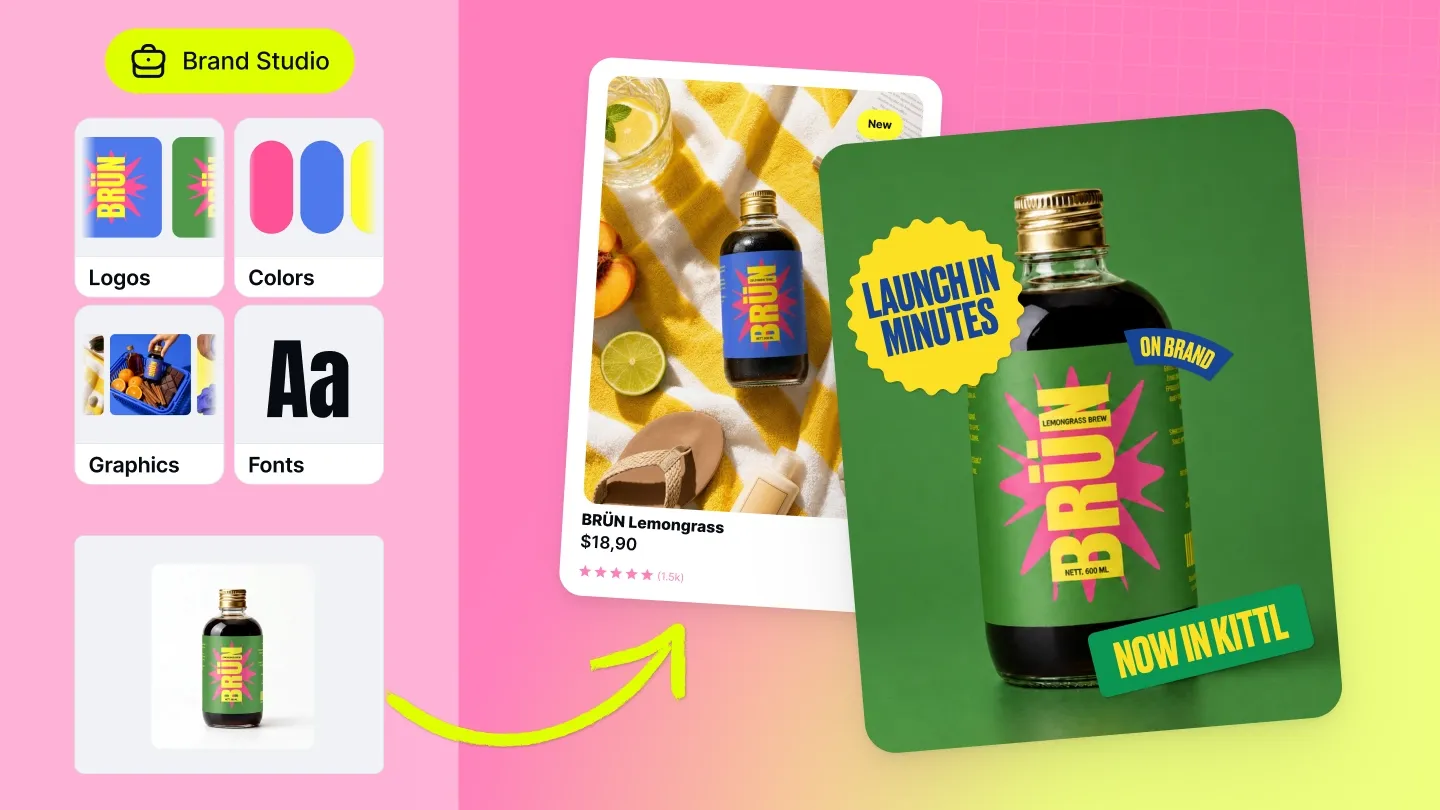
Colours, fonts, and logo, visual style, already in place. No hex codes, no re-uploading your logo.
Same workflow, same brand kit, same result. Your third launch matches your first.
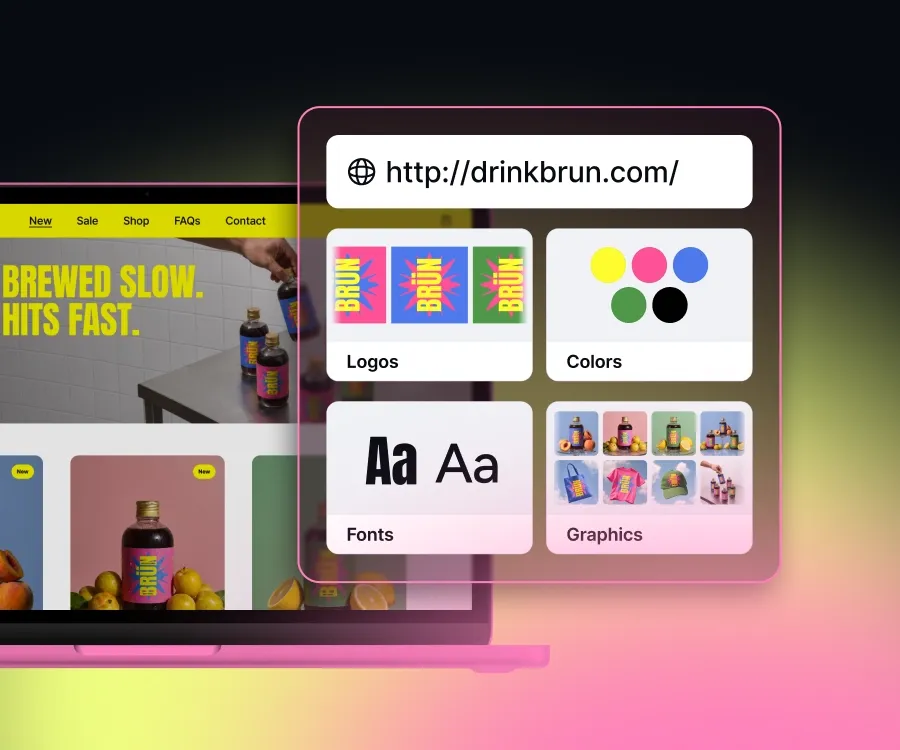
Paste a link to your website or store into Brand Studio. Your colours, fonts, logo, and graphics come back as a kit, in seconds.
Review it, change what's off, then take it into the workflows that use your brand.
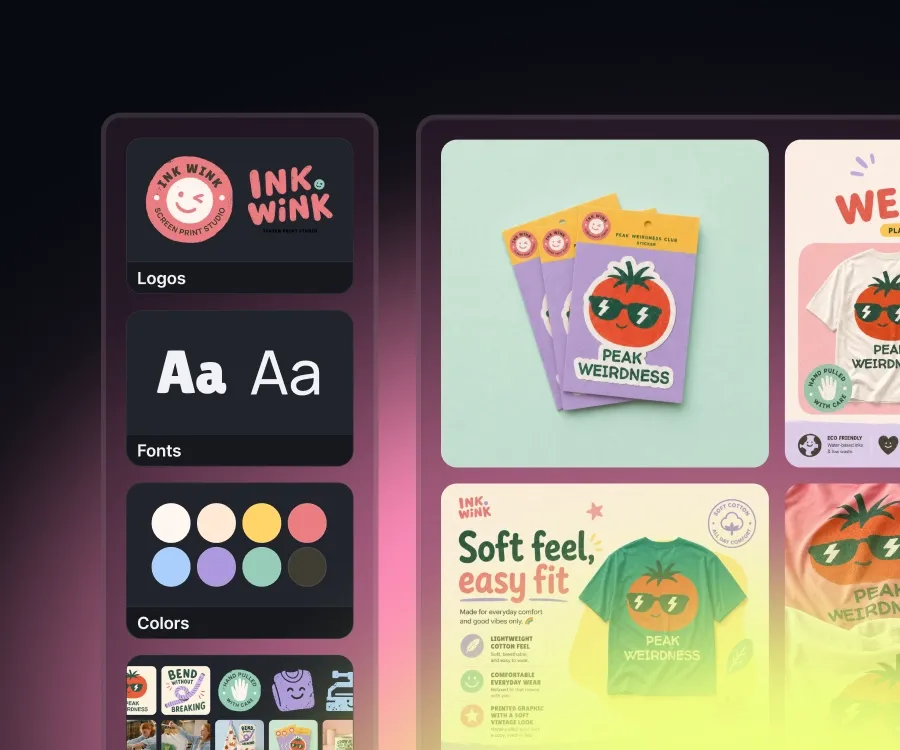
Your colours, your fonts, your logo, your graphics. Everything Brand Studio builds from, and all of it yours to change. Swap a colour, pick a different font, upload your own.
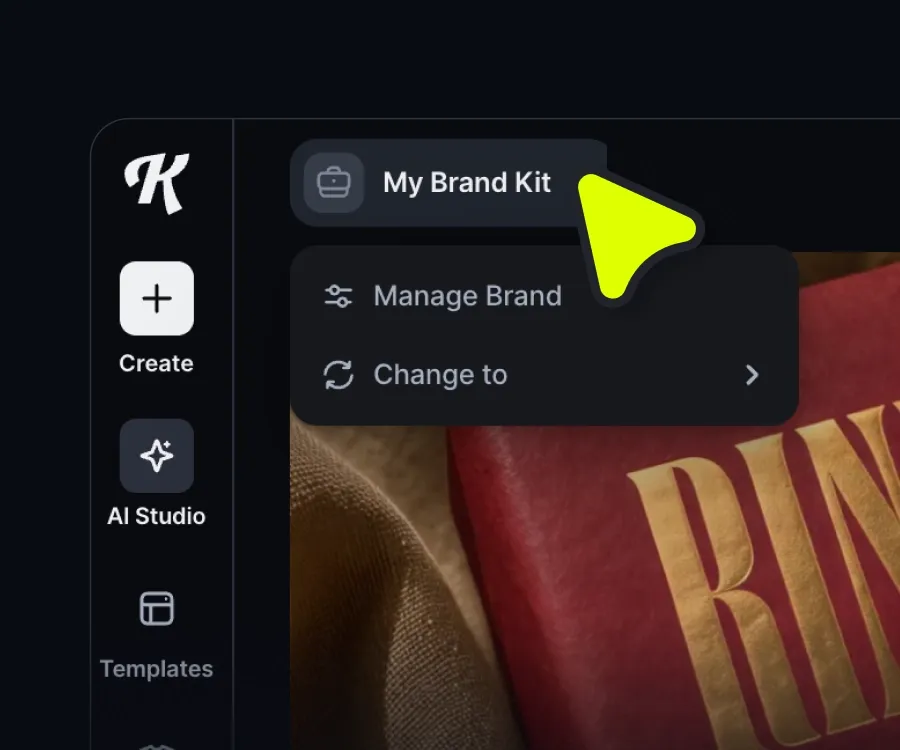
Click the Brand Kit icon in the left sidebar and select Add new brand kit to start.
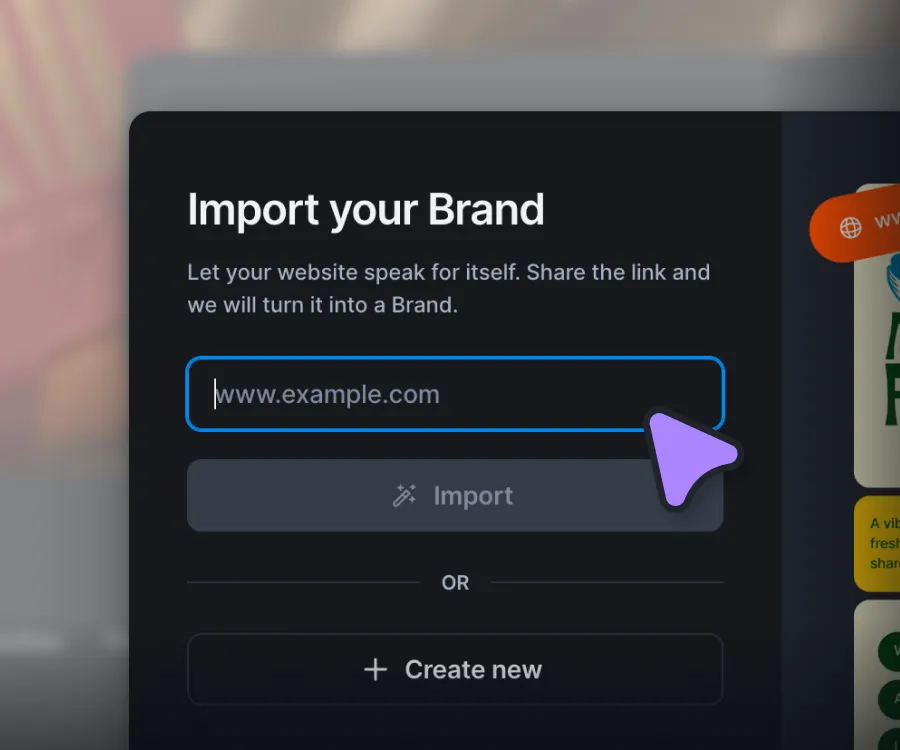
Add your website or store URL. Kittl pulls your fonts, colours, and logo straight from the site.
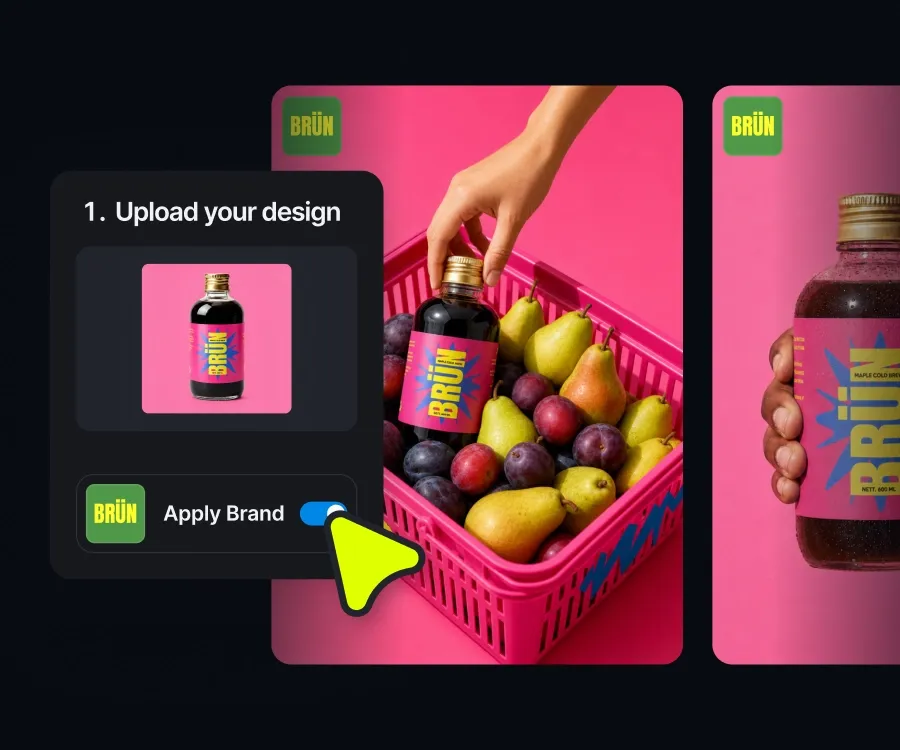
Pick a workflow and switch Apply brand. Everything you make stays on-brand.


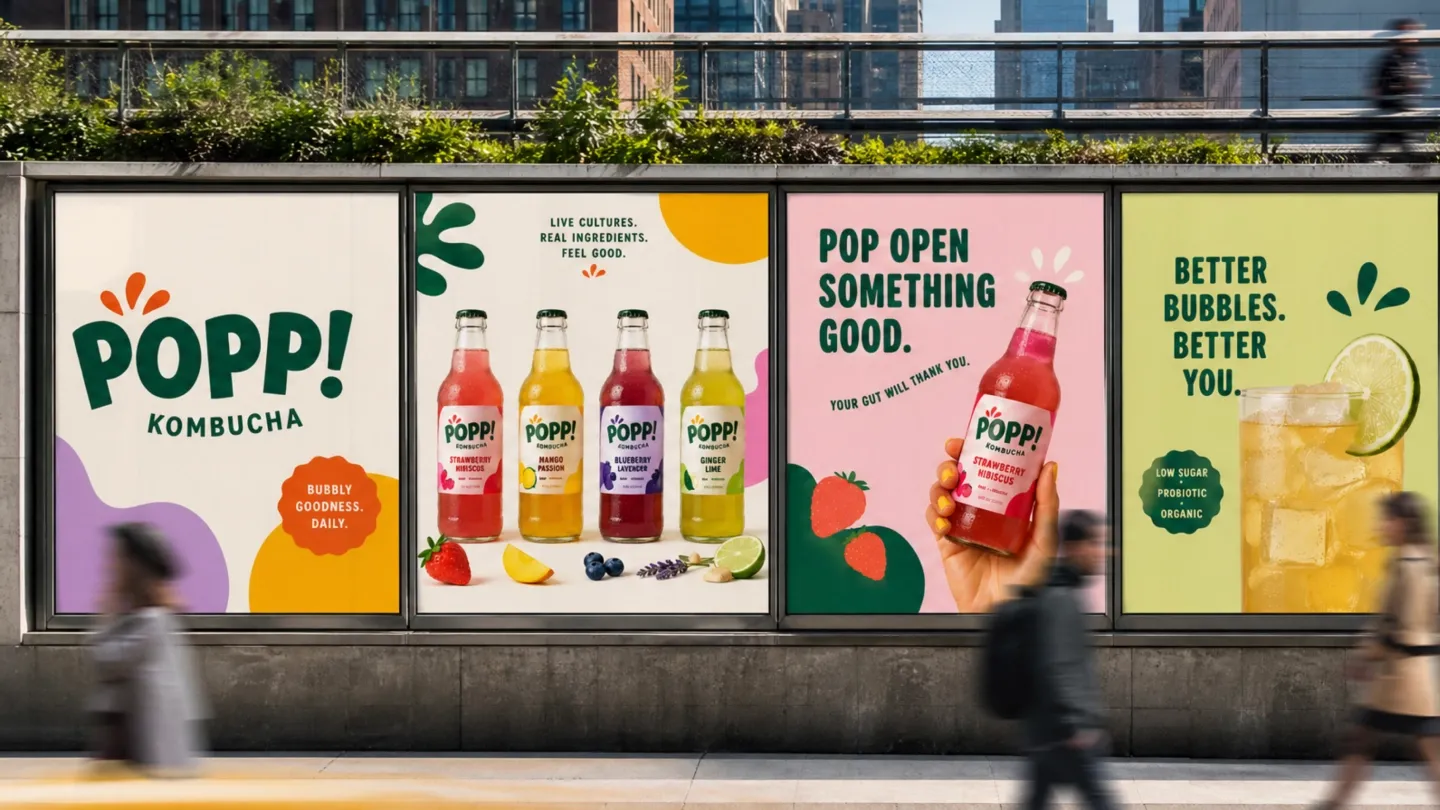
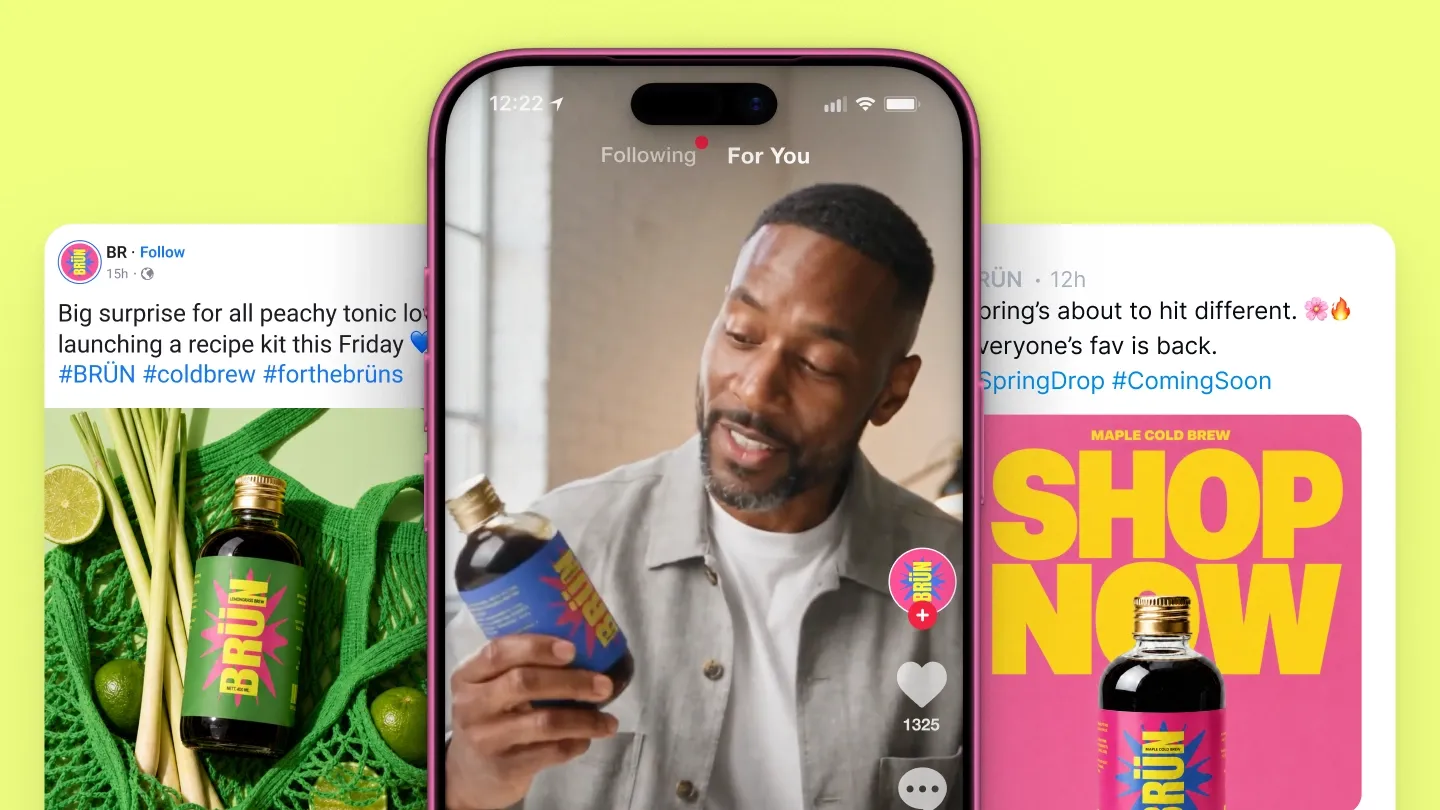
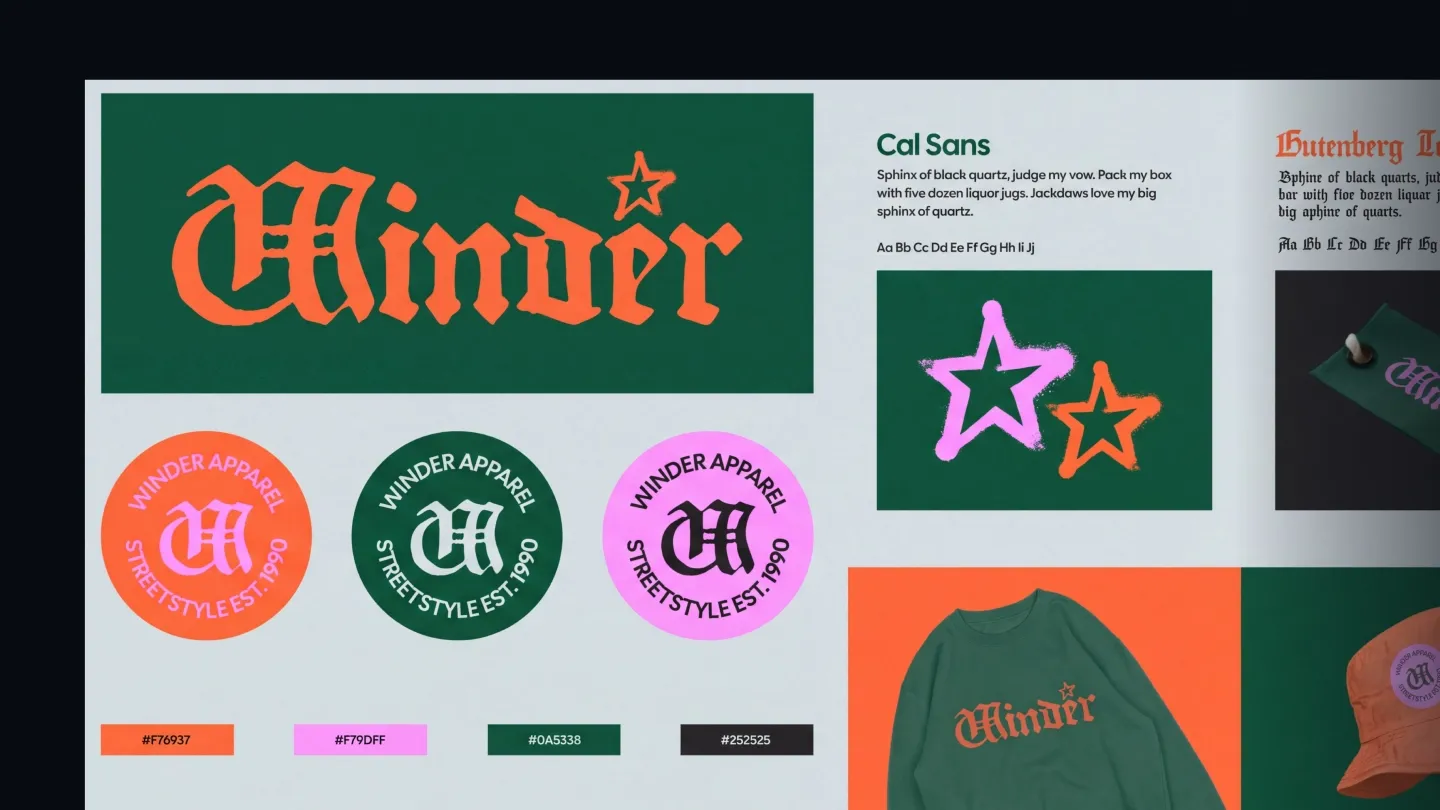
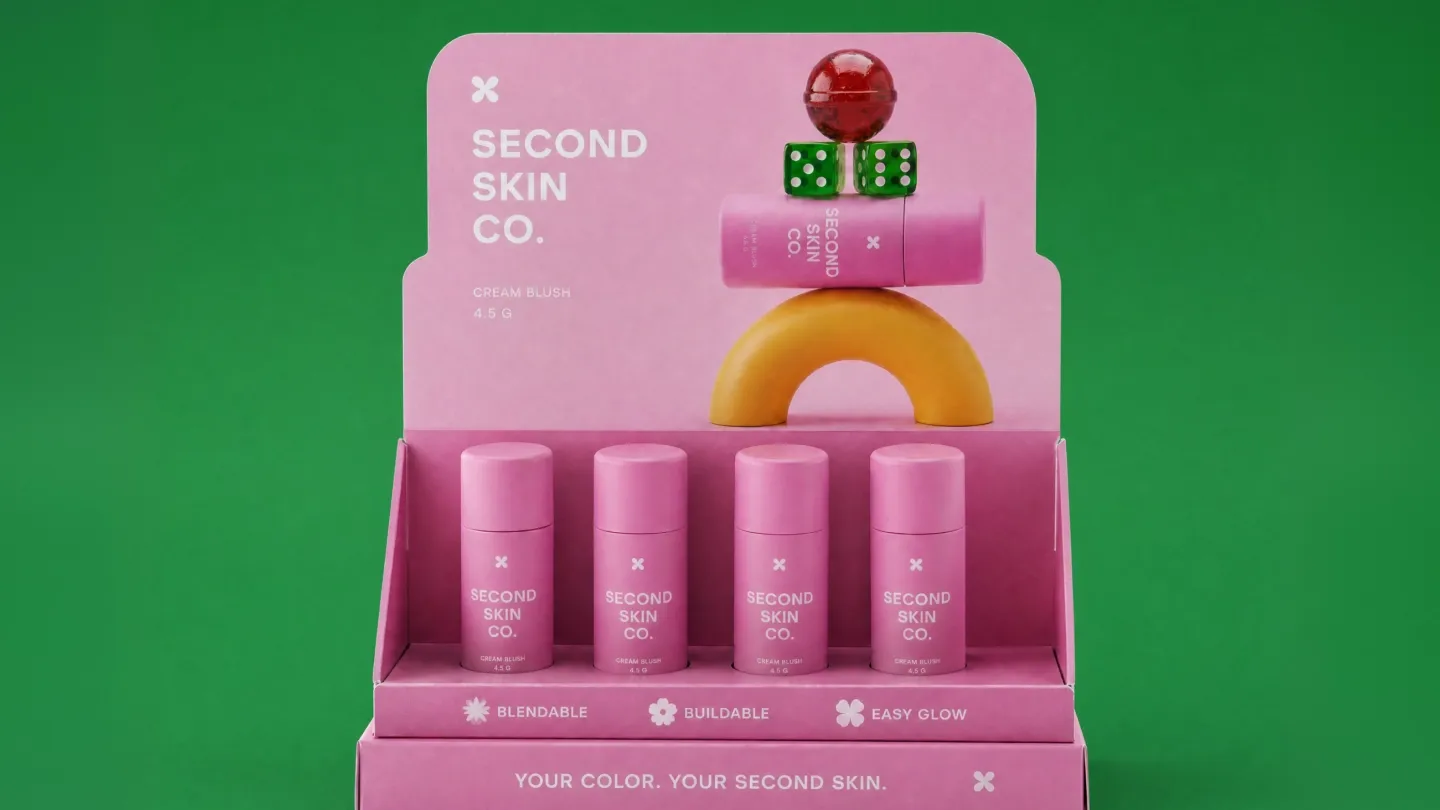
Your logo, your product photos, your files. Sorted before you start.
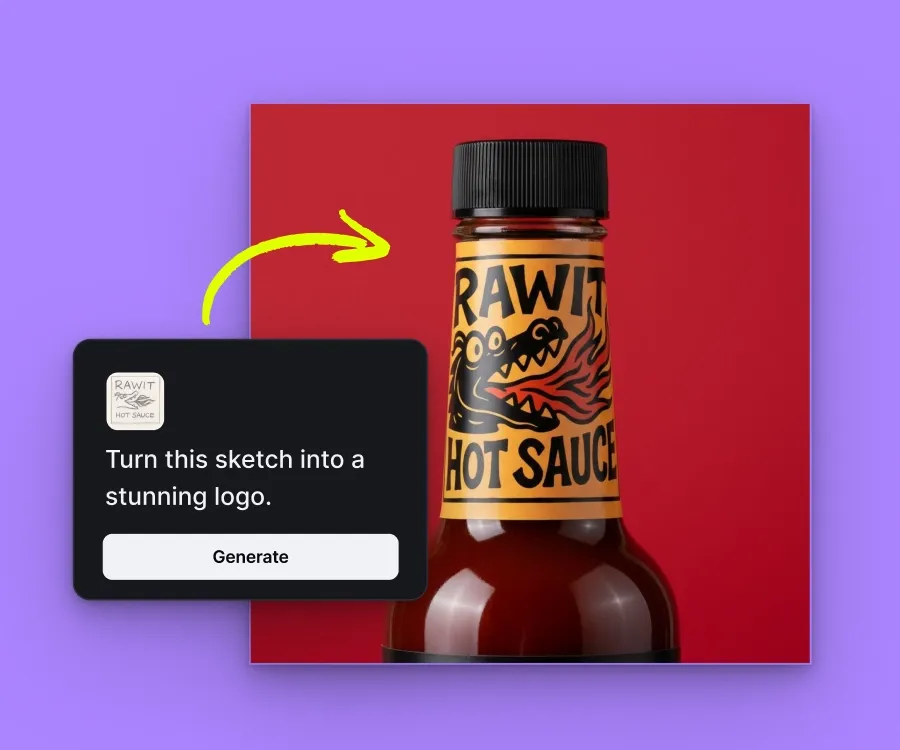
Don't have a logo yet? Build one, then add it to your kit so every asset carries it.
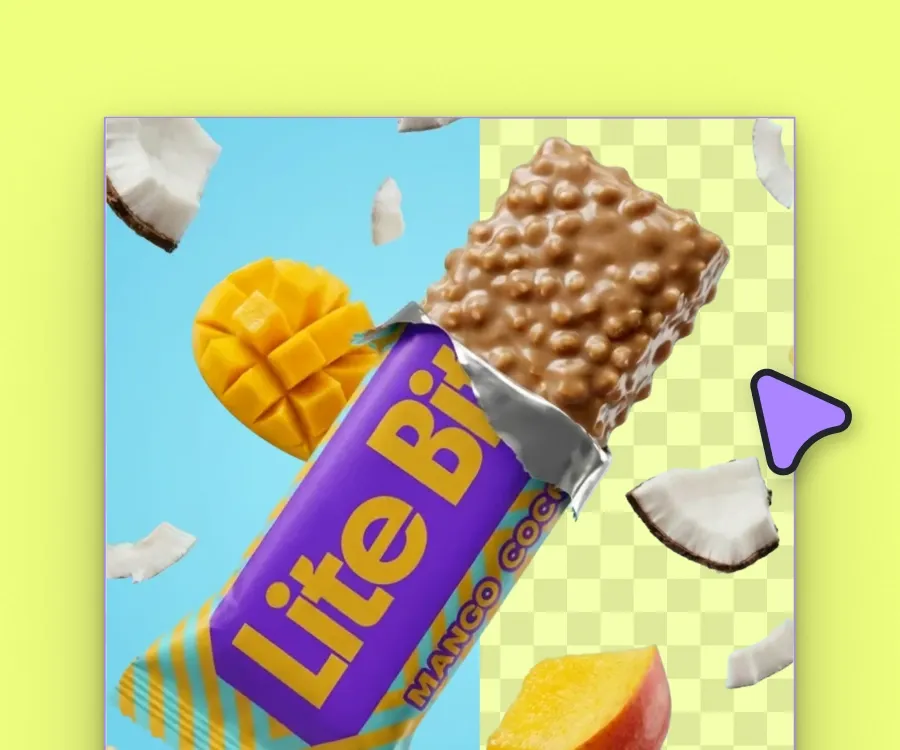
Strip the background from a product shot so it drops cleanly into any scene you generate.
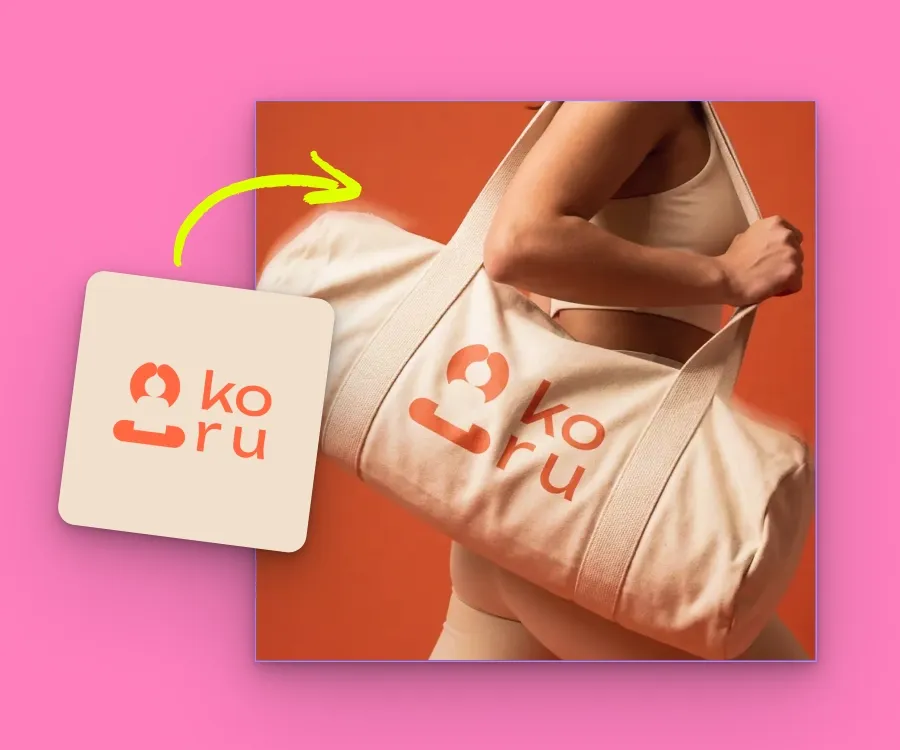
Turn a flat image of your logo into a vector file that holds up at any size, from a label to a market banner.
Brand Studio is the part of Kittl where your brand is stored and used. You build a brand kit inside Brand Studio, and the Kittl workflows with the Brand function pull from that kit.
Paste a link and see what comes back. Your colours, fonts, and logo, ready in seconds.