










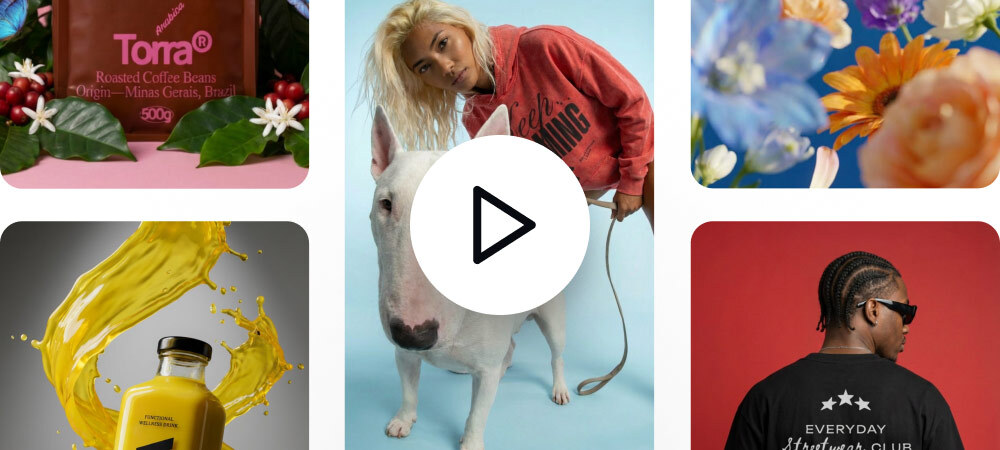



Animate as you Design
Turn any design into a short clip right on your canvas no exports no switching tools.
Bring your mockups, packaging, and campaigns to life directly on your canvas. Use our free AI video generator to type a prompt, dictate the motion, and export agency-quality assets. Let's get your brand moving.
Start from a video template
Turn static mockups into a short product video right on your canvas. Skip the learning curve, just prompt the motion and generate, ready for product pages and marketplaces.
Turn static posts into a short clip that’s easier to catch mid-scroll. Animate typography and key elements, then reuse prompts to create variations fast—without rebuilding the video each time.
Turn static brand assets into motion for campaigns, launches or brand presentations. Add mood and energy while keeping your layouts and typography consistent—built for text and vectors.
Turn any design into a short clip right on your canvas no exports no switching tools.
No timelines or keyframes needed describe the motion with a simple prompt and generate in seconds.
Typography- and vector-first animation that matches your style—not generic stock video.
Generate short motion clips directly on the canvas. No timelines. No tool switching. Just fast motion you can preview, refine, and export.
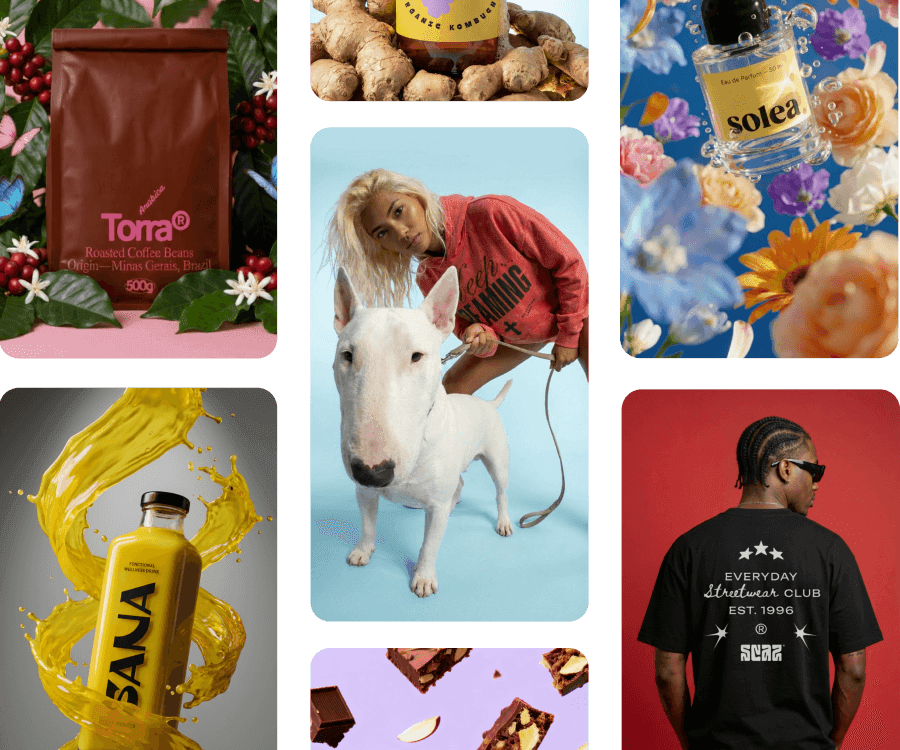
Kittl AI video generator is a motion tool built directly into the design canvas. Ecommerce brands use it to turn product mockups, launch layouts, and brand visuals into short promotional clips without opening a separate video tool. Everything happens where the design already lives.