









Advanced vector editing
Generate vector graphics with AI, then adjust colors, shapes, layout, typography, shadows, and more inside Kittl.



Generate vector graphics with AI, then adjust colors, shapes, layout, typography, shadows, and more inside Kittl.
Start with 100 free AI tokens. Generate, edit, and export your first vector designs without watermarks.
Create scalable vector artwork that stays crisp across packaging, stickers, merch, social posts, and print assets.
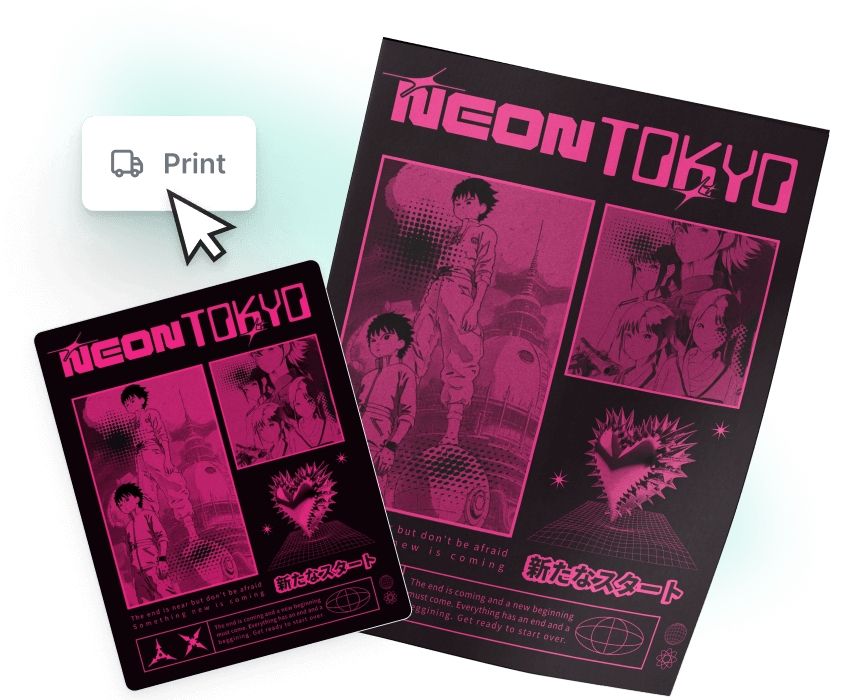
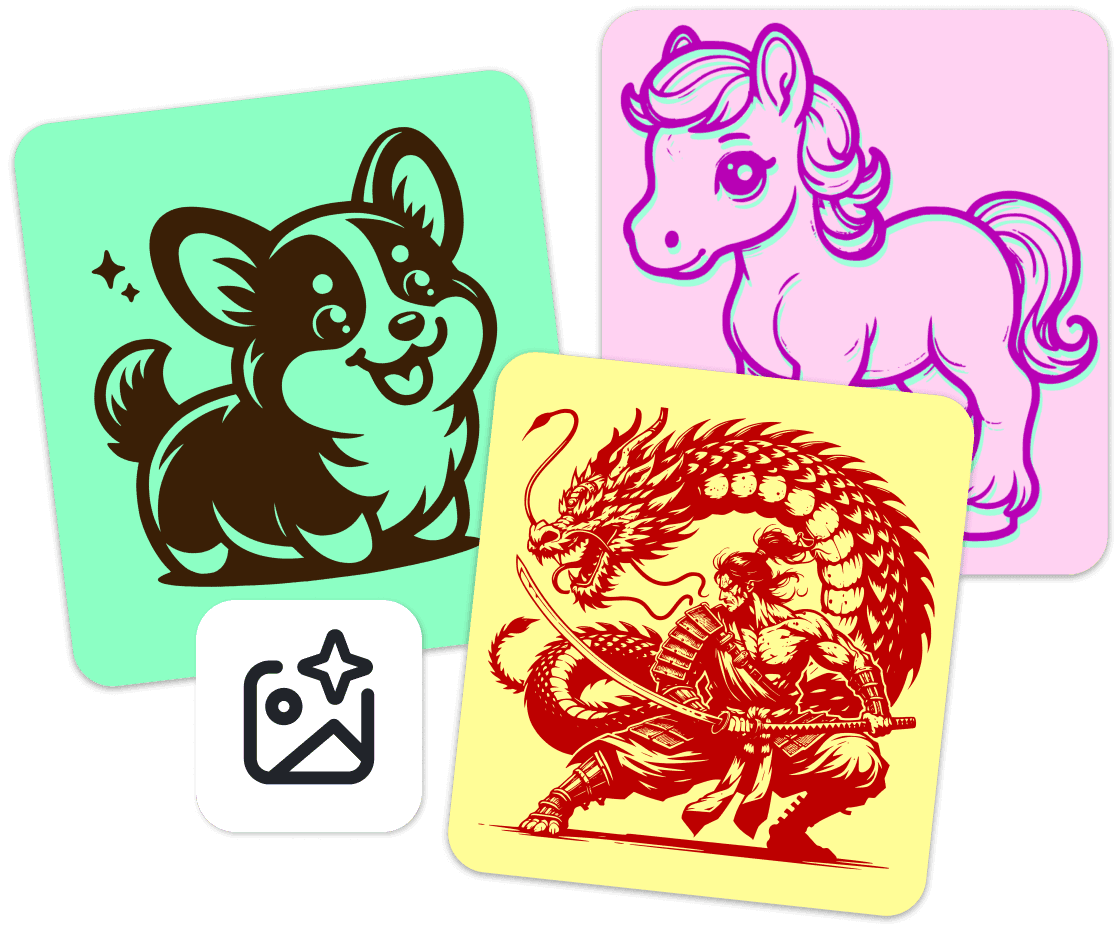
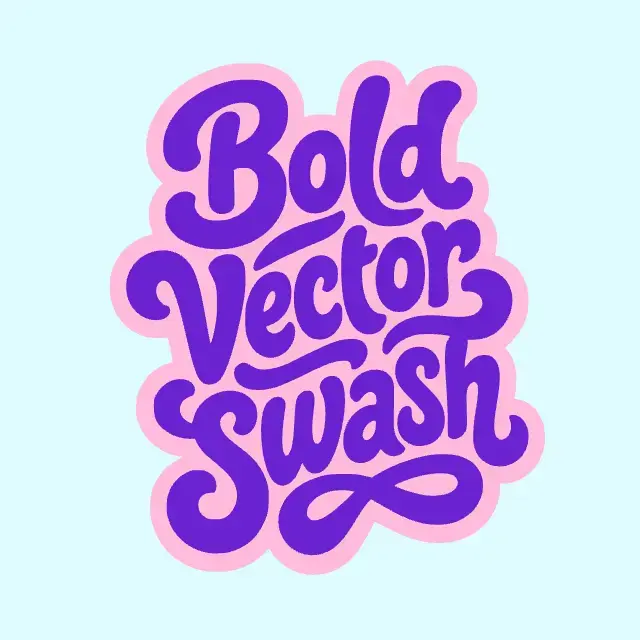
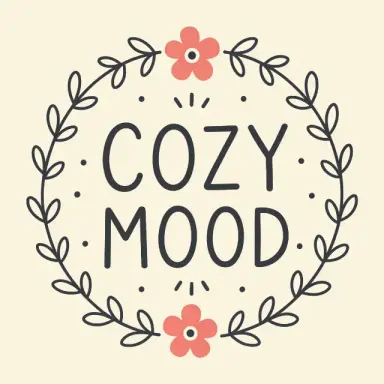
Transform simple text prompts into clean, editable vector art. Create icons, product badges, sticker designs, label graphics, merch artwork, and launch visuals in a few clicks.
Use it when you need graphics that look polished, consistent, and ready for real business use. Perfect for product brands, ecommerce stores, POD sellers, and creators who need sell-ready assets fast.
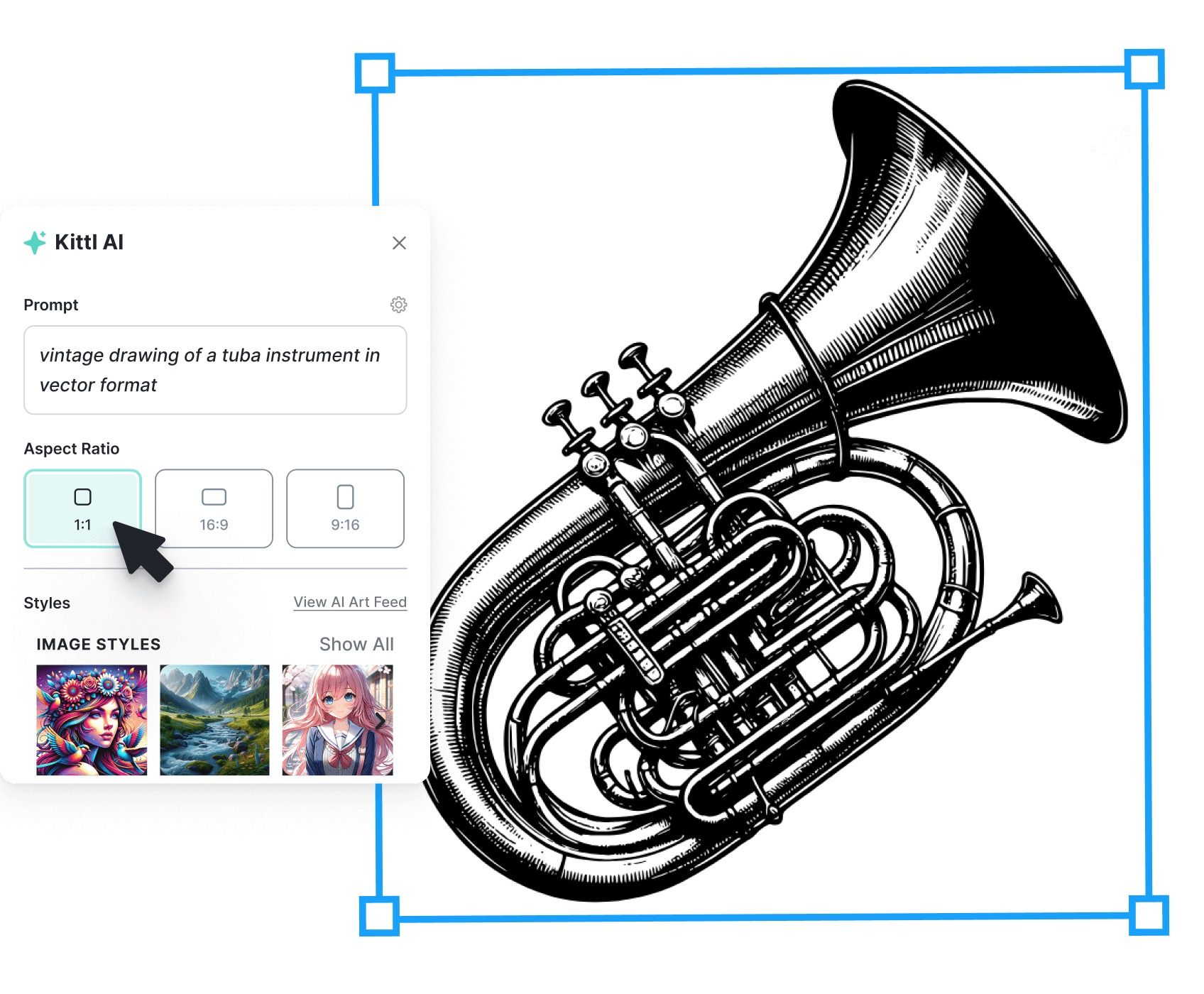
AI gets you started. Kittl keeps you in control.
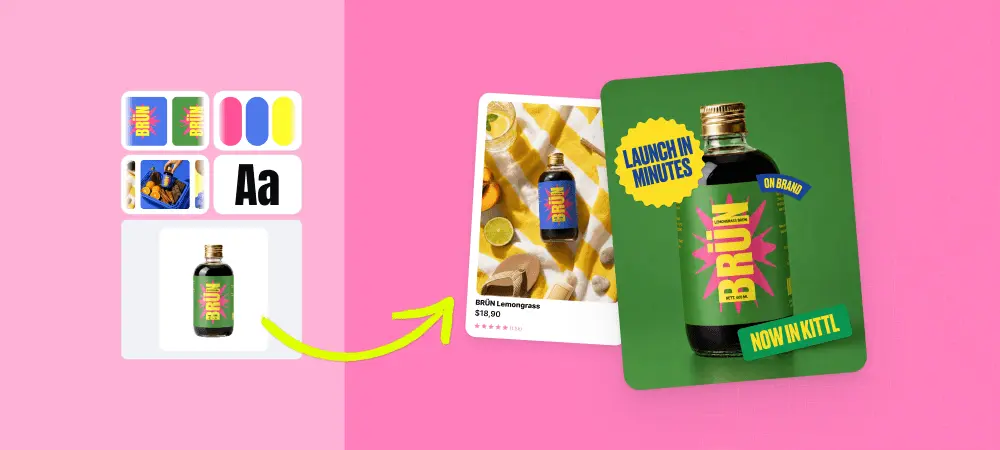
Customize your generated vector by editing colors, composition, typography, borders, opacity, and shadows. Add your design to templates, mockups, product visuals, packaging layouts, and social launch assets.
Use AI for speed. Use Kittl’s editor for precision.
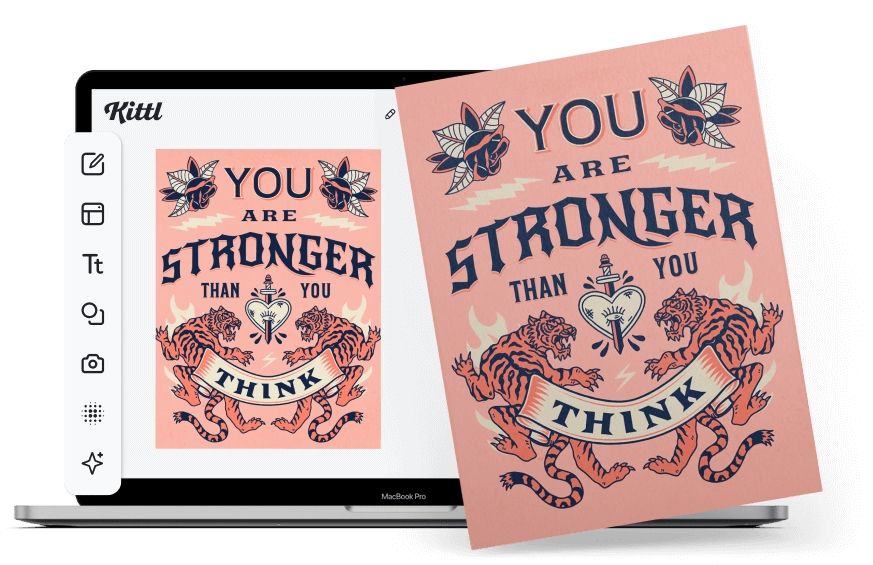
Create sharp vector graphics for digital and print use. Build assets for new product drops, seasonal campaigns, marketplace listings, packaging updates, promotional graphics, and brand launches.
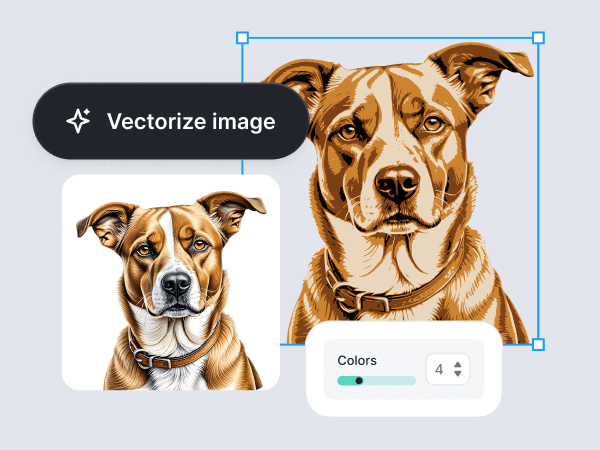
Kittl's AI-powered image vectorizer helps you to convert PNG, JPG, and raster images into crisp, scalable vector graphics. Free trials available.
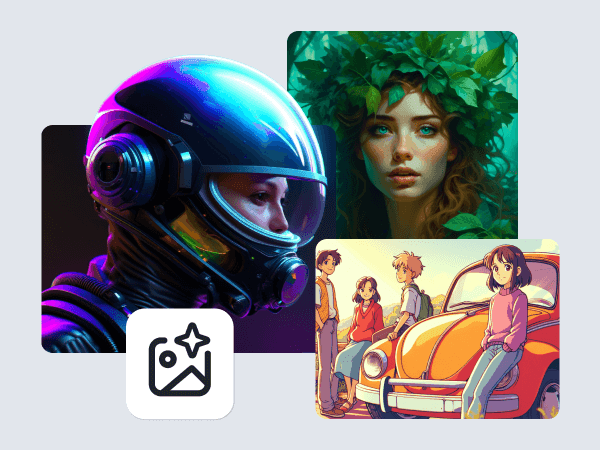
Kittl AI design generator works for commercial work. Create images for logos, packaging, merch, product mockups, and marketing campaigns on Kittl's design platform.
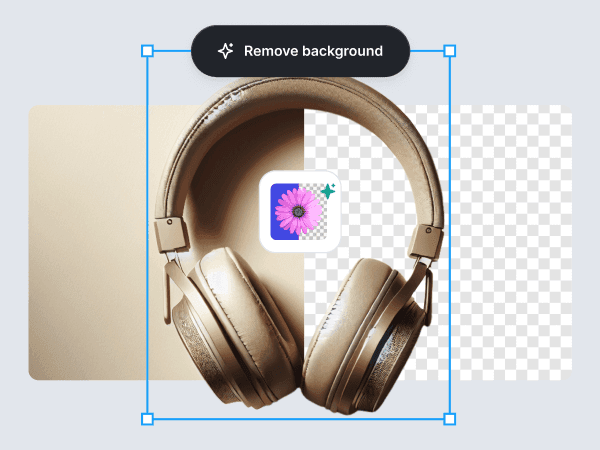
Eliminate backgrounds from images seamlessly with Kittl's AI Background Remover. Achieve professional, isolated subjects in seconds.

The 25 best AI tools for small business owners, selected to cover the full reality of running a business: marketing, customer support, ops, sales, finance, analytics, content, and team collaboration.

Before you dismiss vectorization as just another technical step, stick around. Because once you understand what a vectorizer actually does (and why designers still swear by it), you’ll see it’s not just a tool.
Discover how AI tools like Kittl’s Vector Generator are transforming design workflows. This guide covers top AI tools for designers, from image generation to advanced editing features, including Kittl’s innovative solutions.
An AI vector generator is a tool that creates scalable vector artwork from a text prompt. Instead of drawing icons, illustrations, or graphic elements by hand, you describe what you want and the AI produces a design you can edit and reuse across branding, merchandise, print, and digital projects.
Create editable vector graphics from a simple prompt. Make brand-ready icons, stickers, labels, merch designs, packaging assets, and launch visuals with Kittl’s AI Vector Generator.