








Twitch Banner Maker
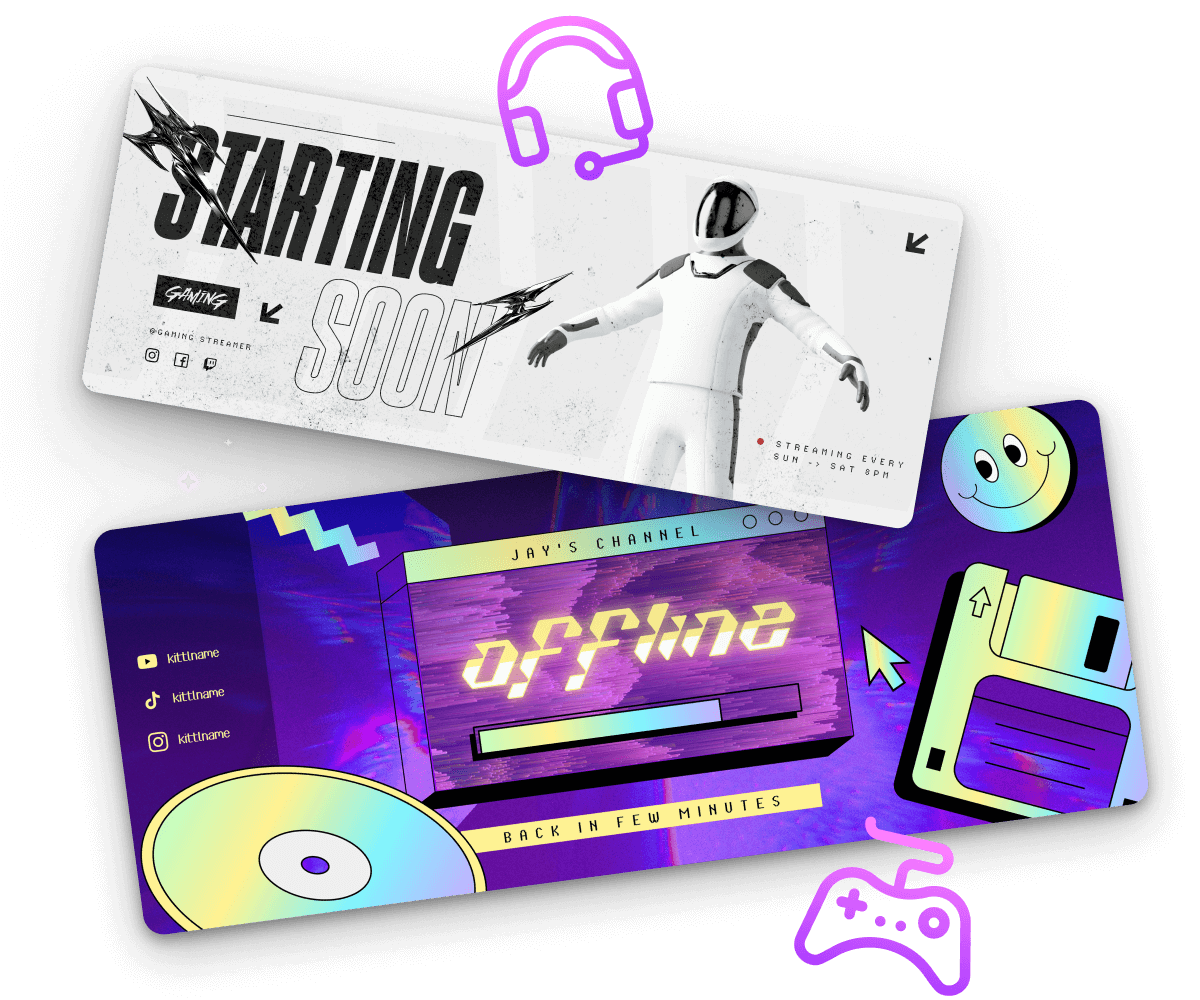
Take your live streams to the next level with Kittl's free Twitch banner maker. Create custom Twitch banners to showcase your brand and gamer persona and attract new subscribers. With our drag-and-drop editor and editable templates, creating an eye-catching Twitch banner is only a few clicks away.
Trusted by designers at


Make your own Twitch banner in minutes
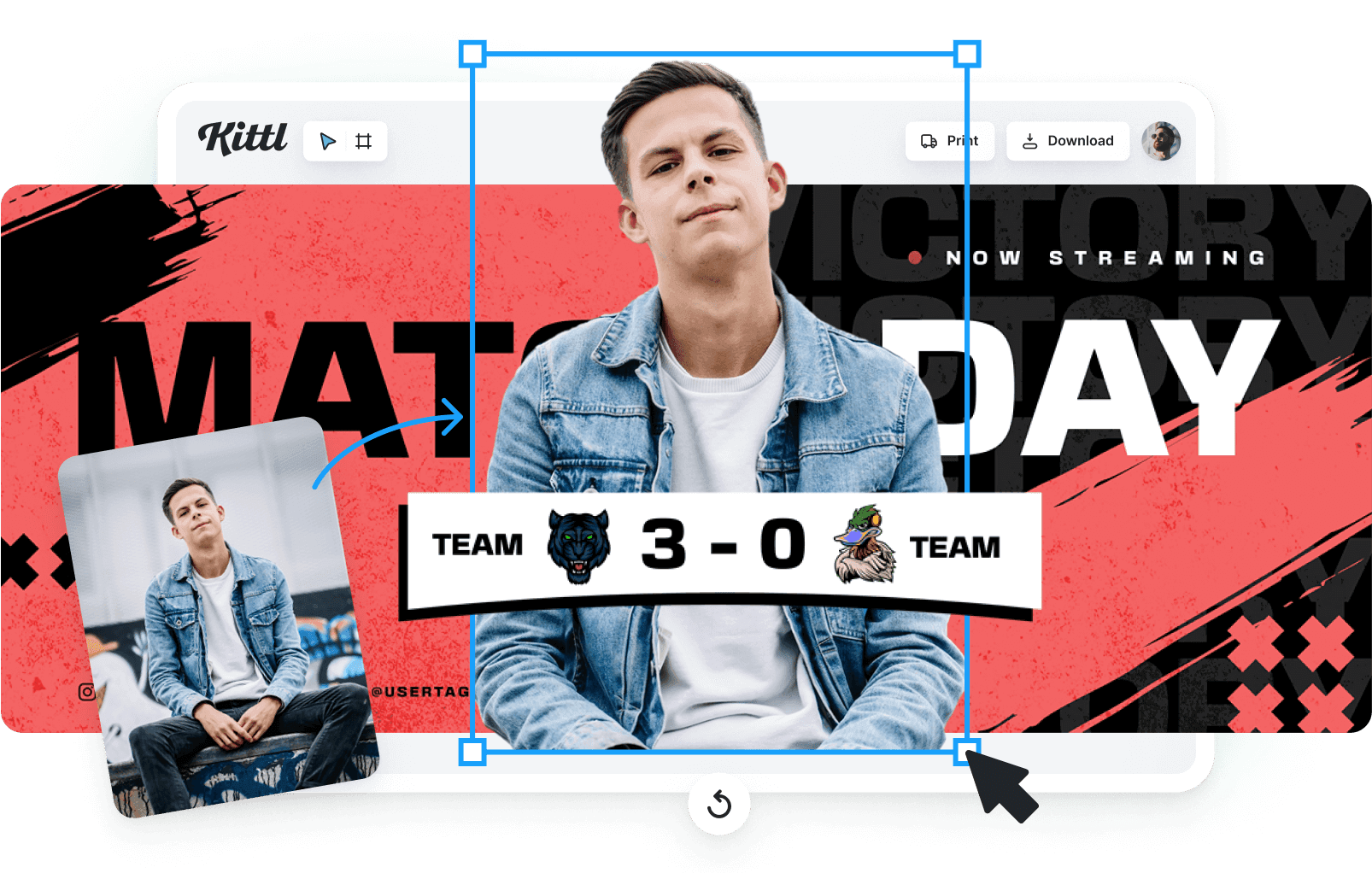
Creating a Twitch banner shouldn’t have to feel like a boss fight. With Kittl’s editor, you can design a banner that perfectly matches your channel’s brand and your personal aesthetic — in just a few clicks!
How to make a Twitch banner
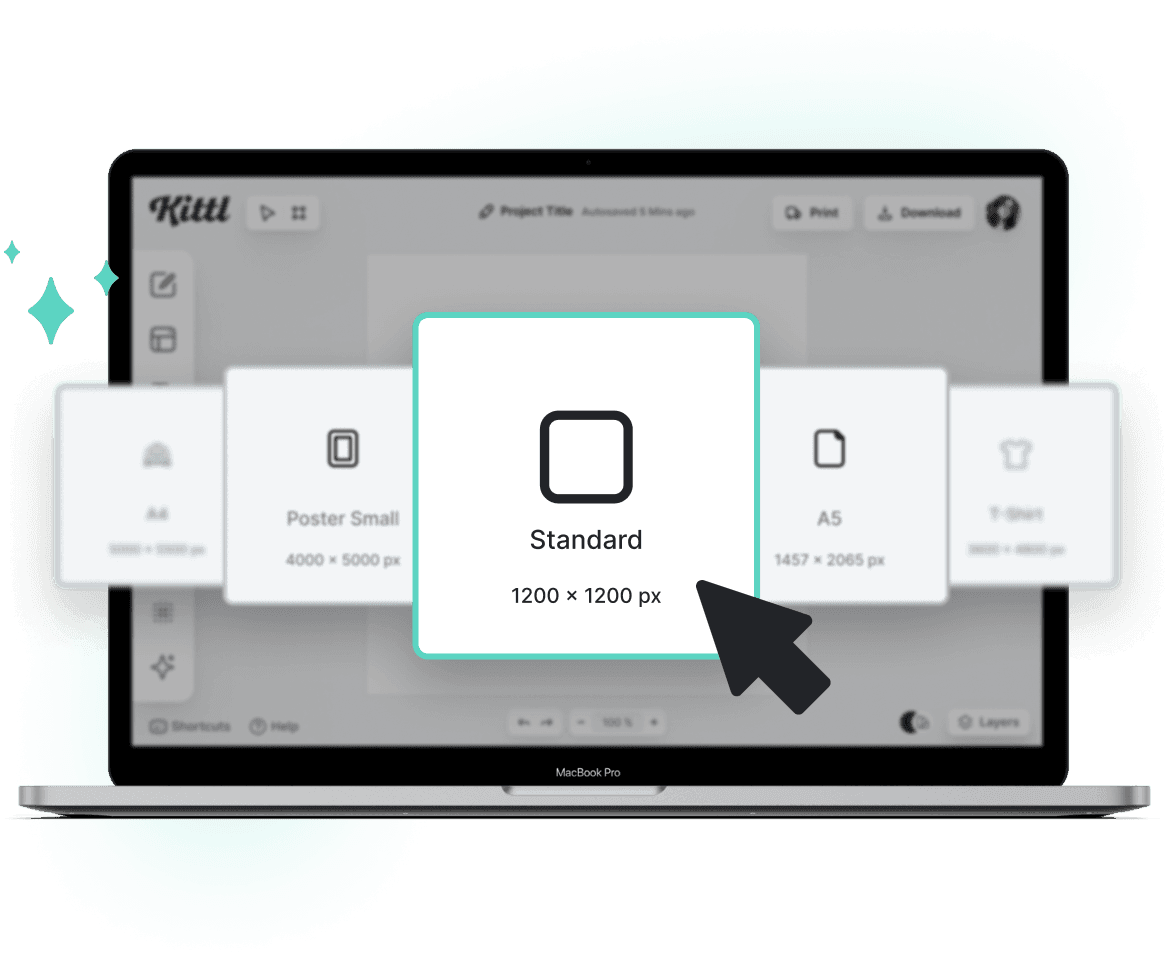
Browse Twitch Banner Templates
Loading
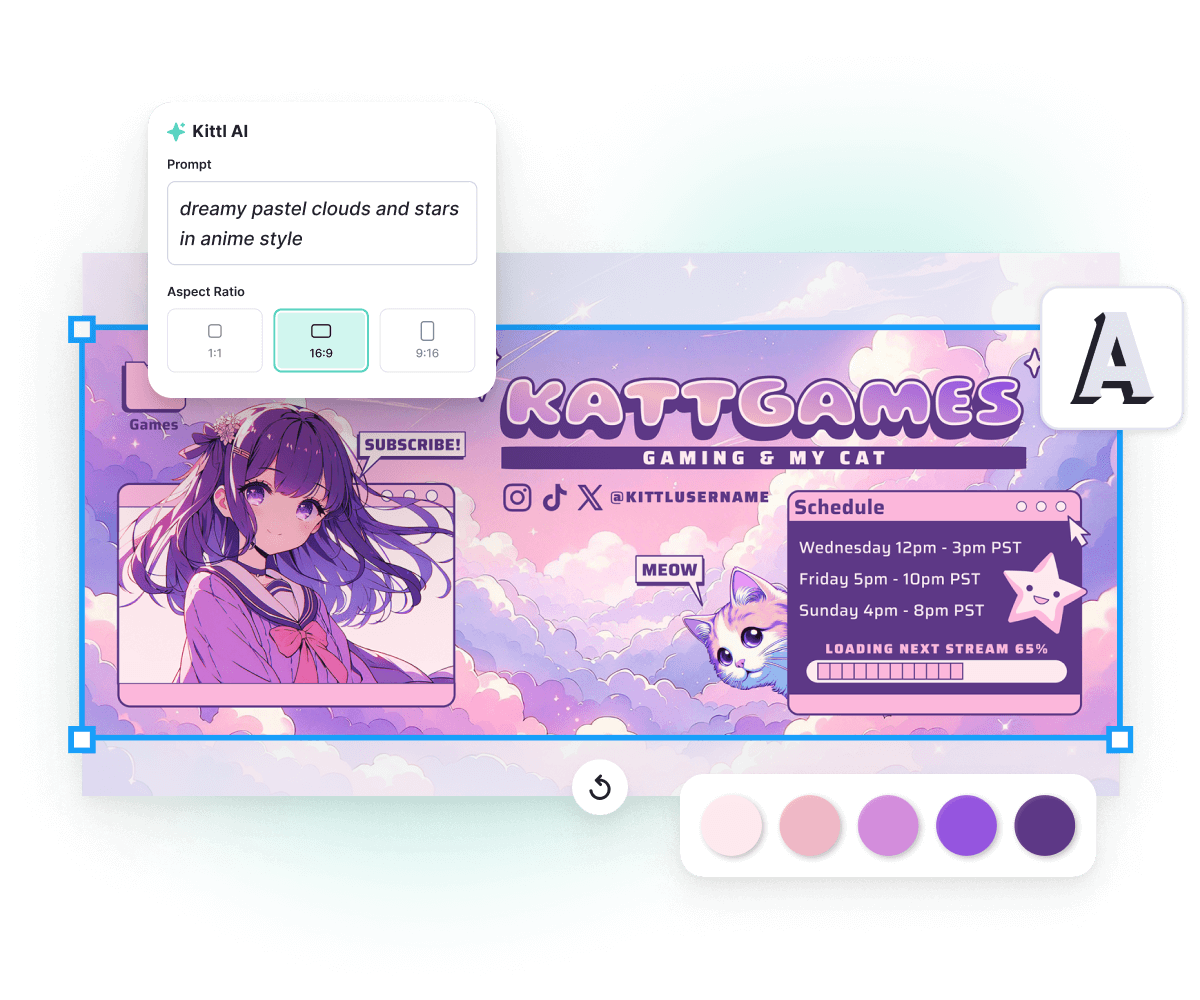
Customize your banner to match your gaming persona
Take your pick from our huge library of fonts, icons, shapes, and text effects to add that personalized touch to your Twitch channel. Whether you're going for retro, cyberpunk, or minimalist, our diverse collection of graphics has it all. With our AI, you can even generate your own design elements, backgrounds, and more.
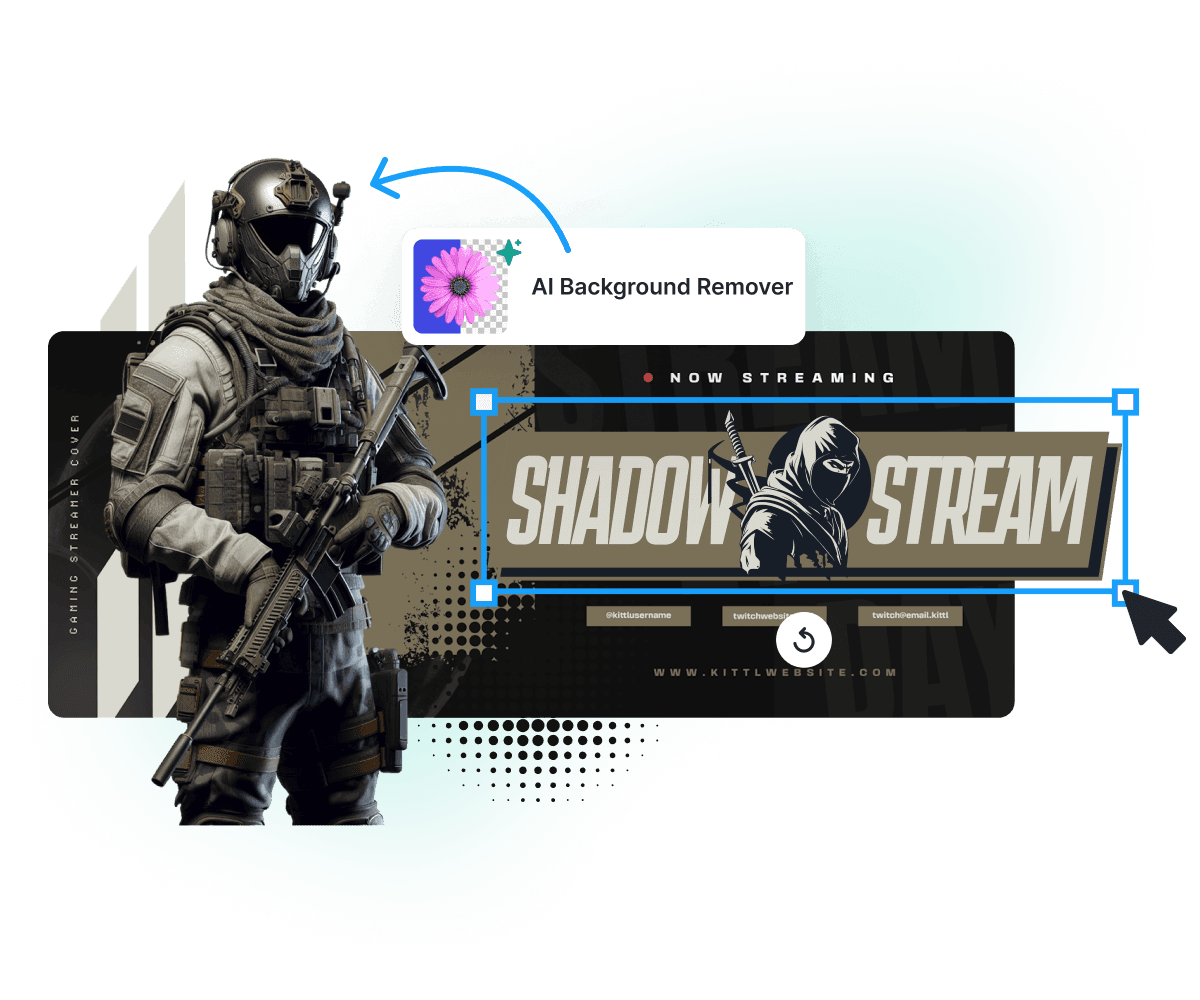
Showcase your brand in your Twitch banner
Add your brand assets to your design, like your logo, in-game screenshots, Twitch emotes, or even your streaming overlay. With our AI tools, you can eliminate any distracting backgrounds and ensure that your uploads blend in seamlessly with your layout. Let your Twitch banner come to life with elements that not only reflect your channel theme but capture the very essence of your gaming journey.
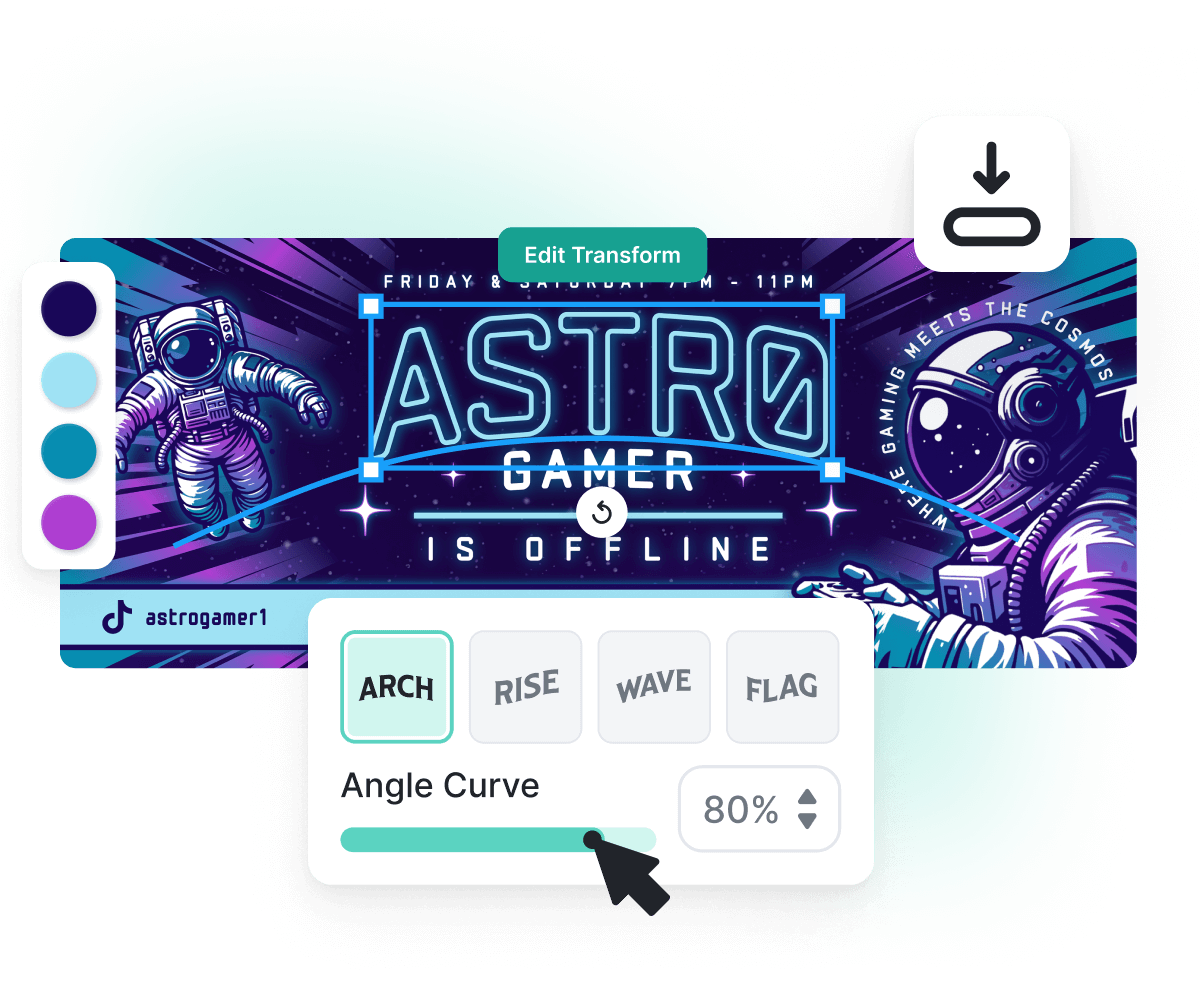
Instantly upload your new banner to your Twitch channel
Ready to show off your new Twitch banner? Download your design, head to your Twitch settings, and swap out your old banner for the new one for an instant channel upgrade! Don’t forget to share the excitement with your followers on social media. Whether it’s Twitter, Facebook, or anywhere else, let your new banner be the talk of the town.
“I’ve really enjoyed creating some stunning designs!”
Will Paterson
850k+ subscribers
“Kittl makes creating new designs super easy.”
Odetta Rockhead-Kerr
1.22M+ subscribers
Frequently Asked Questions
Twitch banners commonly have dimensions of 1920 x 480 pixels. Kittl provides customizable templates tailored to this dimension. Keep in mind that the width may adjust based on the viewer’s browser window, so make sure your images are large enough and are concentrated on the left side to minimize stretching.
Design unique Twitch banners with ease
Attract new subscribers with a stunning new Twitch profile banner.