








Extensive Library
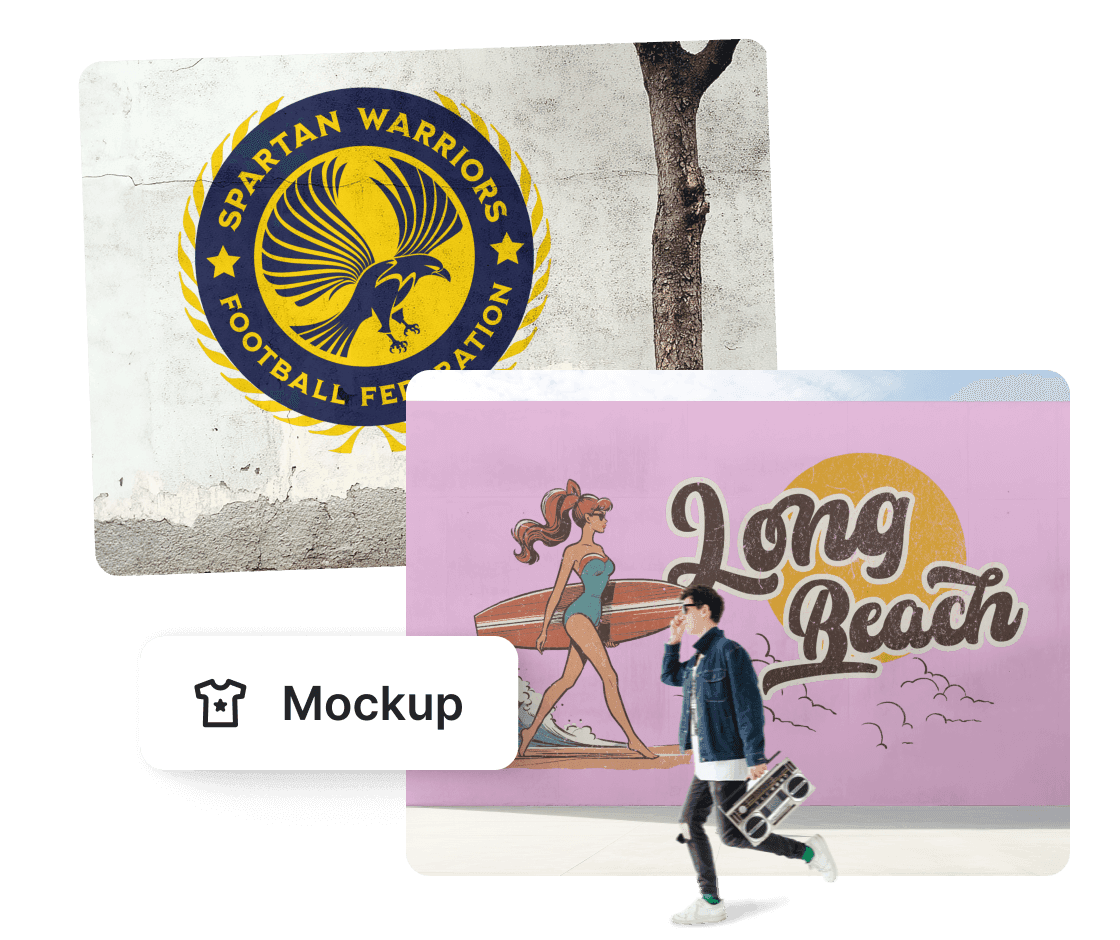
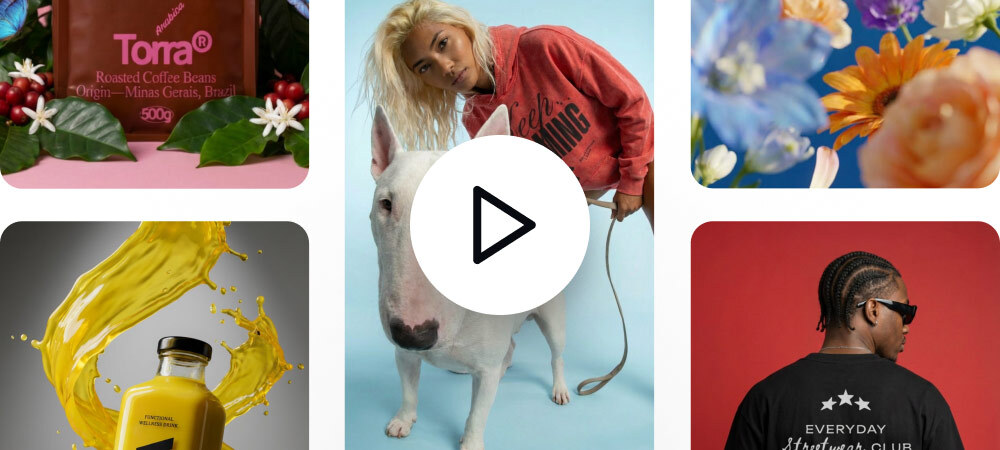
A compilation of wall mockups with a natural appearance in different settings.
Kittl's art wall mockup generator is ideal for showcasing your advertisements, murals, and other artwork projects. It allows you to visualize how your art will look on a natural wall surface before presenting it to clients or displaying it in your portfolio. Preview the mockups in real-time and high quality to ensure that the design elements—like text, images, and colors—work well together and are aesthetically pleasing.
A compilation of wall mockups with a natural appearance in different settings.
Create mockups straight from your browser—no downloads required.
Use your wall mockups freely without any attributions or watermarks.
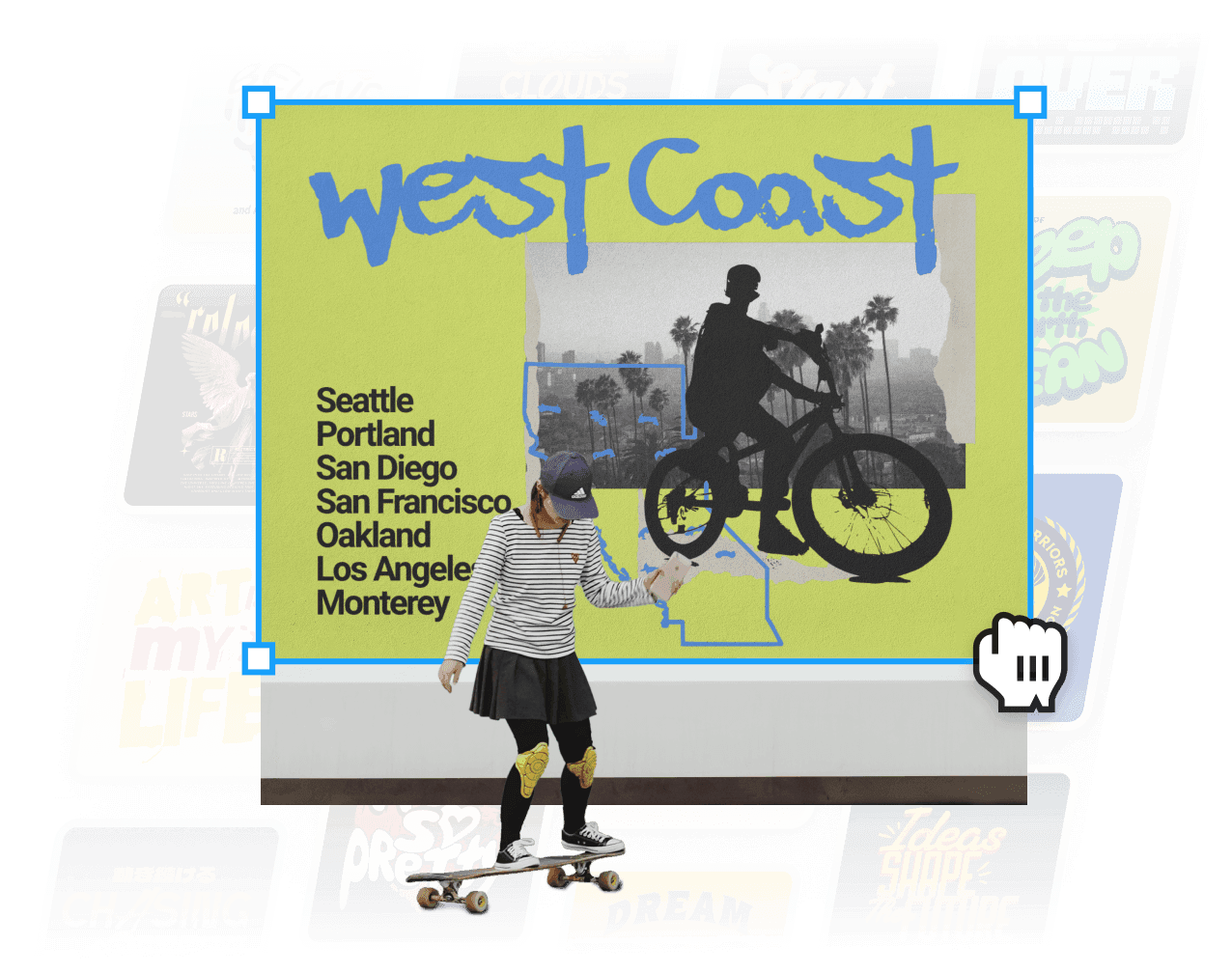
Upload your artwork and explore our diverse wall mockups featuring lifelike settings, such as plain walls and scenes with or without humans. Our platform gives you the freedom to adjust the size and position of your design anywhere on the virtual wall. Watch as our auto-wrapping feature seamlessly blends your design into the wall mockup's dimension, regardless of the surface texture, giving you a real-time preview of how it will look in an actual space.
The mockup color option lets you change the wall's color and test which color works best for your design. Enjoy your wall mockups in high-resolution (3000 x 3000px) that are completely watermark-free and fully licensed for any use.
Looking for more design versatility in your wall mockups? Our AI-powered tools, like the background remover, easily create transparent backgrounds with just a few clicks, perfect for minimalist designs or adding custom backgrounds. The image upscaler tool increases resolution without losing quality, ensuring your designs look sharp on any screen. If you're starting from scratch, our extensive template library helps you quickly create stunning visuals for your wall mockups, featuring styles from minimalist abstracts to vibrant landscapes to inspire creativity and fit any interior design theme.
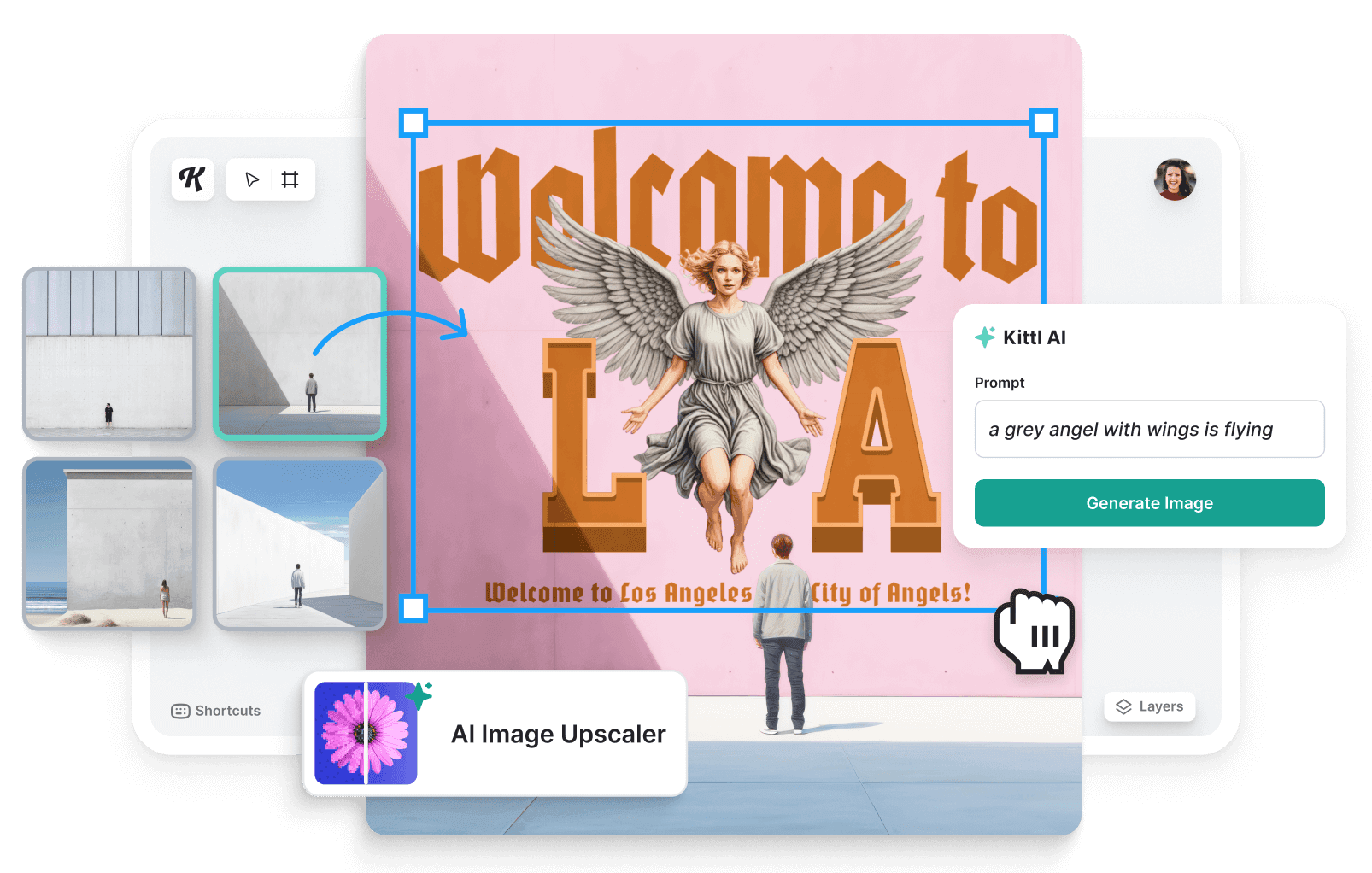
Kittl's wall mockups offer high-quality 3D renders with architecturally designed backgrounds. They include plain concrete walls and scenes of people sitting or standing, adding a dynamic element to your mockup. Plus, the mockups feature artistic shading and lighting effects inspired by real-life settings, making your designs look realistic for more effective presentations.
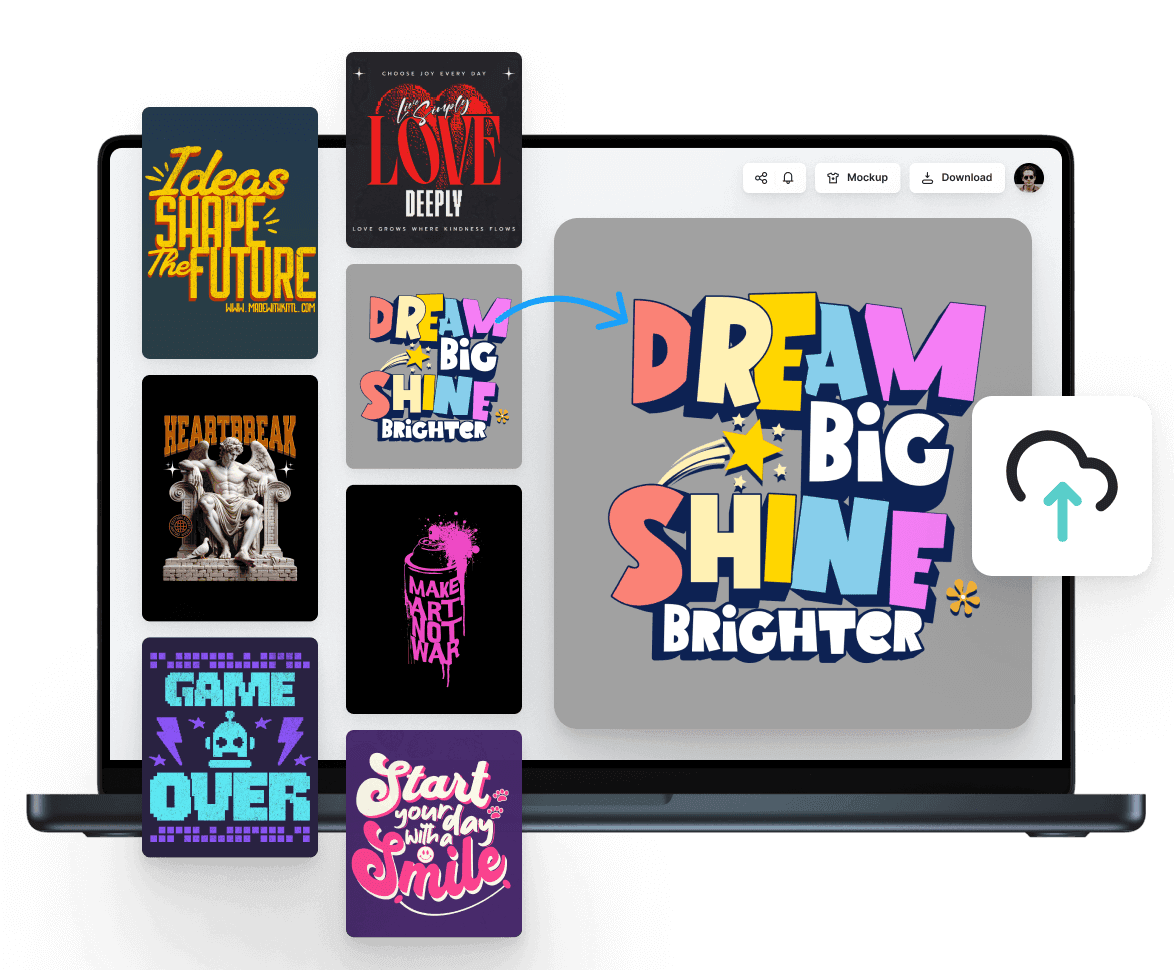
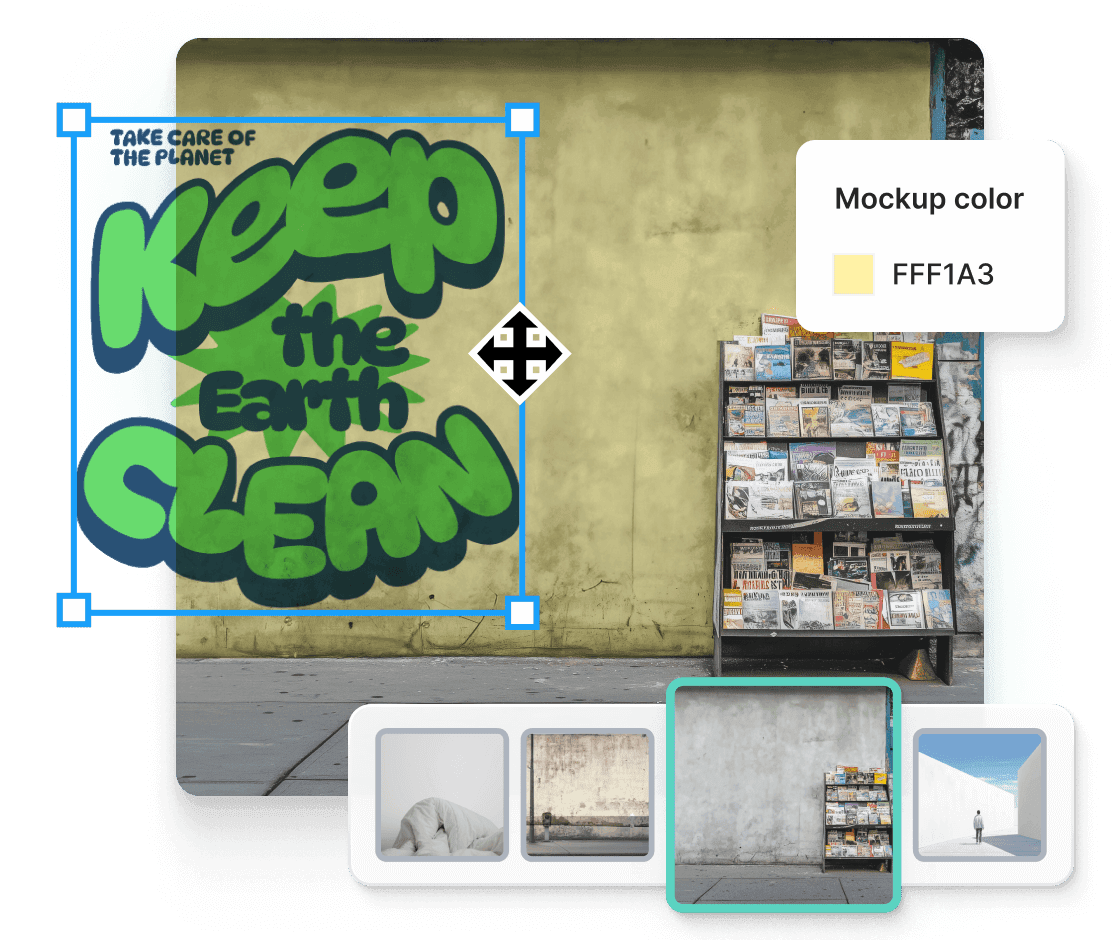
Kittl simplifies the creation of stunning wall art mockups without using complex applications. Simply upload your design, and our smart platform will wrap it nicely around the mockup regardless of the wall's dimension, shading, or lighting, giving you a real-time preview of how your art will look in different spaces. You can resize your design and adjust the mockup's color to match your design's tone and theme, ensuring that you present aesthetically pleasing mockups every time.
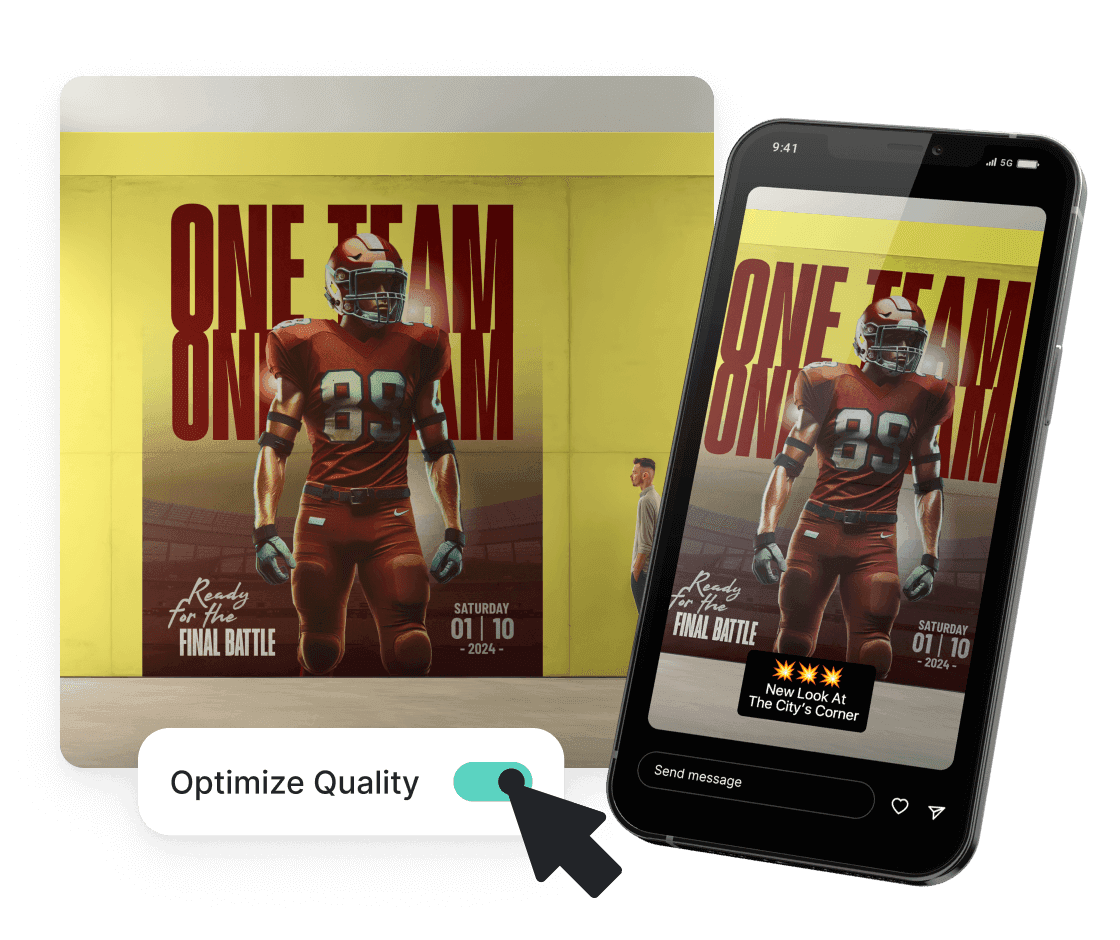
Whether you’re creating artwork, posters, or wall prints, our platform offers powerful design tools to bring your ideas to life. Kittl is user-friendly for beginners and experienced designers, featuring design elements like a vector library, textures, text layouts, and more to help you customize your designs. Using our templates for consistent branding, you can transform your wall mockups into social media posts, marketing materials, or other print projects.
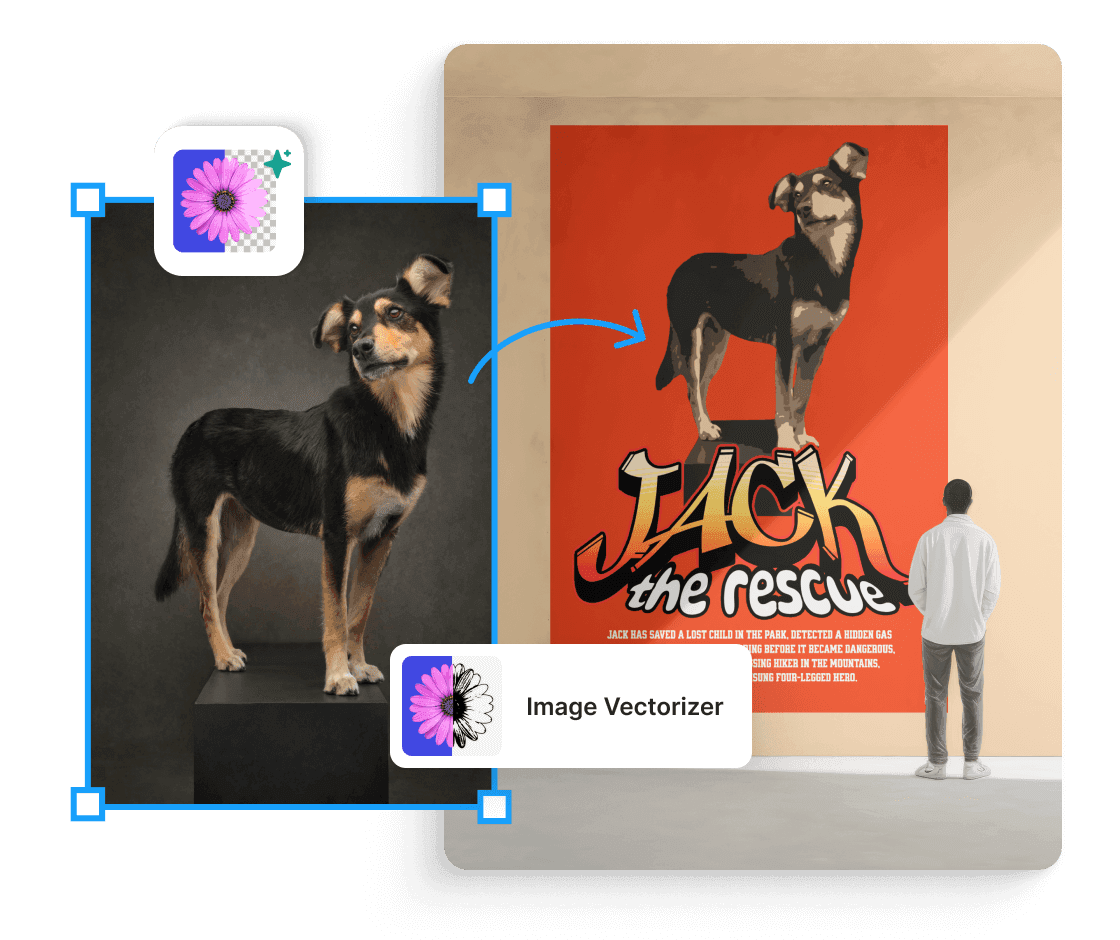
Accelerate your design process with our AI-powered tools, which make creating impressive wall mockups easy. Utilize our AI image generator to create custom graphics with simple prompts, perfect for creating unique designs. The image vectorizer tool converts your images into scalable vector graphics, making it easier to resize your design without losing quality.
To easily change the mockup's color, use the color slider on the right side of the screen. Drag it or enter the hex code to get your desired background color.
On the other hand, to change or add textures to your design, use Kittl's texture library to add texture to your design before using them on your mockup.
Start for free and design high-resolution wall mockups for murals, ads, and artwork—no complex tools needed!