










- Print Design



Brand Assets
Keeping your branding consistent can be difficult. With Brand Assets, you can save and organize key elements like logos, images, shapes, and groups in one place in Kittl.
This makes your workflow easier and saves time—when you edit an Asset, it automatically updates everywhere it’s used.
To find Assets, open the Editor, go to the left-hand panel, and click on the Brand Kit section. You can also access them through this link.
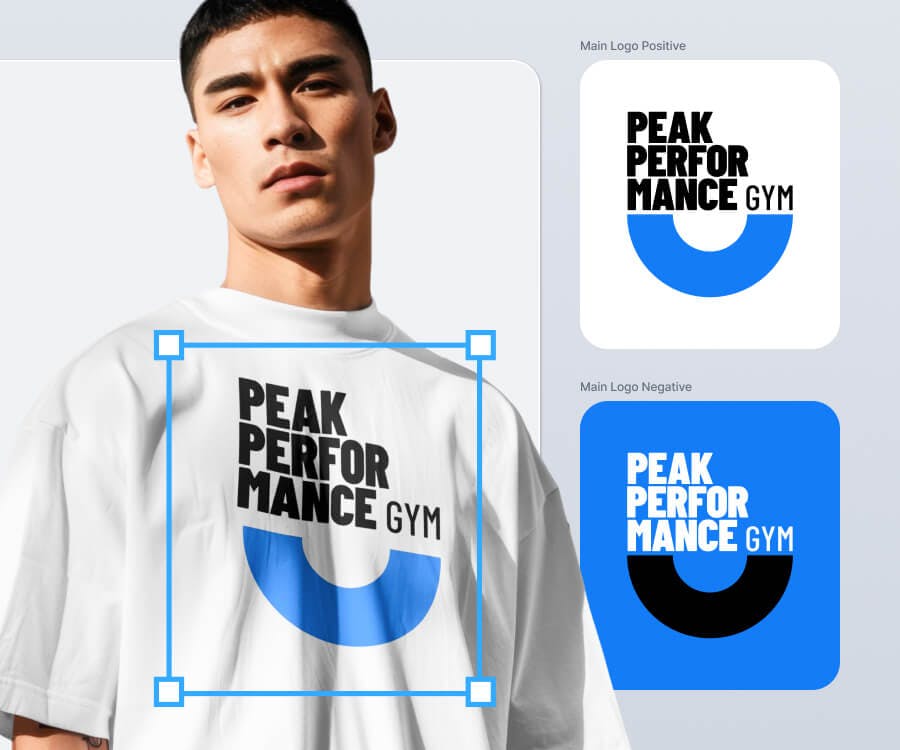
Tip: Use this feature to increase the consistency of your designs.
How to Create an Asset
- Click on a layer or a group of layers on the canvas
- Right Click and hit "Create Asset"
- Click "Add Asset to Brand Kit". It's saved! You can now reuse this asset across your designs at any time.
Bring a Brand Asset to your design
Once you've created an Asset, you can use it across your designs. Here is how:
- Navigate to the left side panel, click Brand Kits, then Assets, and select any Asset
- This brings this Asset to the canvas. Then, feel free to place it wherever you want on the canvas.
Bulk editing your designs with Brand Assets
You can edit an Asset across multiple objects at once. To do this:
- Select the Asset, right-click, and choose “Edit Asset” or double-click it.
- The Asset opens in Focus Mode. Make your changes (e.g., adjust size, color, etc.).
- Click “Submit Changes” to apply the updates to all instances across your designs.
Conclusion
Brand Assets go beyond saving your favorite logos or illustrations—they help you streamline your workflow by reusing design elements. Like Brand Styles, Assets support brand-building in Kittl. The more you develop your brand styles and assets, the easier your design process becomes. Ready to dive in? Explore the feature, enjoy its simplicity, and scale your designs effortlessly.