










Start from a sticker template
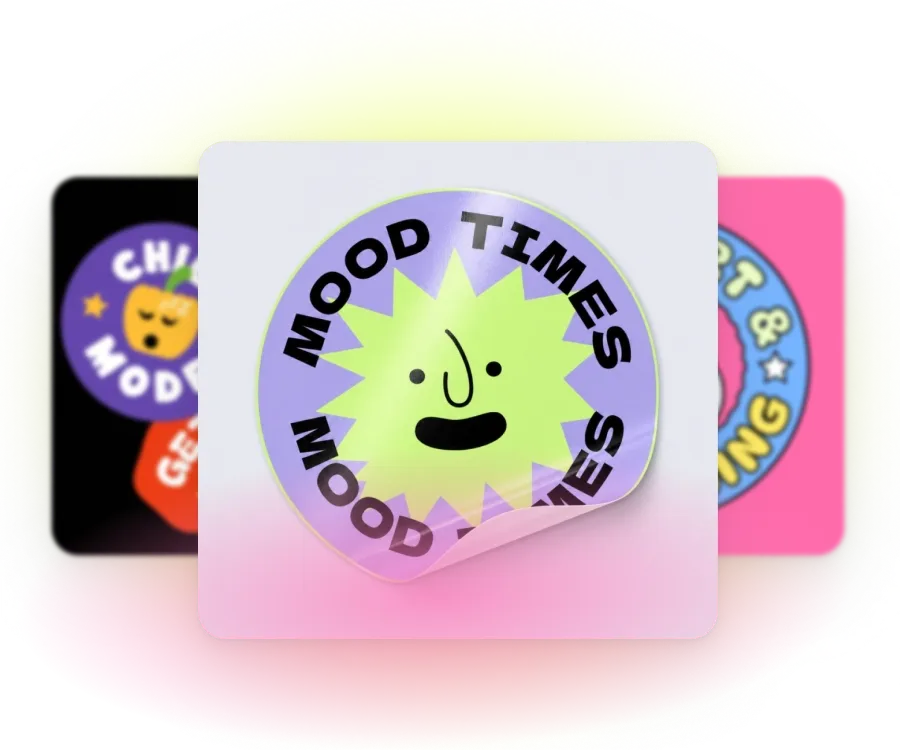
Die-cut shapes, kiss-cut sheets, and circle badges. Swap in your art and make it yours.
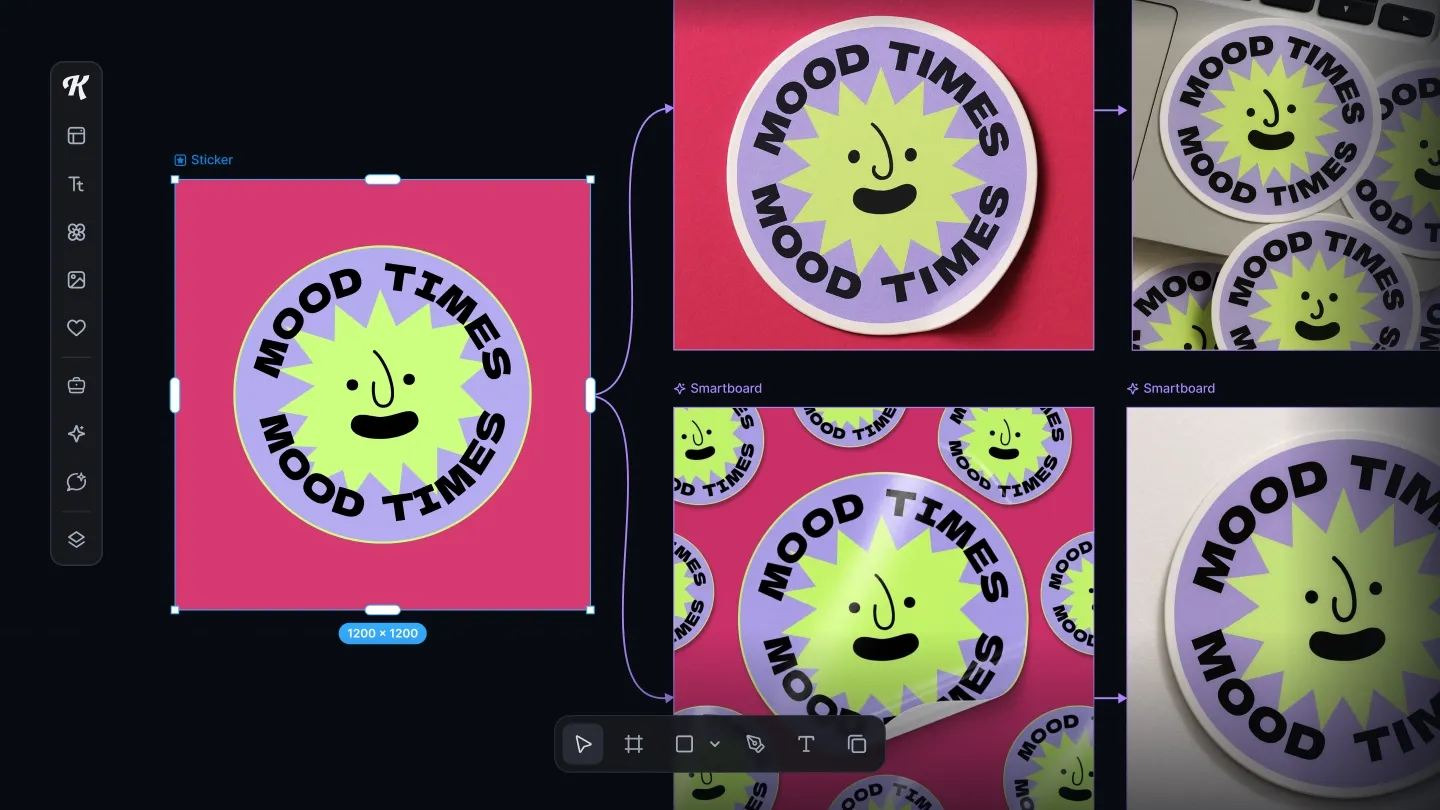
Sticker designs ready to sell or seal every order. Kittl's sticker maker gives you die-cut templates, AI art, and mockups.
Trusted by creators around the world
Die-cut shapes, kiss-cut sheets, and circle badges. Swap in your art and make it yours.
Upload a logo or drawing, or describe what you want and get a vector you can edit.
Download a file for your home printer, a print shop, or your print-on-demand platform.
To make stickers, pick a template or describe your idea to AI, add your art and text, then download a print-ready file with a clean outline for cutting. Keep shapes simple and lines bold, so the sticker reads at a small size.
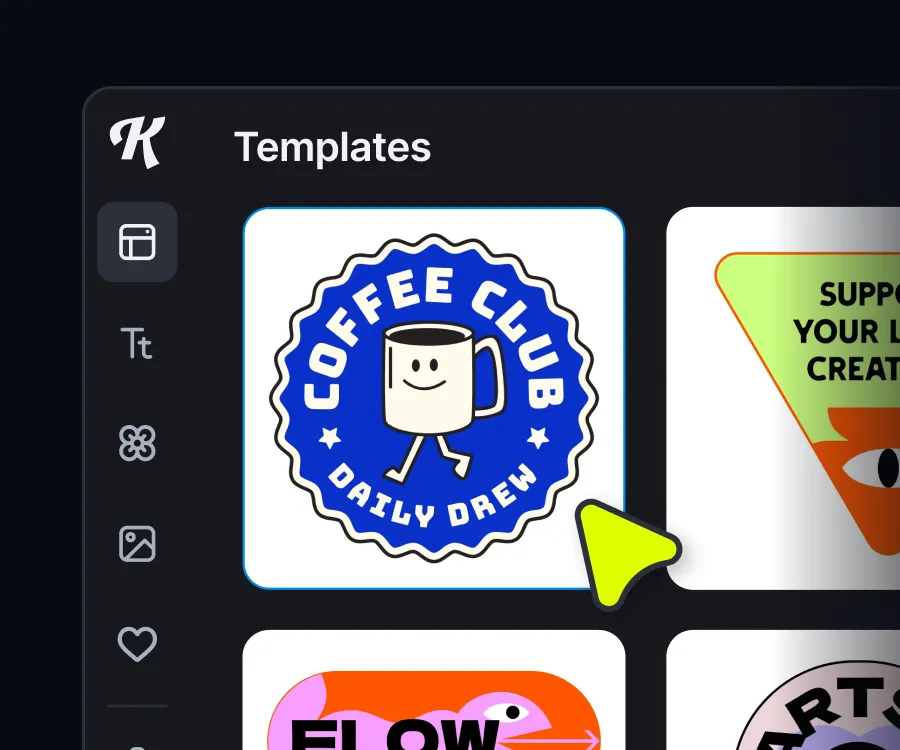
Start from a die-cut, kiss-cut, or circle sticker template, or a blank canvas.
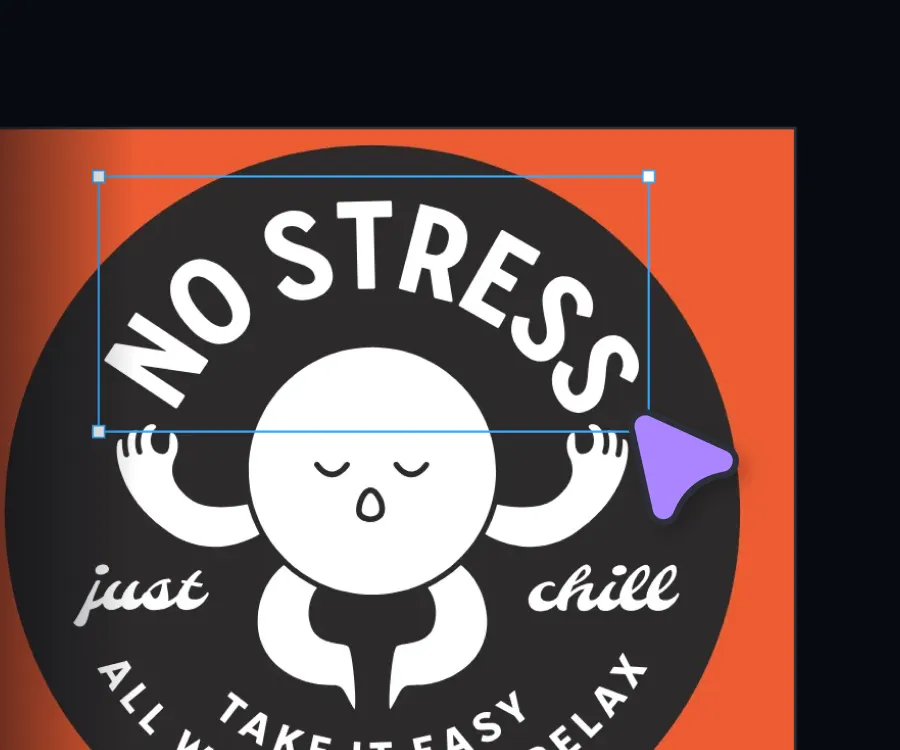
Upload your logo or drawing, or generate a vector with AI. Add text, color, and texture until it's yours.
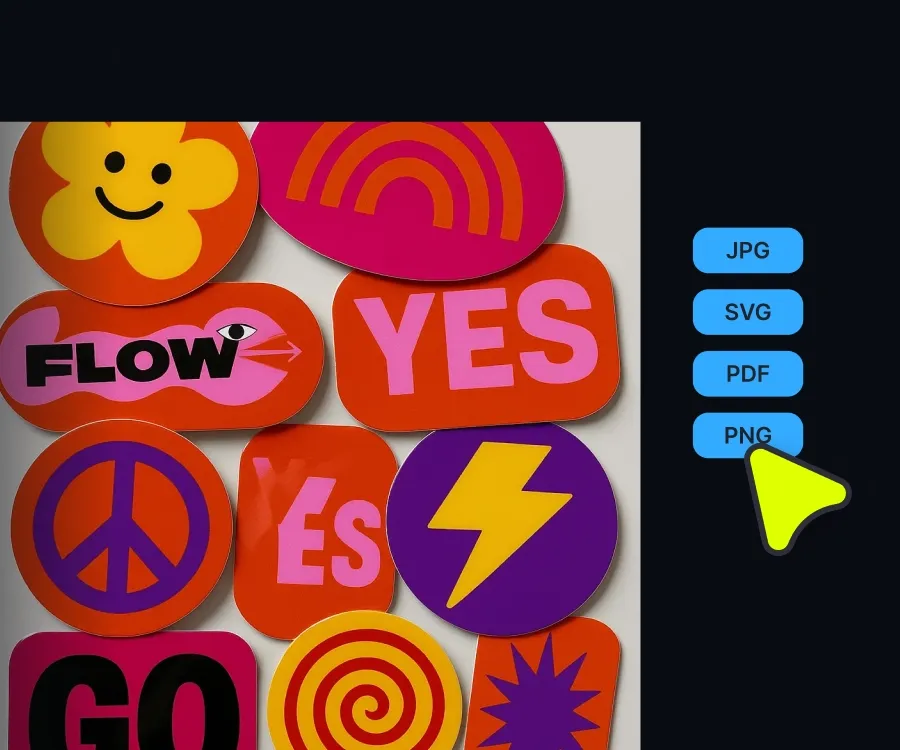
See it on a mockup, then download your file. Your stickers are ready to print.
Some stickers are the product, like sheets you list in your shop. Some stickers finish the brand, like logos and thank-you stickers. Make both in one place with Kittl.
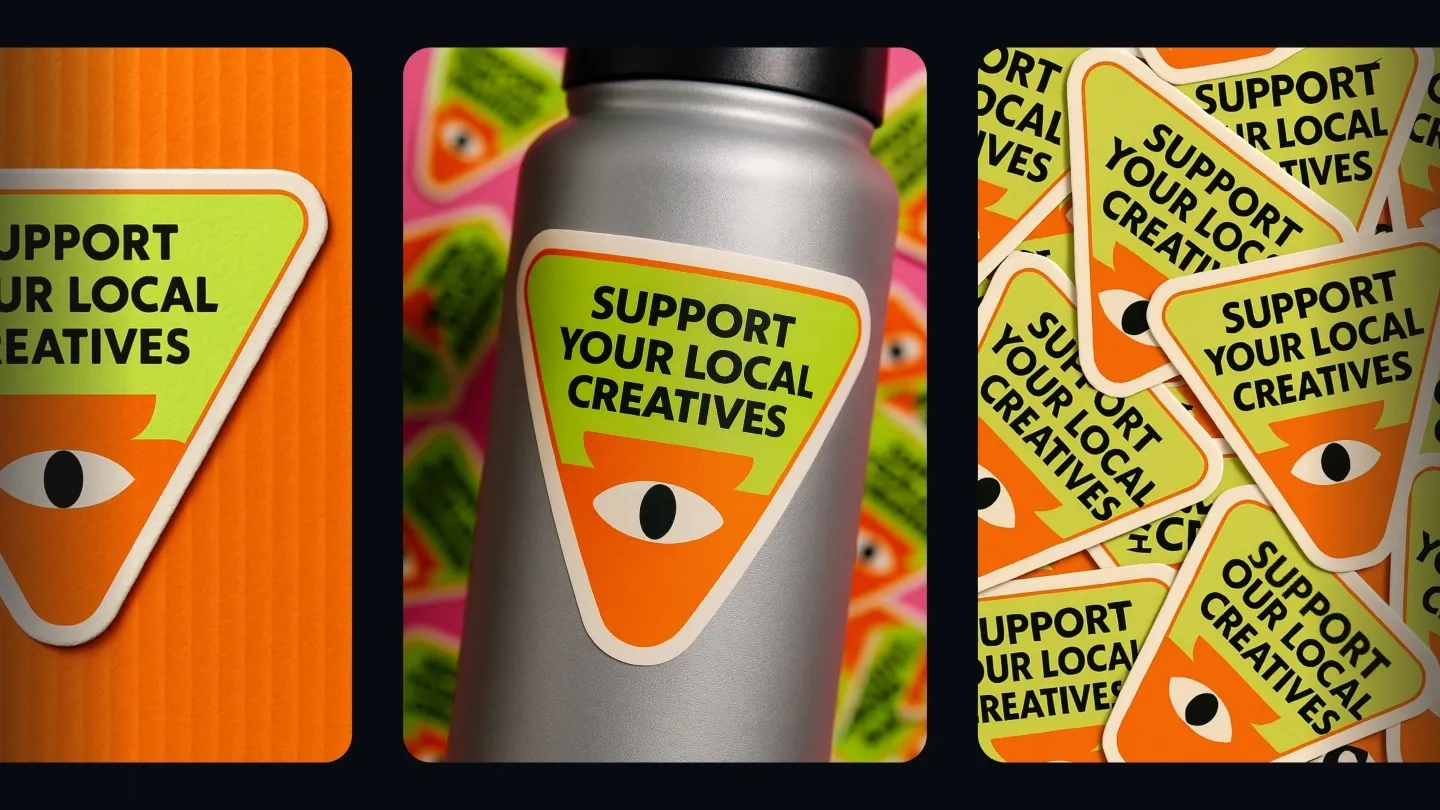
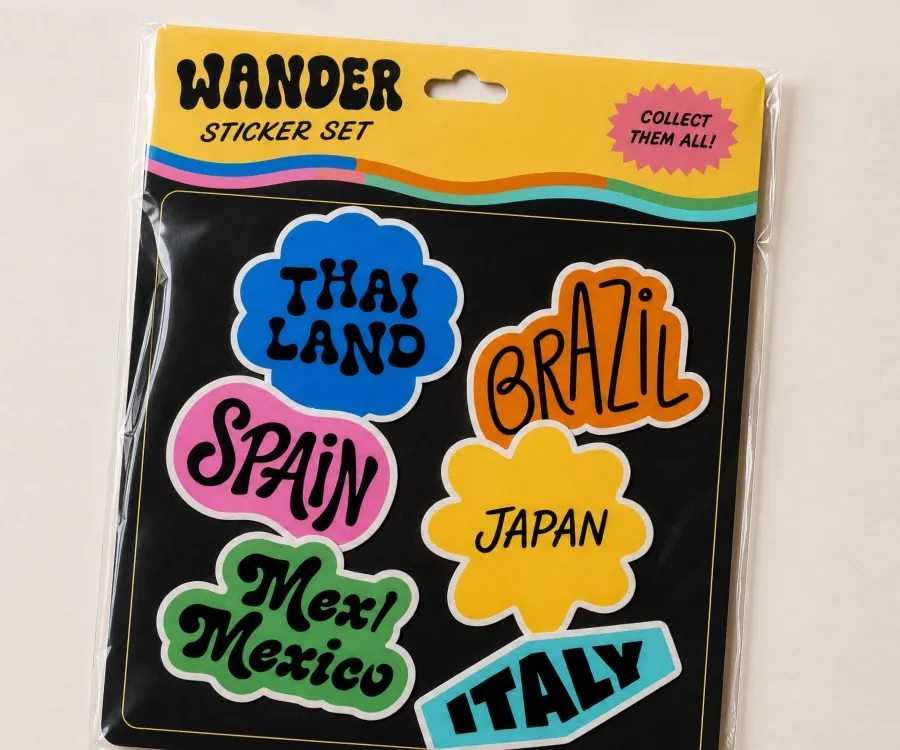
Stickers are an easy add-on to every order and a product line of their own. Build a sticker series for your niche, lay them out as a sheet, and put each one on a laptop or water bottle mockup for your listing photos. Then send the files to your print-on-demand platform. One idea, a full collection, ready to list.
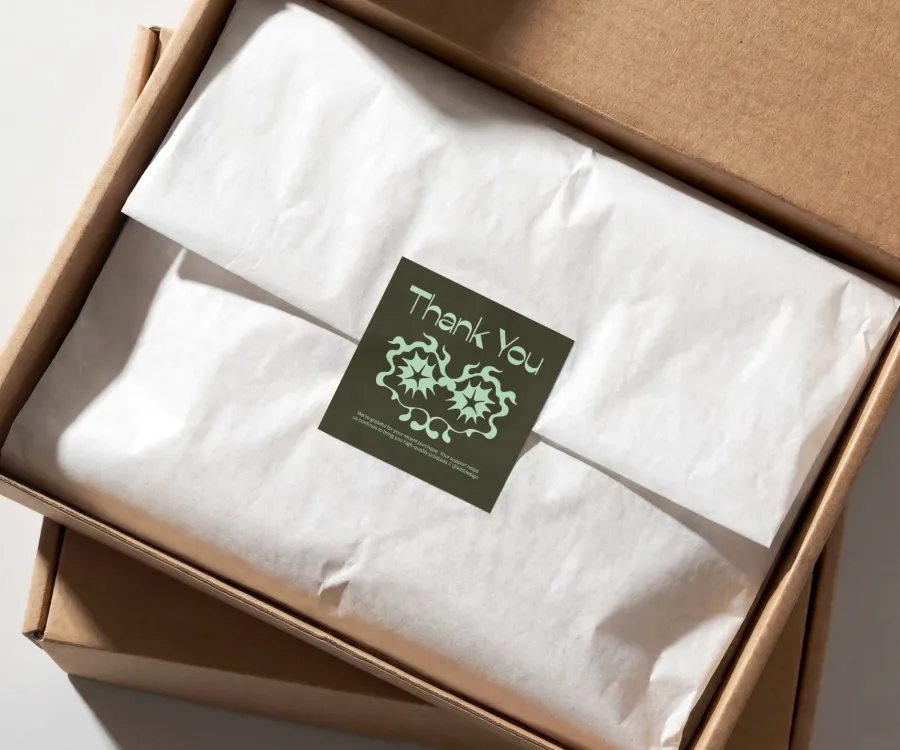
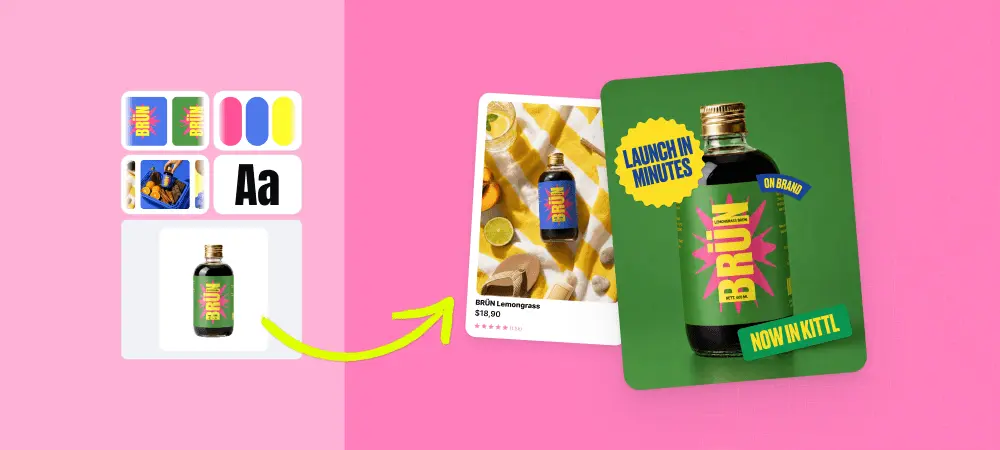
The sticker is often the first thing a customer touches. Seal the box with logo stickers, tuck a thank-you sticker in the bag, and brand the jar lid. Start with your logo, colors, and fonts, so every sticker matches the rest of your packaging. Every order, the same brand.
Start with a sentence and end with a sticker. Describe your idea to Kittl's AI sticker generator and get a vector you can edit, or turn your own image into a sticker. Bring it into AI Workflows, design paths built and tested by Kittl's design team, and build a sticker mockup on a laptop, a box, or a bottle. You choose what stays.
Five things: templates in real sticker shapes, a clean cut outline, your own art or AI vectors, a mockup preview, and print-ready files. Kittl gives you all five in one editor.
Open the sticker creator, pick a shape, and get your next sheet ready to list or ready for the box.