








STICKERAPP x Kittl DESIGN CHALLENGE
Design a future-forward sticker and see it printed, showcased, and shared across the Kittl × StickerApp communities. Unlock a free month of Kittl Pro using code STICKERAPP26
The Brief
Design an original sticker inspired by the next hot trend in design. Whether your take is bold, experimental, or unexpected, your challenge is to forecast the future and make it stick.
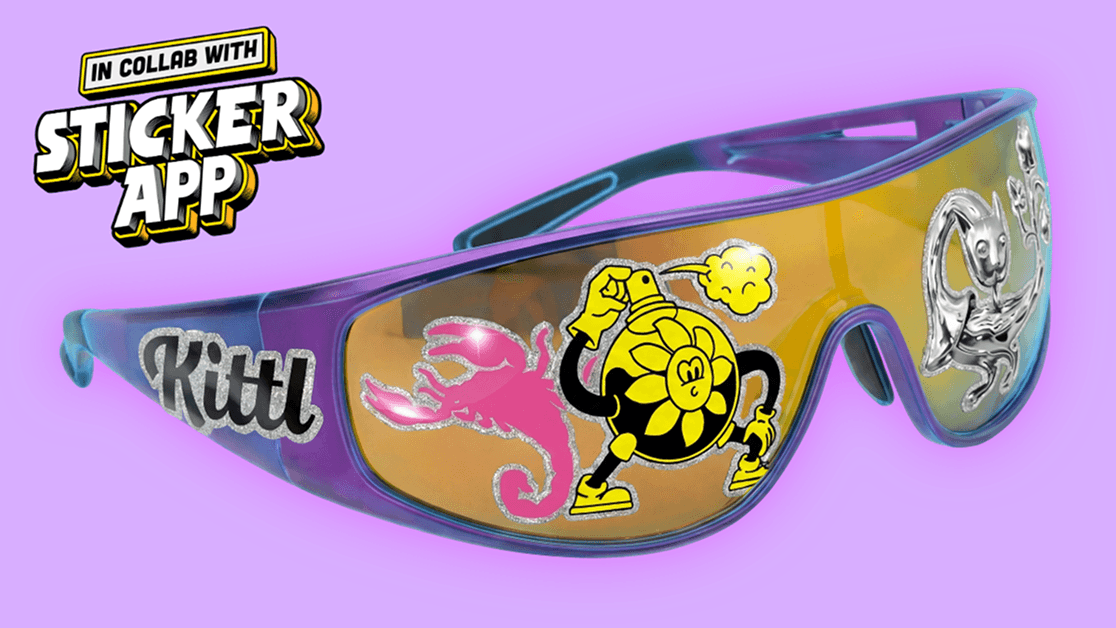
Winning designs will be curated by both teams and brought to life as real stickers for a limited-edition community pack.
The Prizes
Our biggest prize pack yet! Each winner will receive:
- 1 free year of Kittl Expert
- $300 StickerApp credit
- Your design printed in a limited-edition sticker pack with all the winners, + 20 copies for you!
- Feature across Kittl & StickerApp blogs, newsletters, and social channels
Participants earn perks too, including:
- 30 days of Kittl Pro with code STICKERAPP26
- €20 StickerApp discount for all valid submissions
- Bonus rewards when you share your designs with the hashtag #MakeItStick2026 and tag @kittldesign @stickerapp
How to Enter
- Design your sticker in Kittl Sign up for Kittl and create an original, future-forward sticker.
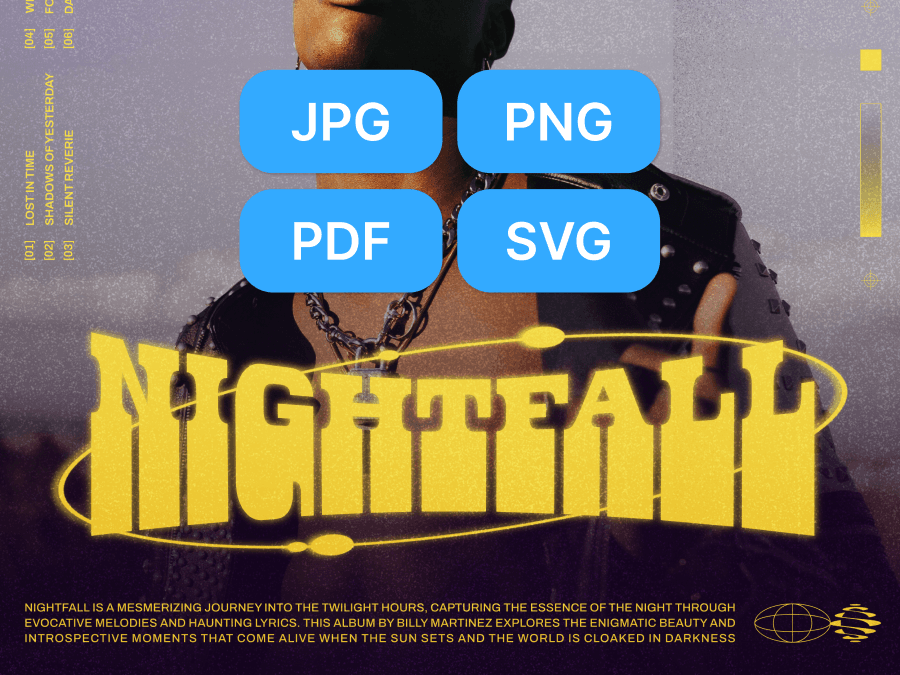
- Export your high-resolution file Use Kittl Pro to export a high-resolution file of your sticker. If you’d like to be tagged when we share the winners, include your @socialhandle in your file name.
- Submit your entry by Jan 18, 2026 Upload your final design via the Google Form linked below. You can create and submit as many designs as you’d like, but please note that only one will be chosen per winner.
Please note: only designs submitted through the form are considered valid entries.
Earn Bonus Rewards
We can’t wait to see your designs! Post your stickers on Instagram with #MakeItStick and tag @kittldesign and @stickerapp to unlock extra perks.
Designs shared on social may be:
- Reposted on Kittl & StickerApp’s channels
- Eligible for a bonus discount
Learn Kittl
New to Kittl? We’ve got you covered. Watch these quick videos to learn how to start a project, design stickers, and get your entry ready in no time.
How to Start a Project
Get a step-by-step walk through on starting a new project from scratch in Kittl. Learn how to add elements, typography, and more to start creating your design.
How to Design Print-Ready Stickers in Kittl
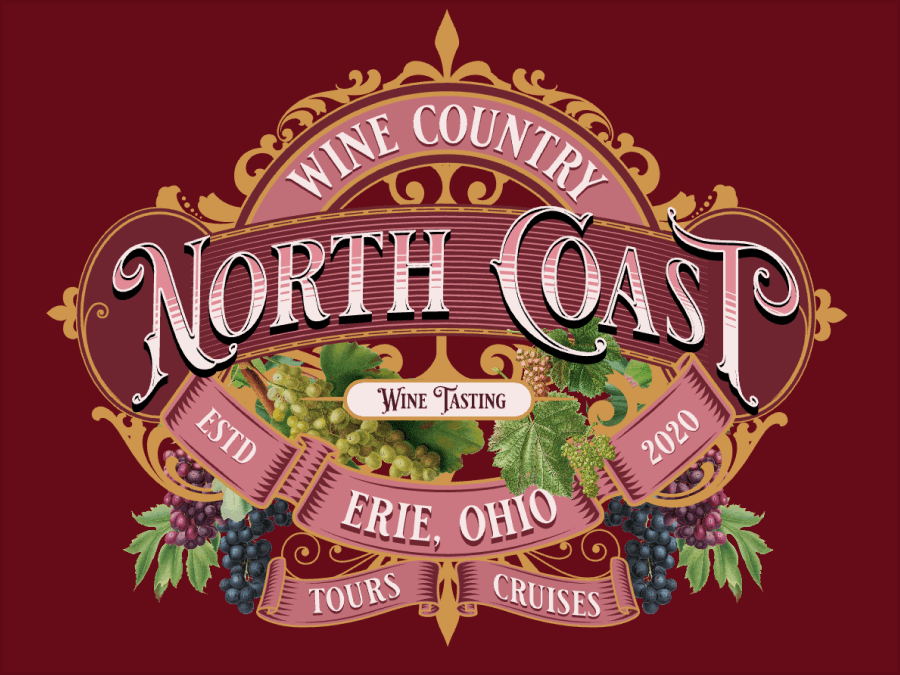
Create sticker and merch designs you can use in real life, not just on screen. See how it’s done in Kittl.
Design Challenge FAQ
Yes, Kittl is free to use. To export the high-resolution files required for the Challenge and to access premium features, use code STICKERAPP26 to upgrade to Kittl Pro. Code is valid for new users on a monthly Pro plan.
Your most creative year starts here
Make the most of the new year momentum by joining our biggest design challenge ever — powered by Kittl × StickerApp.