












Transparent Logo Maker
Gone are the days of wrestling with complicated editing tools to remove backgrounds. Our transparent logo maker takes care of that for you, ensuring your logo looks crisp and clean against any backdrop. No more worrying about messy edges or clashing colors – with Kittl, your logo stands out for all the right reasons.
Trusted by designers at


Create a logo with a transparent background
With a transparent logo, you can seamlessly integrate your brand into various digital and print materials without any unsightly backgrounds. Whether you're using your logo on social media graphics, business cards, or merchandise, it’s sure to look professional and polished every time. Thanks to our transparent logo maker, you can say goodbye to the headaches of dealing with complicated editing tools to manually remove backgrounds.

How to create a transparent logo
Browse Transparent Logo Templates
Loading
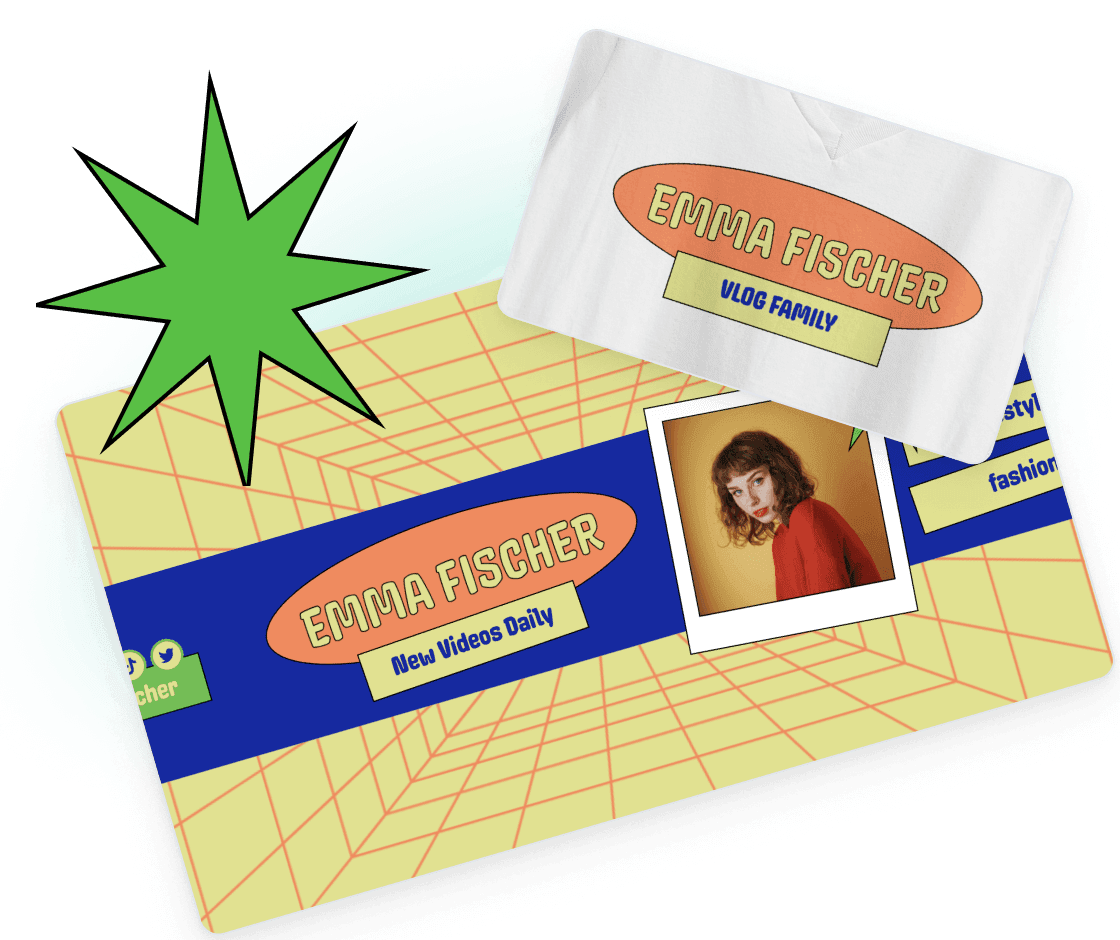
Find the perfect logo template to spark your creativity
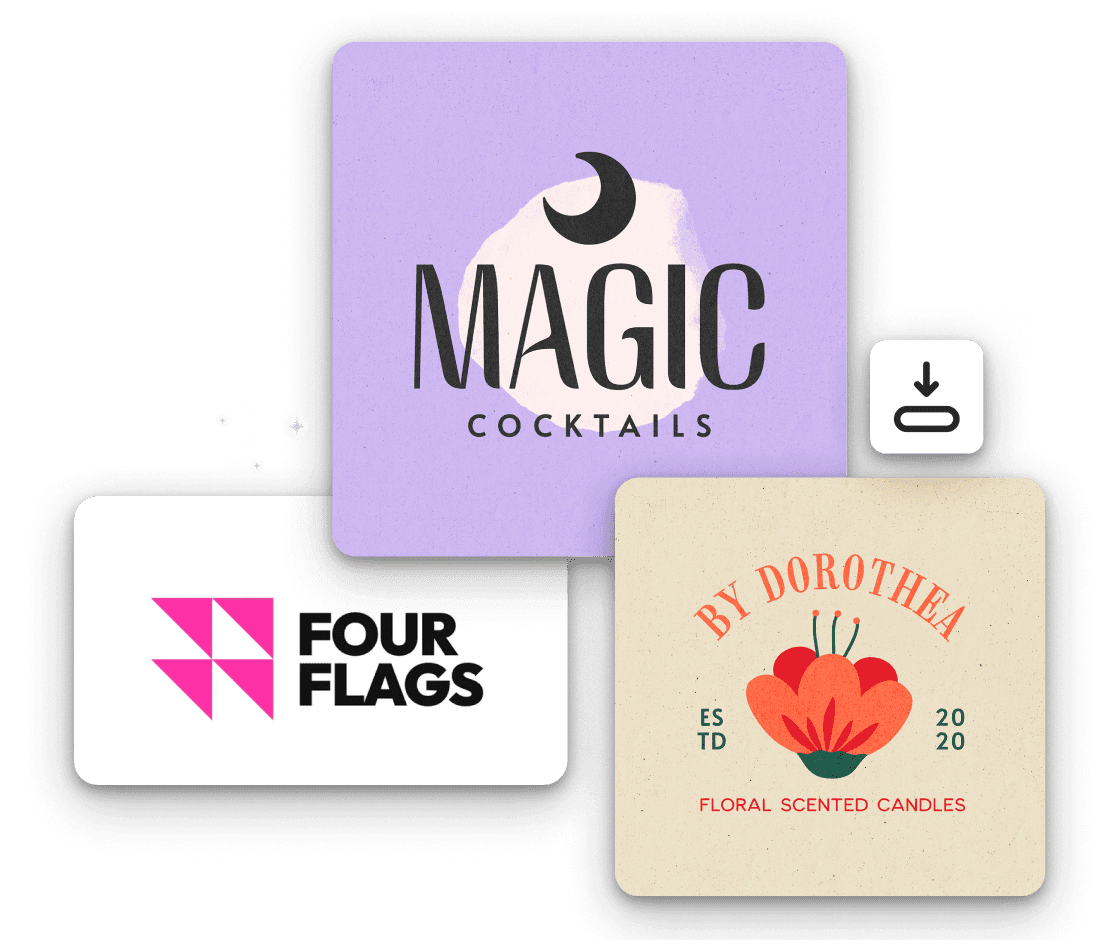
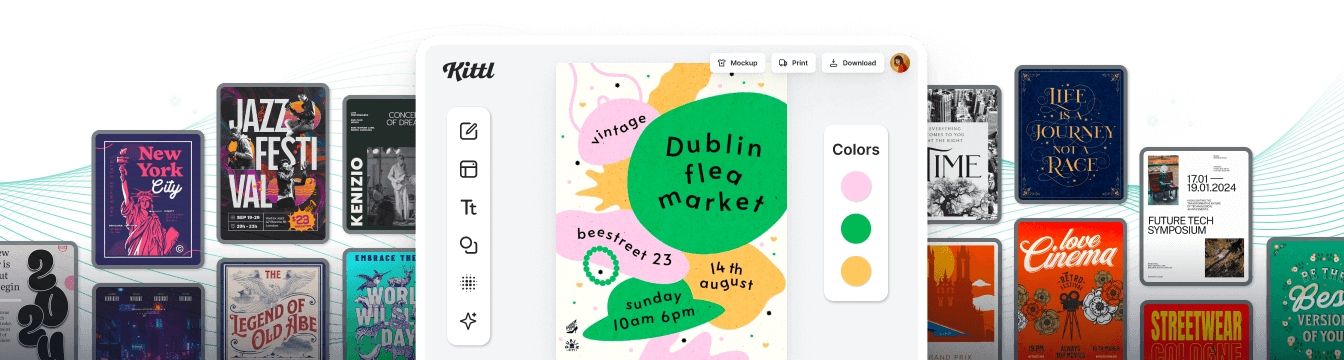
With our collection of expertly designed templates, you can easily find inspiration for your unique brand identity. Whether you're drawn to sleek wordmarks, captivating symbols, elegant monograms, or combination logos, we have templates to suit every taste. Explore our library and find the perfect starting point for your transparent logo. You can also upload your own images or graphics to add a more personal touch to your design.

Create custom images for your logo designs with AI
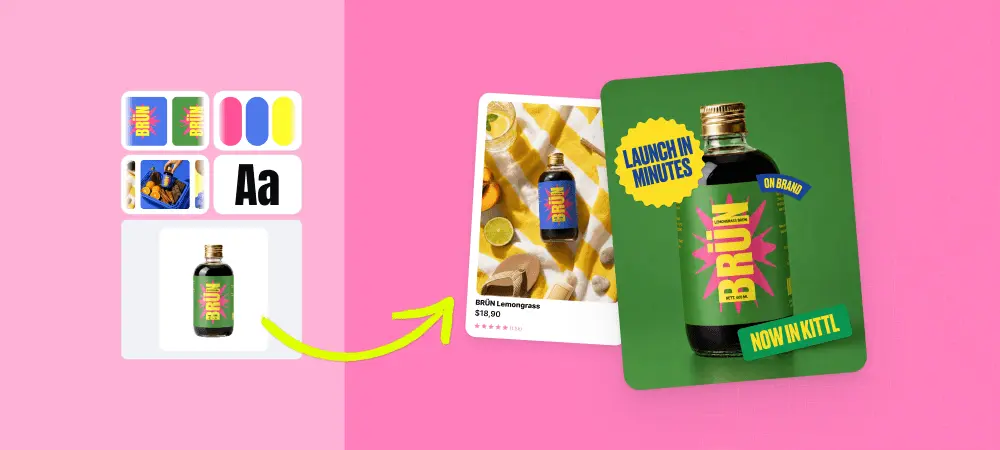
Want to really make your logo stand out? Consider using a mascot or image as a logo. With Kittl, you can convert your own images or AI generated ones into vector format, allowing you to make endless customizations in terms of colors and make the background transparent. And if you want to add text, choose from our selection of unique fonts to complement your design. Now, you have a unique and professional logo design you can use in all your marketing materials.
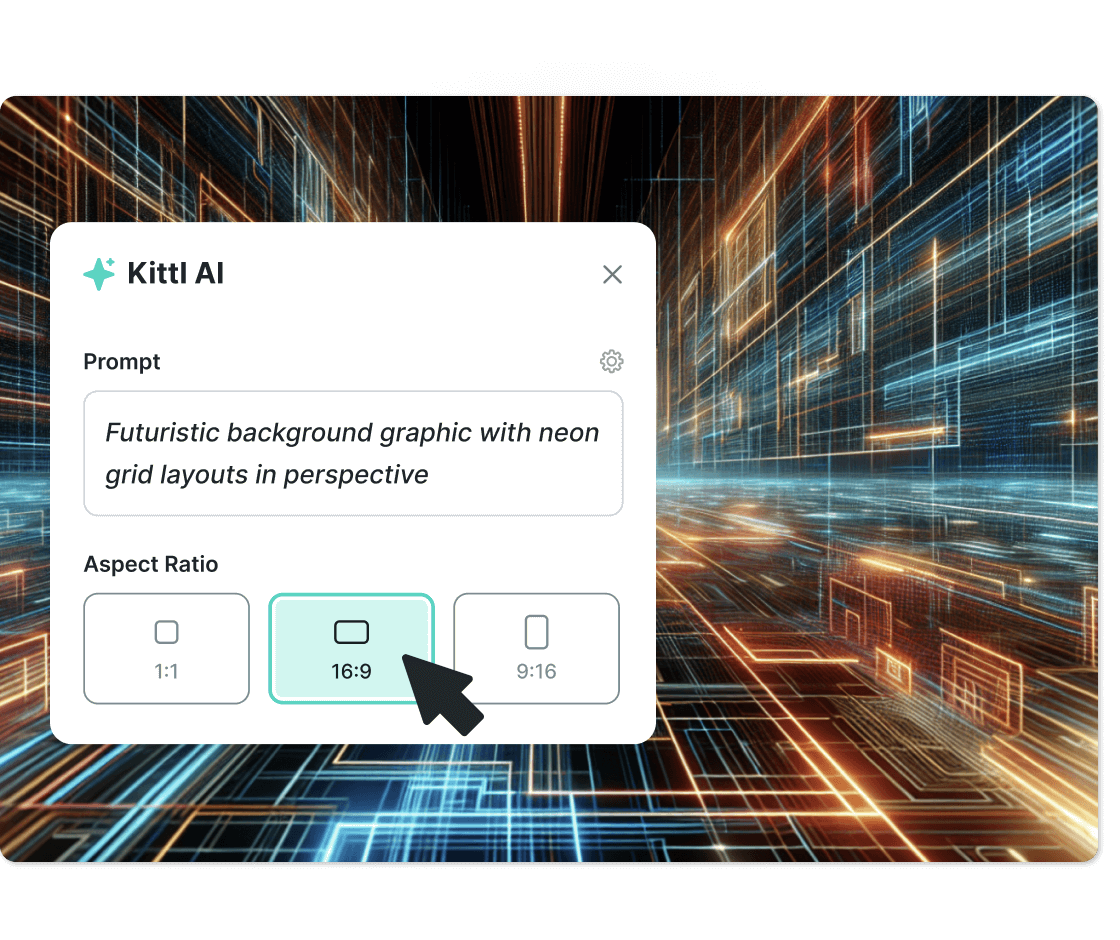
Showcase your brand new logo across all your marketing channels
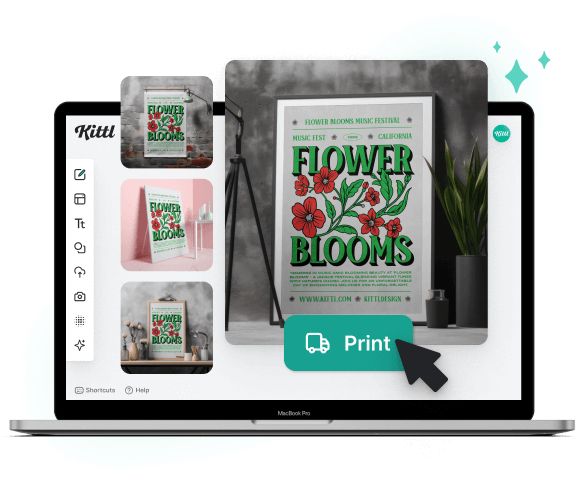
After finalizing your transparent logo, make sure to download your design as a PNG or SVG file. These file types help retain the transparency of the logo background, giving you unlimited freedom in how you use and showcase your brand. Plus, nearly all our templates already come in vector format, so your logo will remain sharp and clear no matter how big or small you scale it.
“I’ve really enjoyed creating some stunning designs!”
Will Paterson
850k+ subscribers
“Kittl makes creating new designs super easy.”
Odetta Rockhead-Kerr
1.22M+ subscribers
Frequently Asked Questions
To download your logo with a transparent background, simply select the PNG or SVG format when exporting your design. These file formats support transparency, ensuring that your logo seamlessly integrates with any background.
Design a transparent logo with just a few clicks
So why settle for a logo that blends in when you can stand out with Kittl? Start designing your transparent logo today and watch your brand shine like never before.