










Mind Map Maker
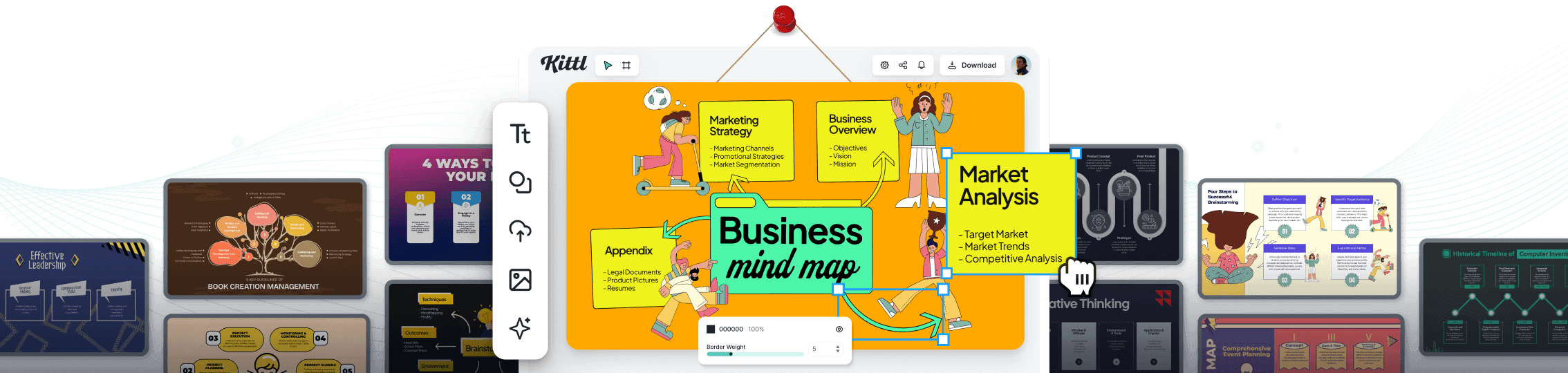
Transform chaotic thoughts into crystal-clear ideas with Kittl's mind maps maker. Our intuitive tool lets you map out your ideas and concepts using various design tools such as colors, shapes, icons, and symbols. Visualize your thought process, organize your ideas, and present them in an engaging and easy-to-follow design.
Trusted by designers at


Create mind maps that'll blow your... well, mind
Good ideas can easily get lost in the chaos of our minds, and sometimes, we need a little help organizing them. That's where Kittl's mind map maker comes in—to turn jumbled thoughts into structured, visually appealing diagrams. Our easy-to-use design tool is loaded with templates designed to fuel creativity and stimulate your brain.
How to create a mind map
Browse Mind Map Templates
Loading
Mind map templates for every brain wave
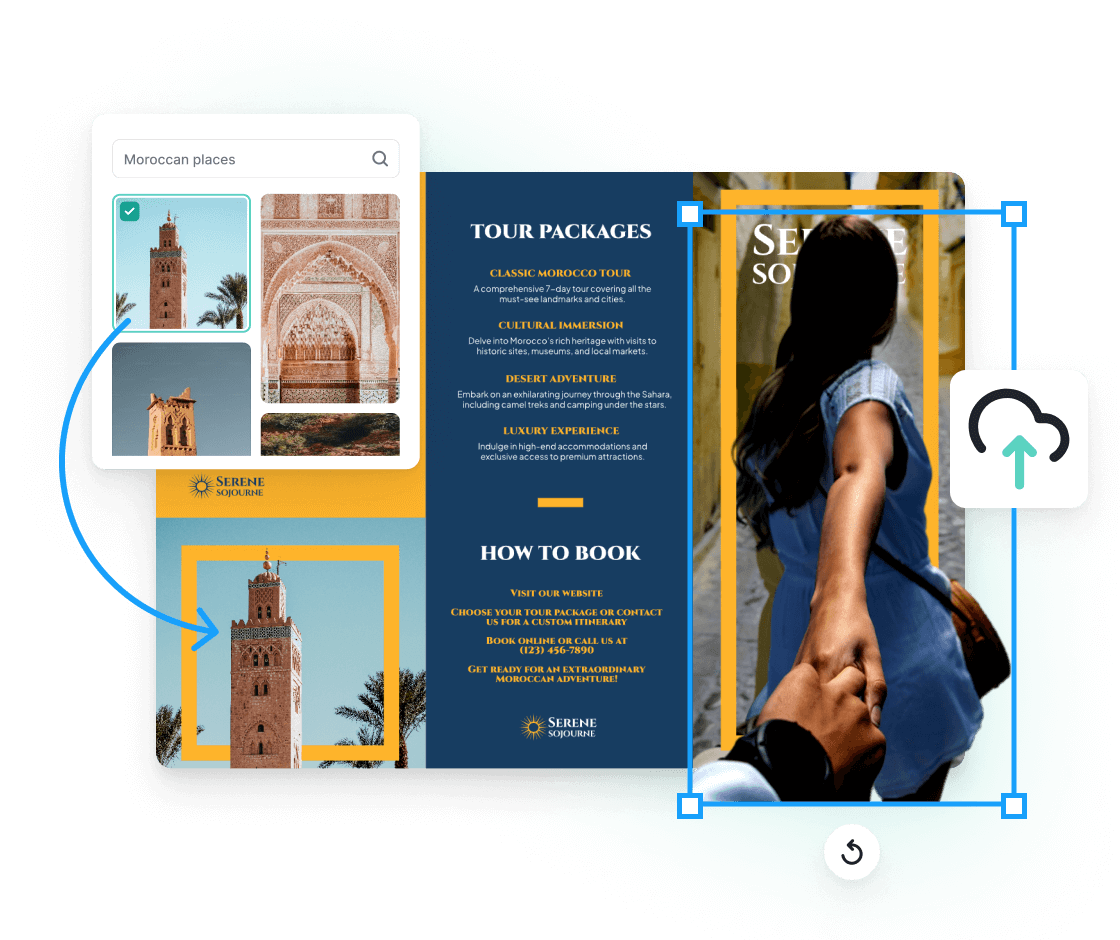
No matter what you're trying to organize or visualize, we have a mind map template for it. From business strategies and project planning to personal growth and creative brainstorming, our huge library of templates, designed by professionals, can help you make sense of your ideas and make them visually appealing. You can edit them freely using our intuitive and powerful design tools.
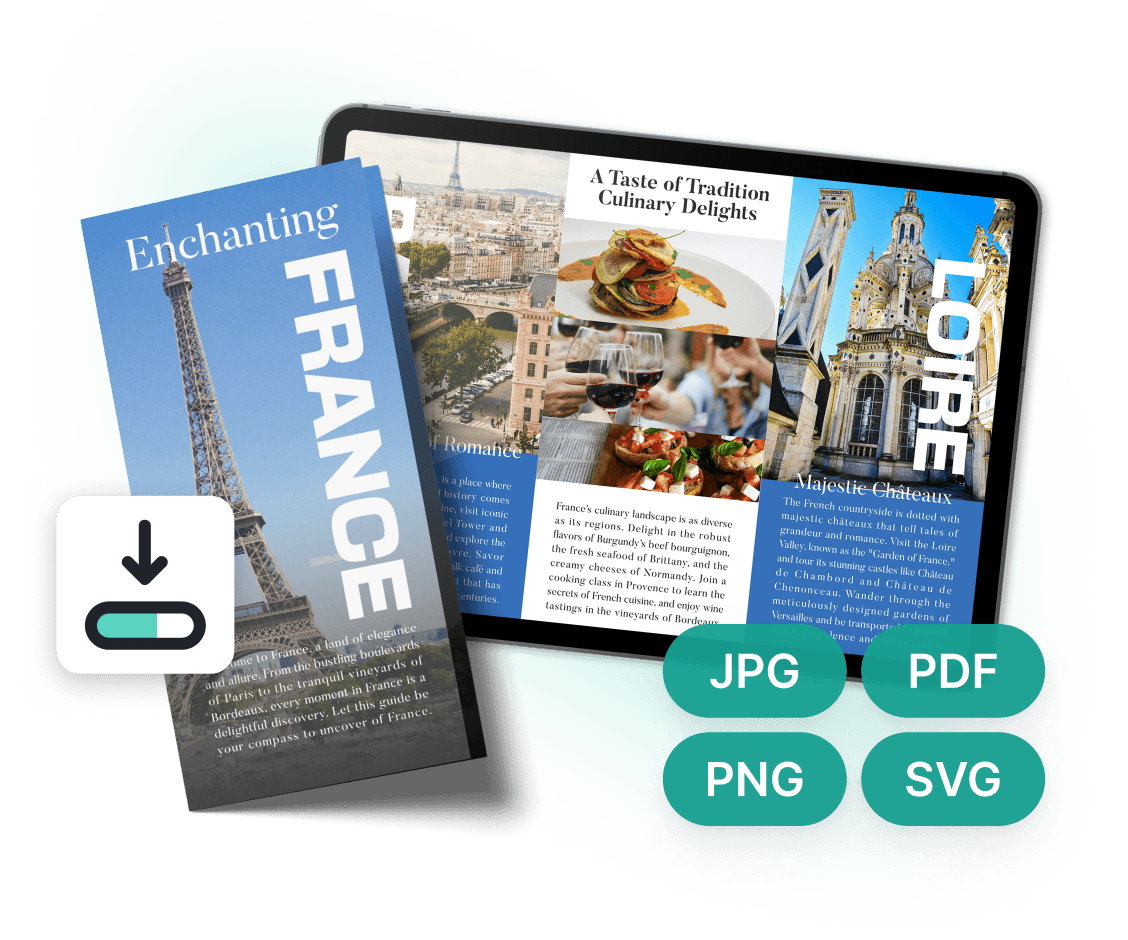
Craft a mind map that works for YOUR mind
Once you've picked your template, it's time to make it yours. Add your key concepts or create custom branches. Use our vast icon library to visually represent each idea - no more getting lost in a sea of boring text. Need to show complex relationships? No sweat. Our flexible connection tools let you create links, hierarchies, or even circular references. Color-code different thought categories, add priority markers, or schedule in those all-important "Eureka!" moments.
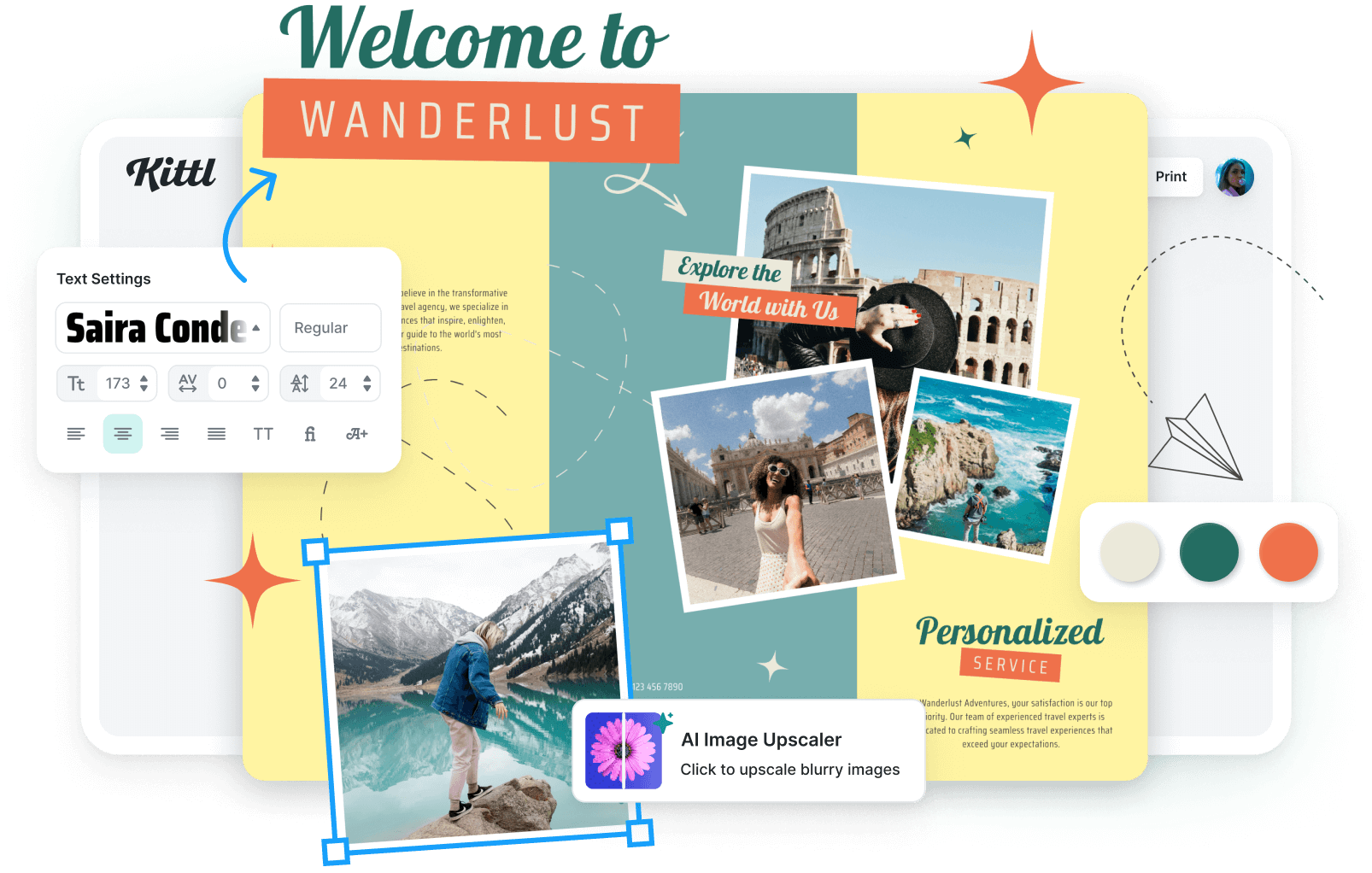
Share your mind maps easily
Once your mind map is complete, download it as a high-quality file, print it, or use it for digital presentations. Imagine your clients' faces when you pull up a beautifully organized mind map for your next business meeting. You can also share the link with your team and ask for their input to refine and expand ideas. Feel free to revisit your mind map anytime and make updates and changes—because let's face it, our thoughts are always evolving.
“I’ve really enjoyed creating some stunning designs!”
Will Paterson
850k+ subscribers
“Kittl makes creating new designs super easy.”
Odetta Rockhead-Kerr
1.22M+ subscribers
Frequently Asked Questions
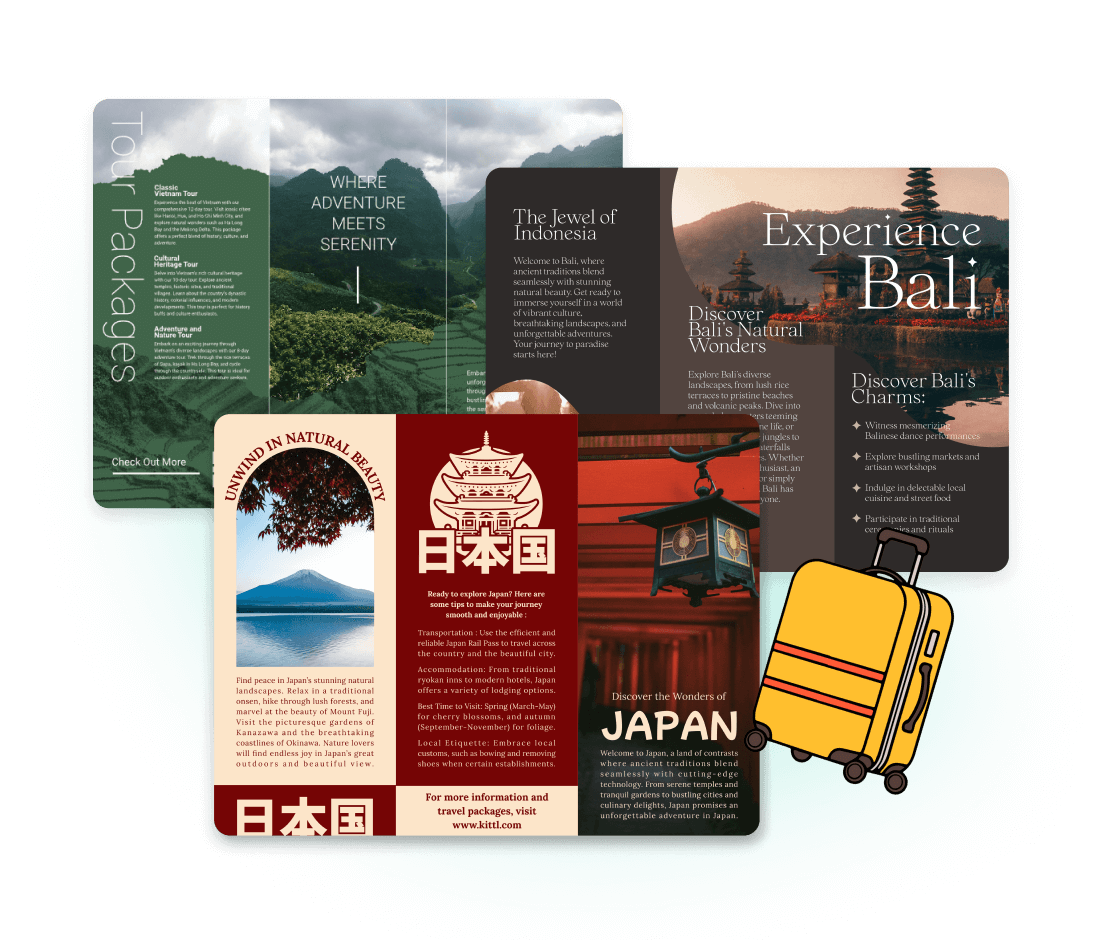
Follow these steps to create your mind map with Kittl:
Step 1: Jot down your key concepts or main ideas.
Step 2: Organize your thoughts into categories or subtopics.
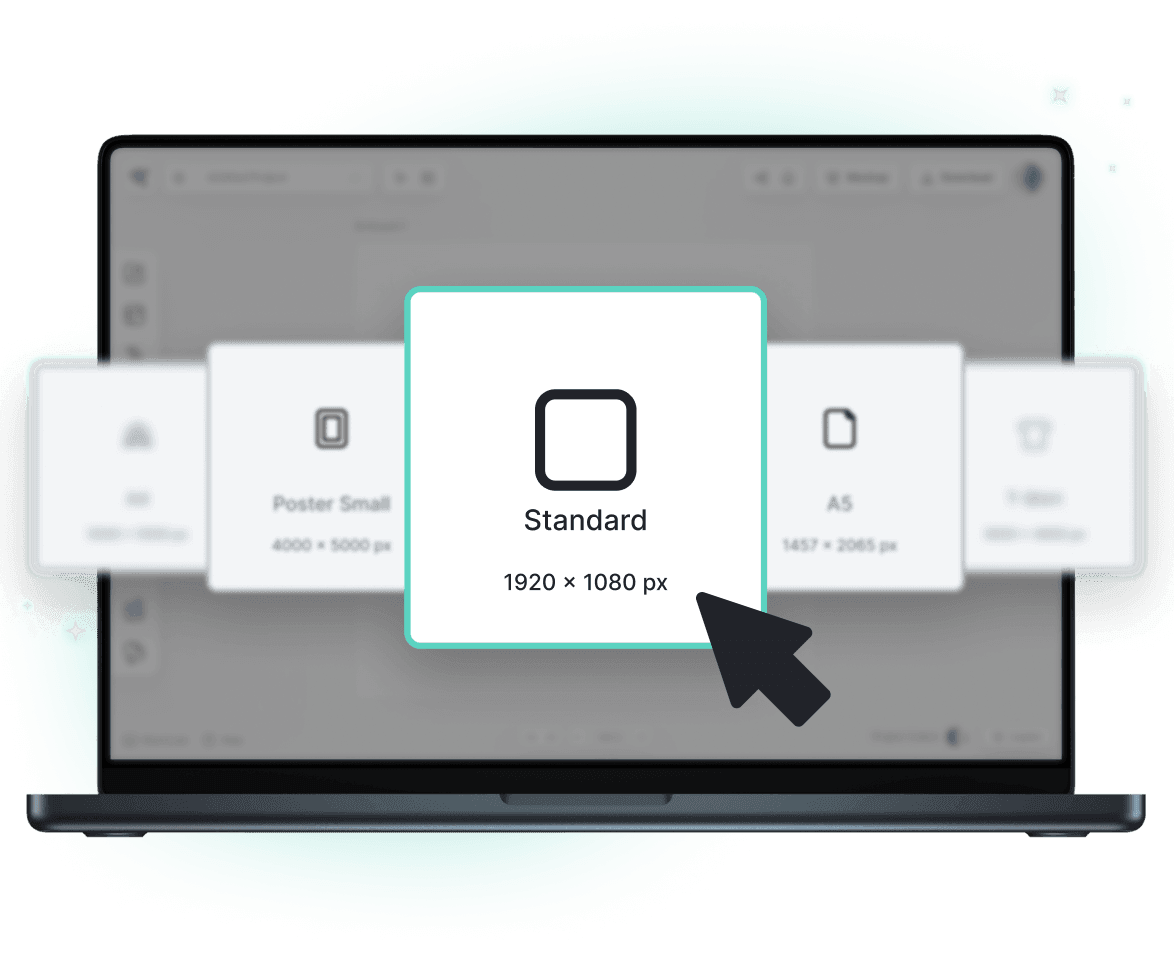
Step 3: Create your mind map using one of Kittl templates.
Step 4: Use different design elements to connect your ideas.
Step 5: Share your mind map in print or digitally with your client or team.
Map your way to brilliance with Kittl
Stop letting great ideas slip through the cracks of your mind. With Kittl's mind maps maker, you'll create visually stunning, intellectually stimulating thought maps that'll have you thinking bigger, better, and bolder than ever before.