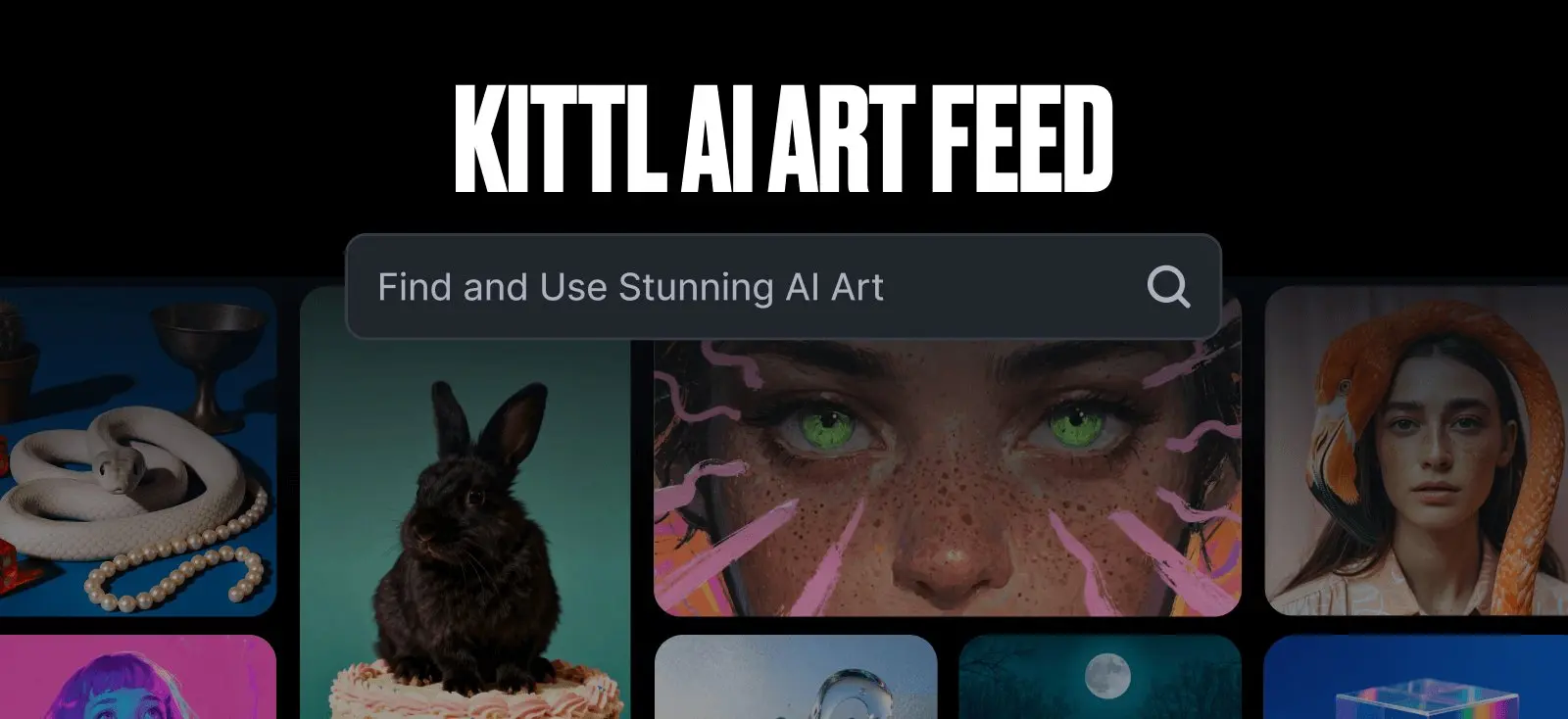
Does anyone still remember the Kittl AI Art Feed?
It used to be the place to scroll through stunning AI-generated art — a goldmine of AI art inspiration that showed just how creative the community could get. But earlier this year, it was quietly deprecated as we started moving those ideas directly into the editor.
For a while, it felt like the feed was gone forever.
Then came the surprise: the new Kittl update includes a community feed right inside the editor. It’s no longer a separate gallery but part of the design experience itself.
But here’s the thing — we’re all designers. We can create, remix, and direct our own AI art. So what’s this feed for?
Let’s take a closer look at how the old Kittl AI Art Feed helped shape the way we learn, experiment, and find inspiration. And what we can still take from it today.
Why the Kittl AI Art Feed was more than just a gallery?
The Kittl AI Art Feed was a visual classroom. Every post taught something new about prompt writing, composition, and creativity.
Let’s break down the biggest lessons it left behind and how they still apply today.
1. It teaches us about prompt design

One of the most valuable lessons the Kittl AI Art Feed offered was this: prompting guides are great for learning the basics.
But if you’re a visual learner, seeing how others think and how a few word changes instantly reshape an image, takes that understanding to a whole new level.
When the feed was active, every image you clicked came with its own prompt or visual clue. You could even copy the prompt to test it yourself, tweak a few words, and instantly see how your results compare.
You could compare two similar images and instantly notice how a single added phrase: “soft studio lighting” instead of “natural light”, or “ink drawing” versus “pencil sketch”. You’ll see that different kinds of lighting and textures changed everything about the final look.
Prompt design is like learning a new design language where every word carries visual weight. Watching other creators’ results helped users connect the dots between language and imagery. How description shapes color, lighting, emotion, and even composition.
By studying dozens of examples, you started to internalize patterns.
- Prompts that emphasized materials (like “metallic texture” or “matte finish”) made surfaces feel tactile.
- Words tied to mood (“dreamlike,” “high contrast,” “moody shadows”) shifted atmosphere instantly.
- Adding art styles or eras (“80s retro vector,” “Baroque oil painting”) gave your prompts direction and context.
In short, the feed was a giant sandbox for reverse-engineering results. You didn’t have to guess what the AI could do. The community had already tested it, and their experiments were your visual guide.
2. Kittl AI Art Feed becomes the source of AI art inspiration for design

If you spent any time browsing the Kittl AI Art Feed, you probably remember how wildly different each post looked from the next.
One minute you’d see a retro comic-book cover, and the next, a hyper-realistic portrait glowing with cinematic lighting.
That’s the beauty of having access to a broad visual library. It trains your creative eye.
As Weyakin Designs explains in An Artist’s Toolbox: Art Reference & Research, “artists don’t draw or paint in a void.” Having plenty of references builds your “visual toolbox,” helping you understand what makes certain images stand out.
The more styles you expose yourself to, the easier it becomes to notice what works in composition, lighting, and form — and to develop your own preferences from there.
Inside the old Kittl feed, you could scroll through every imaginable aesthetic:
- Retro vector art
- Cinematic realism
- Cartoon and kawaii
- Watercolor and gouache
- Surrealist and dreamlike
- Minimalist line art
- Vintage engraving and etching
- Fantasy illustration
- Cyberpunk and vaporwave
- Abstract geometric design
- Pop art and collage
- Mid-century poster style
- Photorealistic portraits
- Ink and sketchbook drawings
- 3D render style
- Street art and graffiti
- Typography-focused compositions
- Mixed media collage
- Flat illustration
- Neo-noir and dark fantasy
Each of these styles revealed something new about visual storytelling. You could see how different artists played with composition.
One might place a subject off-center for drama, or another use light to guide the viewer’s eye.
But the real fun began when you used the search bar. Typing in specific or unconventional keywords unlocked entirely new looks.
You could mix media types in your search, like “cyberpunk watercolor” or “charcoal fantasy sketch,” to find hybrid aesthetics that felt fresh and original.
That kind of exploration trains your instincts. Over time, you start connecting dots — this lighting style pairs well with that composition, this texture feels too heavy for that mood, and so on.
What started as simple scrolling turned into a low-pressure way to study design principles through constant visual feedback.
3. See other designers test AI’s imagination

Speaking of art inspiration, the Kittl AI Art Feed was also a showcase of creative trial and error.
Every image represented someone experimenting: Trying out unusual prompts, unexpected subjects, or new combinations of styles.
By browsing the feed, you could see how others pushed AI beyond typical ideas. Some mixed fantasy with realism, others played with abstract compositions or emotional tones.
It was a front-row seat to how far AI’s imagination could go when people dared to explore.
Even when results looked odd or imperfect, they sparked curiosity. You’d start to wonder, what if I tried that prompt but changed the style? or what if I added one more detail?
Each image became a mini case study in experimentation.
That’s what made the feed so valuable — it encouraged curiosity over perfection. Instead of following trends, users were testing what was possible.
And by watching those experiments unfold, others learned how to approach AI art with the same sense of play and discovery.
4. Kittl AI Art Feed is perfect for community learning

One of the most powerful things about the Kittl AI Art Feed was the sense of community learning. You were watching a shared experiment unfold in real time.
In AI-driven spaces, community learning matters because the technology evolves fast. What works today might not work tomorrow.
By seeing how others write prompts, approach lighting, or blend styles, users can adapt faster and avoid repeating the same mistakes.
It also helps surface patterns. When hundreds of people explore similar ideas, trends naturally emerge — new art styles, composition techniques, or color palettes start to take shape.
That shared momentum inspires others to keep experimenting and refining their own approach.
Learning together with other artists also makes AI less intimidating. Seeing that there are others still figuring it out reminds you that creativity with AI is about progress.
If that’s the case, then why was the page deprecated by Kittl?

The short answer: it wasn’t really gone. It just moved. What used to be the public Kittl AI Art Feed now lives inside Kittl Editor.
Go to Kittl AI, then look under the Explore tab. It’s the same concept, but now built directly into the platform where all the creative work happens.
The layout looks familiar: a scrolling gallery of AI-generated images that you can browse, search, and study. The search bar still works, letting you explore by style, subject, or theme. Just like before.
Click on any image, and you’ll see detailed information on how it was made:
- The prompt used to generate it
- The model responsible for the result (for example, Seedream 4 or Flux Pro)
- Options to add it to your Likes for later reference
- Or add it to a project directly inside your workspace
- You can even recreate the same prompt to see how the model interprets it again — a great way to experiment with variations.
What’s great about having the AI art feed moved into Kittl Editor’s AI is that you can use it directly in your design. Instead of switching between pages, you can browse ideas, analyze prompts, and pull the images straight onto your canvas.
It turns inspiration into action, making the creative process faster, smarter, and far more seamless.
Key takeaways: Keep exploring your own AI art inspiration
The Kittl AI Art Feed may have changed, but the lessons it taught remain the same — stay curious, keep experimenting, and learn from what others create.
- Prompt design matters. Small changes in phrasing can completely shift the outcome.
- Visual references teach faster than theory. Observing others’ art helps you spot composition, tone, and lighting cues you can apply yourself.
- Experimentation is the real teacher. Every unexpected result is a step toward understanding how AI interprets your ideas.
- Community learning accelerates growth. Seeing what others make can spark your next concept or improve your creative process.
- Kittl AI keeps it all in one place. You can now browse, study, and use AI-generated art directly inside the Kittl Editor.
At the end of the day, AI art inspiration is about exploration.
Open Kittl, test different generators (like Nano Banana, Seedream, Google Imagen 4, Flux Pro, and Ideogram) test new prompts, and mix styles.
See where your imagination takes you. Your next favorite design material might start with just a few words.