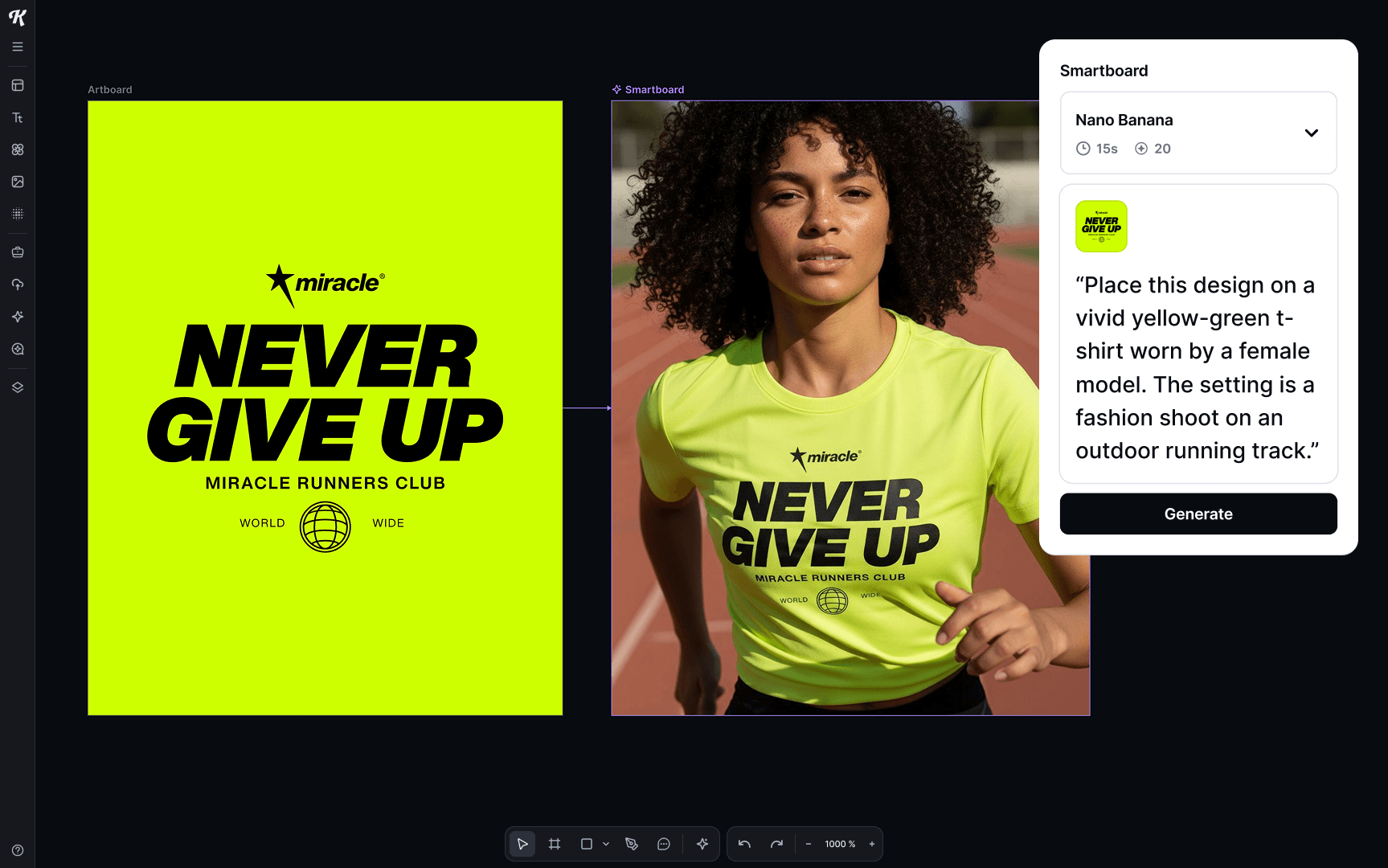
We’ve switched to Google’s Nano Banana as the default in Kittl Flows. It’s 10x faster, cheaper to use, and keeps your logos, graphics, and text exactly as you designed them.
Why we added Nano Banana
If you’ve used AI for mockups or edits before, you know the pain:
- Your logo gets changed or distorted
- Simple edits take forever
- Characters or graphics look different each time
Nano Banana fixes that. Logos stay as you made them. Edits happen in seconds. Characters and styles remain consistent.
What you can do with Nano Banana

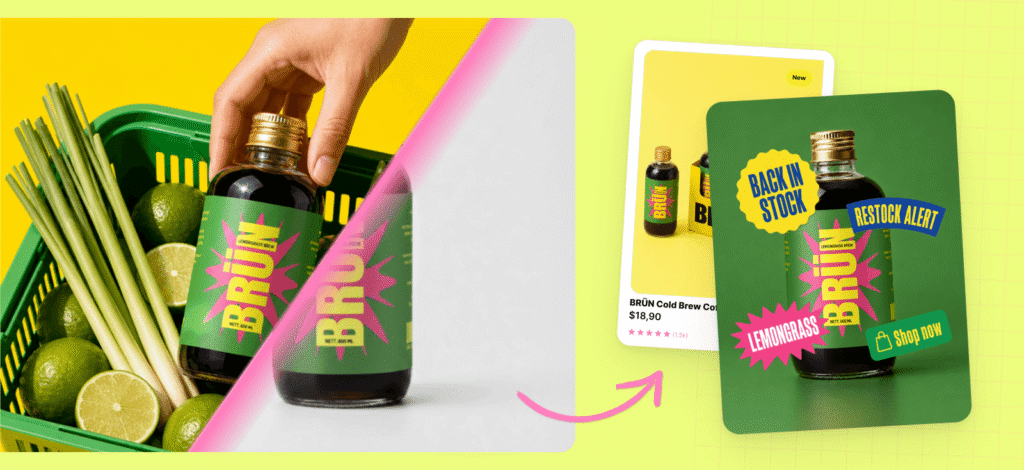
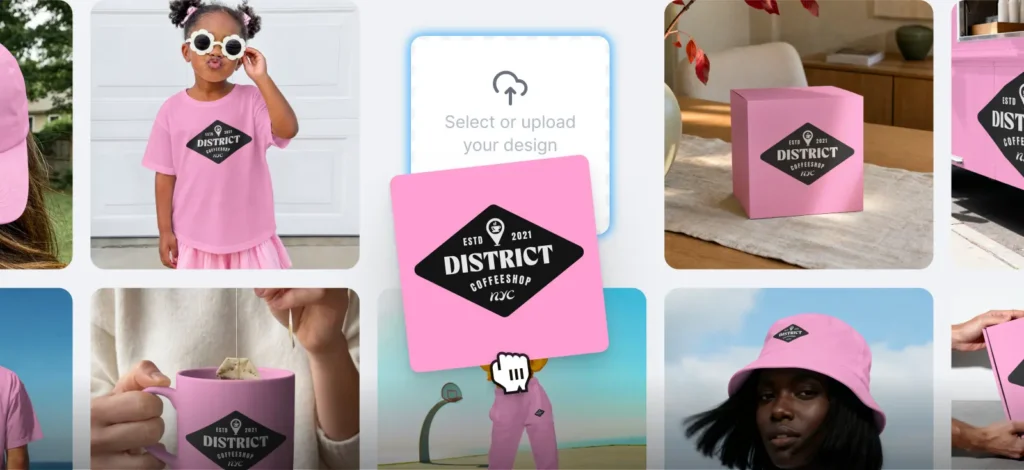
- Create realistic mockups: Put your designs on products like t-shirts, mugs, or packaging. Get multiple angles and settings while your logo stays perfect.
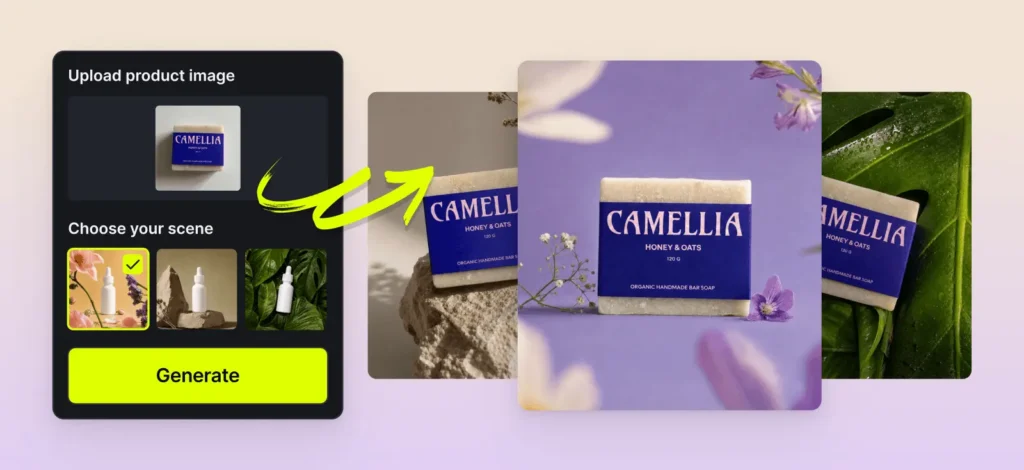
- Edit images with simple prompts: Remove objects, add elements, or change backgrounds. Just type what you want to change.
- Make consistent variations: Create 10 versions of the same design, character, or photo. They’ll all match perfectly, like they belong in the same set.
Why it matters
With Nano Banana, you get:
- Speed: Most images generate in ~10 seconds (10x faster than ChatGPT Image 1)
- Consistency: Your logos and graphics stay exactly the same
- Simplicity: Edit with text instead of complex tools
- Affordability: Only 10 tokens per image

What users are saying
“Is Nano Banana the new Photoshop?”
“With Nano Banana, my mockups look like real products.”
“I love how my logo stays in place and style across all my designs.”
How to use it
- Open any artboard in Kittl
- Add a smartboard (Nano Banana is already the default)
- Enter your prompt or upload your image
- Hit generate
Nano Banana is live today in Kittl Flows. Try it out, see what others are making, and bring your ideas to life faster than ever.

Tobias Saul is a co-founder and chief product officer at Kittl, where he leads the vision for making professional design tools simpler, smarter, and more inspiring to use. With a background in typography, lettering, and graphic design, Tobias brings a deep appreciation for craft and detail to Kittl’s product and brand experience.