












One click, clean cutout
Upload your photo and remove the background in seconds. Spend your time on the design, not the edges.
Upload your photo and remove the background in seconds. Spend your time on the design, not the edges.
Edges stay clean and details stay sharp, so your cutout's ready for listings and social posts.
Sign up free and get higher quality results. Your downloads come without a watermark.
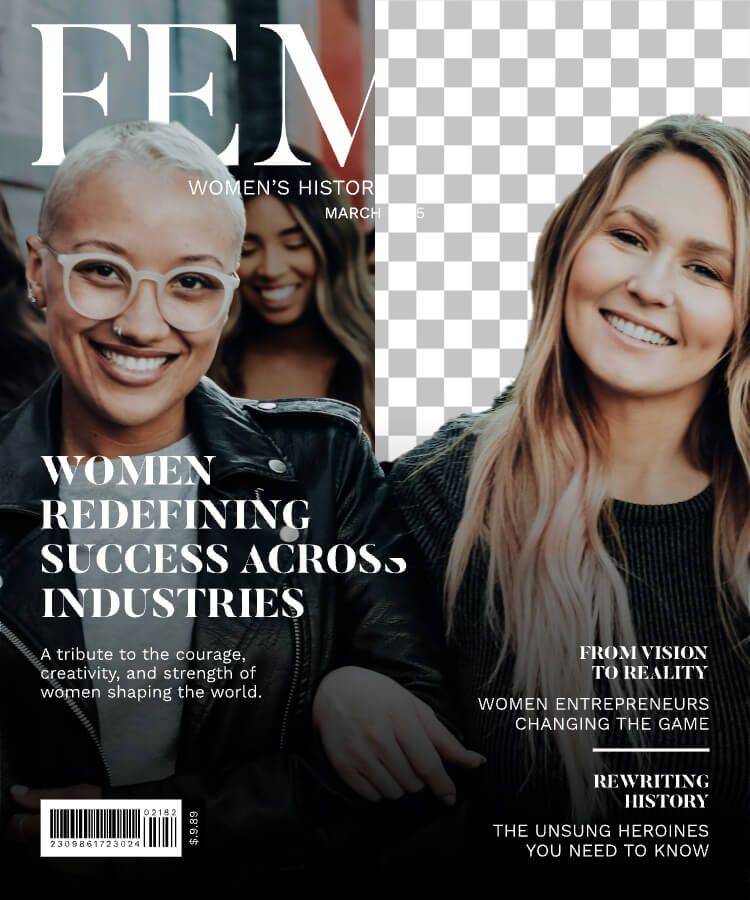
1. Upload a [JPG or PNG] image.
2. Click Remove background. You'll see a transparent cutout in seconds.
3. Download it, or open it in Kittl to add a new background, text, or a mockup.
Works for product photos, portraits, logos, and anything you want to place in a new design.
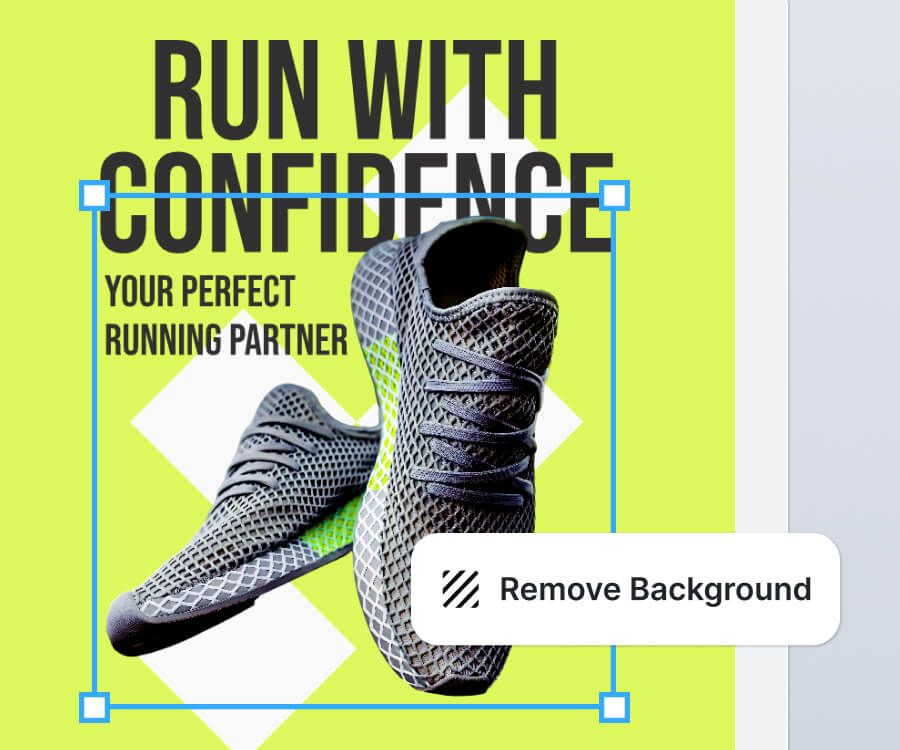
The AI finds your subject and keeps the edges sharp, without halos or jagged lines. If something's off, fix it with the eraser and keep going.
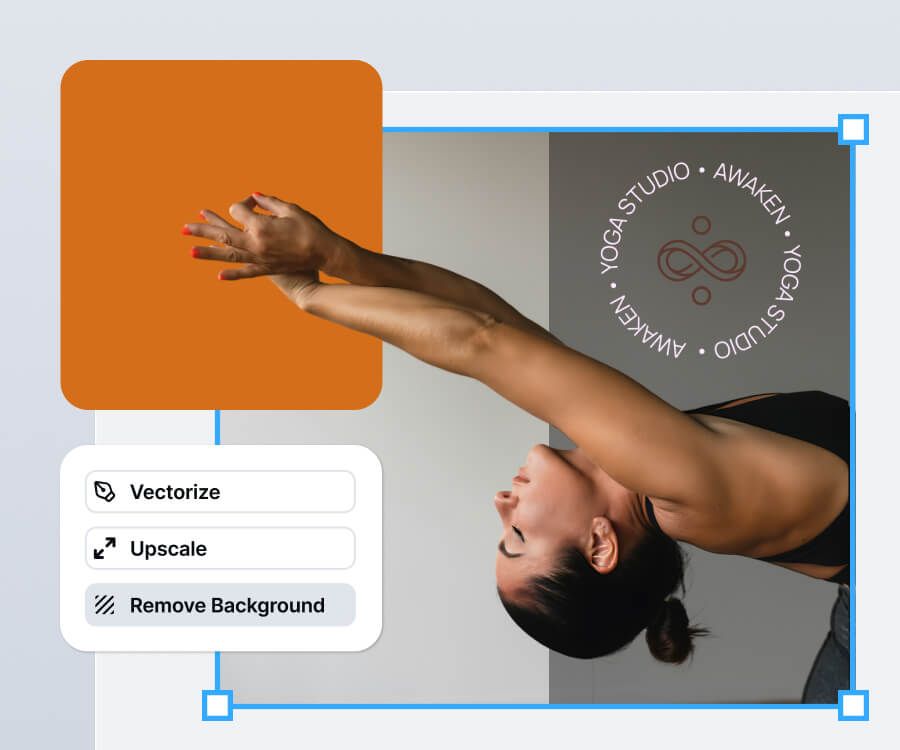
Upload your image and remove the background. Your cutout sits on a transparent background, ready to download as a [PNG]. Want white or a color instead? Add it in the editor.
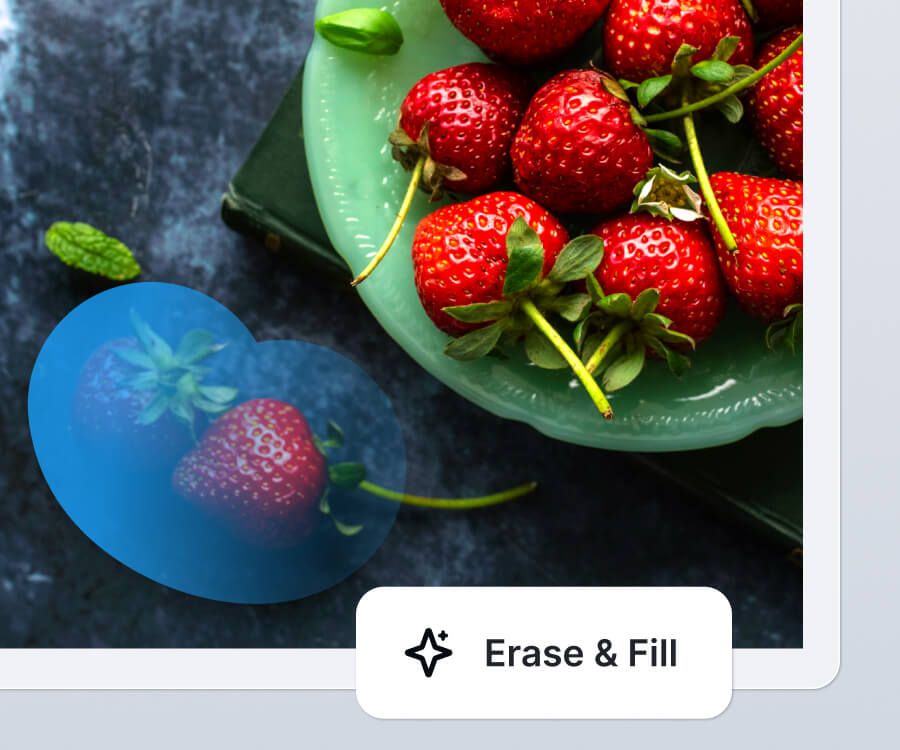
Use Erase to remove a single distraction, like a cable or a passerby. Use Erase and fill in the Kittl Editor to remove it and fill the space so the scene still looks natural.
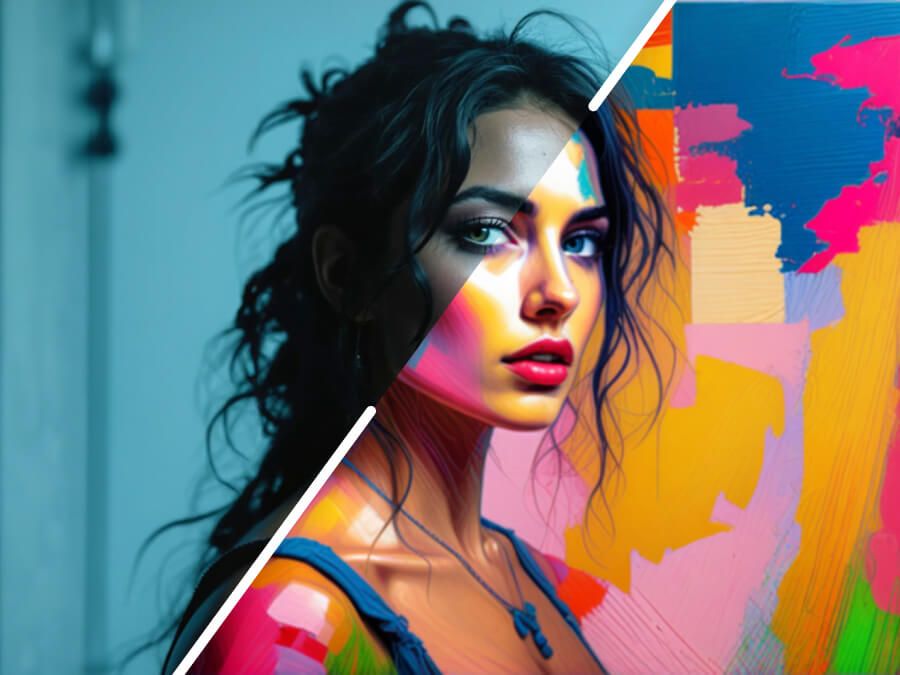
Refresh images with AI-powered style changes. Choose subtle tweaks or bold transformations while keeping your original content intact.
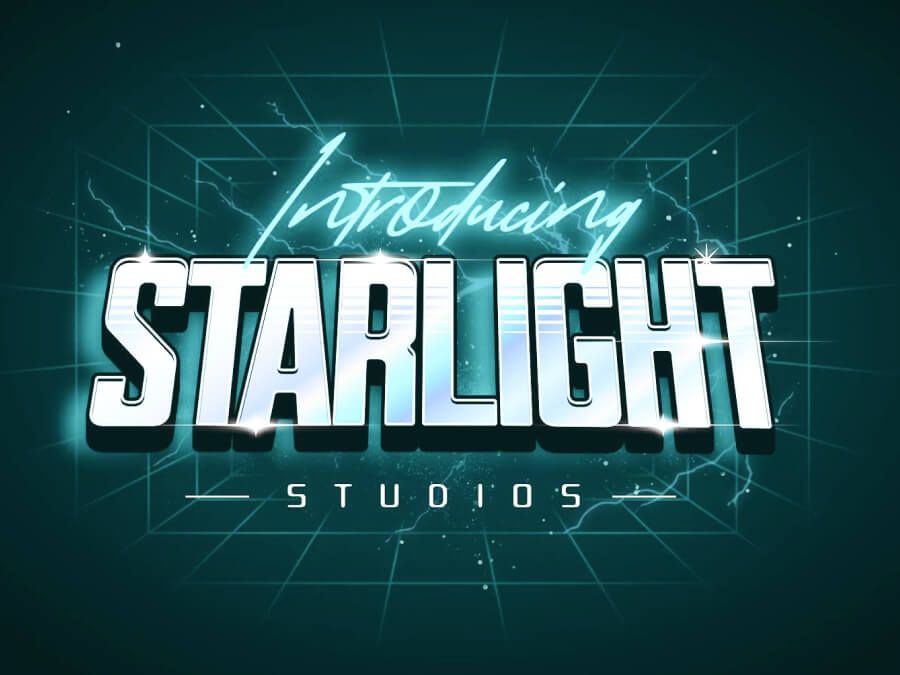
Transform your typography with bold styles and creative transformations. Choose from Kittl’s expansive font library to elevate your design effortlessly.
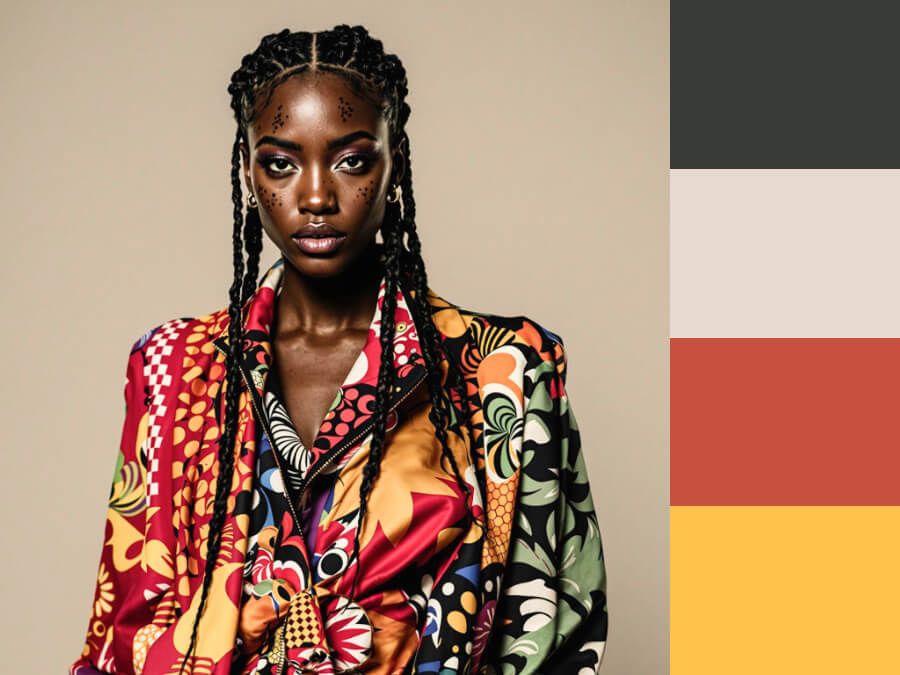
Easily update your design's colors or generate harmonious palettes from selections. Perfect for refining your visual aesthetic.
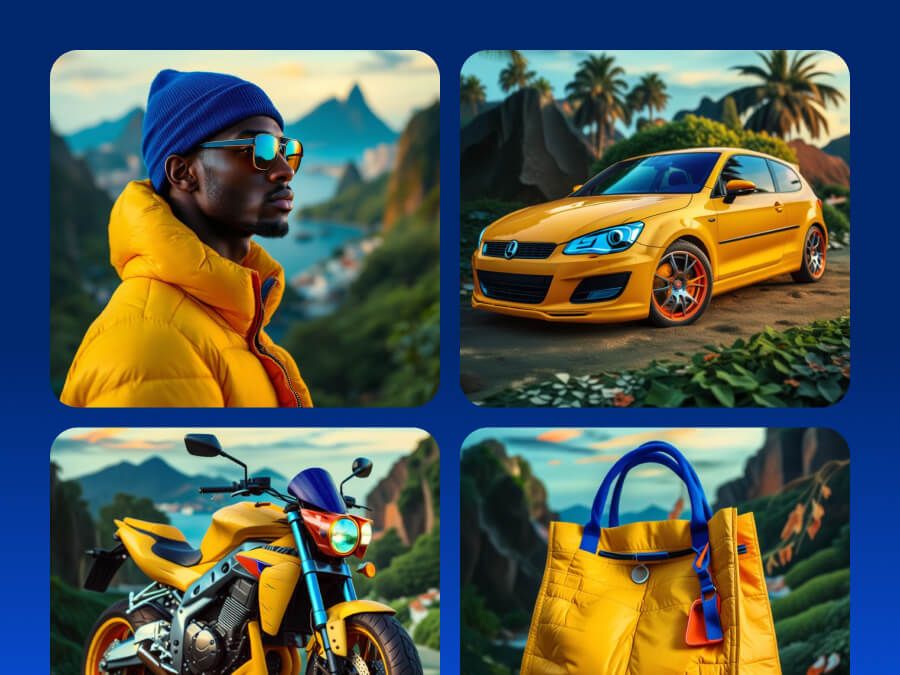
Create cohesive collections of designs with consistent styles. Generate multiple objects that align perfectly for a unified, professional look.
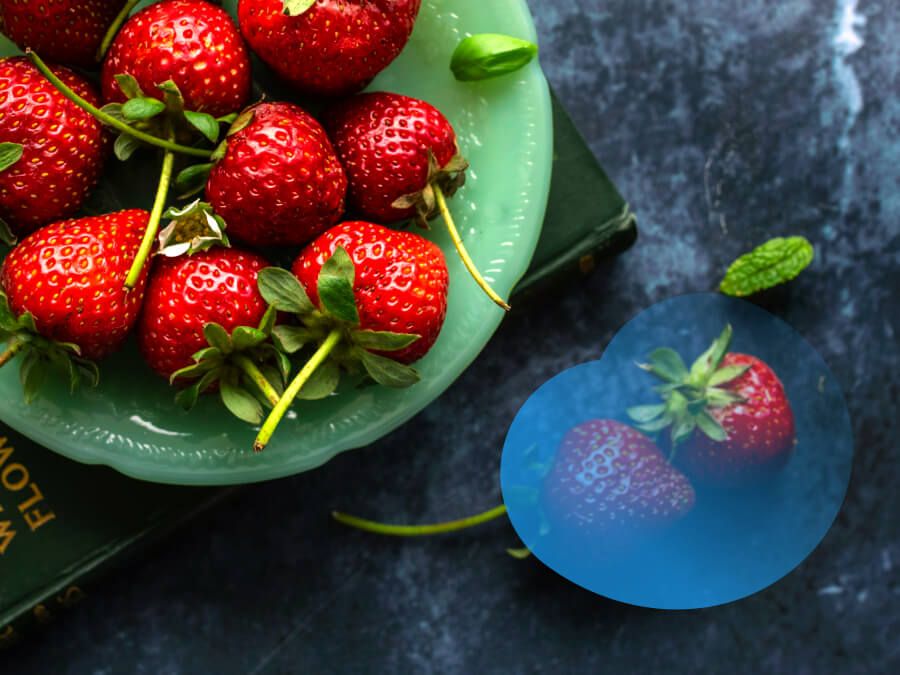
Seamlessly remove and replace elements while preserving your design's harmony. Achieve polished, professional edits with AI-powered precision.
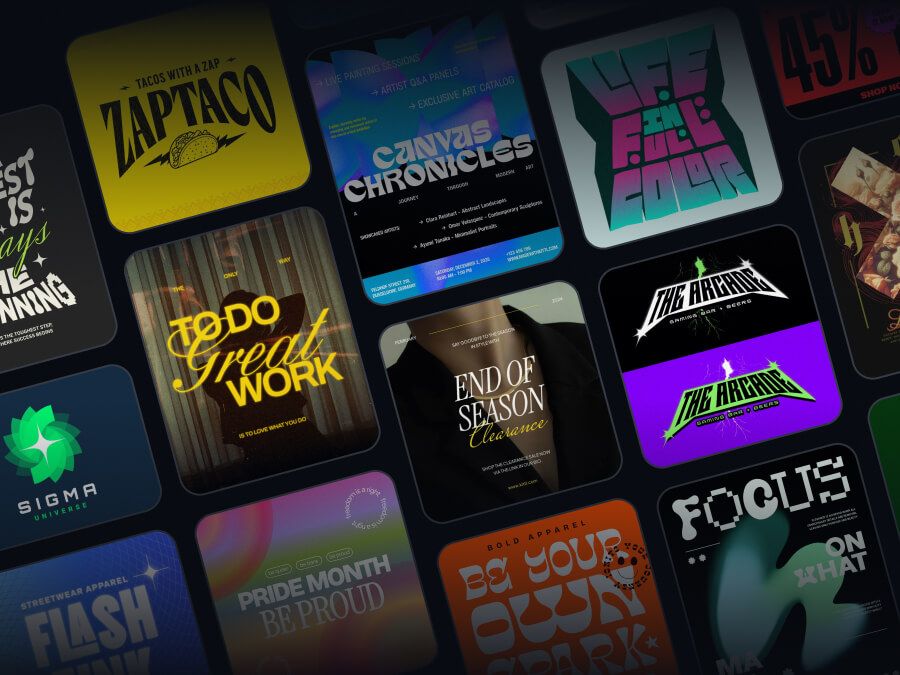
Jumpstart your creative process with ready-to-use templates. Save time and design faster with professional layouts for any project.
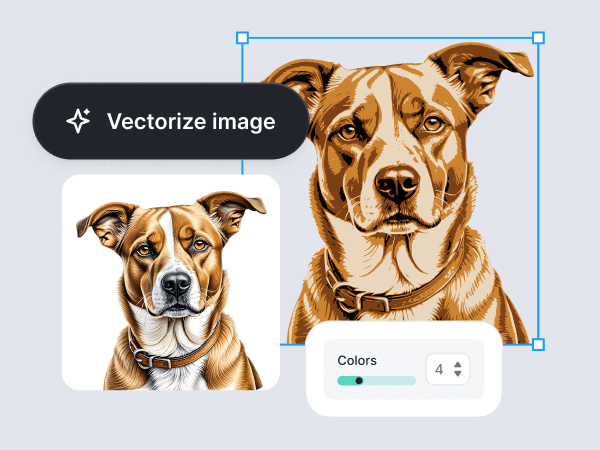
Kittl's AI-powered image vectorizer helps you to convert PNG, JPG, and raster images into crisp, scalable vector graphics. Free trials available.
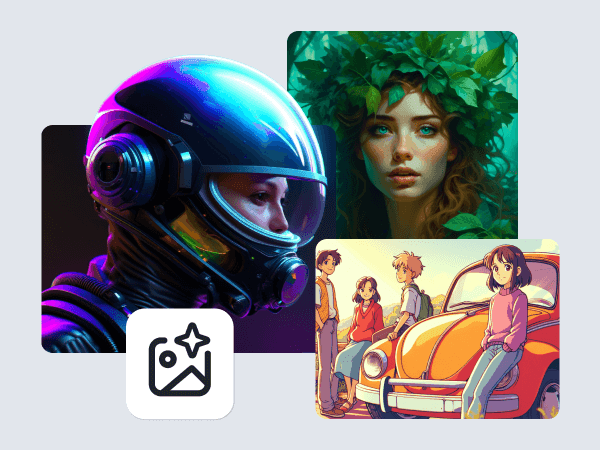
Kittl AI design generator works for commercial work. Create images for logos, packaging, merch, product mockups, and marketing campaigns on Kittl's design platform.
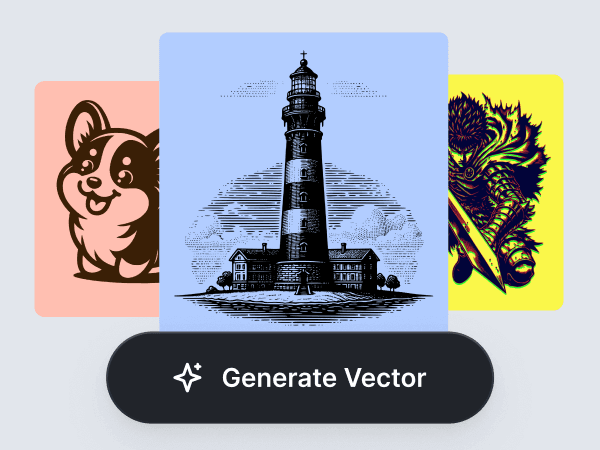
Create editable vector graphics from a simple prompt. Make brand-ready icons, stickers, labels, merch designs, packaging assets, and launch visuals with Kittl’s AI Vector Generator.
The best one depends on what you do next. Look for clean edges, a transparent download, and a way to edit the result. Kittl covers all three: remove the background, then add a new one, text, or a mockup in the same place.
Say goodbye to unwanted backgrounds, remove distractions and make your subject the star of the show.