












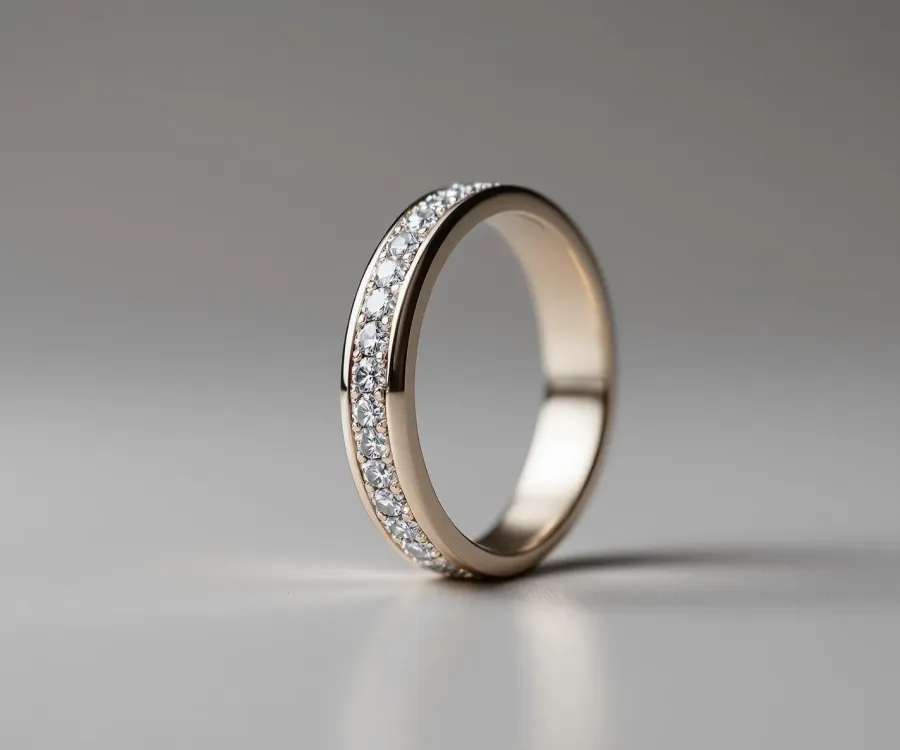
Metal tone stays true
Real gold, rose gold, silver, and brass color. Plated finishes don't drift into solid. So what your customer sees is what they get.
Your piece catches light in-person, but the jewelry photography doesn't. Turn one shot into listing images, on-model scenes, and product video for Etsy, Amazon, Shopify, and Instagram.

Trusted by +10M sellers and businesses
I love Kittl for making designs for my jewelry shop. Everything is straightforward to use
Real gold, rose gold, silver, and brass color. Plated finishes don't drift into solid. So what your customer sees is what they get.
The stone’s cut, clarity, and setting hold their proportions, so the piece in the box matches the piece on the screen.
A macro shot makes an 8mm stone look 20mm. Show the piece at the size it actually arrives.
Move from one product photo to a complete set of visuals for listings, launches, product ads, and marketing campaigns.
Remove distracting backgrounds with jewelry photo editing that keeps the piece exactly as it is. Ready for listings, campaigns, and catalogs.
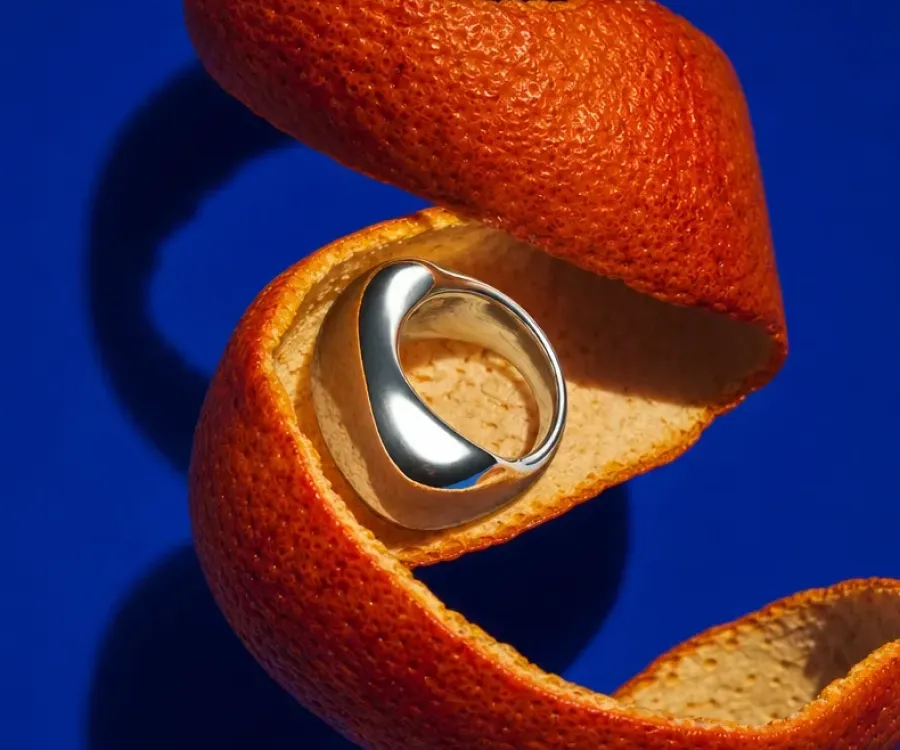
Create UGC-style scenes and campaign concepts that help customers imagine the piece in context, not on a plain background.
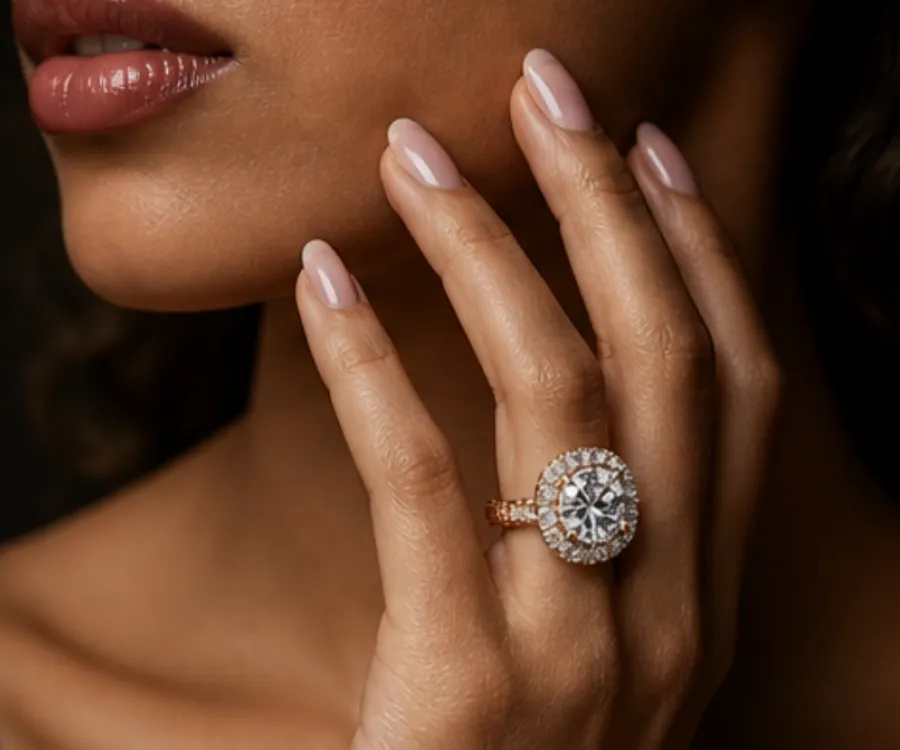
Necklaces at the collarbone, rings on hand, earrings and bracelets in wear. Build the jewelry mockups buyers look for before they commit
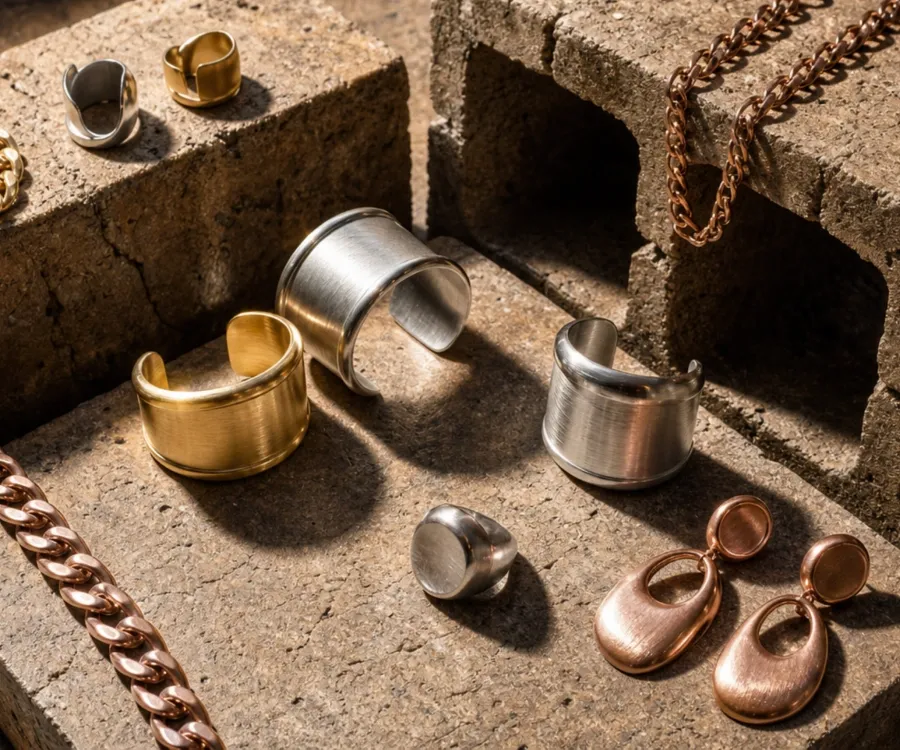
Gold, rose gold, and silver of the same design. One session, three variants, one look.
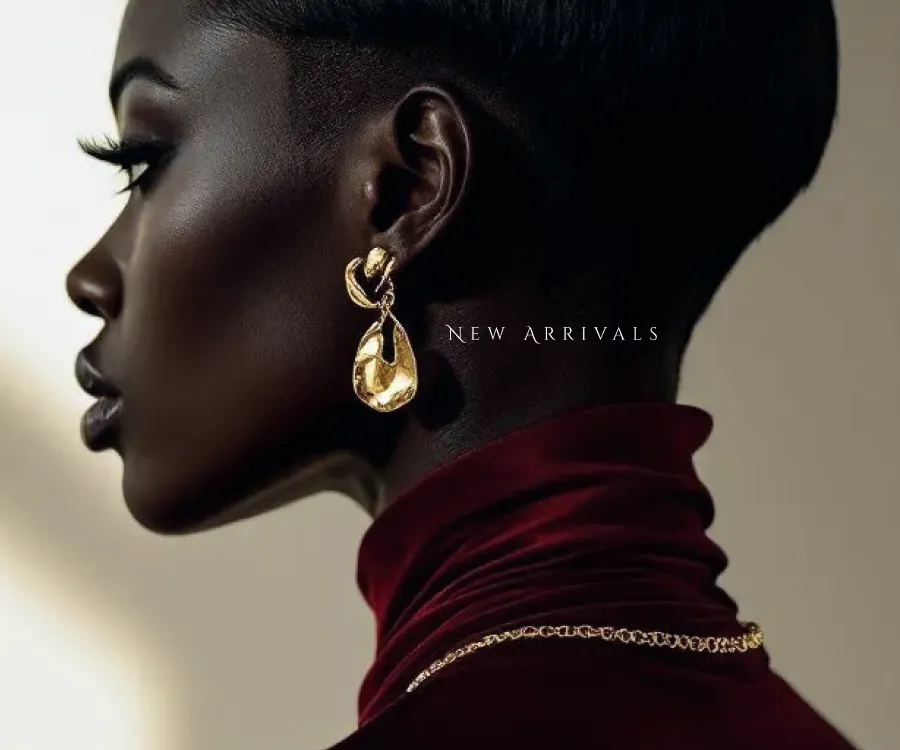
Listing images, collection banners, and promo graphics that hold together across both shops.
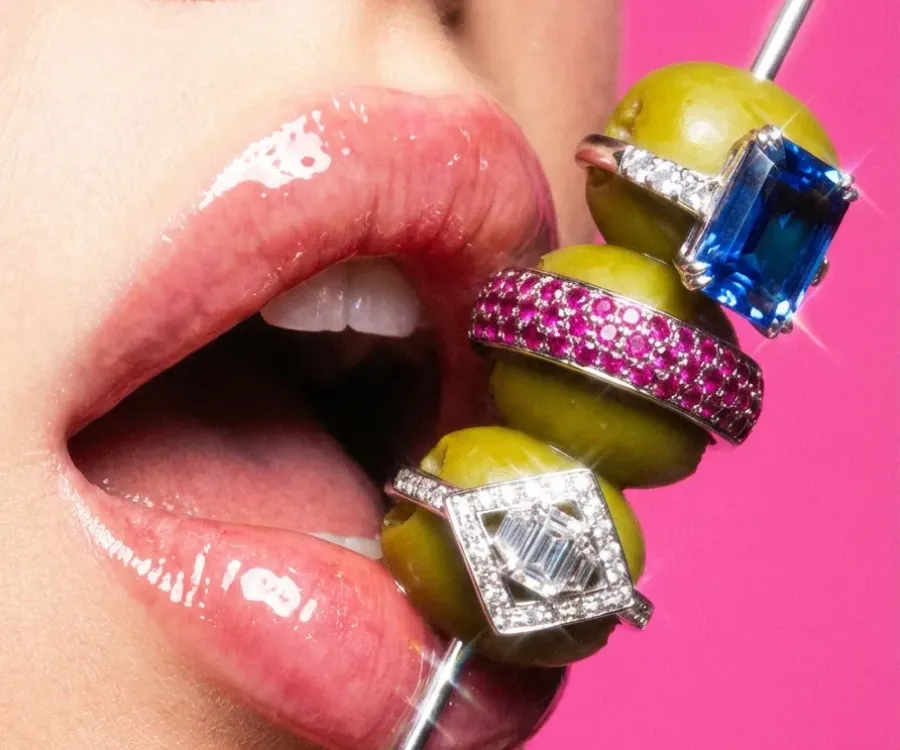
A new drop turns into posts, stories, product ads, and announcement graphics that read as one campaign

A buyer decides in the few seconds it takes to scroll past. Give them the quality, character, and craft they'd notice if they could pick it up.
Nobody buys jewelry on specs. They buy it from what they see in your jewelry photography.
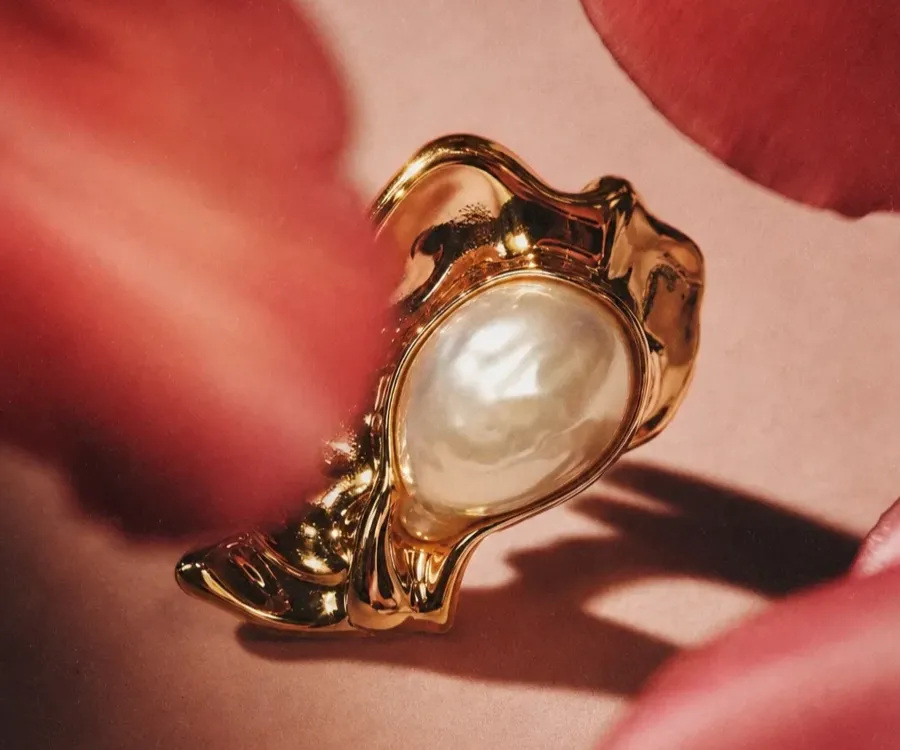
Close-ups that hold stone detail and metal finish, the listing images a higher price point has to justify.
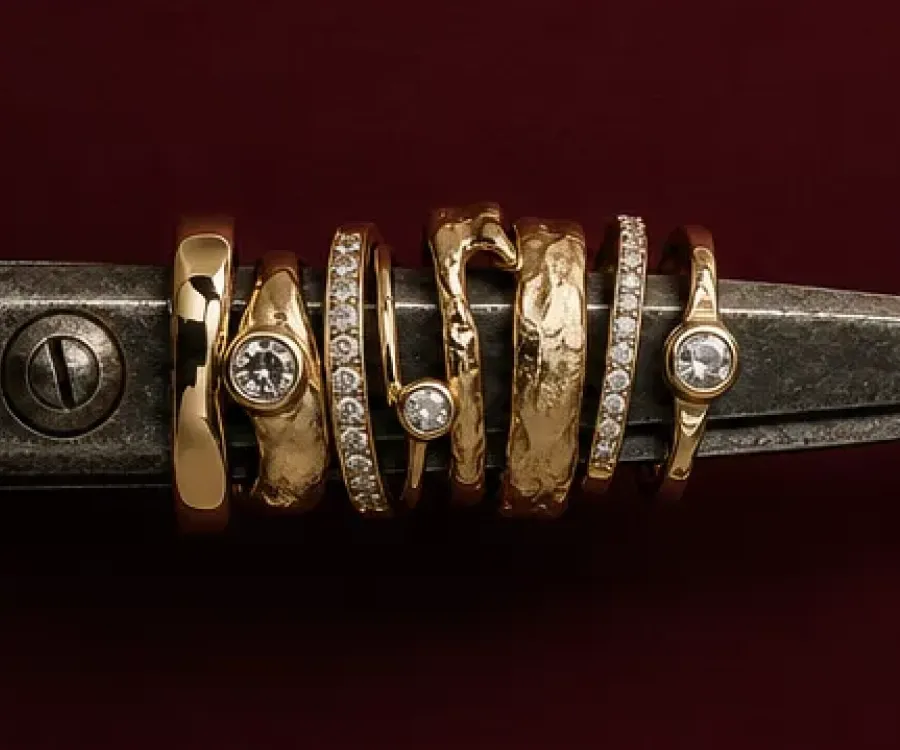
Show the making of your pieces. The texture, materials, and small-batch character, carried across listings and social posts.
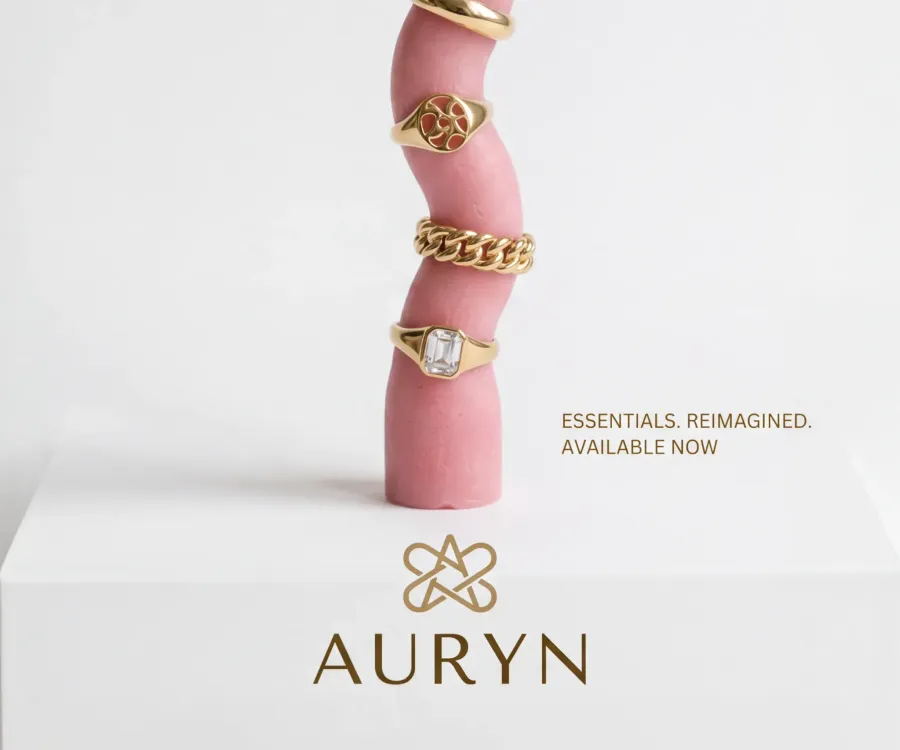
Create price lists, chain and charm menus, event signage, and social content for jewelry studios.
Listing sets, collection announcements, promo graphics, and market materials. Choose a direction, then make it yours.
Begin with the foundations of your visual identity: a recognizable logo, a defined color palette, complementary fonts, and a consistent photography style. Kittl helps you develop these elements using customizable logo templates, Brand Kits, professional fonts, graphics, and intuitive editing tools.
Turn one phone shot into listing images, mockups, launch graphics, and social content for every place you sell.