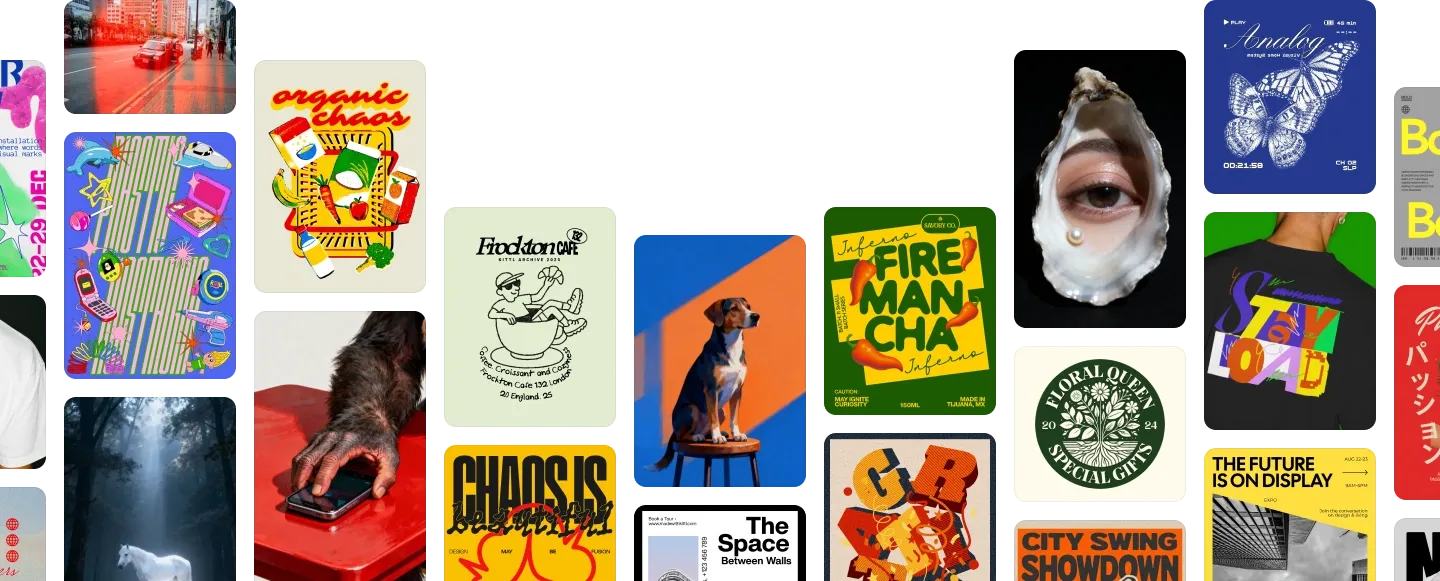













The AI models you’d pay for separately. All in one place
Use Flux, Nano Banana, Ideogram, Seedream, and ChatGPT Image without juggling five subscriptions. Generate your product shots, edit them, and put them on mockups in the same workspace. Launch assets that look agency-made, on your schedule.

Product photos that earn your price
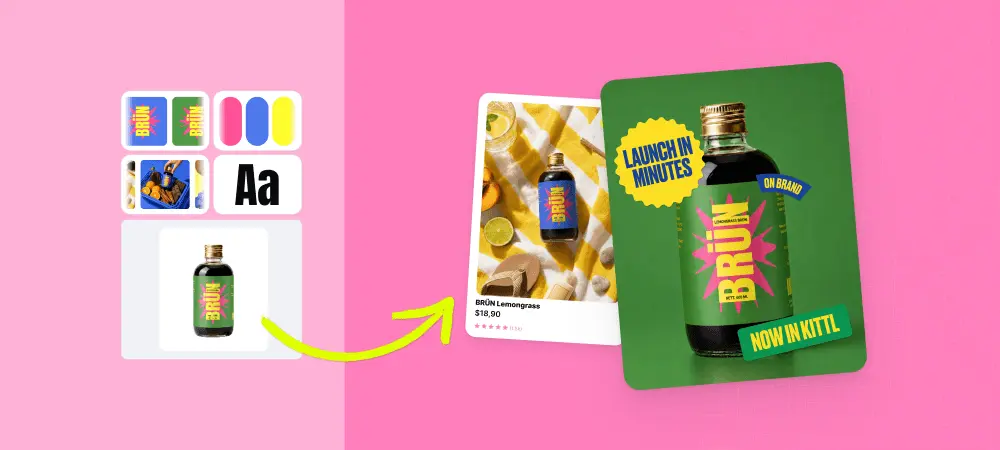
Upload your product, describe the scene, and build lifestyle shots for your store, ads, and stockist pitch. No studio. No photographer. Same product, finally looking like the brand it is.

Start from your own image. Stay on brand.
Upload a product photo, sketch, or past campaign as a reference, and every new image starts from your look. Your colors. Your style. Your logo. Menu, jacket, or business card, it all looks like it came from the same brand.

Your whole launch, in one afternoon
Generate the hero shot, try dozens of layouts, and drop them onto realistic product mockups. Website, ads, and social, ready before launch day.
Which AI model should you use?
Each model has a strength. Pick one for photo-real product shots, another when the image needs readable text, another for graphic artwork. Switch any time, in the same project.

- Flux 2 Pro HD
- Flux 2 Klein
- Flux 1.1 Pro Ultra
- Flux 1.1 Pro
- Flux Kontext Pro
- Flux Schnell

- Ideogram 4 Quality
- Ideogram 4
- Ideogram 3 Quality
- Ideogram 2.0a

- Seedream 5.0 Lite
- Seedream 4.5
- Seedream 4


- Nano Banana 2 4K
- Nano Banana 2
- Nano Banana Pro 4K
- Nano Banana Pro
- Nano Banana
- Google Imagen 4

- ChatGPT Image 2 HD
- ChatGPT Image 2
- ChatGPT Image 1.5 HD
- ChatGPT Image 1.5
- ChatGPT Image 1 HD
- ChatGPT Image 1
Unlike other GPTs that can never get the details of designs right... this is the strongest AI that is perfect for mockup generation, image editing and more!
Explore more AI-powered design tools
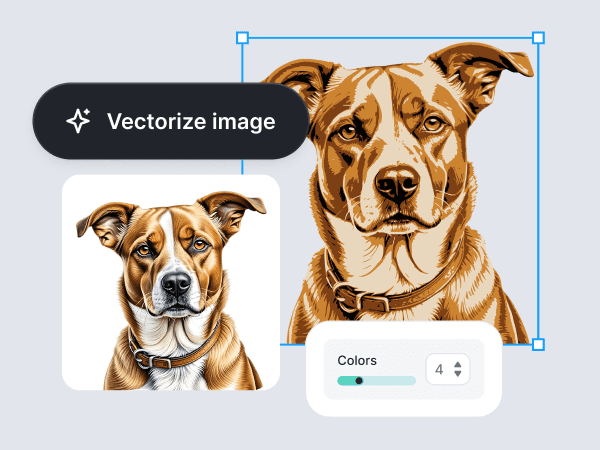
AI Vectorizer
Kittl's AI-powered image vectorizer helps you to convert PNG, JPG, and raster images into crisp, scalable vector graphics. Free trials available.
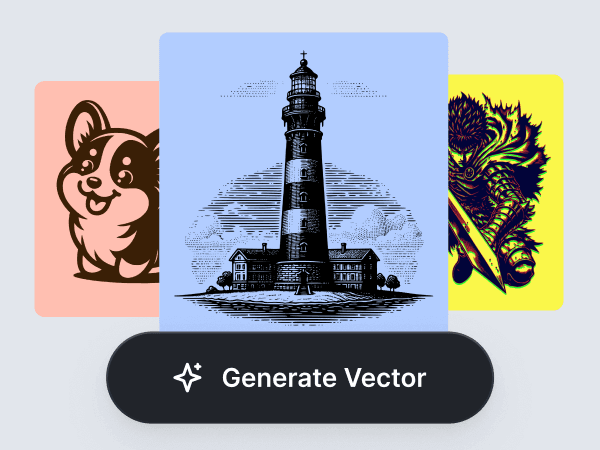
AI Vector Generator
Create editable vector graphics from a simple prompt. Make brand-ready icons, stickers, labels, merch designs, packaging assets, and launch visuals with Kittl’s AI Vector Generator.
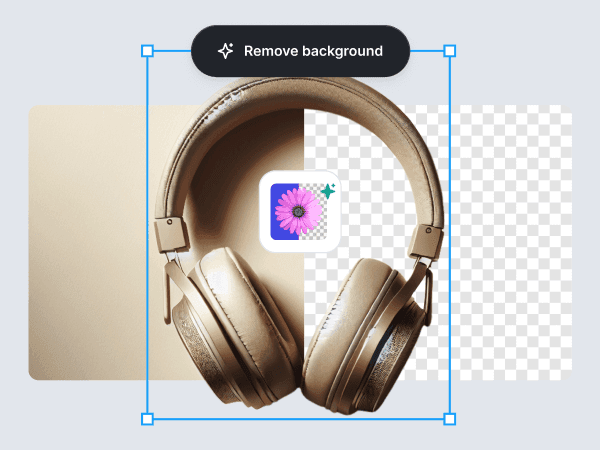
AI Background Remover
Eliminate backgrounds from images seamlessly with Kittl's AI Background Remover. Achieve professional, isolated subjects in seconds.
From concept to campaign in one workflow
Generation is only the beginning. Kittl provides you the tool to build complete brands.

Develop product visuals
Generate core imagery and patterns tailored specifically for your physical products, packaging, and labels.

Build campaign assets
Create high-resolution lifestyle imagery and social content that places your products in context, driving engagement and trust.

Finalize professional mockups
Apply your AI-generated visuals directly onto premium, studio-quality mockups to visualize the final product before manufacturing begins.
Frequently Asked Questions
1. Describe it. Write what you want: the subject, style, colors, and where it’ll be used.
2. Add a photo (optional). Upload a product shot, sketch, or past design to guide the look.
3. Pick a model. Each one has a strength. Choose the one that fits the job.
4. Make it yours. Add text, swap the background, or vectorize it in the editor.
5. Put it to work. Drop it on a mockup and export it for your store, ads, or print.
Start with an idea. Leave with something ready to sell.
Take control of your creative production. Equip your business with the tools to generate professional assets, reduce production costs, and bring your products to market faster.