










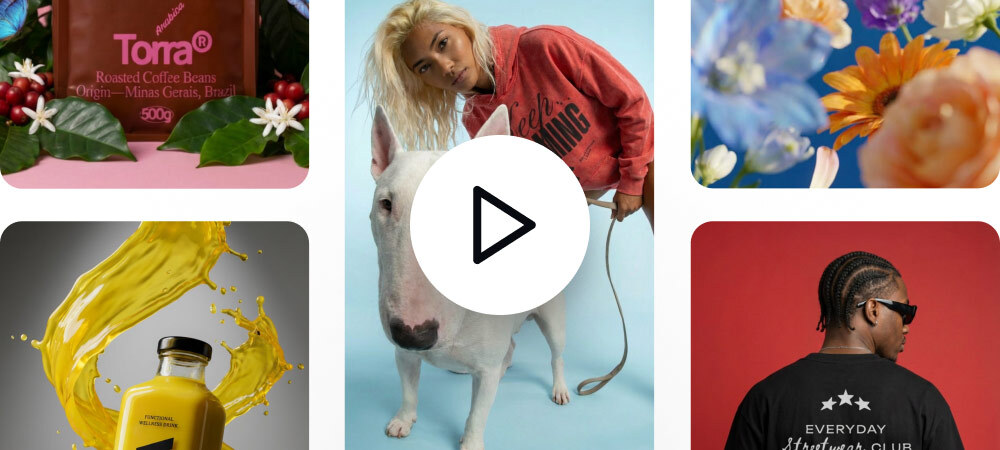



Animate as you Design
Turn any design into a short clip right on your canvas no exports no switching tools.
Turn any design into motion, right on your Kittl canvas with AI. No switching tools. Design → prompt → generate.
Choose a template, add a prompt, and generate a clip you can post or launch today.
Turn static mockups into a short product video right on your canvas. Skip the learning curve, just prompt the motion and generate, ready for product pages and marketplaces.
Turn your designs into motion ads in minutes—right on your canvas. Reuse prompts to generate variations fast and test across campaigns, without rebuilding from scratch.
Turn static brand assets into motion for campaigns, launches or brand presentations. Add mood and energy while keeping your layouts and typography consistent—built for text and vectors.
Turn any design into a short clip right on your canvas no exports no switching tools.
No timelines or keyframes needed describe the motion with a simple prompt and generate in seconds.
Typography- and vector-first animation that matches your style—not generic stock video.
Generate short motion clips directly on the canvas. No timelines. No tool switching. Just fast motion you can preview, refine, and export.
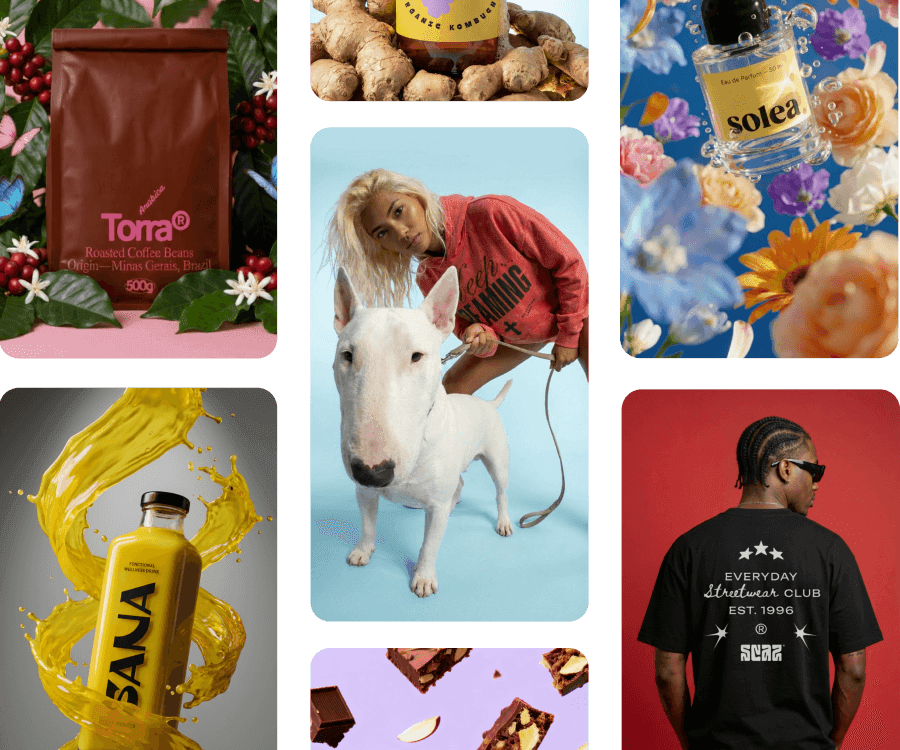
Kittl AI Video lets you turn designs you’ve made in Kittl into short motion clips using a prompt—directly on your canvas. It works with text, designs, and images so you can create motion without switching tools.