









Report Card Maker
Create custom report cards in minutes with Kittl's free report card maker. Choose from our library of templates, then customize by adding and editing your school logo, color scheme, and other elements. No software download or design skills required - designing professional-looking report cards has never been easier.
Trusted by designers at


Celebrate your students' success with custom report cards
Report cards are an essential communication tool between schools and parents, showcasing academic progress, behavior, and other important information. Make these reports even more special by designing them with Kittl's report card maker.
How to make a report card
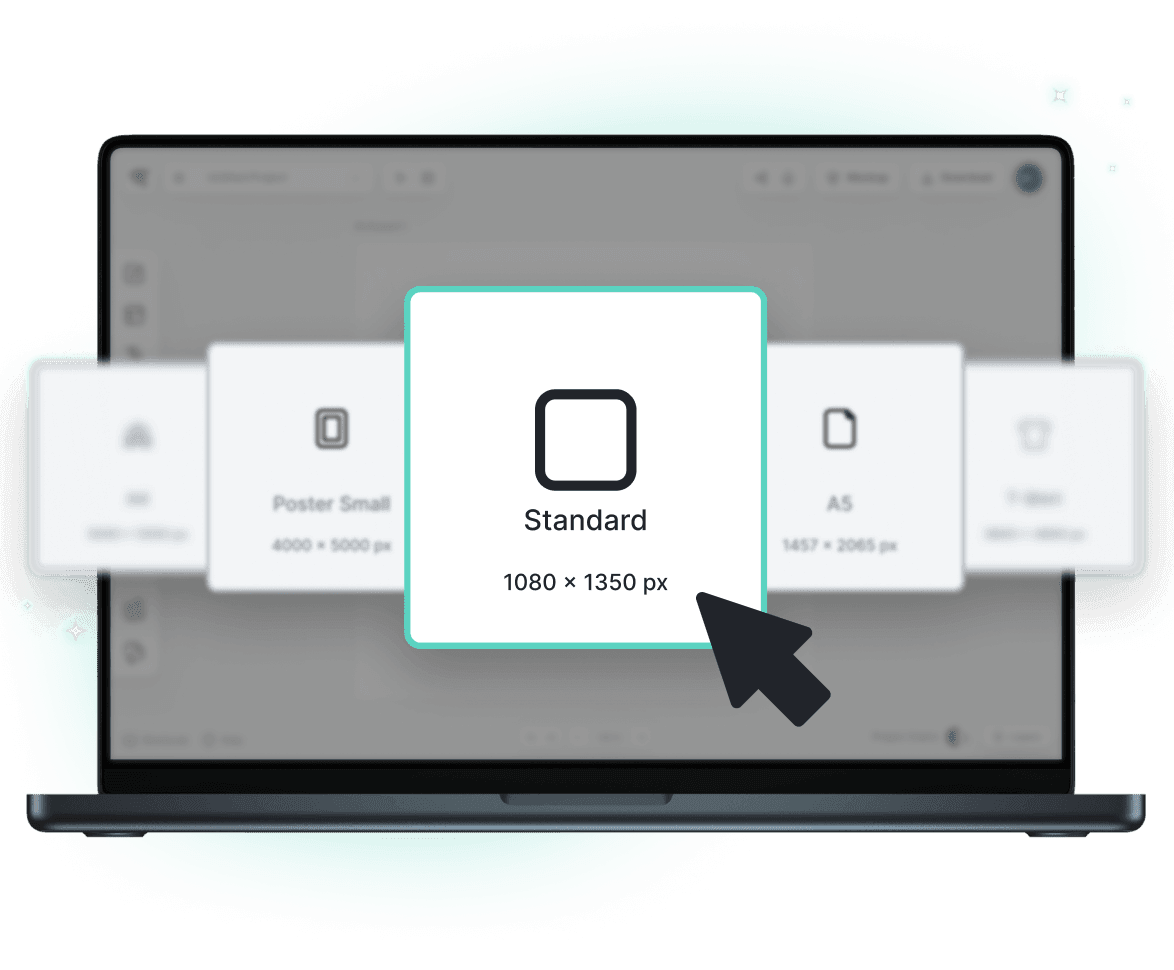
Browse Report Card Templates
Loading
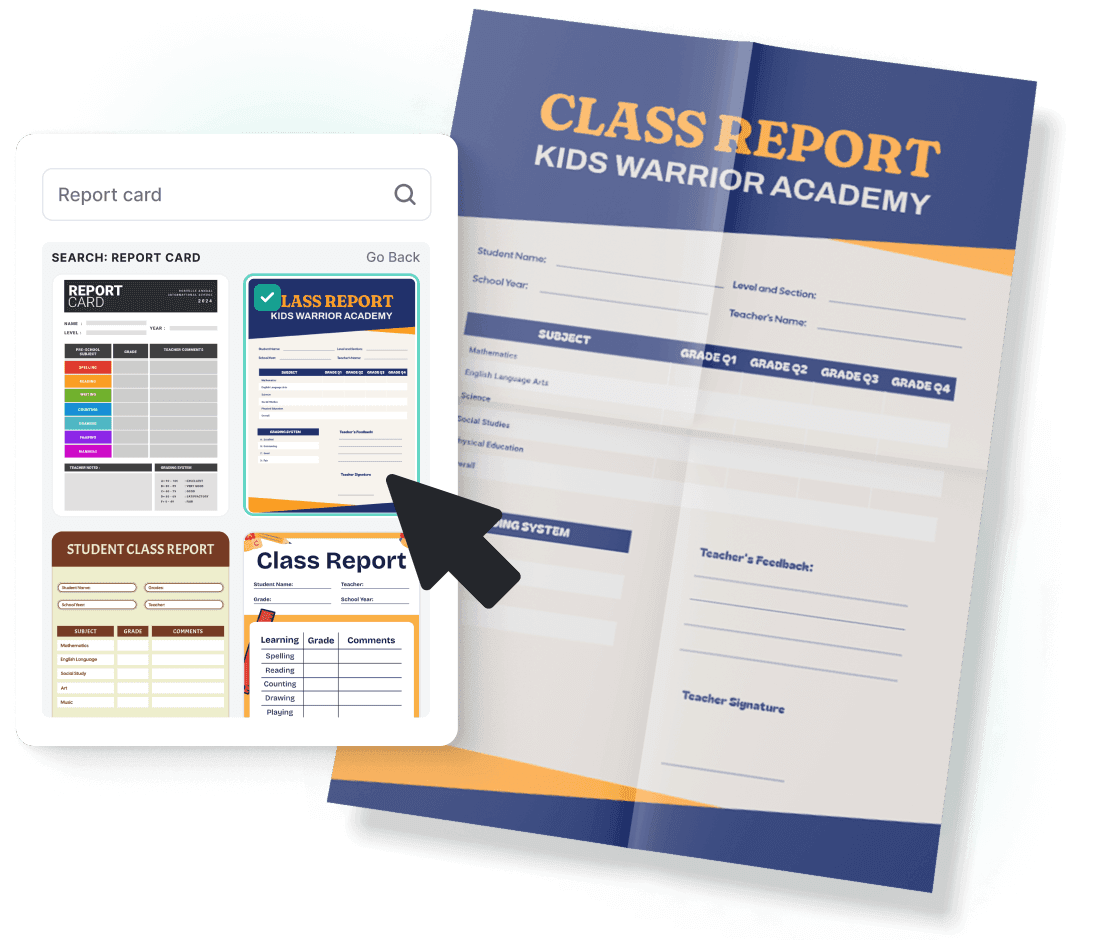
Tailored report cards for every educational need
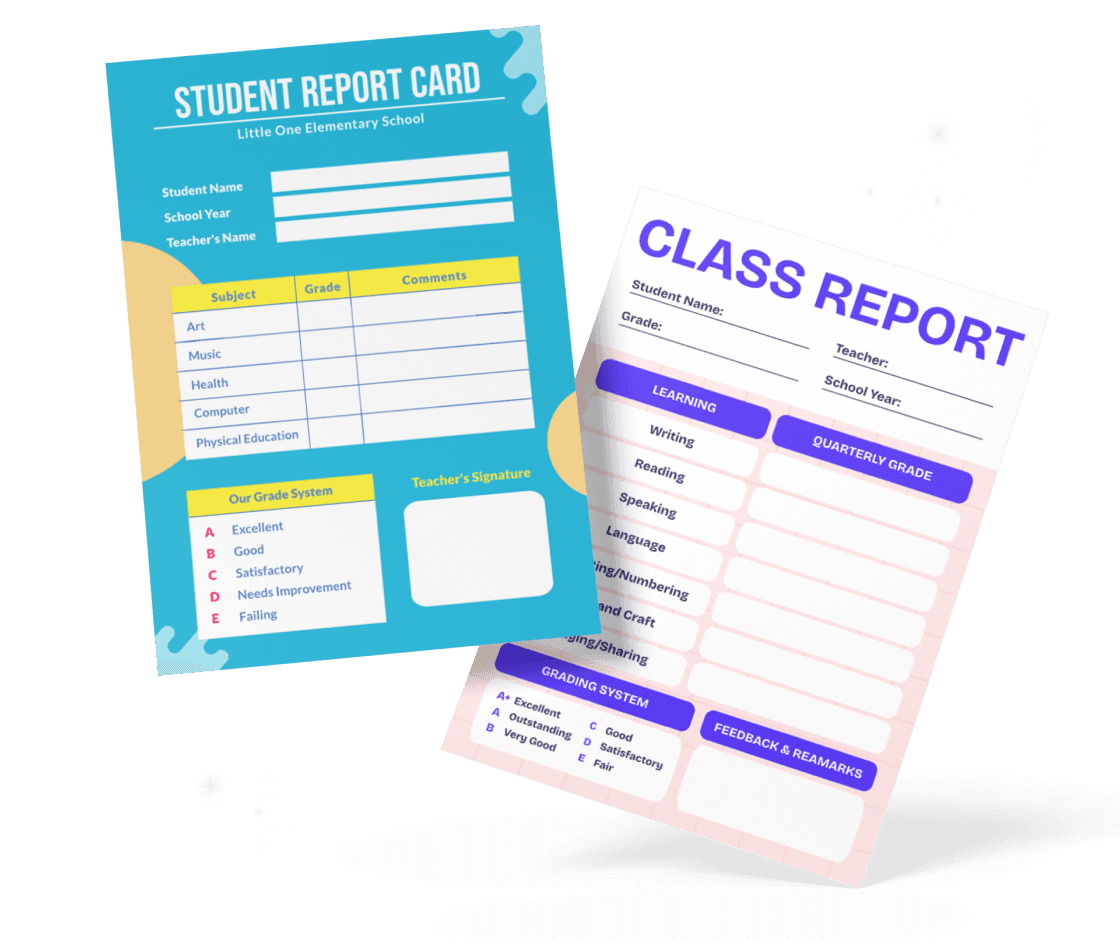
Our report card templates cover different grading system. Whether you’re grading on a traditional A-F scale, using a narrative assessment, or incorporating competency-based evaluations, we have a variety of templates to cater to different educational needs. Simply select a report card template as a starting point, then adapt it to fit your institution's unique needs.
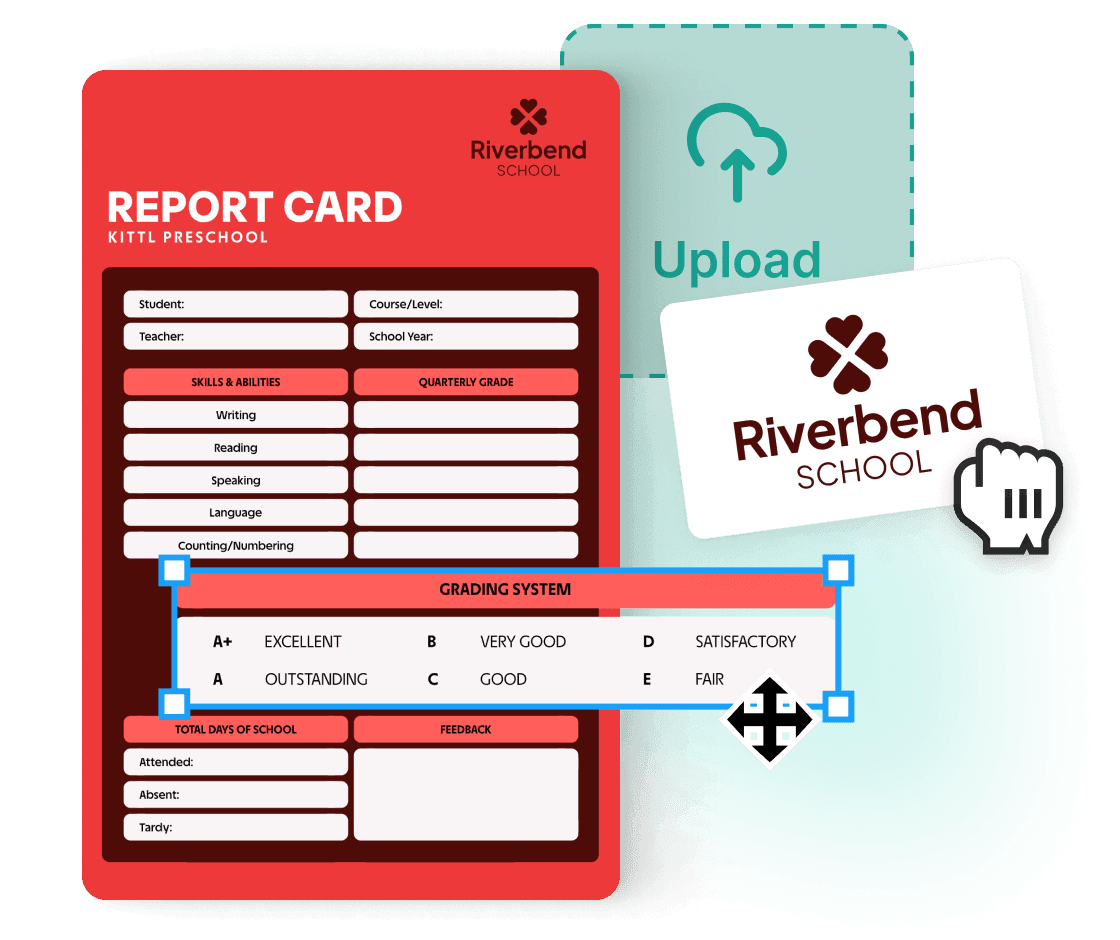
Create report cards effortlessly
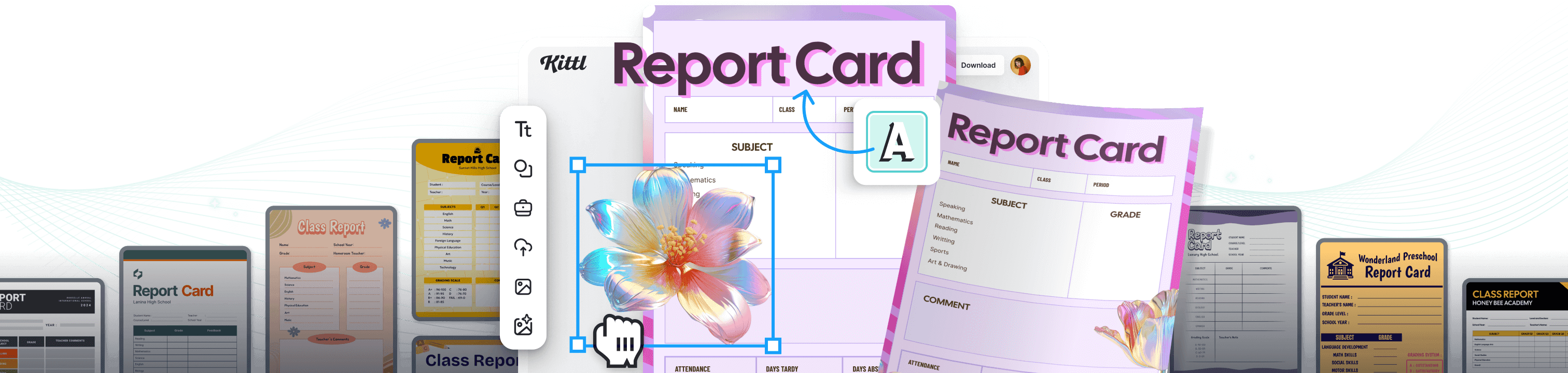
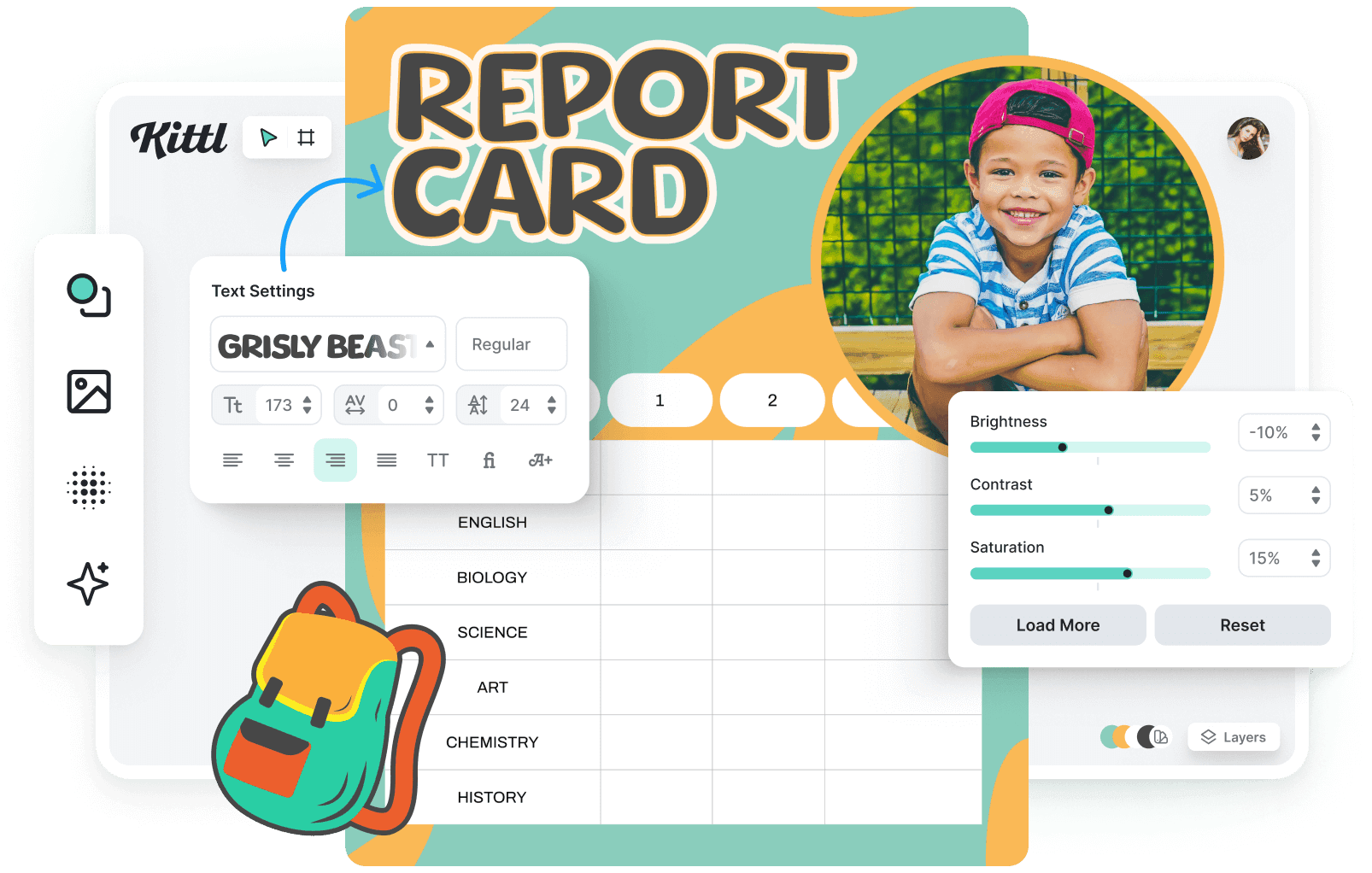
Our intuitive, drag-and-drop interface means that even those with zero design experience can produce visually appealing and informative report cards. Upload your school logo, adjust the layout, choose your fonts and colors, and input grades and comments. You can even generate and add custom elements like charts, graphs, and tables to display data and progress visually.
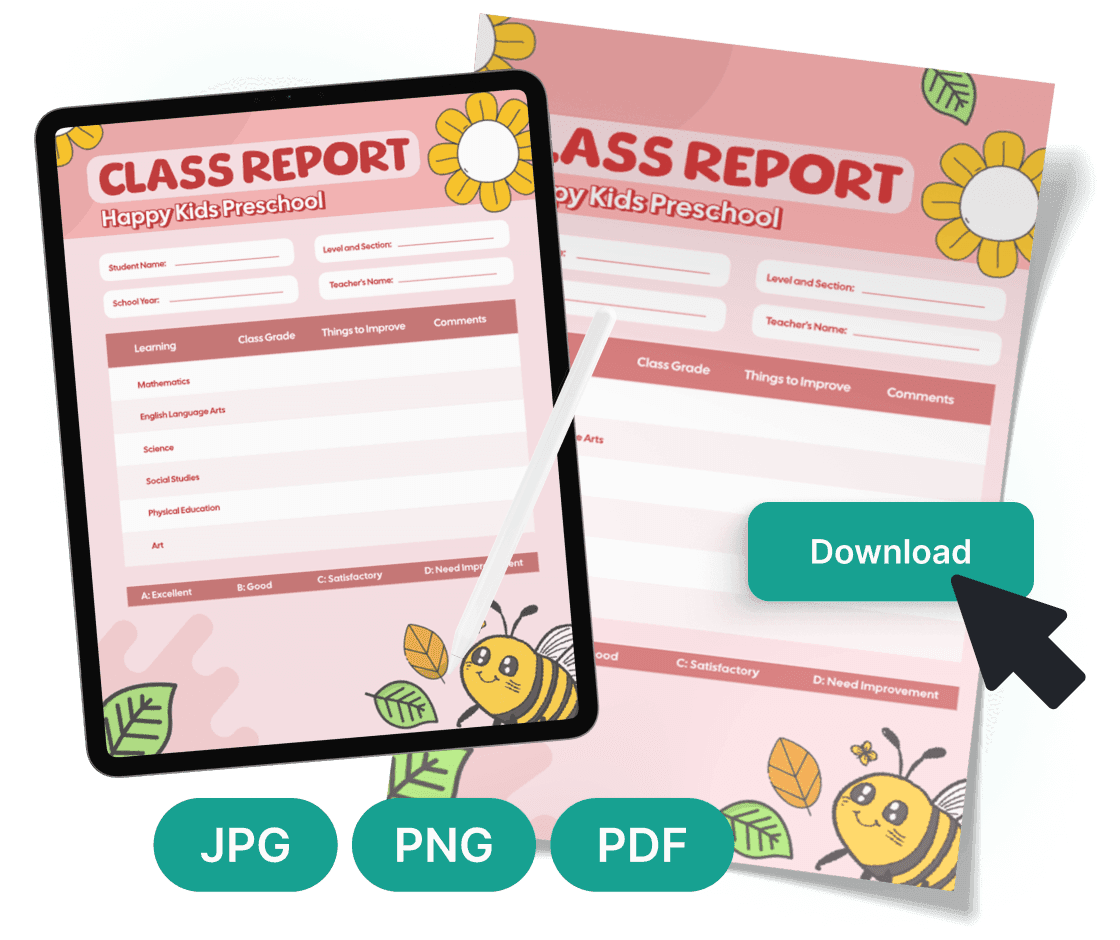
Showcase student progress easily
Once you're finished creating the report card, sharing it with parents and students is just a click away. Download them in various formats for high-quality printing or digital distribution. Whether through email, a secure online portal, or a printed copy for that traditional touch, Kittl's report card maker ensures that your student's hard work is recognized and celebrated in the best way possible.
“I’ve really enjoyed creating some stunning designs!”
Will Paterson
850k+ subscribers
“Kittl makes creating new designs super easy.”
Odetta Rockhead-Kerr
1.22M+ subscribers
Explore Similar Topics
Frequently Asked Questions
An effective report card should be user-friendly and provide clear insights into learner outcomes and grading. The main section displays students' classes and grades, with names and teacher details at the top and grading system details at the bottom.
Track your student's progress with a customized report card
Using Kittl's free report card maker, you can transform how you present academic achievements with a distinct touch.