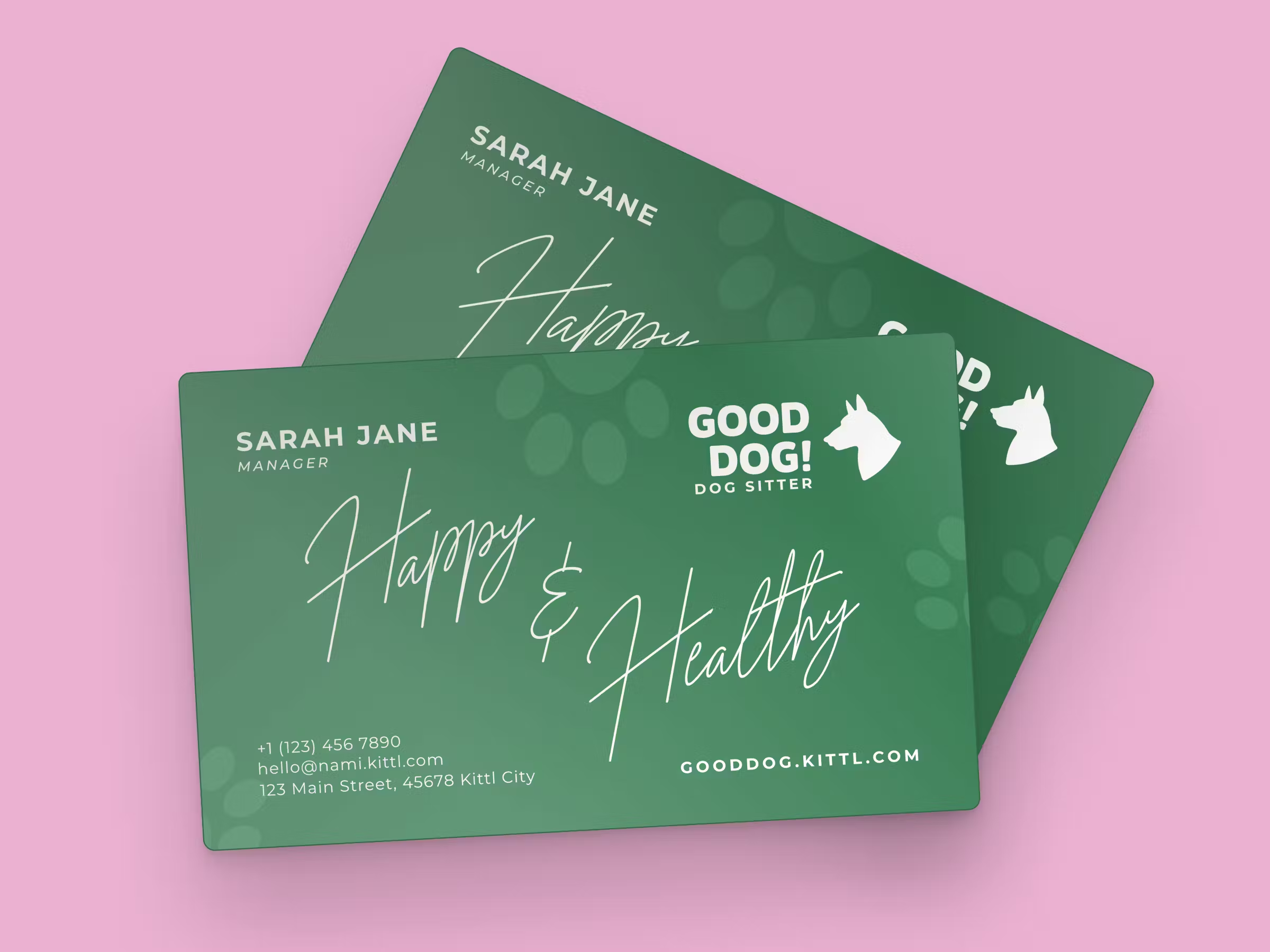
Making business cards online is not a bad idea. Why? They’re still one of the most effective ways for businesses to make a strong first impression.
As a freelance graphic designer, clients often turn to you for more than just a logo. They need a complete brand identity.
That’s why many designers include business card design as part of branding packages. Starting from a logo with a matching business card and brand guidelines, a full identity package that includes letterheads and social media assets, to even custom business card templates for online printing services.
But why stop at just designing? If you have your own printer, you can offer in-house business card printing, turning a simple design service into a profitable add-on.
This allows you to deliver a complete solution to clients — handling both the creative and production sides of business card online printing and design right from your home studio.
Whether you want to expand your freelance services or simply master business card design for client projects, this guide will walk you through the entire process, from choosing the right layout to printing high-quality results.
How to make business cards online? (Business card dimension included)
If you are wondering, “How much does it cost to make business cards?” or “How long does it take to make business cards?”
The answer is not a lot (if you design them by yourself) and not long when you have the right tools.
In short, here are the quick necessities you need to check off your to-do list to design business card online:
1. Understand the client’s brand and target audience
Before designing, gather key details about the client’s brand. Ask if they have brand colors, typography, or an existing style guide.
If they’re unsure, provide options based on their industry — law firms often go for navy and serif fonts for a professional feel, while creative agencies may prefer vibrant colors and bold typefaces.
Many freelancers also offer sample styles during consultations to help clients decide. Showing different layouts, fonts, and finishes (minimalist, modern, luxury, etc.) can guide them in choosing a design that best represents their brand.
2. Choose the right layout, typography, and colors
For a standard business card, use the typical business card dimension of 3.5 x 2 inches (U.S. size). If printing internationally, sizes may vary slightly, so always confirm with the client.
In business cards online editor like Kittl, select a canvas size of 2100 x 1200 px (for horizontal) or 1200 x 2100 px (for vertical) at 600 DPI, for high-res, professional print jobs.)
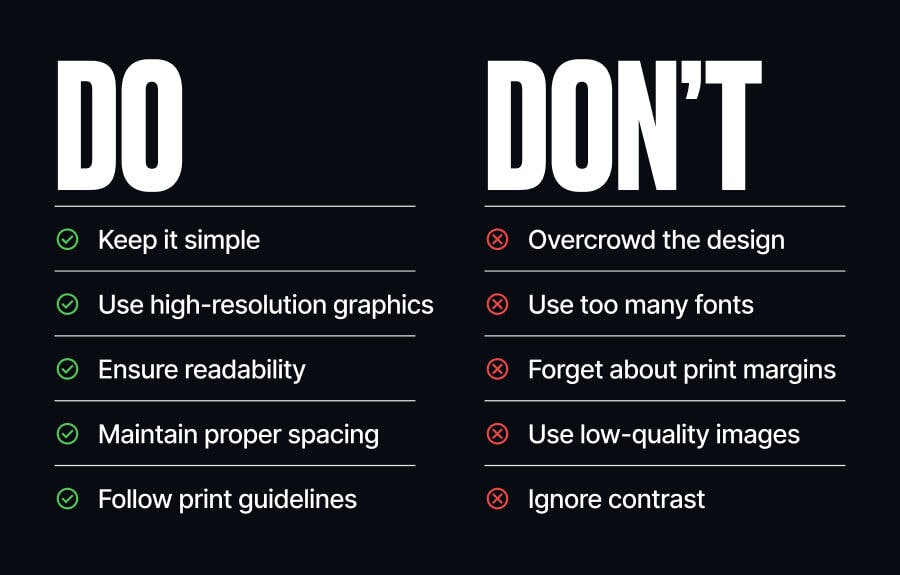
Most importantly, a well-structured layout ensures readability and balance. Stick to two or three colors that match the brand’s palette and select typography that enhances clarity. Avoid overly decorative fonts. Professionalism and legibility come first.
3. Incorporate logos, brand assets, and essential information
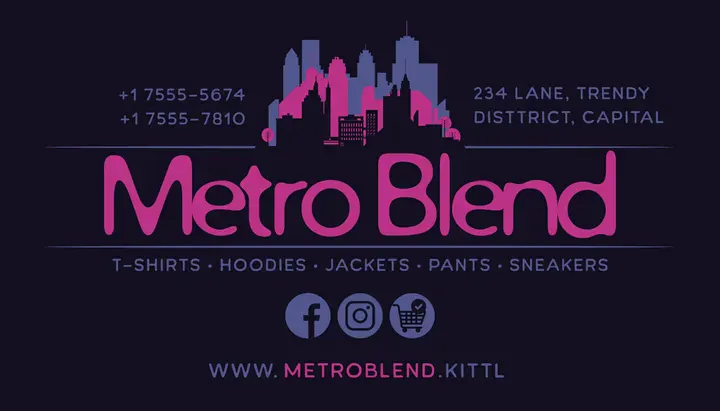
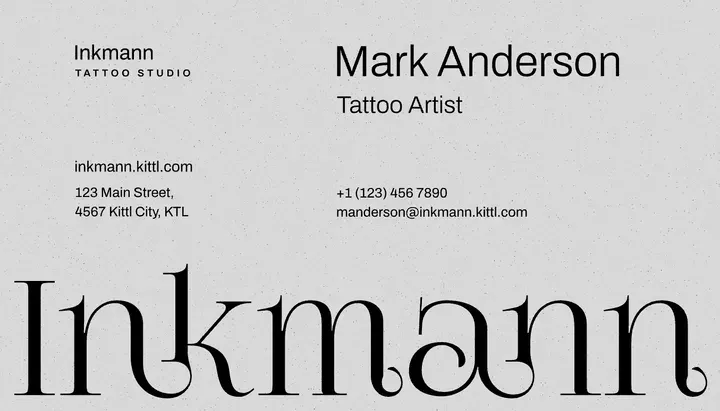

Keep it clean, only include what’s necessary. A logo, name, job title, business phone number, email, and website should fit comfortably in your business card without crowding the space.
If relevant, adding a QR code is a popular option for business cards online. Quite a great touch for quick contact access.
If you’re designing high-resolution business cards online (600 DPI) in Kittl or another professional design tool, use the following size recommendations to ensure print-ready quality:
- Body text: 48px to 72px (8pt to 12pt at 600 DPI)
- Names/headings: 84px+ (14pt+ at 600 DPI) for strong visibility
- Avoid anything below 42px (7pt at 600 DPI) for readability
- Icons (phone, email, location, etc.): 60px to 84px for clarity without overwhelming the text
- QR code size:480 x 480 px (0.8 inches at 600 DPI) to ensure proper scanning
4. Prepare your business card online files for print (bleed, margins, and color settings)
To prevent cutting errors when creating your business cards online, set the bleed to at least 0.125 inches beyond the card’s edge. Keep all important text and design elements within the safe margin area (around 0.125 inches inside the trim line) to avoid accidental trimming.
Use CMYK color mode instead of RGB for accurate color reproduction, ensuring the final print matches the digital design. If your client wants to print their own business card online, check the printer’s specific file requirements to guarantee a smooth printing process or explore options to add business card to Apple Wallet for digital convenience.
Well-prepared business cards online file ensures professional-quality business cards that look sharp and polished in print.
Best printer features for any business card dimensions
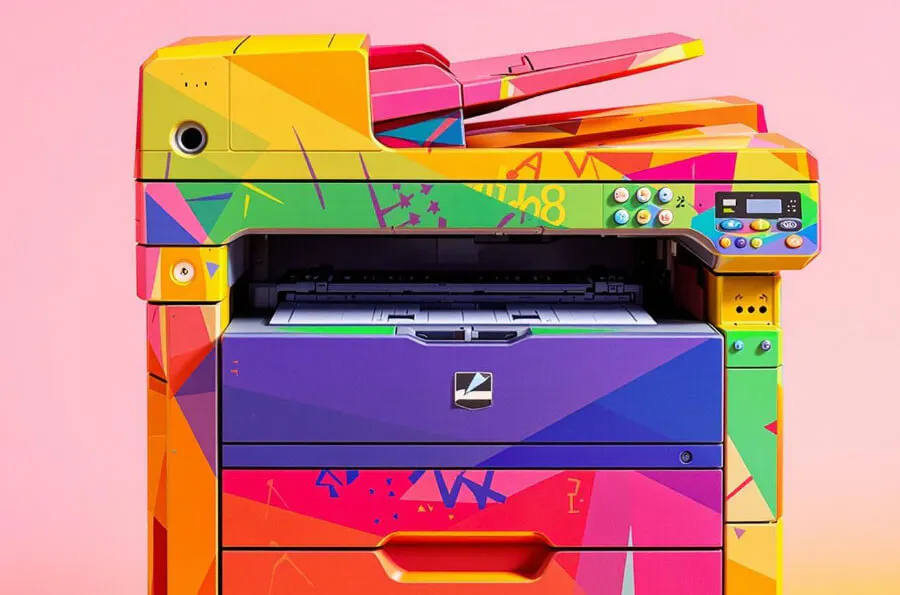
If you’re thinking about printing business cards online (or by yourself), having the right printer makes all the difference. For freelancers considering small business investments like printing equipment, decisions may also depend on broader personal finances, for example, if a personal loan to improve credit score is part of the picture, it can influence access to better purchasing options or terms. You want something that’s fast, sharp, and can handle thick cardstock without jamming up on you.
First, make sure your printer can handle thick cardstock (at least 16pt/350gsm) so your cards don’t feel flimsy. Some high-end models even let you add lamination, embossing, or spot UV gloss to give your cards that extra wow factor.
Second, if you print in bulk for batches of orders, you’ll also want to make sure to get duplex printing (double-sided in one go).
Third, don’t forget a printer with high-yield ink or toner cartridges to get the fewer-refills benefit.
Looking for a free business card maker app?
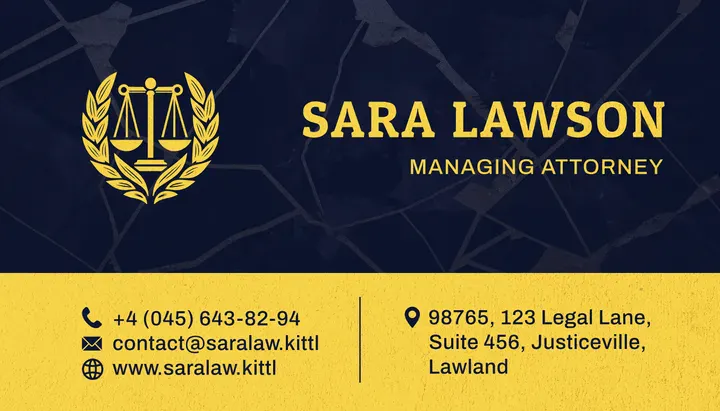

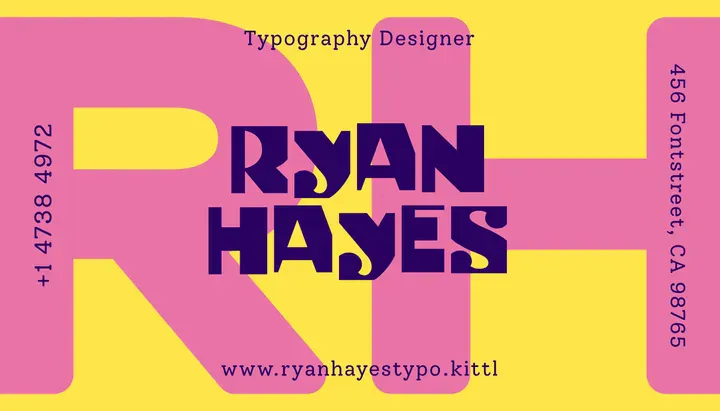
You know the usual suspects for making business cards online — Illustrator for precision vector work, Canva for quick drag-and-drop layouts.
But what if you could have the best of both worlds in one tool? That’s exactly why pro designers use Kittl.
Built by designers, for designers, Kittl gives you complete creative control for your business cards online design process without the learning curve or software bloat.
Whether you’re crafting high-end business cards or full brand identity packages, everything you need is right at your fingertips.
- Typography that speaks volumes. Choose from an expansive collection of fonts designed by master typographers. Add custom text effects and letter distortion to give your business cards a unique flair.
- When your client is too picky about a logo. You’ve been there. The client wants options, but you don’t have time to design 20 variations from scratch. Just run Kittl’s AI Logo Generator to get a range of high-quality logo ideas in seconds, then refine the best one to match their vision.
- Mock it up like a pro. Before you send anything to print, preview your design with Kittl’s business card mockups to see how it’ll look in real life.
Collaboration made easy. No messy file exports or endless email chains. Just click “Invite to Project” to collaborate in real-time or use View Presentation to walk your client through the final design in an easy, breezy format.
Making business cards online? We’ve got you.
More than just contact details on paper, business cards are mini brand statements that help clients make lasting impressions. And when you design them right, they’re an easy upsell that adds serious value to your freelance business.
With Kittl, you can go beyond the basics and create premium, print-ready business cards that match your client’s brand identity without the back-and-forth headaches. You handle the creativity, and we’ve got everything else covered.
So if you’re offering business card design (or thinking about it), why not use tools built for real designers who get it? Whatever you need, we’ve got your back.