If you’re building a brand today, chances are Instagram is one of the first places you’ll show up.
But here’s the catch: before you can create eye-catching posts, you need the building blocks that make your brand recognizable. Your logo, color palette, fonts, and supporting graphics.
Without them, your feed looks random instead of professional.
That’s where Kittl comes in. With its powerful logo design tools and brand asset features, you can create a visual identity that’s consistent and ready to apply to your Instagram content.
In this guide, we’ll walk through how to create brand assets and logos in Kittl, and then show how those elements flow naturally into making scroll-stopping Instagram posts.
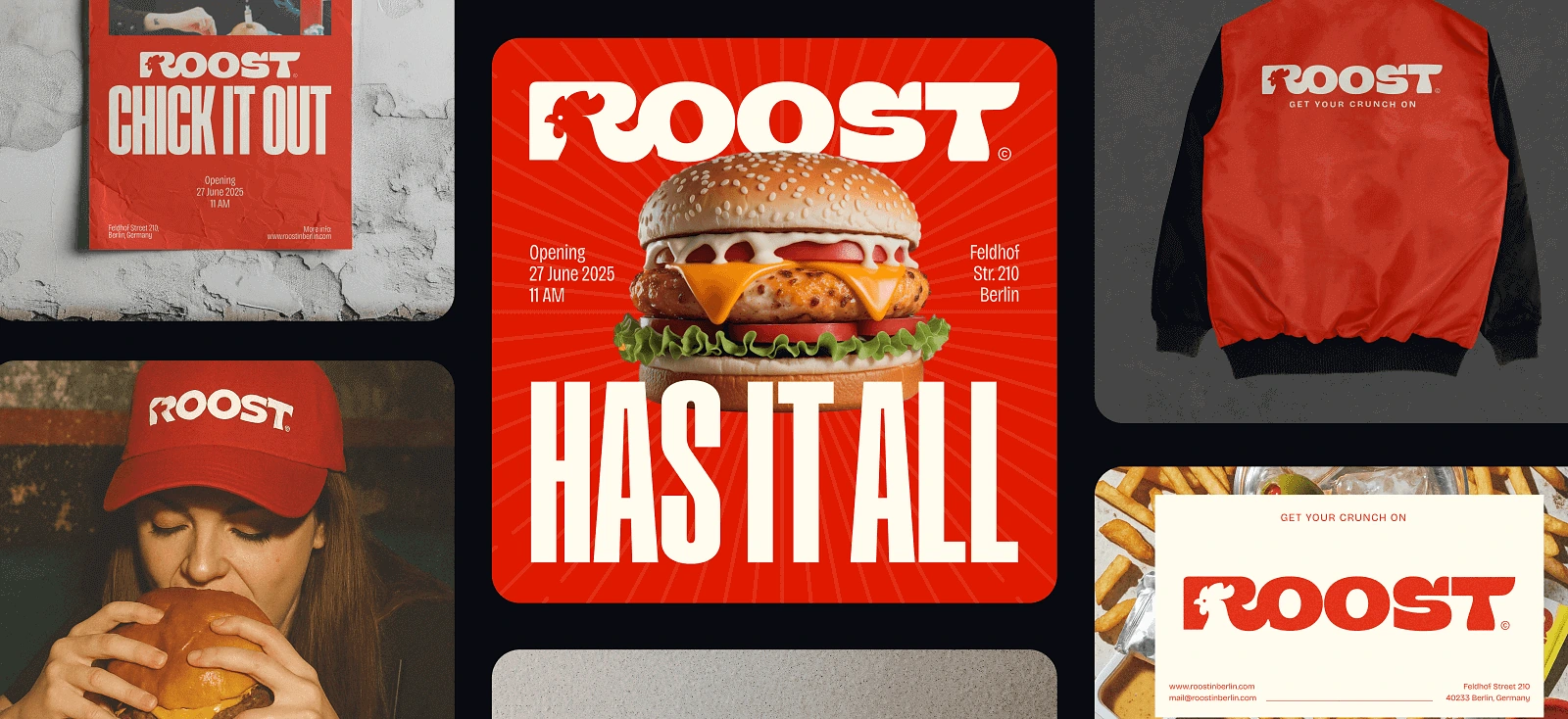
Before we begin, we’ll be using the identity from the 4 ways Kittl helps you create your first brand tutorial:

Step 1. Design Instagram post

Your logo and brand assets don’t mean much if they never leave the canvas — this is where they come to life.
Instagram is one of the best places to showcase your brand, but size and layout matter. Instead of guessing dimensions or cropping things later, Kittl lets you set up the perfect artboard for Instagram right from the start.
That way, every post looks polished and consistent in your feed.
Here’s how to select the perfect Instagram ratio for your canvas in Kittl:
- Press [A] on your keyboard to select the Artboard Tool.
- Draw a new artboard directly onto the canvas.
- In the right-hand panel, under Artboard Size, choose Instagram Post (Portrait).
- Select your logo, colors, and brand elements from your project.
- Drag and drop them onto the artboard to start arranging your layout.
With the right artboard set up, you’re not just throwing elements onto a square — you’re designing a post that feels tailored for Instagram. This keeps your feed looking cohesive and instantly recognizable as your brand.
Visit the perfect 4:5 Instagram grid for your business for a more comprehensive tutorial for advanced users.
Step 2. Use text effects

On Instagram, visuals grab attention, but it’s the words that deliver your message. That’s why typography plays such a big role in branded posts.
Instead of leaving your text flat and forgettable, Kittl’s text effects let you bend, curve, and style words so they feel bold, expressive, and true to your brand voice. A strong text treatment can turn a simple caption into the centerpiece of your design.
Here’s how to use text effects in Kittl:
- Select the text layer you want to style.
- In the right-hand panel, under Transformation, click the + button.
- From the list, choose the Flag effect.
- Adjust the values as shown in the reference image (or play with them to match your brand style).
- Experiment with additional effects like Arch, Wave, or Distort to find what makes your message stand out.
When done right, your typography becomes a design element in itself, helping your posts stop the scroll and feel unmistakably branded.
Step 3. See it on a mockup

Ever wondered why a design that looked “okay” on your screen suddenly feels amazing when you see it on a t-shirt or poster? That’s the magic of mockups.
They take your flat ideas and drop them into real-life scenarios, instantly making your work look more polished and professional.
It’s not just about eye candy either. Mockups help you test how your logo or post design holds up outside the canvas, and they make your brand feel ready for the spotlight.
Here’s how to turn your design into a mockup in Kittl:
- Select the artboard you want to mock up — this could be an Instagram post, a poster layout, or even just your logo.
- In the right-hand panel, under the Tools section, click the Mockup button.
- Browse through Kittl’s library of ready-to-use mockups (t-shirts, mugs, posters, frames, and more).
- Place your design into the chosen mockup and adjust it to fit naturally.
- Preview and download your mockup to use in presentations, social posts, or an online shop.
Mockups show clients, followers, or potential customers what your brand looks like “out in the wild,” and that’s often the difference between someone scrolling past and someone hitting follow or buy.
Step 4. Export quickly!

The final step in your design journey is getting your work out of Kittl and into the world. Whether you’re posting to Instagram, sending a logo to a client, or prepping files for print, export settings matter. Instead of digging through complicated menus, Kittl keeps it simple with Quick Export.
You can grab exactly what you need in the right format without slowing down your workflow.
Here’s how to export your artboard/canvas in Kittl:
- Select the object or artboard you want to export.
- In the contextual toolbar, click Quick Export.
- Choose your preferred format: PNG, JPEG, SVG, or PDF.
- Save the file and share it instantly on Instagram, with a client, or in your online shop.
Quick Export means you don’t have to overthink technical details. Simply focus on getting your designs out faster, in the right file type, and ready for use.
Key takeaways
- Strong Instagram content starts with brand consistency — logos and assets tie everything together.
- Setting up the correct artboard size for Instagram ensures posts look professional and cohesive in your feed.
- Kittl’s text effects give posts personality, making typography a standout part of the design.
- The Mockup tool helps preview how brand elements look in real-life scenarios like t-shirts, posters, and merch.
- Quick Export keeps things moving fast, giving you ready-to-use files for social, clients, or print in just a click.
Create brand assets and logos with Kittl
Strong brands aren’t built on random posts. They’re built on consistency.
By learning how to create brand assets and logos in Kittl, you’re setting yourself up with the building blocks that make your brand recognizable everywhere, from your Instagram feed to real-world merch.
With tools for typography, vector editing, mockups, and quick exports, Kittl gives you everything you need to move from scattered ideas to a complete brand identity — without needing extra software or years of design experience.
Your first brand doesn’t have to feel complicated. Start small, experiment, and let Kittl’s tools guide the process. The more you create, the faster your identity comes together.
Before you know it, your brand will look professional, polished, and ready to share with the world.