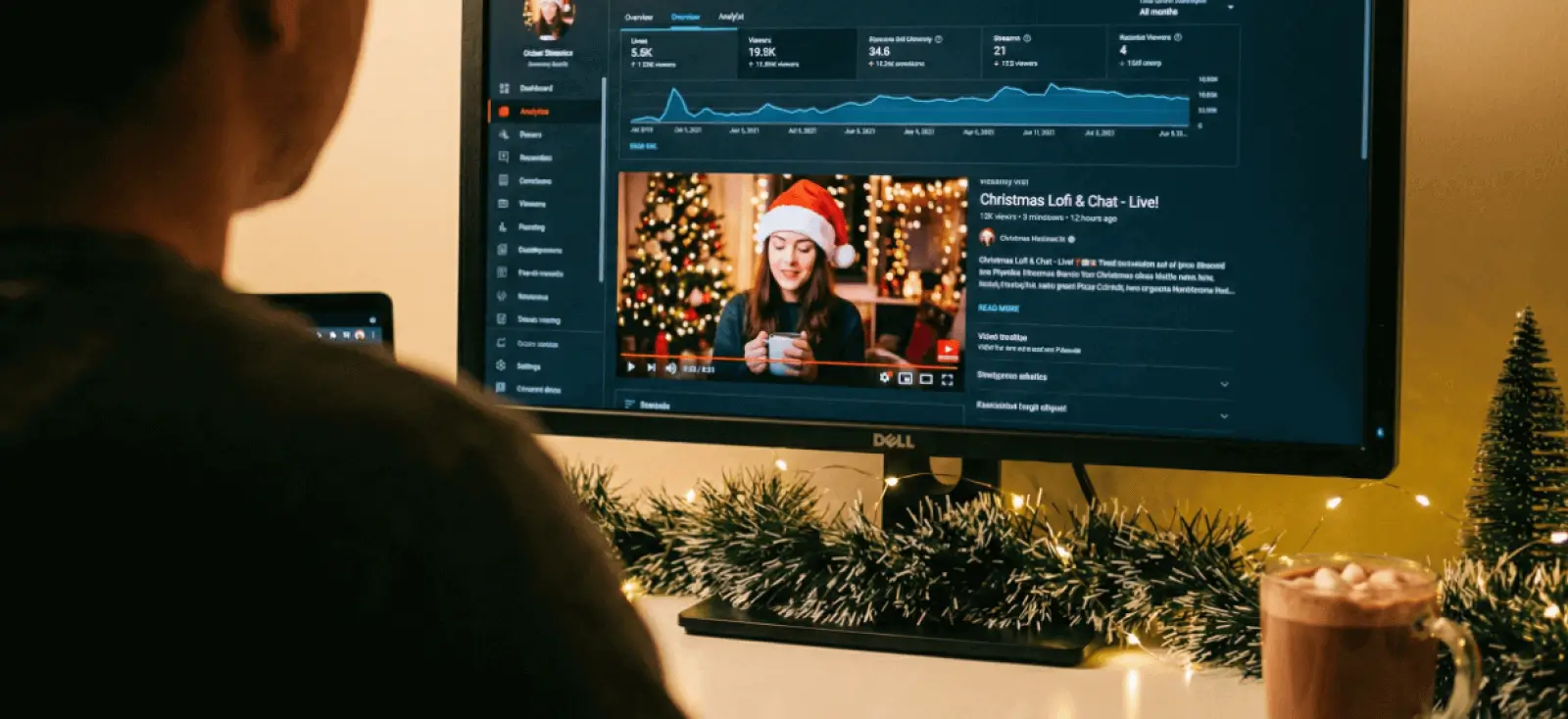
December is one of the busiest months on YouTube. Creators upload more holiday videos, and viewers watch more of them
You can also see the rise in Google Trends data for “Christmas YouTube”, where interest starts climbing from late November all the way to Christmas week.
With more people posting and watching, the fight for clicks gets a lot tougher.
This is where your Christmas YouTube thumbnail becomes a big deal. It’s the small poster that decides if someone taps on your video or scrolls past it.
On Reddit’s r/NewTubers, creators often talk about how changing their thumbnails helped raise their click-through rate because viewers could understand the video faster.
A real example is the thread “Just a few beginner tips on thumbnails,” where creators talk about simple layout changes that made a big difference.
So if you’re posting in December, a strong thumbnail isn’t just nice to have. It’s the thing that helps your video get seen in a crowded month.
The good part is that you don’t need to build your thumbnail from scratch. Many creators use pre-built compositions, which are layouts where the structure is already set. You only need to swap in your photo, colors, and text.
In this guide, you’ll learn what makes a good Christmas YouTube thumbnail, and you’ll get three ready-to-edit Kittl templates you can customize in minutes.
What is a YouTube Thumbnail, and the real reason your December videos need a strong one?
A YouTube thumbnail is the tiny cover image that decides if someone taps your video or keeps scrolling. It works like a mini movie poster, and in December, that small moment matters even more.
It’s also easy to confuse thumbnails with your YouTube banner, but they’re completely different. Your banner is the large header at the top of your channel and has its own purpose and dimensions.
If you’re updating your channel branding this month, it’s worth brushing up on banner sizes for mobile and desktop.
But when it comes to getting clicks, your thumbnail is the real decision-maker. This is the month when creators put so much heart into their content.
Vlogmas uploads, gift guides, cozy winter routines, baking videos, travel days, and Christmas mornings all fill the platform at once. People watch these videos because they want ideas, comfort, or just a little holiday warmth.
But with so many creators posting at the same time, viewers scroll faster. Your thumbnail becomes the piece that helps your story stand out.
A warm smile, a bright color, or a simple phrase like “Gift Haul” or “Travel Day” can pull someone in because it feels familiar and human.
Why pre-made thumbnail compositions save you so much time

Most creators want good thumbnails, but not everyone wants to spend hours designing them… And you shouldn’t need to.
A pre-made thumbnail composition gives you a layout where the important parts are already set. The spacing works, the balance feels right, and the message is clear.
All you do is swap in your photo, pick your colors, and type your title.
Oh, and you don’t need to plan everything months ahead to make it “perfect for the season.” December moves fast. You’re filming vlogmas, editing late at night, juggling work or school, or trying to squeeze in holiday fun.
A ready-made layout lets you stay consistent without feeling overwhelmed.
You can still make it your own. Change fonts, pick different glyphs, switch colors, or add icons and graphics that match your channel style. The layout gives you a strong base, but you still get plenty of room to personalize it.
And here’s the part many creators don’t think about: Using a good template also teaches you composition.
You begin to notice where the subject should sit, how large the title should be, how much background to show, and how color can guide the viewer’s eye.
After a few thumbnails, making a new one feels so much easier. You might even feel confident enough to start from scratch one day because you’ve seen what a clear, strong layout looks like.
3 Ready-to-edit Christmas YouTube thumbnails you can use today
If you want something quick for December, these templates give you a head start. And if you like starting from a blank canvas, they’re also great learning tools.
Scrapbooking textures, doodle-style graphics, and handmade collage looks are back in season, and these layouts show you how those trends work in a real thumbnail.
Swap in your photo, update the title, and adjust the colors to match your style. The composition is already there, but you can still shape it into your own look.
1. “Winter Away From Home” – The cozy vlogmas look

Winter Away From Home YouTube Thumbnail. Edit this template
This one is perfect for vlogmas, travel days, winter routines, or any “day in my life” December videos.
This design mixes cool blues, textured paper, and doodle–style ornaments for a cozy winter scrapbook vibe. It’s great for vlogmas, travel days, or any video with a calm and personal tone.
2. Holiday Shopping Haul – For gift guides and retail videos

Holiday Shopping Haul YouTube Thumbnail. Edit this template
Listen. You might look at this template and think, “This is not the usual haul thumbnail!” And you’re right. But you can still take inspiration from this template to make something different for your own channel.
Most haul thumbnails try to show everything at once. The shopping bags, the products, and sometimes even the vlogger all compete for attention. They get crowded fast, and viewers have trouble knowing what to focus on.
This design takes a different path. It uses retro holiday colors, paper textures, and Polaroid–style product shots to make your thumbnail feel more curated. Instead of shouting, it invites people in.
The layout looks like a holiday mood board, which can make your video feel more thoughtful and personal. That alone can set you apart from the dozens of similar haul videos that all look the same.
This approach is great for fashion hauls, gift guides, product reveals, or any December shopping content where you want a calmer, more stylish look that still stands out on the homepage.
3. Holiday YouTube Thumbnail – The all-purpose festive option

Holiday YouTube Thumbnail. Edit this template
This template is perfect for creators who are still figuring out their niche or simply want to make videos that feel personal and nostalgic.
The design mixes deep green, soft white paper textures, hand–drawn doodles, and a charming cut–out photo style that feels like a page from an old scrapbook.
The black-and-white photo gives it a warm, memory-focused mood, almost like you’re sharing a treasured moment or a family tradition.
The playful handwritten title and small yellow gift illustration add a touch of joy without making the thumbnail feel busy.
This layout works for any December video where the story matters more than the product. Family clips, DIY crafts, baking, childhood memories, “what we got this year,” small cozy moments, or even talking videos. It’s simple, heartfelt, and easy to read on both mobile and desktop.
Common Christmas thumbnail questions creators ask (and our answers)
If you hang out in YouTube creator spaces, you’ll notice a lot of the same questions come up every December.
Everyone wants their videos to look festive, but also clean and clickable. Many new creators worry they’re doing something “wrong” or missing some secret trick.
Here are some of the most common questions creators bring up during the holiday season, along with simple answers that make things a lot less stressful.
Key takeaways: How to boost your Christmas YouTube thumbnail click-through rate

If you want your holiday videos to get more clicks, it helps to focus on a few simple habits that make your Christmas YouTube thumbnail easier to read and faster to understand.
Before you upload, try testing a few versions, playing with A/B variations, or switching up your colors or layout to see what catches attention first. Small changes often have the biggest impact.
- Pick a template that already matches the mood of your video so you don’t fight the layout.
- Keep your title short and easy to read
- Swap in your own photo early so you can see how the composition works with your style.
- Adjust the colors to match your channel branding or your December theme.
- Keep the original structure of the template since the spacing and balance are already dialed in.
- Update the headline text, but keep the size and placement similar to the template for readability.
- Try a few variations of the same template to find the most eye-catching version.
- Use Kittl Flow Smartboards to explore multiple color palettes or layouts before you settle on one.
- Keep all your December thumbnails visually related by reusing the same template family.
You don’t have to design everything from scratch to achieve this. Kittl’s ready-made thumbnail compositions already give you clean structure, balanced layouts, and seasonal design cues that work well during the holidays.
You can swap in your own photo, update the colors, and let the layout do the heavy lifting.
If you’re ready to get more clicks this December, customize any of the three templates from this guide and give your video a thumbnail that feels festive, clear, and truly yours.