
Are you experiencing blurry graphics in your YouTube banner? Or is your YouTube profile image blurry? Refer to this YouTube banner size guide to know exactly what size images you should be using for your YouTube channel.
The recommended YouTube banner size is 2560 x 1440 pixels, but size is only part of the story. To keep your channel name, logo, and key visuals visible across desktop, mobile, tablet, and TV, place them inside the 1235 x 338 px safe area.
This guide shares the YouTube banner size requirements along with YouTube thumbnail, profile picture, and video size requirements. Make sure you’re using sharp, high-quality images and avoid pixelation.
Plus, for those wondering how to make a good YouTube banner, we’ve compiled YouTube banner examples from popular channels and listed 10 easy tips to make a good YouTube banner.
Want to skip the sizing hard work? Start with a free YouTube banner template in Kittl, already set up with the right dimensions, then customize it for your channel.
YouTube size requirements | desktop & mobile
| Type | Size in Pixels | Size in Inches (72 PPI) |
| YouTube Banner Size | 2,560 x 1,440 px | 35.6 x 20 in |
| YouTube Thumbnail | 1,280 × 720 px | 17.8 x 10 in |
| YouTube Video (4K) | 3,840 × 2,160 px | 53.3 x 30 in |
| YouTube Profile Picture | 800 × 800 px | 11.1 x 11.1 in |
| Banner in Desktop Display | 2,560 × 423 px | 35.6 x 5.9 in |
| Banner in Tablet Display | 1,855 × 423 px | 25.8 x 5.9 in |
| Banner in Mobile Display | 1,546 × 423 px | 21.5 x 5.9 in |
| Banner in TV Display | 2,560 × 1,440 px | 35.6 x 20 in |
The most important number to remember is 2560 x 1440 px. That gives your banner enough space to display properly across devices. But if you’re adding text, a logo, or any key graphic, keep it inside the safe area so it doesn’t get cropped on smaller screens.
Not sure where to start? Use a pre-sized YouTube banner template in Kittl so your canvas is already set up correctly before you begin designing.
YouTube banner size
A YouTube channel banner (channel art or header), is similar to a cover photo that represents your brand and content. The ideal YouTube banner size is 2560 x 1440 pixels, but you can use minimum banner dimensions of 2048 x 1152 pixels. For best results, when formatting your YouTube banner size, use a 16:9 aspect ratio.
This is the minimum visible area that appears across all devices. So to prevent your banner from being clipped between desktop and mobile views, always keep important text, logos, and graphics inside this 1235 × 338 px safe zone. While YouTube’s recommended banner size is 2560 × 1440 px (optimized for TV screens), anything outside the safe area may be cropped depending on the viewer’s device.
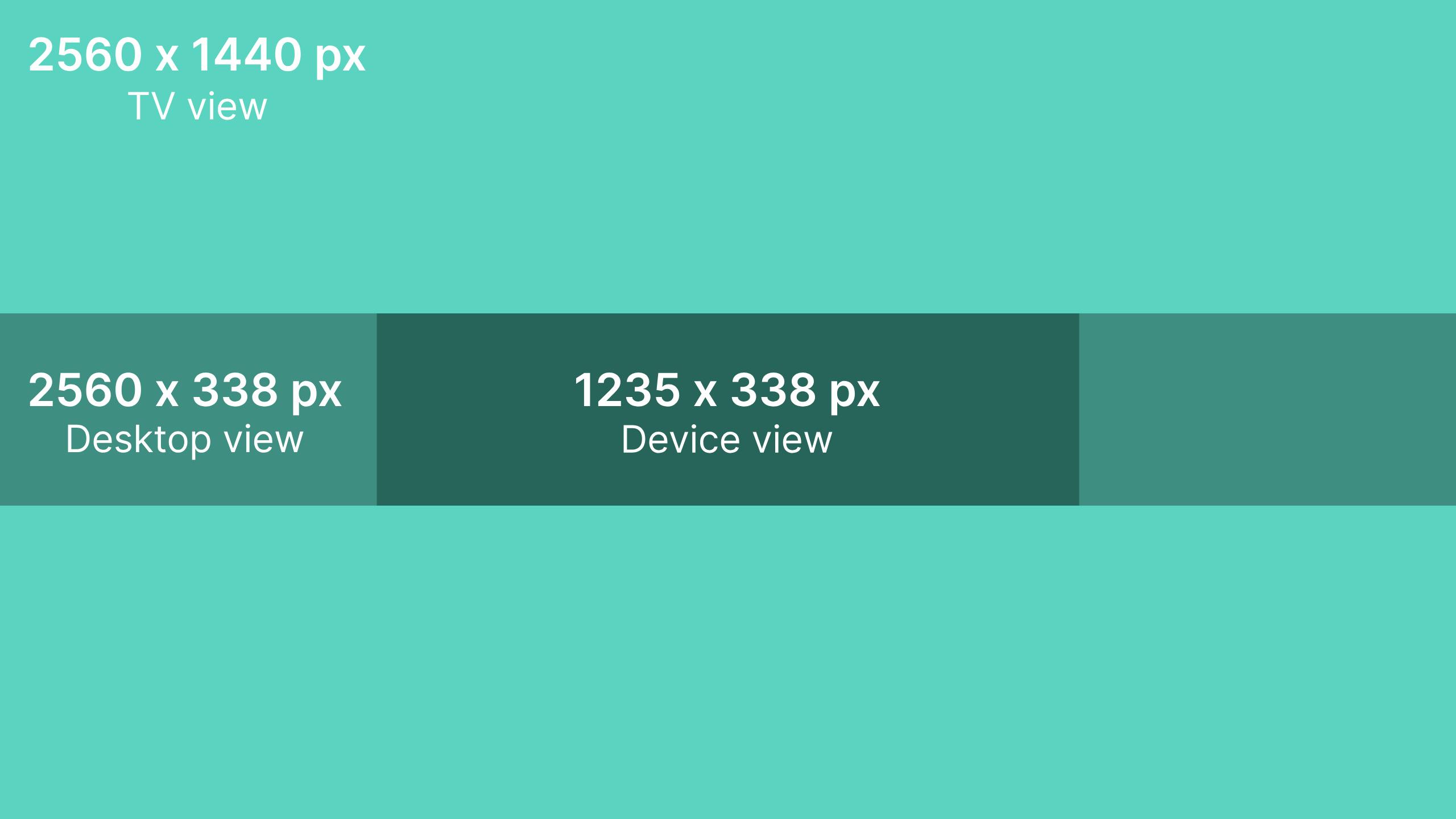
Think of the full 2560 x 1440 px banner as your background space. You can use it for colors, images, gradients, textures, or supporting visuals. But the safe area is where your actual message should live.
Keep these inside the safe area:
- Your channel name
- Logo
- Tagline
- Upload schedule
- CTA
- Important faces or product visuals
This way, your banner still looks intentional whether someone views it on mobile, desktop, tablet, or TV.
Need to know your YouTube banner size in inches for printing purposes? The calculator below will convert pixel dimensions to inches accounting for different PPIs.
Pixel to inches calculator
Tip: You can use “x” or “×”. We’ll ignore spaces.
YouTube banner file size & format
YouTube banner file size recommendations are under 6MB. When it comes to file formats for YouTube banners, JPEG and PNG are widely supported and can handle high-resolution images beautifully.
JPEGs are great for photos and images with lots of colours, while PNGs are perfect for images that need transparency or sharp text and graphics.
YouTube banner resolution
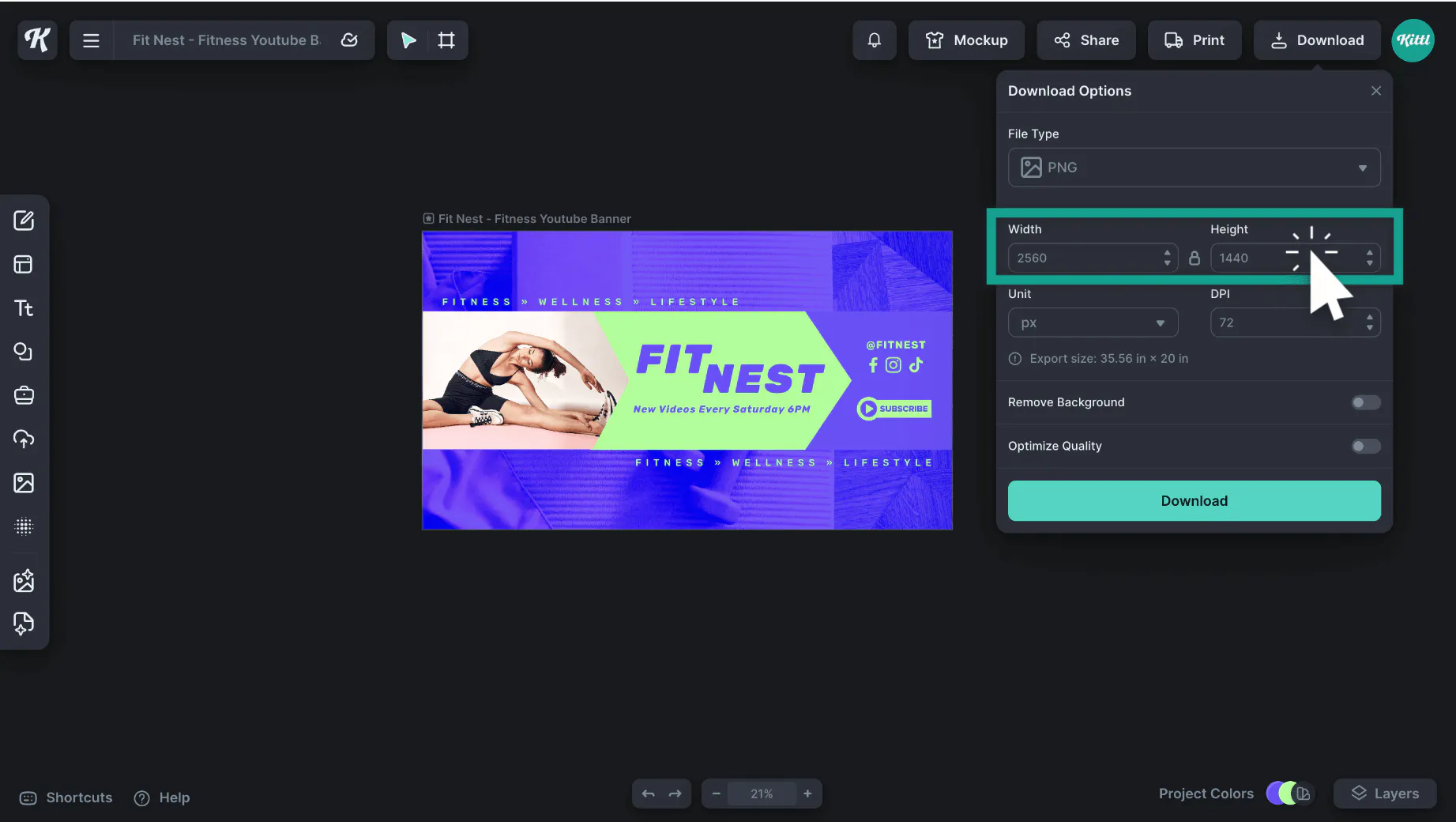
Because users watch YouTube videos from a variety of devices, including computers, mobile gadgets, and TV, your banner image will look different depending on the device. But wherever its viewed, the best size for your channel art or banner is still 2560 x 1440 pixels.
You can easily set the pixel size of your banner in Kittl to ensure the correct resolution.
Why correct banner size matters
According to some interesting YouTube statistics, the majority of watch time on YouTube is on mobile.
Additionally, 52% of consumers use YouTube for product research, making a polished and properly sized banner essential for engaging your audience effectively across devices.
So the last thing you want is for your YouTube banner to look stunning on a desktop only for your image to get cut off on mobile. Or vice versa, appear fantastic on mobile but pixelated on desktop.
So the last thing you want is for your YouTube banner to look stunning on a desktop only for your image to get cut off on mobile. Or vice versa, appear fantastic on mobile but pixelated on desktop.
So if you’re wondering, “why is my YouTube banner blurry?” you most likely are using the wrong pixel dimensions. To fix this, simply follow the above sizing guidelines and other YouTube tips we’ve listed. You can guarantee a consistent and impressive visual experience for your audience.
Why your YouTube banner might still look wrong
Even if you use the correct YouTube banner size, your design can still look cropped, blurry, or hard to read if the layout is not built carefully.
Here are a few common issues:
- Text is placed outside the safe area
- The image was stretched from a smaller file
- The background is too busy behind the text
- The design only works on desktop
- The file is too compressed
- There is too much information in one banner
The easiest way to avoid these mistakes is to start with the right canvas size and a layout made for YouTube. Kittl’s YouTube banner templates help you begin with the correct dimensions, so you can focus on your message, style, and channel identity.
10 tips on how to make a good YouTube banner
A good YouTube banner is like a welcoming storefront sign – it should be visually appealing and enticing, helping to attract new YouTube subscribers.
So if you’re wondering “how to make a good YouTube banner” follows these simple tips:
- Use correct dimensions – Ensure it’s high quality by following the proper YouTube banner size requirements listed above.
- Use high-quality images – This ensures your banner remains clear and professional looking. Consider saving your high-quality design files in cloud storage to easily access them from any device.
- Ensure readability – Choose fonts and colours that are easy to read. Avoid overly fancy fonts but opt for unique fonts that align with your desired brand image.
- Express your brand – Include a tag-line, catch-phrase, logo or any other elements that you want to be associated with your brand. Pay attention to what font styles and colors you use as well. These are important factors in establishing your brand and growing recognition.
- Highlight important info – Include your upload dates and times, or other CTAs if relevant.
- Showcase your content – If it makes sense, feature visual representations of your content on your banner to let viewers know what your channel is about.
- Follow the principles of design – Whether you’re new to graphic design or more advanced, consider the principles of design when creating your banner. You may not be creating an art gallery feature but the rules of design still apply to ensure your banner looks good. To ensure your banner looks great on all devices, it’s crucial to use the correct dimensions. Understanding how to crop on Mac can help you achieve these precise dimensions.
- Get in your audience’s head – Try designing a banner that appeals to your audience but remember to remain true to your personal design style.
- Test it out – Preview your banner on different devices to make sure the text is readable across all of them.
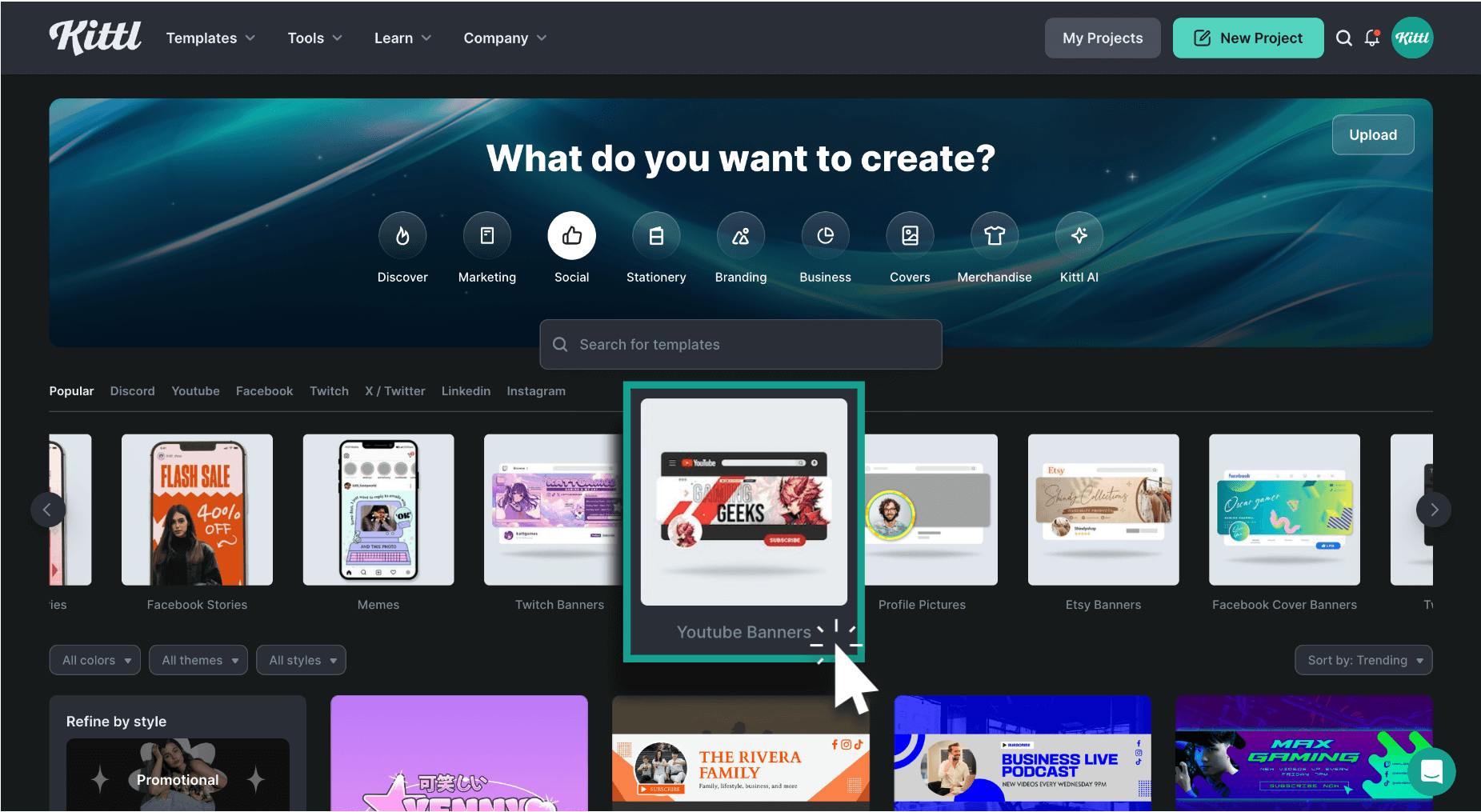
- Use design tools and templates – You can browse a ton of free YouTube banners on Kittl. They’re easily customisable so you can match your brand aesthetic.
Check out our fully customisable free YouTube banner templates. Use them to design a YouTube banner that perfectly aligns with your channels style and make it your own!
YouTube banner examples
The banner examples below each incorporate different design and brand techniques that you can easily replicate into a banner of your own creation.
Portfolio-driven design
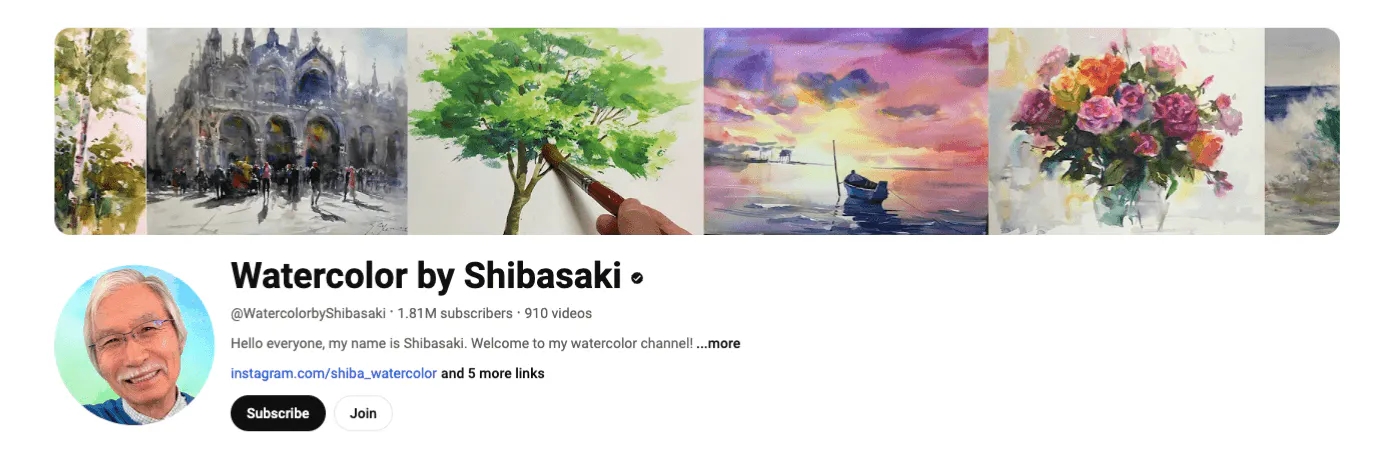
Watercolour by Shibasaki takes an approach known as “portfolio-driven design. This approach, effectively showcases the artist’s skills by featuring several side-by-side images of their work.
By incorporating a variety of artworks directly into the banner, it immediately gives viewers a taste of what they can expect from the channel. Additionally, this method encourages viewers to explore more of your content.
Brand-Centric Design
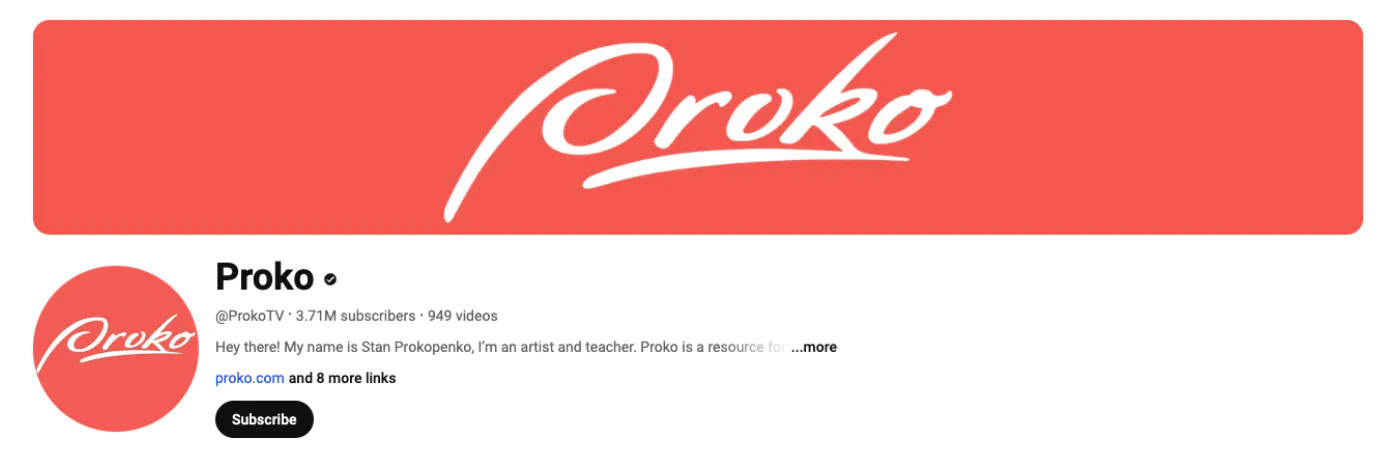
Proko’s approach to their YouTube banner is known as “brand-centric design.” This technique prominently features a brand’s logo as the focal point of the banner.
It works best when your brand is already well-known and your primary goal is to reinforce brand recognition. Additionally, in Proko’s banner, you’ll see they use minimalist design elements to make the logo stand out.
Offer-driven design
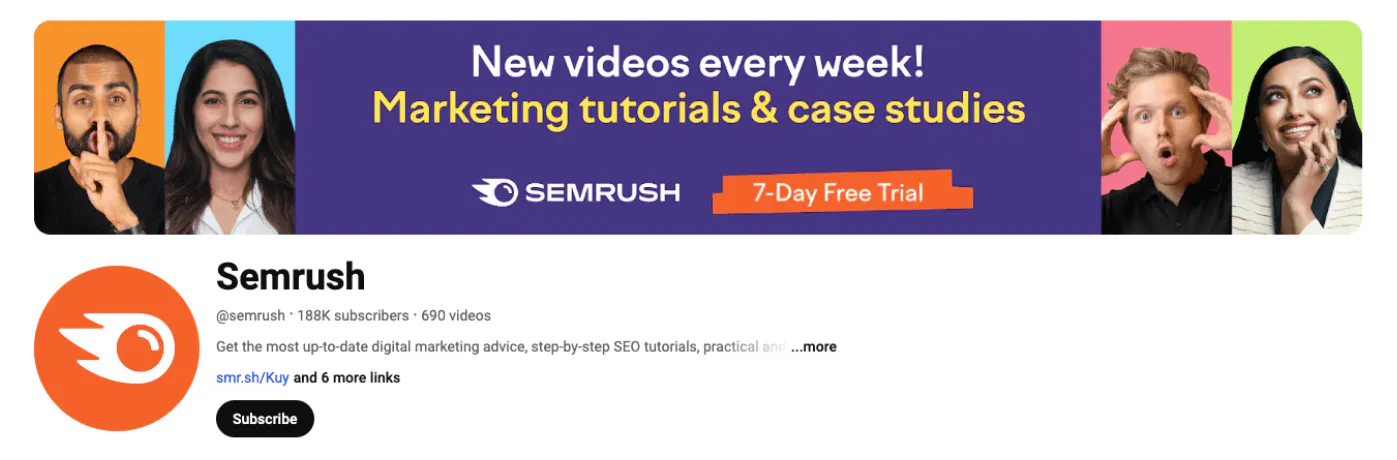
SEMrush provides an excellent example of an effective YouTube banner that showcases a special offer for their services. This approach, known as “offer-driven design,” prominently features a clear and enticing call-to-action (CTA), such as “Sign Up for Our Free Trial!”
What’s more, the banner uses bright colours that contrast and POP along with bold text. This highlights what they offer with their YouTube channel: marketing tutorials and case studies.
Dynamic design/motion design
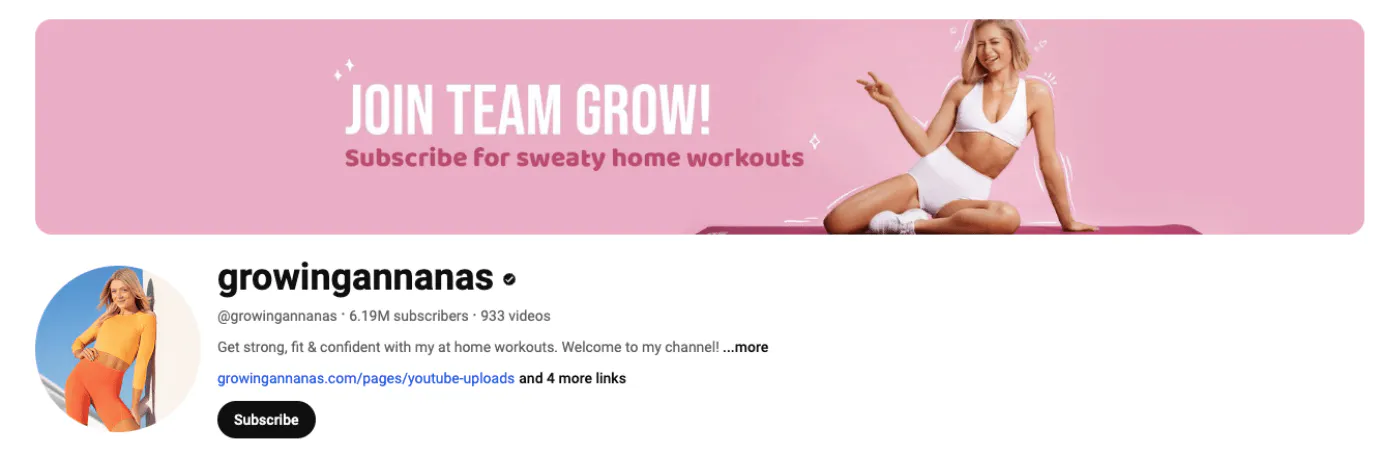
Growingannanas is a perfect example of simple “dynamic design” in a YouTube banner design. “Dynamic design” or “motion design” creates a sense of movement within a static image.
This approach involves using elements like simple lines, shapes, and strategically placed graphical cues to suggest motion and add energy to the composition, making it more engaging. Adding dynamic design elements to your YouTube banner is an easy way to make it more fun and create a sense of liveliness!
Identity-focused design
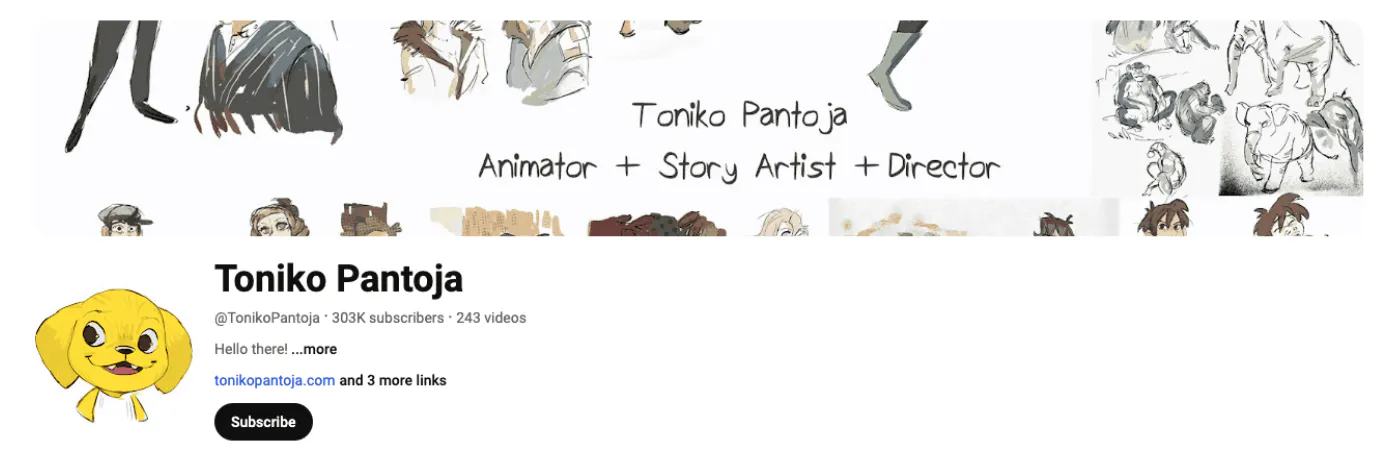
Here’s a perfect example of a YouTube banner that effectively communicates the creator’s identity and expertise. This approach, known as “identity-focused design,” clearly states the roles of the creator: “Animator + Story Artist + Director.”
The banner includes example images of their work, which acts as an immediate visual showcase that tells viewers what type of content to expect. By highlighting your skills and providing visual examples, you’ll set clear expectations and attract viewers.
Value-focused design
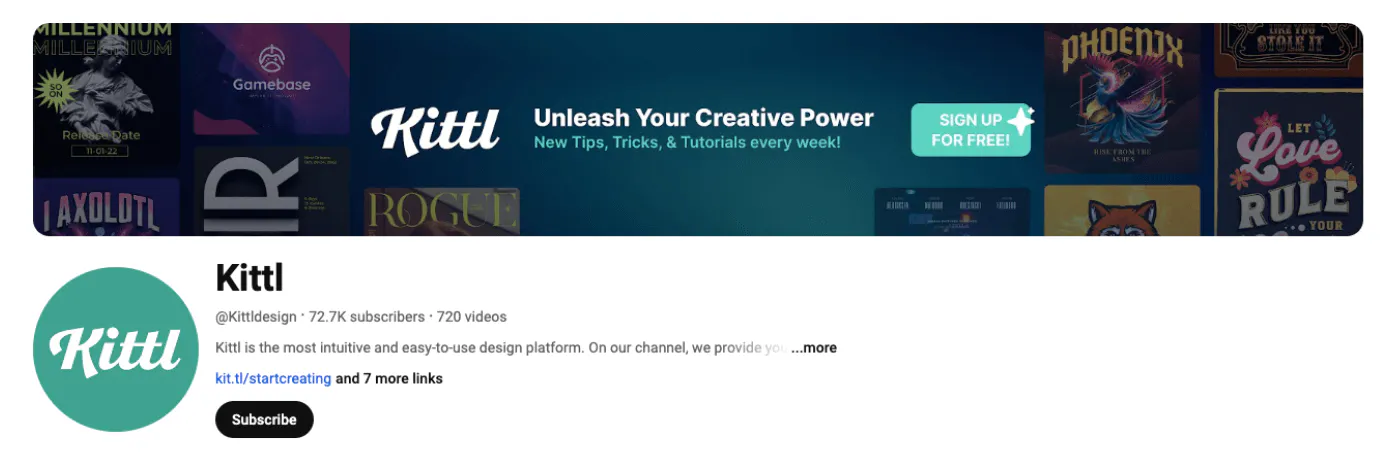
Last but certainly not least is Kittl’s very own YouTube banner! It’s a perfect example of a banner that effectively communicates what viewers can expect from a channel.
Our approach, known as “value-focused design,” clearly communicates our value to viewers: “New tips, tricks, and tutorials every week.”
To add more value, we’ve highlighted a compelling CTA: “Sign Up for Free.” Our banner design ensures that visitors understand the high-quality content we offer and are encouraged to join our creative community.
It also encourages viewers to explore more, including finding the best strategies for growing your YouTube audience, such as the optimal times to post videos for effective YouTube marketing.
YouTube banner FAQ
Common FAQs about YouTube channel images
Why is my YouTube banner low quality?
Your YouTube banner might be low quality due to several reasons, but don’t worry—that’s what this guide is here to troubleshoot!
1. Check resolution: low-res images will look pixelated. Use the recommended dimensions above.
2. File format matters: compression can reduce quality (see tips above).
3. Aspect ratio: wrong sizing can stretch or squish the image.
What happens if my banner is not the correct size?
Parts may get cut off or the image may distort, which looks unprofessional.
Stick to YouTube’s recommended dimensions. Try YouTube banner templates to stay on-size.
You can easily update the banner later without starting from scratch.
How often should I update my YouTube banner?
Update when your content or branding changes, for seasons or milestones. A couple of times a year keeps things fresh.
Can I use animated GIFs for my YouTube banner?
No—YouTube banners must be static. Use strong typography and graphics to create energy in a still design.
What are the best file formats for YouTube banners?
JPEG for photos and rich imagery; PNG for transparency and crisp text/graphics.
What does a good YouTube banner look like?
High quality, clear theme, readable type, uncluttered layout, consistent colors/logo, and device-aware composition.
Try free logo templates for consistency.
How important is a YouTube banner?
It’s your channel’s billboard—sets expectations, signals quality, and helps convert visitors to subscribers.
How do I know if my YouTube banner looks good?
Ask for feedback (e.g., r/design_critiques) and check if it clearly communicates your channel.
Iterate quickly with templates.
Free YouTube banner templates
Create a free account today and access these free YouTube banner templates! These customizable templates ensure you’re using the correct YouTube banner sizes, as they come with pre-set dimensions for strong image quality.
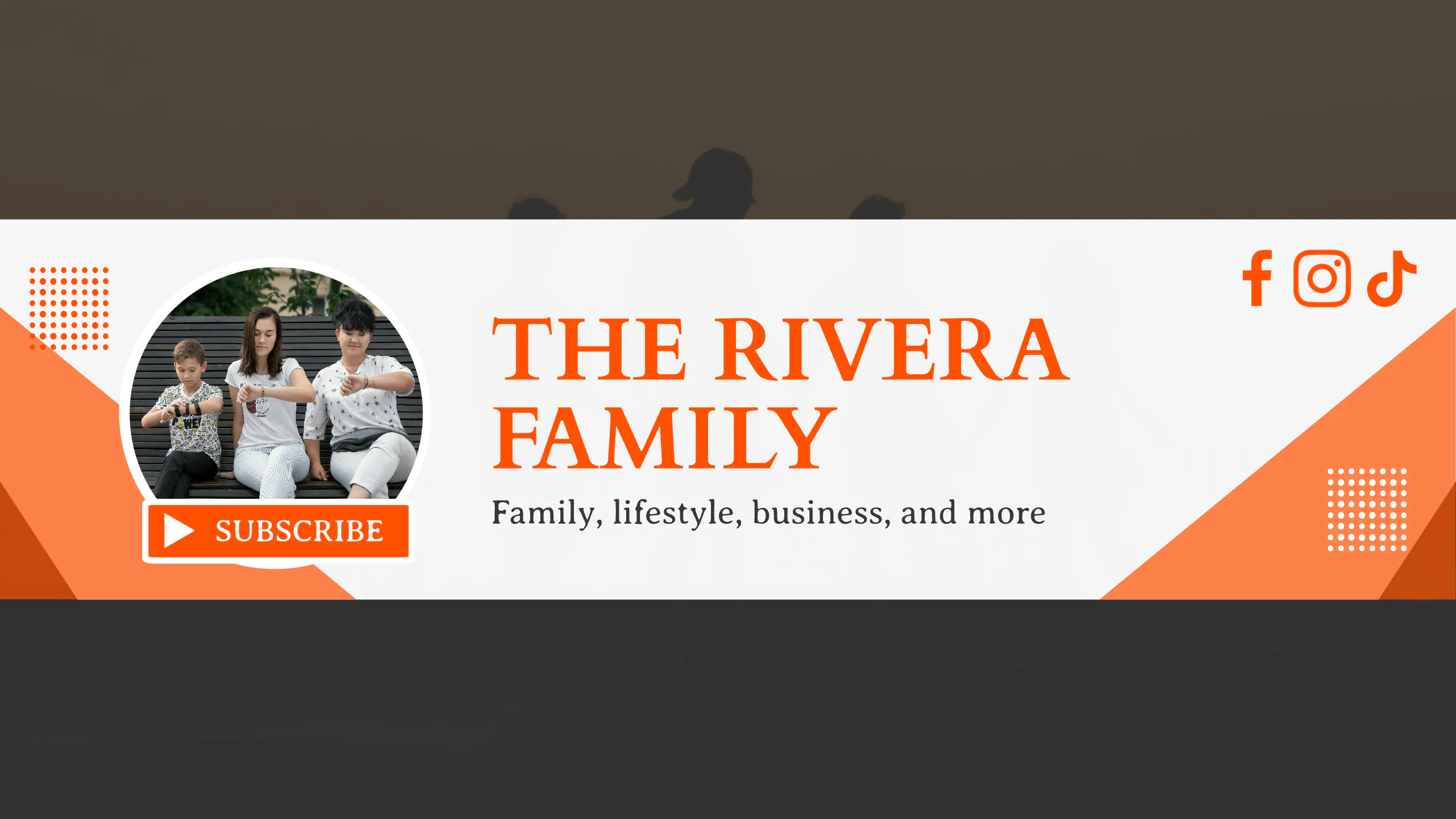
Family Lifestyle Youtube Channel Design.
Use Template
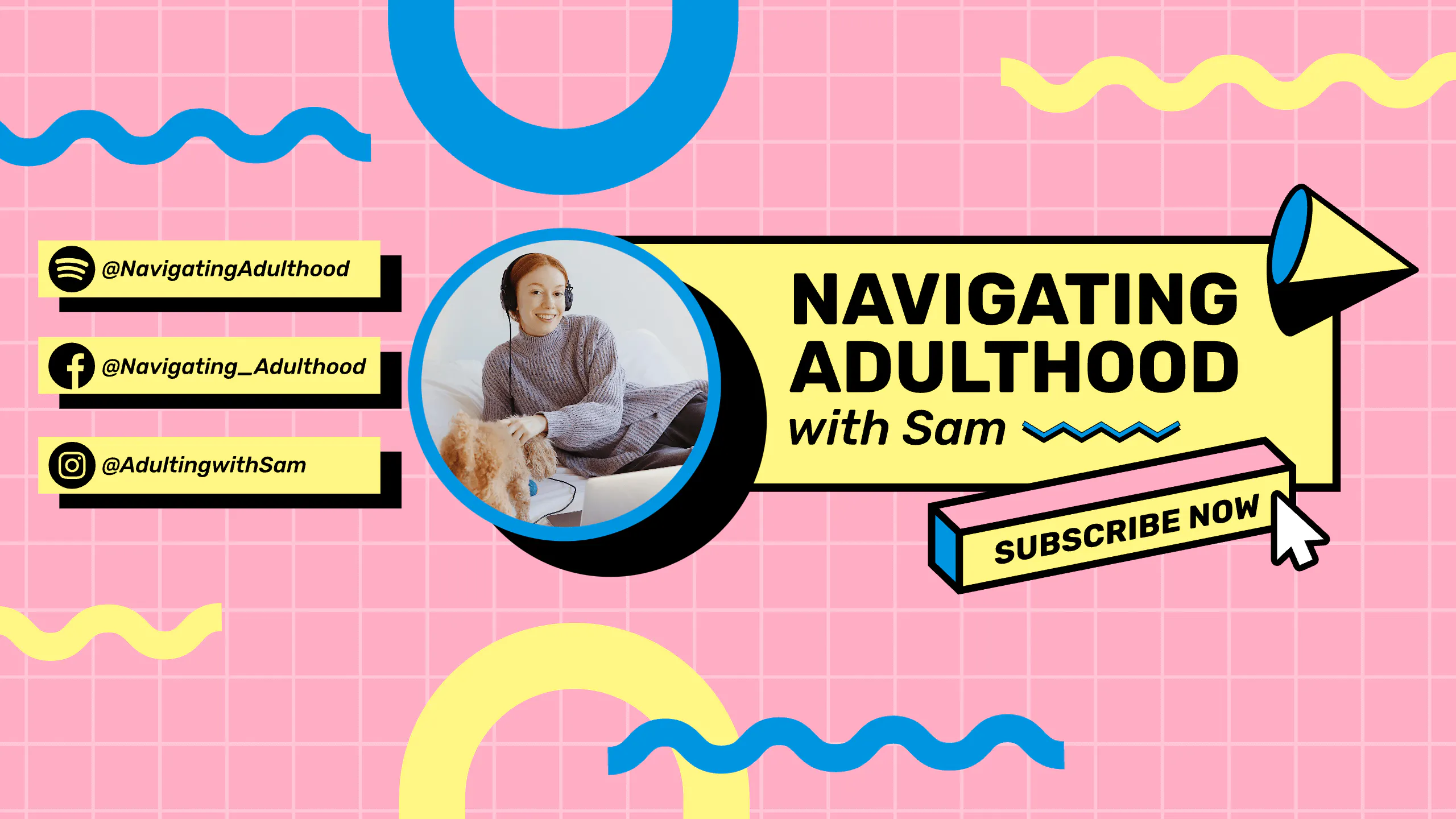
Navigating Adulthood – Memphis Youtube Banner.
Use Template
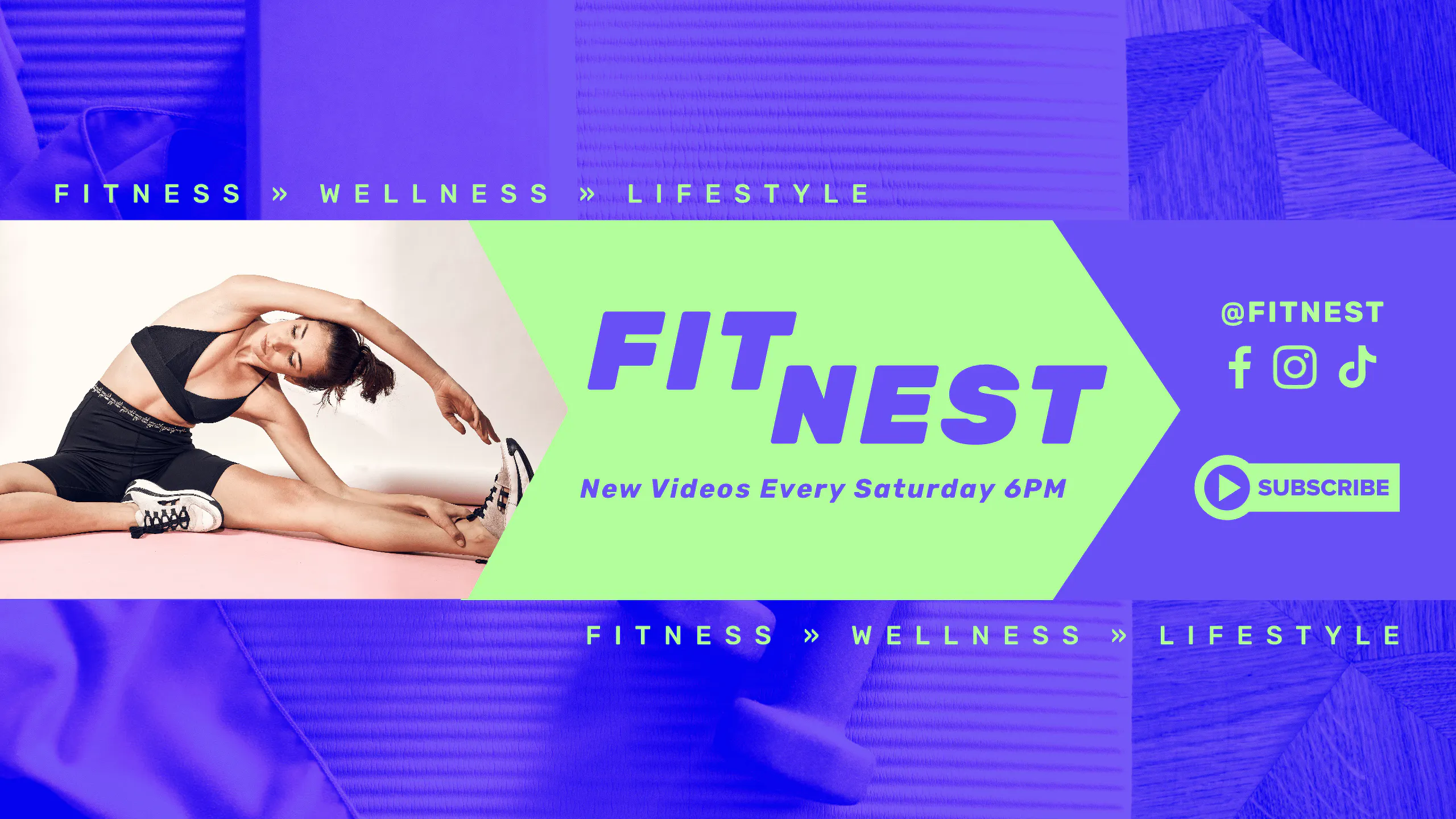
Fit Nest – Fitness YouTube Banner. Use Template
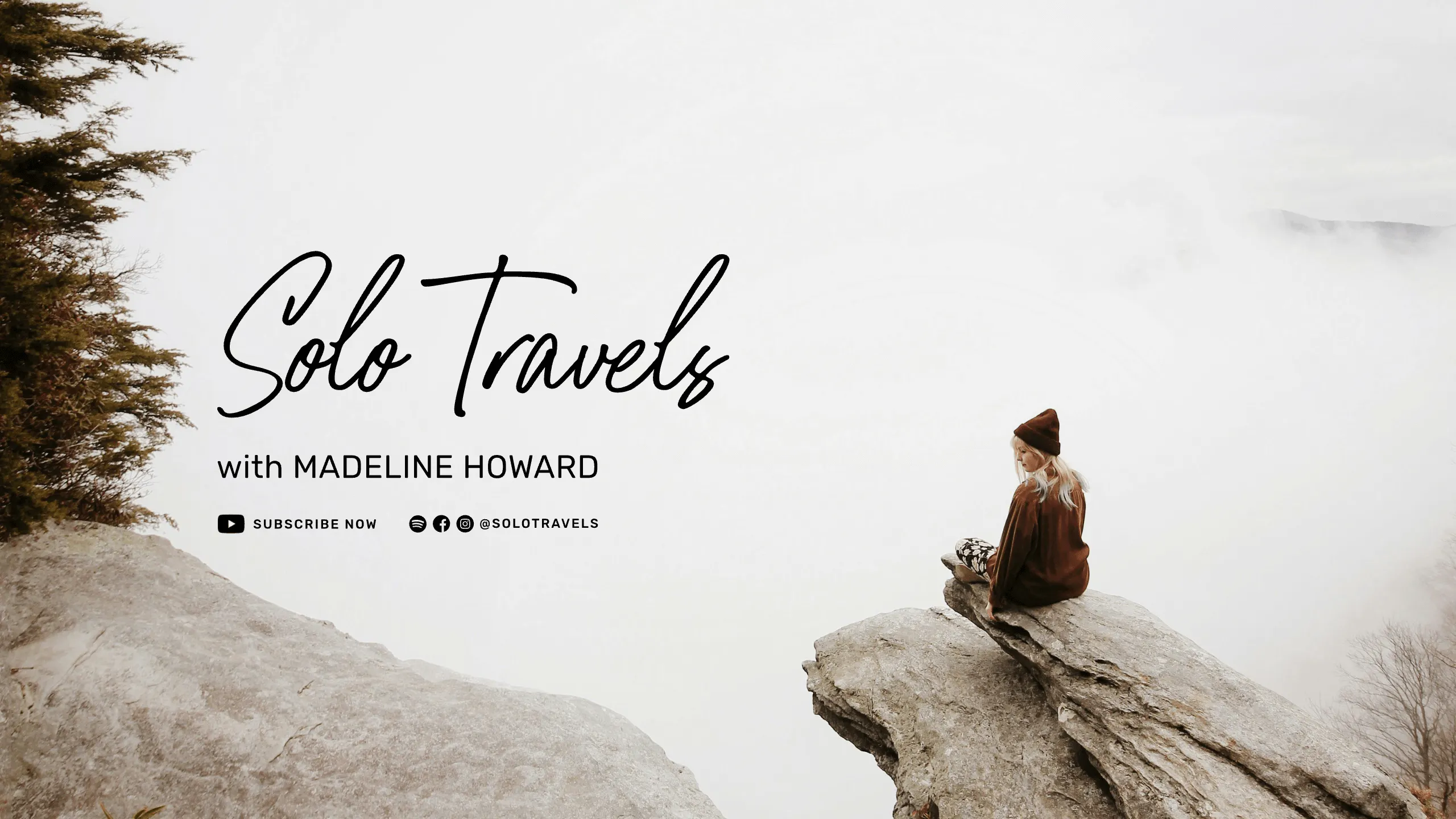
Solo Travels – YouTube Banner. Use Template
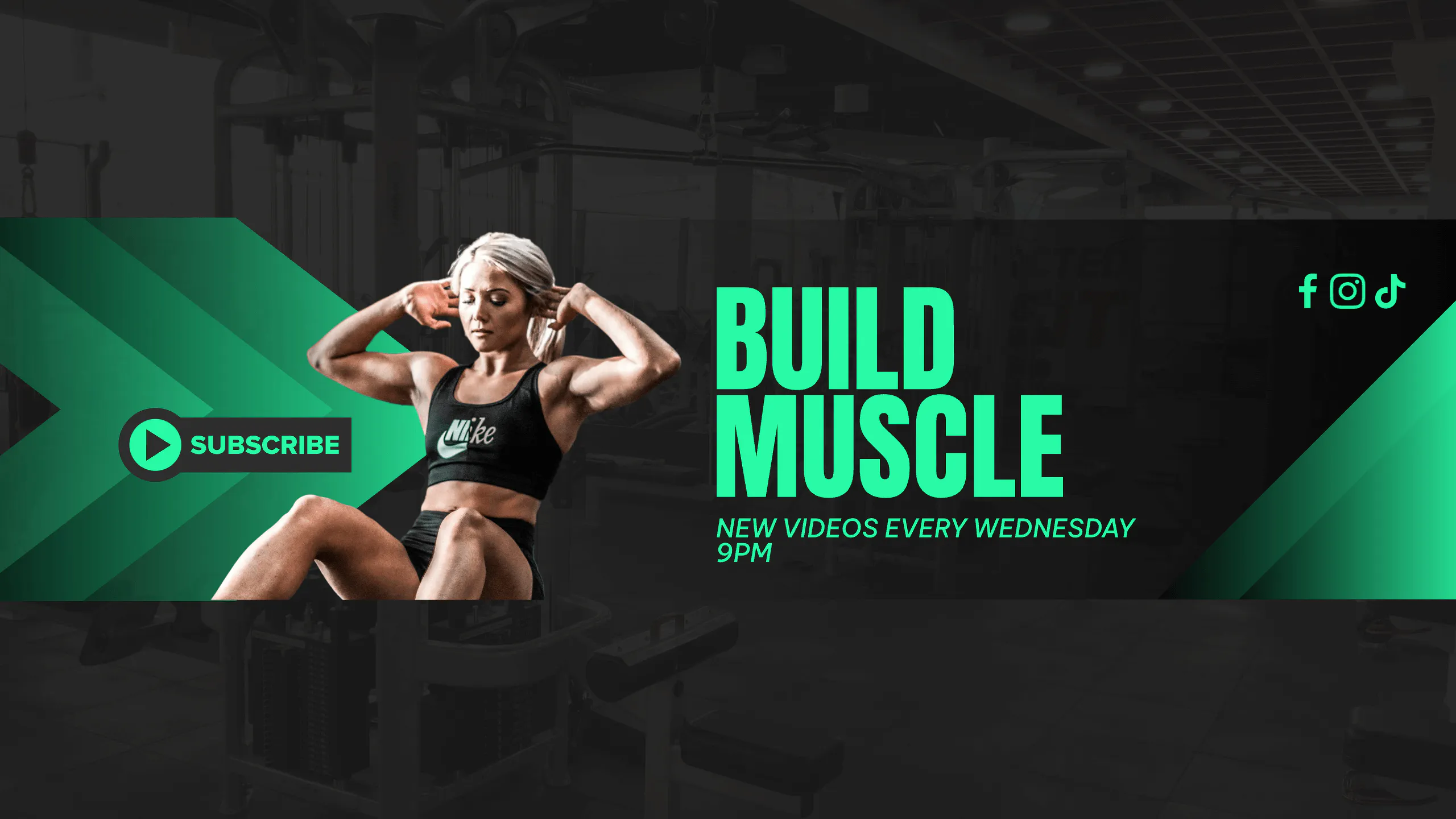
Build Muscle Gym YouTube Channel Design.
Use Template
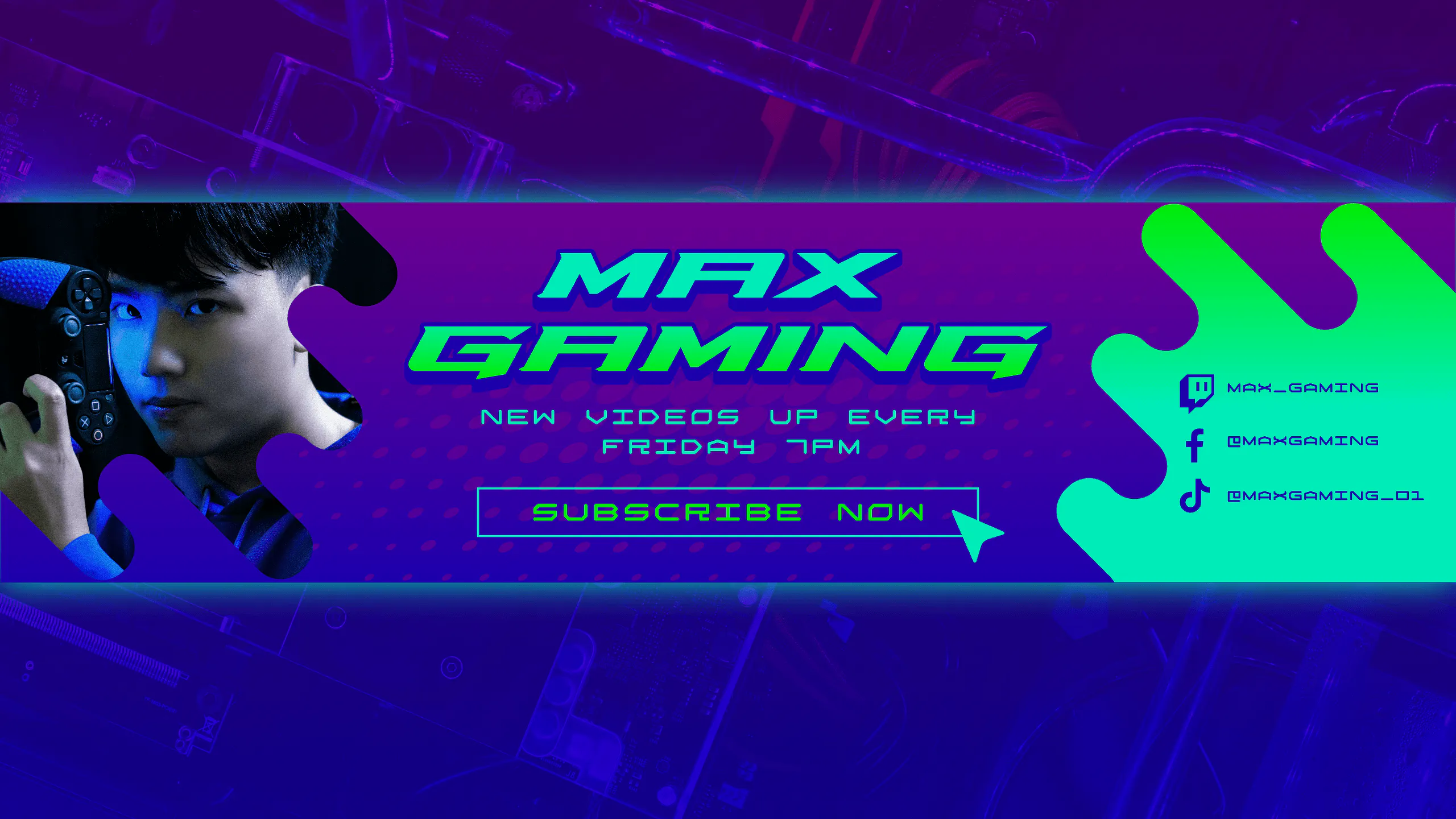
Max Gaming – Gradient YouTube Banner.
Use Template
Choose a template that matches your channel style, then customize the colors, fonts, graphics, and text to make it your own. Whether you’re creating a gaming channel, fitness channel, lifestyle vlog, design channel, or business channel, starting from a template helps you avoid sizing mistakes while still giving you full creative control.
Additional YouTube size requirements for your channel
YouTube video thumbnail size
The recommended YouTube thumbnail size is 1280 x 720 pixels and up to 2MB. For best results, upload a video thumbnail with a 16:9 aspect ratio. JPG, GIF, and PNG image files are supported. The minimum size dimensions for YouTube thumbnail images is 640 pixels wide.
YouTube let’s you choose from automatically generated thumbnails or upload your own custom thumbnail. We HIGHLY recommend you create a custom one since video thumbnails are the very first impression viewers get of your video.
So you want to ensure it’s working to attract viewers as they’re browsing YouTube, especially if you’re aiming to learn how to go viral on YouTube. When you create a custom video thumbnail, it should be as large as possible because its used as the preview image for embedded YouTube links.
If you want more viewers on YouTube, make sure your thumbnail grabs attention. Use a big, clear image since it’ll show as the preview when your videos shared. And if you want to turn long videos into short clips, try YouTube Video Summarizer to help.
Learn how to easily make click-worthy YouTube thumbnails with this video tutorial.
Video size for YouTube
You can upload a range of YouTube video sizes to your channel, from 240p (426 x 240 pixels) to 2160p (3840 x 2160 pixels). But the maximum file size is 256GB or 12 hours (whichever is less).
Additionally, your videos, that will be edited with the best professional video editing software, should ideally have an aspect ratio of 16:9.
However, with the rise of the vertical video trend, especially on mobile platforms, YouTube now supports vertical video formats like 1080 x 1920 pixels (Full HD vertical) and 2160 x 3840 pixels (4K vertical).
These dimensions are crucial for optimizing your content for Shorts, mobile viewers, and cross-platform engagement.
YouTube profile picture size
A YouTube profile picture or channel icon, is a circular image that acts as your channel logo on YouTube. The ideal YouTube profile picture size is 800 x 800 pixels (a 1:1 aspect ratio). JPG, PNG, GIF, and BMP files are all supported. And take note that your profile picture shouldn’t exceed 2MB.
When you set up your YouTube channel, the default icon will be the image associated with your Google Account. But you can change the image in your Google Account settings.
You want followers to easily recognize your channel and work. So you’ll want to consider setting your YouTube icon as either your own picture or your logo.
Profile picture examples
The profile pictures of the YouTube channels listed below each highlight different styles and brand techniques. Use these examples as best practices to follow when building your own YouTube channel’s profile.
Feature your work
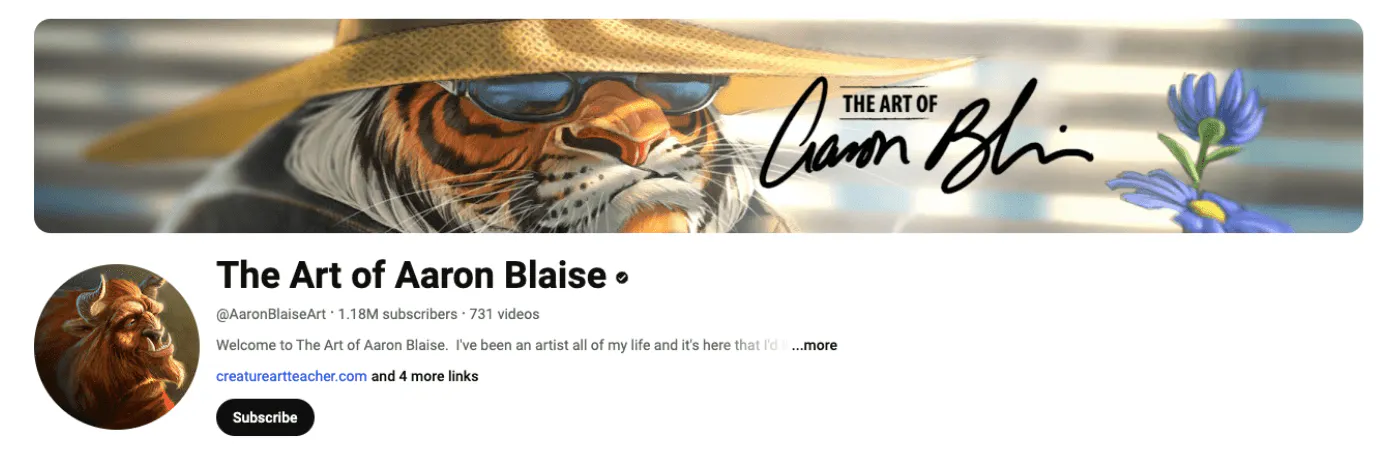
When it comes to YouTube profile picture ideas, The Art of Aaron Blaise sets a stellar example by using well-known artwork as its profile image.
This strategy ensures instant recognition and visual appeal, leveraging Aaron Blaise’s distinctive and acclaimed artistic style. By featuring his iconic artwork, the channel not only captivates viewers with its beauty but also establishes a strong, memorable brand presence.
This approach not only attracts art enthusiasts but also reinforces the channel’s identity and expertise in the field of art and animation.
Use your brand’s initials
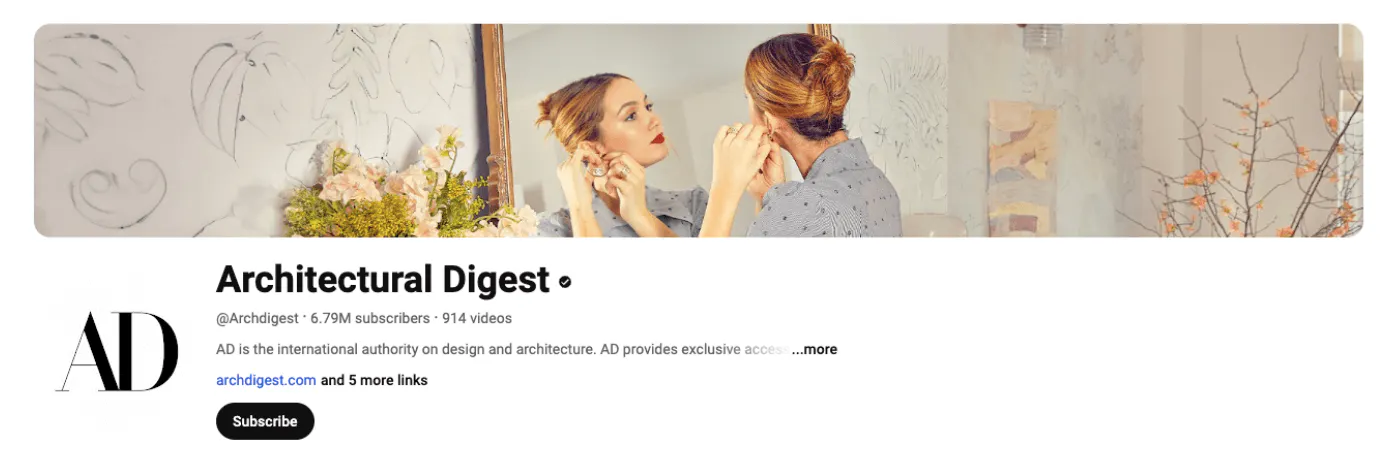
Architectural Digest’s YouTube banner exemplifies effective branding by using their abbreviated name, “AD,” as their logo.
This clean and recognizable design is perfect for established brands aiming to maintain brand recognition. Alternatively, it’s a great tactic for growing channels that want their abbreviated name to become familiar to followers.
This approach is a smart strategy for any channel looking to solidify its identity and connect with viewers through a concise, memorable logo.
Use a symbol of your brand
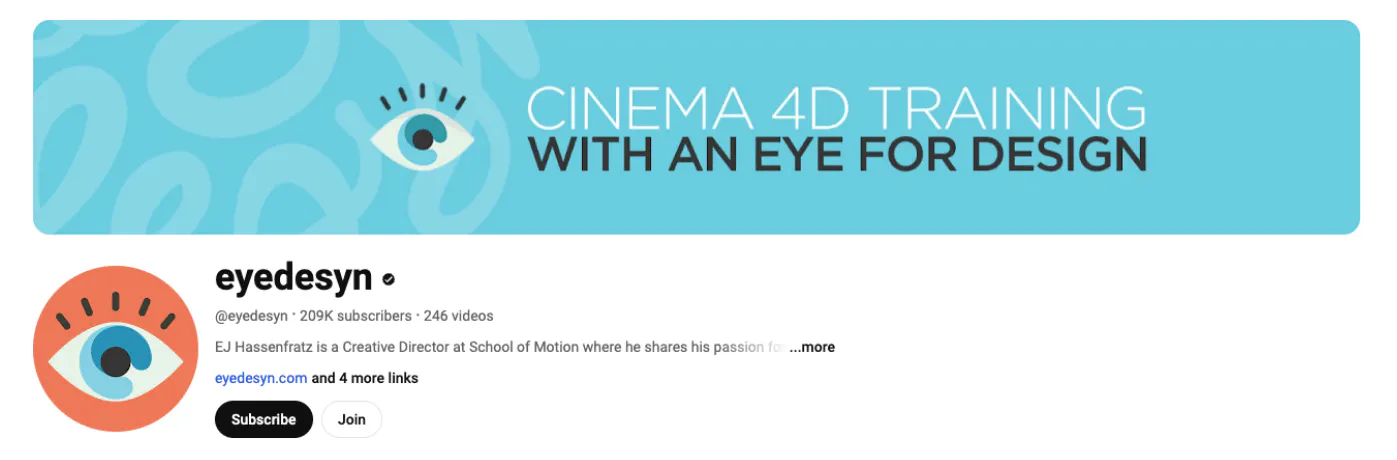
The YouTube banner for eyedesyn expertly uses a logo image that perfectly complements their brand name. This recognizable icon ensures that viewers who have encountered their brand before will instantly recognize it.
Additionally, the banner features bright, fun colors that make it stand out amongst other channels that use neutral colors and/or photos. This is an approach that captures attention and reinforces the creative theme of the eyedesyn brand.
With the rise of AI in mobile app development, there are new opportunities to enhance the functionality and user experience of apps linked to your YouTube channel.
Feature the face of your brand
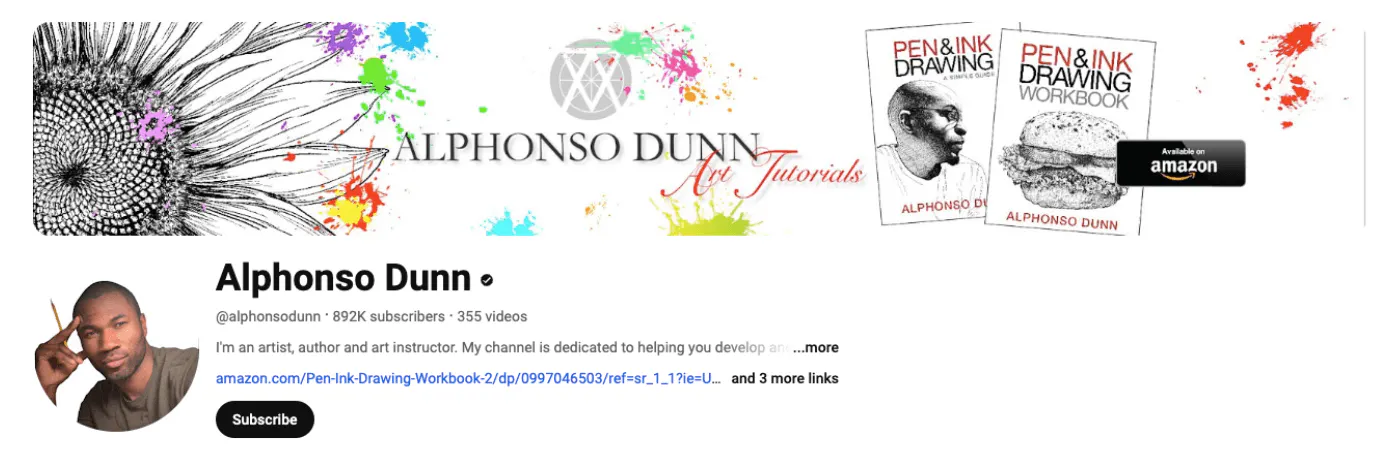
Lastly, Alphonso Dunn’s YouTube banner leverages his face as the profile image. This choice ensures instant recognition for viewers who have seen him on social media, creating a connection across platforms.
As an added bonus, Alphonso holds a pencil in the image, a perfect prop that immediately communicates his identity as an artist.
Create designs for your channel for free with Kittl
Kittl makes it easy for anyone to create beautiful designs through customizable templates and intuitive editing tools. Create a free account and get access to all of our free YouTube templates.
With these easily customizable templates, you can be confident you’re using the correct YouTube banner size, with pre-set banner dimensions that help your channel art look sharp across devices.
Take the info you learned about YouTube banner sizes and create a YouTube banner with a template today!