There’s a moment every designer knows. The brief is done, the vector’s clean, the colors sing. You zoom out, feel a flicker of satisfaction — and then realize you’re about to present it as a lonely flat file on a white background. And just like that, your proudest work starts to feel like a JPEG in a void.
Not because the design is lacking. Because it has nowhere to live.
This disconnect isn’t about the quality of your work. It’s about the missing link between your creative vision and how it actually lives in the real world. That’s where graphic designers need mockups. They’re not just useful but essential to the design process.
In the most fundamental, designer-to-designer kind of way: they give your work a world to live in. A function. A mood. A place. They help people understand what the design was for and just as importantly, help you see what’s working and what’s not.
In this deep dive, we’ll explore what mockups really are (beyond the standard definition), how they transform both your creative process and client relationships, and the strategic advantages they offer that most designers overlook.
We’ll also cover common pitfalls to avoid and how to integrate mockups seamlessly into your workflow for maximum impact. Let’s go!👇
What is a mockup in graphic design?
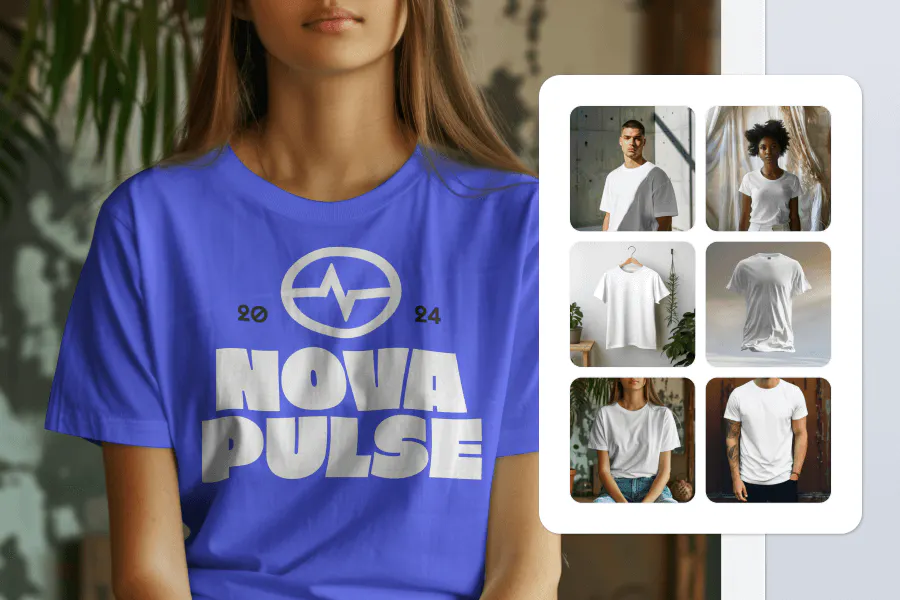
Let’s start with the baseline. If you search what is a mockup in graphic design, you’ll probably find a dozen variations of the same definition: a static visual representation of a design applied to a real-world scenario.
And yes, technically that’s true. But for designers, its more useful to think of mockups as the moment when a design stops being theoretical and starts being functional.
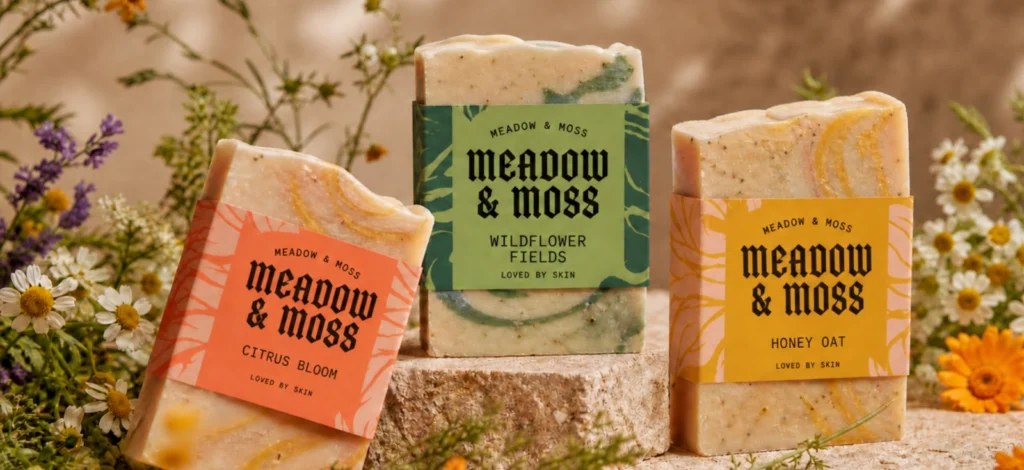
It’s where your logo stops being a vector file and becomes a living brand element on a storefront. Where your packaging design moves beyond a flat dieline to show how it will actually appear on store shelves. Where your UI design demonstrates real interactions rather than static screens.
The mockup world offers something profoundly important: it creates the crucial context that allows others to see your design as you intended it to be experienced.
When done right, a mockup doesn’t just show what a design looks like. It reveals how it works, feels, and functions in its intended environment.
Why graphic designers need mockups: Beyond the pitch deck
The value of mockups extends far beyond making your portfolio look pretty. Here’s why they’ve become indispensable for serious design professionals:
Because static designs lie
What works perfectly on your screen often falls apart in the physical world. Colors that look vibrant in RGB might appear dull when printed. Typography that seems readable at your perfect viewing angle becomes illegible when viewed from different perspectives. Logo details that look clean at large scale might become muddy when reduced.
Mockups ruthlessly expose these weaknesses before they become expensive mistakes. They simulate real-world conditions (lighting, materials, scale, perspective), revealing problems you simply can’t detect on your artboard.
They help non-designers see what you see
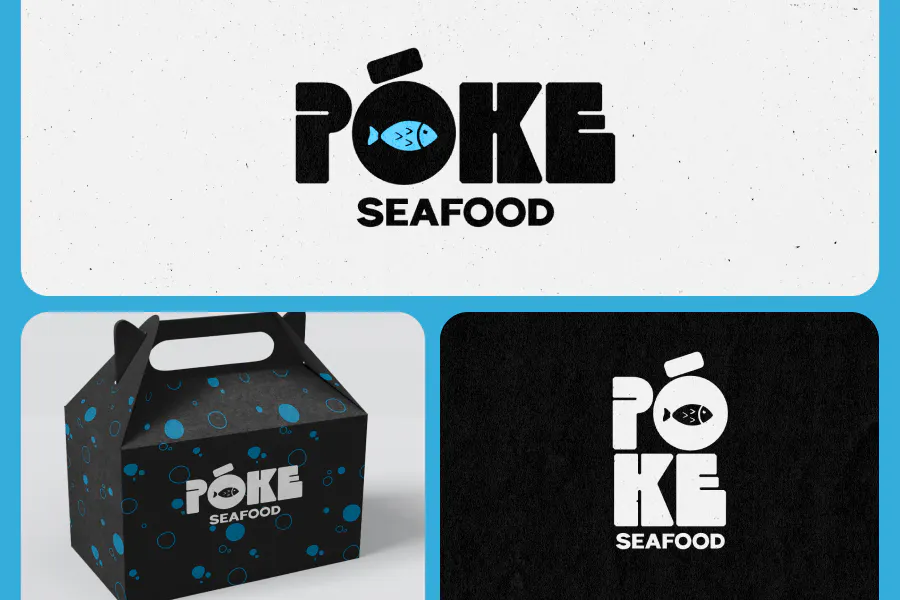
You might be able to imagine your label design sitting on a shelf. But your client can’t. Mockups bridge that gap. They guide the eye, add scale, and show interaction.
Mockups bridge this gap, allowing them to visualize the end result without requiring design expertise.
This visualization isn’t just nice to have, it fundamentally changes how clients evaluate and appreciate your work. A logo on a business card, signage on a building, or a t-shirt mockup showing your design on actual apparel helps clients see concrete value rather than abstract concepts.
They build design confidence through iteration
Mockups transform how you evaluate your own work. By seeing designs in context throughout the creative process, you build confidence in what’s working and quickly identify what needs refinement.
This iterative testing creates a feedback loop that sharply accelerates your design instincts. The more you use mockups as evaluation tools, the more you internalize how designs translate from screen to reality.
Types of mockups (and what they’re really good for)
Different mockup categories serve specific purposes in the design process. Understanding when to use each type is key to maximizing their value:
Environmental mockups: Context and scale testing
These place your designs in physical spaces like billboards, walls, trade show displays, office interiors. They’re essential for testing:
- Visibility at various distances
- Integration with architectural elements
- Performance under different lighting conditions
- Spatial relationships and proportionate scale
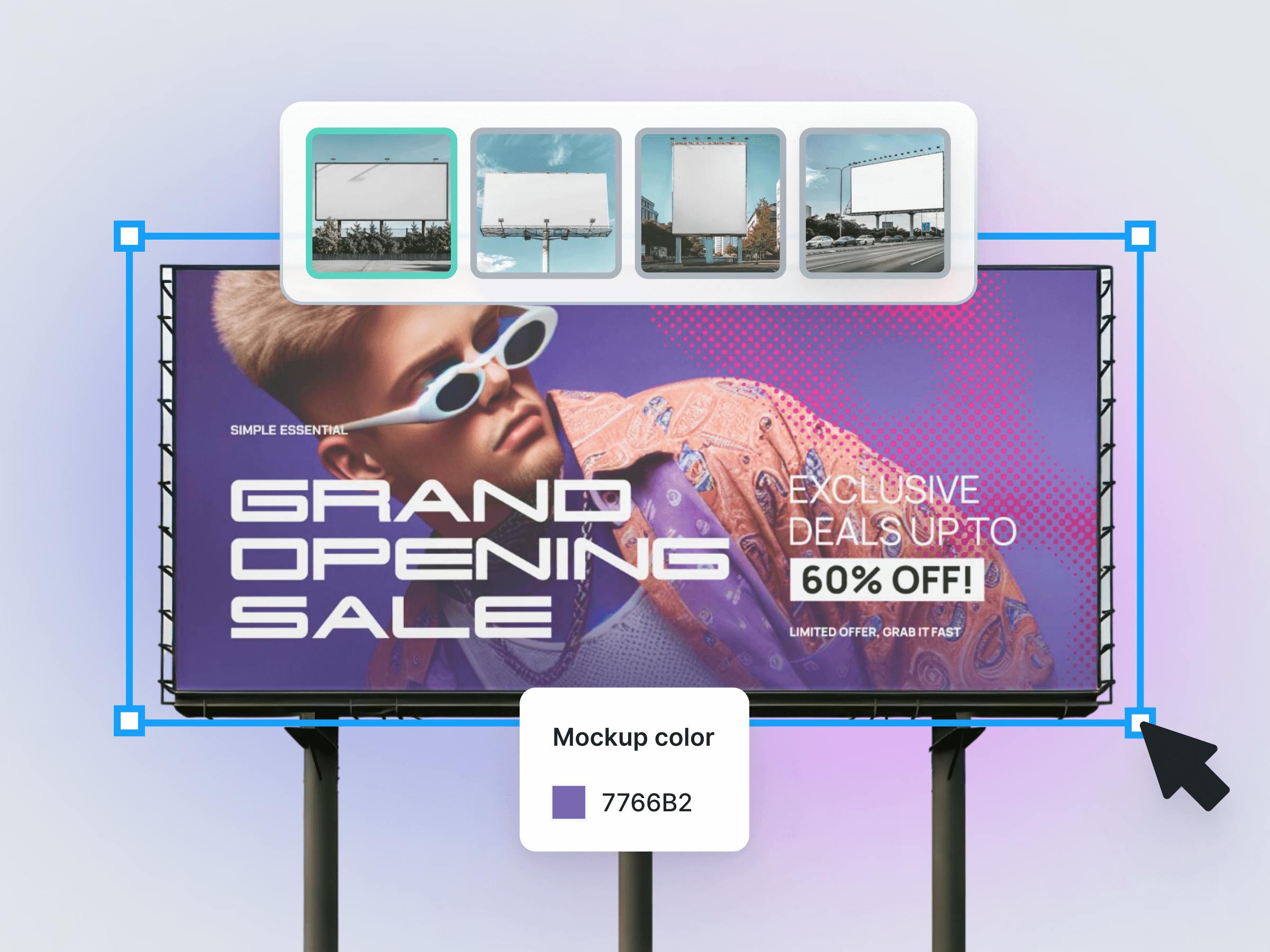
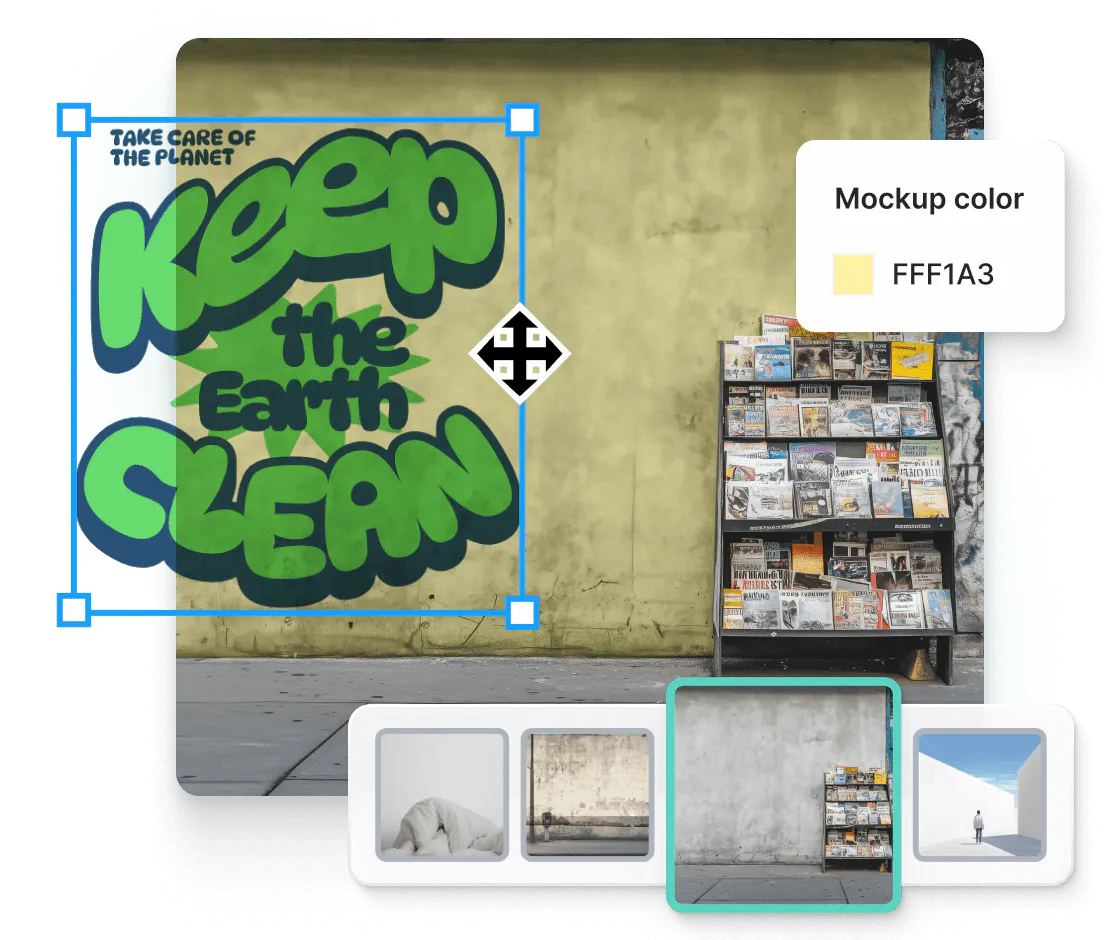
Use environmental mockups early in the design process to test signage legibility from realistic viewing distances, ensuring your design maintains impact when scaled to its actual implementation size.
Product mockups: Material and dimension testing
These show how designs appear on physical products like packaging, bottles, brochures, merchandise, promotional items. They help evaluate:
- How designs wrap around curved surfaces
- Color shifts on different materials
- Print technique compatibility
- Practical functionality in three dimensions
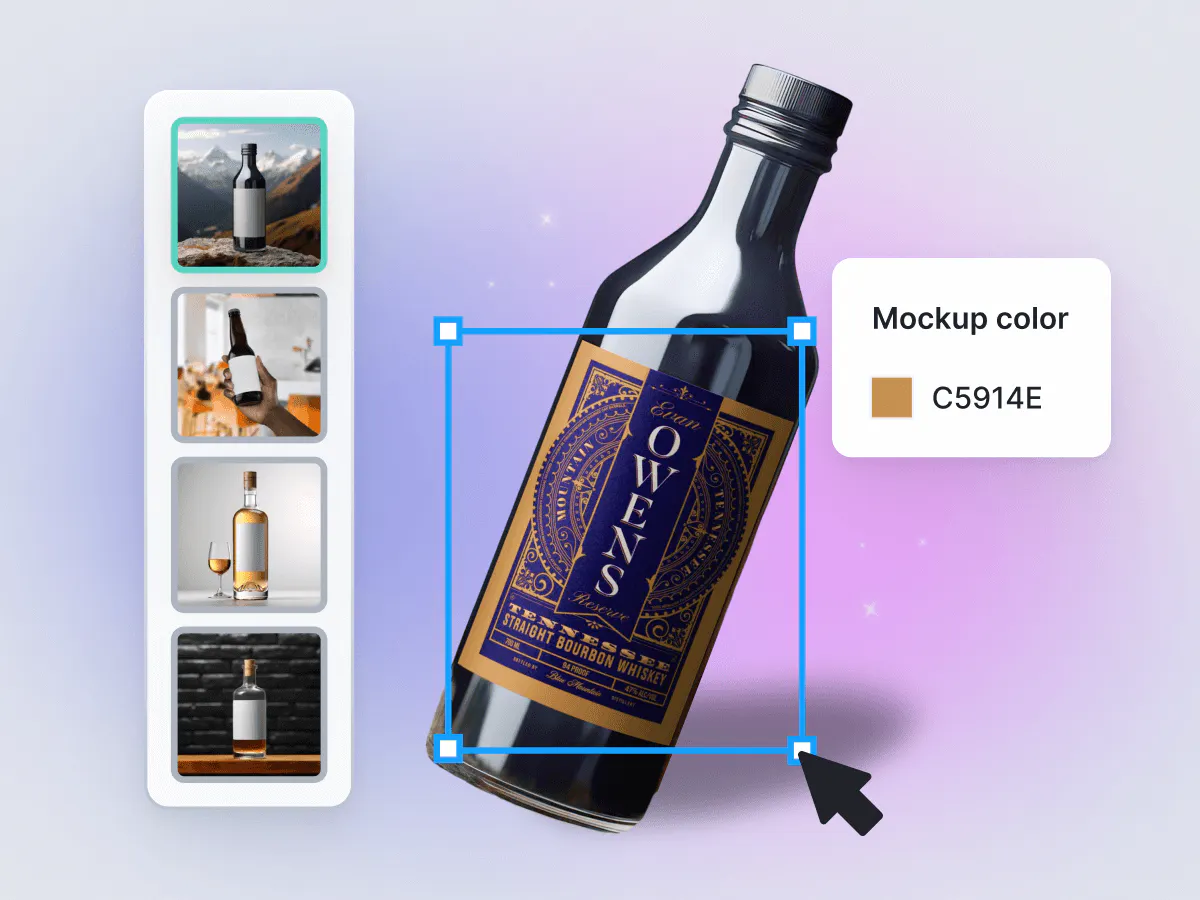
Test packaging designs from multiple angles to ensure they maintain brand recognition regardless of shelf placement or viewing perspective. What looks great from the front might be unrecognizable from the side.
Apparel mockups: Movement and texture testing
Hoodie mockups, T-shirt mockups, sweatpants mockups, and other clothing mockups reveal how designs interact with fabric textures and body movement. They’re critical for:
- Testing design flexibility on uneven surfaces
- Evaluating print technique compatibility with different fabrics
- Assessing legibility when the garment is in motion
- Visualizing how designs look on different body types
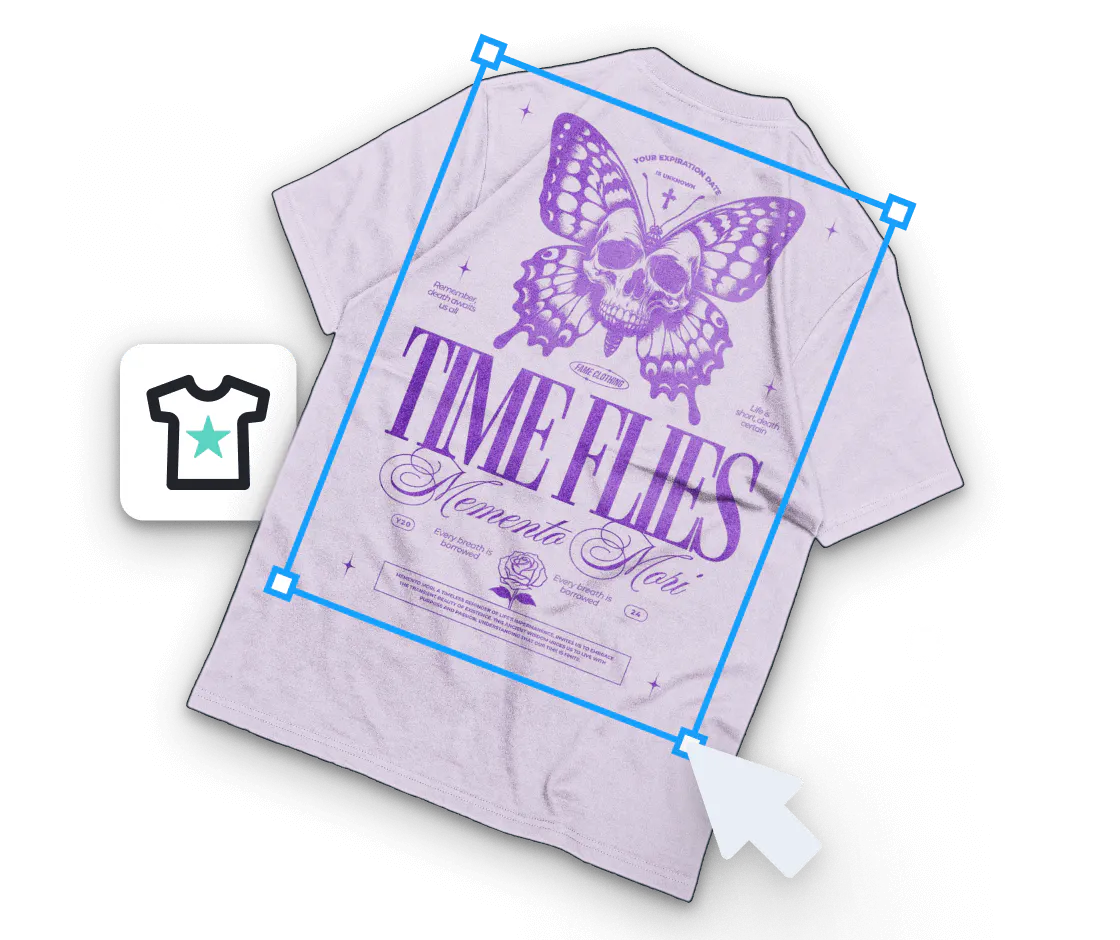
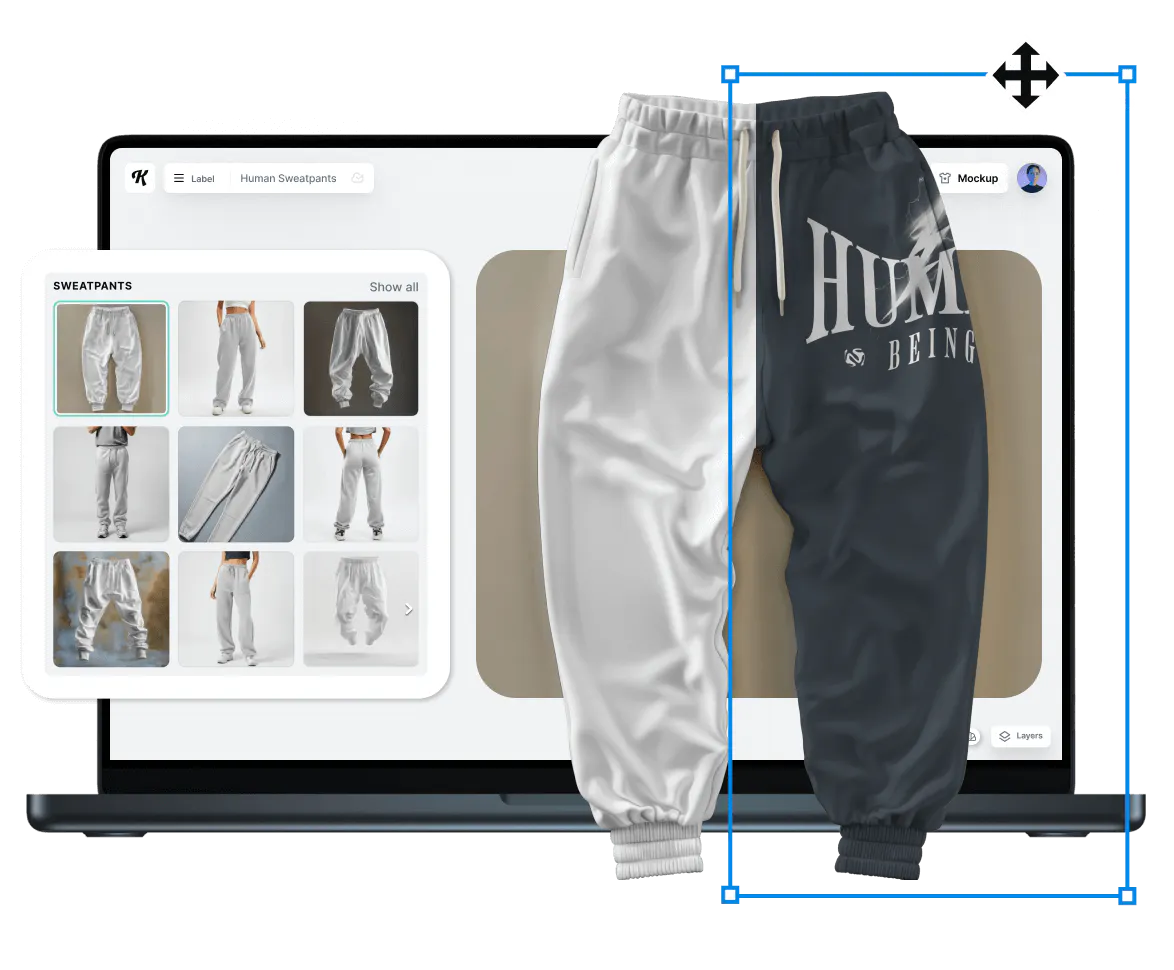
Use mockups clothing to test how intricate logo details hold up when printed on textured fabrics, ensuring your design remains identifiable even when the fabric folds or stretches. This is where Kittl’s natural wrapping feature helps nicely.
Digital device mockups: Interaction and environment testing
iPhone mockups, laptop mockups, and other device frames show how digital interfaces function in realistic usage scenarios. They help evaluate:
- Touch target accessibility in handheld contexts
- Screen legibility under varied lighting conditions
- UI element visibility when viewed at different angles
- Integration with device-specific features
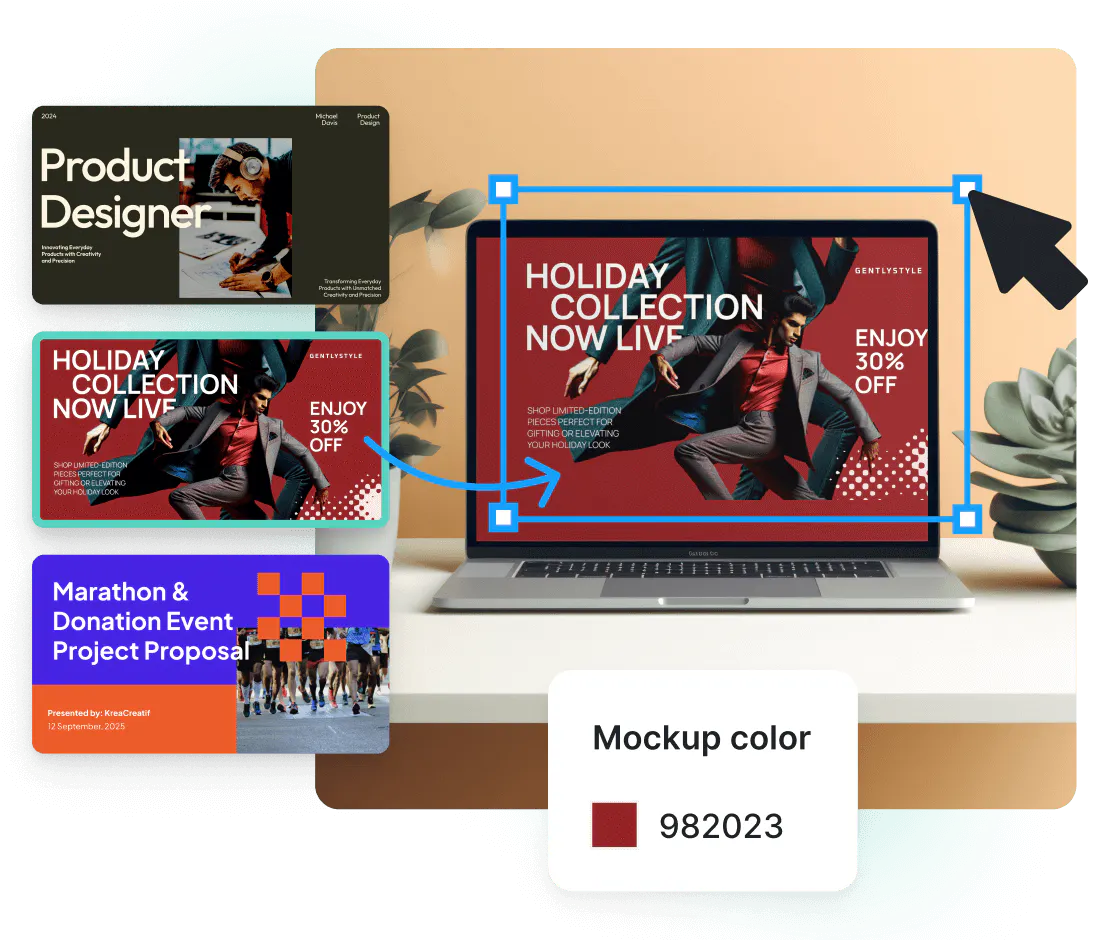
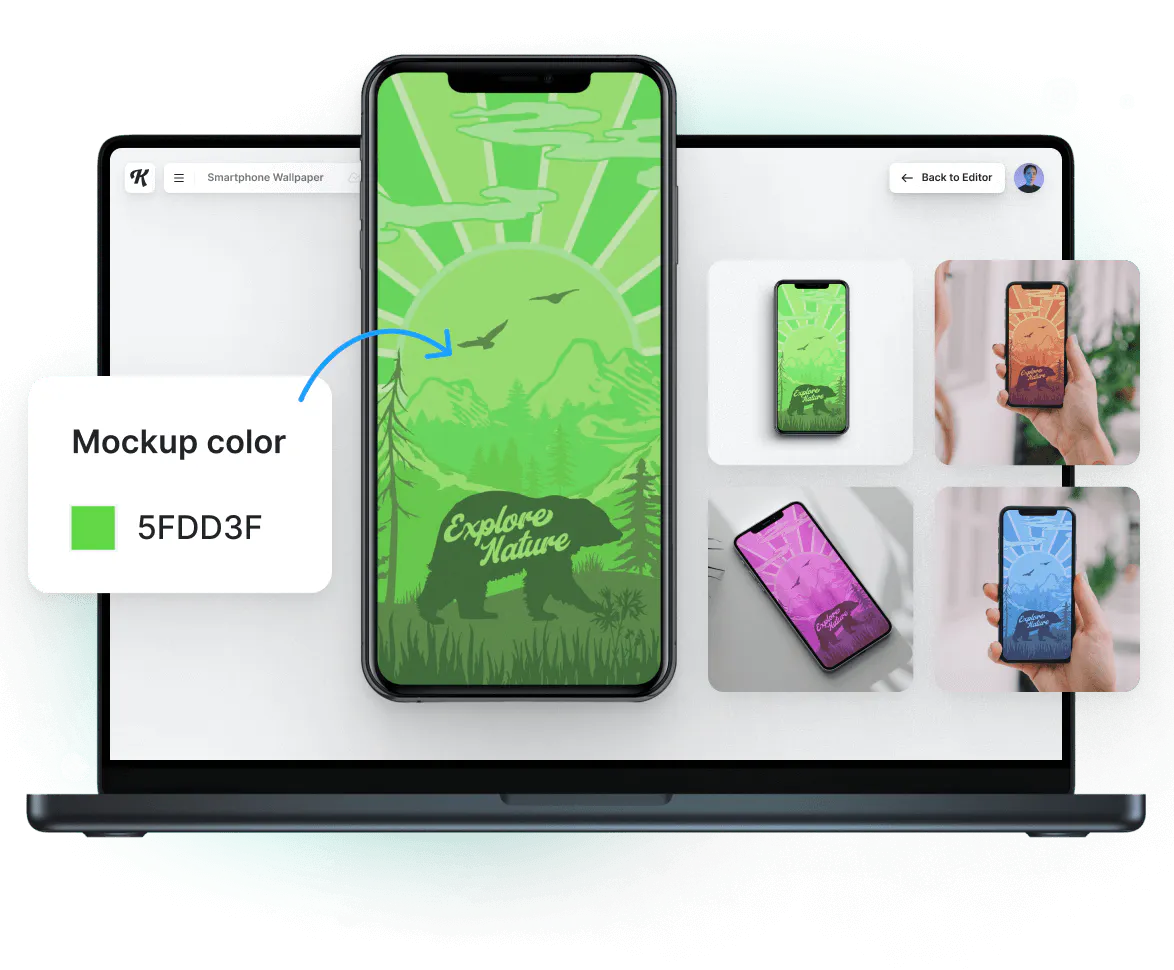
Test your app interface on device mockups held at natural viewing angles rather than just head-on, ensuring your design remains functional in actual usage conditions.
Mockup use cases for pro graphic designers: Beyond client presentation
Graphic designers need mockups, but they usually reach for it only at the very end — just before the presentation deck is due. But they’re far more valuable when used earlier and more often.
Here’s how to integrate mockups more naturally into your workflow:
Start with a reality check
Before your idea ever makes it into a presentation, try it in a mockup. That logo you love? See it stitched on a hoodie or scaled across a storefront. You’ll quickly spot balance issues, awkward spacing, or colors that don’t land in the wild.
Mockups aren’t just about polish, they’re about proof.
Create checkpoints, not just milestones
Don’t wait for the big “final reveal.” Drop your designs into mockups at 25%, 50%, 75%. See how they hold up when they’re resized, wrapped, folded, or cropped.
These mini previews often reveal more than any grid or guidelines ever could.
Build a flexible, go-to mockup set
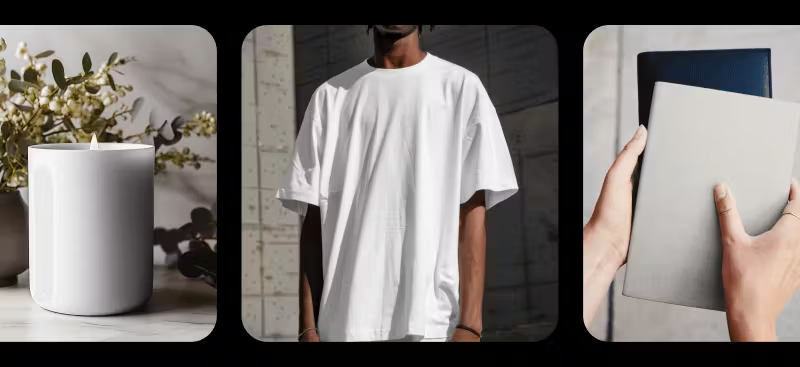
You don’t need 300 templates — you need a handful that work hard. One or two T-shirt mockups, a couple of packaging angles, maybe some iPhone mockups or tags for branding projects.
A consistent mockup toolkit makes your portfolio more cohesive and your process way faster.
Once you’ve picked your core mockup set, Kittl’s Brand Kit makes it easy to apply your exact colors, logos, and fonts across them also every visual stays aligned, no matter the format.
Repurpose without repeating yourself
Knowing how to make mockups means you can quickly create marketing visuals, pitch assets, and polished posts — without redoing your design from scratch.
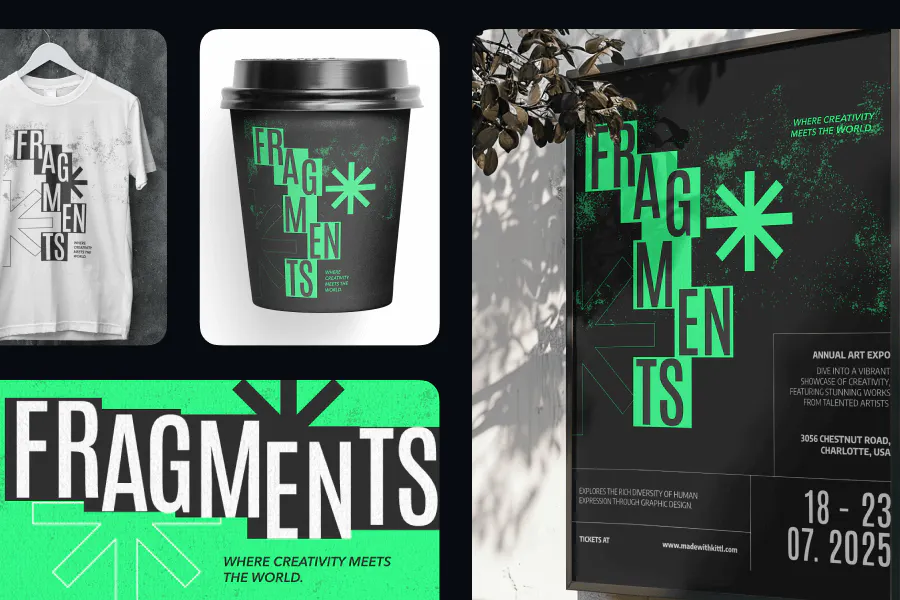
With Kittl, you can switch between mockups with a single click. This includes hoodie mockups, packaging mockups, T-shirt mockups, and more. It’s the easiest way to test and reuse your design across multiple scenes without ever leaving your browser.
This is how to use design mockups in a way that supports — not delays — your creativity. It’s also how to make mockups feel like part of your process, not a separate step.
Common challenges you’ll find in mockup tools
Despite their benefits, mockups come with potential pitfalls that can undermine their effectiveness:
The reality distortion problem
Many free mockups and template resources present idealized versions of reality — perfect lighting, flawless materials, unrealistic viewing angles. These can create false confidence in designs that wouldn’t perform well in actual conditions.
What to look for in tools: Seek mockup systems that offer both options – pristine presentations when you need that perfect portfolio piece AND natural representations showing realistic fabric behavior, material textures, and environmental conditions when you need to test practical implementation.
The same old same old
Most mockup libraries rely on the same limited set of stock photos, resulting in the same models, scenes, and environments appearing across countless designers’ portfolios. This repetition creates visual fatigue and makes your work blend in rather than stand out.
What to look for in tools: Seek mockup resources with diverse, authentic models and environments that feel fresh and represent real-world diversity.
The multi-tool juggling act
Traditional mockup workflows force designers to bounce between multiple platforms – designing in one tool, creating mockups in another, and presenting in a third. This fragmented process wastes time and introduces version control nightmares.
What to look for in tools: Look for integrated solutions where you can apply your designs to mockups within the same environment where you create them, eliminating the export-import cycle and keeping all your assets organized in one place.
How we treat our mockups at Kittl
Kittl approaches mockups with a fundamentally different philosophy that addresses the core challenges designers face:
Natural, realistic presentation
Unlike tools that present idealized versions of reality, Kittl’s mockups prioritize authentic representation:
- Natural wrapping physics that show all the realistic creases, folds and textures you’d see on real products
- True-to-life fabric behavior on clothing mockups, showing how designs interact with hoodie wrinkles, T-shirt folds, and sweatpants textures
- Realistic lighting that demonstrates how your designs will actually appear in production environments
This commitment to authenticity helps you identify potential issues before implementation rather than being surprised after production.
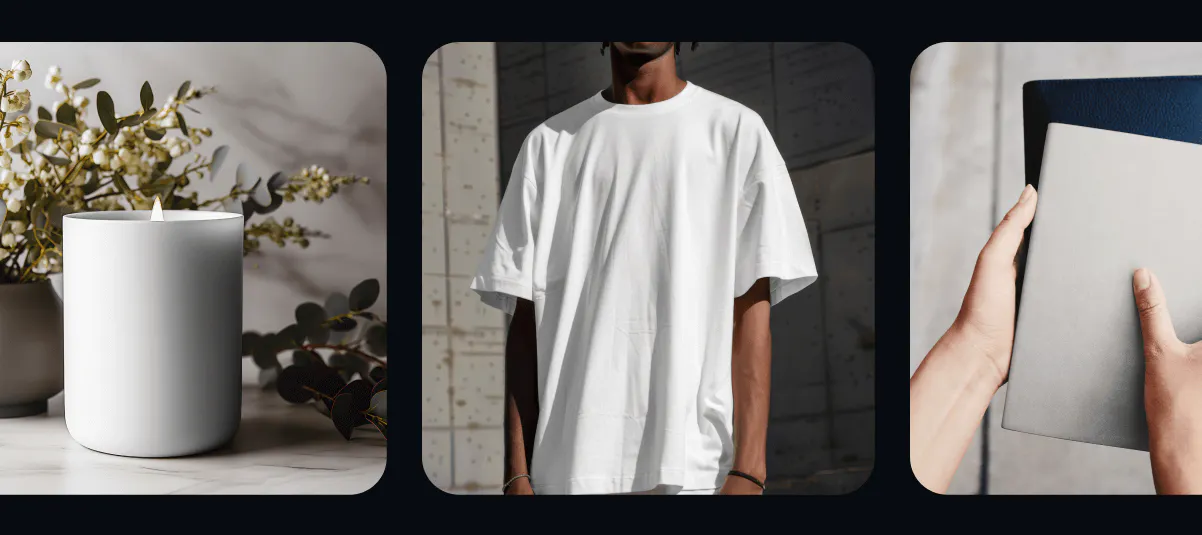
Real people, real environments
Kittl breaks away from the stock photo monotony by featuring actual staff members as mockup models and using authentic environments:
- Diverse models representing real people rather than the same stock photos you see everywhere
- Genuine environments that provide fresh, unique contexts for your designs
- Authentic scenarios that show how designs function in actual usage situations
This approach ensures your portfolio and presentations stand out with mockups that feel genuine rather than generic.
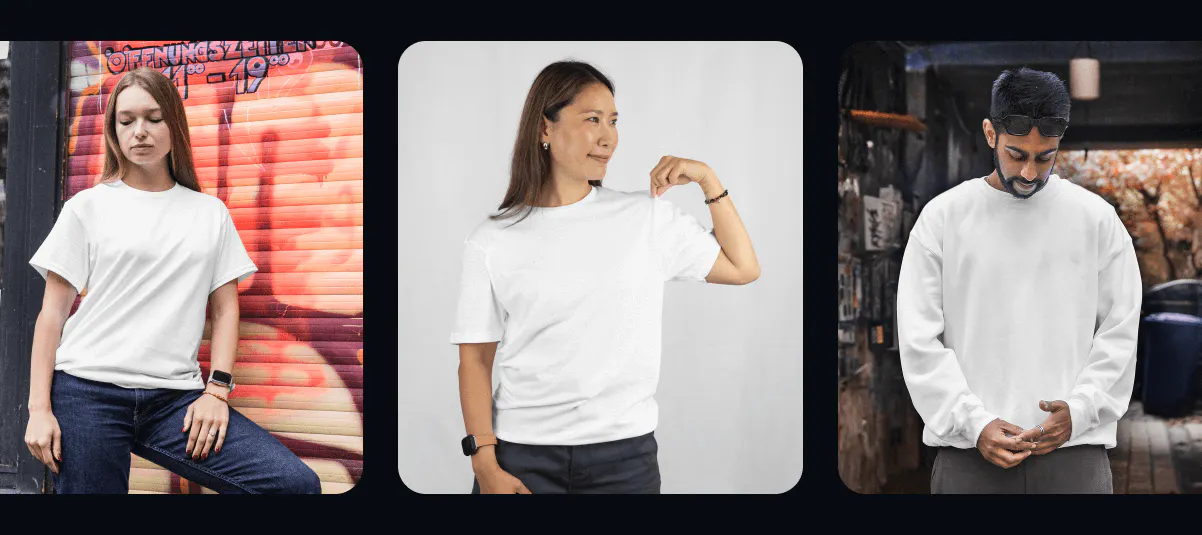
We feature REAL Kittl staff in our mockups!
One-click mockup integration
Kittl eliminates the multi-tool juggling act with a seamlessly integrated workflow:
- Apply designs to mockups with just one click, without leaving your design environment
- Switch between different mockup types instantly to test design versatility
- Maintain all your design assets and mockups in a single organized workspace
This streamlined process saves hours of time previously spent exporting, importing, and managing files across multiple platforms.
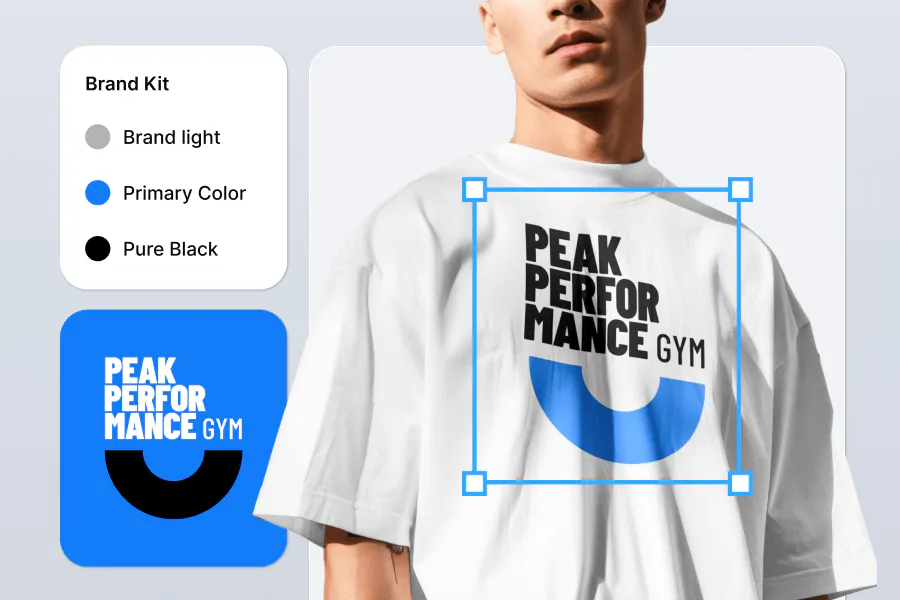
How to create your own mockup on Kittl
Follow this step-by-step process to integrate mockups strategically throughout your design process:
1. Create a project
Begin by clicking the “New Project” button at the top right of the screen.
2. Choose a template
You can upload your design or explore our growing library of design templates for different projects and use cases and pick the one that best suits your needs.
3. Customize mockup color
Select color variations for the mockup to match your Kittl design. Additionally, you can move and resize your design and our smart tool will automatically wrap it onto the mockup, regardless of the size, shape, and angle, for a live preview.
4. Download your designs
Download your mockup in high-resolution 3000 x 3000 pixels, watermark-free, and ready for personal and commercial use. You can also add your mockups to your upload folder and repurpose them for different projects anytime.
This streamlined process makes creating professional mockups faster and easier than traditional multi-tool workflows, letting you focus on design rather than technical complexity.
Good design deserves a place to live
The difference between a finished file and a finished idea is often context. And that’s what mockups provide—a place for your work to exist, breathe, and be understood.
In the rush to deliver final assets, it’s easy to skip that last step. But if you want your work to resonate, not just function, take the time to place it in the world it was made for.
Because even the best design can fall flat if no one knows what its for. Mockups don’t just make your work look better. They make it make sense.

Shafira is a content writer who turns boring business talk into reads people actually enjoy. She grew up hoarding $1 novels in Singapore and writing hilariously bad fiction, but now she tackles content marketing with all that creative chaos since 2019. From blogs and newsletters to UX and SEO, she writes how she thinks: nerdy, honest, and a bit offbeat. She believes the best content is human-designed, not just plain text.