
Kittl’s AI-powered tools are your creative companions, empowering you with innovative features that open up a world of design possibilities for logos, images, and so much more.
But how can you ensure you’re using your tokens wisely to unlock the full potential of the platform? This guide walks through how to make the most of tokens with tips for efficient usage.
Sign up for our newsletter and we’ll send you pro-tips and the latest info about graphic designs to fuel your creative needs!
*Terms and conditions apply; see details at the bottom of this page
How to access AI tools on Kittl?
Tokens are the key to accessing Kittl’s AI features, from generating custom logos to producing AI-generated images. The amount of tokens you have access to depends on your subscription plan.
Tokens are the key to accessing Kittl’s AI features, from generating custom logos to producing AI-generated images. The amount of tokens you have access to depends on your subscription plan.
Starting on August 19th, 2025, Kittl is changing its monthly credit allocation into a token system. Here’s how it breaks down for each subscription type:
- Free Users: 100 AI image generation (one-time)
- Pro Users: 2,000 tokens monthly
- Expert Users: 6,000 tokens monthly
6,000 tokens monthly
Tokens are automatically included with each Kittl subscription and reset with your monthly billing cycle.
Here’s what you get with Kittl’s text-to-image tool
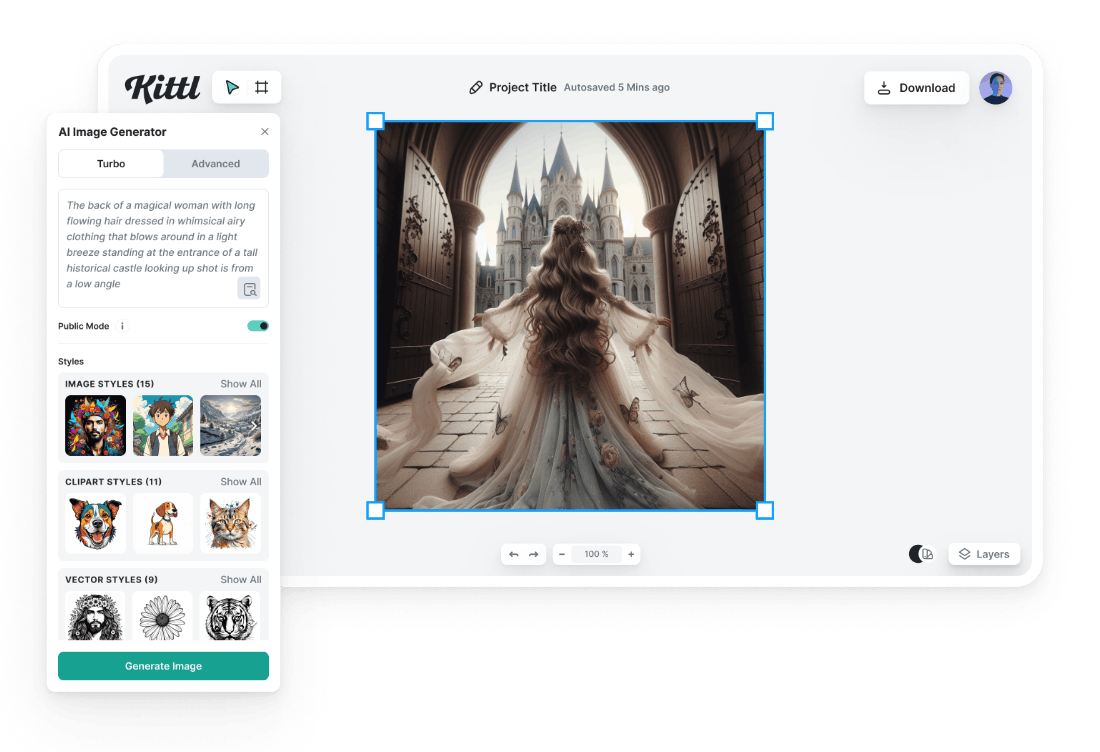
With Kittl’s text-to-image generator, you can:
Generate AI images and clipart in seconds: Enter a description, and Kittl AI generates images or illustrations in seconds.
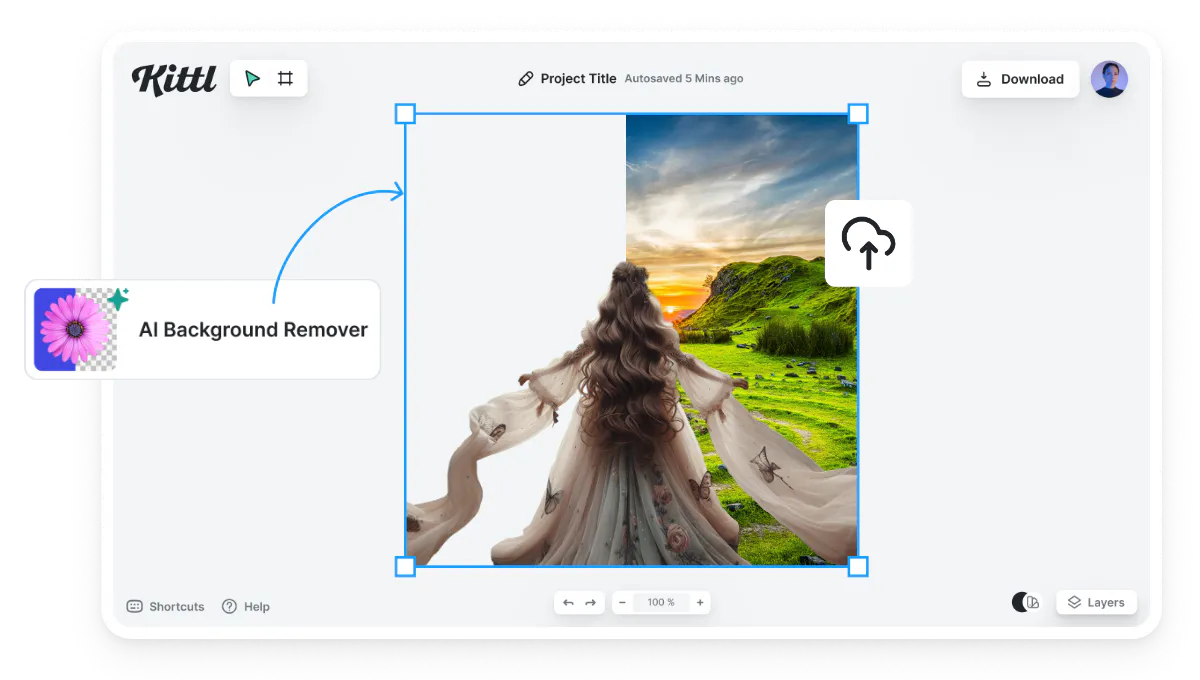
Remove image backgrounds with a single click: Remove the background of any image with one click. This feature allows you to create unique PNG and SVG graphics in seconds.
You can choose an AI image from Kittl’s AI art feed, a photo from Kittl’s image library, or upload an image of your own to replace your background.
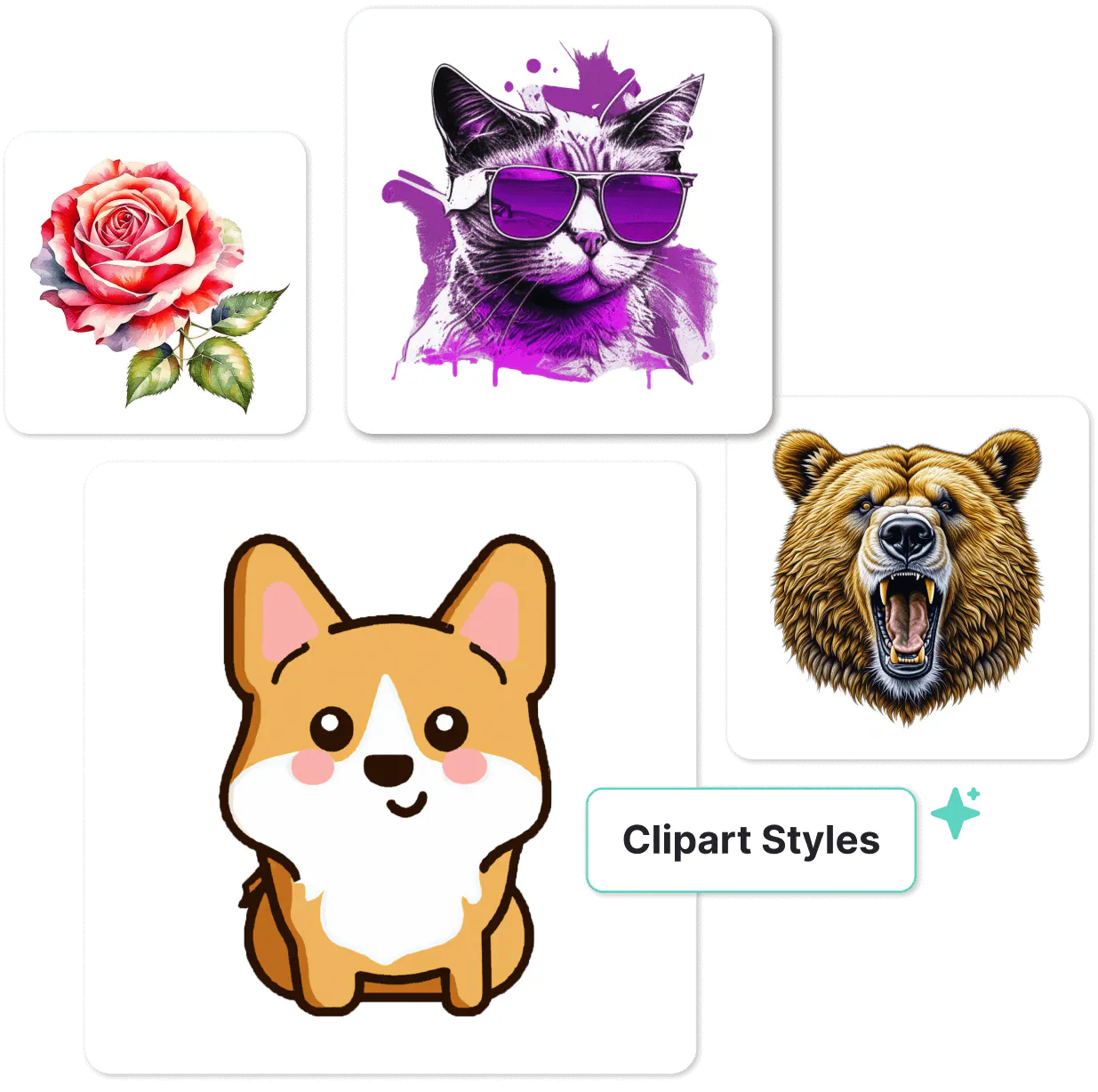
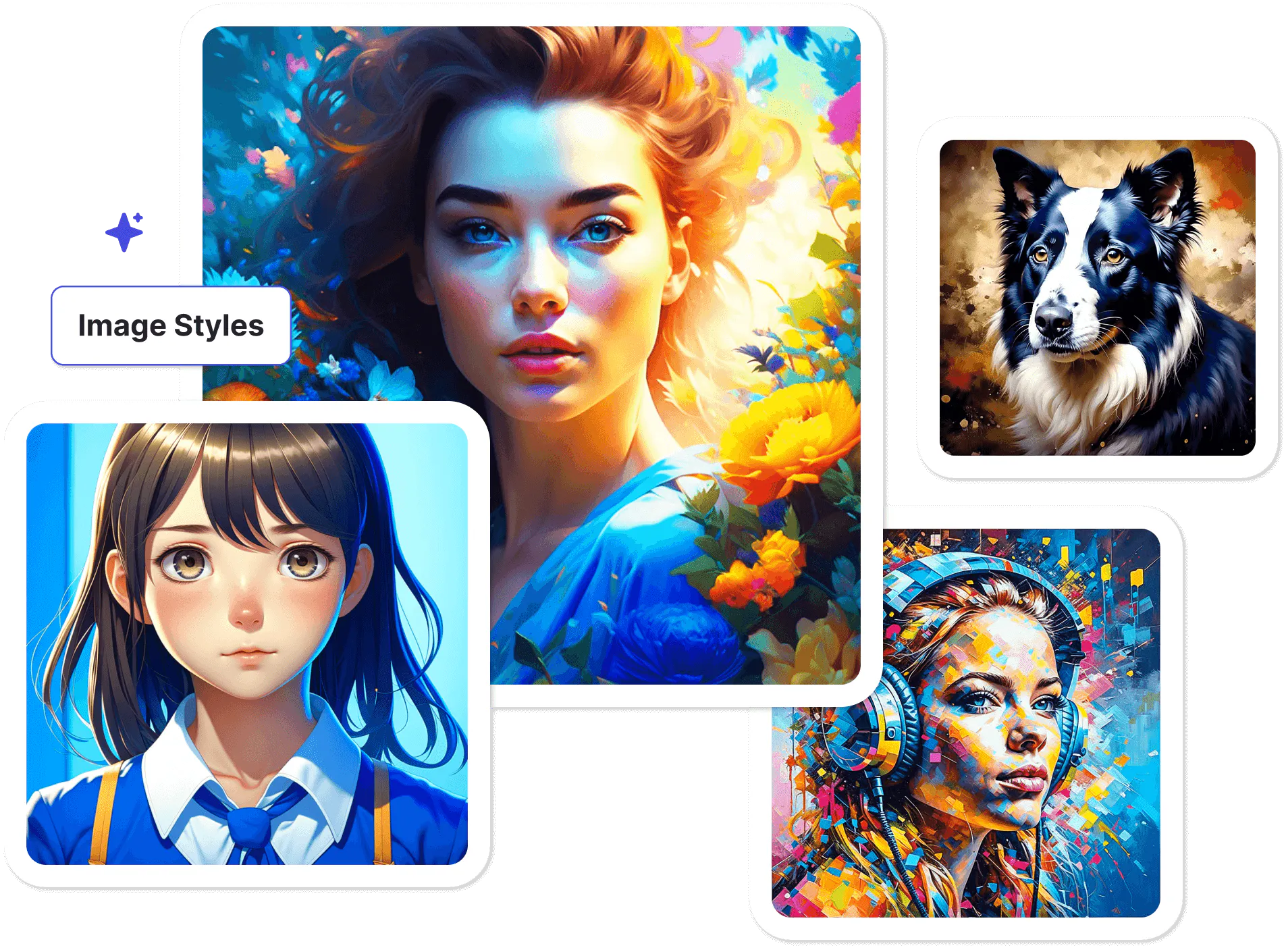
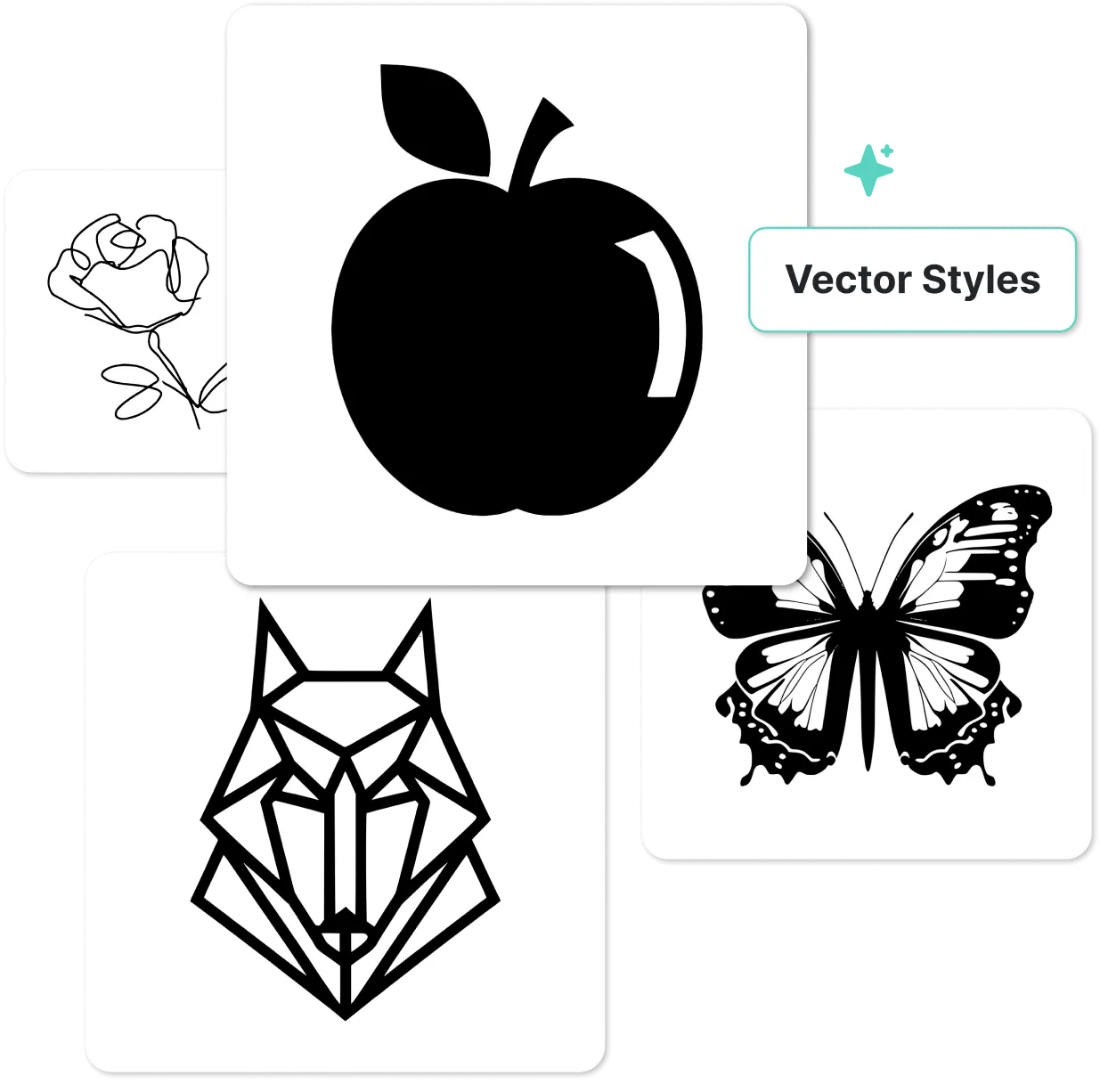
Achieve specific styles in your AI image with preset options: With Kittl you can choose from various style presets to bring your vision to life quickly and accurately. These presets are easy to use and don’t require advanced skills.
Enhance your prompt-writing skills with our comprehensive AI Prompt Writing Guide, designed to help you create effective prompts. For further mastery, check out our guide on common AI prompt issues, packed with prompt writing tips to avoid them and achieve better results.
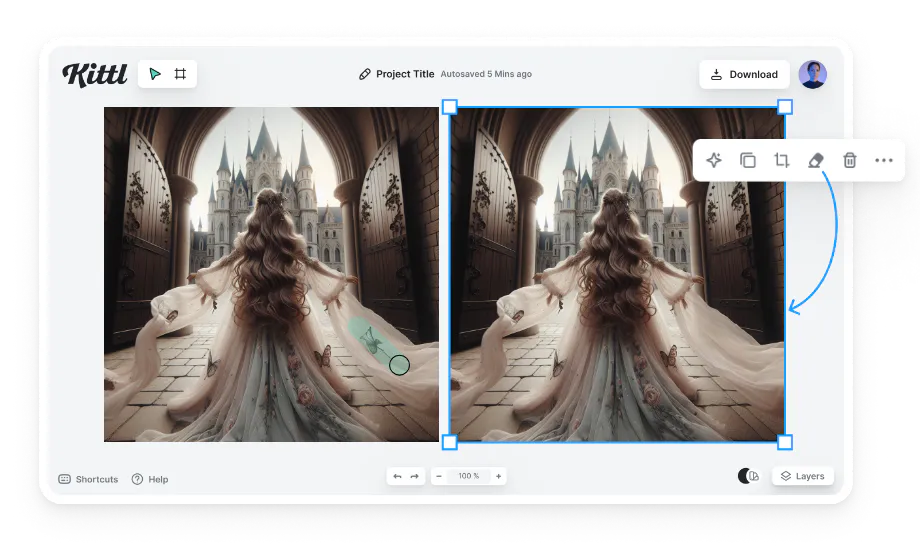
Erase and fill unwanted elements: Got an AI-generated image that’s almost perfect? Our Erase and Fill AI companion tool will remove any unwanted elements. Just select the elements you’d like to erase and the tool will automatically fill the gaps, keeping your image seamless and cohesive.
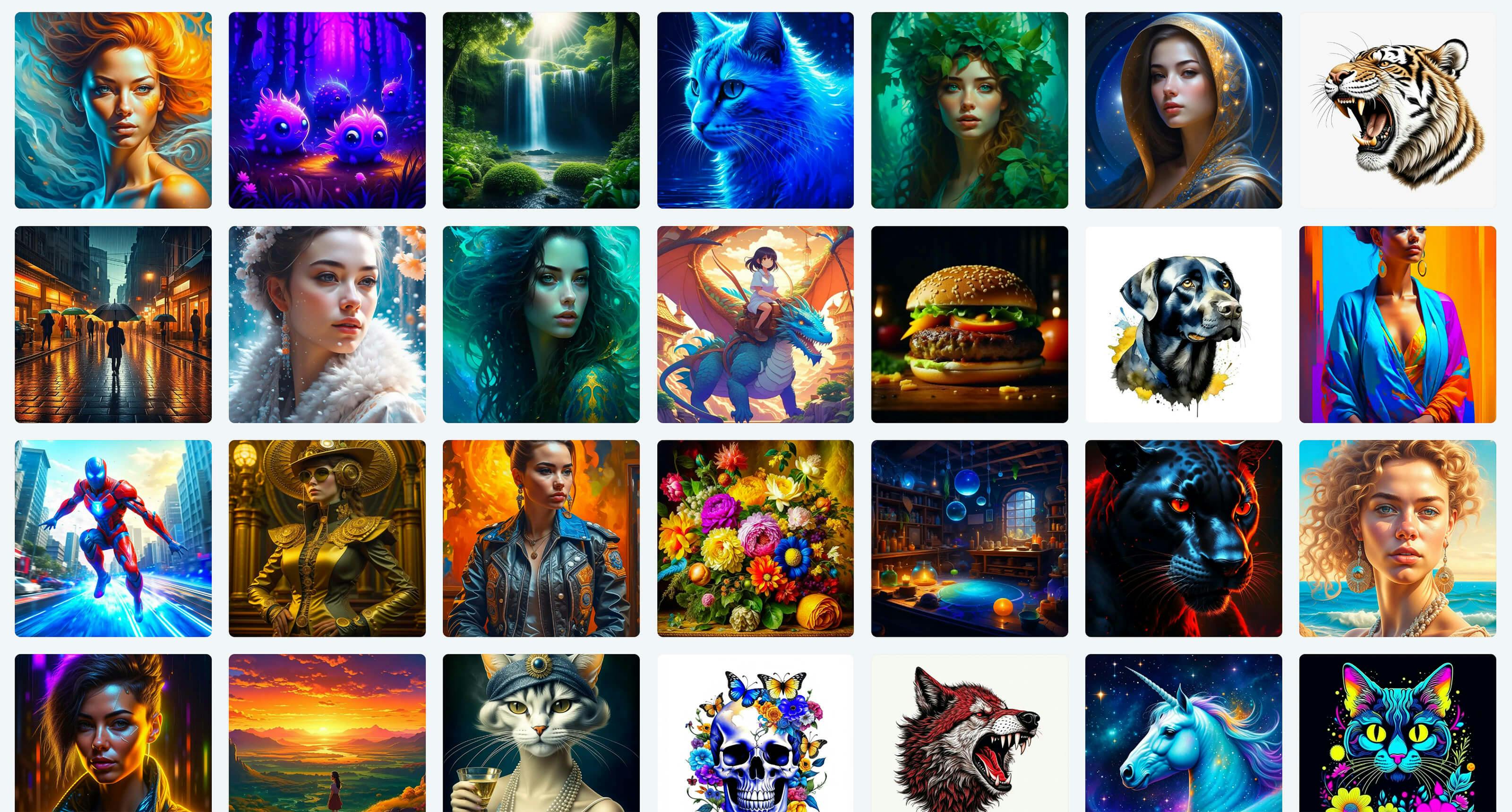
Access a full AI image library: Browse Kittls’ AI-generated artwork library to gather ideas or use existing images to fuel your projects. These resources support rapid brainstorming and exploration.
Tips to use AI tokens effectively
Generating images with AI is fun – you can create a unique image with just the click of a button! But let’s be honest, it can be resource-intensive, using significant computational energy.
Being thoughtful and strategic with your prompts saves time and minimizes wasted resources; including your AI credits. With AI credits limited each month, here are tips to get the most out of every credit:
1. Craft specific prompts for accurate results
Clear, detailed prompts lead to more accurate results in fewer tries. For example, instead of just a floral logo, specify the color scheme, types of flowers, and layout preferences to save time and credits.
And when you’re ready to move beyond visuals, explore implementing AI in mobile apps to turn your AI-powered designs into fully functional applications. Learn more about how to write effective AI prompts.
2. Avoid common AI prompt writing mistakes
Take a moment to refine your prompts and reference our list of common AI prompt-writing mistakes.
This will ensure you’re creating more accurate results, reducing the need for repeated attempts, and getting the most out of each generation.
3. Avoid overly complex prompts
Overloading prompts with details can lead to less accurate outputs. When designing a logo, for instance, focus on key elements and let Kittls AI manage the fine details.
Our AI Prompt Writing Guide can help here. With a few prompt-writing best practices, you’ll be able to guide the AI more effectively, save on resources, and achieve images that align closely with your vision every time.
4. Salvage near perfect generations with the erase and fill tool
If a generation is almost perfect, consider using the erase and fill tool rather than regenerating the image. The erase and fill tool allows you to remove undesired parts of the image and replace them with new details.
With the click of a button, this simple tool will salvage your image and spare you from spending more credits.
Here’s how it works:
- Identify Unwanted Areas: Pinpoint the parts of the image you’d like to adjust.
- Erase: Select the eraser and toggle on the erase and fill tool before highlighting the unwanted objects or details in the image.
- Fill: The AI companion tool will automatically regenerate imagery in the erased section.
This method is faster than re-prompting repeatedly, and it’s an effective way to refine almost-perfect images without starting from scratch! Give this tool a try and limit the amount of credits you use on individual projects!
FAQ: Frequently asked questions
Why did Kittl switch from credits to tokens?
We’ve switched from Credits to Tokens to make AI pricing more flexible and transparent. Tokens give us finer control over AI pricing. One credit = 10 tokens. This allows Kittl to adjust costs more transparently and pass on savings faster when AI model costs drop.
Will Kittl return to daily credits?
The switch to Tokens is permanent. August only brings special discounted pricing for certain models:
– ChatGPT Image 1: 14 Tokens
– ChatGPT Image 1 HD: 42 Tokens
– AI Flows are also cheaper this month, create more smartboard designs with your Tokens!
In summary, the monthly model is a permanent change to give designers more freedom and flexibility to use their AI credits without daily restrictions.
What happens when I run out of tokens?
When tokens run out, access to AI tools pauses until the next monthly renewal. Soon, we’ll introduce Token top-ups so you can purchase more tokens without upgrading your plan.
Can I buy more tokens?
Currently, tokens cannot be purchased separately, but Kittl plans to introduce top-up tokens in the future.
Can unused tokens roll over?
No. Tokens reset each billing cycle. Allocations are designed to match typical monthly workflows.
Can I upgrade my plan to receive more tokens?
Yes. Upgrading to Pro or Expert provides higher monthly token allowances:
– Pro offers 2,000 tokens/month
– Expert offers 6,000 tokens/month
Why use Kittl’s AI companion tools?
Kittl’s AI tools are crafted specifically for graphic designers, offering a design suite of purpose-built features that address the real needs of design professionals. From intuitive AI image generation and background removal to seamless design creation, Kittl is designed to enhance your entire design process in one place.
Kittl’s AI token system provides flexibility and value, empowering you to explore ideas and create complete designs for all sorts of projects – from posters and T-shirts to social media graphics, and more.
With Kittl, you can bring your concepts to life in seconds, experiment freely throughout the month, and elevate your designs without the limitations of traditional methods. Start crafting professional designs today with Kittl’s powerful AI companion tools!
*By signing up, you’ll receive occasional emails from Kittl with design tips, industry news, and exclusive content. Unsubscribe anytime. Enjoy 25% off Kittl Pro as a one-time welcome gift!