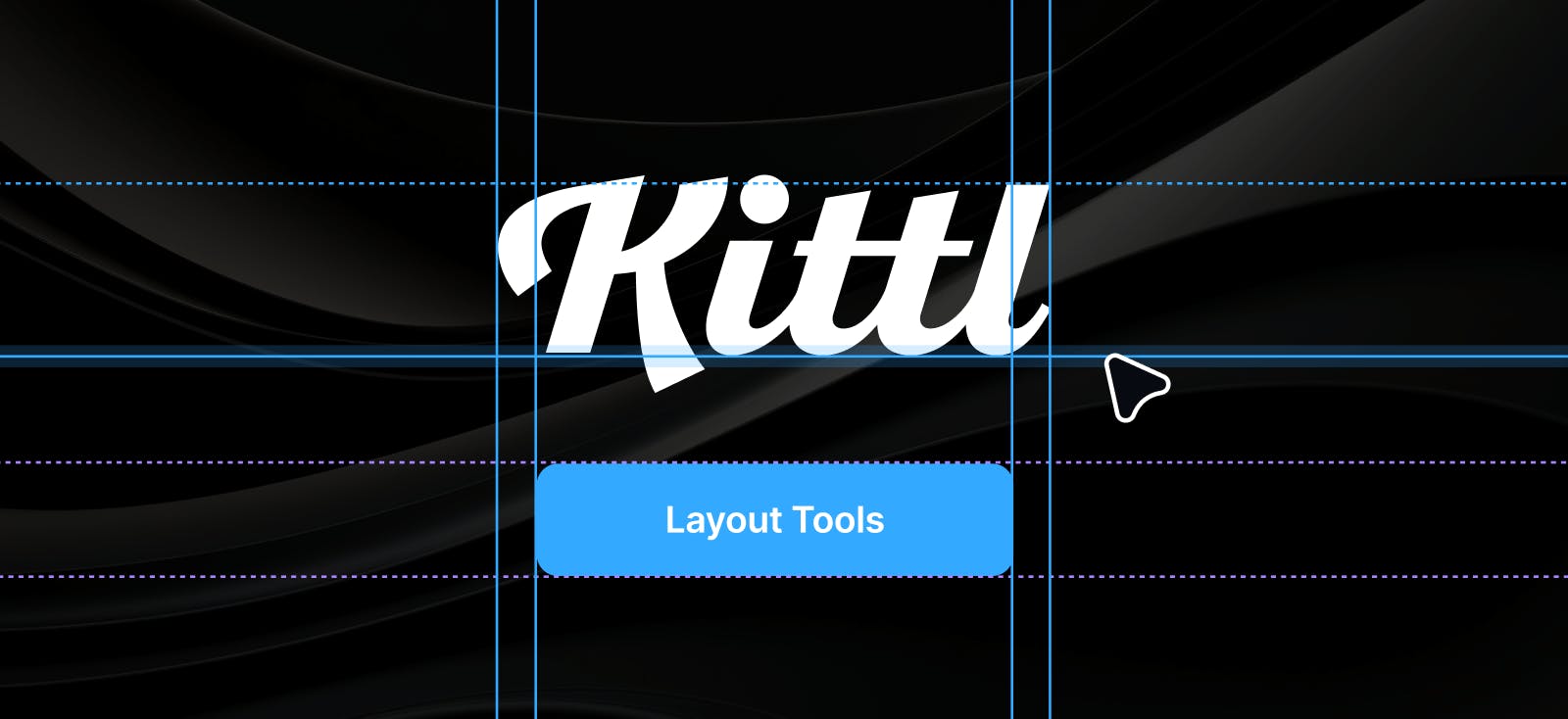
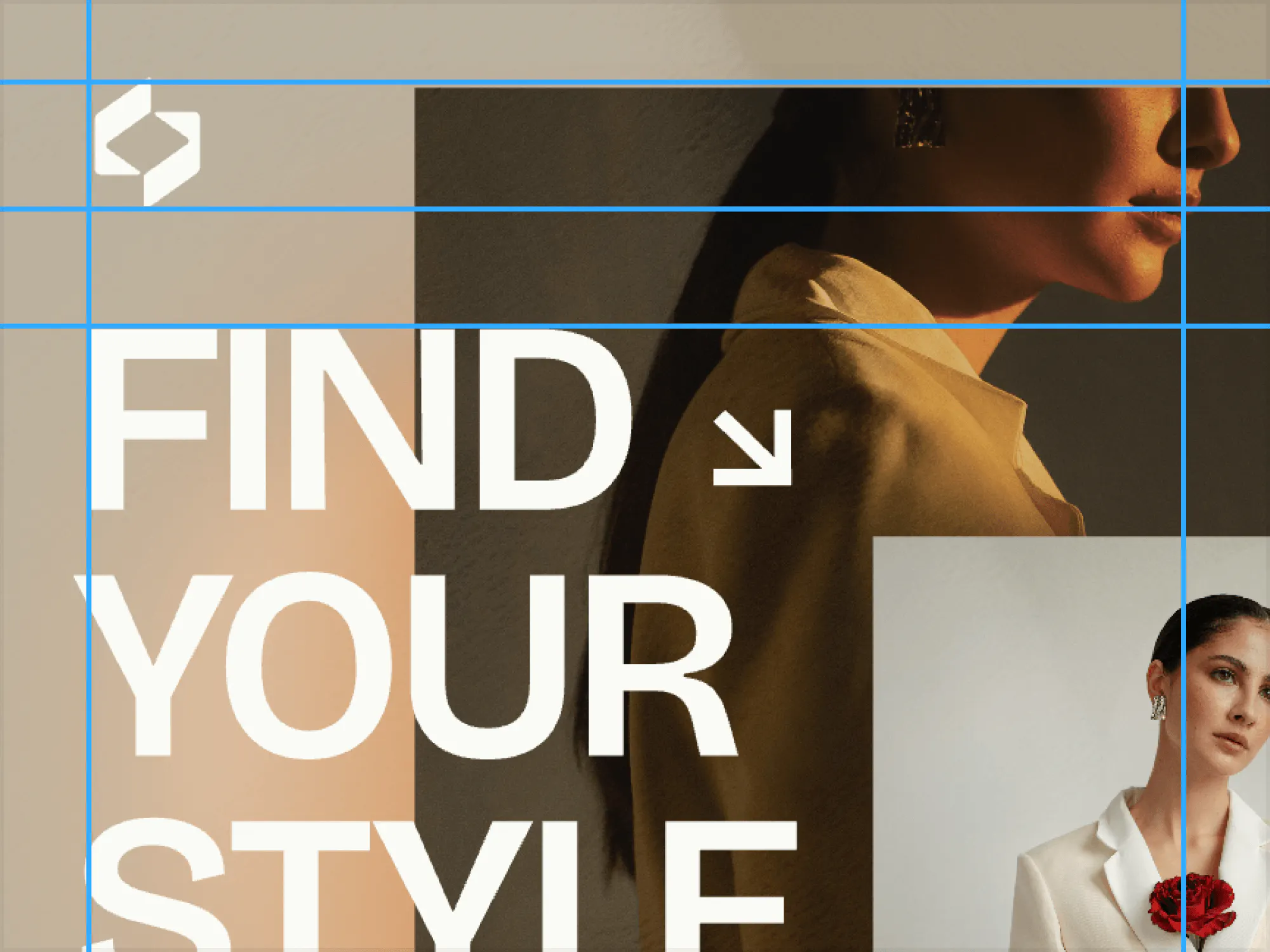
Precision editing is required for any professional design tool, and precise layouts are a pillar of professional design. That’s why we’re introducing a new set of layout tools including rulers and guides, grids, and margins in Kittl to make it easy for you to create clean, balanced designs without interrupting your workflow.
Built with professional designers in mind, these tools provide everything you need to craft layouts that adhere to design principles like alignment, balance, and hierarchy.
How it works
1. Turn on the grid
- Go to View > Grid in the main menu or use the shortcut Command + (apostrophe).
- Snap objects to the grid by holding Shift while moving them.
- Adjust the grid size in the same menu.
2. Enable rulers and guides
- Go to View > Rulers and Guides in the main menu or use the shortcut Shift + R.
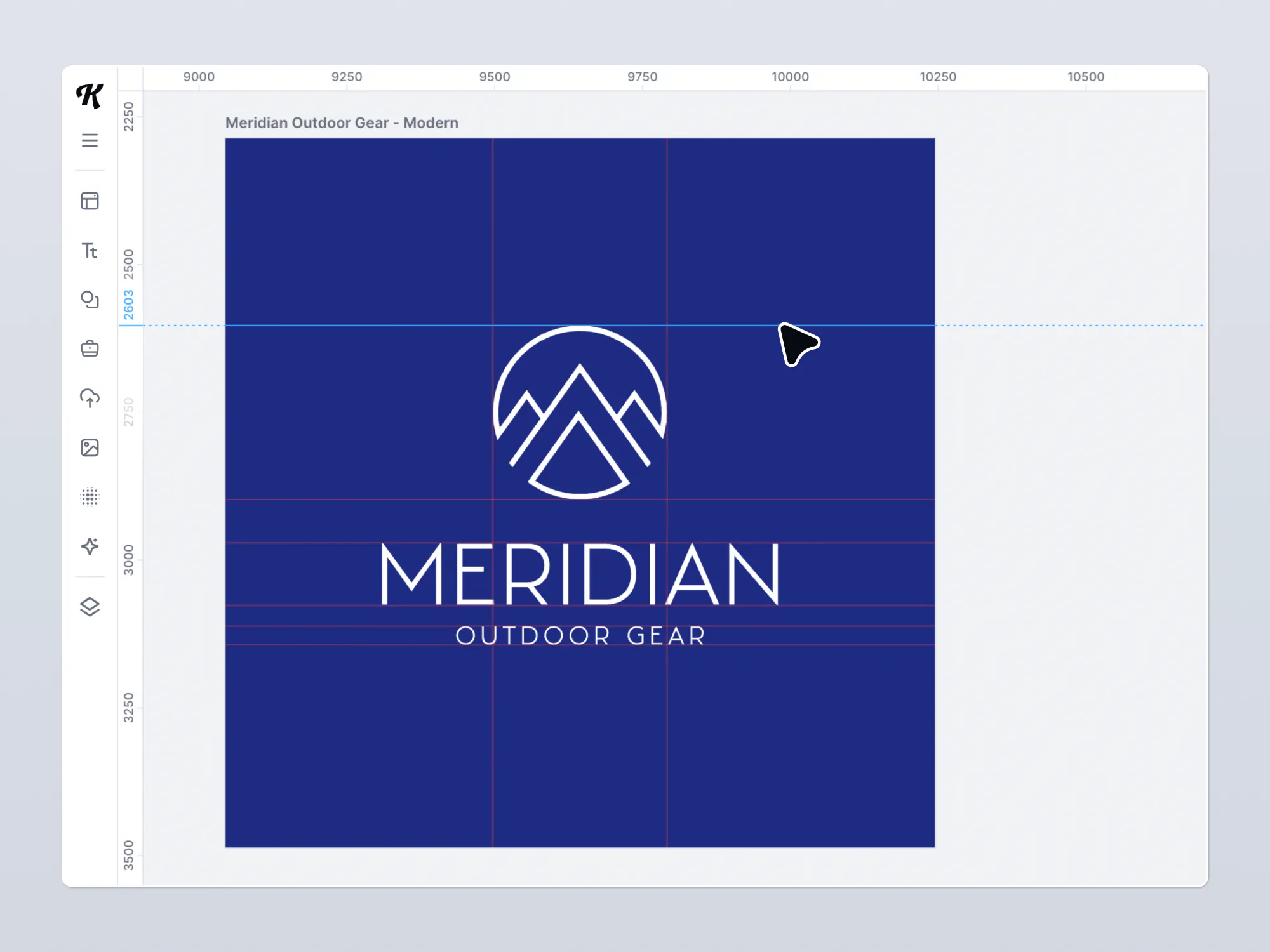
- Drag guides from the rulers to align elements precisely.
3. Activate margins
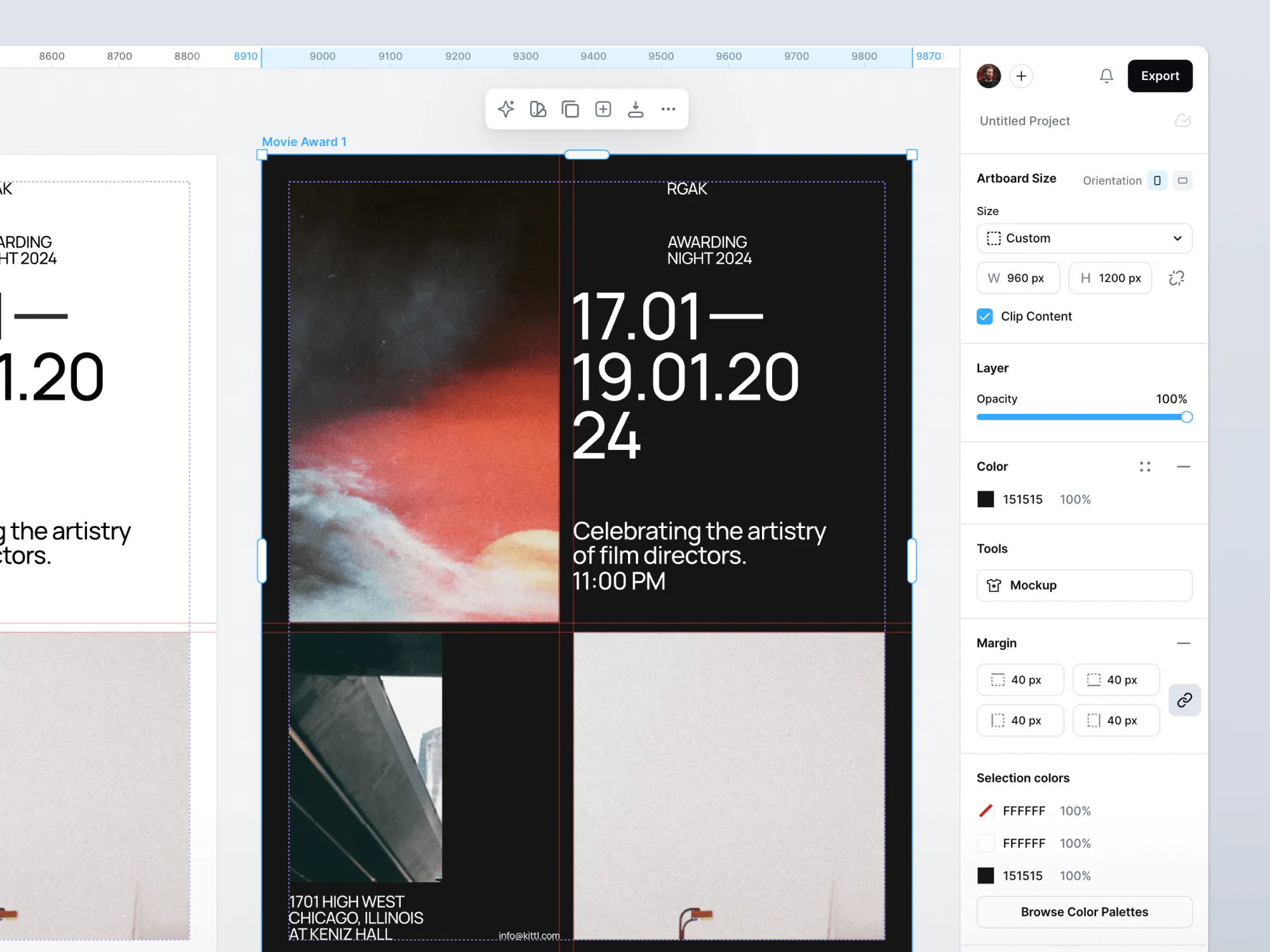
- Go to View > Margin in the main menu to display margin guides for safe zones.
4. Select measurement units
- Go to Settings in the main menu and select between pixels, inches, or millimeters for your project.
Key features of Layout Tools
Rulers and guides
Rulers along the top and side of the canvas, with support for pixels, inches, and millimeters. Drag-and-drop guides that snap to objects, ruler increments, and artboards. Visibility toggle and keyboard shortcuts for easy access.
Margins
Define uniform or custom margins to establish safe zones. Use visual indicators to keep margins distinct from regular guides.
Intelligent snapping
Elements snap to guides, ruler markings, and other objects. Dynamic snapping ensures precision during resizing and repositioning.
Bleed settings (coming soon)
Set bleed areas to ensure your designs are print-ready. Use visual indicators to keep bleeds distinct from regular guides.
Grid systems (coming soon)
Apply standard grid presets (e.g., 12-column layouts, rule-of-thirds). Customize grid parameters such as column spacing, row counts, and margins.
Key benefits
Professional results
Achieve clean, balanced layouts that align with principles like hierarchy, contrast, and white space – perfect for both digital and print designs.
Time-saving tools
Snapping, presets, and easy-to-use guides streamline alignment and spacing, so you can focus on creativity instead of manual adjustments.
Print readiness
Export your work with proper margins to meet industry standards and ensure seamless printing.
Unified workflow
Kittl facilitates an uninterrupted end-to-end workflow so you have everything you need for professional layout design in one platform.
Use cases
Print and marketing materials
Ensure posters, brochures, and flyers are print-ready with precise margins without having to use a separate layout tool.
Digital and web design
Use rulers, guides, and (soon) customizable grid systems to create responsive layouts for websites, UI work, and digital ads.
Social media graphics
Align text, images, and design elements with guides and snapping for polished, visually appealing social media content.
Brand templates
Define reusable layouts with consistent margins and alignment for scalable brand asset creation.
Why this matters
Kittl users have long enjoyed our ease of use for creating print-on-demand designs. We’ve gotten plenty of feedback from you on the importance of precise layout control and print readiness, and we’ve known firsthand that this is a requirement for professional design projects. We’re pleased with this first batch of layout tools and you can expect many more improvements to come.

Kittl gives you the power of a world-class creative agency on one platform. Build product imagery, labels, packaging, and campaign assets in one place, with AI tools, a professional editor, and templates built by some of the best designers in their fields. Set your brand once, then create on brand every time.