
Here’s what we shipped this week:
Clipping mask with custom shapes
Clipping masks let you crop one object into the shape of another — perfect for adding texture to text, cropping images in bold ways, or framing artwork with precision. Now, you can use any single-layer vector shape as a clipping mask — even ones you’ve drawn with the Pen tool. The preset masks are still there, but you’re no longer limited to them. Create expressive, custom layouts with shapes that match your style.
Match Artboard Color Setting
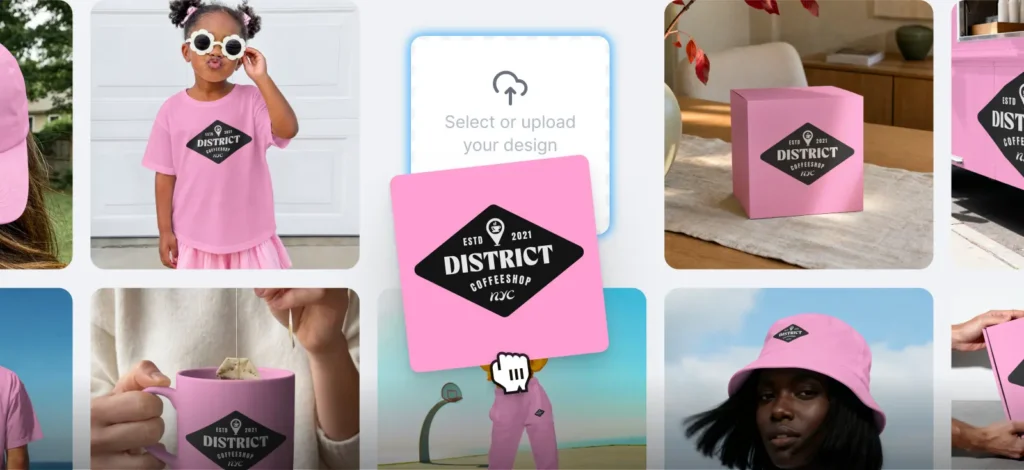
You can now sync your mockup background color with your artboard automatically. When enabled, the mockup will match your design’s background color — perfect for creating cohesive presentations. Toggle it off if you want to test different background colors independently. This setting is activated by default for all new mockups. Retry
Font Directory
You can now explore the full Kittl Font Library directly from your dashboard — featuring our own in-house typefaces alongside timeless Monotype classics.
- Browse by category and filter by use case or font properties to find the perfect font
- Get inspired by templates using the font to see it in context
- Save your favorites with Likes or open them directly in the editor to try them out, view glyphs, and preview text
Choose a font and start designing with advanced text effects, transformations, and decorative tools in the editor.

Tobias Saul is a co-founder and chief product officer at Kittl, where he leads the vision for making professional design tools simpler, smarter, and more inspiring to use. With a background in typography, lettering, and graphic design, Tobias brings a deep appreciation for craft and detail to Kittl’s product and brand experience.