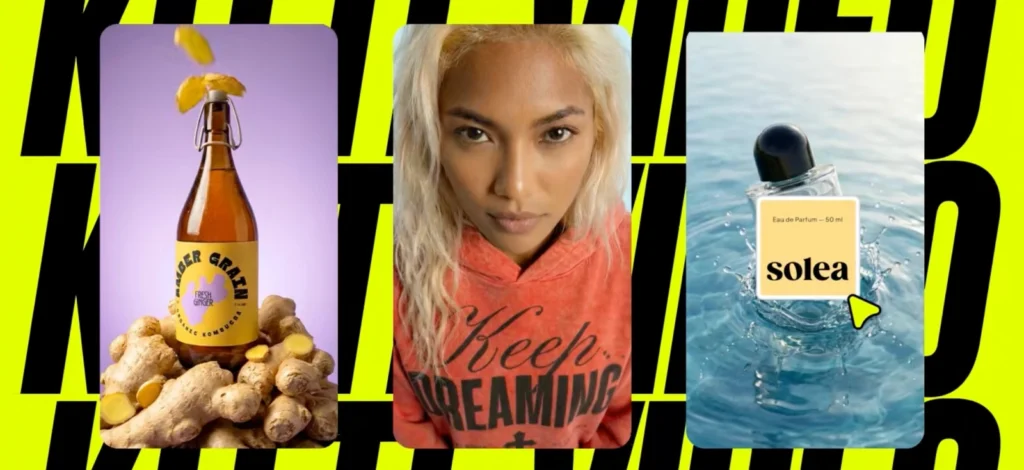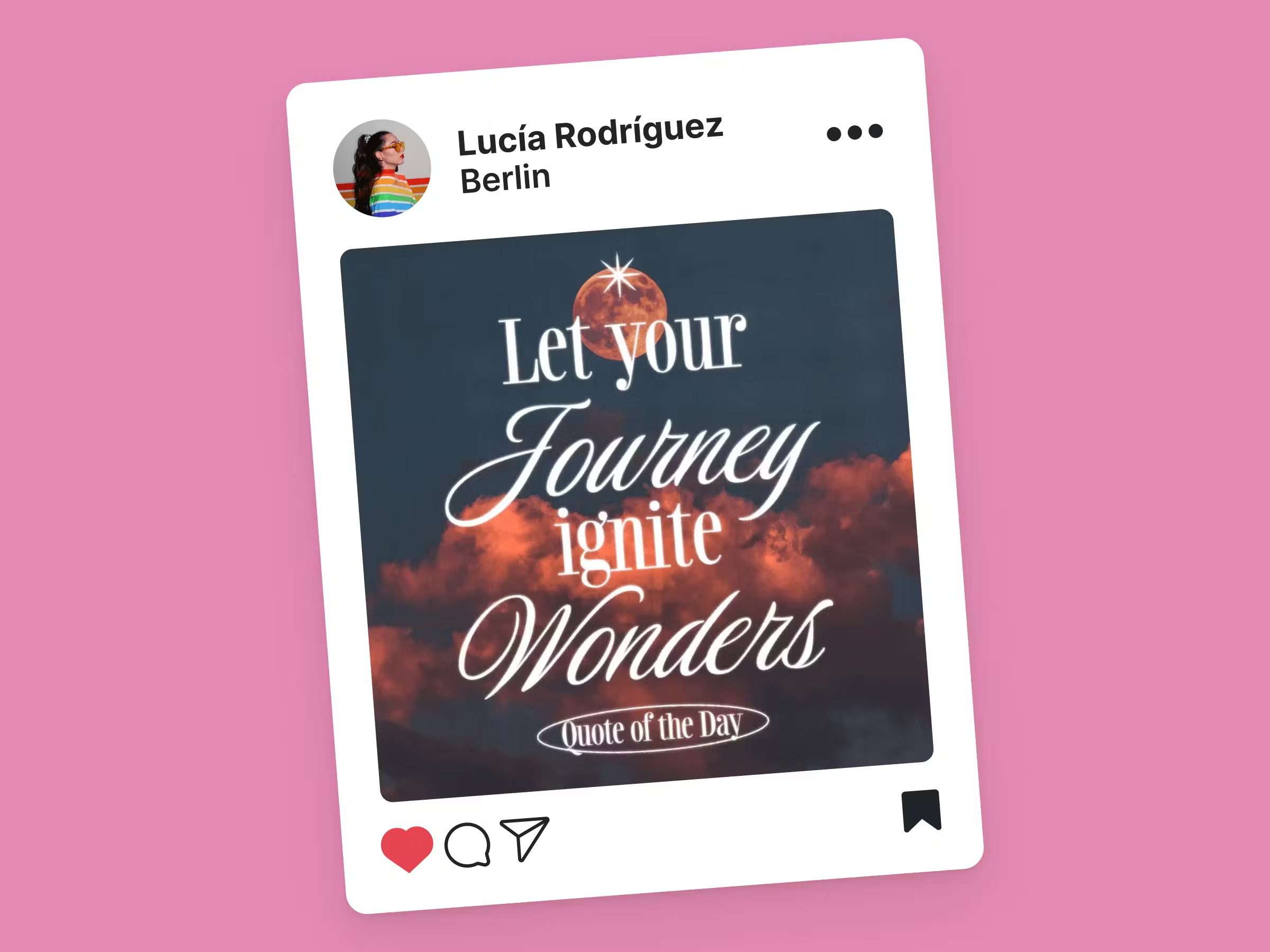
Ever wonder how to design Instagram Reels, Stories, and Posts? We get you.
Research indicates that first impressions are formed rapidly, often in less than a second. If your feed looks cluttered or inconsistent, you risk losing potential followers or customers.
As a visual-first platform, Instagram aesthetics play a crucial role in grabbing attention and retaining followers. And if you’ve spent hours tweaking your Instagram content, only to feel like something still isn’t quite right – you are not alone.
Here’s the truth: crafting a polished, professional-looking Instagram aesthetic doesn’t have to be overwhelming or inefficient. The key lies in using Instagram templates.
These ready-made designs not only simplify your workflow but also ensure that your posts, stories, and reels maintain a consistent, on-brand look.
In this guide, you’ll learn practical design tips for crafting templates tailored to feed posts, stories, and reels, ensuring that every piece of content aligns perfectly with your aesthetic. We’ll also cover the essential dimensions for each format.
By the end, you’ll have the tools and techniques to take your Instagram design game to the next level. So, if you are ready to find out how to design Instagram Posts, Reels, and Stories, let’s dive right into it!
Read through the article to find yourself some free templates!
How to design Instagram Feed templates: Solving the mismatched grid problem
You’ve spent hours designing a stunning Instagram post, excitedly uploaded it, and then you check your profile grid. Something’s off.
You implemented this year’s graphic design trends, but the colors clash with your previous posts from 2024. The layout feels disjointed, and suddenly, your carefully curated aesthetic looks inconsistent.
So how to design Instagram Feed that’s perfect?
If that question sounds familiar, let’s get you to craft a feed that looks polished and cohesive as great as they are individual posts.
1. Stick to a consistent color palette
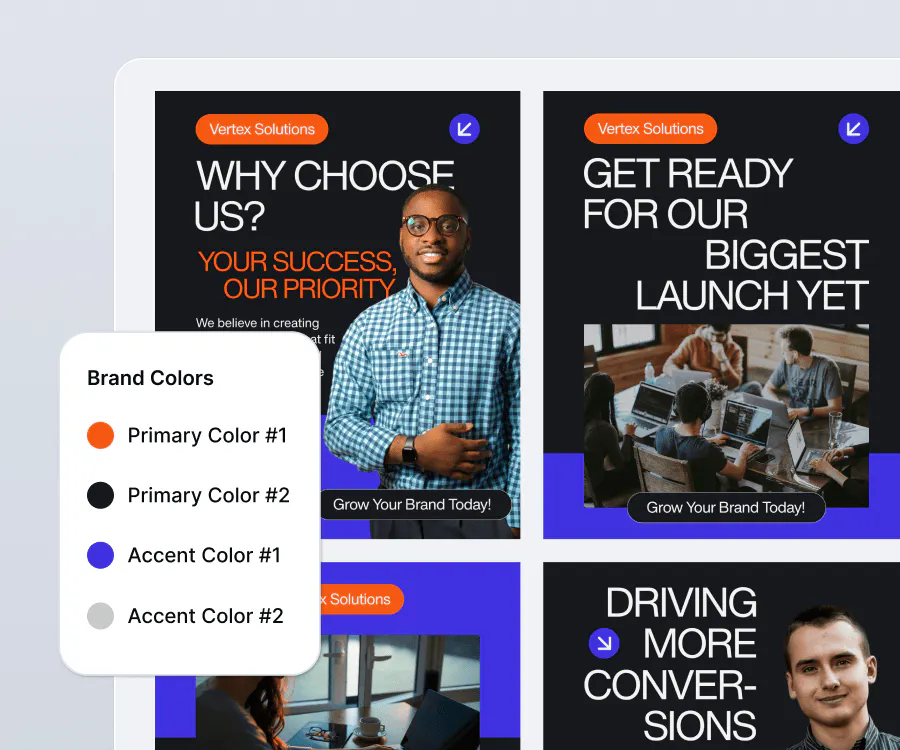
If you are wondering how to design Instagram feed or post, start with colors.
Ideally, you want to choose 2-3 primary colors and 1-2 accent colors to define your brands visual identity. You want to consider adjusting your color temperatures if you are aiming for a specific feel, like energy, comfort, calmness, or melancholy.
Speaking of identity, always use the same filters or photo edits across all posts to maintain a uniform tone. Apps like Lightroom or Kittl’s brand kit can help.
2. Use templates for grid patterns
There are times when you need to alternate between photo-heavy posts and text-based posts for a balanced look. Try grid layouts like:
- Checkerboard: Alternating posts with images and text.
- Rows of Three: Dedicate three posts to one theme, creating a seamless row on your feed.
- Column Themes: Keep one column for quotes, another for product shots, and the third for lifestyle images.
3. Balance negative space
Avoid overcrowding your designs. Leave white or empty space to let elements breathe and ensure a clean, professional look.
4. Incorporate branded elements
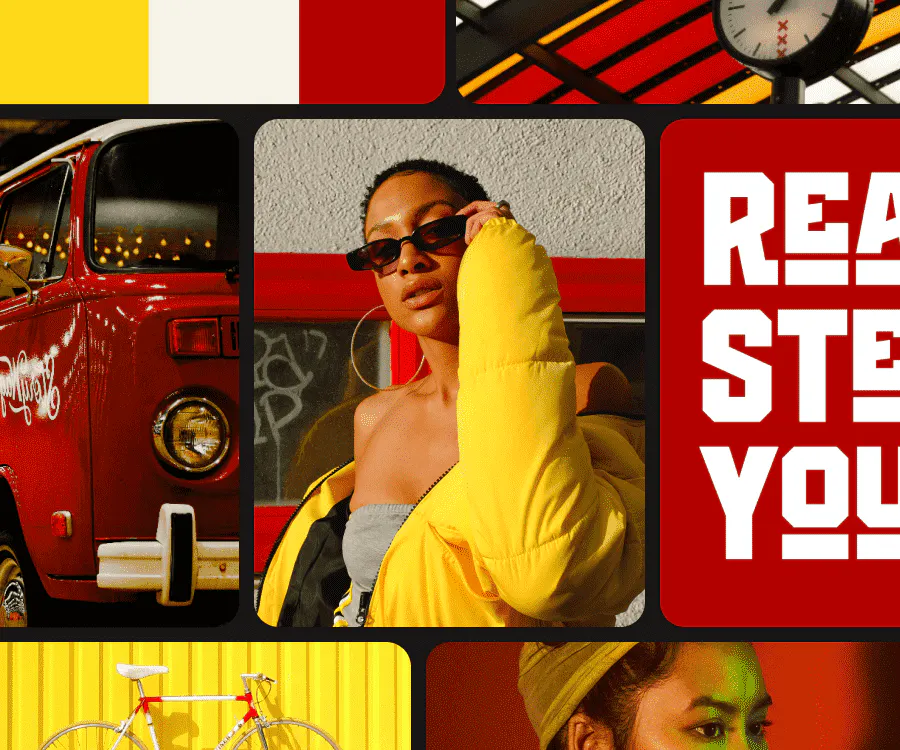
While traditional branding often emphasizes logos on every post, today’s approach leans toward subtle brand identity through consistent typography, color schemes, and design elements.
Instead of a logo on every image, consider reinforcing your brand with a signature font, color palette, or visual motif that makes your content instantly recognizable — without feeling too commercial. That’s how to design Instagram visuals in 2025.
5. Plan ahead with preview tools
Use apps like Planoly or the Kittl Mockup tool to visualize how your posts will look on your feed before publishing. This helps ensure new content fits into your grid like a glove.
6. Create theme variations for flexibility
People say preparing an umbrella before it rains is wise – the same goes for design templates. Have templates for different content types, such as product launches, quotes, and lifestyle shots.
This way you’ll be prepared to have an on-brand post without scrambling on last-minute designs. Think of it as adding variety without disrupting your overall aesthetic.
7. Leverage seasonal updates
Update your templates with seasonal colors, patterns, or visuals for special occasions like Halloween, Eid, Christmas holidays, or promotional campaigns. This keeps your content fresh while staying on-brand.
Every design has a perfect size. Numbers you need to memorize in terms of ratio:
- Old – Square posts ratio: 1080×1080 px (1:1 ratio), the classic format.
- New – Portrait posts/grids ratio: 1080×1350 px (4:5 ratio) ideal for maximizing vertical space and engagement.
- Landscape posts: 1080×566 px (1.91:1 ratio), great for showcasing wider visuals or panoramic shots.
How to design Instagram Reel covers & Story templates: Keeping engagement high without extra effort
If you are wondering how to design Instagram Story and Reels, you aren’t alone. Instagram Story is one of the most engaging features of the platform, offering a direct way to connect with your audience. But here’s the catch: they disappear after 24 hours.
Similarly, Instagram Reels are a powerhouse for engagement, with Instagram prioritizing them in its algorithm to boost visibility. But there’s a common frustration: while the content may be engaging, poorly designed reel covers often clash with the overall aesthetic of your feed.
Fortunately, the answers to how to design Instagram reels and how to create an Instagram story might not be as different as you think.
1. Use bold, eye-catching colors
Start your Instagram story templates and reel covers with a color palette that aligns with your brand but isn’t afraid to grab attention. Consult a color wheel to find colors that are bold but somehow make perfect sense.
Bright, contrasting colors work well for promotions, while muted tones might suit a softer aesthetic. You could also include color overlays or gradients to make your stories visually dynamic.
2. Choose readable fonts
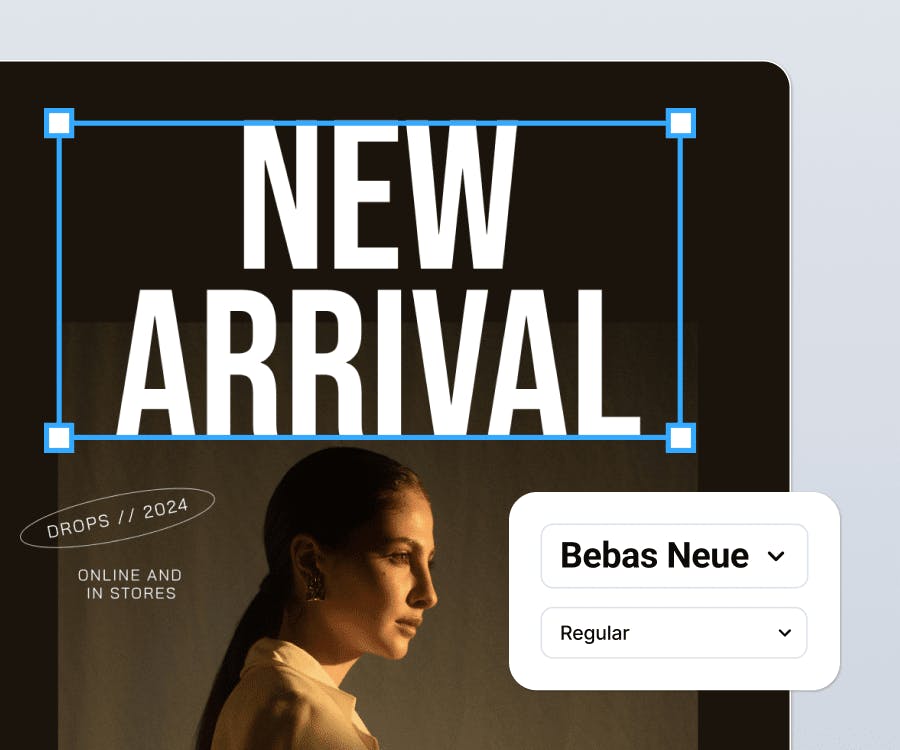
Stories and reels are meant to tell a story. You need them to be readable. Use clear, bold fonts for headings and keep body text minimal.
Avoid overly decorative fonts coupled with bad color pairings for texts. They can be hard to read on smaller screens. Like how blogs have headings, you can mix font sizes to create a hierarchy: big for key points, and smaller for details.
If you need some Serifs or retro options to select your forever fonts, we’ve got you covered.
3. Add interactive elements to boost Instagram Story engagement
Do you know that Insta stories with interactive features have a higher engagement rate?
Take advantage of Instagrams native features like polls, quizzes, sliders, and questions to make your stories interactive.
Pair these elements with designs that encourage clicks. For example, use arrows or animations to guide viewers toward the poll or quiz, or even to click on your website link.
You can also use tools like an Instagram engagement rate calculator to measure how to design Instagram based on your engagement stats and add even more value.
4. Design for the “safe zone”
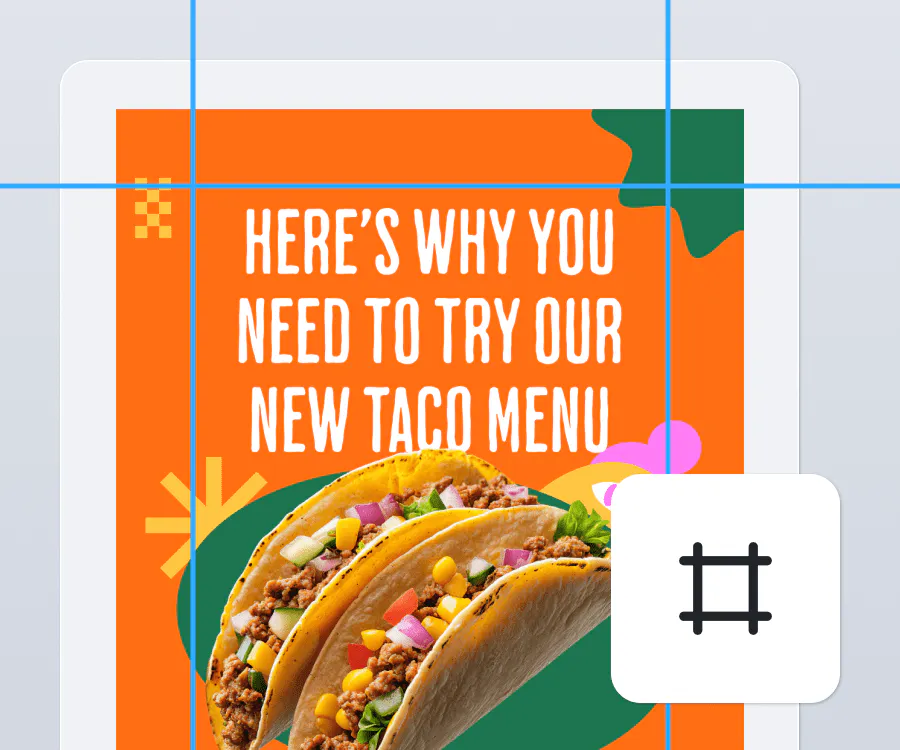
Keep text and graphics away from the edges of the screen to avoid being cut off by Instagram’s interface. Focus your design on the center 80% of the canvas.
You can use Kittl’s story templates, which already account for these dimensions, to ensure every design fits perfectly.
5. Incorporate animations and movement
Adding subtle animations like text fading in or moving shapes can make your stories and reels more engaging. How to design Instagram Reels and Stories often relies on templates. So, use story and reel templates with pre-built animations to save time, especially for product showcases or announcements.
6. Batch create stories and reel covers to save time
Honestly? Design multiple story templates for recurring themes (e.g., promotions, polls, announcements). To save time, you can use common design editors like Kittl to quickly duplicate and customize templates for different campaigns.
7. Design your reels for a narrative flow
If your reels cover a series or follow a theme, design the covers with subtle visual cues to connect them. For instance, use consistent typography or recurring graphics.
One of the key foundations of how to design Instagram visuals is to find out about the Instagram design ratio you are working with. Here is the ratio to keep in mind for both Instagram Stories and Reels: 1080×1920 px (9:16 ratio) optimized for vertical viewing and full-screen display on mobile devices.
Free Instagram Post templates by Kittl
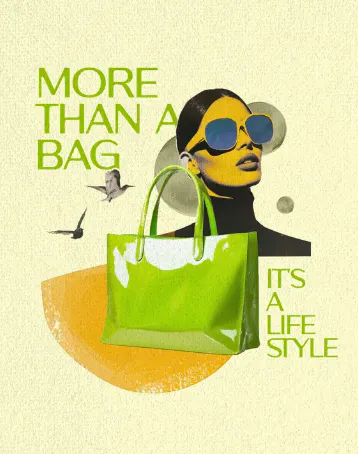
Fashion Bag Instagram Post Collage. Use Template
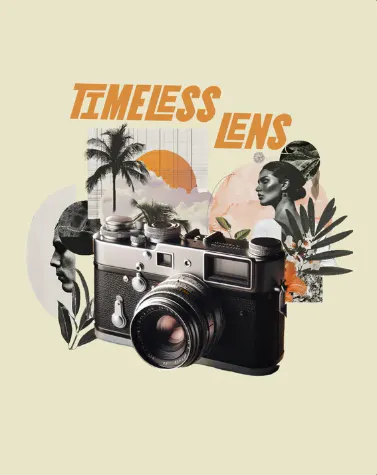
Vintage Camera Instagram Post Collage. Use Template
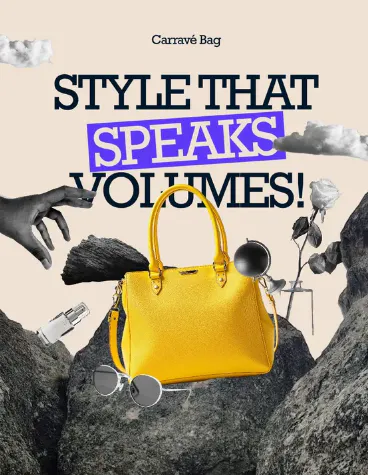
Fashion Instagram Post Collage. Use Template

Natural Skincare Collage Beauty. Use Template

Spring Sale IG Ad Design.
Use Template
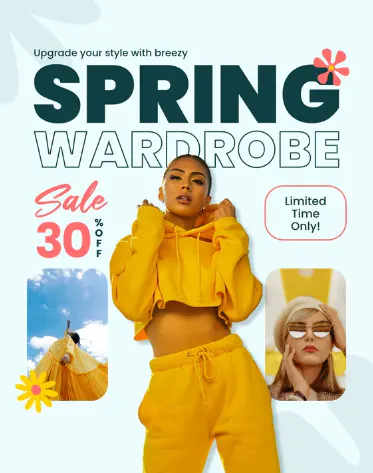
Bold Fashion Store Spring Sale. Use Template

Sunscreen Instagram Post Collage. Use Template
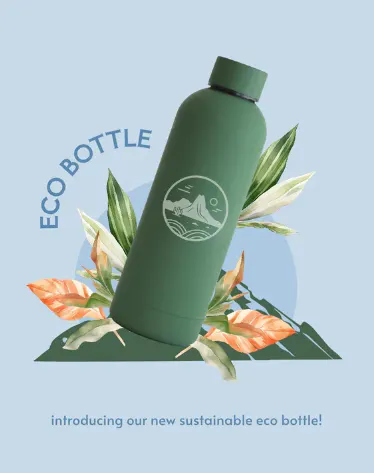
Eco Bottle Instagram Post Collage. Use Template

Innovation Meets Style Post.
Use Template
Free Instagram Story templates by Kittl
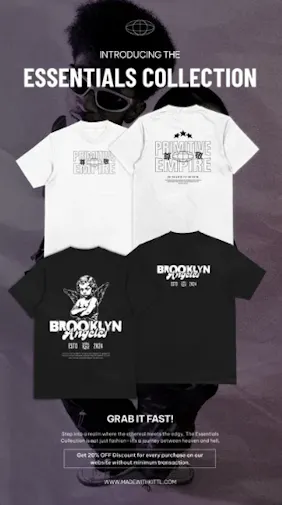
Streetwear Collection IG Story.
Use Template

Daily Affirmation Social Media Design. Use Template
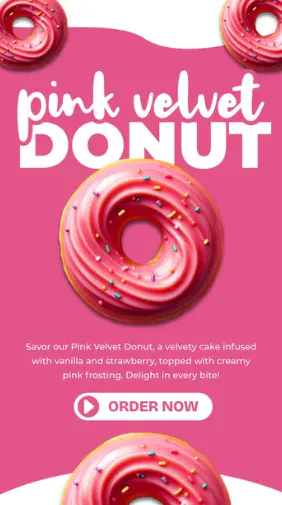
Pink Velvet Marketing Instagram Story. Use Template
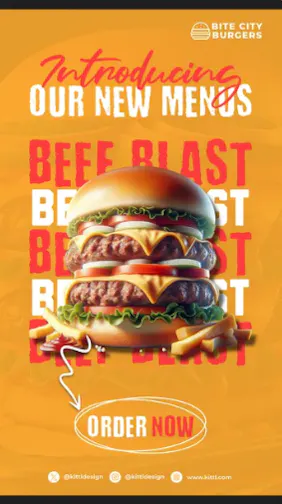
Bite City Burger Marketing Instagram Story. Use Template
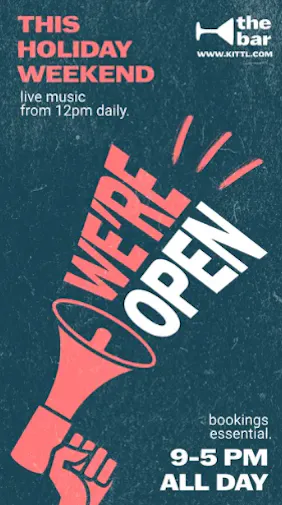
Opening Hours Marketing Instagram Story. Use Template
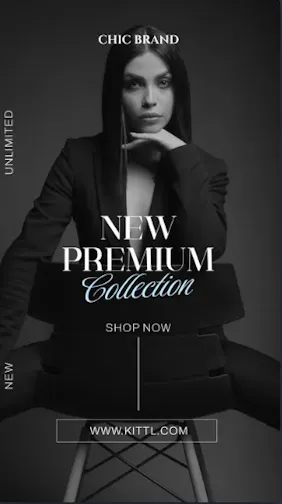
Minimalist New Collection Instagram Story. Use Template
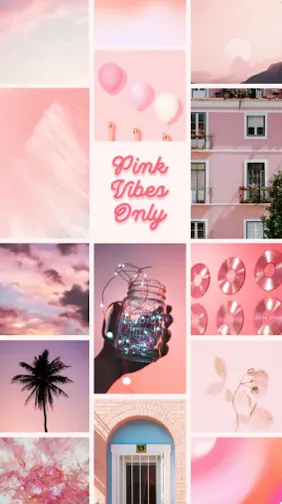
Pink Vibes Only Photo Collage.
Use Template

Fashion Sale Marketing Instagram Story. Use Template
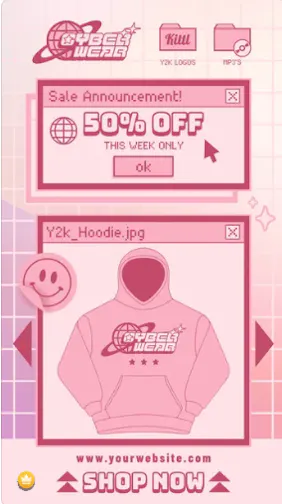
Y2k Clothing Brand Sale.
Use Template
That’s how to design Instagram & create templates for profile perfection
Creating Instagram templates doesn’t have to be complicated or time-consuming.
The right tools can make all the difference, helping you design feed posts, stories, and reel covers that look polished and reflect your style. Now you can have your own answer to how to design Instagram suitable for your every need!
If you’re looking for inspiration or want a head start, check out some free Instagram story templates or Instagram Post templates to get started.
After all, all it takes is the right design to bring your ideas to life.