If you’ve ever admired the elegance of hand-lettered calligraphy and thought, “I wish I could do that,” you’re in the right place.
Calligraphy isn’t just for pen and paper anymore — digital calligraphy has opened up new possibilities for artists, designers, and enthusiasts who want to explore lettering in a modern way.
At our core, we’re passionate about beautiful lettering — from object typography to retro and gothic, Kittl has them all. Our co-founder, Tobias Saul, is a master typographer and lettering artist, so we understand the love and craftsmanship that goes into calligraphy.
If you’re a complete beginner or making the transition from traditional to digital tools, this guide will walk you through everything you need to know about mastering digital calligraphy alphabets from A to Z.
Understanding digital calligraphy alphabets (A to Z)
Calligraphy alphabets are structured letterforms that follow specific styles and stroke techniques. If you’ve seen ornate wedding invitations or stylish brand logos, you’ve already encountered some form of calligraphy.
There are several main styles of calligraphy alphabets:
- Serif calligraphy Letters with decorative feet or strokes at the ends.
- Sans-serif calligraphy More modern, clean-lined letters without decorative strokes.
- Script calligraphy Flowing, cursive-like writing, often used in wedding calligraphy.
- Gothic lettering Bold, blocky strokes inspired by medieval writing.
- Modern calligraphy A free-flowing style with varied thickness and artistic flourishes.
Controlling your thin upstrokes and thick downstrokes is key to getting started with any calligraphy alphabet.
Essential digital calligraphy alphabet essential tools & software
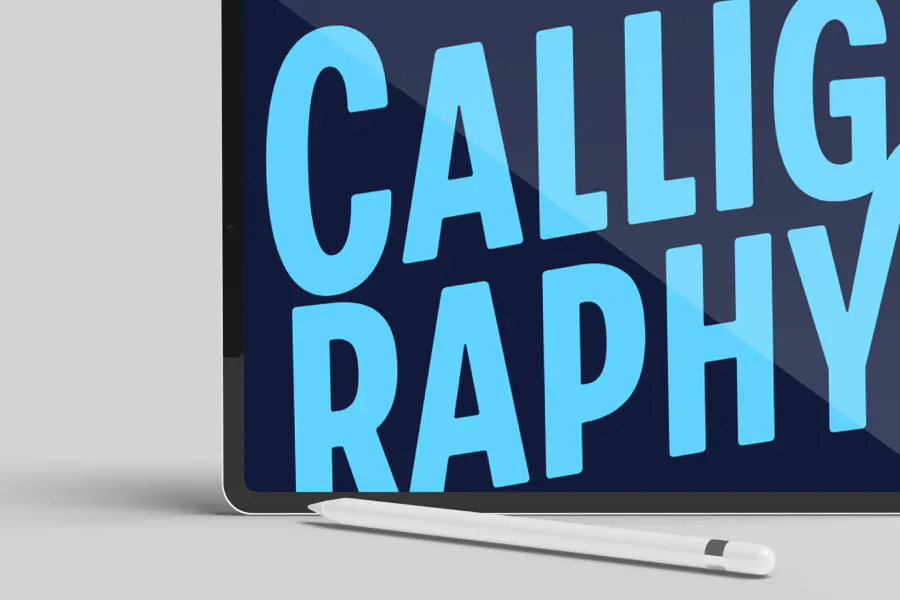
Unlike traditional calligraphy, which relies on pens, nibs, and ink, digital calligraphy streamlines the entire process, allowing you to create stunning letters using a tablet and stylus — no scanning or tracing required.
If your goal is to take your calligraphy beyond personal projects and export it into an editor like Kittl, going digital from the start saves you time and effort.
Instead of sketching on paper, scanning, and vectorizing your work, you can create calligraphy directly in a digital format. This makes it easier to refine, edit, and apply to design projects without the extra conversion steps.
Here’s what you need to get started:
Hardware
- iPad + Apple Pencil (Best for Procreate and Adobe Fresco users)
- Wacom Tablet or XP-Pen (Ideal for Adobe Illustrator or Affinity Designer users)
- Microsoft Surface (Great for Adobe Fresco and Affinity Designer on Windows)
Software options
- Procreate The most popular app for iPad users, offering customizable brushes and smooth stroke control.
- Adobe Fresco Great for vector and raster brush lettering.
- Affinity Designer A budget-friendly alternative to Adobe software.
- Adobe Illustrator The industry standard for vector calligraphy, offering precise control, scalable lettering, and advanced typography tools.
If you’re using an Apple device, particularly an iPad, then Procreate is the most popular and widely used tool for digital lettering. Its the go-to choice for artists because of how smooth and natural the brush strokes feel, making it perfect for calligraphy and hand lettering.
One of the biggest reasons Procreate stands out is its pressure sensitivity when paired with an Apple Pencil, it mimics real ink flow, giving you full control over thin upstrokes and thick downstrokes.
How to learn digital calligraphy alphabet for beginners (step-by-step)
Mastering digital calligraphy starts with the basics — understanding strokes, letter shapes, and how to use the right tools.
The best part?
Digital lettering gives you the freedom to experiment, refine, and perfect your style without worrying about ink smudges or paper waste. Simply follow these steps:
Step 1: Setting up your canvas & brushes
- Choose a high-resolution canvas (300 DPI for print-quality work).
- Select a pressure-sensitive brush that mimics real calligraphy strokes.
- Adjust streamline settings (in Procreate) to smooth out wobbly lines.
Step 2: Mastering basic strokes
Before jumping into full letters, practice these:
- Thin upstrokes (light pressure)
- Thick downstrokes (heavy pressure)
- Oval shapes to improve consistency
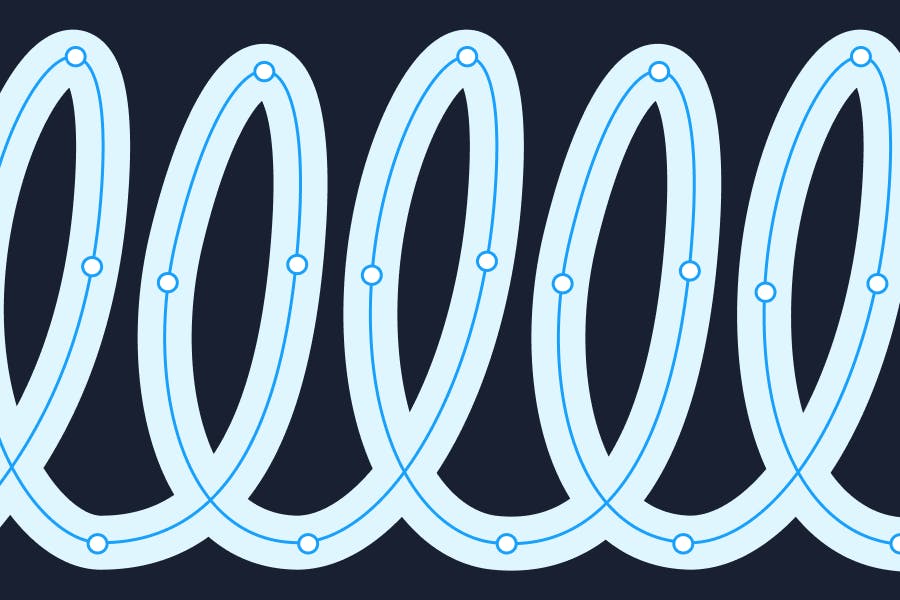
- Basic curves and loops
Drilling basic strokes daily will improve muscle memory and control.
Step 3: Forming digital calligraphy alphabet A-Z
A. Start by tracing a simple calligraphy alphabet
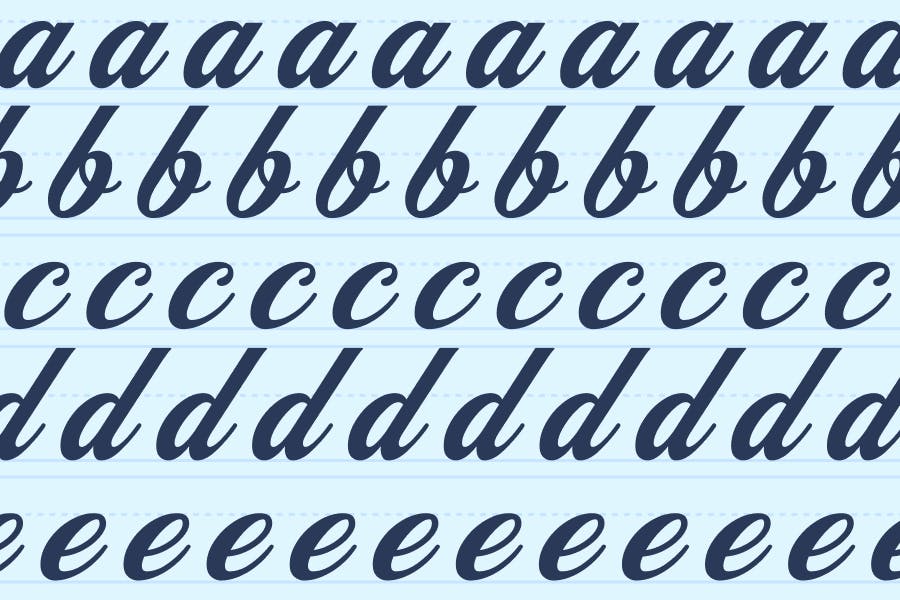
When learning the digital calligraphy alphabet formation, tracing is one of the best ways to build muscle memory. Use a calligraphy alphabet guide or practice sheet in your lettering app (Procreate, Fresco, or Affinity Designer).
Lower the opacity of the guide and trace over each letter slowly, focusing on the pressure variations between upstrokes and downstrokes.
B. Focus on letter connections for a seamless flow
For a script or modern digital calligraphy alphabet, the way letters connect to each other is just as important as forming them individually. When moving from one letter to the next:
- Keep the strokes consistent in thickness and angle.
- Avoid abrupt stopsyour strokes should transition smoothly into the next letter.
- Pay attention to spacing so that the letters look evenly distributed in a word.
C. Use grid guidelines to keep letters uniform
If your letters feel inconsistent, grid guidelines can help with:
- X-height alignment Keeping all lowercase letters the same height.
- Baseline consistency Ensuring letters sit evenly on a straight line.
- Slant guides Helping maintain a uniform angle in slanted scripts.
Many lettering apps allow you to import practice grids or enable built-in guidelines to assist with spacing and structure.
If you plan to turn your calligraphy into a usable font, keeping letterforms uniform and well-aligned now will save you a ton of editing time later when refining your letters for export.
Step 4: Practicing lettering composition
Once you’re comfortable forming individual digital calligraphy alphabet, it’s time to start arranging them into words and phrases. This step is where your calligraphy starts to feel more expressive and polished.
Here’s how to refine your compositions:
A. Adjust spacing (kerning) between letters
Kerning — the spacing between letters — can make or break your lettering. If letters are too far apart, they can look disconnected. If they’re too close, they can appear cramped and messy.
- Keep spacing visually balanced Use your eye to adjust gaps so that no letters feel out of place.
- Avoid uneven connections Script lettering should have natural, flowing connections between letters.
- Use guide layers Many apps (like Procreate and Illustrator) let you create guides to help align your letters evenly.
Designer tip: If you’re preparing your lettering for export into a font editor or a design tool like Kittl, consistent kerning now will save you time later when applying it to designs.
B. Experiment with different flourishes and embellishments
Flourishes add personality to your calligraphy, but they should enhance the design — not overpower it. Here’s how to incorporate them effectively:
- Start simple Add flourishes to entry and exit strokes on letters like f, y, or z.
- Follow natural movement Flourishes should feel like an extension of the stroke, not forced.
- Use layering Apps like Procreate allow you to test different decorative elements without committing to them permanently.
If you’re unsure where to add flourishes, look at classic calligraphy compositions for inspiration. In a nutshell, your flourishes should be placed where they balance the composition, rather than adding them randomly.
Once you are done, try writing simple words to build confidence. You can practice letter connections in context. Most importantly, get comfortable with your word balance and structure.
Easy digital calligraphy alphabet styles to try
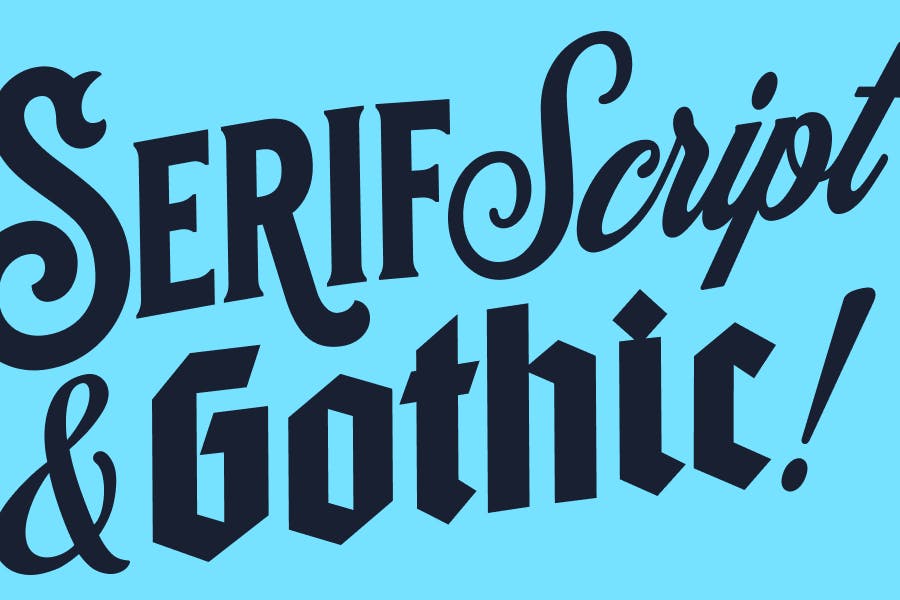
We get it — calligraphy can look intimidating at first. So, if you’re feeling overwhelmed, here are some great calligraphy starting points for beginners:
1. Modern script calligraphy
Unlike traditional calligraphy, modern digital calligraphy alphabet script doesn’t follow rigid rules, which makes it great for beginners. The letters have a natural, flowing movement, so you don’t have to worry about making everything perfectly uniform.
Plus, the “bouncy” style allows for small mistakes to feel intentional, making it a forgiving way to practice calligraphy. If a letter looks a little off, you can just adjust the next one to balance it out!
2. Basic serif calligraphy
Serif calligraphy is one of the easiest styles to break down into simple shapes. Each letter follows a structured design with clear strokes, making it predictable and easy to trace.
The serifs (the little decorative “feet” at the ends of letters) may look fancy, but they are usually small additions to straight lines. If you focus on basic letterforms first, you can add the serifs later once you feel comfortable.
3. Gothic lettering
At first glance, the Gothic digital calligraphy alphabet looks complex and sharp, but it’s actually built from repeating and simple shapes. Most Gothic letters use vertical strokes with controlled, evenly spaced angles.
This means that if you learn a few core strokes, you can apply them across many different letters. Since there’s less emphasis on curves and flourishes, beginners can focus on getting clean, strong lines without worrying about intricate details.
Common beginner mistakes in drawing digital calligraphy alphabet & how to fix them
When learning digital calligraphy alphabet, it’s normal to face challenges with stroke consistency, shaky lines, and spacing. The good news? Most of these mistakes have simple fixes that will improve your lettering almost instantly.
Let’s break them down:
- Inconsistent stroke thickness: Adjust brush pressure sensitivity in Procreate or Photoshop.
- Shaky lines: Use the stabilizer feature in your software.
- Uneven letter-spacing: Use grid or guideline templates for better alignment.
Mastering digital calligraphy alphabet for beginners: Next steps
Digital calligraphy alphabet is a skill that takes patience, practice, and the right tools.
Whether you’re learning for fun or to build a career in lettering, the key is to enjoy the process. Experiment with different styles, play with colors and textures, and most importantly, keep practicing.
If you’re interested in turning your digital calligraphy alphabet into actual fonts, keep in mind that you can’t create your own fonts directly in Kittl. However, Kittl offers a vast selection of master-crafted fonts that you can use in your designs without having to start from scratch.
Plus, if you have a favorite font you’ve already created or purchased, you can upload your own fonts into Kittl’s editor to seamlessly integrate them into all your lettering projects.
Can’t wait to showcase your calligraphy in a design? Upload your fonts to Kittl and start using them in your projects today — no need to start from scratch!