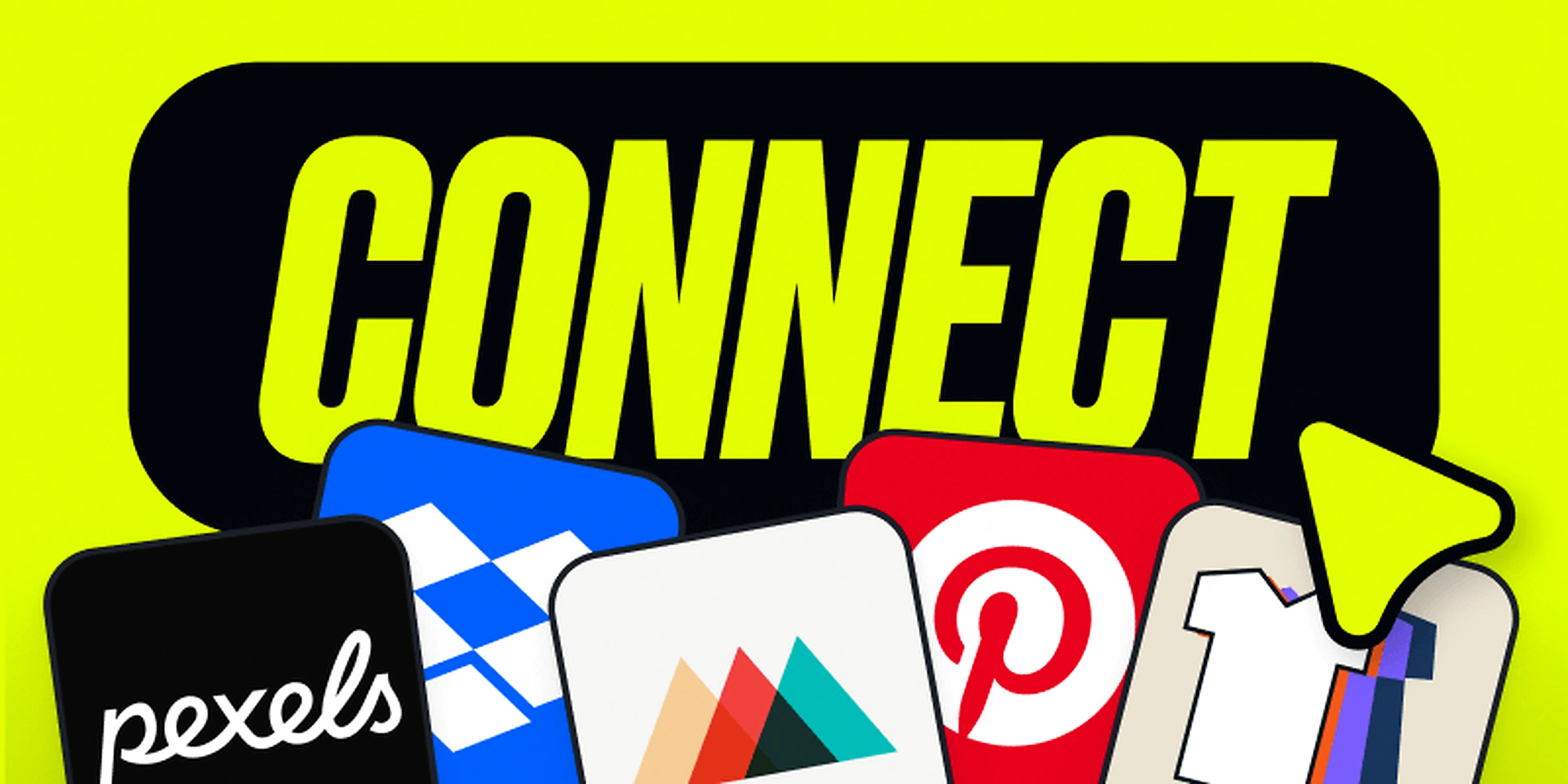
Designing a product has always meant bouncing between tabs. Kittl for the design, Pinterest for inspiration, Dropbox for your files, Printful to sell it. Today that changes. We are launching “Apps”, and your whole workflow can now live in one place.
What does this new update mean for you?
Apps is a new panel inside the Kittl editor. Browse, install, and use the tools you already rely on, without ever leaving your design. It connects Kittl to the rest of your world. From today, you are able to go from inspiration to finished product without ever leaving the place where you do your best work.
Extensions make that possible.
How to get started
- Open the Kittl editor.
- Click Apps in the left toolbar.
- Browse the possible Apps to connect to your editor.
- Click connect and install the apps you want to integrate.
Use them like any other tool in your editor and create without limits.
Here’s what you can use from today directly in your editor:
Printful
For anyone selling print-on-demand, this one is big. Connect your Kittl editor directly to Printful and go from blank to ready-to-sell without ever switching tabs. Browse Printful’s product catalog and start designing straight from a blank product in Kittl. Add your design to an artboard sized exactly to that product, drop Printful mockups onto your canvas, and generate fresh ones in new colors and angles. When you’re done, send your design directly to Printful as a print file, or jump back into any product you’ve already made. The whole Printful workflow, from picking a blank to transferring the final file, now lives inside Kittl.
Great design starts with great references. Pull inspiration and reference images straight from Pinterest into your canvas while you design. No more screenshotting, downloading, and re-uploading. No more losing track of what inspired you halfway through a project. Your references live right next to your work, exactly where they should be.
Bulk Mockups
If you sell on Etsy, Amazon, or any print-on-demand platform, you know the pain of building mockups one by one across every product and color variant. That ends today. Add your design into the exact mockups you need, now you can pick multiple products and color variants at once. What used to take hours now takes minutes. More mockups, less manual work, more time to actually design.
Dropbox
Your files are already in Dropbox. Now they are inside Kittl too. Bring in files straight from your Dropbox and drop them right into your design, no downloading, no re-uploading, no hunting through folders. Your assets are always one click away.
Other apps that you can connect to:
- Pexels: Access thousands of free photos and videos directly inside Kittl.
- QR Code: Create and customize QR codes without leaving your project.
- GIF Maker: Select multiple assets and turn them into a GIF in just a few clicks.
- POD Presets: Quickly find the right preset for the print-on-demand platform you use.
- Search Content: Search and replace content across your design with one click.
This is just the beginning. More apps are coming to the library soon, covering more of the tools you use every day. Because everything you need should be in one place. And that place is Kittl.

Kittl gives you the power of a world-class creative agency on one platform. Build product imagery, labels, packaging, and campaign assets in one place, with AI tools, a professional editor, and templates built by some of the best designers in their fields. Set your brand once, then create on brand every time.