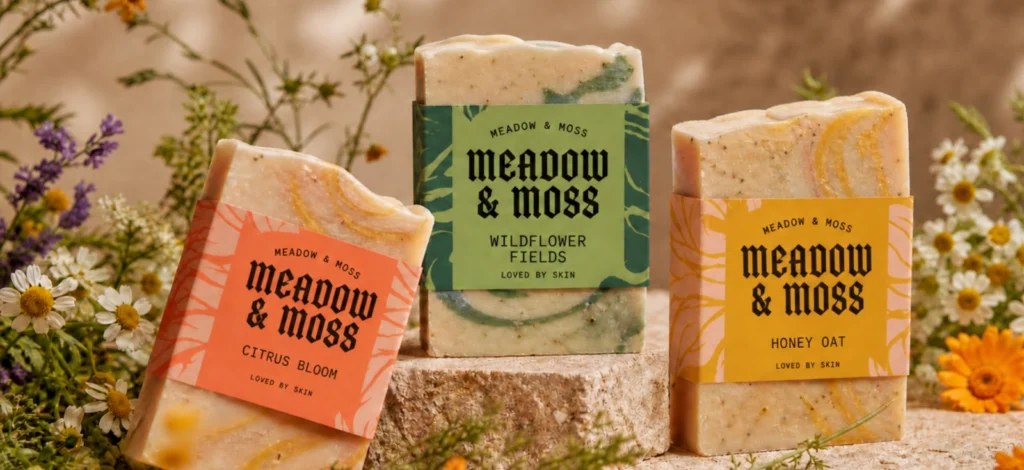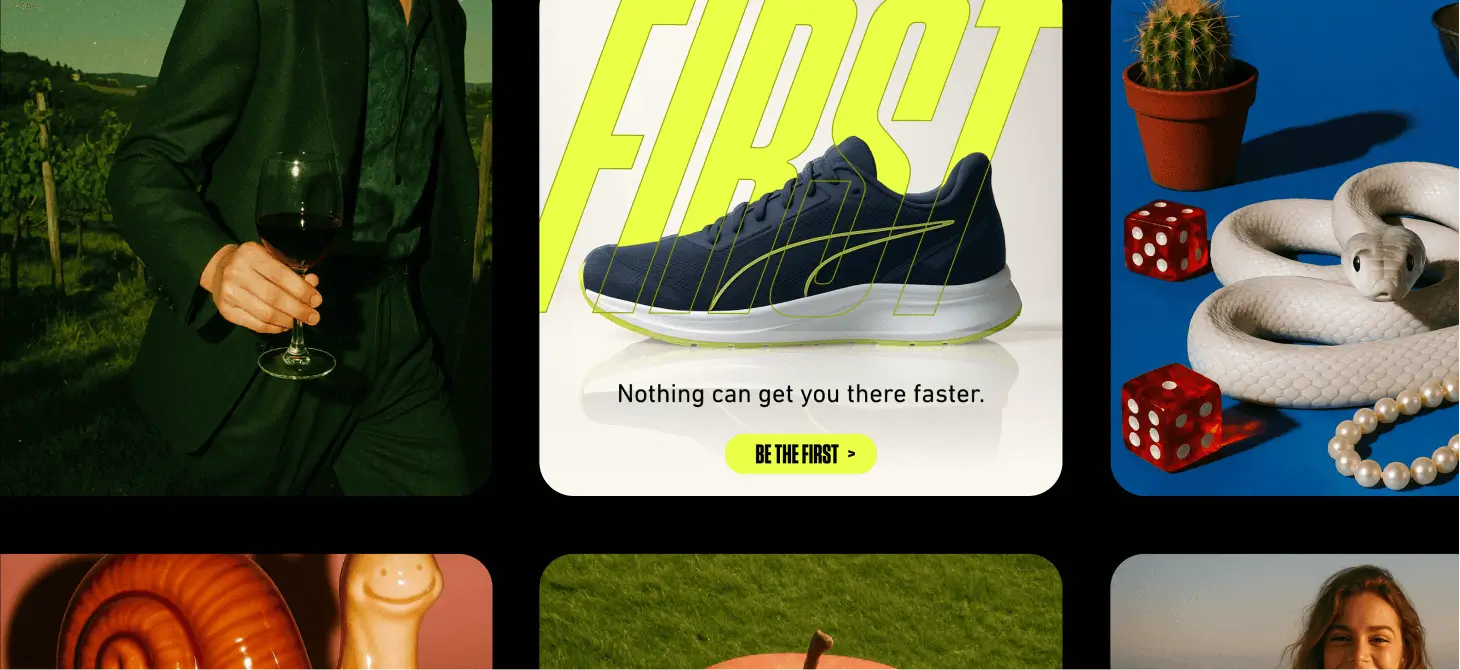
OpenAI’s GPT-Image-1 is the model many people simply call “ChatGPT’s image generator.” Under the hood, it’s a natively multimodal model that accepts text and images as input and produces images. It is built to follow instructions closely while staying versatile across styles.
If you’ve seen the viral “Ghibli-style” wave earlier this year, that was powered by ChatGPT’s image feature going mainstream — along with all the conversation about style imitation and copyright that followed. It spiked usage records and stirred debate about ethics and licensing around AI images.
But you don’t need hype. You need reliable results, strong prompt adherence, and a workflow that lands inside a real design editor like Kittl.
TL;DR: GPT-Image-1 is a flexible, instruction-following generalist. It’s not the most theatrical by default, but it’s dependable at reading complex prompts, supports in-image edits, and handles a wide range of aesthetics.
It’s also actively supported across major ecosystems and APIs, which matters for stability over time
What is GPT-Image-1?
GPT-Image-1 is OpenAI’s current image model available via API. It’s designed to generate and, through API integrations, even edit or mask parts of images based on text instructions (and reference images). With an emphasis on following directions rather than imposing a heavy stylistic signature.
For designers, that translates to a model that tends to do what you asked. Especially useful for practical work like posters, product visuals, UI comps, and clean illustrations that must fit an established brand look.
How GPT-Image-1 compares (Quality, style, prompt fidelity)
| Category | GPT-Image-1 (ChatGPT Image) | Midjourney v6/7 | Imagen 4 | SDXL |
| Realism & detail | Strong generalist realism; reliable textures; tends not to over-stylize unless asked. | Cinematic and dramatic by default. | High realism with notable gains in typography fidelity. | Varies by checkpoint/tuning; highly flexible. |
| Style range | Broad; leans neutral unless guided. Easy to steer into brand-clean or illustrative looks. | Huge range; adds its own flair. | Balanced realism + clean graphics/text; poster-friendly. | Extremely broad with community models. |
| Prompt fidelity | A strength: good at multi-part instructions and structured layouts. | Sometimes interprets loosely for artistry. | Excellent with text/layout adherence. | Depends on setup (ControlNet/LoRA, etc.). |
| Text rendering | Improved vs older baselines; good with short phrases; not as typography-obsessed as Ideogram. | Historically weak for exact lettering. | Notable upgrade in legible text. | Usually needs extensions for crisp text. |
Why this framing: OpenAI documents GPT-Image-1 as a state-of-the-art, instruction-following image model; reporting and ecosystem updates show it being adopted widely, while coverage around Imagen 4 emphasized text rendering improvements and poster use cases.
Community impressions do vary (some users found GPT-Image-1 “flatter” than DALL·E 3 on default aesthetic), but this is as much about prompting style and art direction as the model itself. In Kittl, style presets and on-canvas iteration help you steer it quickly.
Where GPT-Image-1 fits best in a designer’s toolkit
1) Brief-driven work (brand-clean graphics, product mockups, posters).
Give it a clear brief and it returns something usable without fighting a baked-in cinematic look.
2) Multi-part scenes and compositional structure.
If your prompt describes sections, callouts, panels, or specific placements, GPT-Image-1 tends to respect the spec — handy for ad layouts or brochure hero graphics.
3) Edit + iterate inside Kittl.
Because you can generate straight onto the canvas, then remove backgrounds, add type, swap colors, and export, you avoid tool-hopping and keep momentum.
Using GPT-Image-1 in Kittl: A quick flow
1. Access it through Kittl’s AI menu
Click the create tab in the Kittl AI menu, then choose Chat GPT Image from the list. You will also see a list of the other 11 AI models Kittl has for you, feel free to explore those too!

2. Write a mini brief, not a keyword pile.
- Subject first: “Poster concept of a running shoe on a mirrored floor…”
- Style next: “clean product photography look, soft studio lighting, 35mm, subtle reflections”
Details last: “empty space for headline top-left, empty space for CTA bottom-right, brand colors navy + lime”

Not sure what would get the best results in prompting? Check out our guide on AI prompting here.
Don’t forget to change the settings of the aspect ratio.
3. Choose from our recommended or popular styles

Have an idea in mind but don’t know how to translate it into words? Don’t worry, Kittl also provides styles that you might want to check out!
4. Generate → drop onto canvas.
As soon as you hit generate, voila! You’ll get your image translated by ChatGPT Image. Now it’s your part to personalize it out.
You can add in your own typography, your branding, and mix it up with design elements from our content library. Or you can even just use the AI background remover and add the image to your already existing design for the final touch!
Export in high-res PNG/JPEG (and your overall design in print-ready formats if needed).

Pro Tip
If your prompt feels too literal, try adding a subtle stylistic cue at the end. Something like “studio-lit product photo with warm tone” or “illustration in pastel vector style.” GPT-Image-1 follows instructions closely, so even small aesthetic nudges can shift the whole mood without breaking composition.
Prompting GPT-Image-1 (Fast wins)
Formula: Subject → Style → Layout/Constraints → Colors/Branding
- Keep it under ~150 words; short, structured prompts tend to maintain fidelity.
- Preface exact phrases you want to appear as text (e.g., Headline: “SPRINT AHEAD”).
- Use explicit layout cues: “leave negative space for title on top-left,” “centered pack-shot,” “3 evenly spaced panels.”
Why this helps: GPT-Image-1 is documented as instruction-following; giving it a miniature creative brief clarifies priorities and composition.
Pro Tip
Treat GPT-Image-1 like a design assistant, not a genie. Instead of writing long keyword lists, write one clean sentence as if you were briefing a junior designer: “Poster for a summer music festival, minimal layout, soft gradients, bold typography.” This keeps outputs focused and readable for brand use
Speed, reliability, and ecosystem support
GPT-Image-1 is available through OpenAI’s API (and Azure OpenAI), which signals ongoing support, tooling, and observability — useful for teams that care about stability and SLAs. Coverage around its rollout emphasized it as OpenAI’s “latest and most advanced” image model in these clouds.
Real-world render times vary by load and settings; third-party testing/guides generally peg ChatGPT image generation in the tens-of-seconds range in typical usage, similar to other top models. (Exact speed depends on concurrency and quality settings.)
Pro Tip
While you wait for a render, prep your canvas: add guides, placeholder text, or a background color in Kittl. Because GPT-Image-1 drops the result directly into your project, this lets you test composition instantly instead of rearranging after the image appears.
Pricing & value (at a glance)
Kittl uses a token system for AI features (generation, background removal, etc.). GPT-Image-1 fits into that same pool, so you can mix models strategically. Use GPT-Image-1 when you need instruction fidelity, switch to other models when you need hyper-realistic portraits or stylized vector art.

If you’re comparing to direct API use: community and vendor docs discuss GPT-Image-1 pricing tiers and quality settings on the API side; in Kittl, you skip infrastructure and work directly in a design editor, which saves time otherwise spent round-tripping assets.
Pro Tip
Use cheaper or faster models for brainstorming, then switch to GPT-Image-1 when you’re finalizing a layout. The model’s strength is prompt precision. Perfect for when every element matters and you want to save tokens for production-ready work.
Commercial use & POD considerations
As with any AI model, check Kittl’s Terms for commercial use and ensure your prompts/inputs don’t intentionally mimic protected IP or trademarks. The wider industry debate (e.g., viral “Ghibli-style” trend) is a reminder to keep your references original and brand-safe.
Good vs. bad prompt examples (Kittl Editor)
Bad: “Cool poster neon running shoe product modern energy”
Why it fails: Vague subject, no composition, no space planning, no brand constraints.
Better: “Poster concept: running shoe on reflective floor, clean product-photo look, soft studio lighting, 35mm perspective. Leave space for headline top-left and CTA bottom-right. Brand colors navy (#0A2342) and lime (#9FE870). Minimal background.”
Why it works
Clear subject, style, layout constraints, and color directions. Which is perfect for an instruction-following model.
Find out all the tips we recommend for AI generation in our complete guide here.
Pro Tip
When refining a prompt, change only one variable at a time — either style, subject, or color palette. GPT-Image-1 responds predictably, so isolating each tweak helps you learn how it “thinks” and build reusable prompt templates for future projects.
Who should choose GPT-Image-1 in Kittl?
- Brand & marketing designers who need exact placements and prompt fidelity for posters, ads, and hero art.
- POD creators who prefer neutral, controllable looks that they can drop straight into mockups, then export at high quality.
- Students & hobbyists who want friendly prompting and fast, reliable results that don’t “fight back” with a fixed style.
Final verdict: Is GPT-Image-1 worth it?
Yes — especially if your priority is clarity and control over spectacle. GPT-Image-1 is a generalist that obeys the brief, plays nicely with structured layouts, and adapts to the look you describe without overpowering it.
In Kittl, that makes it a workhorse model: prompt → generate → refine on the same canvas.
If you want a dramatic, painterly vibe by default, you might reach for other models first. But when you need the image to fit the design, not the other way around, GPT-Image-1 is a great first pick.

Shafira is a content writer who turns boring business talk into reads people actually enjoy. She grew up hoarding $1 novels in Singapore and writing hilariously bad fiction, but now she tackles content marketing with all that creative chaos since 2019. From blogs and newsletters to UX and SEO, she writes how she thinks: nerdy, honest, and a bit offbeat. She believes the best content is human-designed, not just plain text.