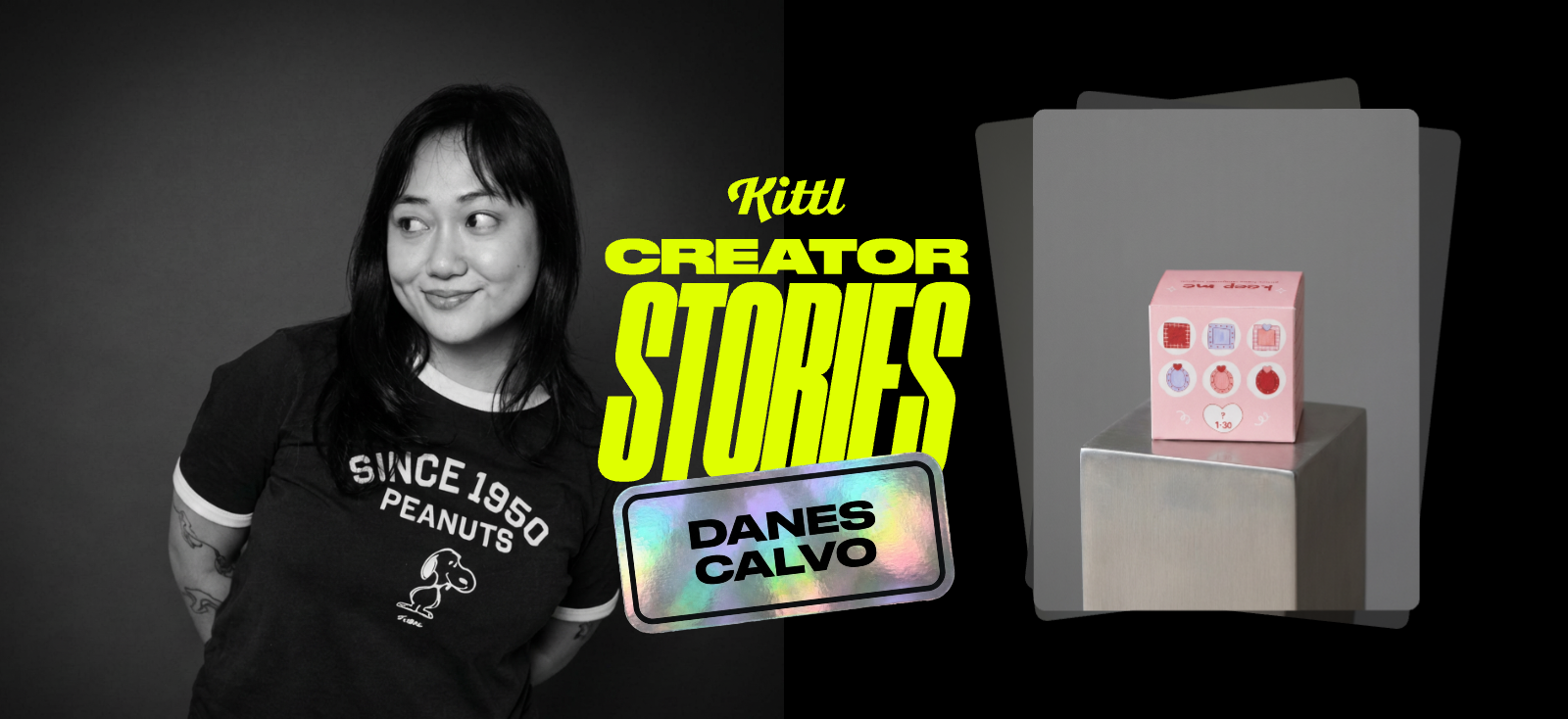
Danes Calvo is a freelance graphic designer and content creator using Kittl for client work and personal creative projects she shares with her growing online audience.
Like many creatives, her biggest frustration wasn’t ideas — it was workflow. Switching between multiple apps slowed her down and stalled creativity.
Kittl changed that.
“Switching different apps was slowing me down. With Kittl, my design process is more streamlined because almost everything is already in the app.”
At a glance
- Creator: Danes Calvo
- Role: Freelance Graphic Designer & Content Creator | Instagram | TikTok
- Use case: Mockups, social content, custom vector designs
- Results with Kittl: Faster workflow, fewer tools, more creative flow
The challenge: Too many apps, too much friction
Before using Kittl, Danes often found herself bouncing between different design tools just to complete one project.
That meant:
- Interruptions in creative flow
- Extra exporting and importing
- Managing software storage and performance
She wanted a smoother process — something that allowed her to design, refine, and create mockups in one place.
The solution: An all-in-one creative workflow
Kittl gave Danes a single space to create.
And Kittl being a web-based platform also meant Danes didn’t need to worry about storage or heavy software slowing her system down.
Her favorite tools quickly became:
- Advanced Vector Editing: to build custom templates with total creative control
- AI Image Boards: to experiment with layouts and variations
- Mockups: to present finished concepts visually
- Background Remover: for clean, seamless edits
With these tools she benefits from:
1. Faster creative execution
Instead of jumping between multiple apps to refine and edit assets, she completes most of her workflow directly inside Kittl.
And with tools like Kittl’s AI Image Boards, she can move faster than ever from concept to real-world application.
For example, when working on a client project that required transforming flat text into a dimensional, polished visual, she used AI Image Boards with the image generation model Nano Banana to quickly test and refine the concept.
Once finalized, she exported the design in high resolution, making it ready for her client to print and use as signage for an event. Workflows like this save designers valuable time, allowing them to focus more on the creative work instead of the technical.

2. Freedom to experiment
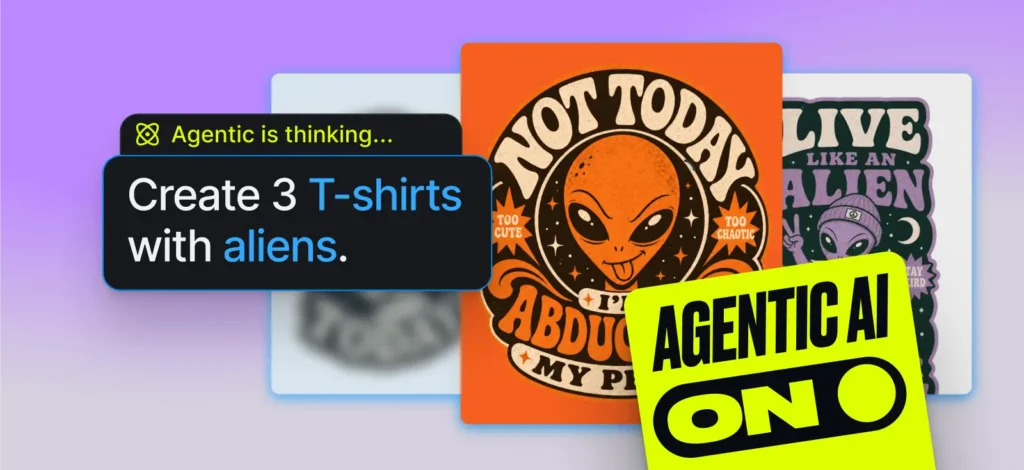
Kittl’s AI Image Boards allow Danes to generate, refine, and iterate using text prompts directly within her workspace. This makes it easy to test ideas quickly before committing to a final direction.
Whether for client projects or personal work, she uses AI Image Boards to:
- Explore different stylistic directions
- Test layout variations and packaging concepts
- Experiment with different mockup scenes and atmospheres
Instead of manually recreating every variation, AI Image Boards quickly generate alternate compositions, scenes, and styles.
For Danes, tools like AI Image Boards don’t replace creative direction — they accelerate it, allowing her to explore ideas faster while staying in control of the final result.
3. Smooth asset integration
Creatives who incorporate hand-drawn elements into their digital designs like Danes does, can import hand-drawn illustrations directly into Kittl. From their, designers can refine ±and edit with Kittl’s advanced vector editing tools.
What used to require multiple programs now happens in one continuous workflow, so momentum never breaks.
Featured project: A custom blind box concept


One of Danes’ recent personal projects was a playful, trend-inspired blind box packaging concept, designed entirely in Kittl.
She wanted to:
- Exercise her creativity
- Design something inspired by trending blind box collectibles
- Share both the process and final template with her audience
And Kittl provided the workspace for limitless creative freedom, supporting the project from start to finish.

Danes’ workflow started with importing her own hand-drawn illustrations into Kittl. From there, she:
- Built a custom box template
- Added the imported, hand drawn details
- Found the perfect, script-style font from Kittl’s large font library.
The entire process — from concept to mockup to print-ready design — happened inside Kittl.
After sharing the project on social media, she released the template to her audience for free, allowing others to experiment with the format themselves.

The takeaway
With Kittl, Danes maintains creative momentum, moving from idea to finished concept — fast.
Sometimes the biggest unlock isn’t a new idea — it’s removing the friction between creativity and execution.
Use the designer’s toolbox
For her projects, Danes regularly uses tools built to remove friction and help her get from idea → production, faster:


Kittl gives you the power of a world-class creative agency on one platform. Build product imagery, labels, packaging, and campaign assets in one place, with AI tools, a professional editor, and templates built by some of the best designers in their fields. Set your brand once, then create on brand every time.