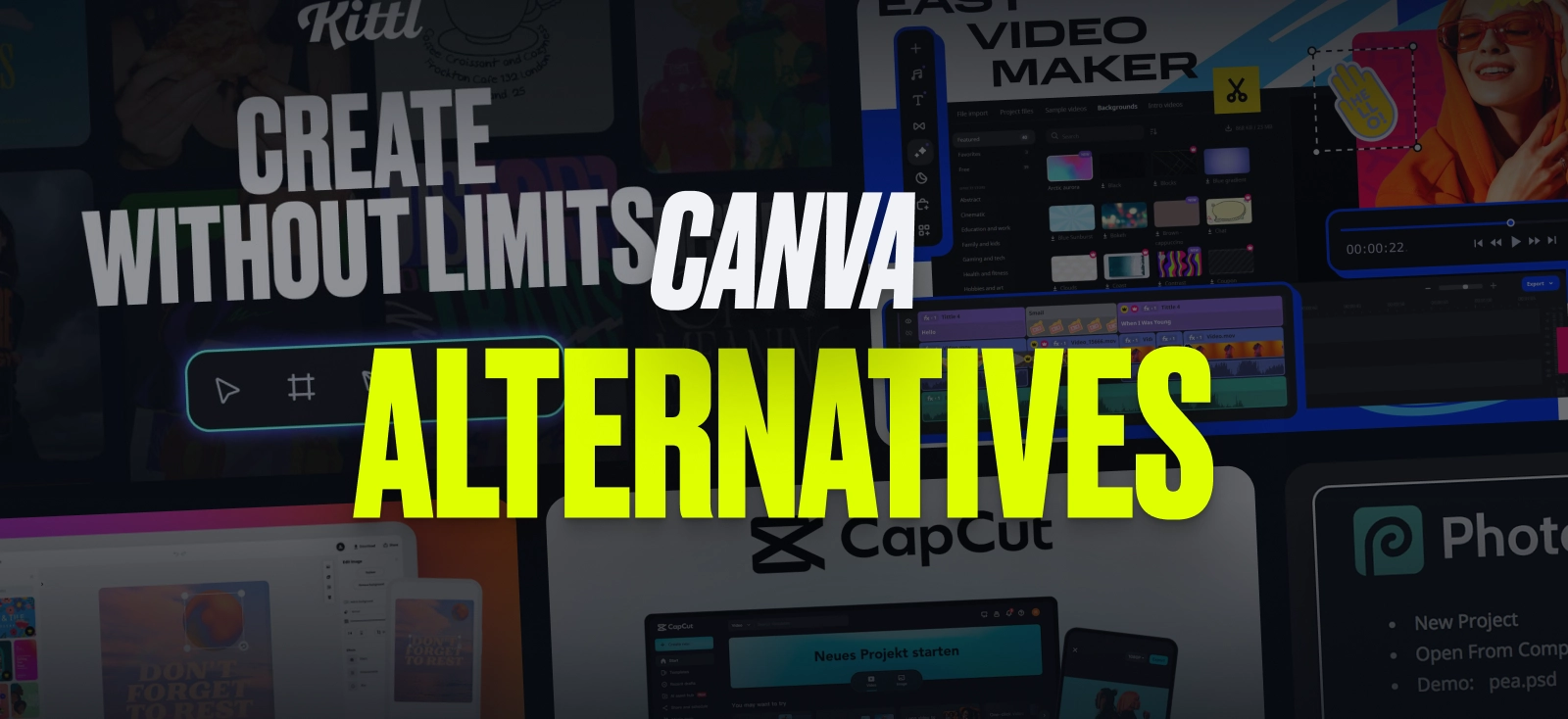
Canva became popular for a reason. It gives creators one place to make social posts, presentations, logos, videos, and more, so it often ends up being the first app people try out.
Still, one tool doesn’t always cover every part of the job equally well. A creator who spends half the week making thumbnails, short videos, promo slides, brand posts, and photo edits usually notices the weak spots pretty fast.
The Canva alternatives below cover different parts of the content workflow, since most content makers do far more than quick social graphics. Some are stronger for branding and typography, some are more useful for video work, and others make more sense for photo editing, campaign assets, or team-based production. That variety matters because the gaps people run into with Canva are rarely all the same.
Why look beyond Canva?
Canva still works well for quick content. It’s broad, approachable, and full of templates. Do you need a post out today and don’t want to stare at a blank canvas? That matters.
The problem usually shows up later. Content work gets messy in a very specific way. You’re no longer making one post but ten versions of the same idea, then trimming video, fixing a product photo, building a deck, changing the format for another channel, and passing files to somebody else. At that point, many alternatives to Canva start looking more practical than a one-size-fits-all replacement.
Best Canva alternative #1: Kittl

Kittl is the one platform for creators whose work starts with strong visual look from the first frame. Logos, promo posts, merch concepts, product graphics, packaging, posters, thumbnails, campaign art — that’s the zone where the tool feels very comfortable. On top of that, Kittl leans hard into text styling, which matters more than many Canva competitors admit.
The distinct feature is the way it handles presentation. A design often needs to be shown in context, whether that means a product mockup, a poster, or branded content for a campaign. Kittl makes that process feel more direct, which is why it works well as a Canva alternative for creators who want sharper visual results instead of relying on generic-looking templates.
Pros
- Clean interface that’s easy to pick up
- Good template quality for commercial-looking graphics
- Useful for creators selling products online or building branded campaigns
Cons
- Fewer advanced photo-editing options than dedicated image editors
- Broad, but still centered on design first
Best Canva alternative #2: Movavi

Movavi Video Editor focuses on the stuff most content makers actually use every week: cut clips, merge video, change speed, add titles, transitions, etc. On top of that, Movavi now puts AI tools right inside the editor for jobs like auto subtitles, auto cropping, background and silence removal.
Canva can help produce a video. Movavi feels better than Canva when the video itself is the main event and not a side feature attached to a social template. It gives you more room to shape pacing, which is why it’s one of the best alternatives to Canva to spend serious time in video production in an approachable software.
Pros
- Beginner-friendly timeline for regular hands-on video editing
- Useful effects and one-click AI tools built right in the process
- Good fit for creators who need more control without going full pro suite
Cons
- Not a full design hub for posts, decks, and brand kits
- Less suitable for large, complex editing projects
Best Canva alternative #3: Adobe Express

Adobe Express is the obvious pick for people who want something similar to Canva in scope but a bit closer to Adobe’s broader content world. The current product covers social posts, images, videos, flyers, and brand content in one place, with one-click resizing for channels, synced work across desktop and phone, and brand kits for teams.
Its main strength is speed across formats: you can adapt content for different platforms, preserve brand recognition, and move through routine marketing tasks without much slowdown. For marketers, freelancers, and small teams, it is one of the more practical canva competitors when the goal is to keep a lot of everyday content moving.
Pros
- Strong brand-kit support for repeat content
- Easy to use across desktop and mobile
- Handy for quick campaign production with many size variations
Cons
- Premium features are pushed quite heavily
- Can feel a bit too template-led for creators who want a more distinct look
Best Canva alternative #4: CapCut

CapCut is out there because a lot of creators are focused far more on short-form video nowadays. It’s built around fast editing, captions, templates, and social-ready formats, which makes it more useful than many Canva competitors when your output is mostly reels, shorts, talking-head clips, or quick promo videos.
It’s not trying to be a full design platform for every kind of asset, and that’s fine. CapCut works best when speed matters, when you need to turn around video often, and when your workflow is shaped by social platforms rather than broader brand design.
Pros
- Strong for short-form video output
- Large library of ready-made effects and caption styles
- Fast export workflow for social content
Cons
- Interface can feel crowded at times
- Less practical for print, presentation, or brand-system work
Best Canva alternative #5: Photopea

Sometimes the real gap in Canva has nothing to do with templates. It has to do with image editing that needs layers, masks, PSD handling, and a browser window that behaves more like traditional photo software. Photopea runs in the browser, works across devices, and can open files such as PNG, JPG, Sketch, and PSD-related workflows, then save the result back into other formats.
Among all the Canva alternatives on this list, Photopea feels most like a practical side door for editors, marketers, and freelancers who need Photoshop-style habits in a browser.
Pros
- Browser-based photo editing with real depth
- Handy when clients send layered files
- Good option for occasional editing jobs on different devices
Cons
- Interface feels less friendly for beginners
- Not ideal for fast template-based content creation
Best Canva alternative #6: Figma

Figma works well for teams that need more structure around content production rather than a simple drag-and-drop editor. With Figma Buzz and Slides, it can cover branded assets, presentations, shared templates, and campaign work inside one system.
Figma is not a classic Canva alternative for everyone. Still, for shared workflows, approvals, and brand control, it can be a smarter option than simpler apps, especially for teams that want their content process to stay organized as output grows.
Pros
- Strong for shared brand systems
- Useful for bulk campaign assets and decks
- Good match for teams that want structure around content
Cons
- More setup than most casual creator tools
- Overkill for somebody making a few posts a week
Best Canva alternative #7: DocHipo

DocHipo is a fast-growing visual content design tool for creating proposals, case studies, presentations, videos, business documents, social media graphics, and ad creatives without design expertise. Its intuitive interface, combined with professional layouts, stock media, vector assets, charts, and maps, helps you create polished designs quickly.
Unlike Canva, DocHipo features an interactive proposal maker for webpage-style proposals with structured sections like Scope of Work, Timelines, and Pricing, making it ideal for client-facing communication. It also offers AI tools to generate content, translate into 100+ languages, create visuals, and remove backgrounds. With real-time collaboration and watermark-free downloads, even on the free plan, it suits individuals and teams seeking consistent, professional design.
Pros
- Business-focused, industry-specific design layouts
- Clean, distraction-free, and intuitive interface
- Brand Kit and Company Templates for consistent branding
Cons
- Available only as a web application
- Limited layouts and features in the free plan
Which one should you pick?
The best Canva alternative depends less on popularity and more on where Canva starts to feel thin in your workflow. A creator working on branded visuals will usually want different strengths than someone editing videos every week or managing shared assets for a team.
So the smarter move is not looking for a tool that claims to be better than everything else. It’s finding the one that does your most annoying weekly job with less resistance.

Shafira is a content writer who turns boring business talk into reads people actually enjoy. She grew up hoarding $1 novels in Singapore and writing hilariously bad fiction, but now she tackles content marketing with all that creative chaos since 2019. From blogs and newsletters to UX and SEO, she writes how she thinks: nerdy, honest, and a bit offbeat. She believes the best content is human-designed, not just plain text.