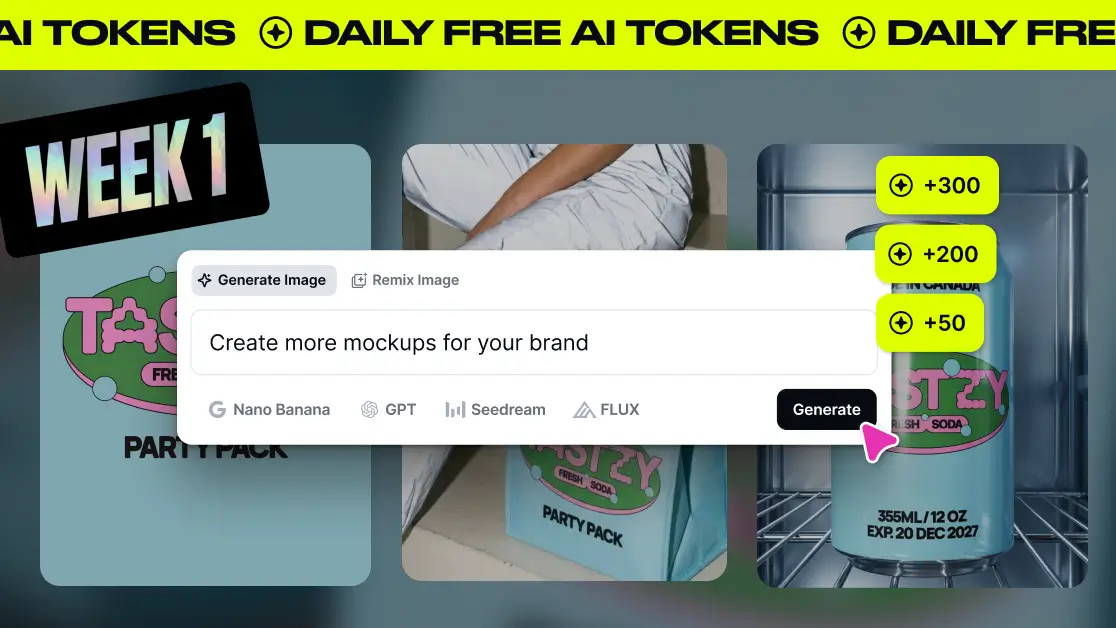
This January, we’re giving everyone free daily AI tokens. They refresh every day, so there’s no need to save them or second-guess every idea. Use them to experiment, test new prompts, and explore faster ways to bring your ideas to life with AI.
Here’s what free daily tokens look like based on your plan:
- Free: 50 tokens / day
- Pro: 200 tokens / day
- Expert: 300 tokens / day
To help you get the most out of it, we’re helping you learn something new with AI every week. Each week is designed to help you build real AI design skills without losing creative control.
Better prompts, better results.
This week’s theme: Prompting fundamentals.
How to get better at prompting
1. Understand prompt structure
Ever typed a prompt into an AI image generator and thought “Why doesn’t this look anything like what I imagined?”
You’re not alone.
Most people learn prompting by guessing — adding adjectives, removing them, tweaking words, and hoping something clicks. But prompting isn’t guesswork. It’s structure.
A strong AI design prompt doesn’t just describe an image. It controls things like:
- Subject
- Environment
- Action/Pose
- Lighting
- Style/Aesthetic
- Technical details
- Perspective/Composition
Once you understand how prompt structure works, your results become faster, more accurate, and far more consistent.
2. Learn from prompting examples
Design isn’t a guessing game. It’s a learning process.
With AI prompting, understanding how your words shape the result is what turns randomness into creative direction. When you know how a prompt works, you can refine it, explore variations, and stay in control.
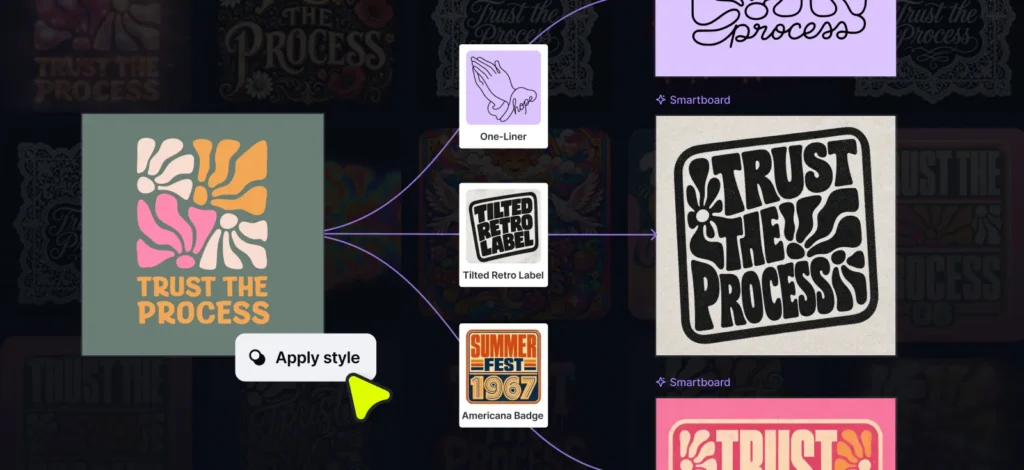
That’s why Kittl’s AI prompting Templates don’t just generate images, they show you how the prompts are written. You can see which details matter, which ones don’t, and how small changes lead to completely different outcomes.
Instead of starting from scratch every time, you can:
- Copy a prompt
- Tweak one element
- Learn by seeing the difference instantly


3. Choose the right model
One of the most common AI questions is: Which image generation model should I use?
With so many models and constant updates, it’s easy to feel unsure. The good news? In Kittl, you don’t have to guess.
Instead of choosing a model manually, you start by choosing a style.
In the “AI on-Canvas Input”, you’ll find a curated library of visual styles from photography and vectors to typography effects and artistic looks. Each style is paired with the image generation model that works best for that aesthetic, and Kittl selects it automatically.
That means:
- No model guesswork
- Faster results
- More consistent outputs
Pick a style, write your prompt, and generate. If you want to go further, you can even upload your own images as style references or remix multiple images to transfer a look from one to another.
Bottom line: Choose the style you want and Kittl handles the model for you.
Looking for inspiration?
Browse hundreds of thousands of AI-generated designs created by the Kittl community.
Scrolling through real work is one of the fastest ways to improve your prompting. By seeing how others write prompts, use lighting, and combine styles, you start to recognize what works and avoid repeating the same mistakes.
Patterns quickly emerge. When many people explore similar ideas, you’ll spot trends in:
- Visual styles
- Composition techniques
- Color palettes
That makes it easier to refine your own approach and experiment with more intention.
You can click any image to see the exact prompt, style, and model used — and copy the prompt to try it yourself. It’s learning by doing, without the pressure of starting from scratch.

Next week: Real project workflows
This week was about learning how prompting works.
Next week, it’s about putting that knowledge into practice. We’ll move from prompts to real design projects and kick off a challenge with StickerApp, where you can turn prompts into finished stickers and earn multiple prizes.
Use your tokens. Test ideas. Go wild. 🚀

Tobias Saul is a co-founder and chief product officer at Kittl, where he leads the vision for making professional design tools simpler, smarter, and more inspiring to use. With a background in typography, lettering, and graphic design, Tobias brings a deep appreciation for craft and detail to Kittl’s product and brand experience.