What’s New in Kittl: GPT 2, 4K Video, Smarter Mockups, and Better Canvas Navigation
This week’s updates are focused on helping you move faster from idea to finished design, with better AI tools, smoother editing, and more control across your workflow.
From new AI models to multi-connect mockups, token visibility, and improved canvas navigation, here’s what’s new in Kittl this week.
1. GPT Image 2: Better Results From Your Prompts
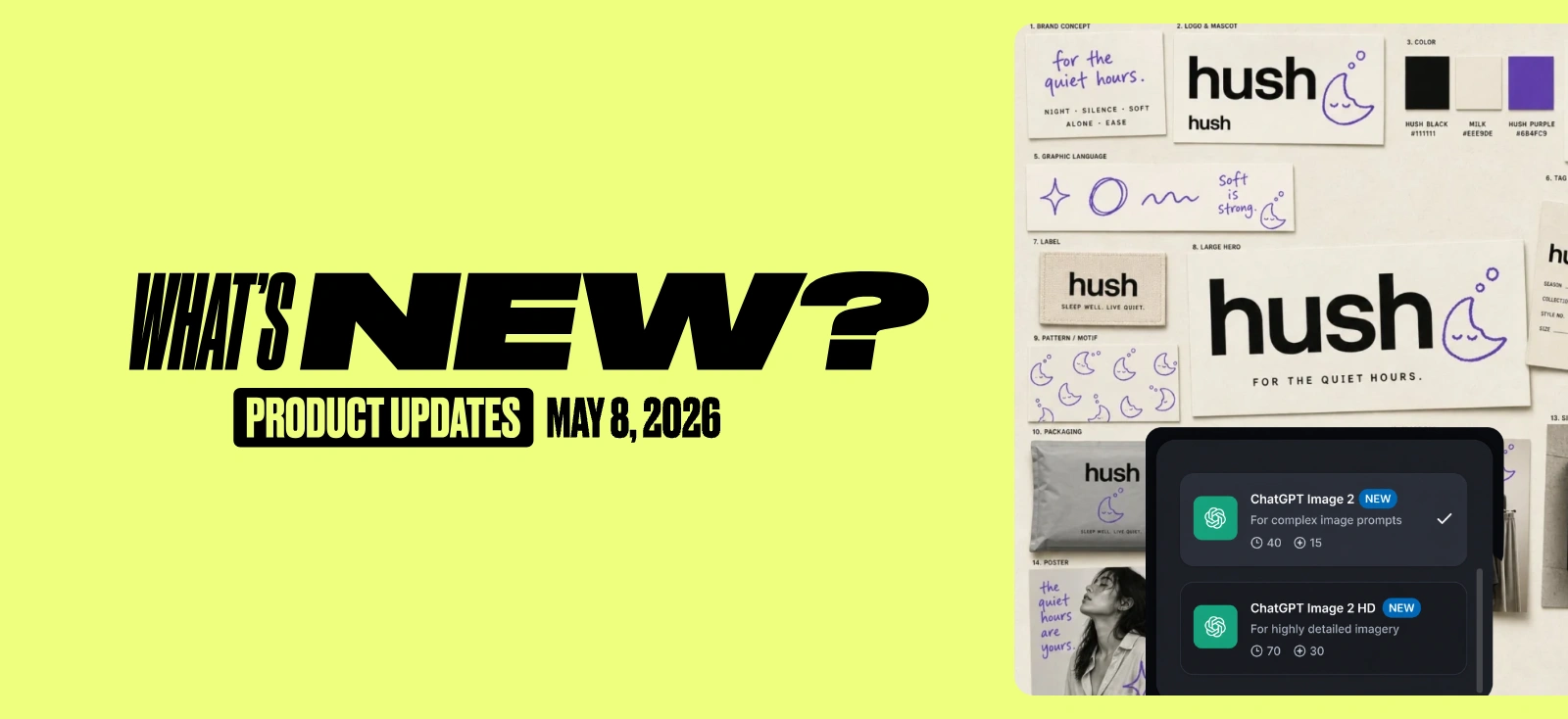
GPT Image 2 is now available in Kittl. Our strongest model for image generation when accuracy, text rendering, and layout really matter.
In our testing, GPT Image 2 delivered the highest overall score among the image models we reviewed. Its biggest strength is prompt adherence: it can follow more detailed creative instructions at once while keeping the final image closer to what you asked for.
It’s especially useful for text-heavy design work. GPT Image 2 performs well with packaging, posters, labels, editorial layouts, UI mockups, and dense visual compositions where small details need to stay readable and correctly placed. Its improved text rendering helps generate clearer words, stronger typography, and more accurate placement inside the image, making it a great choice for designs where copy is part of the final output.
It also handles multilingual text more reliably, which makes it useful for international packaging, brand systems, and campaign assets.
The model is built for quality and control rather than pure speed. Generations can take longer than with other models, but the tradeoff is fewer re-prompts and more production-ready first results, especially when working with complex layouts, realistic materials, consistent styles, detailed product photography, and readable text.
Best for:
- Posters and packaging with readable text
- Stronger text rendering inside generated images
- Dense infographics and UI mockups
- Editorial product photography
- Brand consistency across image sets
- Complex prompts with multiple layout, style, and text requirements
Read the full GPT Image 2 review here.
2. Multi-Connect Mockups
With multi-connect mockups, you can place several design previews into one mockup template at once. This is especially useful when presenting a product collection, showing different design variations, or preparing professional previews for ecommerce, marketing, or client work.
Instead of creating separate mockups one by one, you can now build richer presentations faster and keep everything organized in one composition.
3. Kling 3.0 4K Video Generation
Kling 3.0 4K is now available in Kittl, giving you a powerful way to generate ultra-high-resolution AI videos directly from a prompt.
This model is built for cinematic, photorealistic scenes with native 4K output, synchronized audio, and multi-shot storytelling. It performs especially well with realistic textures like skin, fabric, and hair, while also supporting physics-aware motion and strong face persistence across scenes.
That means you can create more polished video content with better visual consistency, sharper details, and more natural movement.
Key details:
- Supports up to 300 seconds of generation time per video
- Native 4K output
- Synchronized audio
- Strong face persistence for more consistent characters
4. Token Visibility on the Dashboard
You can now see your token usage directly from the dashboard.
This makes it easier to keep track of your AI usage without needing to dig through settings or usage pages. It’s a small update, but it gives you more transparency and control when working with AI tools in Kittl.

5. Improved Canvas Navigation
Moving around the canvas is now easier and faster with the new Hand Tool.
The Hand Tool helps you navigate your workspace smoothly, especially when working on larger designs or zoomed-in details. You can access it from the bottom of the editor, and there are also quick shortcuts that make navigation feel more natural while designing.
Ways to activate the Hand Tool:
- Select it from the bottom of the editor
- Hold Space to temporarily activate it
- Press down the mouse scroll wheel while moving around the canvas
Zoom shortcuts aren’t new, but they’re also worth using when switching between detailed editing and full-canvas review.
6. Improved Vector Path Performance
We’ve improved Vector Path editing so you can work with vector shapes more comfortably, even in more complex designs. Editing paths should now feel more responsive, with less disruption and better overall stability while adjusting your artwork.
This makes detailed vector work easier, whether you’re refining illustrations, adjusting logos, or cleaning up design elements before export.

Tobias Saul is a co-founder and chief product officer at Kittl, where he leads the vision for making professional design tools simpler, smarter, and more inspiring to use. With a background in typography, lettering, and graphic design, Tobias brings a deep appreciation for craft and detail to Kittl’s product and brand experience.