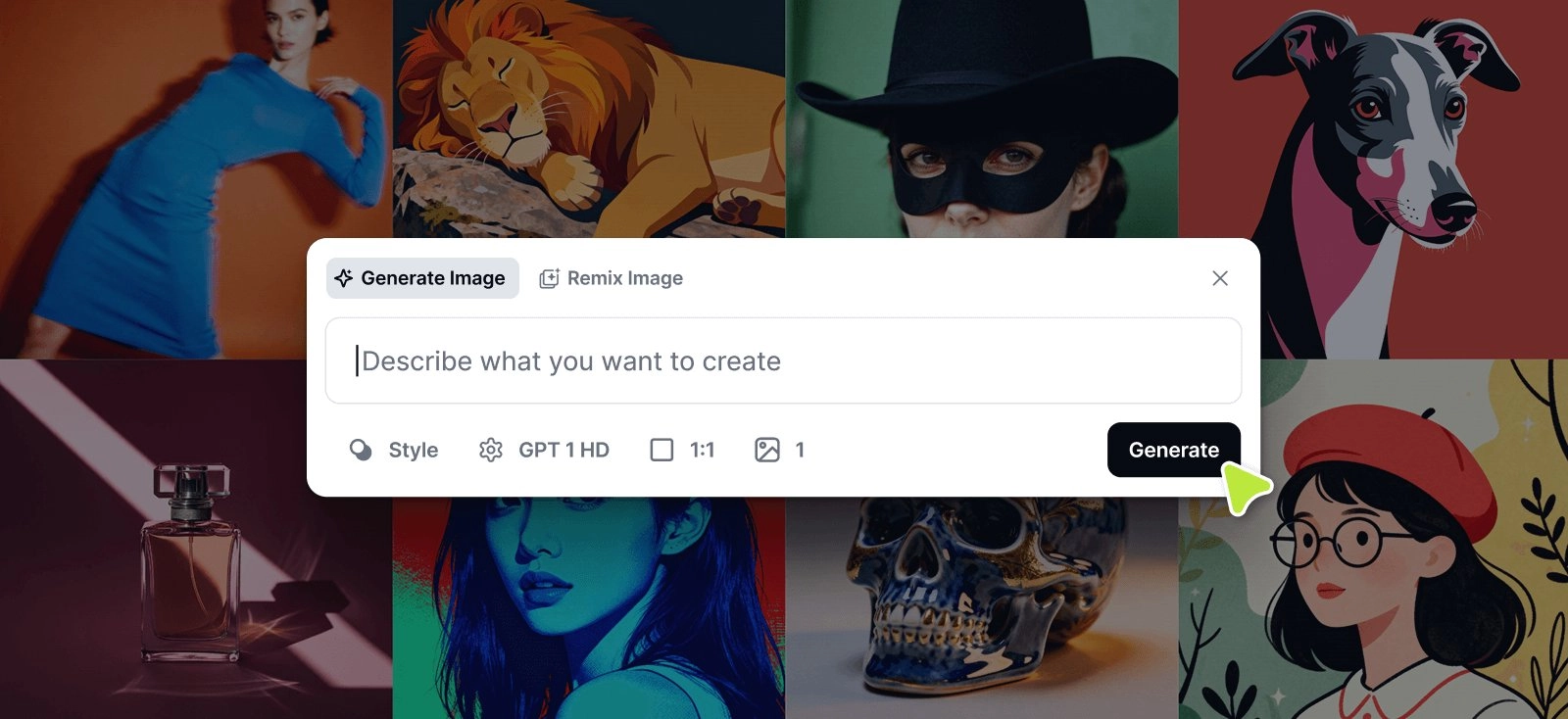
Designers know that the best ideas come when creativity flows without interruption. That’s why Kittl’s latest update — AI on-Canvas Input & Remix Image — brings the power of generative AI directly to your creative space. No more switching panels, juggling tools, or breaking focus. Now, you can generate, merge, and remix visuals seamlessly — all within the canvas.
The AI on-Canvas Input & Remix Image update will roll out gradually over the next few weeks to ensure a smooth experience while we monitor performance and refine the new AI interface.
A Unified AI Experience
Until now, AI features like Image Generation, Smartboards, and Image Remix lived in separate parts of the editor. This update changes that completely.
The new AI on-Canvas Input consolidates all input-based AI tools into a single, intuitive interface directly on the canvas. It’s a cleaner, faster, and more consistent way to interact with AI — right where your design happens.
How to Use
Image Generator
- Go to the bottom center of your screen and click the collapsed input to start writing a prompt.
- Enter your prompt.
- Choose your settings — Style, AI Model, Image Ratio, and Number of Images.
- Click Generate, and your images will appear on the canvas.
Remix Image
- Click the collapsed input at the bottom center of your screen.
- Select “Remix Image” at the top of the input.
- Select at least one image on the Canvas or upload an image.
- Write a prompt describing how to remix your image (e.g., “make this look hand-drawn”).
- Click Generate, and your remix will appear on the canvas.

Smartboards
- Select an Artboard. (The Artboard needs to include a design)
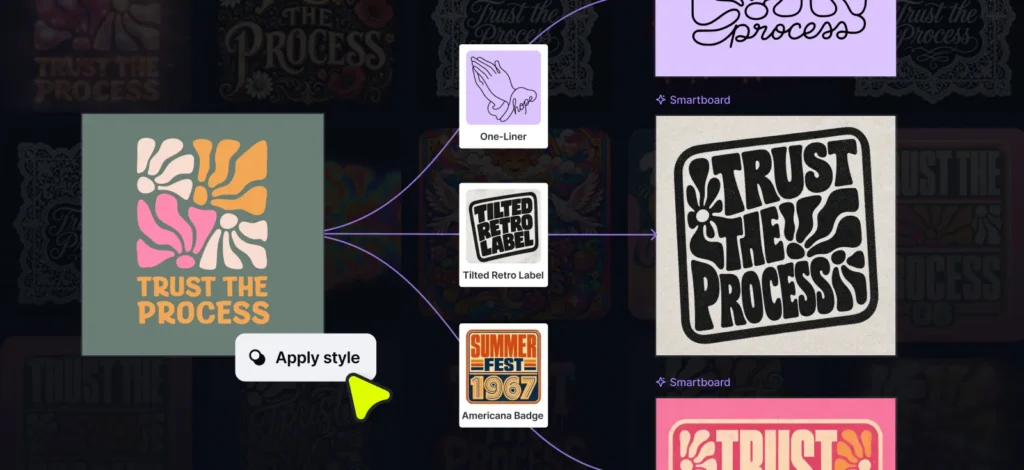
- Click Smartboard from the contextual taskbar or from the tools section in the properties panel.
- The Smartboards adds automatically and the AI input will appear at the bottom of your screen. Enter a prompt to describe the variation you want to make.
- Click generate and your Smartboard will render your variation.
More Flow, Less Friction
Kittl’s mission is to remove friction from professional design workflows, and this update delivers on that promise. By keeping AI generation and remixing inside the canvas, designers can stay in their creative rhythm without unnecessary context switching.
You can now:
- Generate and remix visuals in the same space you’re designing.
- Modify, merge, or combine up to six images at once using the Image Remix feature.
- Experiment with styles freely by detaching styles from AI models.
A smoother creative experience that keeps your ideas evolving effortlessly.
Endless Creative Possibilities
The AI Canvas Input and Image Remix tools are designed to support every stage of your creative process. Here are just a few of the ways you can use them:
- Remove or replace elements — Quickly remove unwanted objects or backgrounds, and fill the space with contextually accurate content.
- Generate product backgrounds — Transform a simple product photo into a scene with depth, context, and style.
- Merge multiple assets — Blend up to six images into a unified composition, from product mockups to complex visual stories.
- Remix existing visuals — Reimagine an image with prompts like “make this look hand-drawn” or “turn this logo into a retro 80s version.”
- Create consistent variations — Keep campaigns cohesive by generating image variations that match your brand’s palette, tone, or mood.
When to Use AI Image Remix vs. Kittl Flows
Both AI Image Remix and Kittl Flows are designed to supercharge creativity, but they serve different purposes.
AI Image Remix shines when you need quick, on-canvas adjustments. It’s perfect for:
- Fast variations and retouching
- Replacing or editing specific elements
- Small-scale creative experiments directly on the design
Kittl Flows, on the other hand, is your go-to for broader creative exploration — ideal for:
- Generating multiple design variations
- Building visual pipelines or cohesive design sets
- Automating concept-to-format workflows
In short: use Remix for rapid, focused edits and Flows for deeper creative exploration.
A Foundation for the Future of AI in Design
This update isn’t just about unifying tools — it’s about scalability. By introducing a single AI input system and a flexible model picker, Kittl is laying the groundwork for even more advanced AI capabilities in the future. Expect new features to integrate seamlessly, without adding clutter or complexity to your creative space.
When does it launch?
The AI on-Canvas Input & Remix Image update will roll out gradually over the coming weeks. This step-by-step release ensures a smooth experience for all users while we monitor performance, gather feedback, and fine-tune the new AI interface.

Tobias Saul is a co-founder and chief product officer at Kittl, where he leads the vision for making professional design tools simpler, smarter, and more inspiring to use. With a background in typography, lettering, and graphic design, Tobias brings a deep appreciation for craft and detail to Kittl’s product and brand experience.