Choosing the best AI art image generator is tricky. However, the positive impact on your workflow is too good to be missed. AI art image generators promise instant creativity. But rushing to pick one can backfire. Poor resolution, unclear licensing, and limited style options can derail your projects fast.
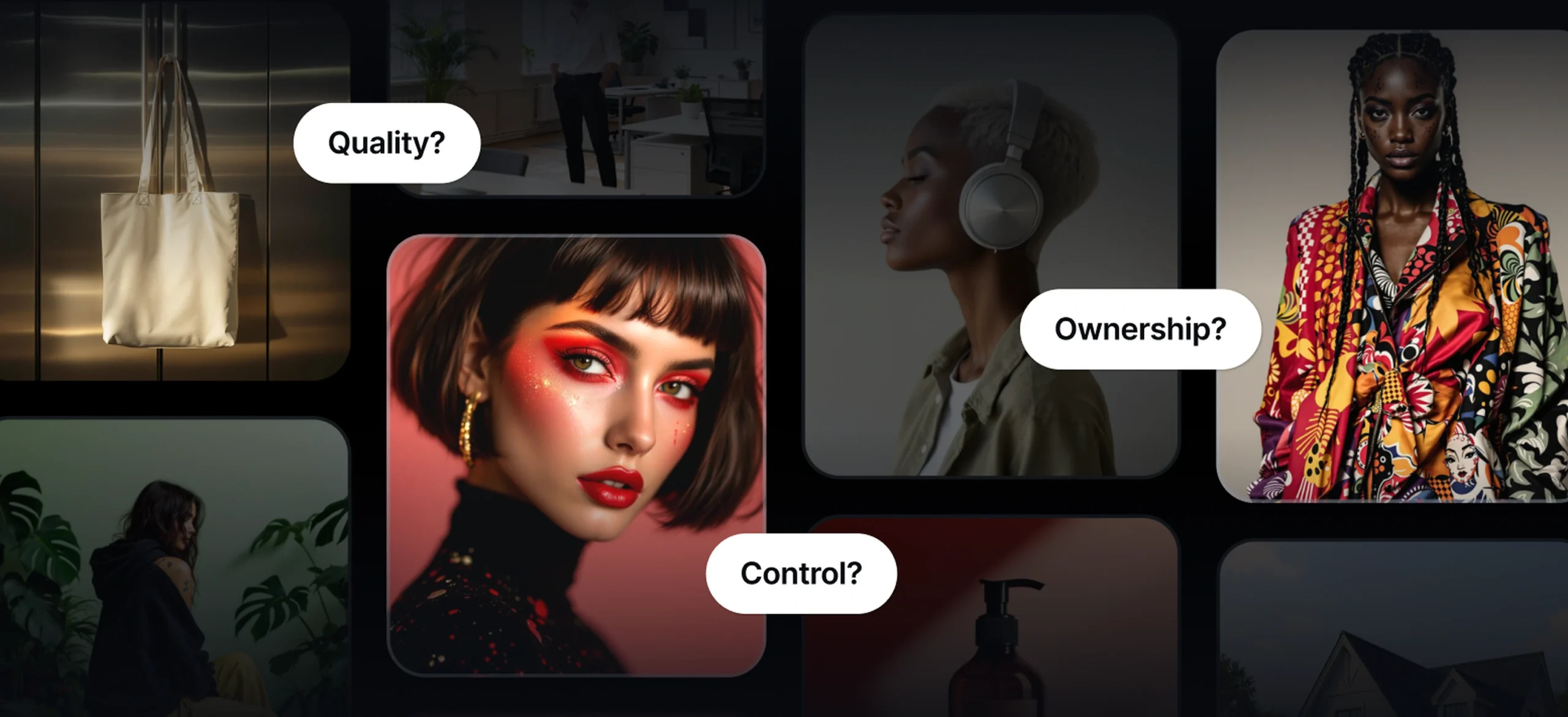
In fact, a 2024 study of over 2,000 creative professionals by Adobe found that while AI tools save time, the biggest concerns are image quality, ownership rights, and lack of control. That means the wrong choice could hurt your work more than help it.
This guide breaks down the essentials every creative should know before committing to an AI art generator. From learning how to write better prompts to exploring what makes a realistic AI image generator effective, the goal is to help you choose a tool that fuels your vision instead of limiting it.
The hype vs. reality of AI art generators

AI art generators can be powerful tools, but the gap between marketing promises and day-to-day performance is real.
Creatives should weigh these trade-offs carefully before choosing one.
- The promise is big: AI image tools market themselves on speed, creativity, and experimentation. Many creatives agree they help with brainstorming and productivity, as shown in Adobe’s 2024 survey of over 2,500 professionals.
- Performance varies widely: Benchmarks like the HEIM study reveal big differences across models in areas like alignment, realism, and bias. Some tools excel at detail, while others fall short on style fidelity.
- Instruction-following remains tricky: Even newer metrics show that many models still stumble when rendering accurate text or following complex prompts.
- Licensing is a gray area: U.S. copyright policy emphasizes human authorship, making ownership of fully machine-generated works uncertain.
- Legal cases highlight risks: The ongoing Getty Images v. Stability AI case shows how unsettled data rights and watermark use remain.
Costs add up fast: Credit-based systems can appear affordable, but as with Adobe’s generative credit model, credits vanish quickly when generating at high resolution or iterating multiple times.
6 key factors to consider before choosing the best AI art image generator
Beyond flashy previews and quick results, the real test is whether an AI art image generator delivers on quality, control, licensing, workflow fit, and cost.
We present the six factors every creative person should weigh before making a choice.
1. Image quality & resolution

Common problem: Low resolution or limited export size means your images won’t scale for print, large displays, or high-detail work. Also, watch out for poor upscaling that introduces artifacts (blurry edges, weird texture noise).
- Recent benchmarks (like Procyon AI Image Generation Benchmark) compare popular models (Stable Diffusion, etc.) by supported resolution, quality of textures, and clarity. For example, some models might only produce clean results up to 512×512 px while others manage 1024×1024 px or more with acceptable fidelity.
- Tools differ not just in native resolution, but how well they upscale. Some use super-resolution modules or cascaded diffusion (lower res → progressively higher) to maintain detail. The academic paper Cascaded Diffusion Models for High Fidelity Image Generation shows how such pipelines help produce high-resolution output with fewer artifacts.
Practical advice:
- Always check the maximum export resolution and whether upscaling is an option.
- Generate test images with your kinds of content (detailed textures, small text, fine lines) to see where the performance drops.
- If you’ll need prints or large digital displays, aim for tools that reliably deliver 2K-4K or support good super-resolution.
If you’re exploring tools built specifically to handle realism, check out this guide on what makes a realistic AI image generator effective in professional workflows.
2. Style range & fidelity

Common problem: The generator produces “good enough” output for generic prompts but fails when you want a specific style (watercolor, anime, photorealistic, etc.) or consistent output across multiple generations.
- Benchmarks like Google’s Gecko evaluate text-to-image models by “sub-skills” (textures, object interactions, realism, style fidelity) and show that some models do very well in one style but lag severely in others.
- In 2025, comparisons of AI image models show that platforms differ in how strictly they follow prompts about style. One model might do wonderful photorealism but produce weird color palettes or distort shapes when asked for “cartoon style” or “line art.”
A useful way to test this is through prompt iteration. Articles like these prompt writing tips can help you refine inputs so you can see if a generator adapts well across styles — or if it collapses under complexity.
Practical advice:
- Try multiple prompts that reflect your usual work: different styles, lighting, subjects. See how consistent the output is.
- If you need brand consistency, check whether the tool allows “style locking” (i.e., reusing the same style or seed) or fine-tuning.
- Keep an eye on model versioning: often newer versions improve style fidelity or add style options.
Some platforms help close this gap by offering tools that generate batches of graphics in a unified aesthetic. For example, features like AI image sets allow creatives to keep the same style across multiple outputs, saving time and ensuring brand consistency.
3. Ease of use & customization

Common problem: Black-box tools where you can’t tweak much. Minimal control can lead to creative frustration: you waste time trying to get what you need, or you end up with outputs that don’t match your vision.
- Some tools offer prompt refinement, prompt weighting, negative prompts, seed control, layering, or masking. Others give you only a basic prompt → output pipeline. In user reviews (2025 model comparisons), people praise tools like Midjourney, Stable Diffusion derivatives, or Adobe Firefly for giving more control.
- Tools that provide “retry / variations” baked in reduce waste. Also, tools with editing post-generation (e.g, inpainting, mask editing) allow fixing issues without restarting from scratch.
For instance, some platforms suggest layout adjustments, color harmonies, or adaptive refinements automatically (learn more via this piece on AI-powered design optimization). These features let you retain creative control without being stuck doing repetitive iterations.
Practical advice:
- Before committing, try tasks where you need control: fine details, adjusting lighting, color, and fixing errors. See how flexible the tool is.
- See if there’s a free tier or trial that allows you to experiment.
- Check the UI: Is prompt entry intuitive? How easy is it to review and tweak outputs? Can you use masking, layering, or selective editing?
4. Licensing & commercial rights

Common problem: Assuming the output is yours to do anything with. Sometimes the free/personal version has restrictions. Or the platform’s training data has licensing issues that could lead to legal risk.
- Articles like Licensing Restrictions on Commercial Use of AI Outputs show big variation among providers: some allow commercial use without attribution, others place territorial or usage limitations.
- The legal landscape includes cases like Getty Images vs. Stability AI, where the use of copyrighted photos in training raised litigation. This shows that training data rights can affect your output rights, especially if your output resembles copyrighted works.
- Guides like How to license AI-generated content for commercial use the right way emphasize reading Terms of Service carefully, knowing whether you need attribution, whether you can use the output commercially, and if there’s any limitation depending on whether you’re using a paid plan or a free plan.
- For creatives, clarity matters. Platforms that publish clear values and guardrails—like Kittl’s AI manifesto — help you understand not only what rights you have, but also how the company approaches responsible AI. That transparency can be just as important as the license itself.
Practical advice:
- Always read the licensing / Terms of Use for the tool, especially sections on “ownership of outputs,” “training data origin,” and “commercial use.”
- Compare paid vs free tiers: sometimes paid tiers give you stronger commercial usage rights.
- If you plan to sell, publish, or use in branding or client work, consider only tools with explicit commercial usage and ideally with “royalty-free” or “you own the output entirely” terms.
5. Integration with your workflow

Common problem: Tool outputs sit in isolation. If exporting, importing, editing, or collaborating is cumbersome, what seems like a fast workflow becomes fragmented and slow.
- Many creators use tools like Photoshop, Illustrator, Figma, etc. Some AI tools have plugins or direct exports to PSD, SVG, or vector formats; others only give flat raster files. That affects how easily you can edit, layer, and mask afterwards.
- In model comparisons, users mention that tools offering direct API access or integration into existing suites help speed up iteration and reduce manual overhead. For example, Adobe Firefly is built to fit into the Creative Cloud ecosystem.
Practical advice:
- Map your usual workflow (which apps you use, file formats, team collaboration). Test whether the AI tool fits into that.
- Look for tools with export options in the formats you need (PSD, PNG, SVG, etc.). Prefer ones that allow layered or maskable output.
- Check how easy it is to move between tools: can you take output from the AI generator → editable in Photoshop or elsewhere without losing quality?
6. Pricing & credits

Common problem: Hidden costs. What seems cheap or free may cost you more when you upscale, generate many variations, or need premium features. Also, watch out for subscription lock-ins or pay-as-you-go surprises.
- Some platforms use credit systems: each image, each upscale, or variation uses a credit or tokens. Free or low-tier accounts often have very low credit allowances or slower processing, and once you exceed those, credits can cost disproportionately.
- Comparisons of 2025 generation tools show that some models give generous free trials, but then charge heavily for “pro” features (higher resolution, faster queue, priority access). Users often note that experimentation eats up credits quickly.
- Also, some tools charge per feature (e.g., mask editing, commercial usage, layers), so these extras add up.
Practical advice:
- Estimate how many images, variations, and upscales you’ll typically need, and see how many credits or cost that amounts to.
- Check for free vs paid plans; compare what features are locked behind paywalls.
- Pay attention to recurring costs (subscriptions) vs one-off payments; see whether costs rise as you demand more (higher resolution, more iterations, faster processing).
Quick comparison snapshot for choosing the AI art image generator that works for you
Choosing the right AI art image generator depends on more than just the pictures it produces. Resolution, licensing clarity, costs, and workflow fit all play a role. Some tools excel at artistic experimentation, others at broad customization.
Kittl often stands out because it combines high-resolution exports with vector support, offers clear commercial licensing, and integrates directly with design tools and templates.
This balance makes it a practical choice for creatives who want both quality output and an efficient workflow.
| Tool | Max / high resolution & export types | Licensing / commercial rights | Cost / credits model | Strengths / what it does well |
| Kittl | Upscaler supports up to 4096×4096 px exports. Offers vector exports (e.g., PDF, scalable formats) on Pro/Expert plans. | Paid plans (Pro & Expert) give you exclusive ownership of AI-generated images. The free plan allows commercial use but with attribution; paid removes the attribution requirement. | Freemium: free tier with limited tokens; Pro/Expert plans increase tokens, export options, and project limits. | Strong in designs involving text, vector elements, branding, and packaging. Good template library + design assets + vector tools + upscaler make it very practical for design work. Includes Ideogram, Flux, Seedream 3, and Google Imagen 4 |
| Midjourney | Extremely high resolution possible (with upscaling / up-rendering), especially for art/photorealistic/abstract imagery. | Commercial use allowed under paid subscription; rights are governed by Midjourney’s terms. There can be restrictions depending on the subscription level. | Subscription-based; cost increases with higher usage / faster rendering. No free version (or very limited). | Very strong at producing highly stylized, artistic concept art; excels when you want visual richness, fantasy, and surrealism. |
| Stable Diffusion (hosted / local) | Resolution depends on model version & compute. Many users can go high (4K+), but local hardware/setup affects quality. | Usually, very permissive licensing (open source), but usage rights depend on how and where the model was trained; for commercial use, you must check the model license. | Cost mostly variable: hardware/cloud usage or hosting fees, no fixed “subscription” in some setups. | Maximum flexibility: ability to self-host, fine-tune models, pick specific styles, and high control. |
Key takeaways for choosing an AI art image generator
Before you decide on an AI art image generator, run through this quick checklist. These essentials can help you avoid wasted time, hidden costs, or legal headaches:
- High-resolution output. Make sure the tool supports export sizes that work for both print and digital projects.
- Clear commercial license. Look for explicit ownership terms so you can use your images confidently for client or brand work.
- Flexible styles. Choose a generator that handles the range of aesthetics you need, from photorealism to illustration.
- Affordable and transparent pricing. Factor in credits, subscriptions, and hidden fees before you commit.
- Fits your creative workflow. Confirm that exports integrate smoothly into your existing tools and processes.
Choosing the right AI art image generator
Choosing an AI art image generator without doing your homework can cost you more than money.
It can affect the quality of your work and even your credibility as a creative. Many tools promise speed and inspiration, but only a few deliver on the essentials that matter most: quality, rights, style, and workflow fit.
With these key factors in mind, you’ll be able to pick a generator that actually fuels your creativity instead of holding it back.
For many professionals, platforms that combine high-resolution exports, clear licensing, and design-ready features, like Kittl, strike the right balance.
Next step: Try out a tool that matches your workflow, or explore our deep-dive reviews to see how today’s most popular generators stack up side by side.