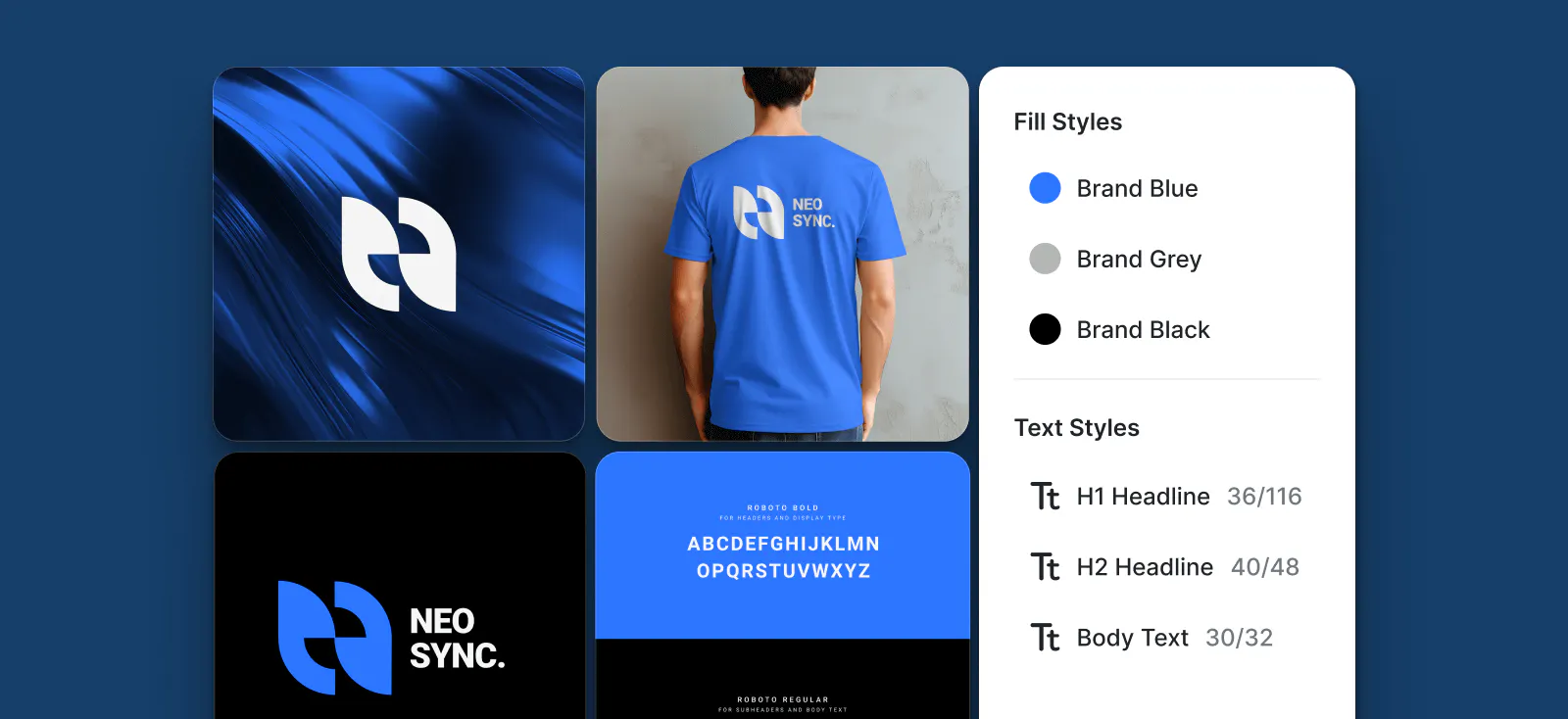
Maintaining consistent branding across projects and platforms has been one one of the biggest challenges we’ve noticed as designers. Whether you’re working solo or in a team, it’s tedious to maintain brand consistency with multiple designs across projects. That’s why we created Brand Kits, a convenient way to create, save, and reuse key branding elements in different projects. Brand Kits ensure your designs stay consistent and professional across every project without tedious repetitive work.
How it works
1. Create a new Brand Kit
- Go to the Brand Kits menu in the toolbar.
- Select + New Brand Kit to create a new kit for your branding assets (coming soon) and styles.
2. Add assets to your Brand Kit (coming soon)
- Click + New Asset to upload or save reusable assets, such as logos, images, shapes, and more.
- Alternatively, on the canvas, right click on the object to convert to an asset, and hit “Create Asset”
3. Customize styles in your Brand Kit
- Switch to the Styles tab in the Brand Kits menu to add and manage your brands visual elements.
4. Add or edit the following styles
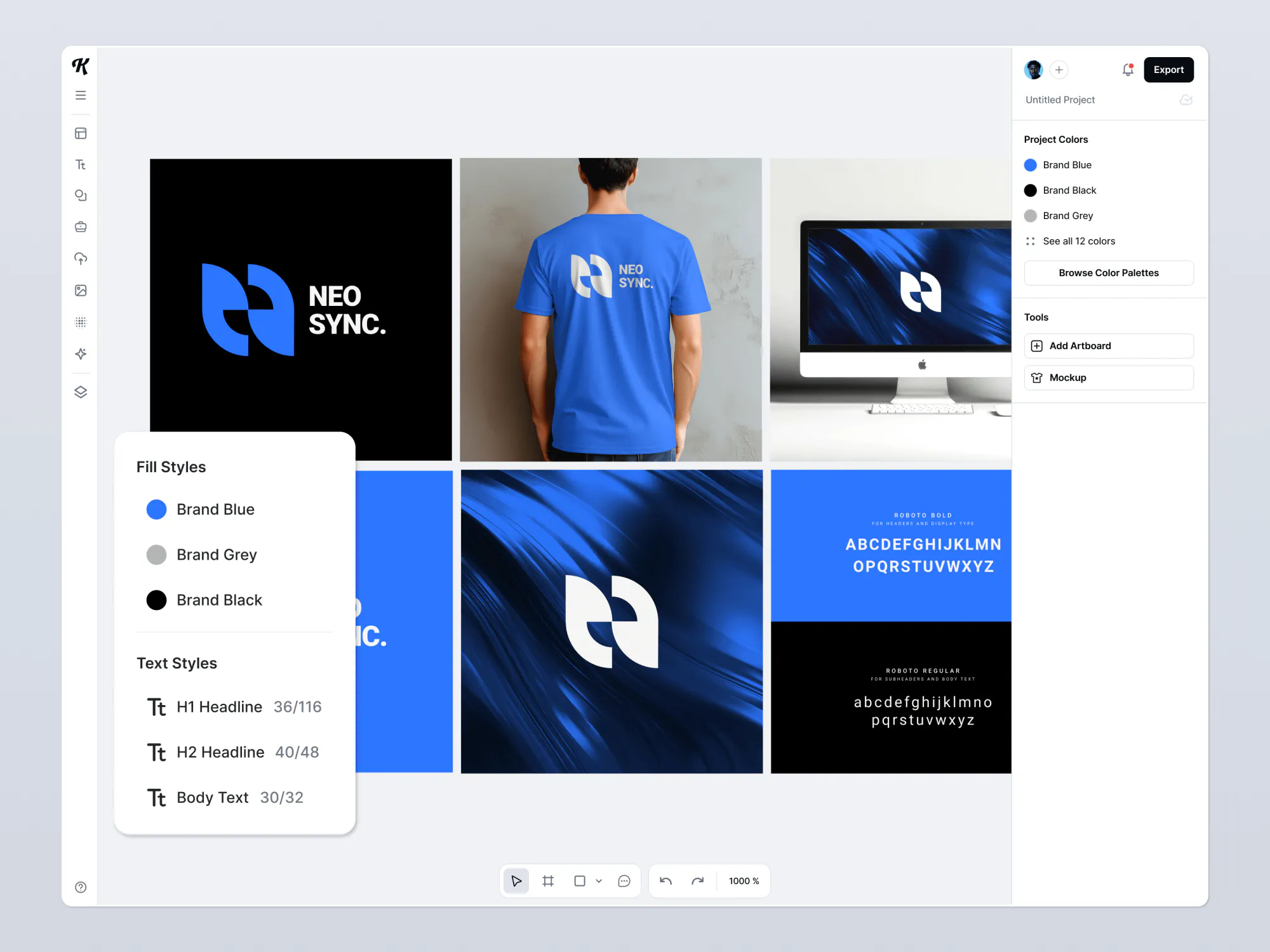
- Text Styles for consistent typography.
- Color Styles for your brands palette.
- Shadow Styles to add depth and effects.
- Text Shading Styles for creative text highlights.
- Text Decoration Styles for underlines, borders, and other embellishments.
- Photo Filter Styles for a cohesive look across all images.
5. Access and apply your Brand Kit
- Use your saved assets and styles across all your projects directly from the Brand Kits panel, ensuring consistency and efficiency in your design workflow.
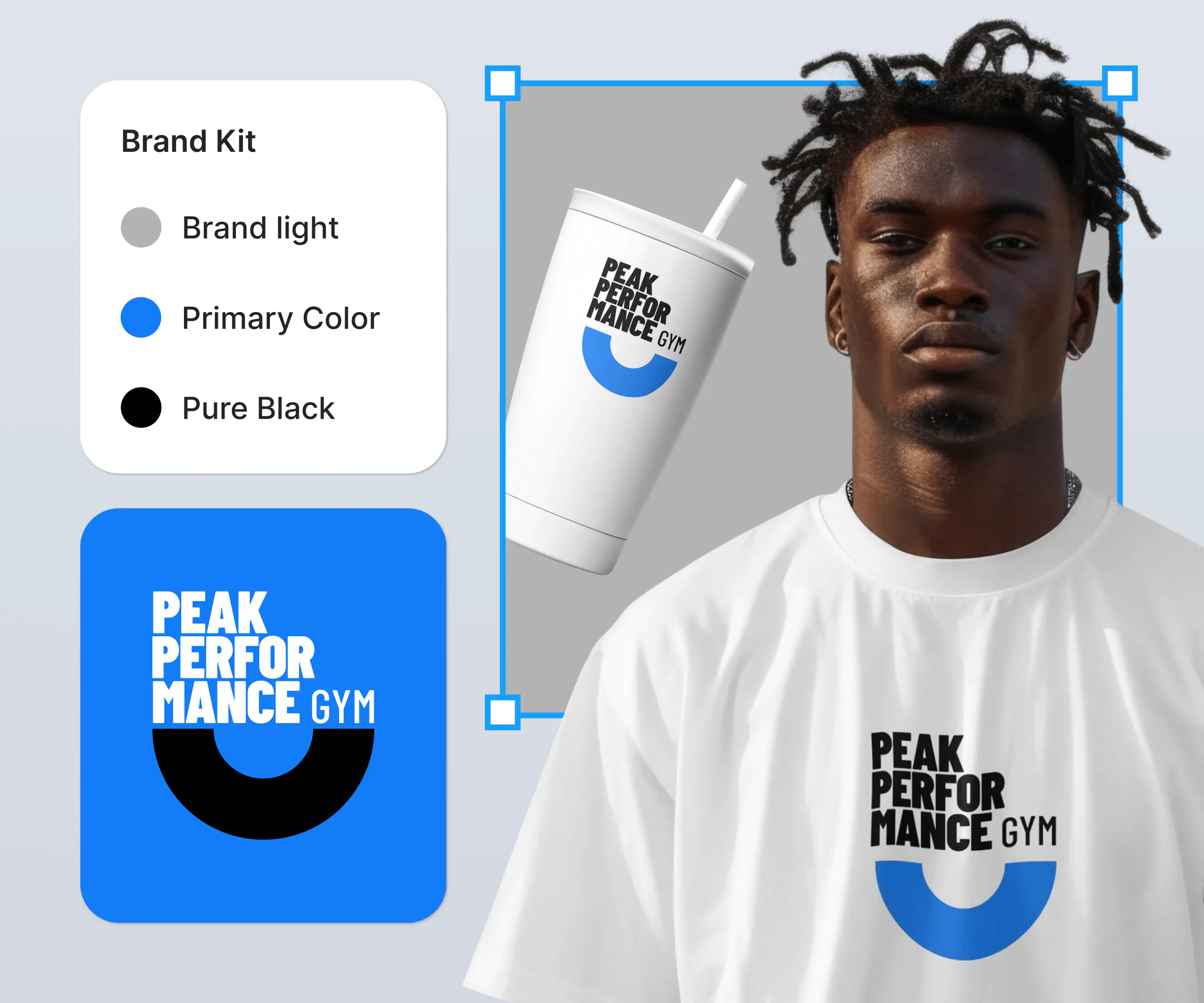
Key benefits of Brand Kits
Consistency across projects
Apply cohesive branding across projects by reusing the same saved assets and styles in every design without the headache of doing it manually.
Efficient design updates
Update branding across all designs in one click, avoiding interruptions caused by opening multiple projects and manually adjusting fonts, colors, or other assets.
Scalability for teams
Align with teammates and other stakeholders with ease by sharing Brand Kits.
Full customization
Customize Brand Kits to whatever extent you need, adding as many assets and styles as your projects require.
Use cases
Marketing and branding
Reuse logos, color palettes, and typography styles across marketing assets like social media posts, banners, ads, and more.
Product design
Save and apply design elements like textures and patterns across different assets like packaging, ads, and web pages.
Team collaboration
Keep team members on the same page for brand consistency.
Client-facing projects
Simplify managing different clients’ brand elements with separate Brand Kits for each.
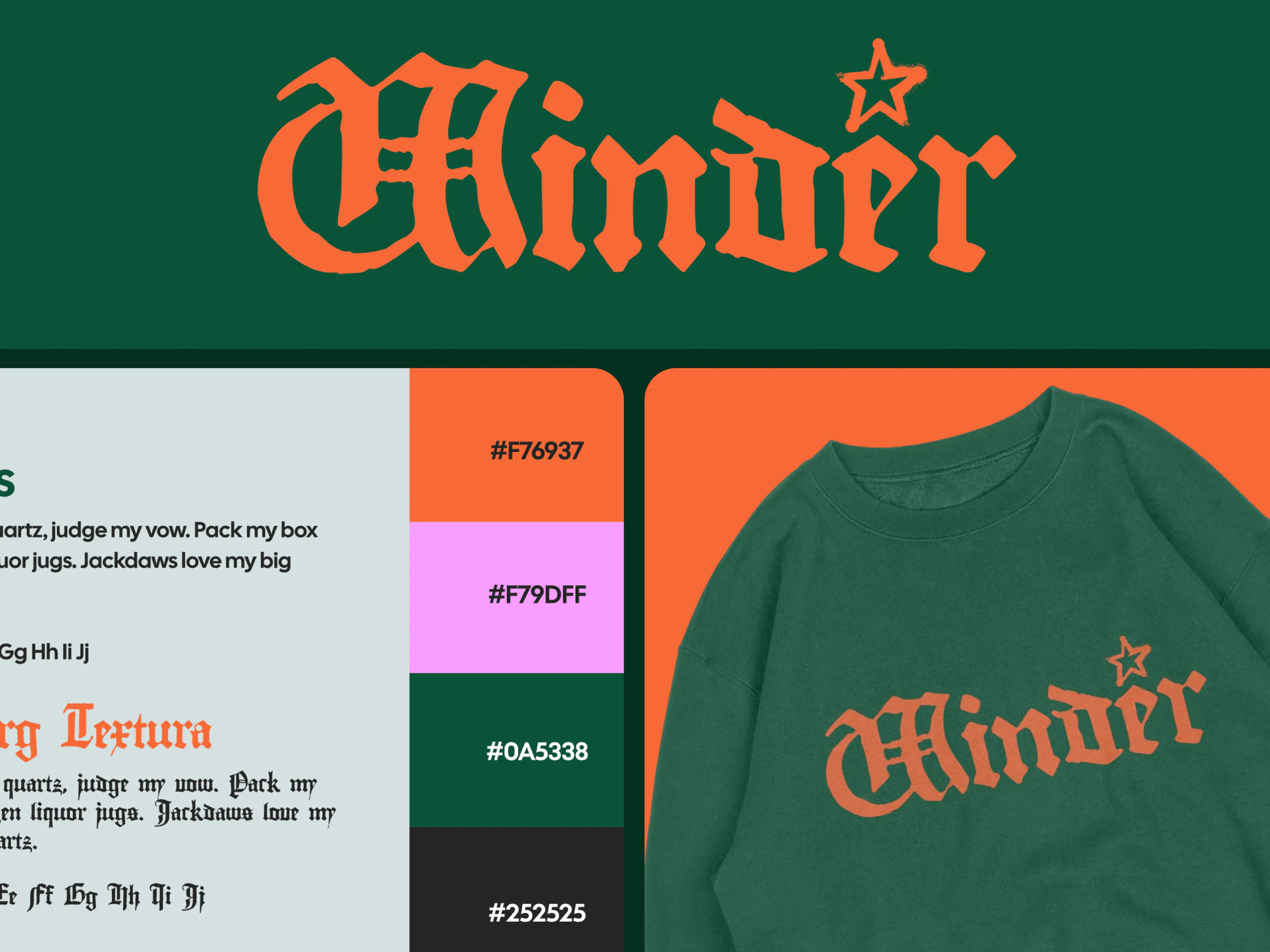
Why this matters
Brand Kits turn an essential process in graphic design from a tedious, time-consuming process into an efficient one. Whether working solo or within a team, you can finally stop losing time with inconsistent work and instead focus on your project’s success.
Try adding your brand’s favorite colors and fonts, and see how you can transform your designs with a few simple clicks.

Kittl gives you the power of a world-class creative agency on one platform. Build product imagery, labels, packaging, and campaign assets in one place, with AI tools, a professional editor, and templates built by some of the best designers in their fields. Set your brand once, then create on brand every time.