Ever typed a prompt into an AI image generator and thought, “Why doesn’t this look anything like what I imagined?”
You’re not alone. Most people learn prompting by guessing — adding adjectives, removing them, hoping something clicks. And in 2024, that guesswork matters more than ever.
A recent Frontiers in Education study highlights prompt-building as a core 21st-century skill, because the quality of your prompt directly shapes the quality of any AI-generated image.
In other words, learning how to write better prompts isn’t optional anymore. It’s part of becoming a better designer.
That’s where AI design prompts come in. A well-structured prompt doesn’t just describe an image. It controls lighting, style, mood, perspective, texture, and composition — the same decisions a designer makes manually.And once you see how prompt structure works, your results become clearer, faster, and far more predictable.
This guide will break down that structure. You’ll learn the vocabulary, the anatomy of a good prompt, and real examples you can plug into your next design — whether you’re building logos, posters, product shots, or moodboards.
If you’re ready to stop guessing and start prompting with confidence, let’s begin.
Dive into Kittl’s AI full guide to learn effective prompts, choose the right models, and see real-world applications that help you create standout visuals.
How to write better AI design prompts (with examples)

The way you write a prompt directly affects how AI interprets your idea. A regular prompt gives instructions, but a preferred prompt gives structure — helping define lighting, style, and technical details so the model knows exactly what to prioritize.
You can see this across different models in Kittl, from the artistic flexibility of Seedream, to the typography precision of Ideogram, the speed and concept range of Flux Pro, and the photoreal control in Kittl AI 2.0 (DALL·E).
Let’s check out how it pans out in a real scenario:
1. Design prompting
| Prompt Structure | Example |
| [Technical details] + [Lighting] + [Subject/Main concept] + [Perspective/Composition] + [Action/Pose] + [Setting/Environment] + [Style/Aesthetic] + | Example: editorial photograph. soft diffused studio lighting. a giant pair of sunglasses placed naturally on top of a mountain hill. refined details, polished finish, luxurious, adventurous theme. |
Result :

2. Regular prompting
| Prompt Structure | Example |
| [Subject/Main concept] + [Setting/Environment] + [Action/Pose] + [Lighting] + [Style/Aesthetic] + [Technical details] + [Perspective/Composition] | Example: “A giant pair of sunglasses placed naturally on top of a mountain hill in an editorial photograph. Use soft, diffused studio lighting to create a clean, aspirational tone, emphasizing the sleek design and pristine environment. Focus on refined details and a polished finish to convey a sense of luxury and adventure.” |
Result :

Keep these quick rules in mind when you start prompting:
- Be specific: Include subject, mood, and setting.
- Structure clearly: Start with the main concept, then add details.
- Use positive language: Say what you want, not what you don’t.
- Add style references: Mention art styles or lighting setups to guide results.
- Experiment: One great image usually takes a few rounds.
You’ll notice that good prompts follow a rhythm. Start with the subject, layer details, then add mood and quality terms like “highly detailed” or “award-winning.”
Once you grasp that structure, editing prompts feels more like fine-tuning design notes than writing instructions.
Want to know which parts of your prompt to emphasize for the 12 different AI models in Kittl? Read this article to find out.
How to use Kittl’s AI design templates to learn how to prompt

The way you describe your idea to AI shapes how it’s visualized. Each Kittl AI Design Template shows the full prompt and the model used, so you can see how phrasing changes style, lighting, and composition in real time.
So you’d want to open a template, read the prompt once, and swap out a word or two to see how the image changes.
Generate, compare, and repeat until you find the version that fits your vision. Over time, saving what works will help you recognize patterns and write stronger prompts faster.
Here, try them with these templates:

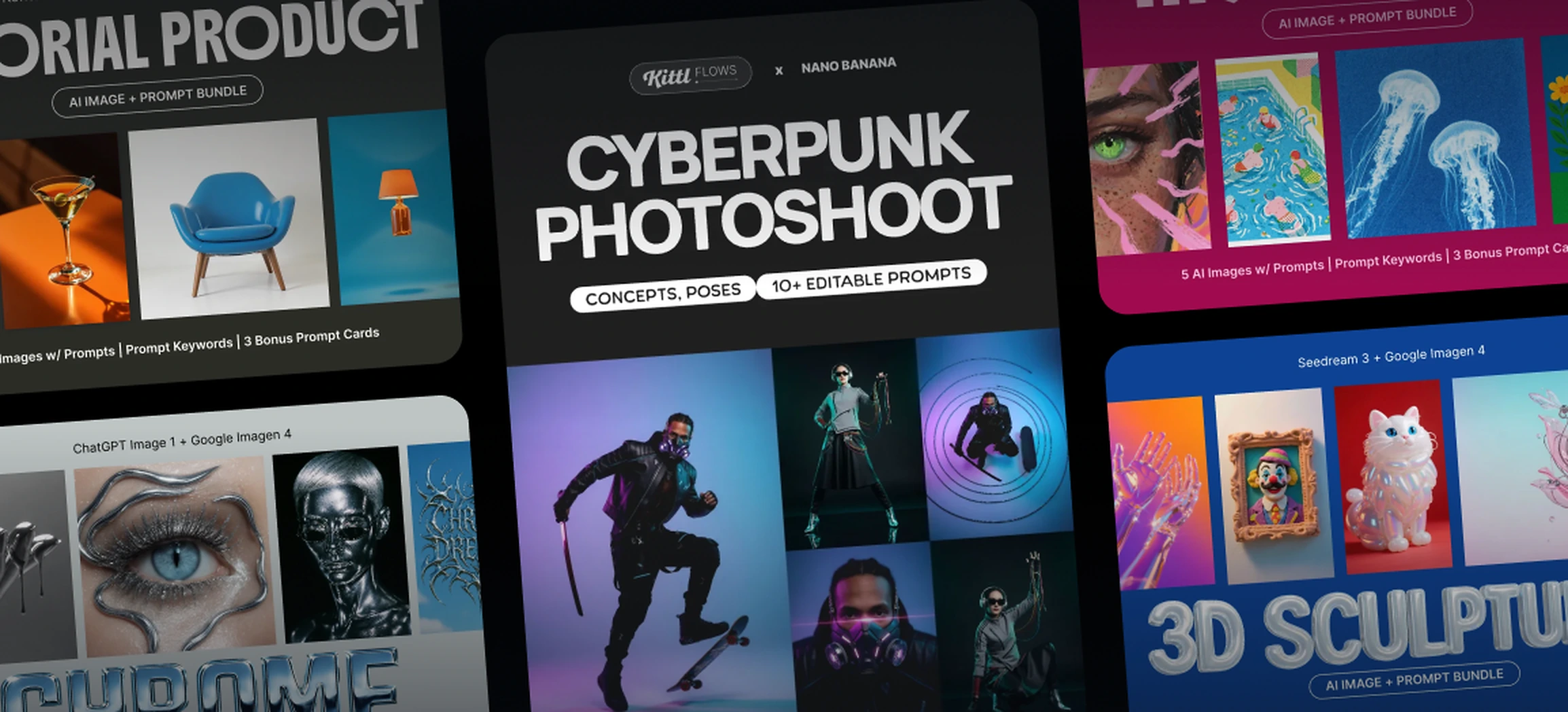
Wildlife Photography Prompt Bundle. Use Template

Chrome Theme AI Prompt Bundle. Use Template

Film Photography Prompt Bundle. Use Template

Liminal Spaces Prompt Bundle. Use Template

Bold Quirky Prompt Bundle. Use Template

Creative Editorial Prompt Bundle. Use Template

That’s it!
The more you play, the faster you’ll understand how AI interprets your ideas, and soon, writing prompts will feel as natural as sketching layouts.
If you’re not sure where to start, we’ve put together a prompt vocabulary list below. These are a set of verbs, styles, and keywords you can plug directly into your template prompts to experiment and build confidence.
Prompt vocabulary: Words that help you create better AI design prompts
So, you’ve tried out the templates above but aren’t quite sure what to write or plug in?
Don’t worry, that’s completely normal. Most of the time, getting the perfect result just comes down to choosing the right words.
The more precisely you describe your idea, the closer AI gets to matching your vision.
Having a solid bank of words for lighting, perspective, or style helps you fine-tune prompts and create assets that actually look the way you imagined.
1. Technical details
Technical details define the clarity and precision of an image. In design prompting, they help AI understand how refined or realistic the final output should be.

2. Lighting
Lighting describes how brightness, shadows, and contrast shape a scene. AI responds well to lighting cues because they guide mood and depth, making results feel more intentional.

3. Subject / Main Concept
The subject is the core idea or focus of your design — what the image is truly about. In design prompting, clearly naming your main concept gives the AI focus and helps it build around the right visual story.

4. Perspective / Composition
Perspective is the viewpoint, and composition is how elements are arranged. In design prompting, this helps AI organize visual balance and hierarchy instead of guessing layout.

5. Action / Pose
Action or pose defines what’s happening within the frame. AI reads these cues to add energy and storytelling, creating more dynamic and engaging visuals.

6. Setting / Environment
Setting and environment describe where your design takes place. AI uses this context to anchor visuals in a believable space that supports your main idea.

7. Style / Aesthetic
Style or aesthetic captures the creative tone of your design. In design prompting, it helps AI match the overall look and emotion you want — from modern and clean to artistic or dramatic.

Key takeaway: AI Design Templates that teach you to prompt
At Kittl, design isn’t a guessing game. It’s a learning process.
We believe that great design starts with understanding. The real value isn’t in how quickly you make something, but in knowing why it works. That’s why Kittl’s AI Design Templates do more than generate images,they teach you design principles as you create.
Here’s how Kittl’s AI Templates stand out:
- Prompt transparency:
Every template shows the exact AI prompt and model behind the result. This means every design is a live, interactive case study you can analyze and learn from. - Experiment and compare:
You don’t just click “generate.” You experiment, adjust words, and see firsthand how small prompt changes reshape your entire composition. - Designed for creative growth:
Kittl focuses on building your creative intuition, not just your output speed. Every prompt tweak becomes a lesson in design language and visual storytelling. - Transparent workflow:
The AI design process isn’t hidden. It’s part of your workflow — open, interactive, and made to help you grow as a designer. - Templates that teach:
Kittl’s AI Templates aren’t just shortcuts. They’re tools that help you design with intention, clarity, and curiosity.
When you understand the process behind each result, you don’t just make better images. You develop real design skills, turning every project into a step toward creative mastery.
Want to learn design, not just make it? Kittl is where you grow.
Dive into Kittl’s AI full guide to learn effective prompts, choose the right models, and see real-world applications that help you create standout visuals.