You know which design sells best in your shop. The style works, the product works, people buy it. The hard part is doing it again: new designs for every season, mockups, fresh listing images for every product.
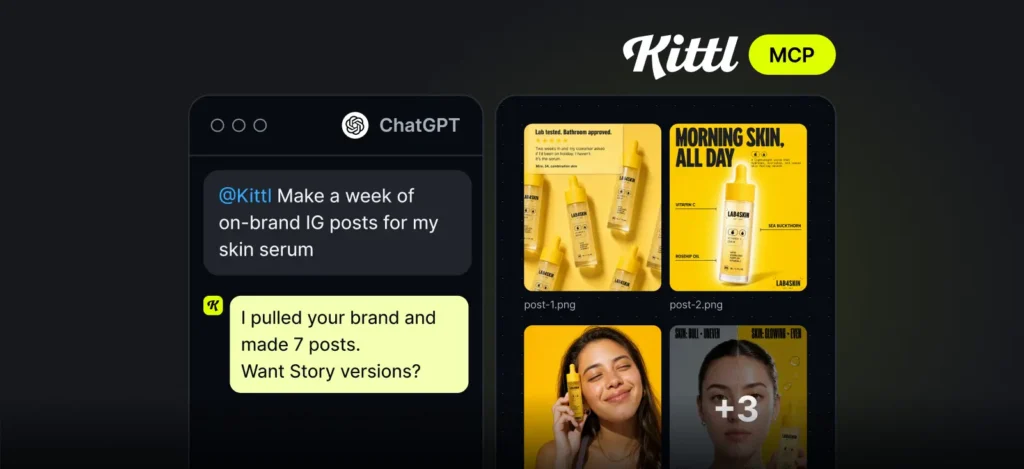
Kittl MCP changes that. Connect Kittl to ChatGPT or Claude and your assistant runs the whole process on every design at once, while you stay in the conversation and decide what goes live.
Get 300 free images
Connect Kittl to ChatGPT or Claude and get 300 free images on any paid plan*. Your free images are ready as soon as you connect, and you have 7 days to use them.
How batch listings work
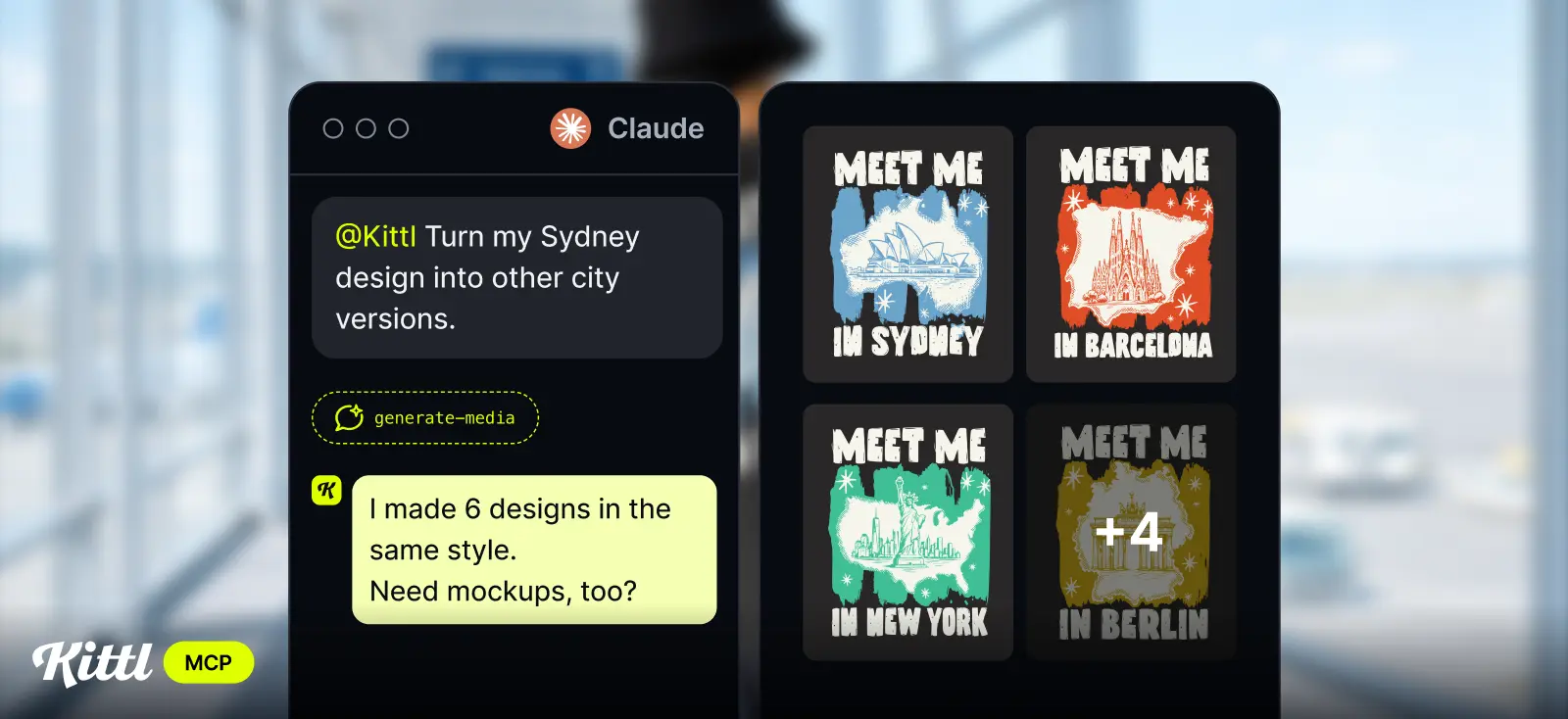
Your assistant is great at planning. But ask it for product visuals and you know the result: it changes your product, drifts off-Start with the design that already sells. Ask your assistant to create new versions of it: a new season, a new theme, a new colour story. Kittl keeps the style that made the original work and gives you 10+ variations in one go.
From there, keep going in the same chat. Mock up every new design on the products you sell, add them to your existing listing images in the same style, and turn them into short videos. Every step runs on the whole batch at once, not one file at a time.
One design that works becomes a whole collection, saved straight to Kittl.
Join our live demo (November 10)
In this session we’ll show you the Kittl MCP, a one-time connection that puts Kittl’s design tools inside the AI you already use. Ask any questions live.
What you can do for your listings
Four ways to put it to work this week. Copy the prompts, swap in your product, and go.

Seasonal drops
Holidays and seasons are when shoppers look for something new. Give your assistant the design and the occasion, and get a full set of variants built on what already works, for Christmas, Black Friday, Valentine’s Day, or summer. Pick your favourites and save them to a new folder for the drop.
Try: “Use Kittl to create 10 Christmas variants of my best-selling t-shirt design, keeping the same style.”

Mockups
Shoppers want to see the design on the exact product and colour they’re buying. Ask once and get every design from the batch on t-shirts, hoodies, and totes in all your colours, collected in one Kittl folder for review.
Try: “Use Kittl to mock up every design in my Christmas drop folder on white, black, and red t-shirts.”
Listing videos
Video catches the eye in a busy marketplace. Turn any mockup from the batch into a short clip for your listing, then reuse it on Instagram, TikTok, or Pinterest.
Try: “Use Kittl to turn my t-shirt mockup in my Christmas drop folder into a 5-second video.”
Tips for better batches
Start with “Use Kittl to…” Your assistant has its own image tools. Naming Kittl tells it which ones to use.
Use a folder per drop. Ask Kittl to save each batch to its own folder, like “Christmas drop” or “City collection”. It keeps every step of the batch in one place and makes the next request easier.
Say what to keep. Tell your assistant which parts of the best seller stay the same (layout, fonts, colours) and which can change. The clearer the brief, the more consistent the batch.
Review before you publish. Check each design and mockup before it goes live, and ask for variations on anything that isn’t right.
Finish in Kittl. Every result comes with a link back to Kittl. Open it there to fine-tune the details, export at full resolution, and save your mockups to your library.
Your next drop starts with your best seller
Every collection you’ve built by hand started with one design that sold. Now you can grow it from a single prompt, and spend the time you save on what comes next.
*Based on 1,500 tokens with ChatGPT 2.5 Flare. Other models use more tokens per image. Bonus tokens expire 7 days after you connect. Terms & Conditions apply.

Tobias Saul is a co-founder and chief product officer at Kittl, where he leads the vision for making professional design tools simpler, smarter, and more inspiring to use. With a background in typography, lettering, and graphic design, Tobias brings a deep appreciation for craft and detail to Kittl’s product and brand experience.