We’ve been busy. This month brings four new updates to speed up your creative work, plus a fresh batch of workflows for your Q4 launches.
You can now edit videos without leaving Kittl, keep your AI creations organised, build a full set of matching product shots in one go, and bring your own fonts into your brand kit. Less switching between tools, more time getting your products in front of buyers.
Here’s what’s new in Kittl this month.
Almost over: Up to 45% off
Get 25% off your monthly plan or up to 45% off annual on Pro and Expert. Use code AGENT
Video editing
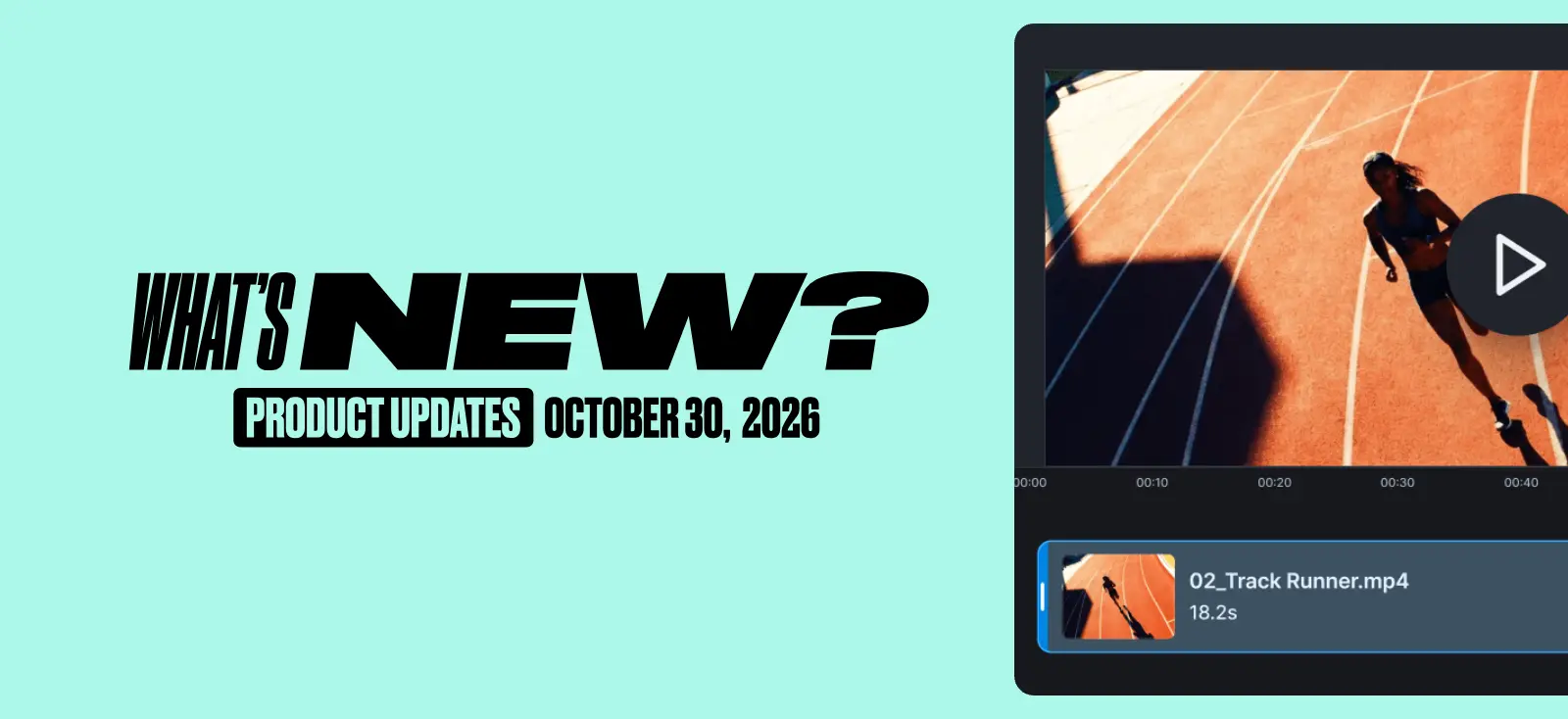
Your AI videos are now editable right inside Kittl. A new video editor lives on your dashboard, so you can go from generated clip to finished video without exporting to another tool.
Combine clips into one video, trim the parts you don’t need, split a clip to rearrange it, and change the speed to match the pace of your content. Everything happens on a simple timeline, and when you’re happy with it, you export it as an MP4 ready for TikTok, Instagram, or your product page.
Your edited projects are saved automatically. Start a video today, come back tomorrow, and pick up exactly where you left off.

How to use it
- Open any AI-generated video in the editor.
- Click Edit video.
- Combine, trim, split, or change the speed of your clips.
- Export your video in the right format and use it for your next launch today.
Delete & bulk download
Your AI creations now work like a proper asset library. Keep what you need, clear out what you don’t, and export everything you want in one go.
You can delete AI-generated images and videos from Dashboard → AI Creations, from Editor → My Creations, and from individual outputs in your workflow sessions. Need to handle a lot at once? Select multiple creations and use the new floating action bar to download or delete them together.
Deleting only clears items from your own history. Any designs that use them keep working, and anything you’ve published to the community stays live.

How to use it
- Go to Dashboard. Head to AI Creations or Editor. Select My Creations.
- Select one or more images and videos.
- Use the floating action bar to download or delete them.
- Export in the right format.
Multi-output for workflows
One anchor image, a whole set of product shots. Multi-output is now available in product visual workflows, starting with product listing.
Generate multiple product images in one go, all with the same look and feel. You pick one image as your anchor, and every output follows its mood, style, and visual treatment. The result is a consistent set of listing images that look like they came from the same shoot, ready for your store, your marketplace listings, or your next campaign.

How to use it
- Open the product listing workflow.
- Upload your product image.
- Choose one image as your anchor for mood and style.
- Generate multiple outputs. Different results in seconds from a single product image.
Custom fonts in brands
Your brand kit now holds your own fonts too. Upload custom fonts straight into your brand font collection, the same way you already do in the editor.
Your typography is a big part of what makes your brand recognisable. With your fonts saved in your brand kit, every label, listing image, and campaign asset you make pulls from the same system. Set it once and stay on brand everywhere.

How to use it
- Open your brand kit in the brand section.
- Go to your brand font collection.
- Upload your custom font files.
- Use them in any design, straight from your brand kit. Export your creations always on-brand.
New workflows, ready for your launches
This is the time when most of your sales happen, so we’ve added workflows built for exactly that. Trending video ad styles, seasonal statics for the biggest shopping moments of the year, and a few new formats to try. Add your product and your launch content is on its way.

Tobias Saul is a co-founder and chief product officer at Kittl, where he leads the vision for making professional design tools simpler, smarter, and more inspiring to use. With a background in typography, lettering, and graphic design, Tobias brings a deep appreciation for craft and detail to Kittl’s product and brand experience.