You know what you want to make. Now you’ve got someone to make it with.
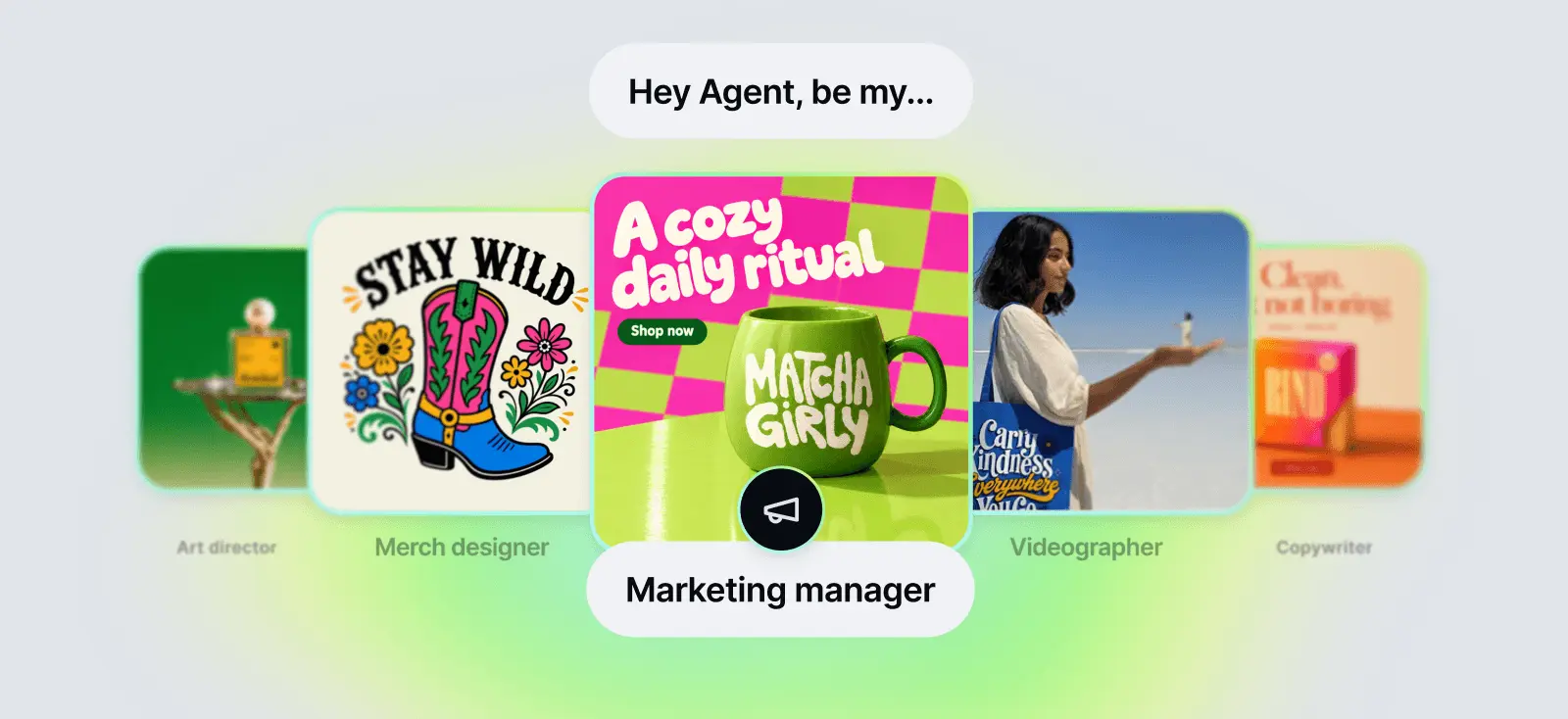
Kittl Creative Agent is a creative partner with professional skills built in. You describe your idea in plain words. It asks the right questions, shapes the concept, and builds it with you: logos, ads, product photos, merch, and video. You make every call.
It’s not another image generator. It works the way a creative agency would: understand the goal, develop the idea, create the work, and refine it until it’s ready to use. All in one conversation.
Limited time! Up to 45% off
Get 25% off your monthly plan or up to 45% off annual on Pro and Expert. Use code AGENT
How Creative Agent works
Three steps take you from a rough idea to finished work.

Brief it in plain words
Tell Creative Agent what you need, like you’d brief a designer. “I need an ad for my new citrus soap” is enough. Add a product photo or a reference if you have one.

Pick a direction
Creative Agent asks a few targeted questions about your brand, audience, and goal. Then it shapes the concept and shows you directions to choose from.

Refine and export
Keep talking. “Make it warmer.” “Make the product bigger.” “Same style, new layout.” Creative Agent remembers everything in the chat, so every version builds on the last one. When it’s right, download it and use it.
What makes it different
Generic AI gives you generic results. Creative Agent brings the expertise of a designer and a creative director to your idea. Here’s what that means in practice.
Expert skills built in
Branding, ads, product photography, merch, and video each follow their own professional workflow and quality bar. Ask for a logo and Creative Agent approaches it like a logo designer. Ask for an ad and it thinks like a creative director. The result is work that looks considered and on brand, not predictable.
Guided like a creative agency
Most people know the goal, not the concept. That’s where you get stuck or settle for the first idea. Creative Agent asks the right questions, shapes the concept, and pushes your idea further before it creates anything.
One continuous conversation
One prompt is never enough. Instead of regenerating and starting over, you develop a direction. Go from idea to concept to finished asset in one chat, across image and video, building on every version.
Start rough
You don’t need to know how to prompt, which model to use, or what inputs matter. A half-formed idea in plain words is enough. Creative Agent picks the approach and the tools, and asks for anything that’s missing.
What you can create
Creative Agent covers a whole creative skillset. Whether you’re preparing a product launch or a new listing, you can make it all in the same place.
If you sell your own products, use it for the full launch stack:
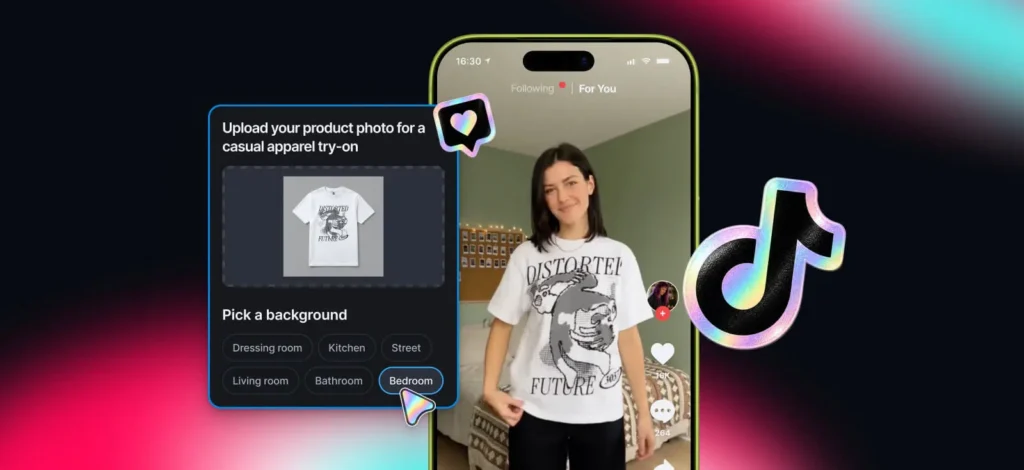
- Product photography for your website and shop, no studio needed
- Ad campaigns for social, built around your product
- Labels and packaging that match your brand
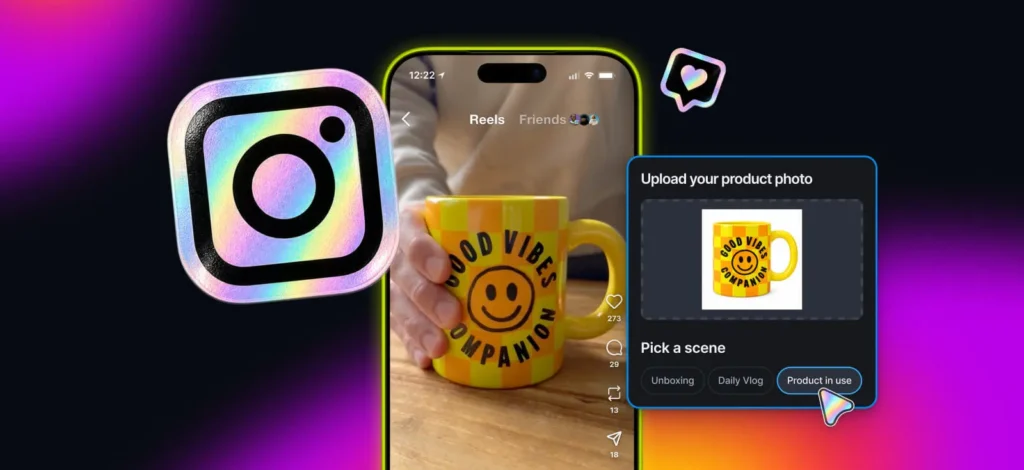
- UGC-style and product videos ready to post
- Logos and brand assets that stay consistent across every touchpoint
If you sell print-on-demand, use it to level up your listings:
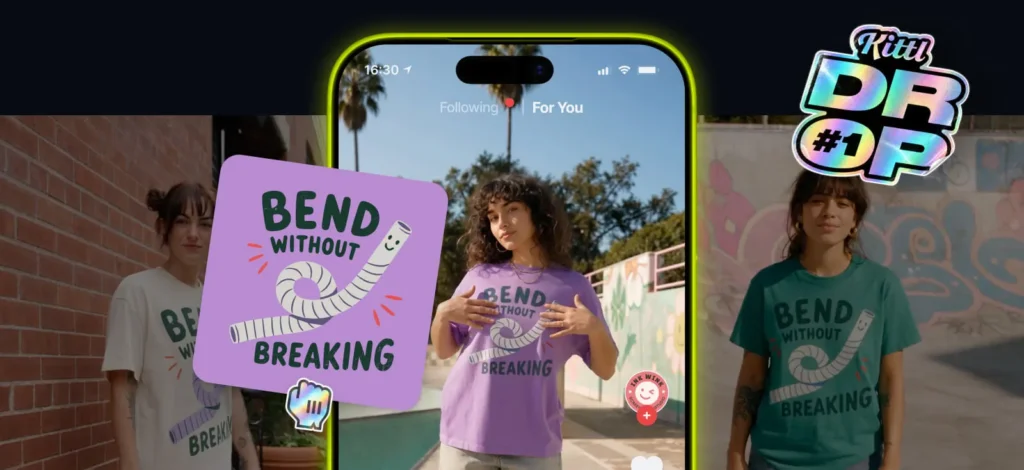
- T-shirt and apparel graphics for your next drop
- Product mockups and listing creatives
- Product videos that make your listings stand out
- Listing descriptions, written in the same chat as your designs
Working on one idea? Ask for several directions and Creative Agent creates distinct concepts, not small variations of the same one.
Edit without leaving the chat
You don’t need to find or set up a single tool. Just ask.
- “Remove the background from these images.”
- “Upscale this image.”
- “Vectorize this graphic.”
- “Reframe this for Instagram.”
Creative Agent can also chain steps together. Generate a graphic, remove its background, vectorize it, and place it on a mockup, all from one request.
Want to make a quick change yourself? Open any image in Quick Edit to remove a background, edit an area, add text, upscale, vectorize, or split it into layers. Then bring it back into the chat with Remix and keep building.
Every chat is saved in your history, so you can run several projects at once and pick up any of them later, right where you left off.

Tobias Saul is a co-founder and chief product officer at Kittl, where he leads the vision for making professional design tools simpler, smarter, and more inspiring to use. With a background in typography, lettering, and graphic design, Tobias brings a deep appreciation for craft and detail to Kittl’s product and brand experience.