New & Improved: Template Preview on Dashboard
We’ve revamped the Template Preview for a more inspiring and user-friendly experience.
Each template card now has just two buttons:
- Like to save favorites and get personalized suggestions
- Use Template to start editing instantly
Clicking a template opens a detailed preview instead of jumping to the editor. From there, you can browse similar templates, engage with the creator, and get inspired. The experience is optimized for both desktop and mobile. Try it out anytime, anywhere!
Other news and updates from the last few weeks:
- We’ve launched font bundles to help you match fonts and discover new styles – check out one of our faves here.
- We’ve upgraded our referral incentives to reward the community who share Kittl with their friends.
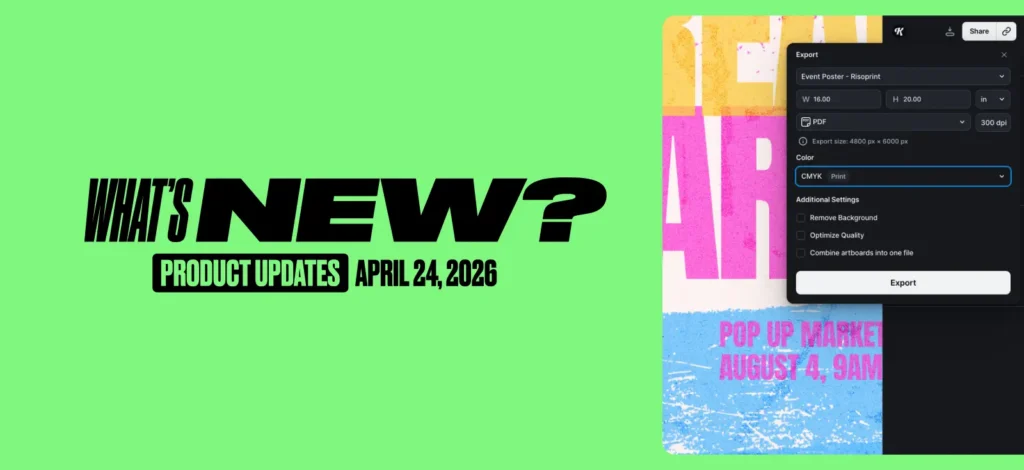
- Following your feedback, we’ve put back the direct export flow in editor to make it easier to download your designs.
We’ve got huge features launching next week – so keep an eye out! Until then, if you’ve got ideas for how we could make Kittl better – let us know here.

Kittl brings pro-quality templates, premium fonts, and AI-powered tools right to your browser. Drag, drop, customize, and share. Perfect for brands, creators, and anyone who loves great design. Kittl was made to give you seamless and fast design process.