In the past, graphic design felt like a secret art form. You needed expensive software, years of training, and an encyclopedic knowledge of layers, masks, and color spaces just to make something that looked professional.
But today, that gatekeeping has vanished. Thanks to modern graphic design tools, creating beautiful visuals is no longer a privilege reserved for pros; It’s something anyone can do.
Whether you’re a small business owner designing your first flyer, a content creator trying to make your posts look cohesive, or simply someone who wants to visualize an idea beautifully, the right tool can transform how you create.
So, what exactly is a graphic design tool? And why is it suddenly so accessible, even for non-designers? Let’s unpack that.
What is a graphic design tool?
A graphic design tool is software that helps you create visual content. Anything from posters and logos to social media posts, business cards, and beyond.
Traditional tools, like vector editors and photo manipulation software, were originally designed for professional designers. They required technical expertise and often had steep learning curves.
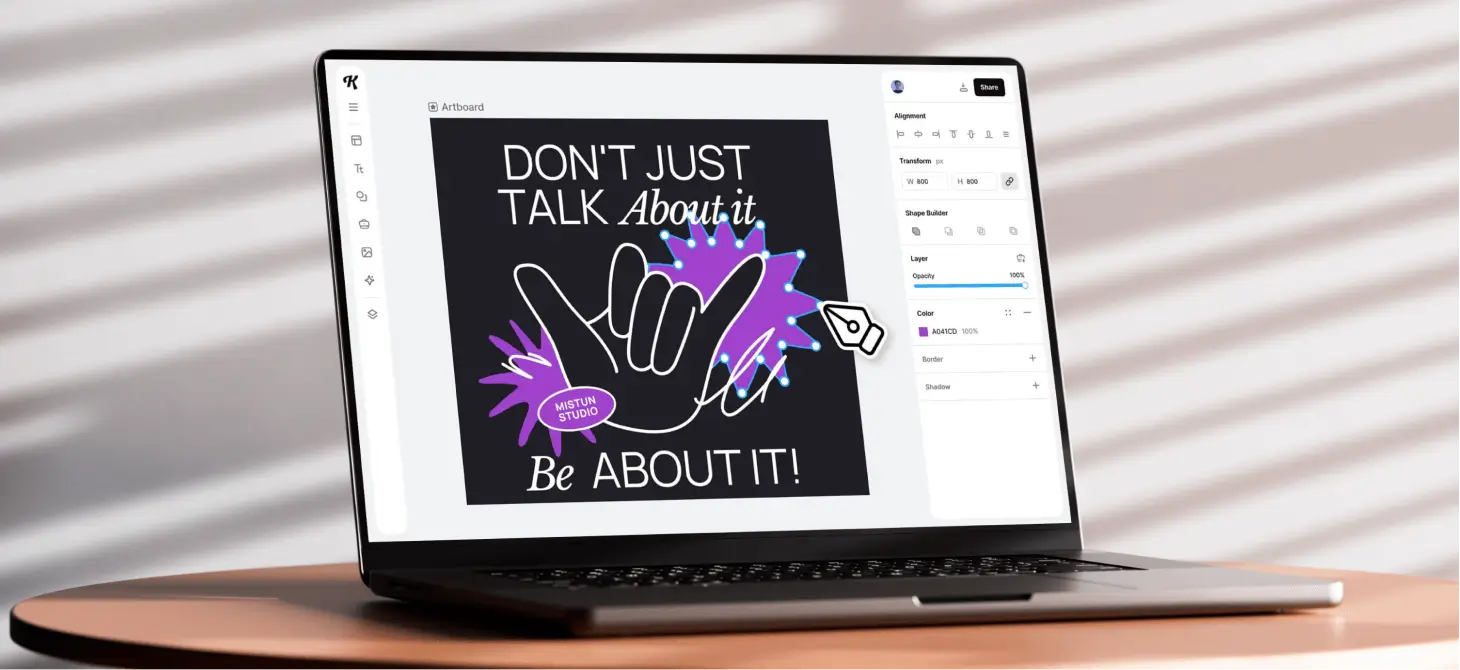
But today’s graphic design tools are designed for accessibility, speed, and creativity. Especially those that are web-based like Kittl.
They don’t just replicate what professionals use. They simplify it.
Modern tools combine templates, drag-and-drop functionality, and automation with professional-grade capabilities. That means anyone can design high-quality graphics without worrying about things like aspect ratios or complex export settings.
A graphic design tool typically includes features like:
- Templates: Pre-made layouts for flyers, posters, business cards, social media posts, and more.
- Text tools: Options to edit, stylize, and animate typography.
- Vector graphics and illustrations: Scalable elements that remain crisp at any size.
- Mockups: Generate high quality mockups for your products. Seeing your design on the real thing.
- AI tools: Generate images, remove objects, or enhance visuals with text prompts.
The result? You can start with a blank canvas or use professional templates as your foundation and end up with a finished piece that looks like it came from a design studio.
Pro Tip
Mockups are especially handy for small business owners. Check out why in our recent article here
How graphic design tools changed the game
Once upon a time, if you wanted a poster, you’d either hire a designer or open up a daunting program filled with dozens of toolbars. You’d wrestle with alignment, layers, and export settings before finally getting something usable.
Now, you can open a browser tab, pick a template, customize the colors, and have a ready-to-print poster in minutes.
Modern design tools have essentially removed friction from the creative process. You don’t need to be fluent in design jargon, you just need an idea.
1. Templates bridge the gap between ideas and execution

For non-designers, the hardest part is often knowing where to start. Blank canvases can feel intimidating. That’s where templates come in.
Templates give you professionally designed layouts to work with. So instead of building a flyer from scratch, you can start with something that already looks good and tweak it. You can adjust the text, replace the imagery, change the colors, and personalize the composition — all within a few clicks.
This gives you the confidence to experiment without worrying about “messing it up.” It’s like having a professional designer guide you through every step.
This gives you the confidence to experiment without worrying about “messing it up.” It’s like having a professional designer guide you through every step.
2. Accessibility has become the new standard
Many modern design tools are browser-based, meaning you don’t need high-end computers or big software installs. You can log in from anywhere, collaborate in real time, and access your projects on the go.
This accessibility is what makes design democratized. You don’t have to identify as a “designer” to create something beautiful. The tool does the heavy lifting. All you need to do is just bring the ideas.
For small businesses, this accessibility means they no longer have to outsource every visual. Marketing materials, product packaging, and even brand refreshes can now be created in-house.
3. AI is redefining design simplicity
AI-powered tools are changing how people interact with design.
Want a background removed? Type a prompt or click once. Need a new image for your poster? Generate it instantly. AI doesn’t just make things faster, it removes the technical barriers that once stood between concept and creation.
These tools don’t replace creativity; they enhance it. They give users more time to focus on storytelling, messaging, and visual impact rather than tedious manual edits.
Why graphic design tools empower non-designers
You don’t have to know kerning or hex codes to have good taste. Many people like marketers, teachers, founders, event planners already have creative ideas; they just lack the tools to express them visually.
Graphic design tools close that gap. Here’s how they empower anyone to create confidently:
1. They make design feel intuitive
Drag-and-drop interfaces mimic the way we naturally think and create. You move things around, resize elements, and test different ideas in real time. There’s no code, hidden panels, or confusing setup.
When creativity feels frictionless, you’re more likely to take risks and explore. That’s the essence of design empowerment.
2. They build confidence through templates and guidance
Most tools guide users through best practices without them even realizing it.
Margins, alignments, and font pairings are already optimized within templates. This means your work looks polished by default, even if you’re not consciously applying design principles.
3. They encourage brand consistency
Once you’ve found your colors, fonts, and logo, you can save them into a brand kit. This ensures every future design stays consistent across business cards, Instagram posts, or presentations.
That consistency builds trust. It makes even small brands look established and cohesive.
4. They save time and money
Hiring a designer is valuable but not always practical for every project. Design tools empower users to handle day-to-day visuals independently while still producing work that feels professional.
It’s not about replacing designers — it’s about empowering non-designers to handle smaller creative needs confidently and efficiently.
Not to mention, a good graphic design tool can also help you get access to everything you need for a great design under just one subscription.
Pro Tip
There’s so many graphic design tools to choose from, it might feel a little intimidating. In this article, we tackle what to look for in a good graphic designer tool.
From DIY chaos to creative control
Before modern tools, “DIY design” often meant cluttered layouts and clashing colors. But now, DIY can look every bit as professional as studio work.
Non-designers are no longer limited by lack of skill, only by imagination.
And when tools automate the technical aspects (alignment, typography, proportions), creators can focus on the parts that truly matter: message and emotion.
You don’t need to understand design theory to make a visual that moves people; you just need the right environment to experiment in.
Examples of what you can create with graphic design tools
Graphic design tools cover a vast creative range. Here are just a few examples of what anyone can make today:
- Social media content: Eye-catching posts, reels covers, stories, and ads tailored to each platform’s dimensions.
- Logos: Use vector shapes, typography, and icons to build a brand identity from scratch.
- Business materials: Flyers, brochures, ID cards, menus, and posters that look professionally printed.
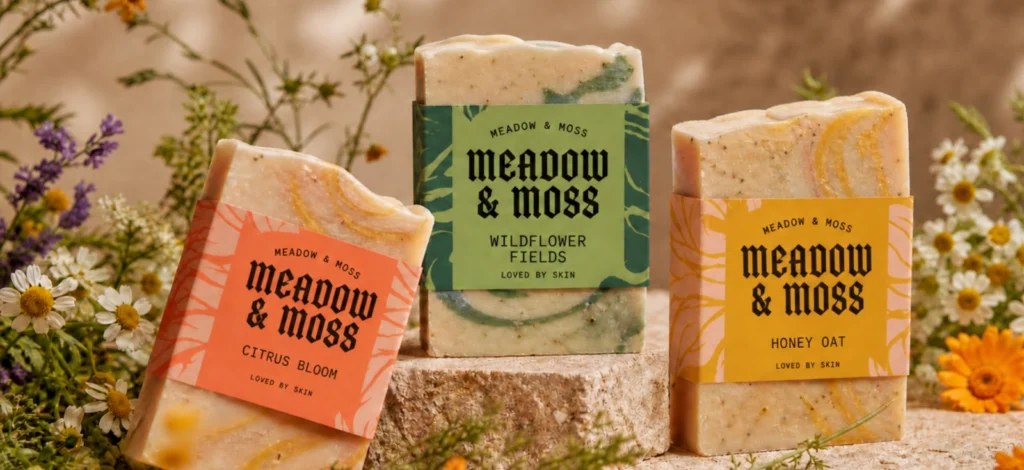
- Packaging and mockups: Product labels, box designs, tags, and clothing mockups to visualize ideas before production.
- Event invitations: From wedding cards to workshop announcements, all customizable with your own colors and fonts.
- Digital art and illustrations: Create vector-based artwork for print or web use.
The best part? You can start from a professionally designed template and adapt it to your needs or create something entirely original if you’re feeling bold.
How Kittl empowers non-designers (and inspires every other designer too)
Kittl isn’t just a design tool; it’s an ecosystem designed for creativity at every level.
For non-designers, it’s intuitive and welcoming. It’s a space where you can explore ideas without fear of complexity. For professionals, it offers flexibility, advanced vector editing, and tools that streamline workflows.
1. Ready-to-use templates for every need
Kittl offers thousands of templates across every category — from T-shirts and posters to packaging and social media graphics.
You can start from something beautifully designed, then easily adjust the fonts, swap elements, or recolor artwork. The templates are fully editable, making them a springboard rather than a limitation.
2. Smart tools that simplify complex design tasks
Features like the AI Background Remover and Text-to-Image Generator turn complex edits into one-click actions.
Want to remove a photo background for a product mockup? Done.
Need an illustration for your event poster? Describe it, and the AI creates it instantly.
These features don’t just save time — they invite creativity.
3. A workspace that feels limitless
Kittl’s Infinite Canvas lets you design multiple graphics in one view. You can visualize variations, batch-create designs, or plan an entire campaign in one workspace.
It’s perfect for event planners, business owners, and creators who want a bird’s-eye view of all their projects.
4. Professional-grade output without the stress
Every export from Kittl is high-resolution, watermark-free, and commercially licensed. That means your visuals are ready for print, upload, or sale.
No technical adjustments needed — everything is automatically formatted to fit the output you need.
5. AI meets authentic creativity
Kittl’s AI tools aren’t just gimmicks — they amplify what humans do best: imagination.
You can generate design elements, craft images, or experiment with typography effects, all without losing that handcrafted feel that makes designs human.
The future of graphic design tools
We’re moving toward a world where everyone designs — consciously or not. From small business owners updating their product images to teachers creating infographics, design literacy is becoming as fundamental as digital literacy.
In the future, tools will become even smarter, blending design automation with human intuition. AI will suggest layouts, color palettes, and compositions tailored to your goals.
But the core principle will stay the same: giving people the power to express themselves visually.
Design tools will keep evolving, but their mission will remain human — to turn imagination into something tangible.
Key takeaway: The power of accessible creativity
A decade ago, design was something you outsourced. Today, it’s something you can do between meetings. That’s the revolution of modern graphic design tools.
They’ve turned creativity from an exclusive skill into an everyday language. They empower small business owners to brand themselves, creators to stand out, and anyone with an idea to make it real.
And the beauty of it all? You don’t need to know everything about design to start — you just need the right graphic design tool.
With platforms like Kittl, design becomes less about perfection and more about play. Because creativity should always feel within reach.

Shafira is a content writer who turns boring business talk into reads people actually enjoy. She grew up hoarding $1 novels in Singapore and writing hilariously bad fiction, but now she tackles content marketing with all that creative chaos since 2019. From blogs and newsletters to UX and SEO, she writes how she thinks: nerdy, honest, and a bit offbeat. She believes the best content is human-designed, not just plain text.