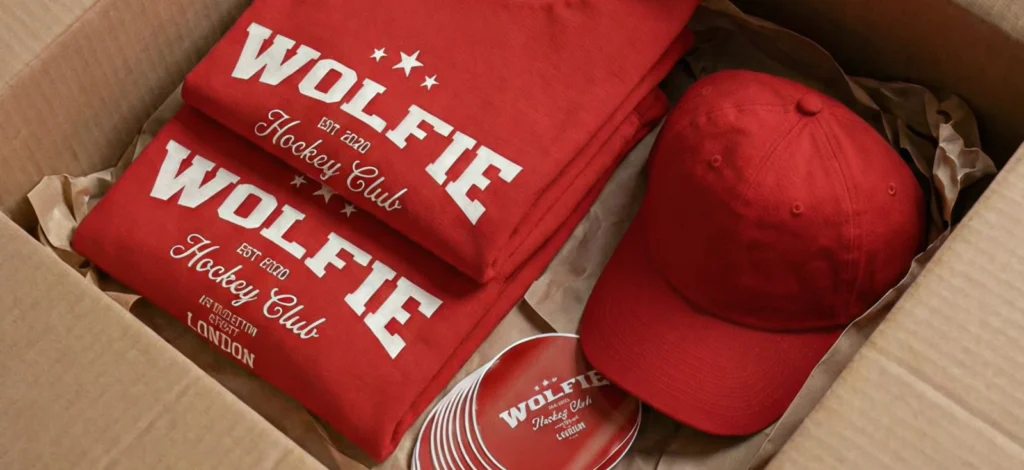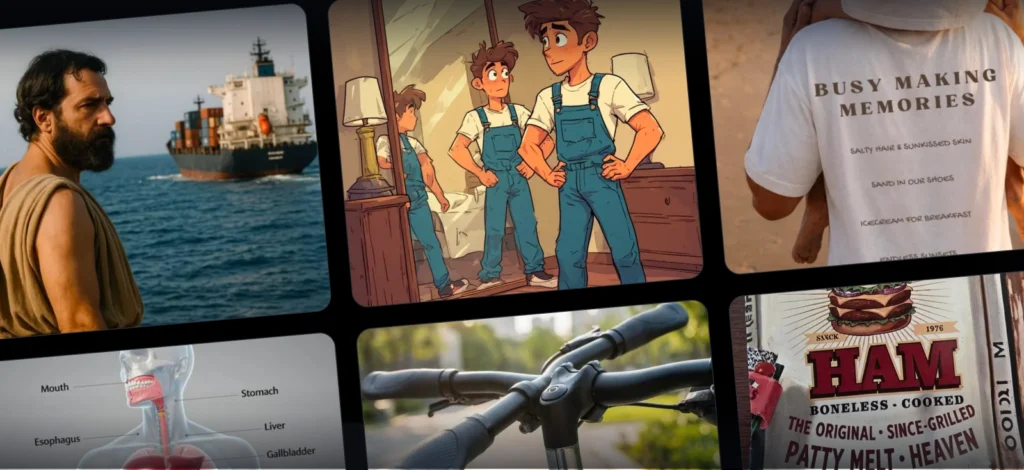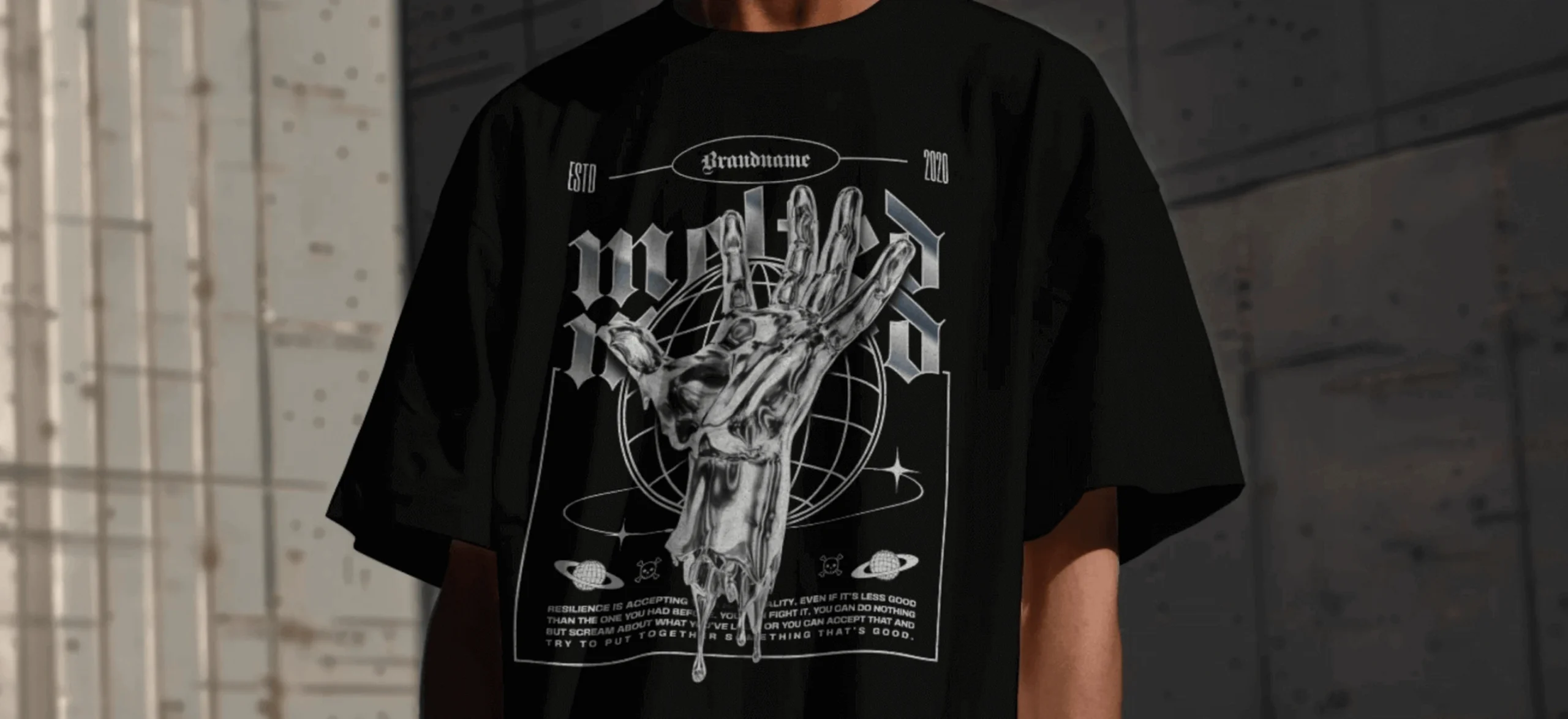
So you want to know how to design a T-shirt. Maybe it’s for your band, maybe you’ve got this funny idea that won’t leave you alone, or maybe you’re just tired of wearing other people’s designs.
We’ve all been there. You fire up some free design tool, stare at a blank white rectangle for 20 minutes, then close your laptop in defeat. Or worse, you actually make something, but it looks like every other homemade shirt you’ve ever seen.
Here’s what works when using Kittl , a complete guide about how to make a T-Shirts that you’ll actually be proud to wear.
Step 1: Start with templates

Starting with templates isn’t cheating, it’s smart. Why spend hours trying to position text from scratch or giving into blank canvas paralysis when you don’t have to?
That’s why Kittl gives you hundreds of T-Shirt design templates out of the gate. Search for whatever vibe you’re going for – “vintage band,” “streetwear,” whatever feels right.
Here’s how to find templates on Kittl:
- On the right-hand panel, click Templates.
- Use the search bar for keywords like streetwear, retro, or king sculpture.
- Pick the one that you like, and viola!
You’ll be surprised how fast an idea clicks when you see it rendered as a real, editable design.
Pro Tip
Even if you don’t love a template in its entirety, grab one for its typography, layout, or vibe. Half the job is starting with something that sparks momentum.
Step 2: Customize like a designer (Because you are one)
Here’s the difference between Kittl and the “easy” design tools: you don’t outgrow it.
If you’re brand-new, you can drag, drop, and adjust. But if you’re design-obsessed? You’ll find the depth you crave:
Typography playground: Kittl started with type, so you get premium fonts plus effects you’d normally need pro software for: outlines, shadows, textures, warps. Type becomes art, not just words.
Here’s how you can do play around with your text: Select your text layer, then open the right-hand panel. Under Text Effects, choose Outline, Shadow, or Warp.
Vector elements: Forget static images. Kittl’s vector library scales infinitely, which matters when your design has to look crisp on a shirt, a hoodie, and maybe a billboard down the line.
Color control: Test palettes, invert tones, or try duotones to find the perfect balance. Just click the Color Picker to adjust your palette.
AI tools: Generate custom graphics with the text-to-image tool or remove backgrounds instantly when you need to isolate a design.
By the end of this stage, your shirt should look less like “a template” and more like the shirt you’ve been picturing in your head all along.
Pro Tip
Don’t overcomplicate. One bold phrase in the right font can hit harder than a design drowning in too many elements.
Step 3: Preview on mockups (because flat files lie)

This feature can save you from disappointment later. Kittl shows you how your design looks on an actual shirt, not just a flat image.
Use the mockup tool to see your design wrapped naturally around the shirt. You’ll see how it works with seams and fabric folds.
Test it on different colored shirts too. White text that pops on black might disappear on gray.
Mockup your T-Shirt design on Kittl by:
- Adjust placement until your design looks as natural as you want it to be
- Select your artboard
- In the right-hand panel, under Tools, click Mockup.
- Pick from Kittl’s library of T-Shirt mockups.
Pro Tip
Save your mockups and use them as marketing assets for your store, social posts, or pitch decks. They look real enough to sell before you even print.
Step 4: Download and print without panic
When you’re happy with your design, download the files. They’re high-resolution, no watermarks, ready for printing. Your shirt isn’t just wearable, it’s also sellable with the right Kittl plan. Check more about Kittl’s licensing here.
From here, you’ve got options:
- Local print shop: Send them your file and let them handle production.
- Print on Demand (POD): Upload your design to services like Printful or Printify, and they’ll handle orders, printing, and shipping.
Either way, you’ve bypassed the nightmare of confusing file exports and formatting errors. Congratulations!
Pro Tip
Export your design with a transparent background if you want it to adapt to multiple shirt colors without re-editing.
Bonus: Keep going
Made one shirt? Great. Want to make more? Kittl lets you work on multiple designs at once with our Infinite Canvas. This means you can group your designs into several versions, several colors, front and back design, and so much more. Your workflow is entirely up to you.
You can also save your fonts and colors to keep your brand literally just a click away with Kittl’s Brand Kit.
Key takeaways: How to design a T-Shirt on Kittl
- Use T-Shirt design templates to start fast. Kittl offers a wide range of professionally crafted templates, from streetwear to vintage, so you’re never stuck staring at a blank canvas.
- Customize your T-Shirt like a pro. With advanced text effects, vector elements, color tools, and AI image generation, you can create a truly unique custom T-Shirt design.
- Always preview with realistic T-Shirt mockups. Mockups let you see how your design looks on real fabric, folds, and colors before you print.
- Export high-resolution, print-ready files. Kittl makes it easy to download up to 3000x3000px, watermark-free files that are fully licensed for commercial use.
- Think beyond one shirt. Use Kittl’s Infinite Canvas, Brand Kit, and duplicate tools to build a cohesive clothing line or merch collection from your first design.
Start your first T-Shirt design on Kittl now
Making a good T-Shirt design takes some thought, but it doesn’t have to be complicated. You need tools that work smoothly and a way to see how your design will actually look before printing.
Kittl handles both without requiring you to learn complex software. Your idea is probably better than you think, you just need the right tools to bring it to life.

Shafira is a content writer who turns boring business talk into reads people actually enjoy. She grew up hoarding $1 novels in Singapore and writing hilariously bad fiction, but now she tackles content marketing with all that creative chaos since 2019. From blogs and newsletters to UX and SEO, she writes how she thinks: nerdy, honest, and a bit offbeat. She believes the best content is human-designed, not just plain text.